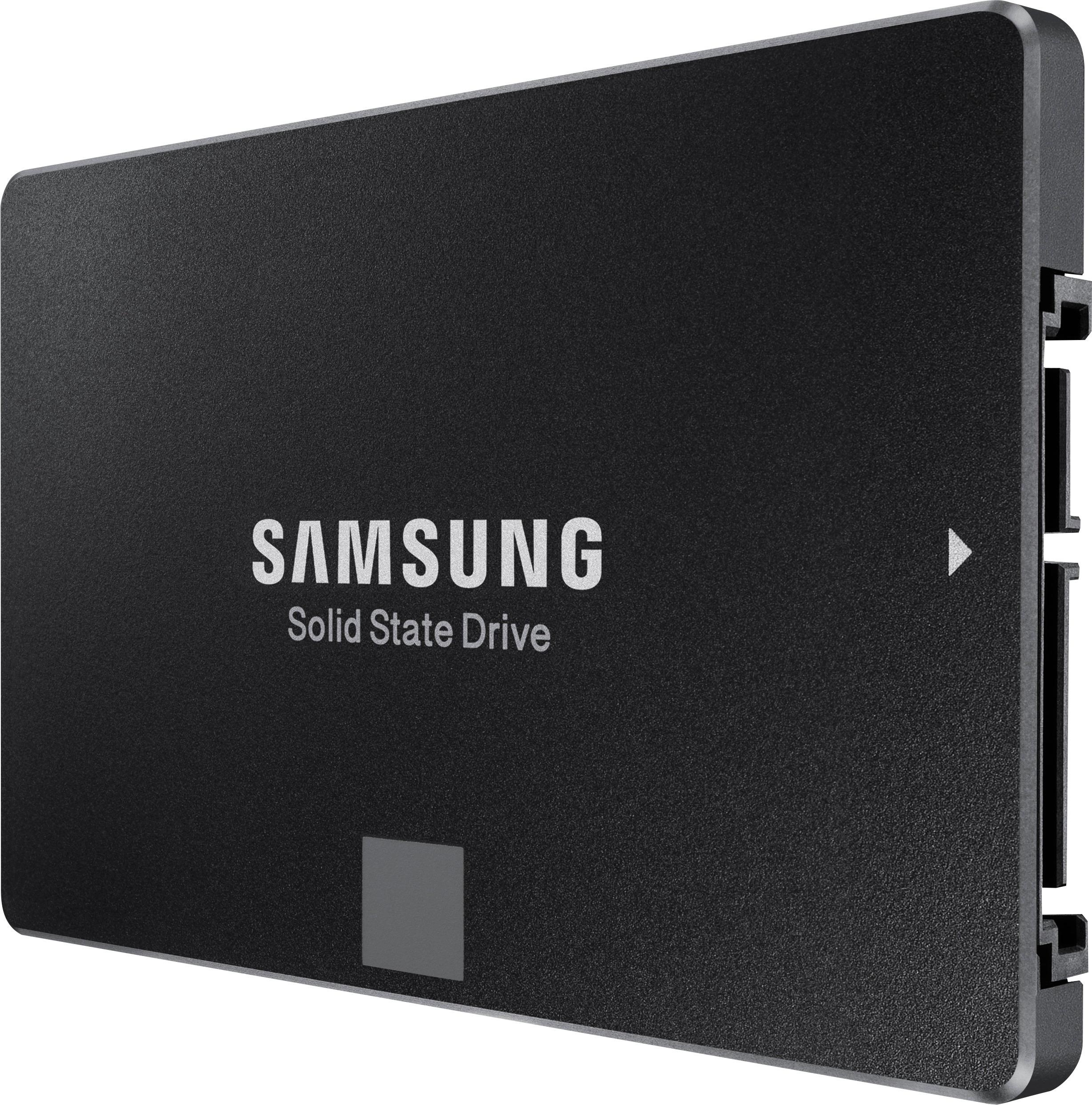
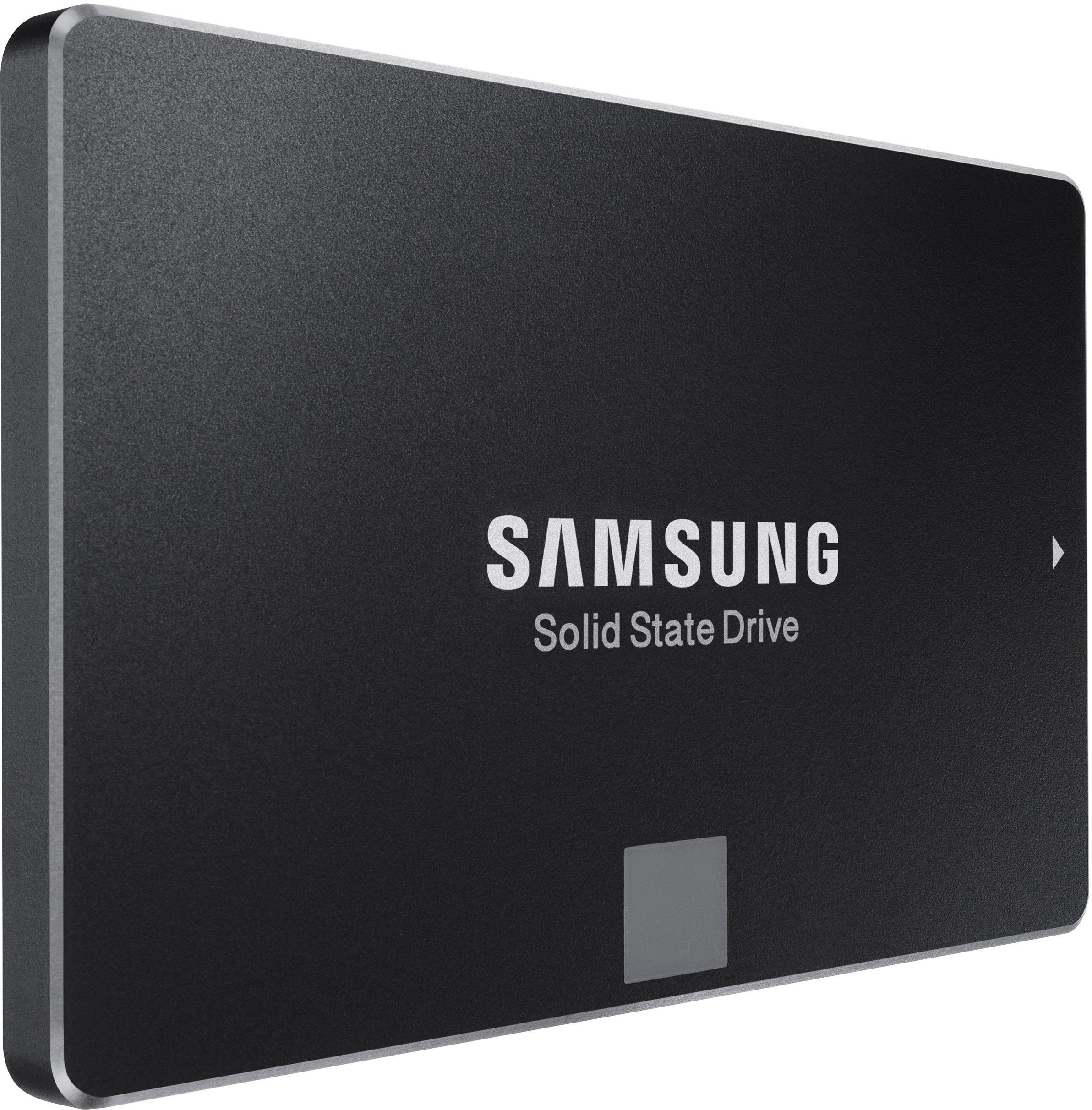
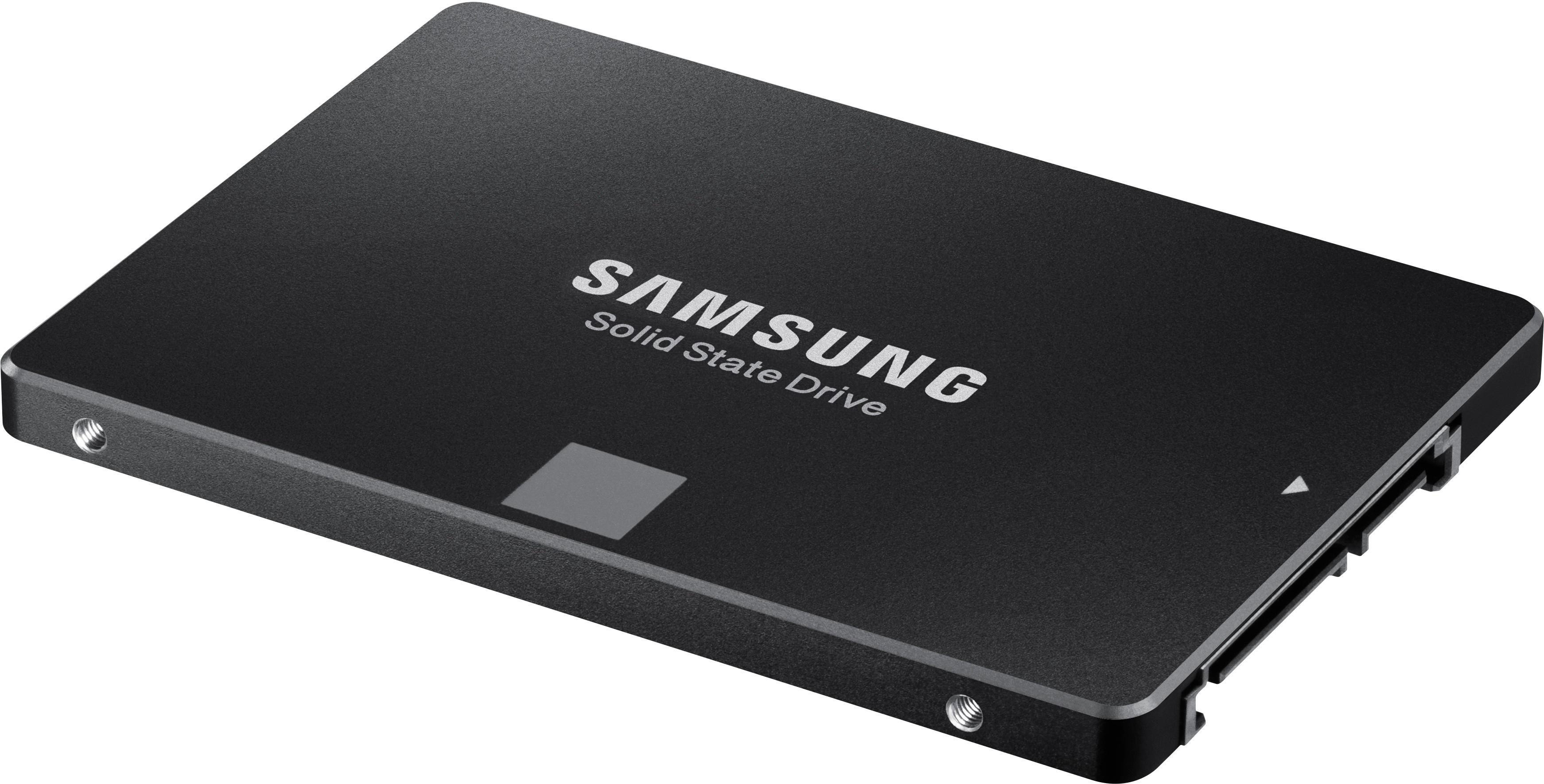
A:AnswerYou need a SSD mounting kit if you don't have one, but the connectors are standard SATA ones that you use for normal SATA hard disks. I bought a dual-SSD mounting kit that mounts 2 SSDs in 2.5" HDD bay even though I only have 1 SSD, so I can add additional SSD later without buying another mounting kit.
A:AnswerIf your PC has a standard SATA controller (it should if it was made in last 10 to 15 years), all you might need is a 3.5 to 2.5 in HDD adapter to fit the 3.5 drive slot.
https://www.bestbuy.com/site/startech-com-dual-2-5-ssd-hdd-mounting-bracket-for-3-5-drive-bay-black/4870308.p?skuId=4870308
just search those terms to find one you like.
A:AnswerIt works on my iMac mid-2011. You need the right mounting kit or connector or both.
If you want to keep everything and just add the SSD without removing any existing hard drive or CD-ROM drive, there is a special SATA cable that you can buy that connects to the free SATA port on the motherboard. This is what I used instead of replacing the CD-ROM drive or the main drive. This keeps the iMac with all original components, so no problem with CD-ROM fan going full blast since the temperature sensor remains with the CD-ROM drive.
Just make sure you are very competent and patient with loosening various electronic components of iMac including the motherboard, since one small static electricity while touching the electronics can destroy the iMac, and it is hard to maneuver the loosened motherboard back to its place while trying to avoid pinching cables or cracking plastic tabs or even the motherboard.
A:AnswerTo find out which drive your Mac Mini has, go to the following website and enter your serial number. In the resulting specs, you'll be able to see which type of drive yours has, and then you can purchase the SSD type that will work for yours.
https://everymac.com/ultimate-mac-lookup/
A:AnswerYes, this product would be perfect for you to store more games on just be sure you also have the proper cables to plug it into your computer as well since this doesn’t come with any.
A:AnswerDo you mean like using it as an external storage essentially? if so, all you need is a sata to usb 3.0 adapter to plug it into your PC and your good to go! Samsung even includes a Migration tool in their Magician software that you can download for free for the evo ssds
A:Answerall SSD's are able to be used in both laptops and desktop systems. Although with a desktop, you may want to check with the manufacturer of the case to see if they provide a 2.5 inch drive caddy/bay. Make sure the motherboards existing BIOS is updated to be able to handle the new SSD as well. Check all these specifics against the manufacturer of both. Typically, you should be fine. If you're doing a replacement for a current drive, make sure to have a USB to SATAII/III interface to ghost the original drive over to the new SSD. That way it makes an easy swap for you. That software is offered up for free from most SSD manufacturers.... Hope this helps you out.
A:AnswerFortunately I am using a new ASUS board with all 12 channels SATA 3, if you have a older board with only SATA 2 connectors you are not getting the 6gb/s band width. Some boards come with a combination of SATA 2 and 3 they will be different color plugs, and usually be near the top of the board, dark blue I think. If you only have SATA 2 connectors, don't waste money on SSD drives, use faster access time drives and set them for a RAID 0 . noisier but fast.
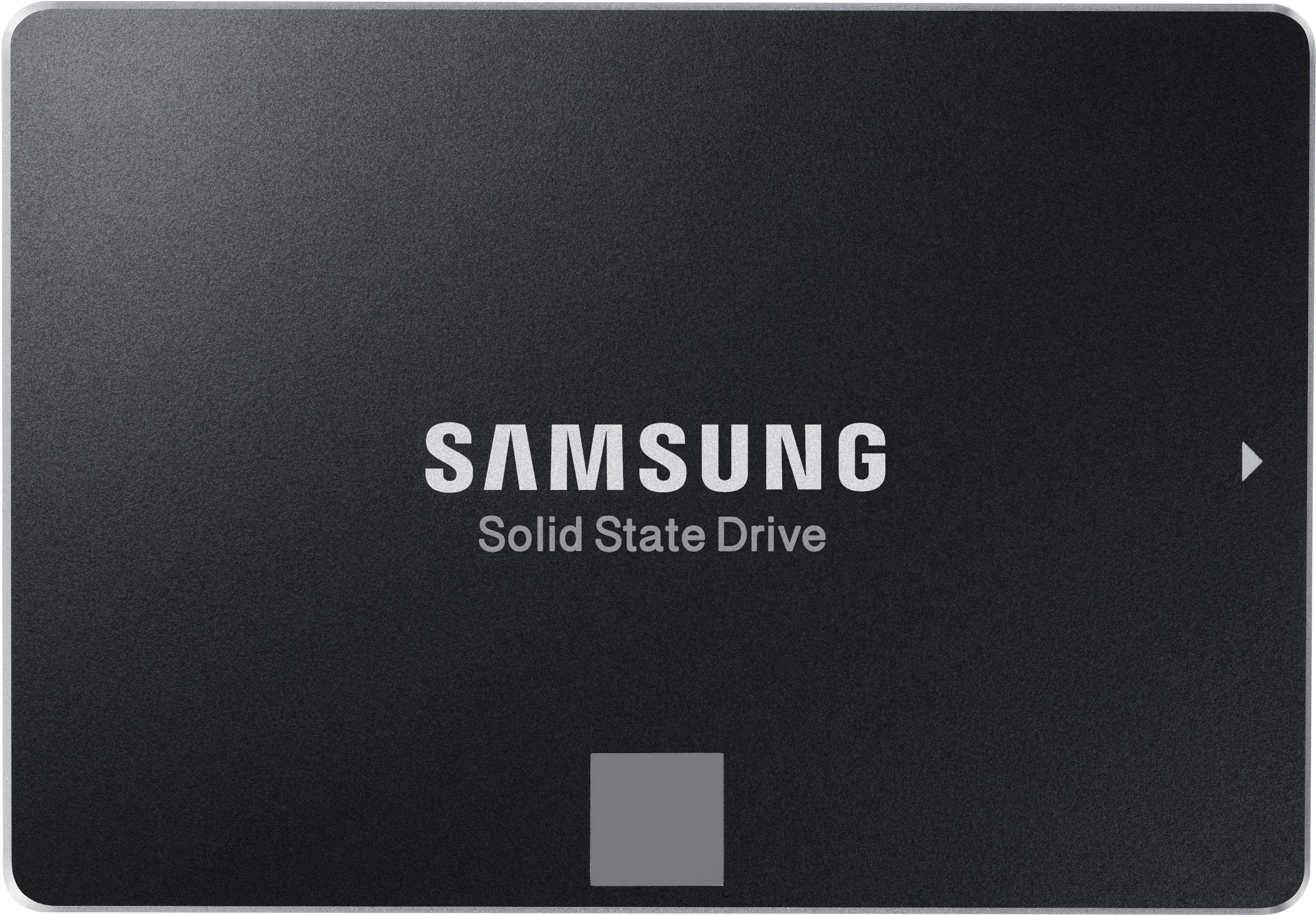
A:AnswerI know nothing about your machine. I suggest you check the mfg specs. The Samsung SSD is the same size as a mechanical drive. I have no info your machine.