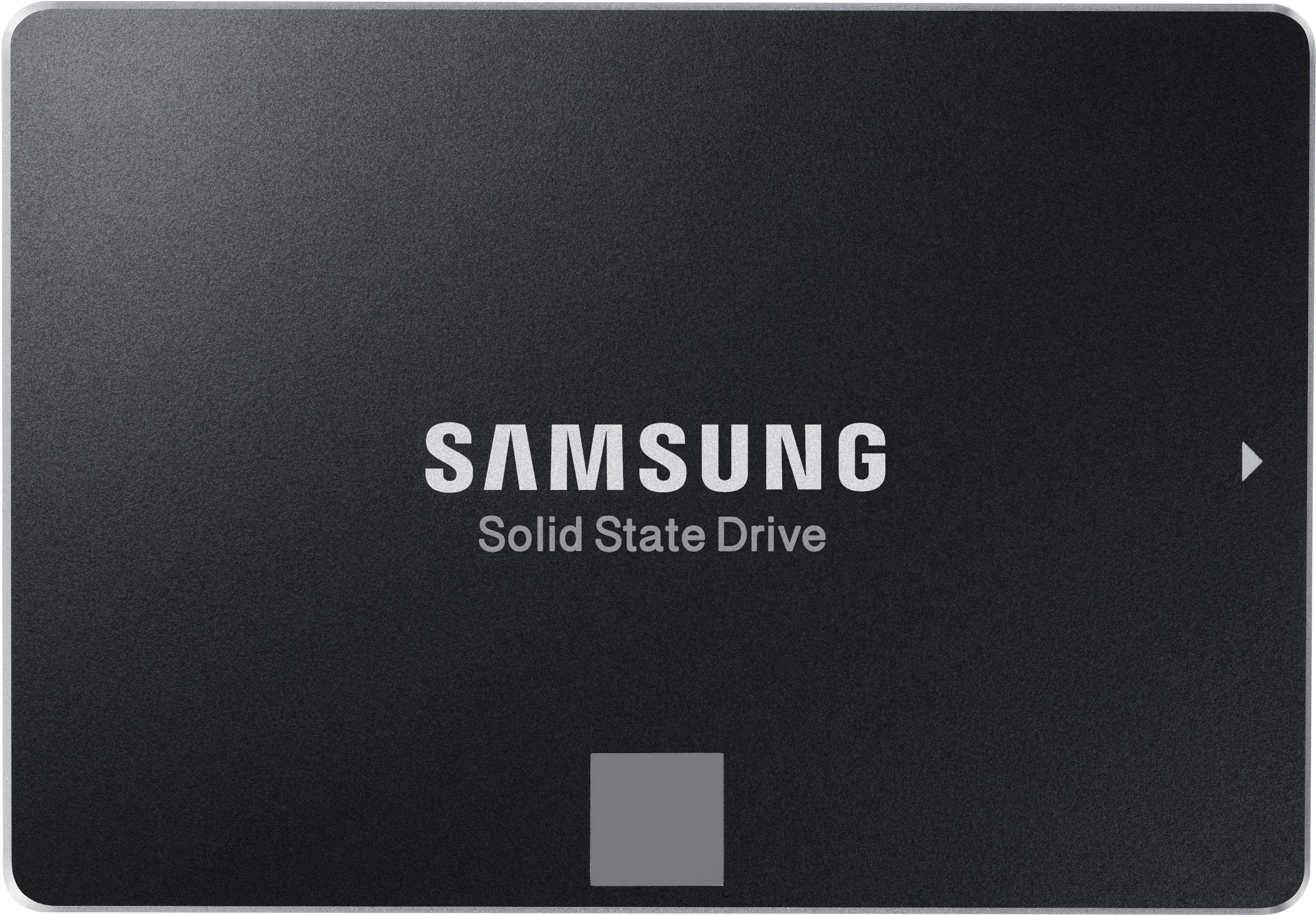
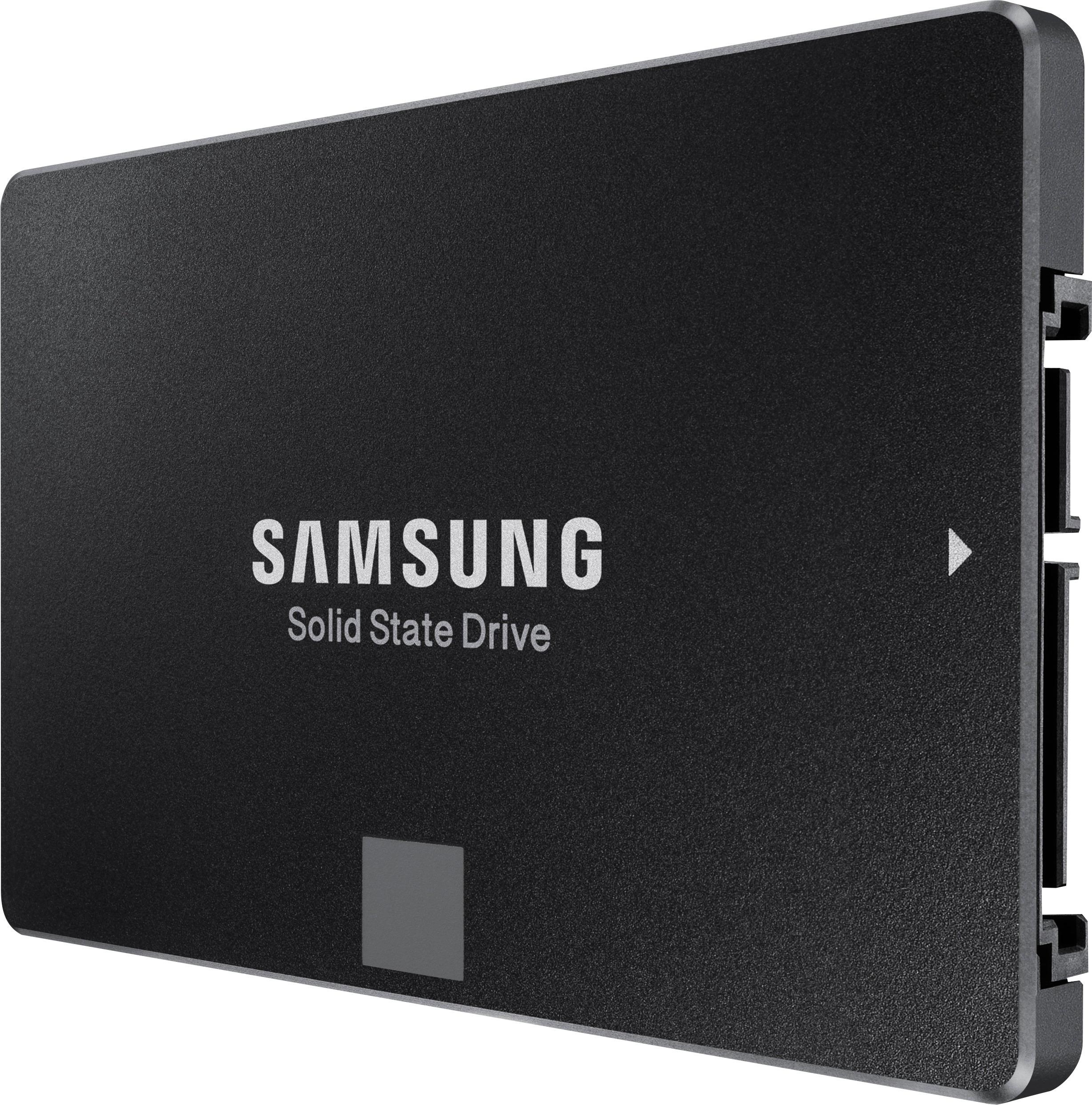
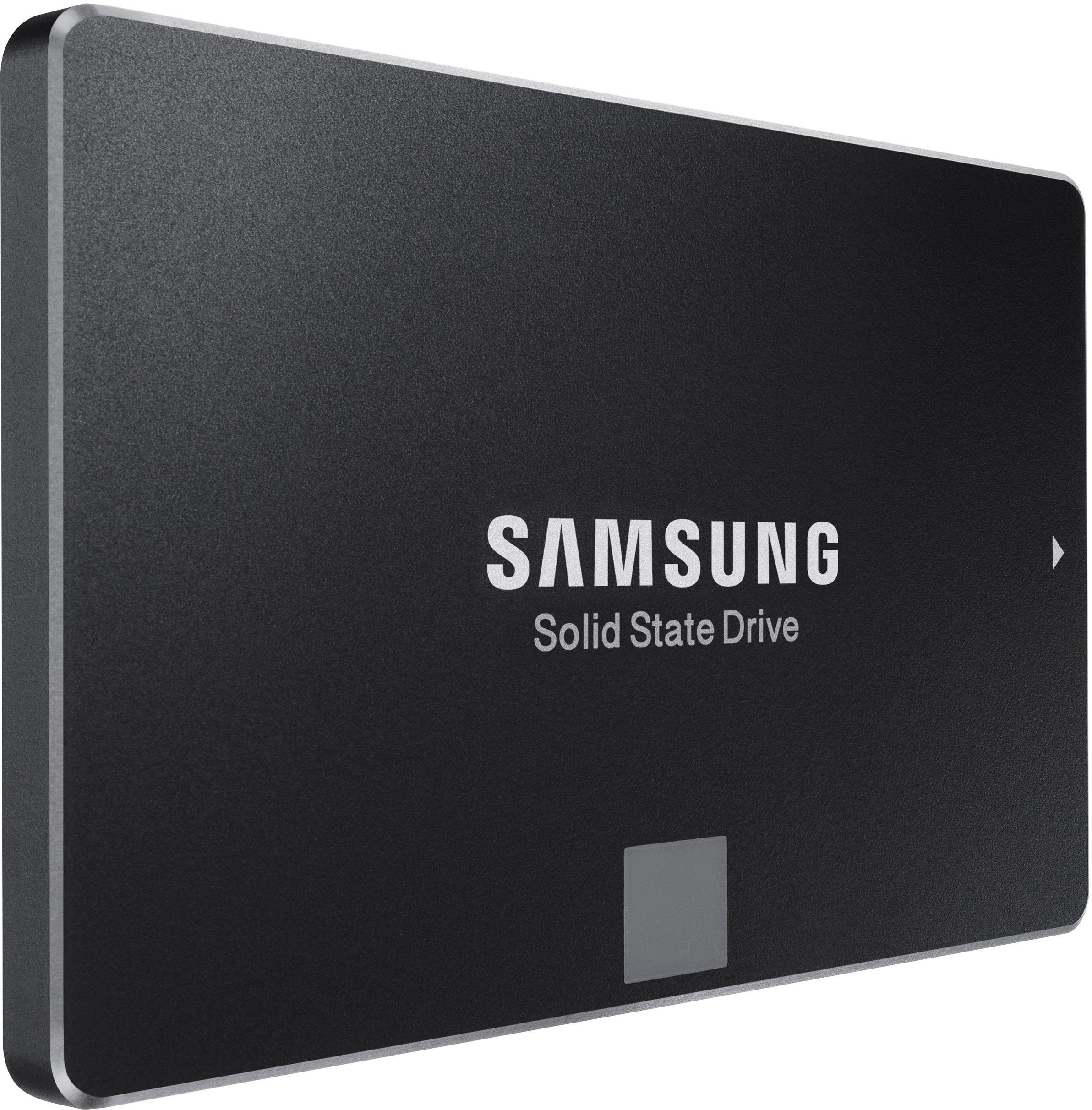
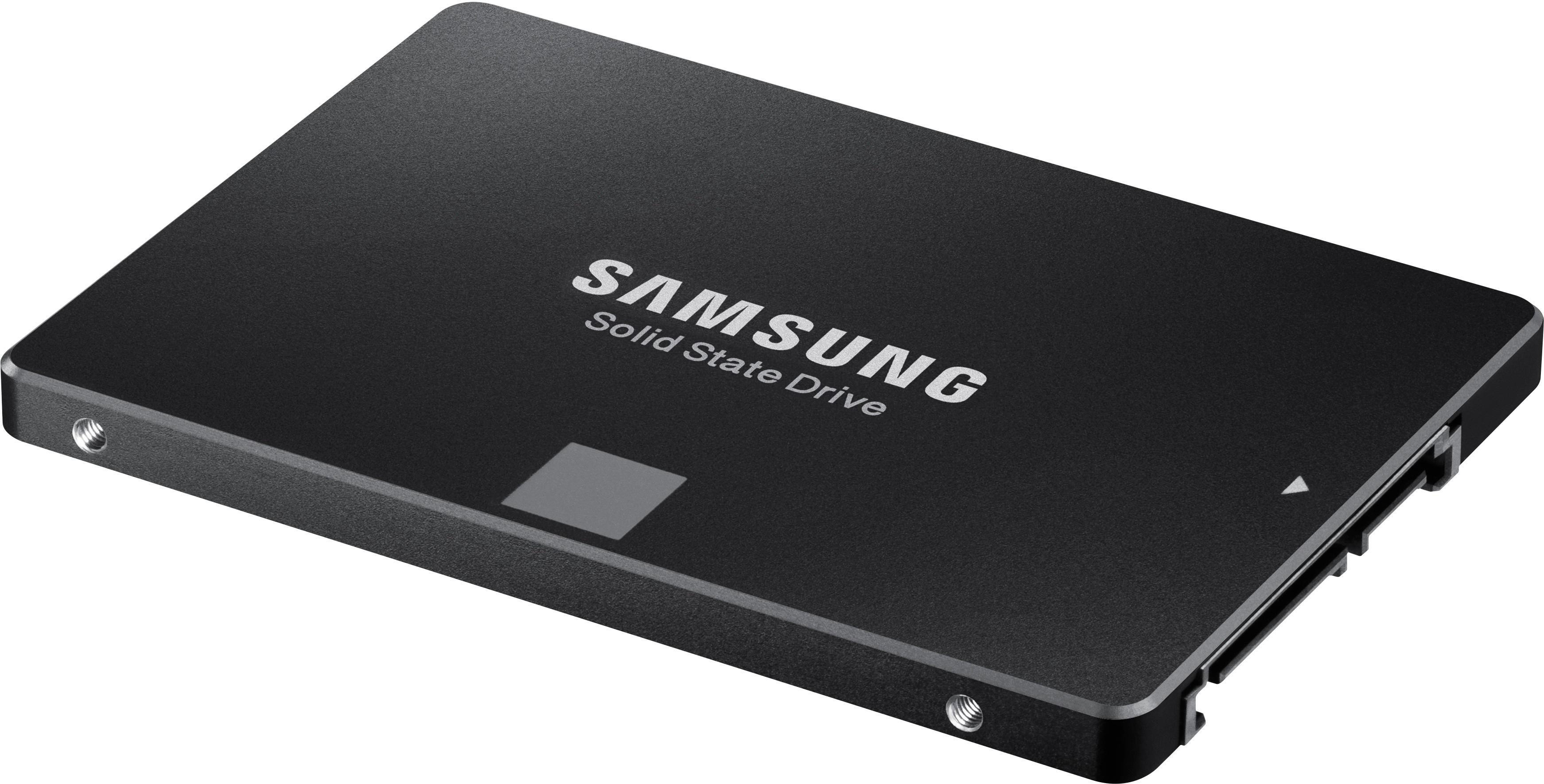
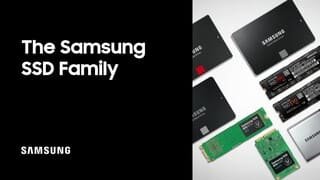
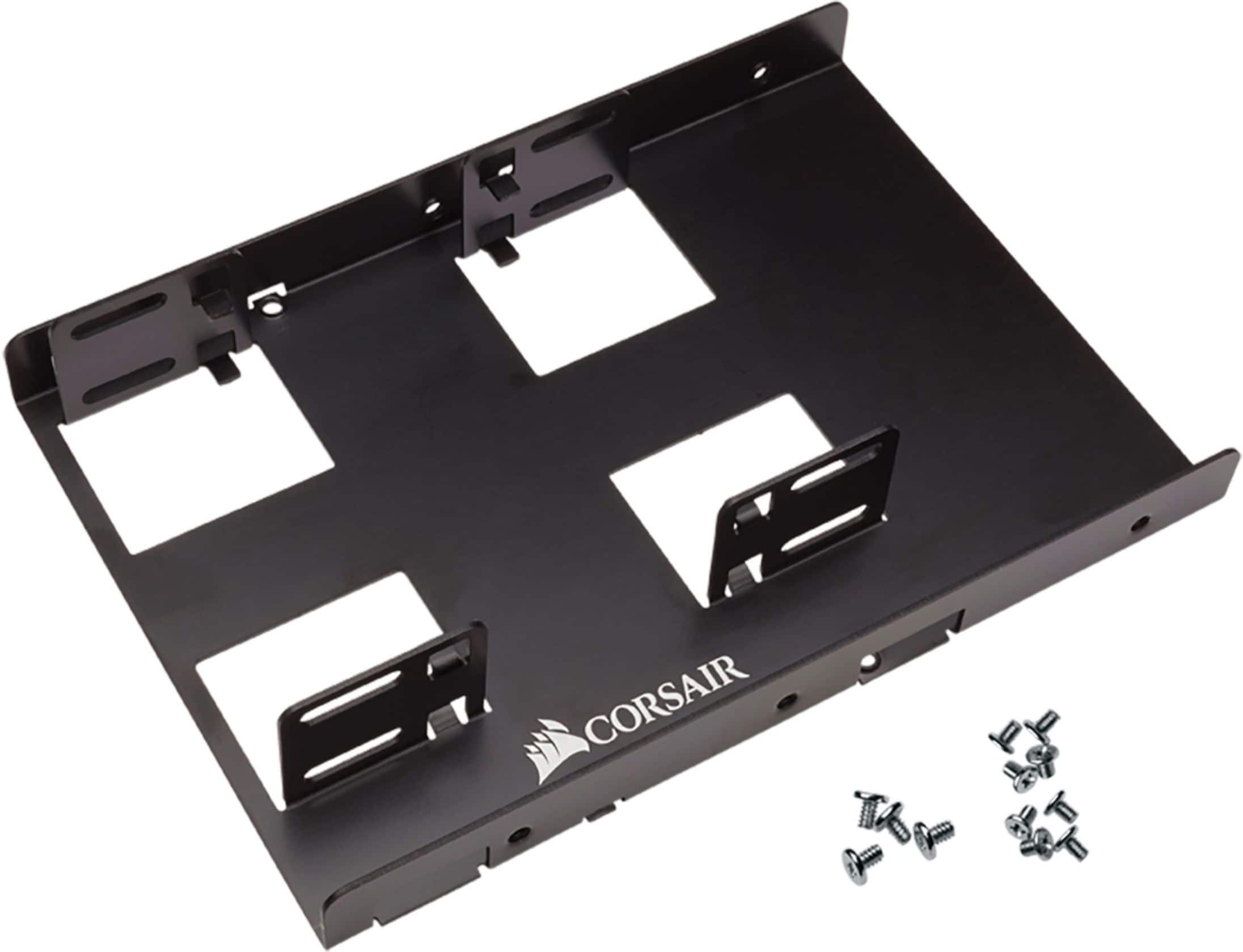
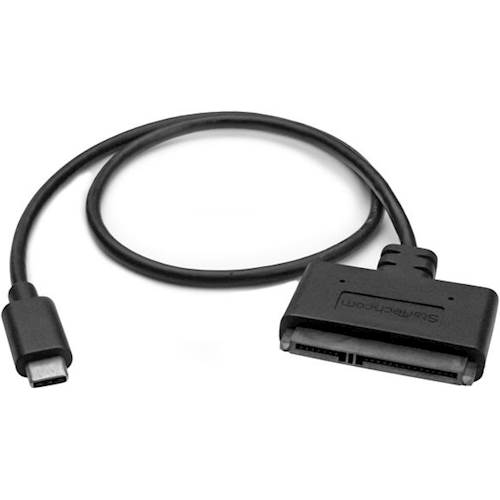
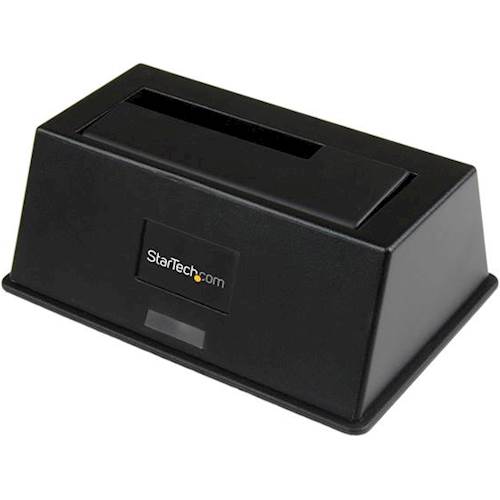
A:Answer Yes, a SATA type solid state drive can probably can be added to your desk top as a secondary drive if your Desk Top supports a SATA drive and you have an available connection to your power supply and an available drive slot. NOTE: You may need a SATA cable and a mounting adapter to mount it in one of your existing hard drive slots. If you're using a Windows operating system, you should be able to open the Disk Management app that comes with Windows to view any installed drives and drive partitions. If and when you get the SSD, after you first connect it, it should appear in the Disk Management app without any partitions. At this point you will need to perform a Quick Format (do not perform a full format) because the Samsung SSD does not come preformatted. After you perform the quick format, it should show up in the Windows Disk Management app with a single, large partition. At this point, you can use the Windows Disk Management app to partition the SSD into smaller partitions if you like. Otherwise, you should be ready to start storing data on the drive. If you don't want to fool around with the SATA cable, etc. then you can buy an drive enclosure for the internal SATA SSD as well as a SATA to USB adapter cable and just use it as an external SSD. You can also buy an external SSD that has a USB interface.