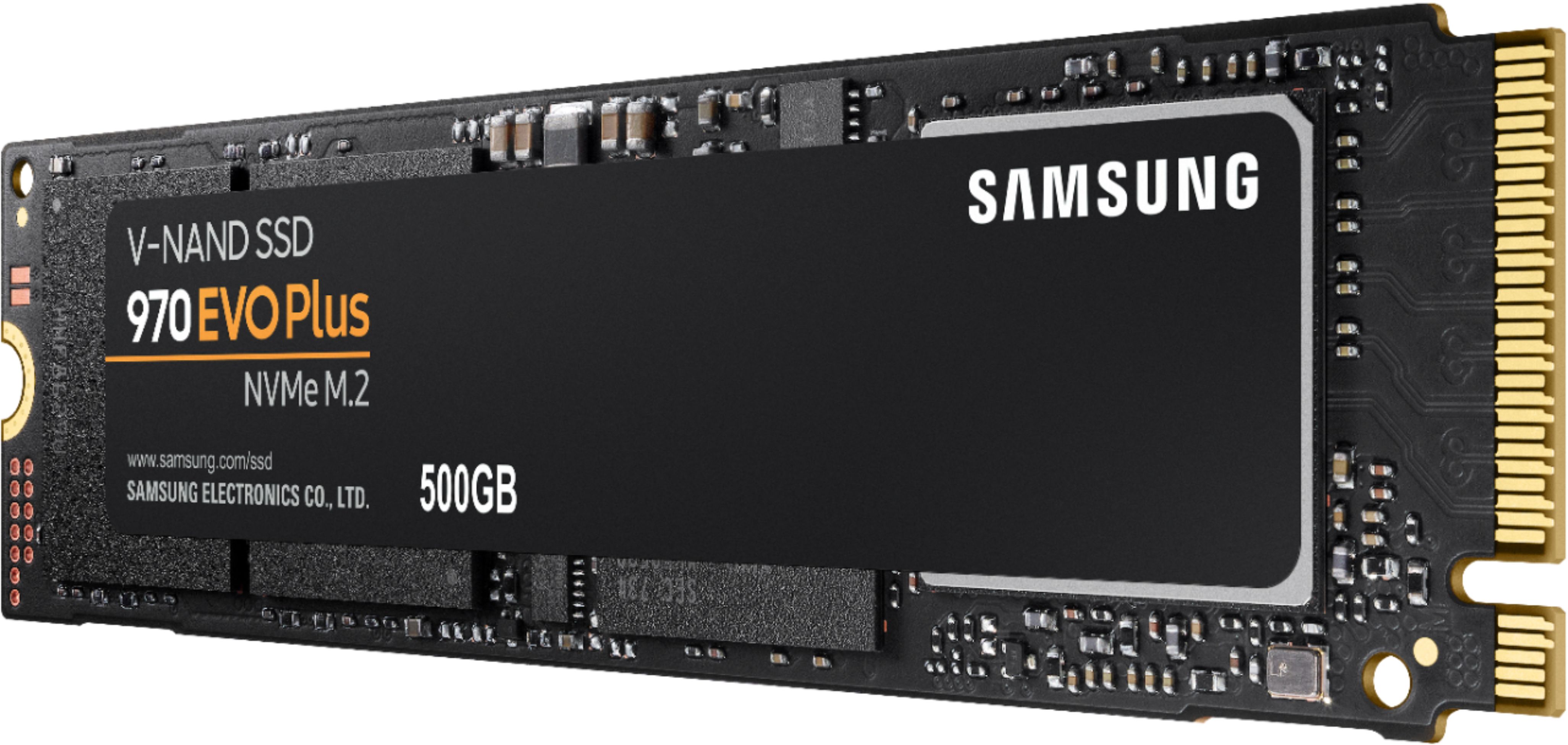
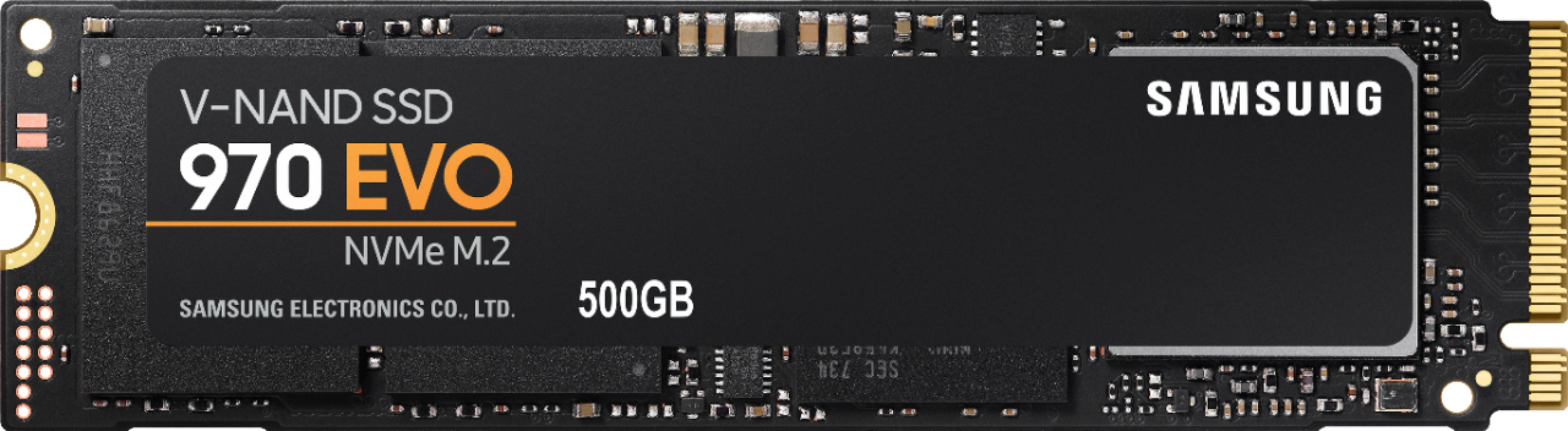
A:Answer Depends on your system and the connectivity available to you. Ideally, you would use the Samsung Data Migration Software found on the Samsung website, connect both your current drive and this new drive to your system, and clone your drive. In my case, I have the Dell XPS 9570 laptop with only a single M.2 slot. In order to clone my current 970 EVO to this new 970 EVO Plus, I had to use an M.2 NVME to USB 3.1 adapter/enclosure from AliExpress (they can also be found on Amazon for like $30) to connect the new drive to my laptop via USB. However, this adapter is not compatible with the Samsung Data Migration Software (most of these adapters are not), so I used a free downloadable data cloning software called Macrium Reflect 7 to clone the drive. It was super easy and went off without a hitch, and I have not experienced a single issue to date.