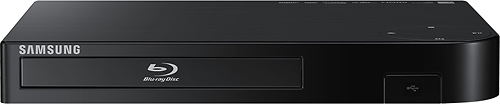
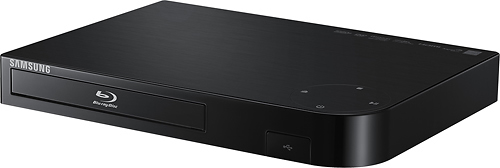
A:AnswerCheck your cable to make sure it did not get bent in half or crushed. Also look at the connects on the cables and in the DVD and TV to make sure they look good.
A:AnswerI found it VERY easy to hook up. I used an HDMI cable to connect it to the TV. Then, just needed the WiFi password to connect to our home WiFi. Boom! It was operational!
A:AnswerIt seems unusual to have a router that doesn't support 2.4Ghz. I can't find any information on what this player uses but I would guess that for most consumer electronics they would save cost by using 2.4Ghz and they don't really need the bandwidth provided by 5Ghz. If your router only supports 5Ghz this limits what devices can attach to it.
A:AnswerIf your home is not WiFi then you will need an Ethernet cable to enjoy the devices full app functionality using Netflix, Amazon, Cinema now etc. You mentioned your TV already has a DVD player connected with an HDMI cable. Simply replace your DVD player with this device since this player is backward compatible (plays DVD discs) using the same cable and should not have any problems. Good luck.