Black Friday is hereShop new DoorbustersShop now

Skip to content
Gift Ideas
26 Cypress St
Williston, VT 05495
Open until 10 pm
Find Another Store
Main Content

Questions & Answers

Your price for this item is $1,099.99
The comparable value price is $1,399.99
Page Showing 21-40 of 111 questions
  • QuestionCan one woman unbox and set up on a tv console easily?

    Asked by Anonymous.

    • Answer Hi there, Good question! Two or more persons are needed to transport, unbox, and setup this TV. And also, correct hand placement while carrying the TV is very important for safety and to avoid damage. Please refer to the link below on how to setup the TV the right way and recommended measures to secure the TV. https://www.sony.com/electronics/support/res/manuals/5039/ad4026a9812a6d872851e102ddcbc1cd/50390511M.pdf (see page 3-4) Regards, Sam

      Answered by SonyListens

  • QuestionCan I pair my Samsung galaxy23 phone to the TVand then my hearing aids?

    Asked by Jack.

    • Answer Hello Jack, Thank you for reaching out to Sony! We appreciate your question and are here to assist you. The Sony XR-48A90K TV can only connect to one Bluetooth audio device at a time, so you can't have both your Samsung Galaxy S23 phone and your hearing aids paired for audio simultaneously. However, you can still display content from your phone on the TV. The Sony XR-48A90K is an Android TV, so you can use features like Chromecast built-in or Wi-Fi Direct to mirror your phone's screen. This allows you to show videos, photos, and other content from your phone on the TV, but the audio would still need to be handled by the hearing aids, as they would be using the TV's single Bluetooth audio connection. To connect your hearing aids, you'll need to put them in pairing mode and then search for them in the TV's Bluetooth settings. Once connected, they will be the primary audio output for the TV. For more details on the Bluetooth feature, you can visit the Sony support page: https://helpguide.sony.net/tv/jusltn1/v1/en-003/04-06_01.html?hl=bluetooth Best regards, -Fred

      Answered by SonyListens

  • Questionwhat are the exact measurements of the box that this tv comes in width/height/depth

    Asked by Kennyc.

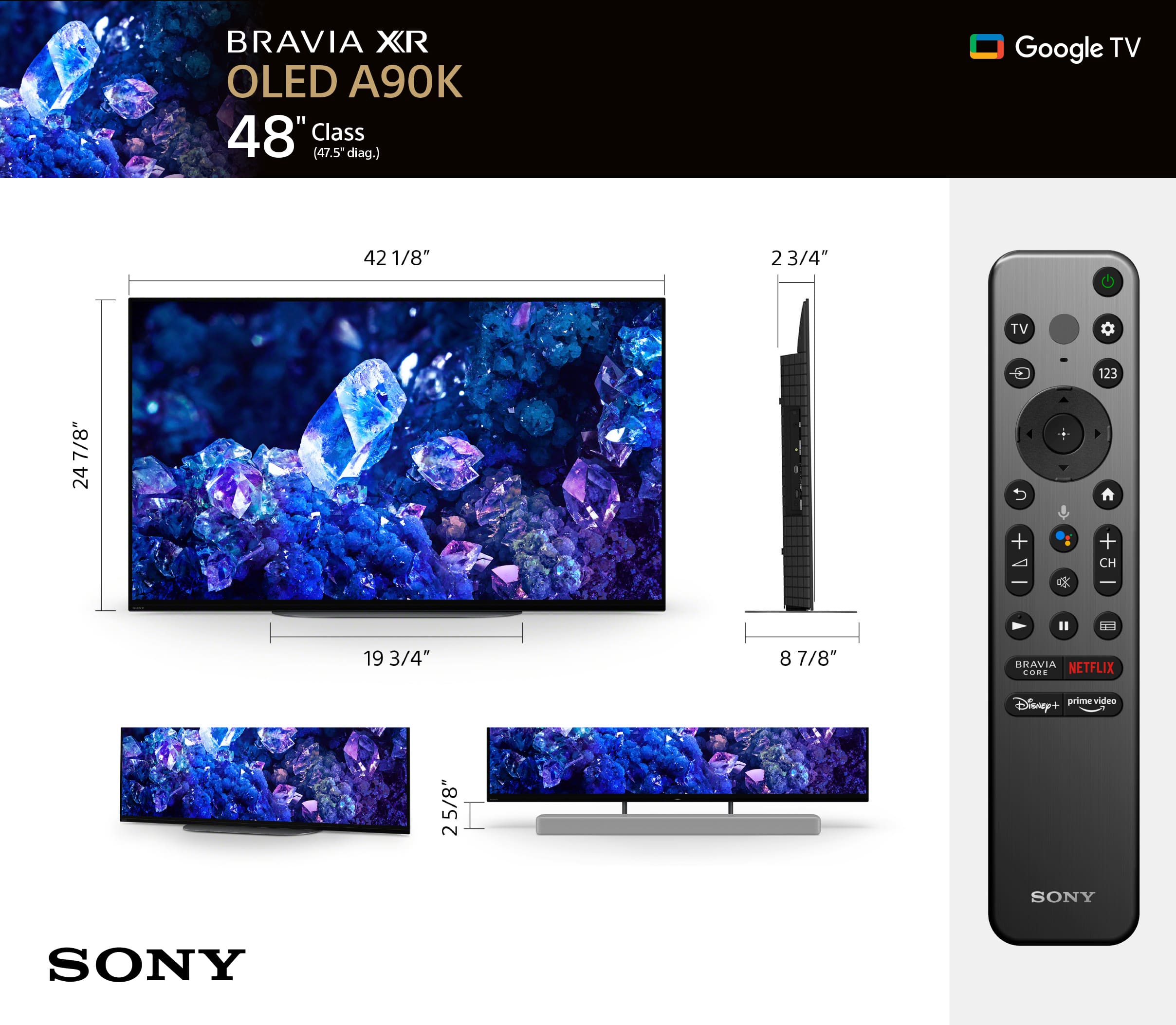
    • Answer Hi kcmicrotech, thank you for your question! Here are the dimensions (W X H X D) of the package carton of our XR-48A90K: 46.75 x 29.25 x 7.5" (1,187 x 741 x 188 mm) I hope this helps! The MASTER Series BRAVIA XR A90K OLED TV is designed to fit perfectly in any sized room or office thanks to the 48-inch and first-ever 42-inch screen sizes. Whether you are gearing up for an intense gaming session or settling down to enjoy your favorite movie or show, rest assured the A90K will be sure to impress. Thanks for considering Sony! Best regards, Romeo

      Answered by SonyListens

  • QuestionI prefer Sony. However live in middle unit townhome and read online review that Sony’s screen acoustic sound is like a sound bar and can rumble the floor & walls. That is not going to work. Is the review wrong or I have to go with LG for less immersive?

    Asked by Kerri.

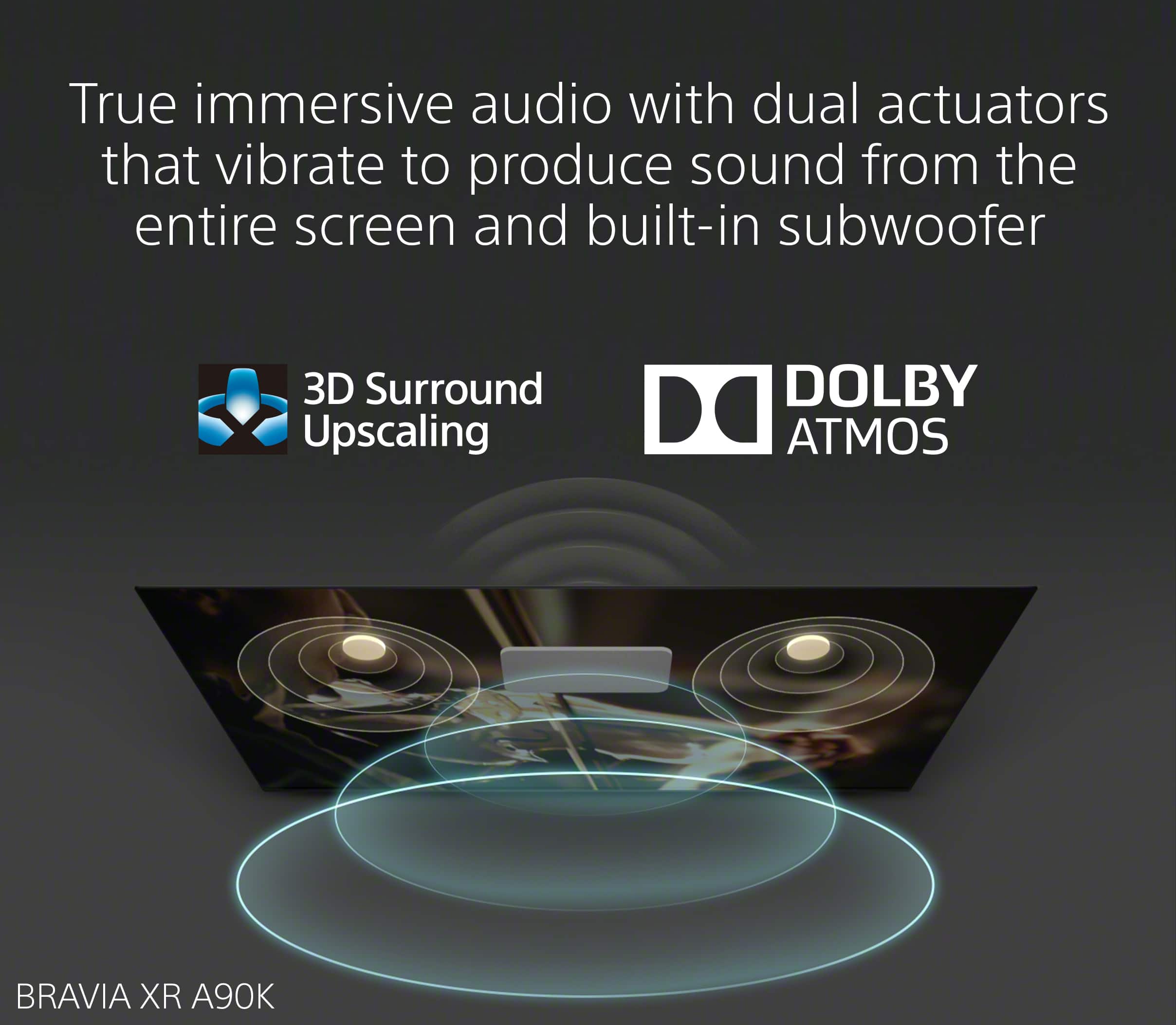
    • Answer Hi Kerri, Thank you very much for your interest in Sony's MASTER Series BRAVIA XR48A90K OLED TV! The 2.0 actuator system that the Sony OLEDs use do not have a subwoofer to rattle the walls with normal content viewing. The MASTER Series BRAVIA XR A90K OLED TV is designed to fit perfectly in any sized room or office thanks to the 48-inch and first-ever 42-inch screen sizes. Whether you are gearing up for an intense gaming session or settling down to enjoy your favorite movie or show, rest assured the A90K will be sure to impress. I hope you find this answer helpful, and thanks for considering Sony! Best regards, Romeo

      Answered by SonyListens

  • QuestionI am thinking of buying this TV and adding the Sound Bar Sony HT-A7000 7.1.2 channel for audio. The Sony sound bar said it has HDMI HDCP 2.2 . Does the TV Sony 48in Bravia XR A90k need to have an HDMI HDCP 2.2 port?

    Asked by Scott.

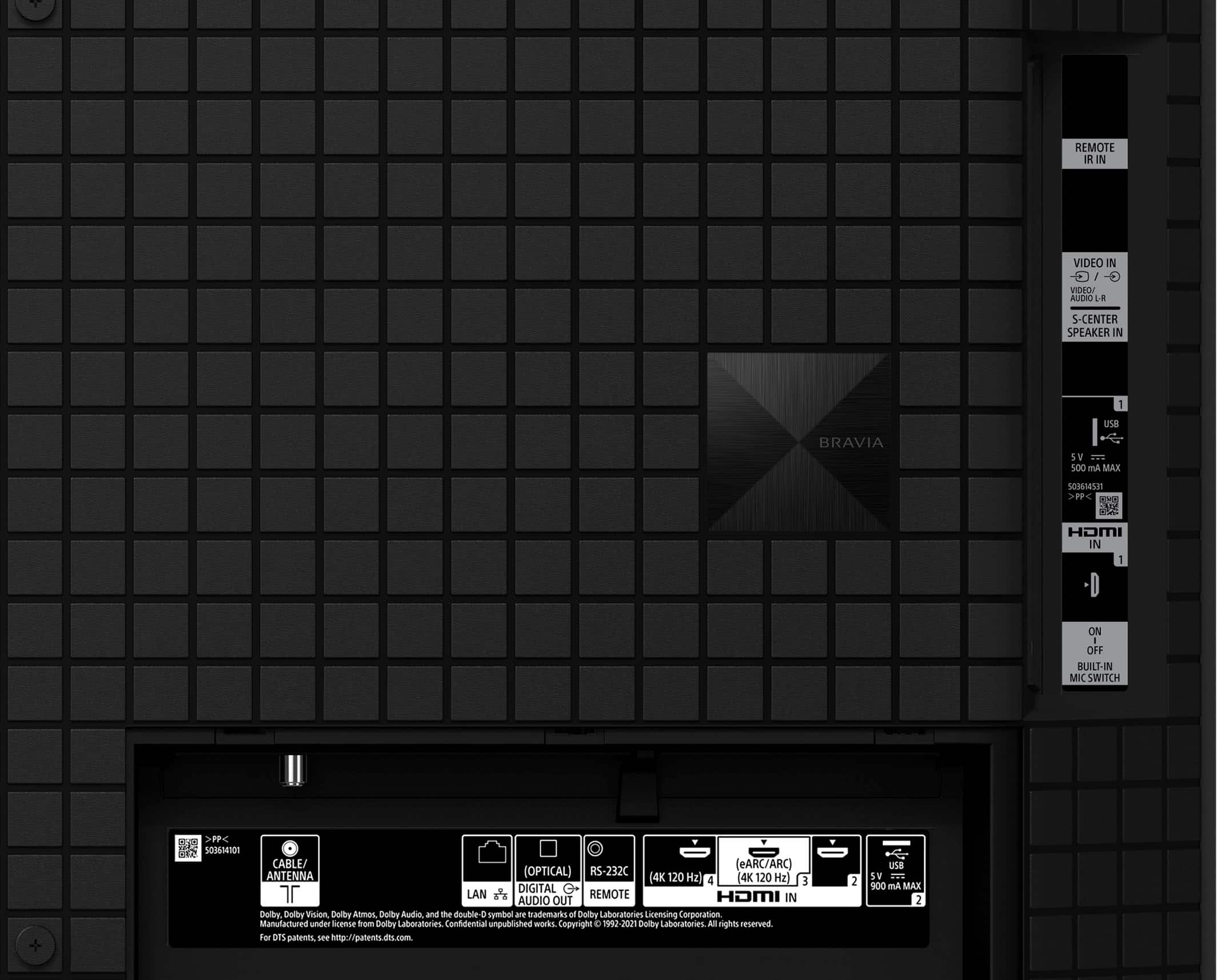
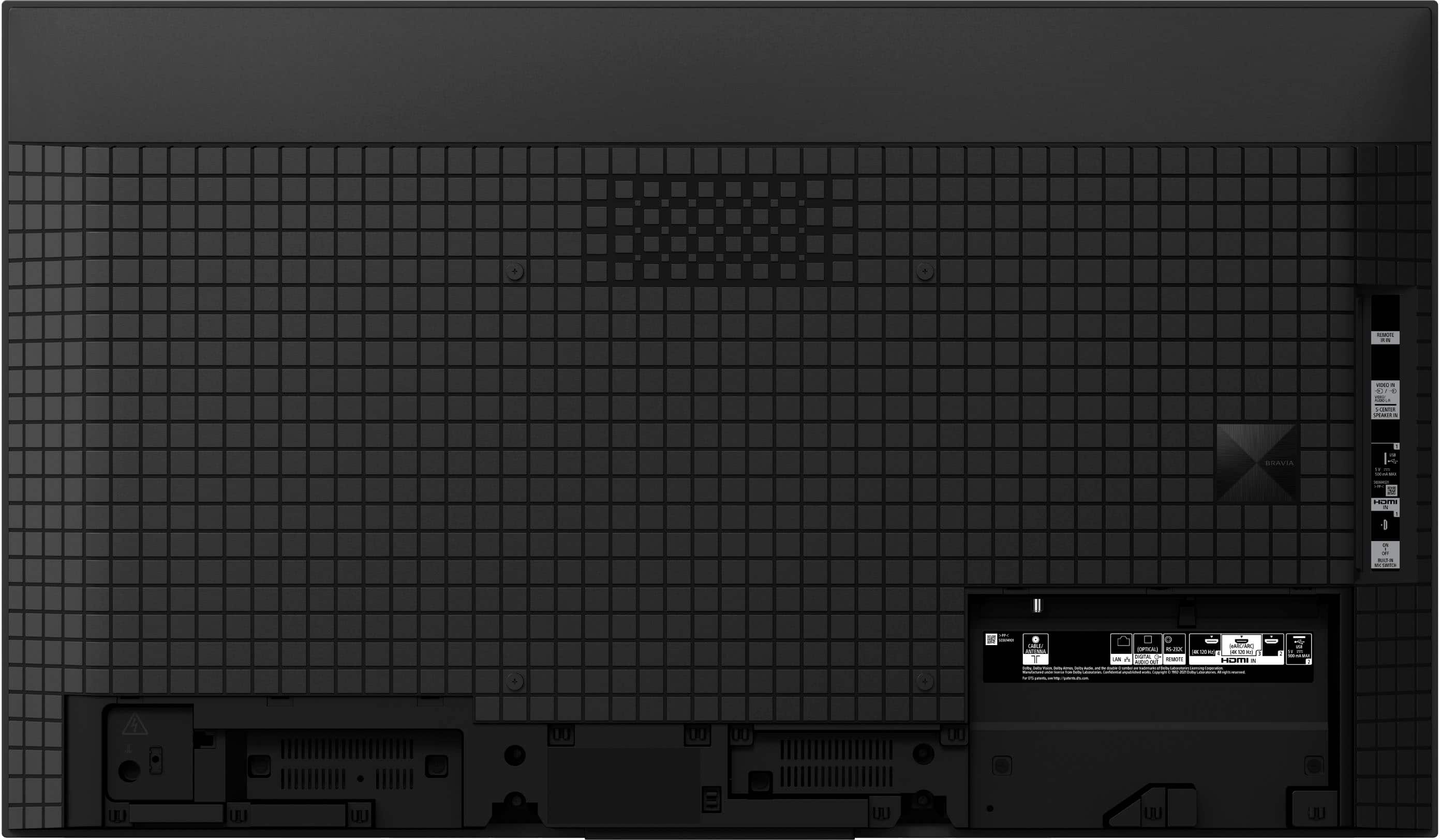
    • Answer Hi Scott, Thank you very much for your interest in Sony's XR48A90K and HT-A7000. Regarding your question, all Sony® TVs with an HDMI® connection support High-bandwidth Digital Content Protection (HDCP). For the XR-48A90K, this TV supports HDCP 2.3 for HDMI™ 1/2/3/4 and will perfectly work with the HT-A7000 7.1.2ch Dolby Atmos®/ DTS: X® Soundbar. You can connect this soundbar to the TV using one of the following connections: • Digital Optical cable connection • HDMI ARC/eARC (Audio Return Channel/Enhanced Audio Return Channel) connection • Bluetooth connection Additional information: Both the XR48A90K and HT-A7000 feature Acoustic Center Sync (ACS). When connected using the soundbar's supplied cable, both the soundbar and the TV become the center speaker in your home theatre system. This enables sound to precisely match what’s on the screen for a truly immersive experience. Additionally, with Acoustic Center Sync, you’ll hear dialog from exactly where the character is standing in the scene. Action and sound are precisely aligned so your viewing becomes much more immersive. To learn more about the features and specifications of our product, please visit Sony support website. I hope this helps! Thanks for considering Sony! Best regards, Romeo

      Answered by SonyListens

  • QuestionI have an Apple IOS OS. Is it compatible with this TV. In addition I have Dish as my TV operator. How would I hook Dish up?

    Asked by Msjam.

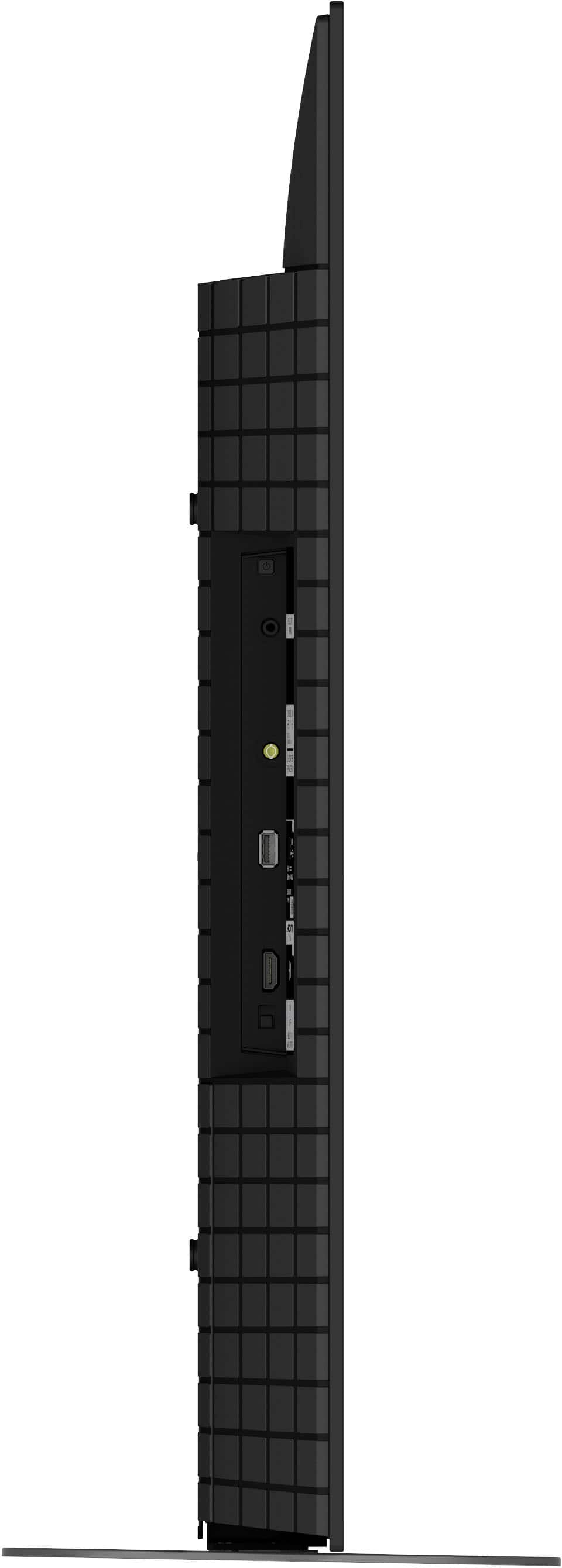
    • Answer Thanks again for your question, Msjam! Yes, it is. The XR-48A90K is compatible with Apple AirPlay- Stream effortlessly to this TV from your iPhone, iPad or Mac. Watch movies from apps or Safari. Share photos with friends in the room. Additionally, this TV supports Apple HomeKit- With Apple Home, you can easily and securely control this TV with the Home app and Siri on your Apple device, using HomeKit technology. Set up your TV in a few simple steps and control with a tap or by asking Siri. As for your DISH Network, if you're using a cable set-top box, then you can simply connect it to one of the available HDMI inputs of the TV. But if in case that your device only supports composite (RCA) audio video connection, then you will need to connect it to the video in port of the TV (1 - located on the side) using an optional Analog Extension Cable that can be purchase at most electronic retailers (3.5mm, 4-pole Mini jack to RCA yellow, red and white, not supplied). For more details, check out the following articles in Sony support website: • Apple AirPlay: Displaying content from Apple devices on an Android TV or Google TV • BRAVIA TV Connection Guide The MASTER Series BRAVIA XR A90K OLED TV is designed to fit perfectly in any sized room or office- thanks to the 48-inch and first-ever 42-inch screen sizes. Whether you are gearing up for an intense gaming session or settling down to enjoy your favorite movie or show, rest assured the A90K will be sure to impress. Hope this helps, and thanks again for considering Sony! - Romeo

      Answered by SonyListens

  • QuestionDoes this tv support Alexa with voice commands using the Echo Dot?

    Asked by Msjam.

    • Answer Hi Msjam, Thanks for the question! Yes, this TV is compatible with Amazon Alexa. You can connect your Alexa-enabled device such as Echo Dot for seamless hands-free control of the TV. With Alexa, you can power up this TV, change channels, control volume, etc. For more details, please visit Sony support website and search for the following article: "FAQ - Control your TV with Amazon Alexa devices" The MASTER Series BRAVIA XR A90K OLED TV is designed to fit perfectly in any sized room or office- thanks to the 48-inch and first-ever 42-inch screen sizes. Whether you are gearing up for an intense gaming session or settling down to enjoy your favorite movie or show, rest assured the A90K will be sure to impress. Hope this helps! - Romeo

      Answered by SonyListens

  • QuestionWith Bluetooth, can you simultaneously listen to TV with wireless headphones while others listen to TV?

    Asked by Robbie.

    • Answer Hi Robbie, Thanks for the question. Unfortunately, the sound will only be on the connected Bluetooth headphones. If you wish to output the sound on your Bluetooth headphones and at the same be able to let others hear sound from the TV, you may need to connect an external audio speakers or a soundbar to your TV using an Optical cable. Note : Connecting any audio device via BT or HDMI takes audio away from the TV’s speakers (only one audio output device is supported), so the optical connection must be used to output the TV audio to an external device (Home theater system, soundbar, etc.). Hope this helps. Thanks and regards, -Craig

      Answered by SonyListens

  • QuestionWhat's the weight of TV with the stand?

    Asked by 808geek.

    • Answer Hi there, Thanks for the question. With the stand, the TV weights 36.4 lb (16.5 kg). The MASTER Series BRAVIA XR A90K OLED TV is designed to fit perfectly in any sized room or office thanks to the 48-inch and first-ever 42-inch screen sizes. Whether you are gearing up for an intense gaming session or settling down to enjoy your favorite movie or show, rest assured the A90K will be sure to impress. Regards, -Craig

      Answered by SonyListens

  • QuestionCan this TV be setup without an internet hookup, without Google? I am not hooking this TV to the internet.

    Asked by Wiz.

    • Answer yes you don't need internet to set it up. Just skip that.

      Answered by AlexR

  • QuestionWill it operate using cable box round port cable not using internet

    Asked by Anonymous.

    • Answer Hi there, That is a great question. We understand that not everyone wants to rely on an internet connection for their primary viewing. Yes, the BRAVIA A90K can operate without an internet connection and will work perfectly with your cable box. The television supports connection to a cable box via both an HDMI Cable and a Coaxial Cable. The HDMI cable connection is the recommended method, as it provides the highest quality video and audio signal from your cable box. The television also includes a dedicated input for the coaxial cable, which is used for both over-the-air antennas and direct cable input. We hope you find this information helpful, and thank you for considering Sony! Regards, Dominick

      Answered by SonyListens

  • QuestionWill it run on standard cable hook up.also will a sony dvd player hook up.

    Asked by Jc.

    • Answer Hi Jc, Thank you for your question. Yes, the Sony BRAVIA A90K is compatible with both a standard cable box and your Sony DVD player. These devices primarily connect to the TV using an HDMI cable. The TV comes equipped with four HDMI ports to easily accommodate all your necessary hookups. Thank you for your interest in our Sony TVs! Regards, Dominick

      Answered by SonyListens

  • QuestionMy TV worked fine for 2 years. Now it will no longer connect to the internet. I did a factory reset & it connected to the internet but once I turn the TV off & back on it will again no longer connect to the internet. What do i need to do?

    Asked by Wifi.

    • Answer Hi Wifi, Thanks for sharing your experience with the Sony - BRAVIA A90K! We're truly sorry to hear about the difficulties you've been experiencing with your TV. We completely understand how frustrating it must feel to struggle with the built-in Wi-Fi connection. To help improve your TV's connectivity, please try these steps: 1- Power cycle your TV and router by unplugging them from the power for about two minutes and then plug them back in. 2- Make sure your TV is within 25 feet of your router for the best signal strength. 3- Turn on Simple IP Control on your TV by going to Settings > Network and Internet > Home Network > IP Control > Simple IP Control, then switch it on. 4- Try connecting your TV to a mobile hotspot to rule out any possible restrictions or issues with your home network. If you've tried these steps and are still having trouble, our technical support team will be glad to assist you further. You can reach them here: https://us.esupport.sony.com/support/s/support-contact?language=en_US&category=tv Thanks for considering Sony products! Regards, Dominick

      Answered by SonyListens

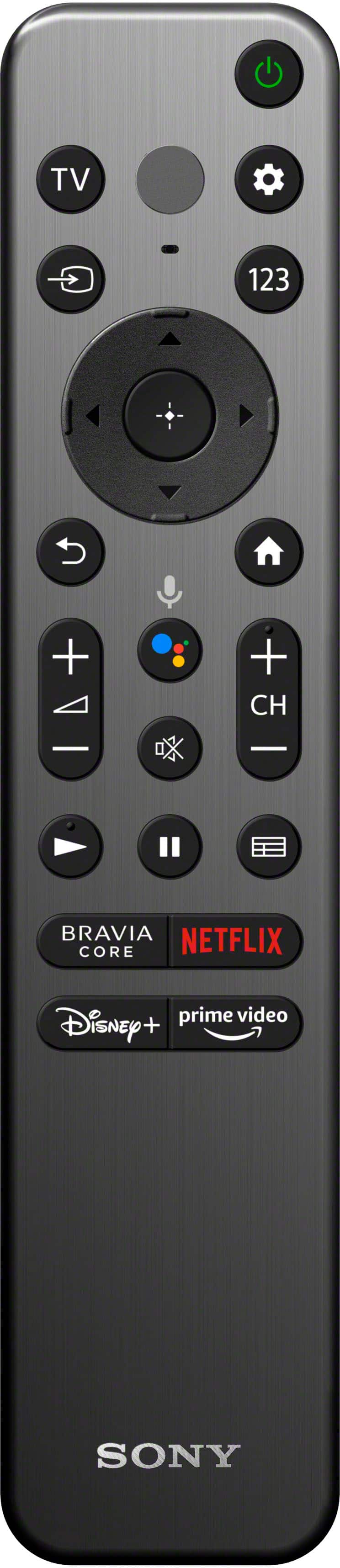
  • Questioncan you get a remote with numbers on itg

    Asked by bb.

    • Answer Hi bb, Thank you for your question! Yes, you do have the option to purchase a compatible Sony remote for the BRAVIA A90K that includes a numeric keypad. You can order it directly through our official Sony Parts and Accessories partner, Encompass, using the link below: https://sony.encompass.com/item/12627719/Sony/1-009-947-11/ We hope this information helps, and thank you for considering Sony products! Regards, Dominick

      Answered by SonyListens

  • QuestionThis TV Work with 220 Volts? The Sony website say 120 / 220V

    Asked by Claudio.

    • Answer Hi Claudio, Thanks for the question and the interest in Sony products! Regarding your concern, based on the TV's Power Requirements, the A90K is able to work in 110 V - 240 V AC range. So, yes, it should work just perfectly fine! You can find more information on the following link: https://www.sony.com/electronics/support/res/manuals/5039/ad4026a9812a6d872851e102ddcbc1cd/50390511M.pdf. On page 12, you will be able to find the power requirements and much more information that might be useful. We hope this information come in handy— wishing you a nice day! DiegoV

      Answered by SonyListens

  • QuestionWhat are the major service issues with this tv

    Asked by Smith.

  • Questionwhat is the difference between the XRA90K AND THE XBR- 48A9S?

    Asked by Anonymous.

    • Answer Hi there, The Sony XRA90K is a newer, more advanced OLED model from 2022, while the XBR-48A9S is an older one from 2020. The primary differences are that the A90K has a more powerful processor and includes HDMI 2.1 ports, which are essential for 4K/120Hz gaming. The older A9S uses a previous-generation processor and lacks these modern gaming features. Thanks for considering Sony products. Best regards, Eliab

      Answered by SonyListens

  • Questiondoes the stand alles the to to soviel?

    Asked by Lori.

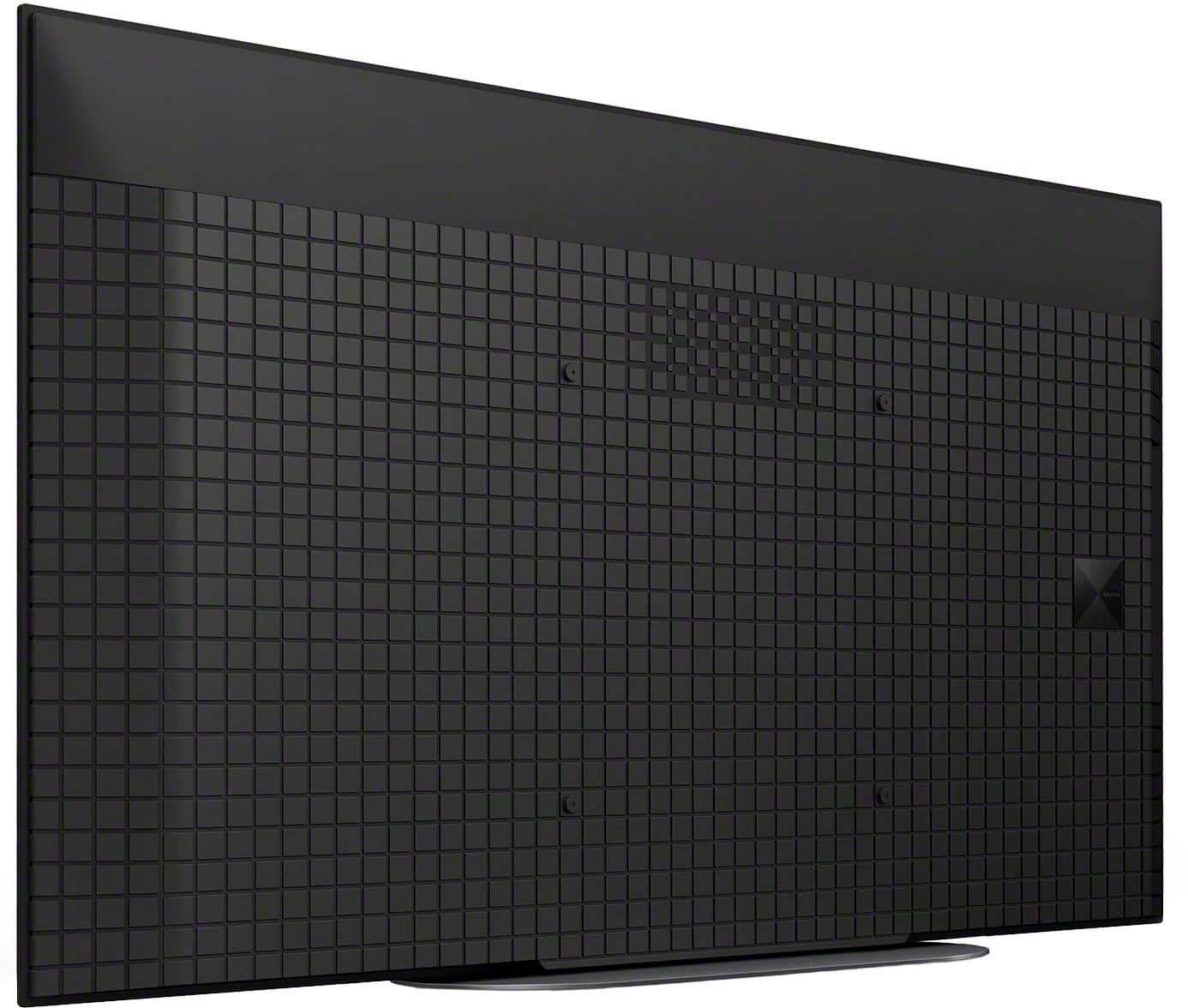
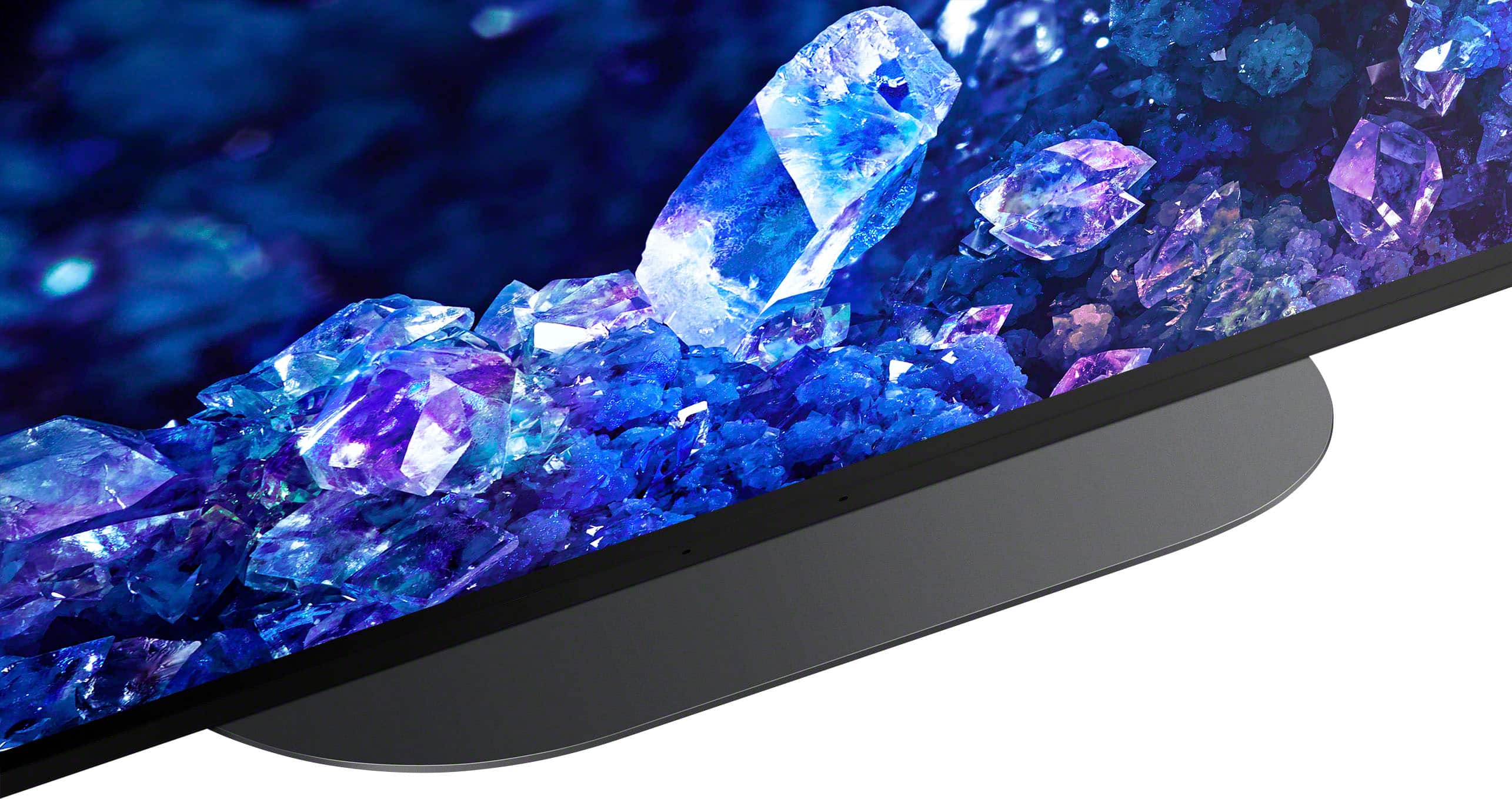
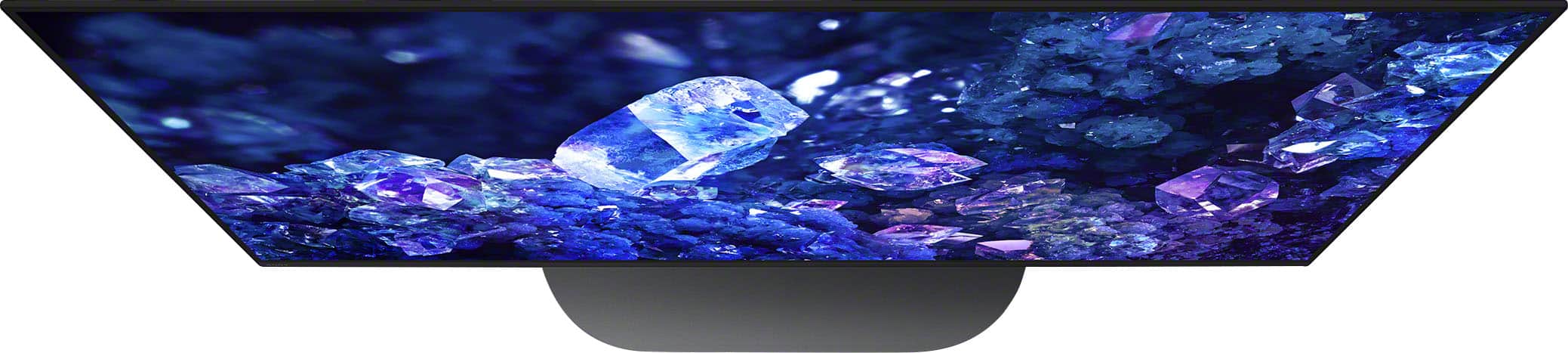
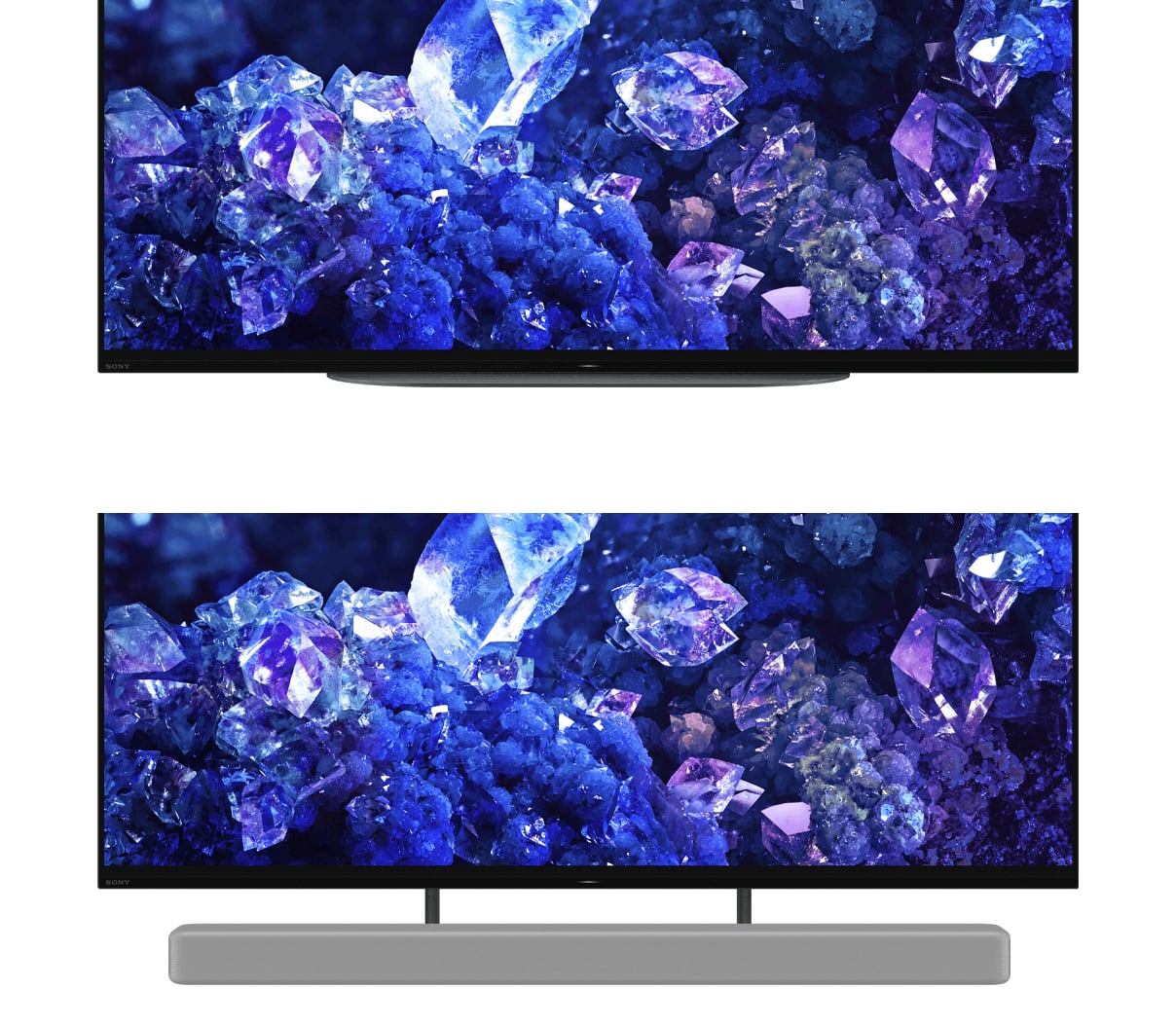
    • Answer Hi Lori, thanks for contacting Sony! We would be happy to help you with the XR-48A90K television. While the stand for this model does not allow the TV to swivel, it is designed with two height positions. This feature allows you to adjust the TV to a lower, standard position or raise it to a second, higher position. The higher setting is particularly useful if you want to place a soundbar directly in front of the TV without it blocking the screen. We appreciate you choosing Sony and hope this information is helpful! Best regards, Gus, Sony Social Media Team

      Answered by SonyListens

  • QuestionI HAVE AN OLD BOSE THAT IS NOT HDMI. WILL THIS TB SUPPORT IT?

    Asked by OPIE.

    • Answer Thank you for your question, Opie. We're happy to help you with this. Yes, your XR-48A90K TV will support your old Bose sound system. This TV has a digital optical output port that will allow you to connect your Bose system and get the audio from your TV. You will just need an optical cable to make the connection. If you have any further questions or need assistance with the setup, please don't hesitate to contact our customer support team. We're always here to help. Thank you for considering Sony. Best regards, Gus, Sony Social Media Team.

      Answered by SonyListens

  • QuestionDoes this support AirPlay?

    Asked by Crob.

    • Answer Hi Crob, thank you for your question! Yes, the Sony - BRAVIA A90K does support Apple AirPlay. You can easily stream content like videos, music, and photos directly from your iPhone, iPad, or Mac to your TV. It's a great feature that makes sharing and enjoying your favorite content super convenient. Thank you for considering Sony products! Best regards, -Dominick

      Answered by SonyListens