Black Friday is hereShop new DoorbustersShop now

Main Content

Questions & Answers

Your price for this item is $167.99
Clearance
The comparable value price is $599.99
Page Showing 1-20 of 133 questions
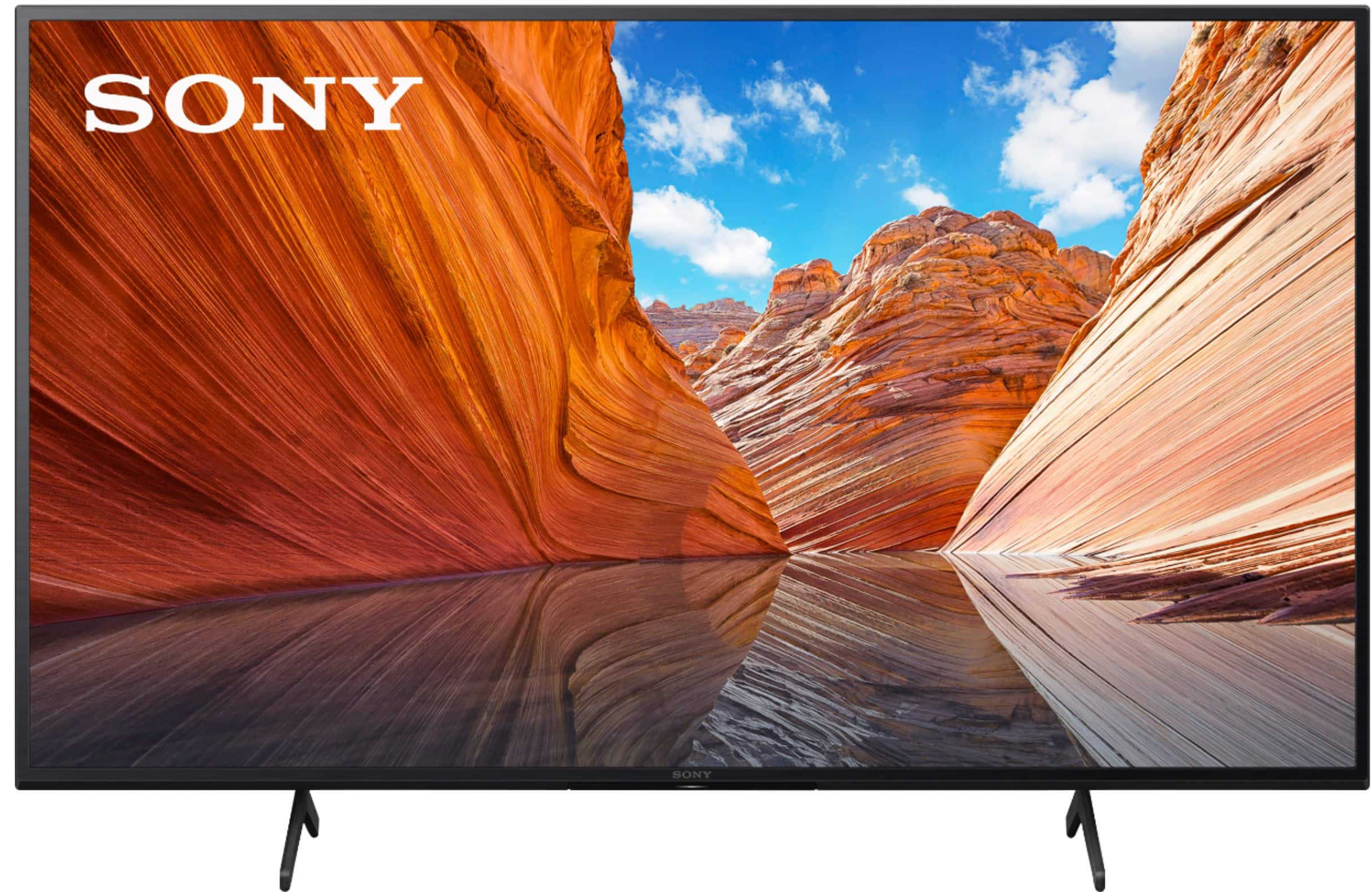
  • QuestionWHY IS IT ADVERTISED AS A 50'" TV IF IT ONLY MEASURES 43"? ISN'T THAT A BAIT AND SWITCH SITUATION?

    Asked by ASKINGFORAFRIEND.

    • Answer Hi ASKINGFORAFRIEND, Thank you for your inquiry! The KD X80J Series has different sizes that you can choose from. The sizes are 43", 50", 55", 65" and 75". It is also important to note that the screen size is measure diagonally. For more information on the KD X80J TV, you may also visit our website: https://electronics.sony.com/tv-video/televisions/c/all-tvs I hope this helps! Regards, Carl

      Answered by SonyListens

  • QuestionDoes it have hdmi 2.1?

    Asked by MFrecklez.

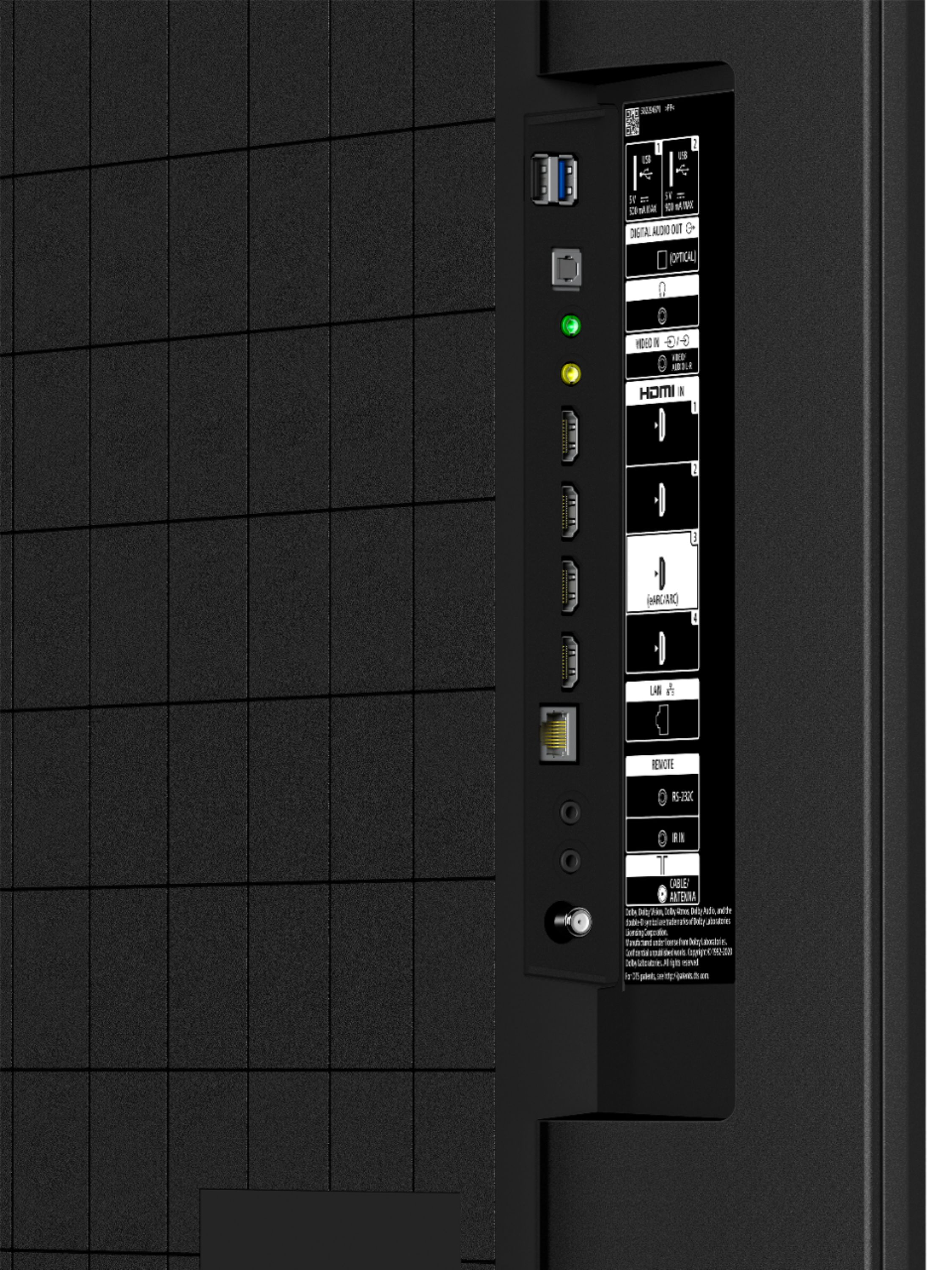
    • Answer Hi MFrecklez, Thank you for the inquiry. Unfortunately, the KD50X80J does not features specified in the HDMI 2.1 standard. However, this TV supports eARC/ARC. If you are looking for a TV that supports HDMI 2.1 features like 4K/120, ALLM, and VRR(available via future update) we recommend checking out the X900H, A90J series, or X90J, A80J series. I hope this helps! Jay
      Answered by SonyListens

  • QuestionHi, the TV width listed in the Best Buy specifications is incorrect. Can you please update this? May 5 2021

    Asked by ProspectiveBuyer.

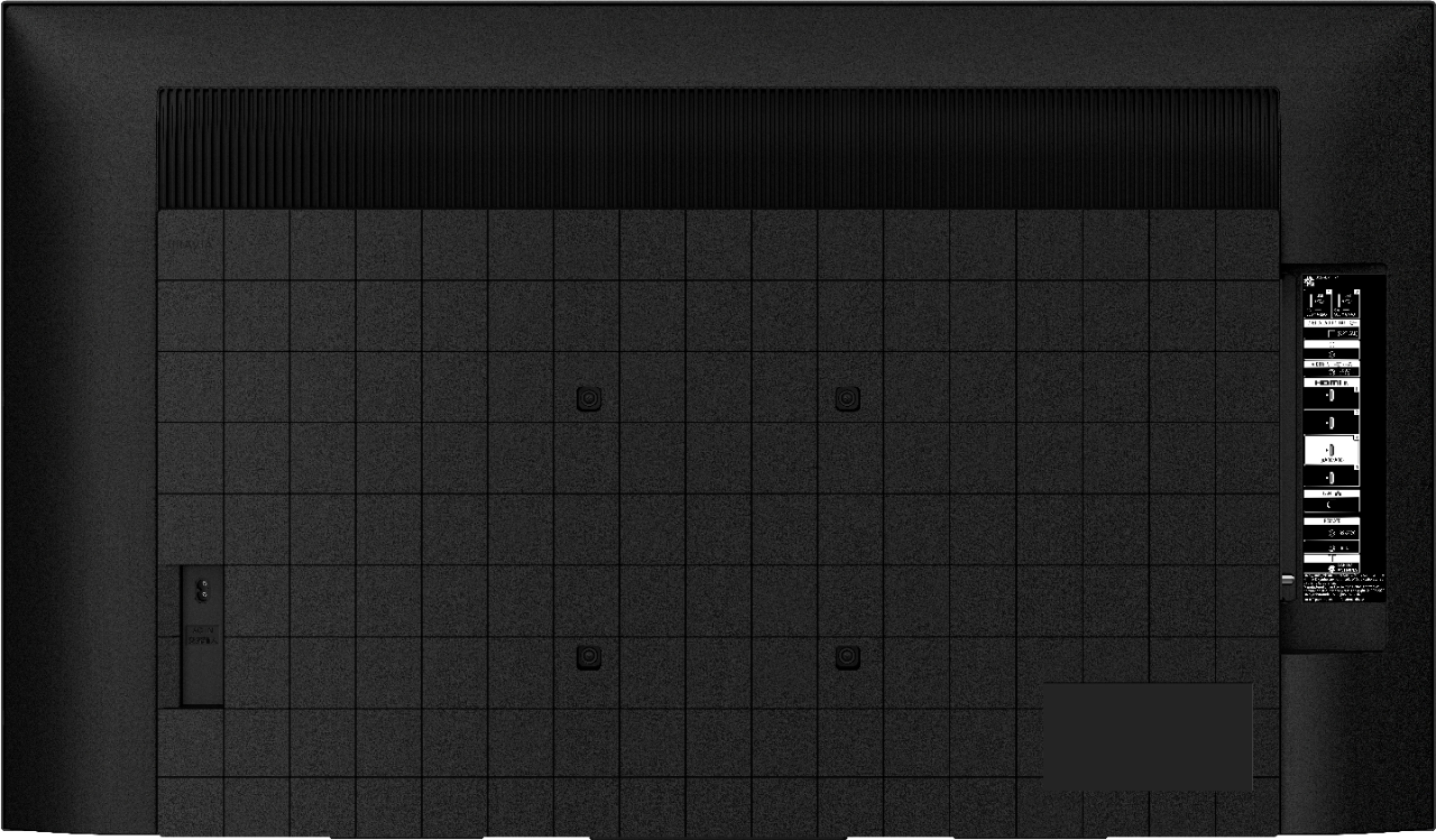
    • Answer Hi ProspectiveBuyer, Thanks for bringing this to our attention. We will address this issue with the Best Buy Team. We apologize for the discrepancy in the specification. The actual width of the KD50X80J is 44 3/8 inches (44.33 inches/1,126mm). You can check our sony for more details of the specifications and features. https://www.sony.com/electronics/support/televisions-projectors-lcd-tvs-android-/kd-50x80j/specifications Thank you for your patience and understanding. Jay

      Answered by SonyListens

  • QuestionCan this fit on a 27 inch table?

    Asked by British.

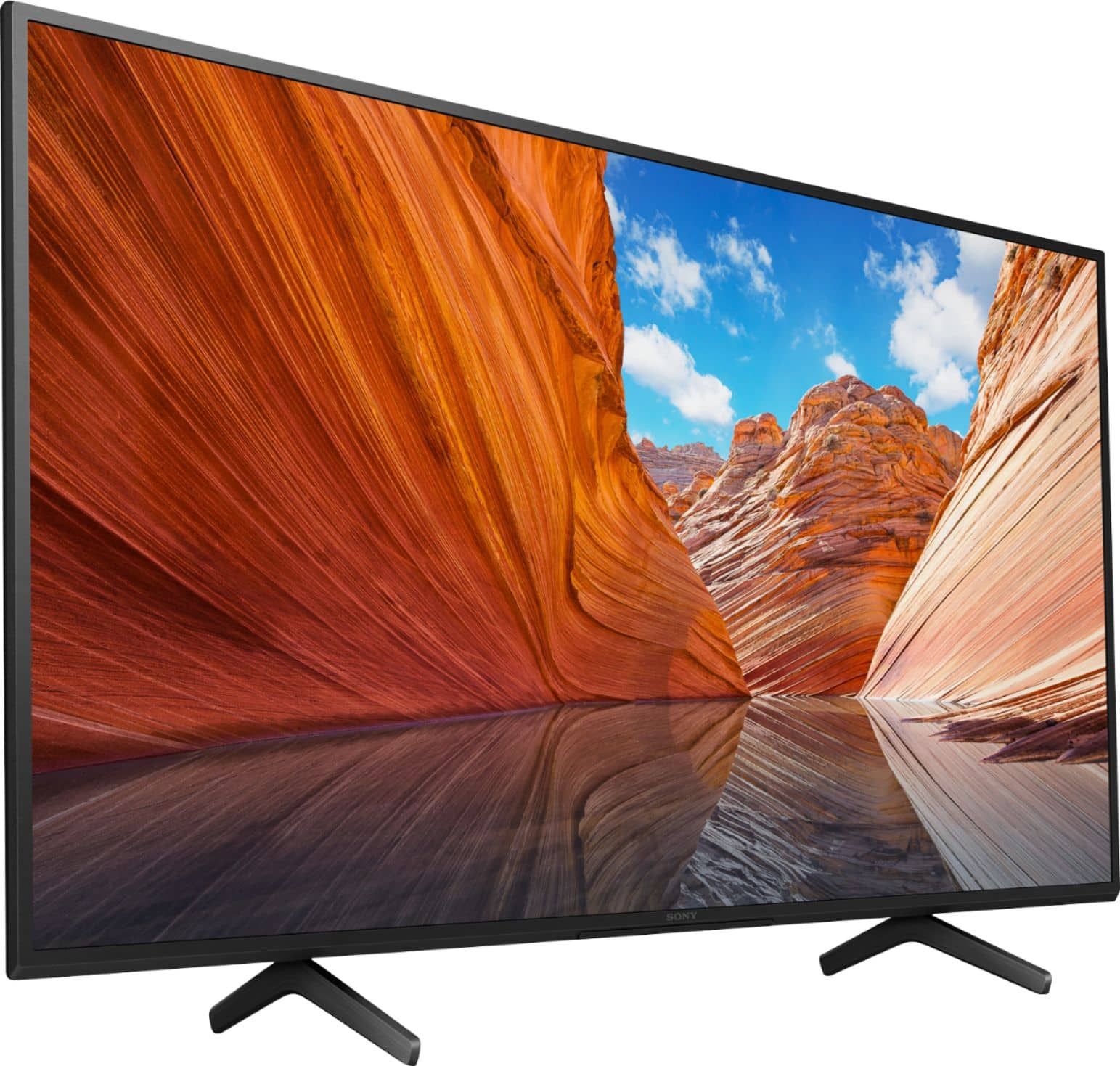
    • Answer I’m sorry, it will not. The stand legs are 29 13/16. You might want to look into purchasing a universal stand with a middle base that will support a 50 inch flat. I purchased one from Amazon for another 50 inch tv in our home and it works beautifully. Good luck.

      Answered by CharK

  • QuestionCan you add the xfinity app for this tv?

    Asked by Melvin.

    • Answer Hi melvin, The Xfinity app is not currently available on the X80J. Thank you for the inquiry. Tin

      Answered by SonyListens

  • QuestionCan I turn off motion flow completely so that I can watch movies in 24fps?

    Asked by aipjcnow.

    • Answer Hi aipjcnow, Thank you for the inquiry. Great News! Yes, you can adjust smoothness and clearness to your preference. To access the settings, on the remote control, press the gear (Quick Settings) button, then select Settings → Display & Sound → Picture → the desired option. Refer to the link below for more details: https://www.sony.com/electronics/support/televisions-projectors-lcd-tvs-android-/kd-50x80j/articles/00263533 I hope this helps! Jay

      Answered by SonyListens

  • QuestionIs there a light indicator that comes on to indicate the tv is on?

    Asked by Maria58.

    • Answer When you first turn it on, there is a white light that comes on, but then it goes off again. It does not stay on.

      Answered by Tster27

  • QuestionDoes this TV have Google Chromecast built in? I know previous models of Sony have Google Chromecast in them.

    Asked by bvkode.

    • Answer Hi bvkode, Thanks for your inquiry. Yes, the KD50X80J TV has a built-in Chromecast function. Regards, -Ralph

      Answered by SonyListens

  • QuestionHow many HDMI does it have? How far apart are the legs?

    Asked by Milliepat703.

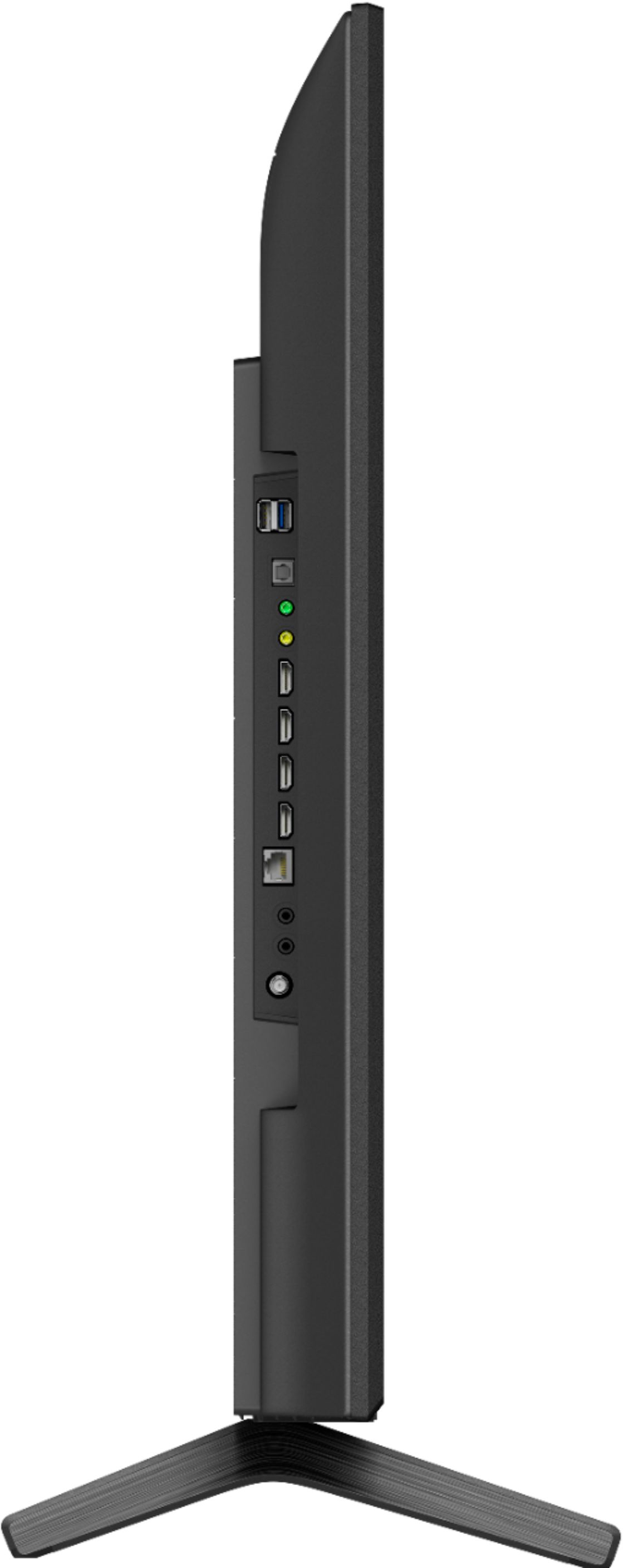
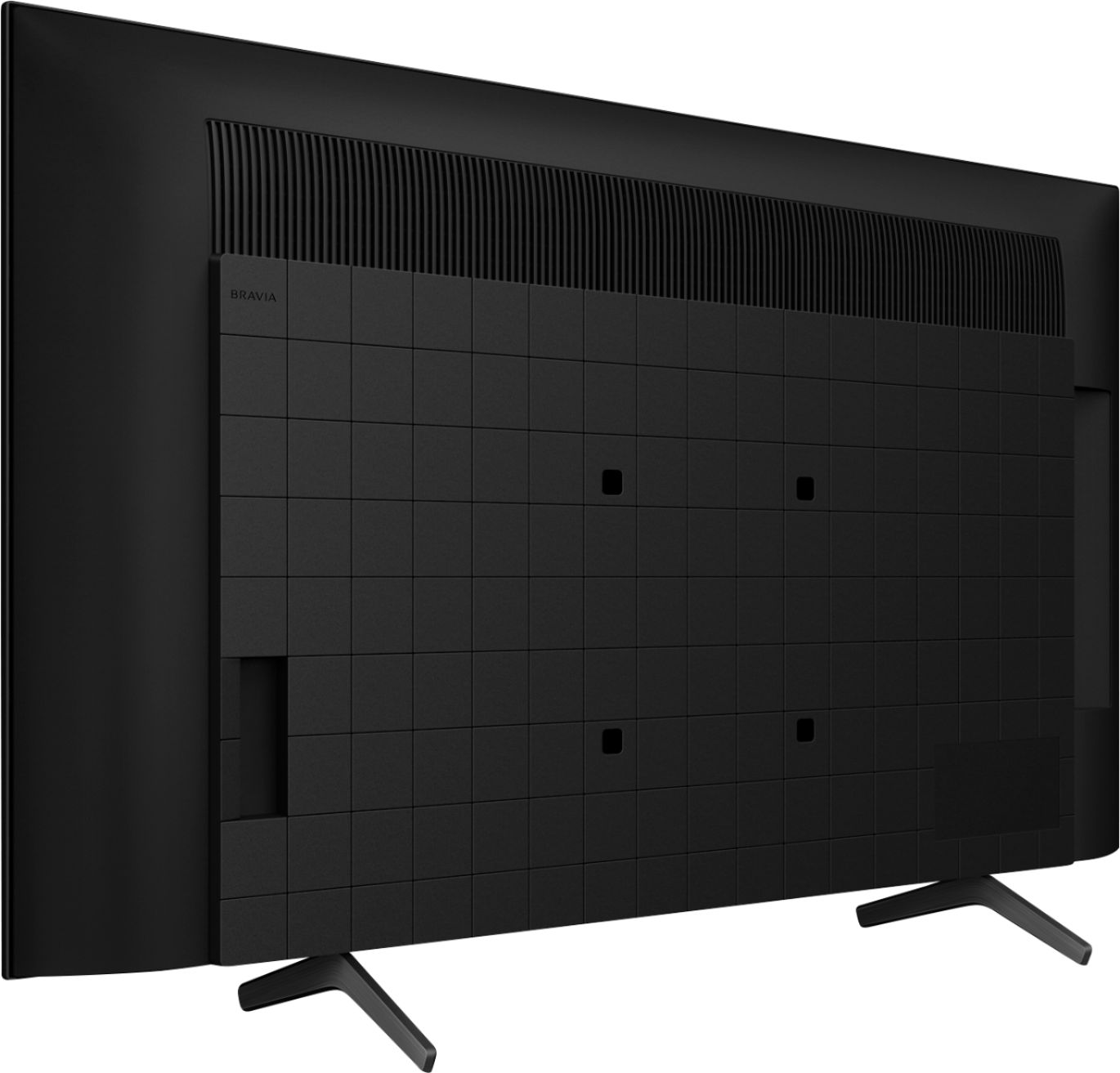
    • Answer Hi Milliepat703, Thank you for the inquiry. The KD50X80J has 4 (4 side) HDMI Inputs. The approximate dimension between the legs of the table-top stand is 25 5/8 inches. I hope this helps! Jay

      Answered by SonyListens

  • QuestionWhat type of analog audio outputs does this have? Like the red and white RCA?

    Asked by Hotshot.

    • Answer Hello Hotshot, Thank you so much for your question. The X80J features a headphone audio out jack (Supports 3.5mm 3-pole stereo mini jack only) for analog audio connection. Additional information: You can use the headphone audio out port of the TV to connect an audio system with RCA connections (red and white stereo jack port). An optional stereo mini-plug connection cable (3.5mm, 3-pole stereo mini-jack to RCA red and white audio out jacks, not supplied) is needed. You can purchase it at most electronic retailers. I hope this helps! Thanks for considering Sony! - Romeo

      Answered by SonyListens

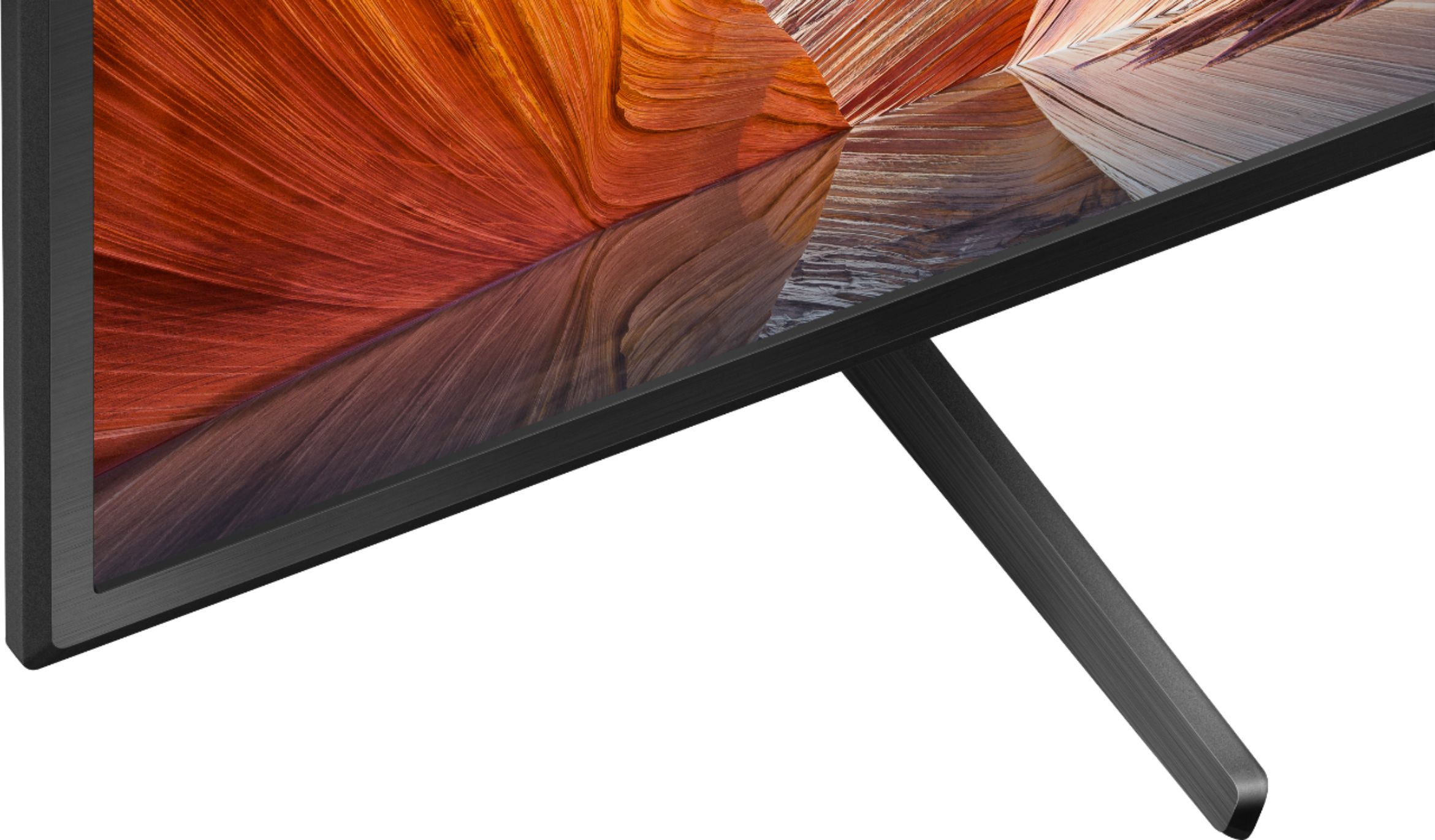
  • QuestionWhat is the size of the feet on the stand ? I want to make sure it will fit on my stand ?

    Asked by DeeDee123.

    • Answer Hi DeeDee123, Thank you for the inquiry. The measurement of the table top stand of the KD50X80J is 26 1/4 / 26.18 inches(665 mm) wide and 11 3/8 / 11.26 (286 mm) inches deep. I hope this helps! Jay

      Answered by SonyListens

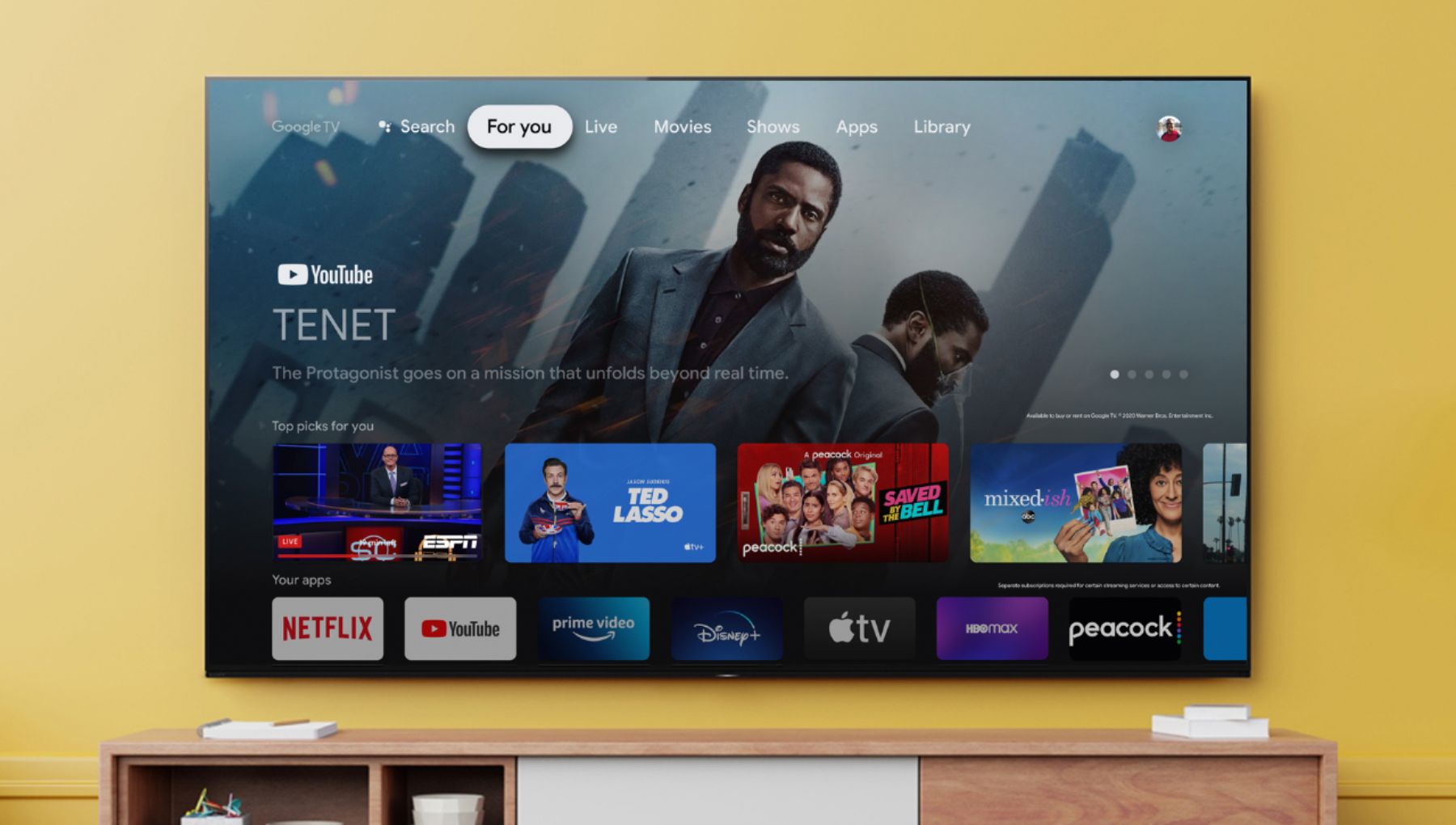
  • QuestionIs discovery plus compatible with this tv?

    Asked by SanW90.

    • Answer Hi SanW90, Thank you for your inquiry! Many of the existing apps from the Google Play™️ store can be downloaded to the Android™️ TV. There are several hundred apps already available with a consistent flow of new apps being released for the Android TV platform. The Google Play store opens the door to many apps you may already be using on your mobile devices. The availability of Android TV apps is different depending on the country or region where the TV is being used. To check on how to install applications on the TV using google playstore, please check on this link: https://www.sony.com/electronics/support/televisions-projectors-lcd-tvs-android-/kd-50x80j/articles/00147386 Regards, Carl

      Answered by SonyListens

  • QuestionDoes it have a nxt gen tuner (3.0 atsc tuner)?

    Asked by Anonymous.

    • Answer Hello, Thank you for the inquiry! Yes, this TV supports ATSC/ATSC 3.0 (NEXTGEN TV). I hope this helps! Jay

      Answered by SonyListens

  • Questionis this compatible with Apple Airplay

    Asked by gerimay.

    • Answer Hi gerimay, Great News! Yes, the KD50X80J works with Apple AirPlay / Apple HomeKit. With Apple AirPlay, you can stream video and audio to your television right from your iPhone, iPad, or Mac. Watch movies and shows from Apple TV app, your favorite apps, or even Safari. Share your photos with everyone in the room. I hope this helps! Jay

      Answered by SonyListens

  • QuestionHello how can i sign in on Apple TV on this tv ive tried butbit only loads and nothing

    Asked by Lus.

    • Answer Hi Lus, Thank you for the inquiry! Google™ sign-in on your Google TV, The Apple TV app on Sony® smart TVs lets customers access Apple TV+, premium Apple TV channels, and buy or rent over 100,000 movies and TV shows. Subscribe to Apple TV+ on the Apple TV app on Sony smart TVs, iPhone, iPad, iPod touch and Mac or at the Apple TV+ website. Refer to this link for more details: https://www.sony.com/electronics/support/televisions-projectors-lcd-tvs-android-/kd-50x80j/articles/00226446 I hope this helps! Jay

      Answered by SonyListens

  • QuestionCan the Spectrum Cable TV app be installed on this TV? I want a TV that I don't need to hook up a cable box in to to watch local broadcast live.

    Asked by TVshopperNY.

    • Answer Hi TVshopperNY, thanks for your inquiry. Spectrum TV app is not currently available to download on Google Play Store on this TV. But, you can use your mobile device to cast Spectrum TV content from your smartphone to this TV. Hope this helps! -Sam

      Answered by SonyListens

  • QuestionWhy does my recently purchased Sony 50" tv go off and on so frequently while I am watching it? HELP..

    Asked by Anonymous.

    • Answer Hi there, Thank you for reaching out to us with your concern. We sincerely regret to hear you are encountering an automatic power ON/OFF issue with your X80J. This is usually not the case and the experience we wanted you to have on our premium TV. If you haven't tried yet, please follow the troubleshooting steps provided in the article below to isolate and fix the problem: The TV turns on or off by itself - https://www.sony.com/electronics/support/televisions-projectors-lcd-tvs-android-/kd-50x80j/articles/00032613 We want to make sure you’re taken care of and help check on your TV.   May we contact you directly to assist you? If so, please email the below information to [email protected]. Apologies if you disclosed some of this information in your review and to customer service, we just want to ensure that we have your accurate details at the time of communication.   Full Name: Best Buy Username: Telephone Number: Sony TV Model Number: Additional Information regarding your experience with the X80J:    We value you being a Sony customer. Sorry for the inconvenience and hope to speak directly to try to resolve this matter. Thank you so much for your purchase and for choosing Sony! Best regards, Romeo

      Answered by SonyListens

  • QuestionCan this TV run the DirecTV Stream app and what is the best process to load that? Google Play store says DirecTV not available. Please advise.

    Asked by Horrible.

    • Answer Hi Klaus, Thank you for the inquiry. Unfortunately, the DirecTV Stream App is not available from the Google Play Store on this TV. However, you can connect the DirecTV box to any of the HDMI Inputs(HDMI ports 1/2/3/4) of the KD50X80J. I hope this helps! Jay

      Answered by SonyListens

  • QuestionIs tv work abroad

    Asked by Anonymous.

    • Answer Hello, Thank you for the inquiry! Yes, this TV will work with the required power of 60 Hz for UL cUL 50/60 Hz for others/ AC 120 V for UL cUL AC 110-240 V for others. I hope this helps! Jay

      Answered by SonyListens

  • QuestionIs this TV compatible with Amazon fire stick?

    Asked by Sunbum.

    • Answer Hi Sunbum, Thank you for the inquiry. Great News! Yes, you can connect the Amazon Fire Stick to the HDMI port. I hope this helps! Jay

      Answered by SonyListens