Questions & Answers
- Model:
- K65XR80
- |
- SKU:
- 6578577
Highly rated by customers for: Picture Quality, Color, Ease of use
$1,499.99Your price for this item is $1,499.99
Comp. Value: $2,299.99
The comparable value price is $2,299.99
Page Showing 21-40 of 101 questions
Q: QuestionI was wondering if the Sony wall mount SU-WL855 is compatible with the Bravia 8 65 inch ? I saw it was compatible with the A95L and both TVs were in the 2024 lineup.
Asked by Fishels.
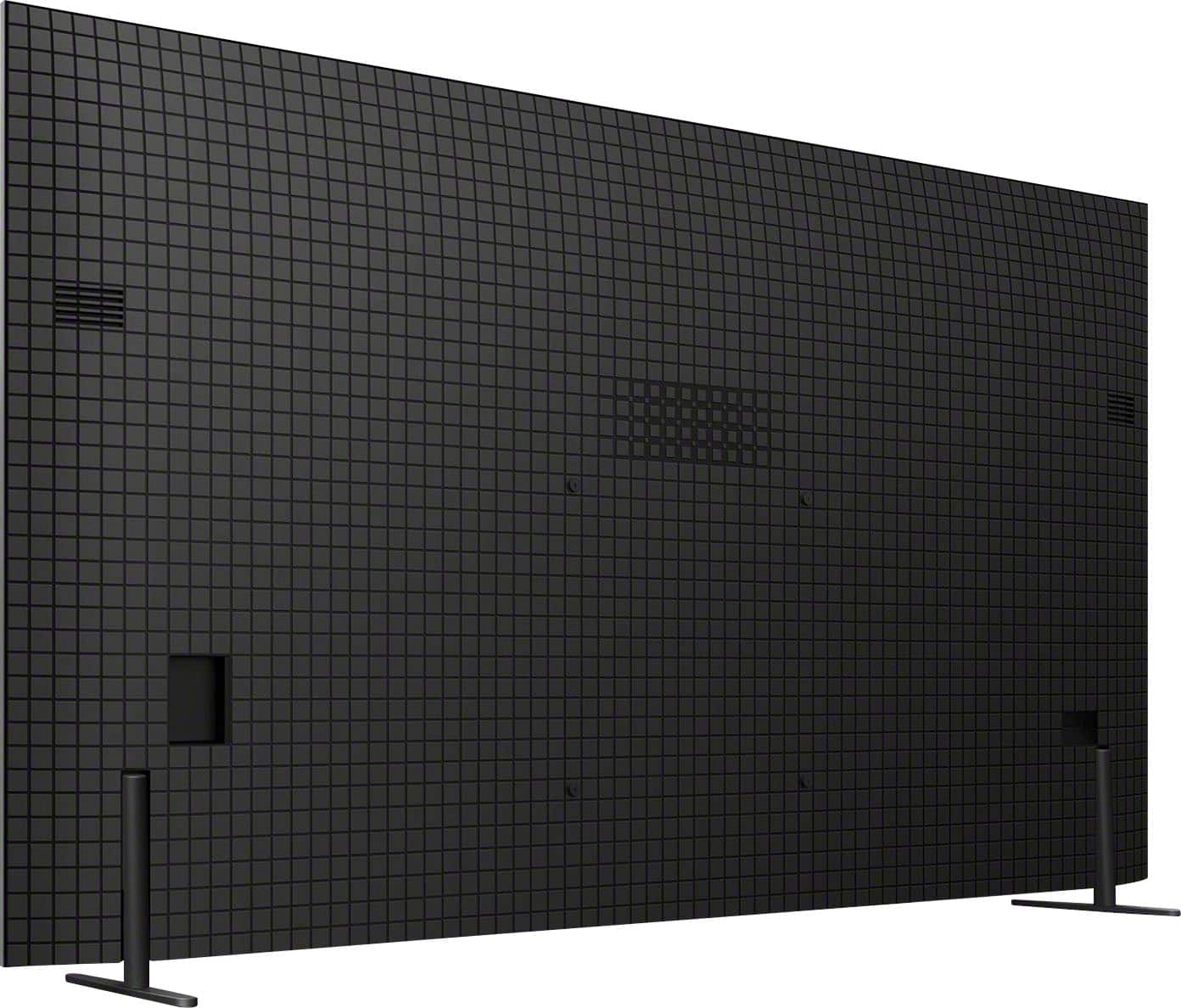
- A:Answer Hi Fishels, Thank you for your inquiry! Yes, the SU-WL855 is indeed compatible with the 65" BRAVIA 8. The recommended wall-mount bracket for the 65" BRAVIA 8 is SU-WL855 (not supplied). This TV conforms to the VESA Mount Standard and has a VESA hole pattern of 11.81 x 11.81 inch (300 x 300 mm). For product protection and safety reasons, Sony strongly recommends that the installation of your TV on a wall be performed by qualified professionals. For detailed wall mount specifications and Sony recommended wall mounts, please visit this link here: https://www.sony.com/electronics/support/televisions-projectors-oled-tvs-android-/k-65xr80/articles/00197971 You may also see our optional Wall-Mount Bracket (SU-WL905) with options to pull out your TV and swivel it left to right to adjust the screen angle for optimal viewing. The WL905 TV Wall-Mount Bracket harmonizes with your room, swivels for easy viewing, keeps cables neatly, and is compatible with the separately-sold soundbar bracket. Hope this helps. Regards, Jess
Answered by SonyListens

Q: QuestionWhere is the power switch located?
Asked by D0nut.
- A:Answer Hi D0nut, Thank you for your inquiry. The power button can be found at the bottom of the TV. For your reference, please visit the Startup Guide included with your TV or by visiting our Sony Support website to download the Startup Guide regarding this product. Regards, Jess
Answered by SonyListens

Q: QuestionI have a 55" Sony 4K that I've had for a few years. yesterday it suddenly stopped working, does not power up when I turn it on. what could be the issue? If I have to purchase a new TV, not sure if I want to go with a Sony product anymore.
Asked by Gooch.
- A:Answer Hi Gooch, Thank you for sharing your concern. We’re sorry to hear about your Sony TV not powering up. There are a few steps you can try to resolve the issue: 1. Check the Power Cord: Ensure it's securely connected to the TV and the outlet. 2. Try a Different Outlet: Test another outlet to confirm it's not a power source issue. 3. Power Reset: Unplug the TV for about 60 seconds, then plug it back in and power it on. 4. Remote and TV Buttons: Verify the remote has fresh batteries or use the TV’s power button directly. 5. Indicator Lights: Look for any red blinking lights, which may indicate a specific error needing further support. If these steps do not resolve the issue, may we contact you directly? If so, please email the following information to [email protected]. Apologies if you've already shared this information with customer service — we just want to ensure we have your most accurate details: Full Name: Best Buy Username: Telephone Number: Additional Information regarding your experience with the Sony TV. We are sorry for the inconvenience and hope to speak to you to resolve this matter. Sincerely, Maria
Answered by SonyListens

Q: QuestionWhat is the warranty on the Bravia 8
Asked by Gut.
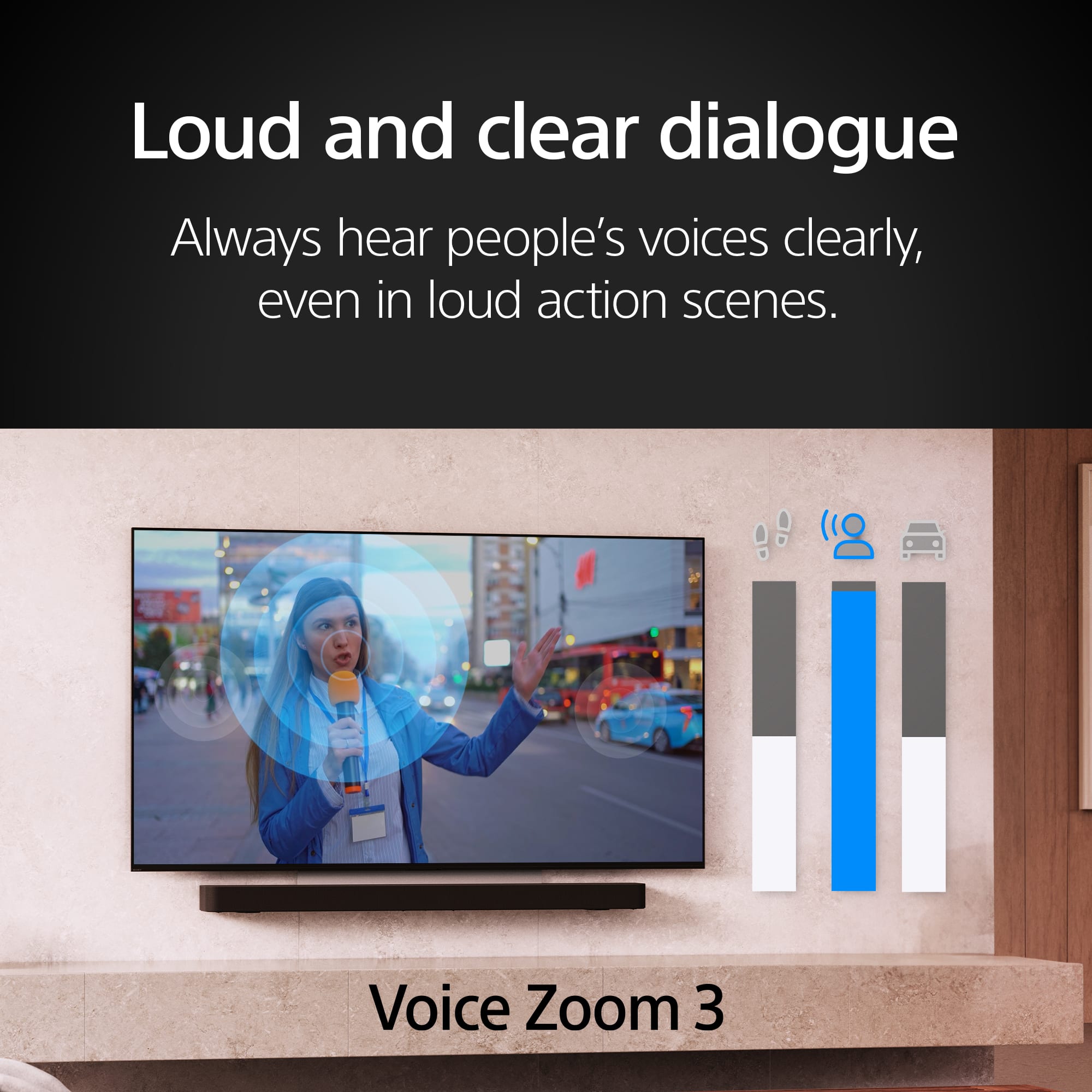
- A:Answer Hi Gut, Thank you for your question! Sony BRAVIA 8 comes with a 1-year limited warranty. For details regarding the return policy, please contact your preferred retailer. We hope this information is helpful! With Acoustic Surface Audio+, actuators behind the TV panel turn the entire screen into a speaker producing a wider, elevated soundstage, enabling audio to follow the action on screen. Voice Zoom 3 intelligently controls dialogue so that every word in a scene is always loud and clear. With support for Dolby Atmos, DTS:X, and 3D Surround Upscaling, everything you watch gets the surround sound treatment. Best regards, Maria
Answered by SonyListens

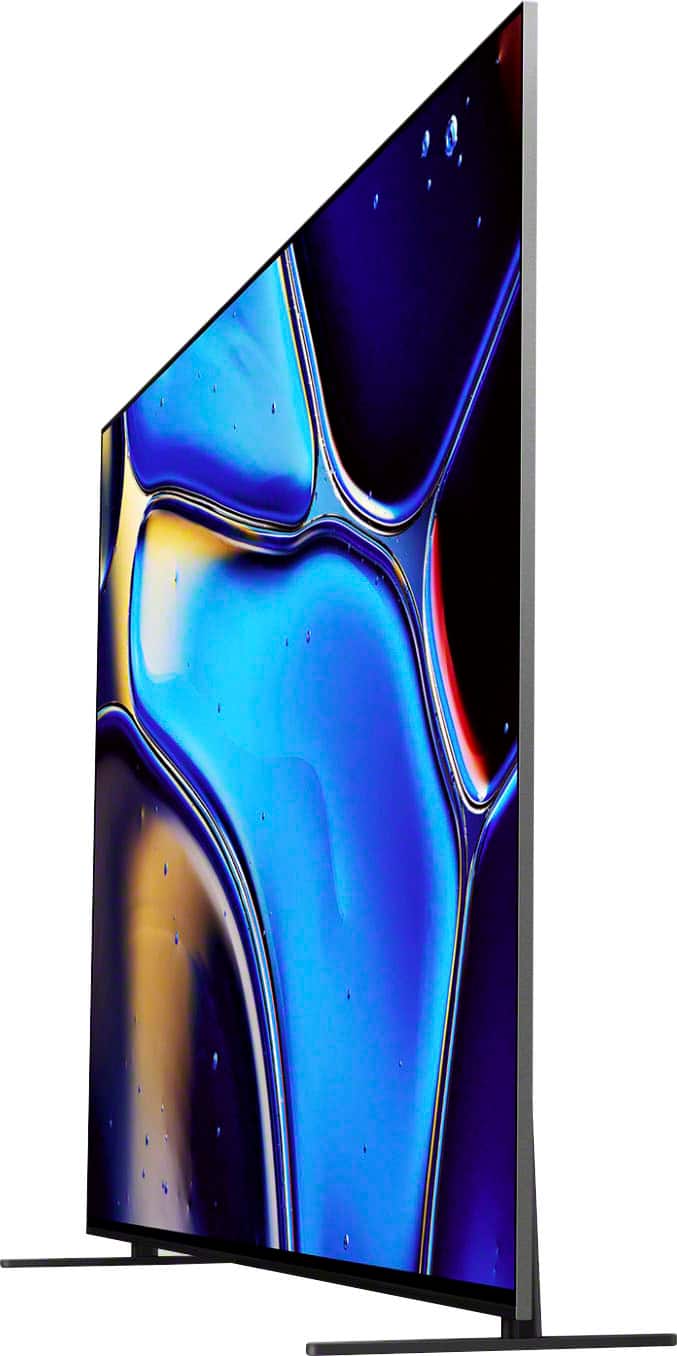
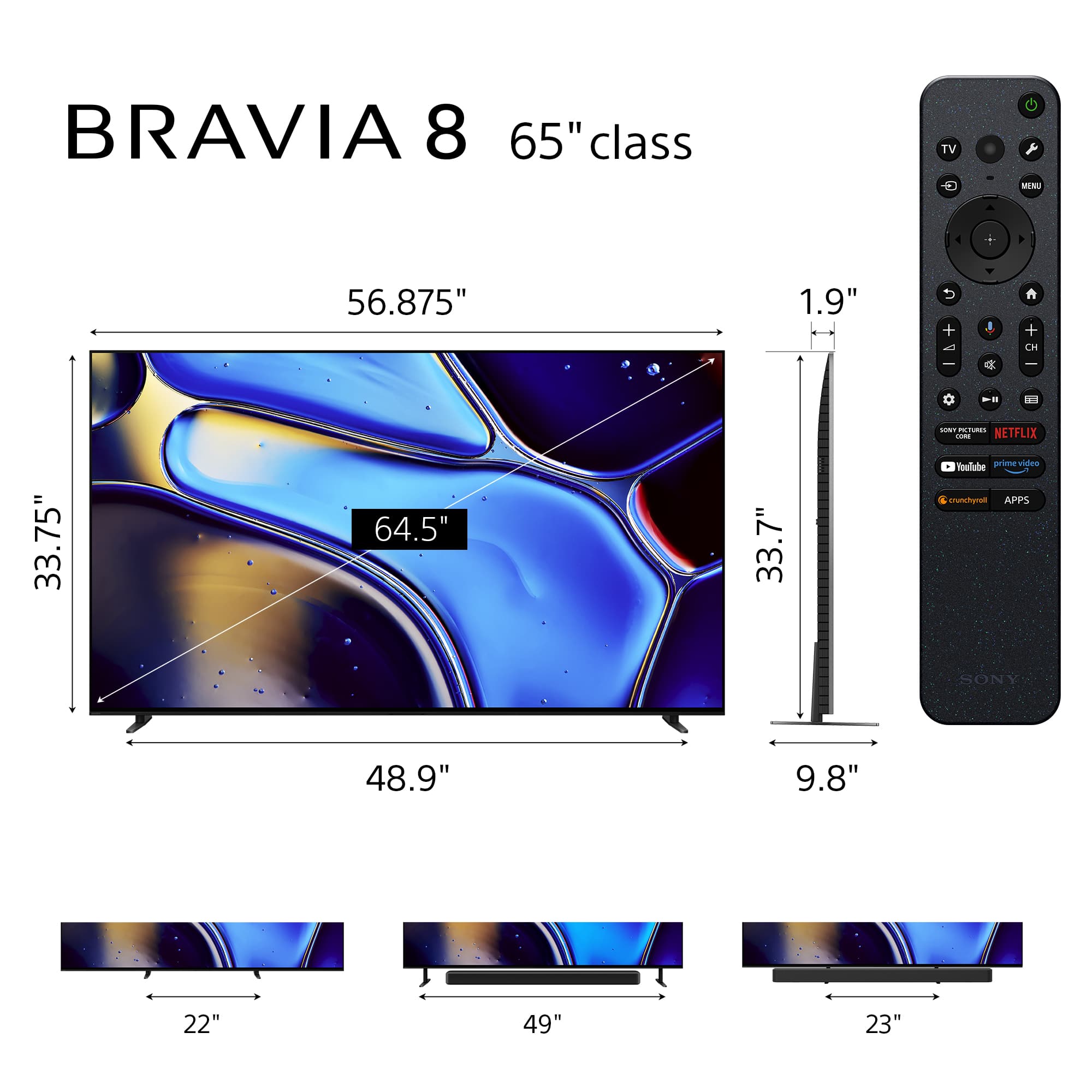
Q: QuestionWhat is the height of the gap below the tv (from the tabletop to the bottom of the tv) when the stand is in its height configuration?
Asked by Ang.
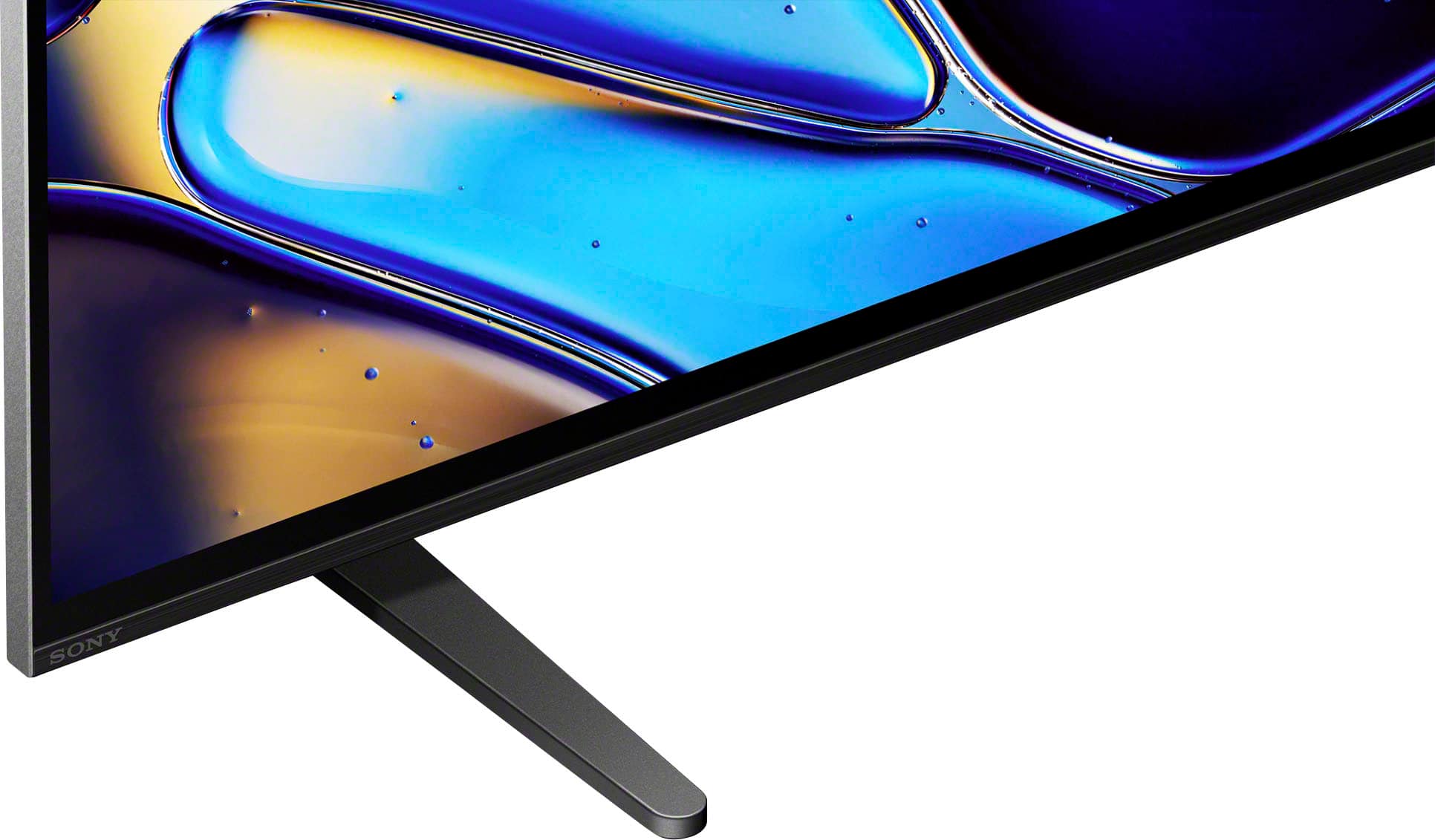
- A:Answer Hi Ang, Thank you for your interest in the Sony BRAVIA 8 TV! Regarding your question, this Sony TV stand offers multiple configurations with varying gap heights between the bottom of the TV and the tabletop. In the Soundbar Position, it provides a gap of approximately 3.13 inches (80 mm), ideal for accommodating most soundbars. In both the Standard and Narrow Positions, the gap height is about 1 inch (26 mm), offering a compact setup suitable for tighter spaces. Hope this information helps! Watch everything with lifelike picture quality, powered by the intelligent XR Processor. Hundreds of thousands of individual on-screen elements are processed and enhanced in real-time, boosting color, contrast, and clarity. Best regards, Maria
Answered by SonyListens

Q: QuestionIs this Bluetooth
Asked by Firefighter.
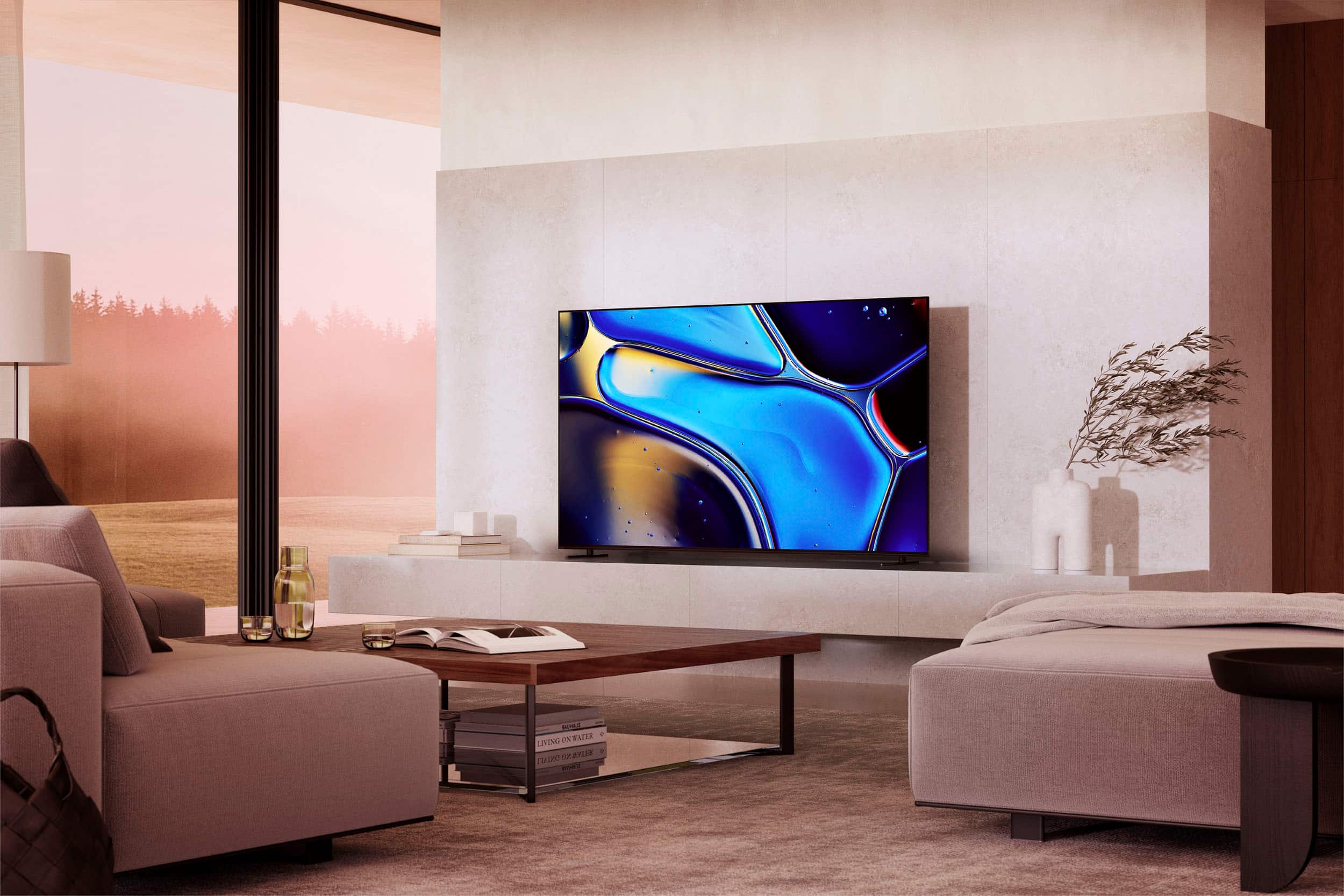
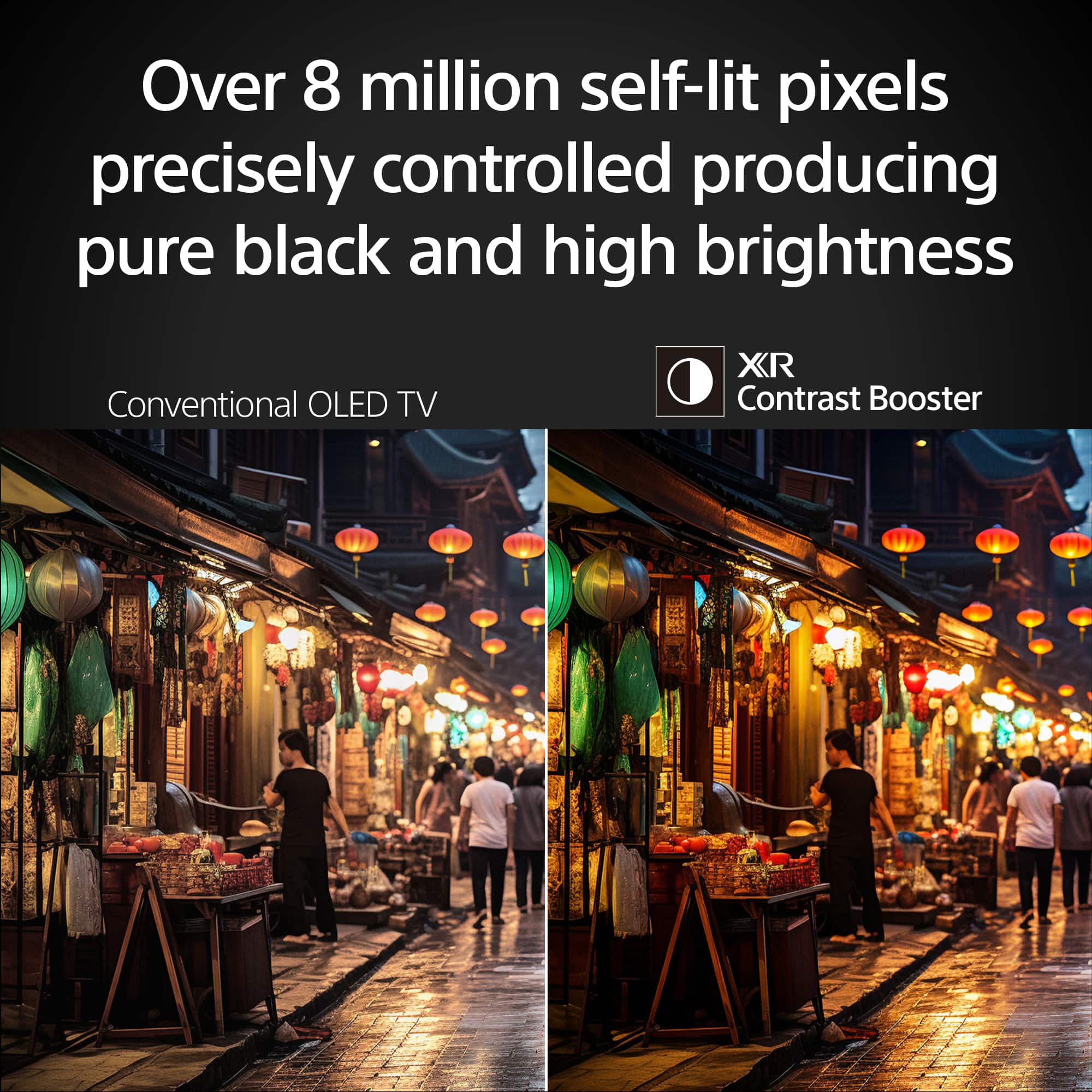
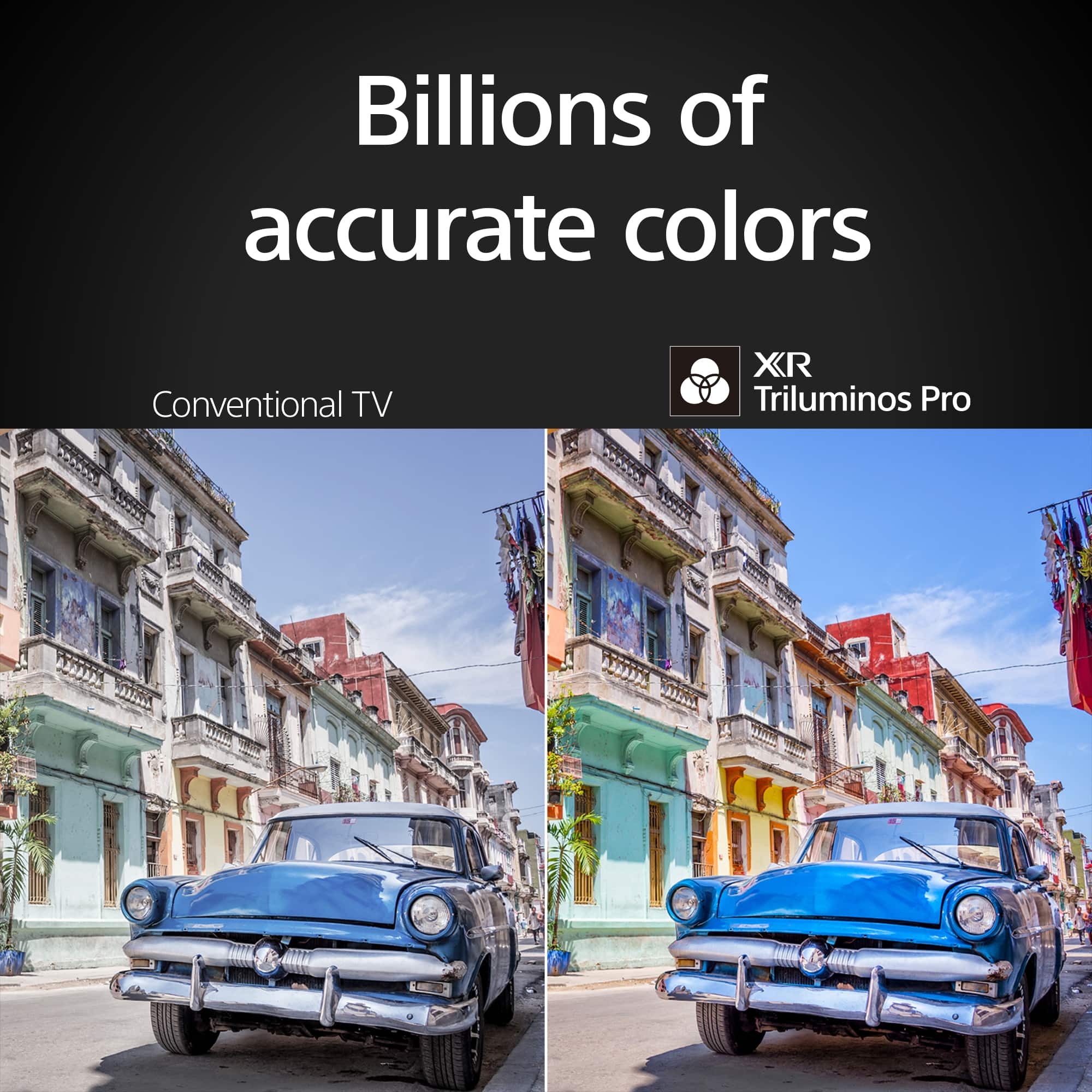
- A:Answer Hi Firefighter, Thank you for your inquiry! Yes, the Sony BRAVIA 8 features the Advanced Audio Distribution Profile (A2DP) so you can connect Bluetooth devices such as headphones, soundbars, or speakers and enjoy TV sound through those devices. Hope this helps! With a sleek design, cinematic audio, and stunning visuals, the Sony BRAVIA 8 K65XR80 65" 4K HDR Smart OLED TV makes the perfect centerpiece for your main TV viewing area. An incredibly accurate picture is created by millions of self-lit pixels, precisely controlled to produce pure black, with high brightness, and billions of shades of color. Regards, Sam
Answered by SonyListens

Q: QuestionWhat is the dimension from the back side of the screen to the front of the stand?
Asked by Lex.
- A:Answer Hi Lex, Thanks for the question with our BRAVIA 8(K65XR80) TV! The dimension are 6 1/4 inches from back of the TV to front of the stand but the stand has still has another 3 5/8 behind the TV. Stand total length is 9 7/8. Additional information: The sleek design and cinematic audio and visuals make BRAVIA 8 the perfect centerpiece for your living space. Pure OLED black and vibrant color brings out vibrant textures and astonishing realism in everything you watch. The screen is the speaker, delivering a totally unique and immersive theater-like sound that keeps you on the edge of your seat. Hope this information helps! - Kris
Answered by SonyListens

Q: QuestionHow much does it weigh?
Asked by DarkWolf007.
- A:Answer Hi Notworking, Thanks for the question! Below are the weight of the K65XR80 BRVIA 8 TV: Weight of TV with Stand 51.2 lb (23.2 kg) Weight of TV without Stand 49.2 lb (22.3 kg) Additional information: The sleek design and cinematic audio and visuals make BRAVIA 8 the perfect centerpiece for your living space. Pure OLED black and vibrant color brings out vibrant textures and astonishing realism in everything you watch. The screen is the speaker, delivering a totally unique and immersive theater-like sound that keeps you on the edge of your seat. Hope this information helps! - Kris
Answered by SonyListens

Q: Question1 month old Bravia 8 65” developed popping and crackling sounds. I have reset the TV, power cycled as well reset sound to factory default. Seems like a well known issue. Anyone with advice or do i need to replace TV?
Asked by TJMolly.
- A:Answer i would call Best Buy and ask them
Answered by Gary
Q: QuestionWhere/how do I find the code to be able to set up Bluetooth connection to my computer?
Asked by Anonymous.
Q: QuestionDoes this tv support the Spectrum app
Asked by Ray.
- A:Answer Yes, it supports Spectrum app
Answered by LukaG
Q: QuestionWho do I call for the 1 year covered parts and labor? Currently the tv doesn’t come on, red light pulsing 3x.
Asked by Derek65sony.
- A:Answer indicates hardware failure
Answered by JimK
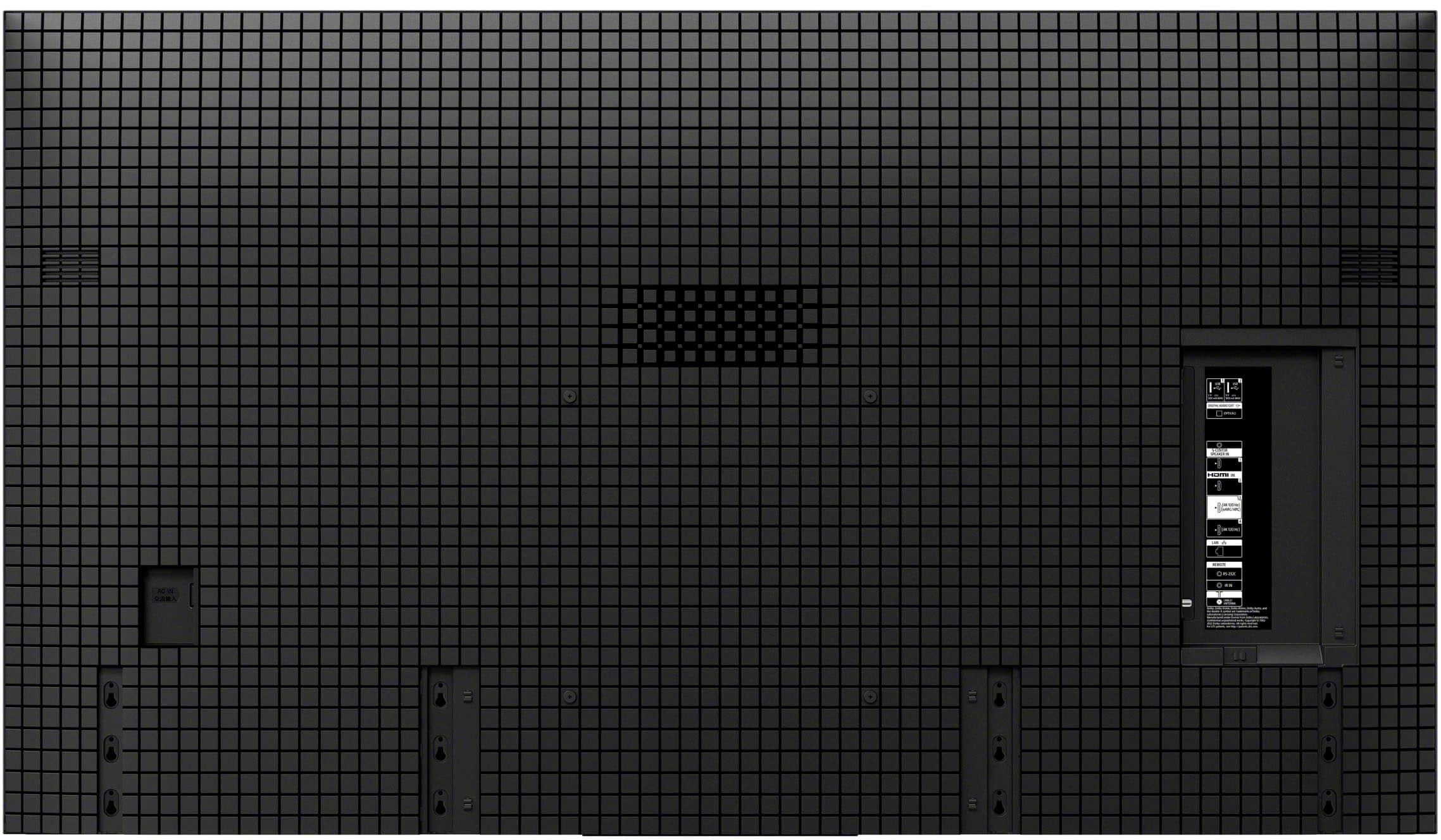
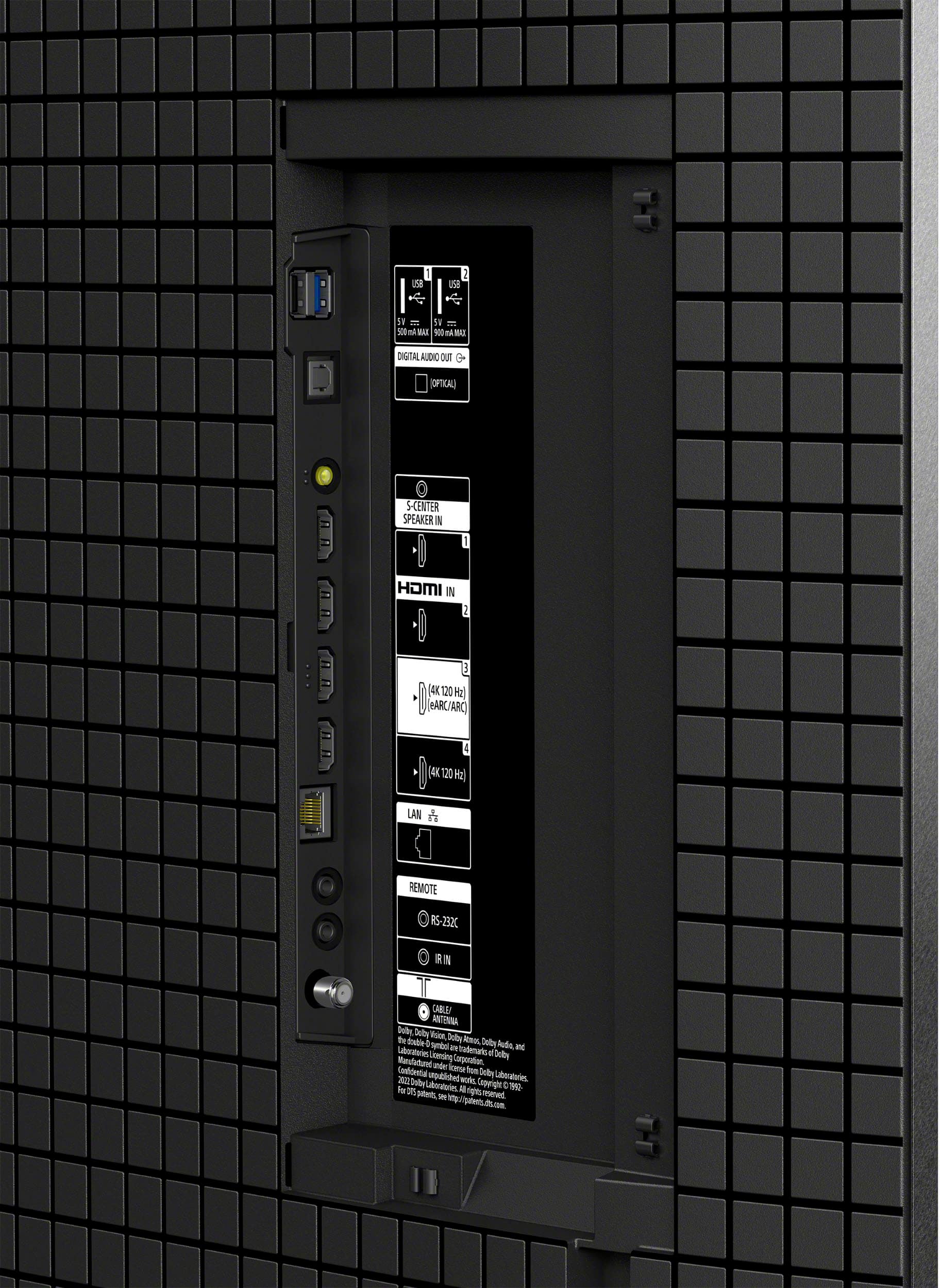
Q: QuestionMy current TV (Samsung) is connected to ARC out to a Bose system and the optical is connected to my Resound hearing aid transmitter. Both work at the same time, will this TV be able to do that?
Asked by RDee.
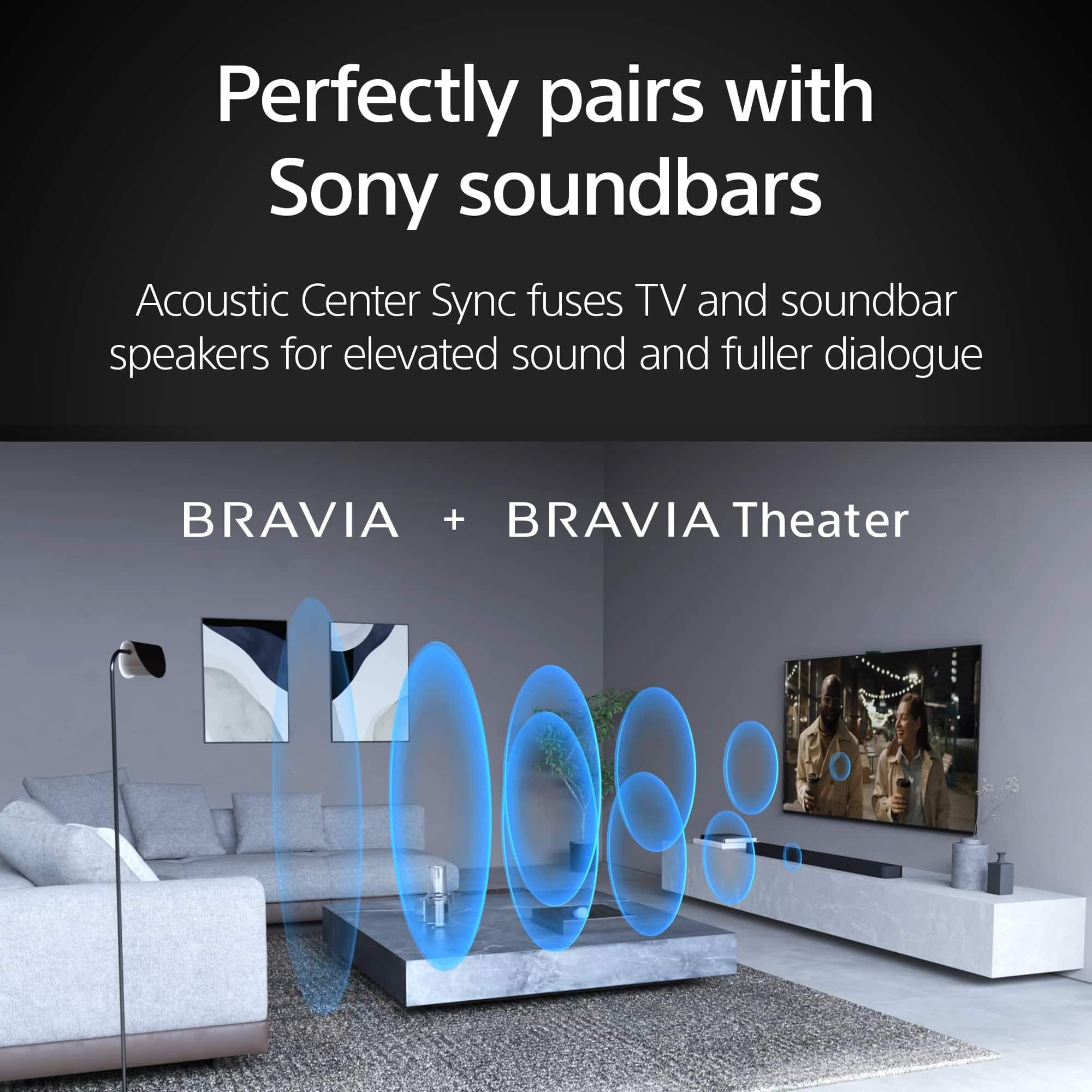
- A:Answer Hi Pumppeddler, Yes, your 65" BRAVIA 8 OLED can output audio simultaneously to your Bose system connected via ARC/eARC and your Resound hearing aid transmitter connected via the optical digital audio out. Our BRAVIA TVs are designed to support this dual audio output, allowing you to enjoy your soundbar's audio while also sending sound to your hearing aid transmitter. You will configure this by adjusting the audio output settings in your TV's menu. Thanks for considering Sony. -Eliab
Answered by SonyListens

Q: QuestionDoes the set have on screen programming guide ( what show is being shown) when using over the air antenna. My old Sony Bravia does not have this but another brand set I own does and that is nice to find a program to watch
Asked by mike.
- A:Answer Hi Mike, thank you for your question and interest in the Sony - 65" Class BRAVIA 8! This TV does have a program guide that can be used when having an over-the-air antenna, this feature allows you to quickly search your favorite programs or shows. Here is a guide on how it works and what you can do with it: https://helpguide.sony.net/tv/musltn1/v1/en-003/contents/TP1001675567.html?search=guide%20 We hope you find this information helpful, and thank you for considering Sony products! Regards, Dominick


Answered by SonyListens

Q: QuestionPer Sanus, my older articulating mount VMDD26 will work with this tv. My older Sony XBR has a VESA of 300x300 like this Sony Bravia. I bought a kit with various sizes screws from Sanus. Which size screws should I use?
Asked by Andy.
- A:Answer Hi Andy, thanks for contacting Sony. The screws required for wall mounting the TV are the M6 screws measuring 6mm x 20mm, which are included with the SU-WL855. This information was sourced from the following article: https://www.sony.com/electronics/support/res/manuals/I435/cbfb9bacb91cc7c44b7ef6767bbeaae7/I4351001M.pdf. Please note that these screws are specifically for use with the wall mount bracket model SU-WL855. For further details regarding the screws and installation process, we recommend reviewing the specifications of your bracket. We hope you find this information helpful! Thank you. Best regards, Gus, Sony North America Customer Support
Answered by SonyListens

Q: Questiondoes the 65" oled TV allow for a still frame photo on the screen photo
Asked by 5970.
- A:Answer Hi 5970, Yes, the Sony 65" BRAVIA 8 does allow for displaying still-frame photos on the screen using Ambient Mode, a USB drive, or casting from your phone (Chromecast/AirPlay). Thanks for considering Sony products. -Eliab
Answered by SonyListens

Q: Questionwhat apps are built in to the bravia 7 and Bravia 8?
Asked by h.
- A:Answer isuggest you contact someone in the Best Buy store for updated information. We had to download from Spectrum!
Answered by JayL
Q: QuestionWhat is the warranty for this TV?
Asked by Anonymous.
- A:Answer Hi there, The warranty period for the Bravia 8 TV is one year. You can always get an extended warranty if desired. Thanks for considering Sony products. Eliab
Answered by SonyListens

Q: QuestionCan Google be shut off completely, along with the other "Apps" with no performance issues?
Asked by G.
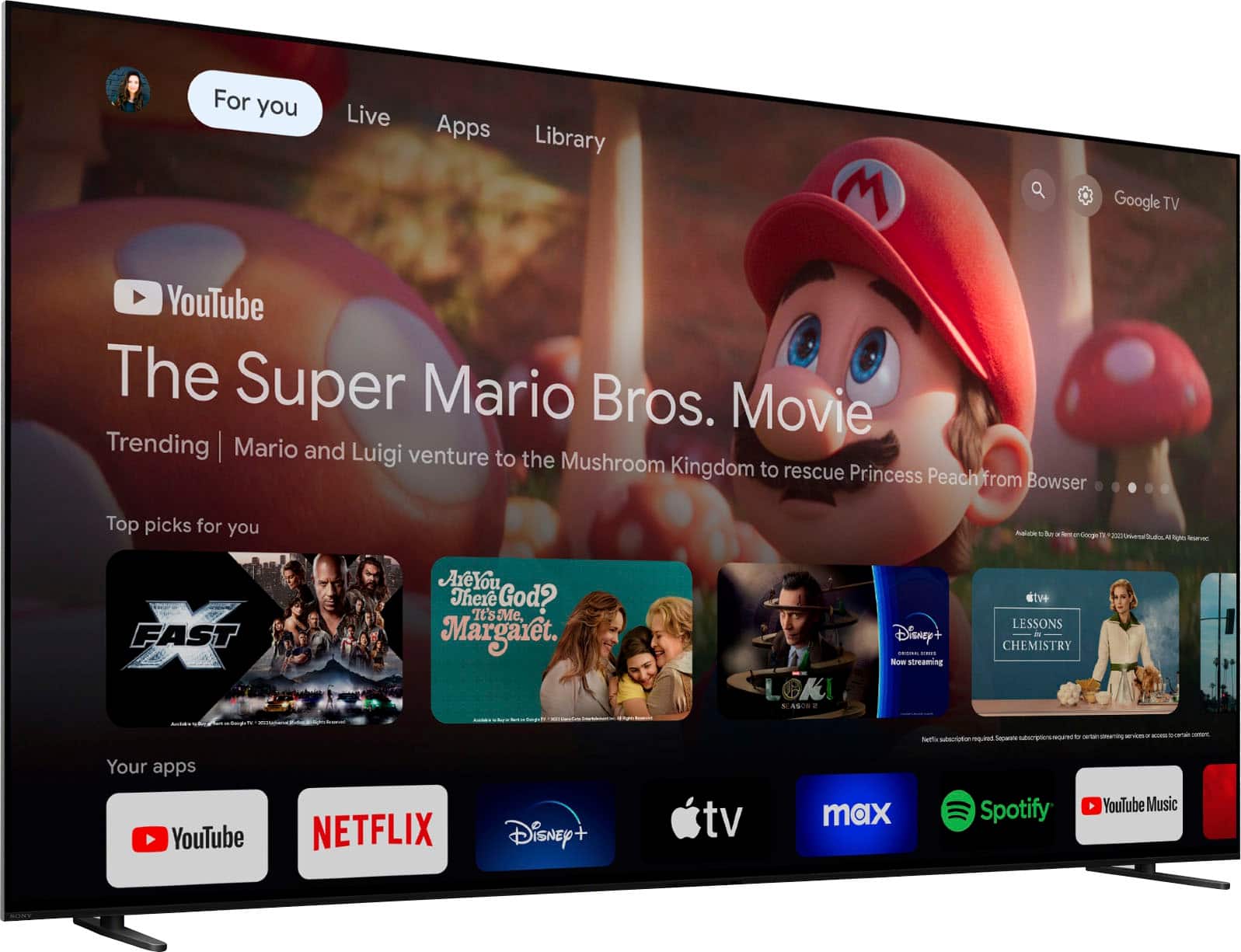
- A:Answer Hi G, Thank you for your question! The BRAVIA 8 operates on the Google TV OS, which means that while you cannot completely deactivate Google, you do have the option to disable certain services such as voice assistance, voice recognition, and the Google Play Store. If you prefer, you can configure the TV as a basic model that doesn't require a Google account. If there are specific apps you would like to remove, you can uninstall them. However, please note that some built-in apps, like YouTube, will remain on the TV since they are integrated into the system and cannot be uninstalled. We hope you find this information helpful! Thank you for considering Sony TVs. Best, Gus
Answered by SonyListens

Best-selling TVs
- Black Friday Deal$189.99Your price for this item is $189.99
- $89.99Your price for this item is $89.99$149.99The comparable value for this item is $149.99
- $249.99Your price for this item is $249.99$379.99The comparable value for this item is $379.99
- Black Friday Deal$74.99Your price for this item is $74.99
- Black Friday Deal$99.99Your price for this item is $99.99
- Black Friday Deal$329.99Your price for this item is $329.99
- Black Friday Deal$229.99Your price for this item is $229.99
- Black Friday Deal$169.99Your price for this item is $169.99
- Black Friday Deal$129.99Your price for this item is $129.99
- $349.99Your price for this item is $349.99$549.99The comparable value for this item is $549.99
- Black Friday Deal$399.99Your price for this item is $399.99
- Black Friday Deal$329.99Your price for this item is $329.99
- Black Friday Deal$999.99Your price for this item is $999.99
- Black Friday Deal$449.99Your price for this item is $449.99
- Black Friday Deal$499.99Your price for this item is $499.99
- Black Friday Deal$1,399.99Your price for this item is $1,399.99
- $599.99Your price for this item is $599.99$1,299.99The comparable value for this item is $1,299.99
- Black Friday Deal$399.99Your price for this item is $399.99
- $199.99Your price for this item is $199.99$259.99The comparable value for this item is $259.99
- Black Friday Deal$899.99Your price for this item is $899.99