A:Answer You need to do a channel scan once you connect the coaxial cable from your antenna. There are no instructions in the manual, but the following are roughly the steps as I remember them:
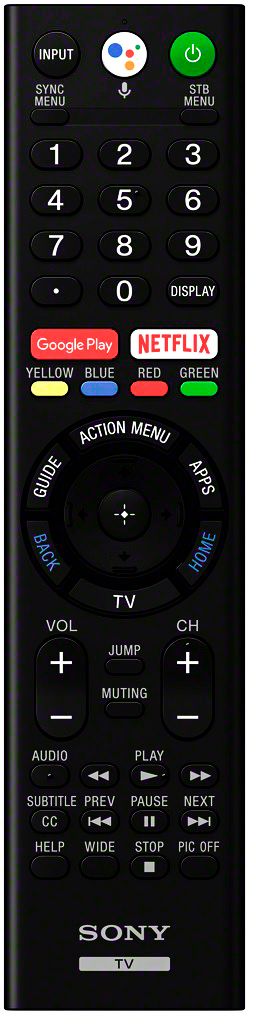
(1) Click on "home" on your remote after setting the "input" to "channels".
(2) Scroll down through the page to a picture of a gear, and click on it.
(3) Go into set up, and click on something like "auto program."
(4) The TV will scan to locate all of the channels which takes a few minutes.
Afterwards, you can just click on the "input" button on the remote, and then select "channels" to get your antenna channels. Use the channel selector to go up and down.
I ended up with way more channels than I ever had with any other TV. And they are mostly all crystal clear like the images from other input sources.