A:AnswerShould be fine. If you don't have enough power, the speakers will pull it and fry your receiver amp. So always better to have more power than not enough.
A:AnswerI don't think so each speaker connection is made for 1 speaker. You could however use the rear speaker connections and just put them in the from as well. It comes with a speaker calibrator so this will help with signal distance. In settings switch to stereo instead of surround.
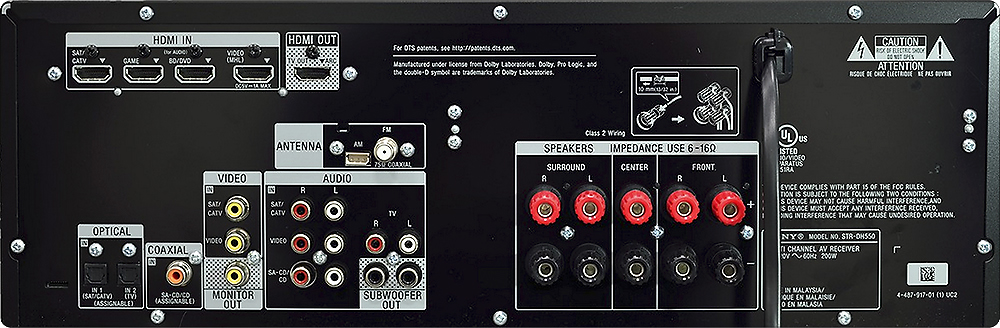
A:AnswerHello Shane, thank you for your comment. According to the speaker impedance this receiver has and the ohms the set of speaker has, they are compatible in between them, so they will work.
-Kate
A:AnswerYes this is true. You must turn it on and select the input you want or have it on that input when it gets turned off. It does not automatically detect a signal and change inputs.
A:AnswerSorry after back checking the receiver only has optical in not optical out. You would need to go from your TV optical out to the receiver optical in. Make sure that the audio settings are all correct for the devices you hook up.
A:AnswerHello Kp, thank you for your message. Power Requirement is 120V 60Hz. For specs information, check the next link: https://docs.sony.com/release//specs/STRDH550_mksp.pdf. Oscar.
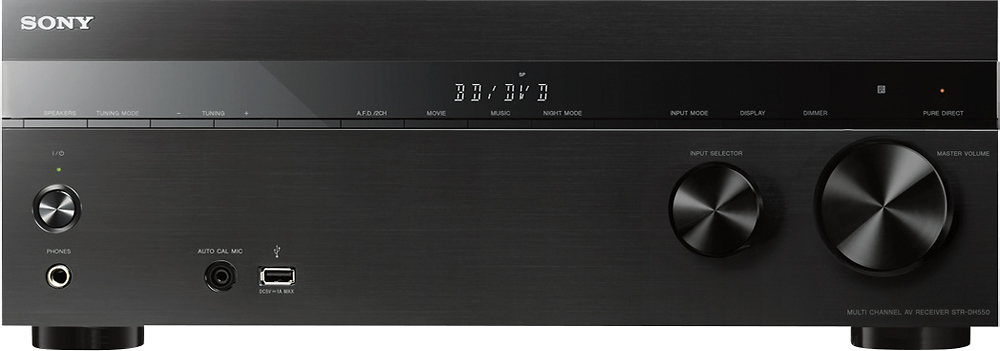
A:AnswerThis unit has HDMI as it's output connection. The input connections are HDMI, Composite and Component. So if you have a player that has composite connections just connect to those and it will output through the HDMI output.
A:AnswerTry another HDMI port instead of cabe/Sat. If you have the same problem you know it's not the HDMI port. It could be the signal you are receiving from your cable/ sat company. i would also suggest going into settings and calibrating the speakers with the auto calibrator that comes with the unit.
A:AnswerBeverly,
It appears to be a defect in the Sony Receivers in this series. After working with Sony tech support yesterday they told be it was faulty take it back to the store.