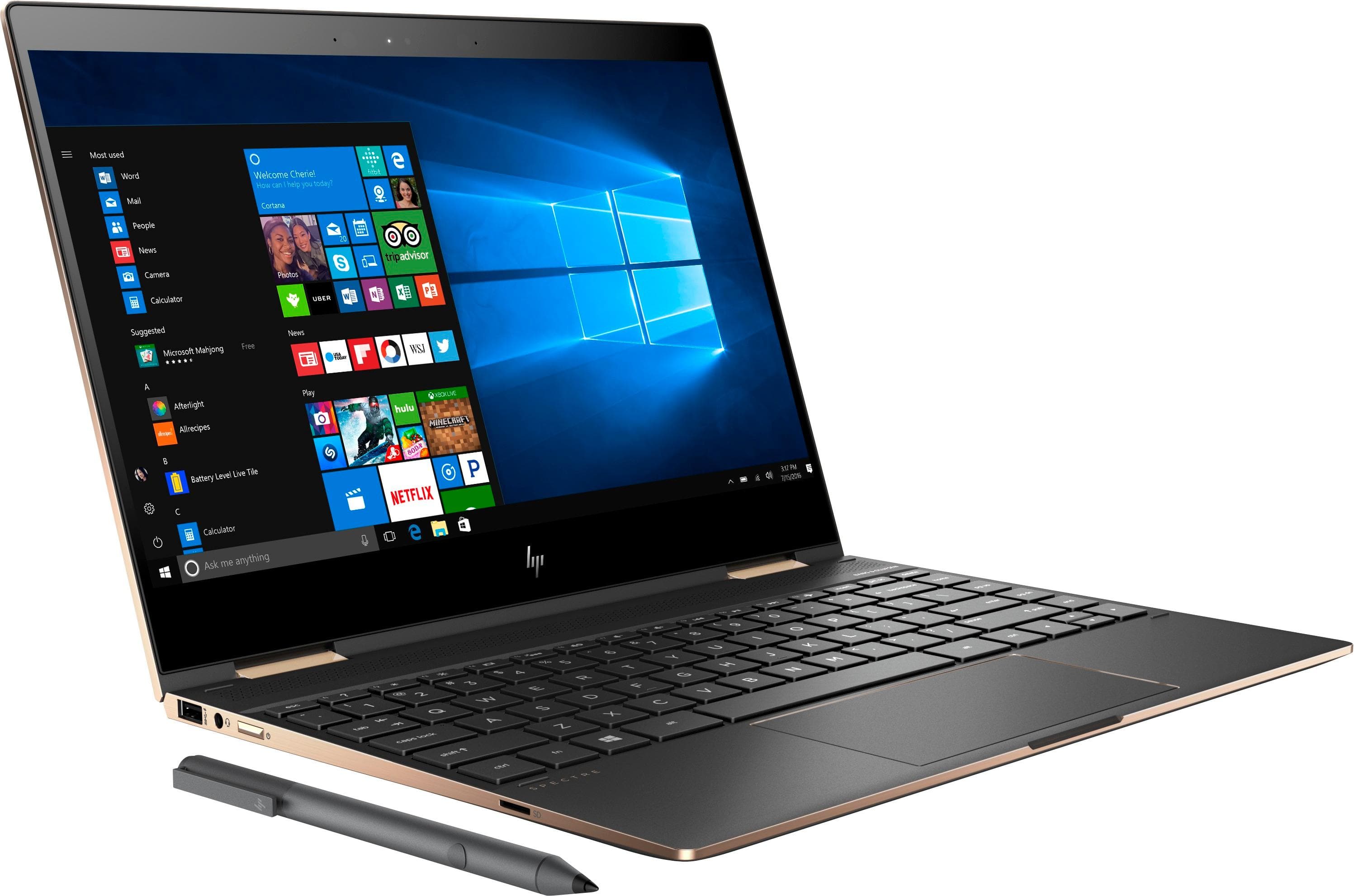
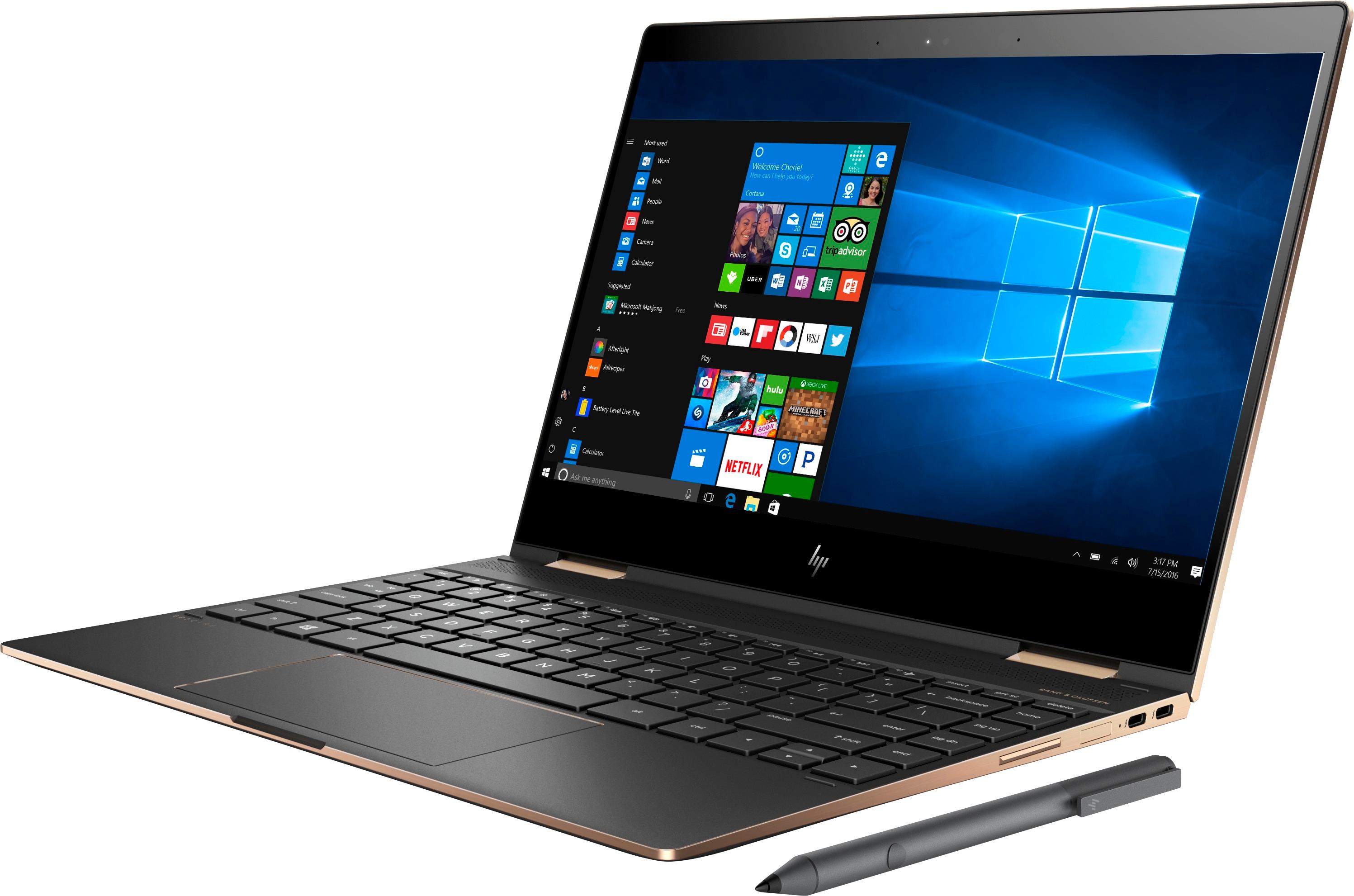
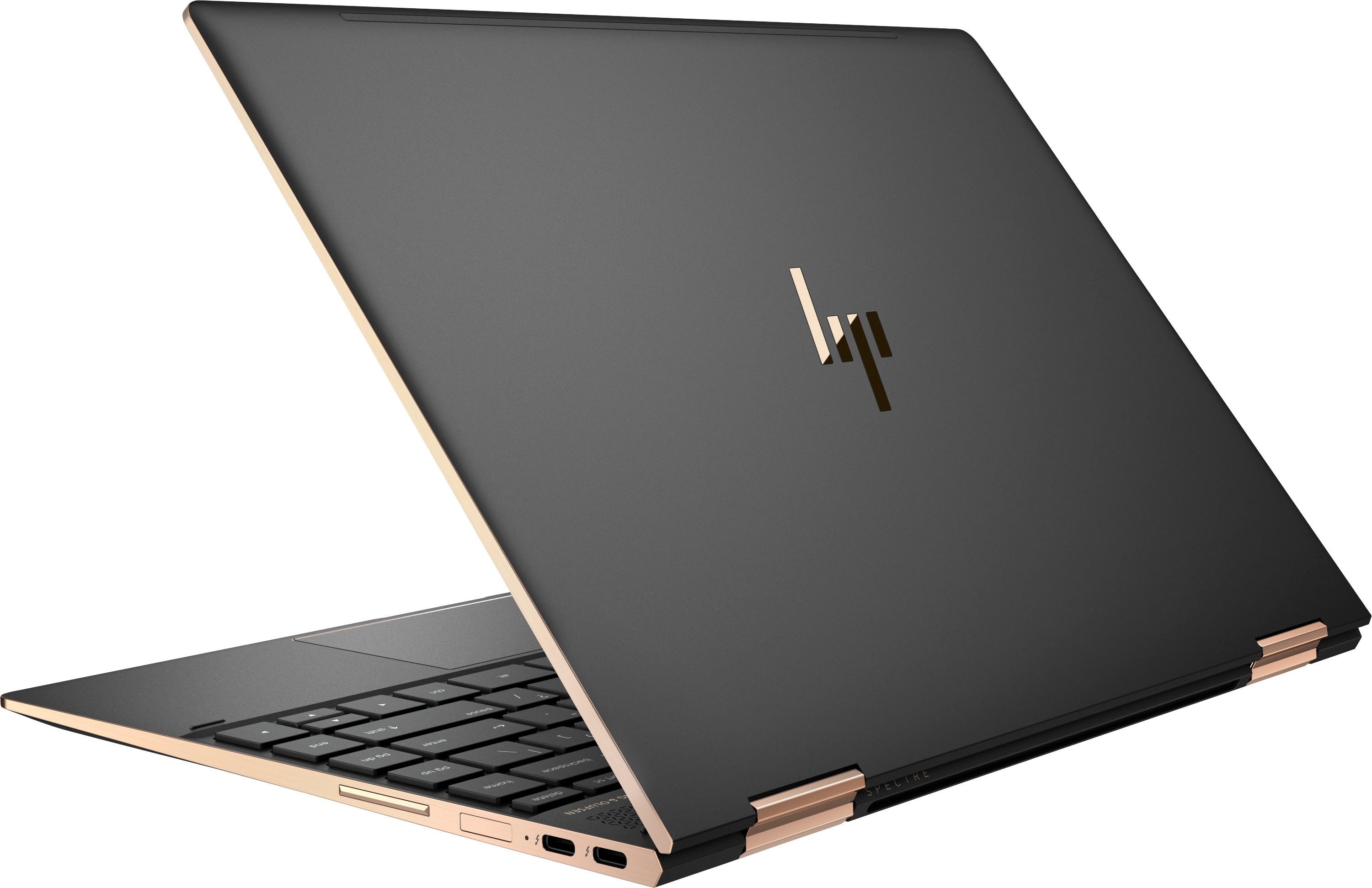
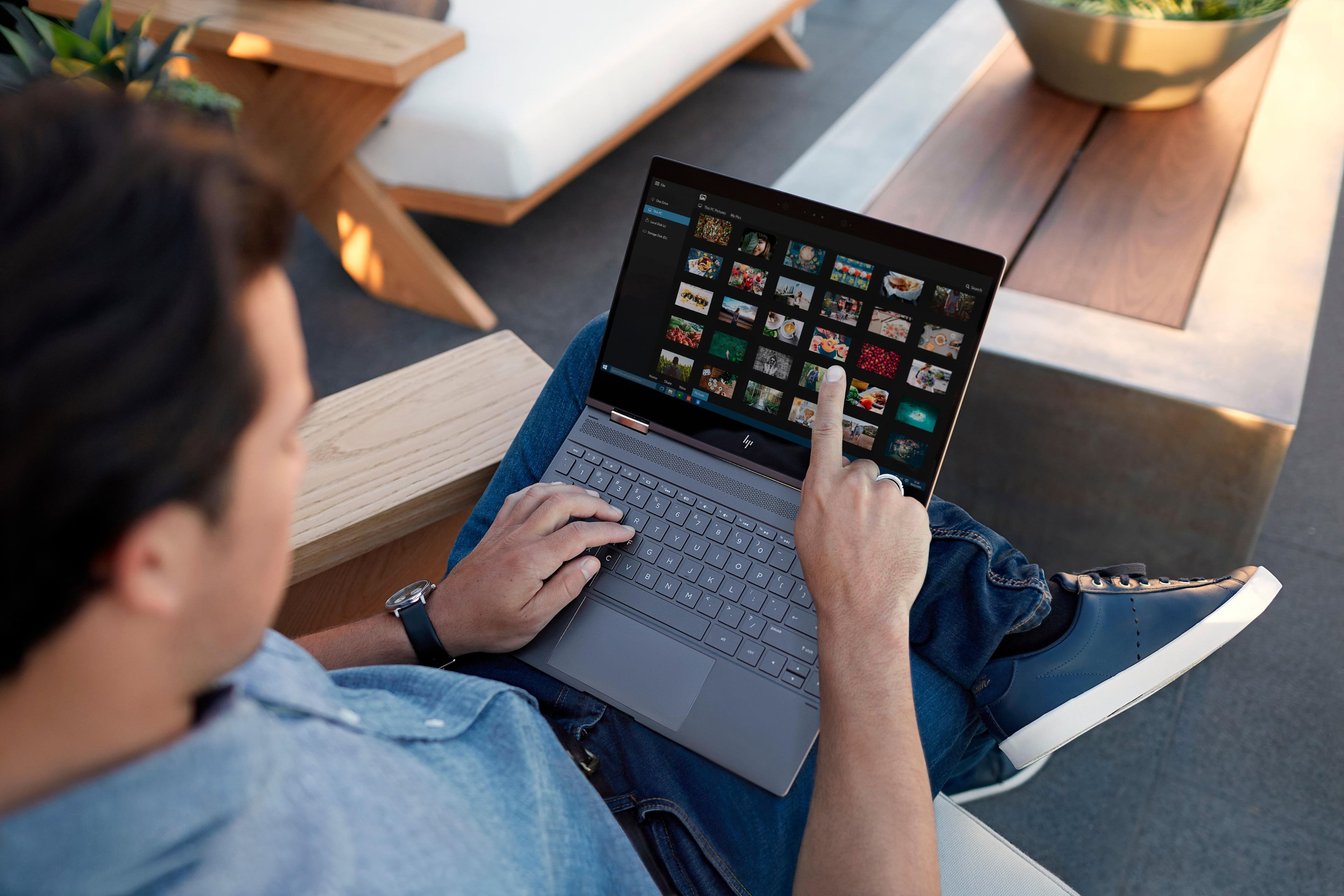
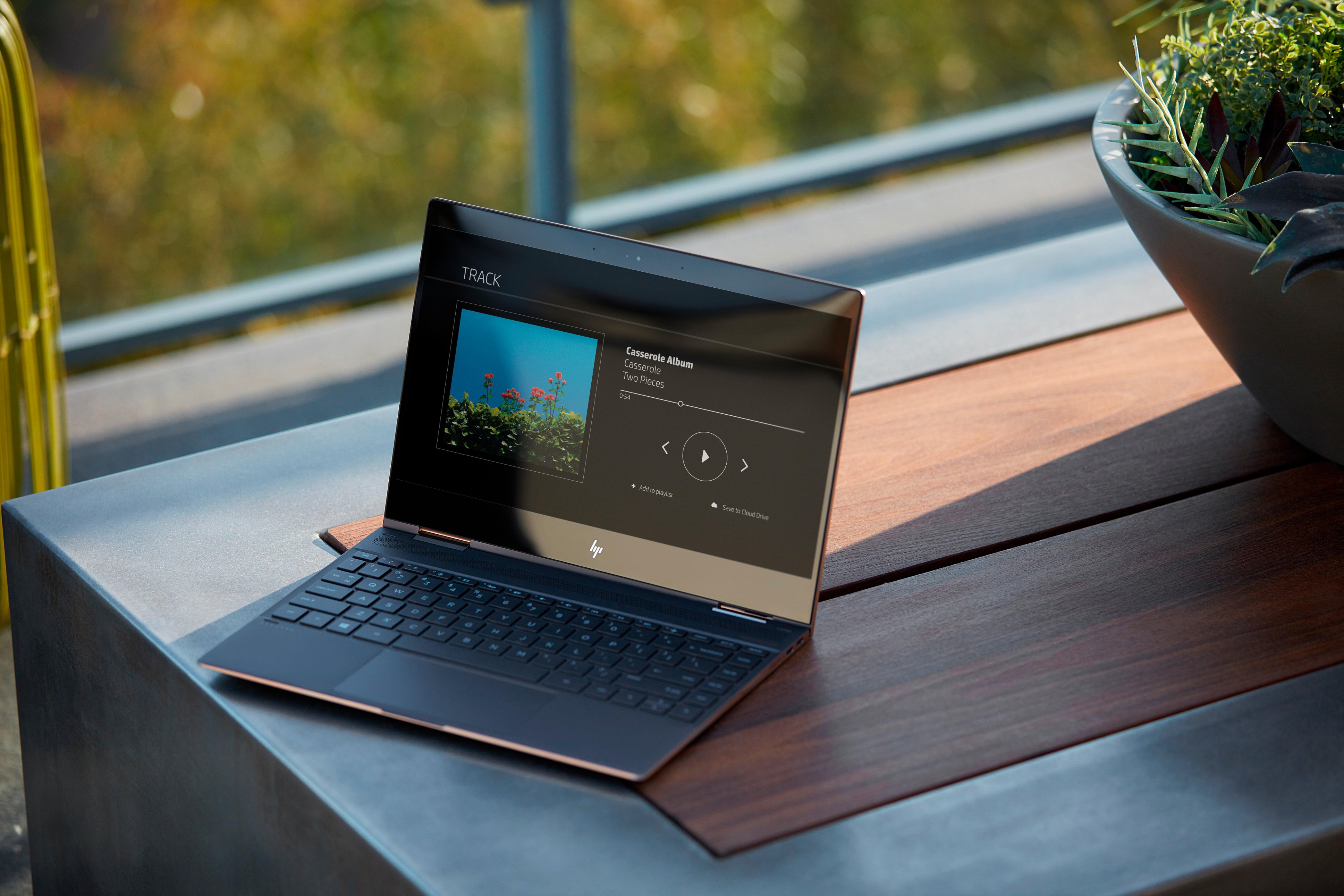
A:AnswerI have had the Spectre for 3 weeks and thus far, have been quite pleased. It has great connectivity and does everything I need for it to do.
I am not a fan of Windows 10, but the laptop does its part well.
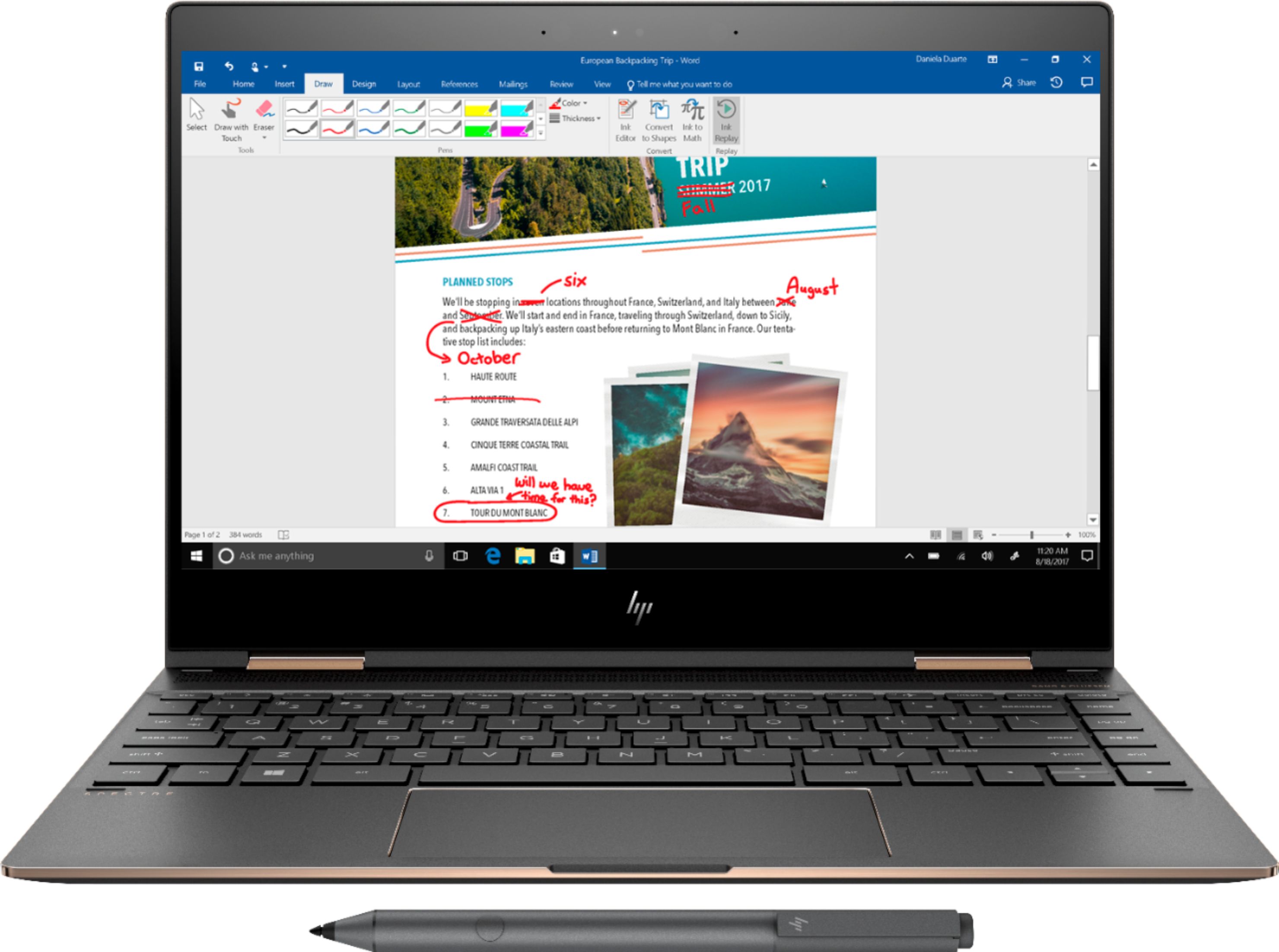
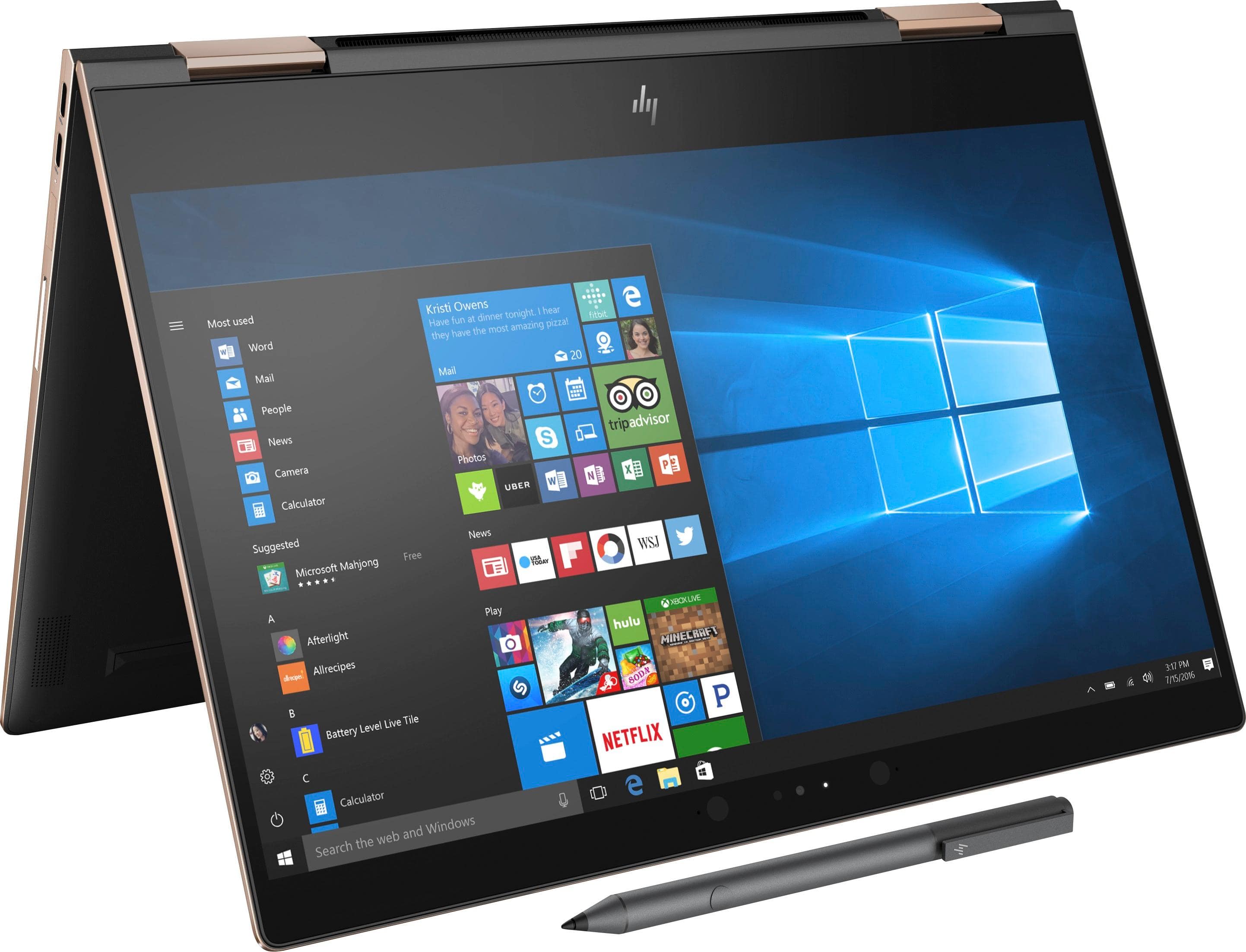
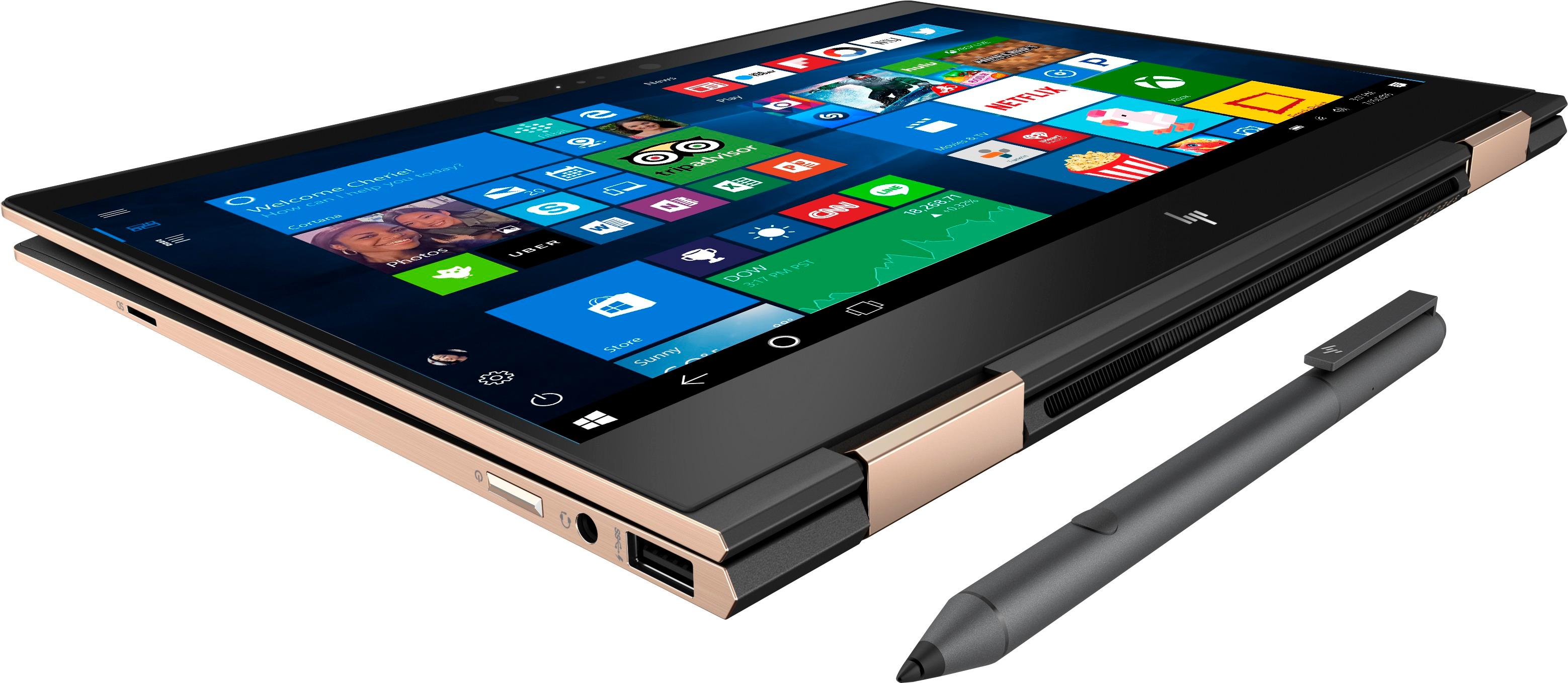
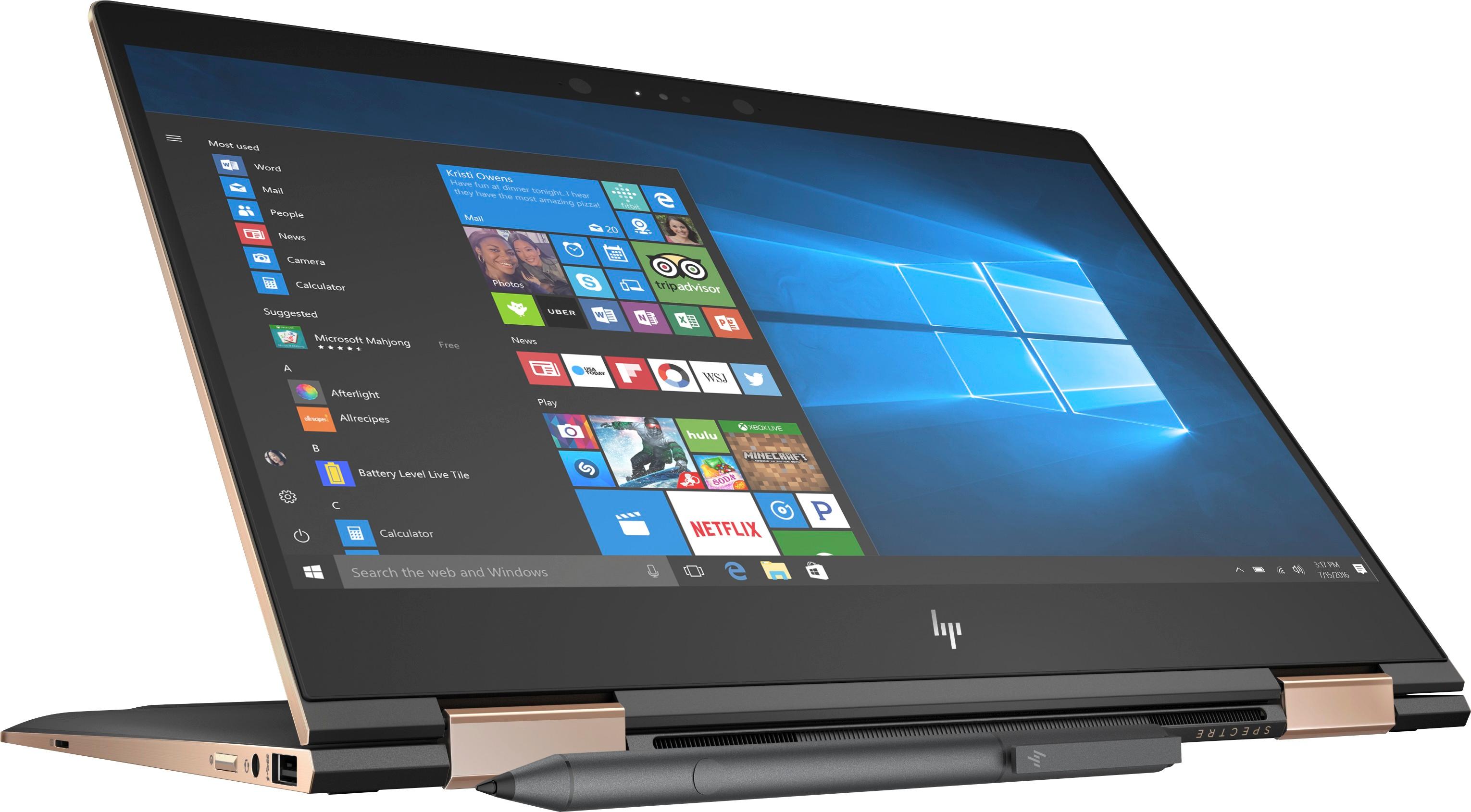
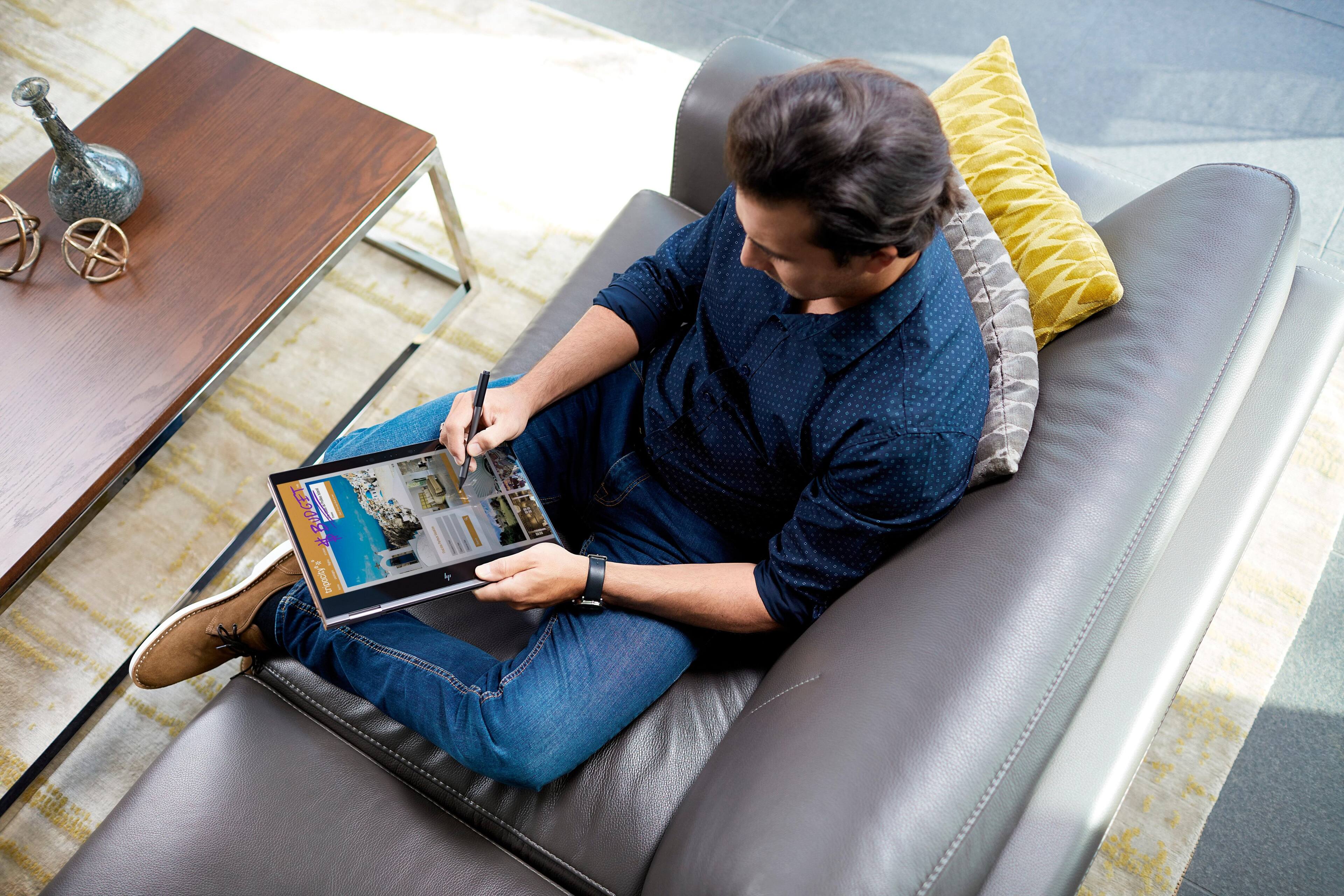
A:Answer* No eraser on back (one of two buttons on side of pen is programmed as eraser, however)
* no USB charging, comes with AAAA batteries needed, life TBD
* does have tilt functionality
A:AnswerYou don't need a dedicated graphics card. I don't know what he's thinking. This works just fine using the integrated intel graphics. Just don't plan on playing first-person shooters on it.
A:AnswerI believe so, however this model did not come with the privacy screen feature I was looking for. I contacted HP and there is a different model number if that is a feature you are looking for. I do not believe HP has communicated this to the retailers and is known within their product sales group. Other than that the laptop is awesome; I actually love using my laptop.
A:AnswerFew Windows laptops come with a GPS. This one doesn't. It uses a combination of IP geolocation, the ISP, and access points to estimate your position.
A:AnswerThe updated HP Spectre 13 contains the newer 8th generation Intel Processors. Additional the newer model has no fan ventilation on the side and has added a fingerprint scanner.
A:AnswerI bought this laptop just few hours ago and I had the same issue with just browsing. Many people say that this laptop goes unfunctional after few months because of the excessive heat. I am very worried about this because it actually burnt my lap. I am going to retun this product and never buy HP again.
A:AnswerYou can customize this laptop on the HP website itself. But beware, the Danish keyboard will have to be a replacement keyboard (if it's even an option you can choose), and it will be costly. You can choose an option, on set up, to which language you want this keyboard to be, but that doesn't change around the physical, actual configuration of the actual keys. Seems a bit complicated to me, to be honest.