A:AnswerIt will record whatever picture that your antenna provides to the Tablo tuner and whether or not the tuner is reliably decoding any particular OTA signal, so if it's dipixolating or dropping during the recording session, so too will the playback. I don't know if you can assign a percentage. How well the Tablo tuner decodes weak signals versus other t.v. turners or external tuners will be the right answer to that question. In other words, some tuners do better than others. My TCL t.v. will usually give me a relaible, perfect picture at 2 bars out of 5, but I don't know how that equates to a percentage. How Tablo rates as a tuner versus Tivo or any other, I don't know that answer, but is a very important question to be answered for those of us in deep fringe areas, because we don't want to hurt our reception via an external tuner.
A:AnswerThe Tablo does not come with a remote. The Tablo does integrate well with the Roku app. Using the Roku remote control you can use all the great Tablo features and access all the menus and options with ease. The Tablo does feature DVR skip but it is sensitive to the quality of the recording. If your favorite television program was recorded on a day where the reception was not great the DVR function will not function. If this is the case, the Tablo will alert you when you click on the program you want to watch. You will have to use the Roku remote to skip forward to avoid commercials. If your program was recorded with a good quality signal the DVR capability works well. In most cases the DVR skip will only let you see 5 secs or less of the skipped commercial
A:AnswerYou could but you may need more storage for video, especially if you save some recordings. Hard drives are cheap these days. It also requires at least a USB 2.0, or 3.0.
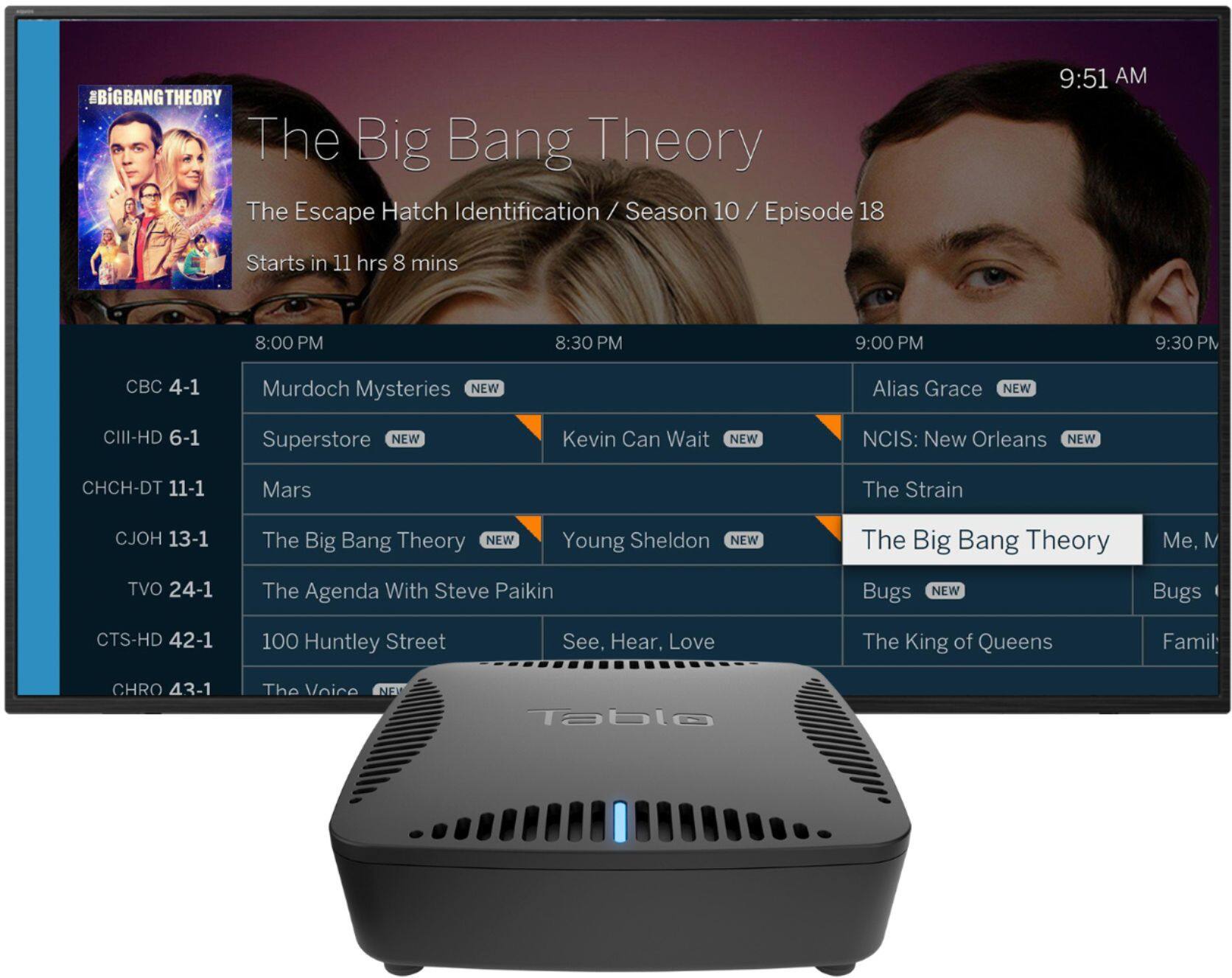
A:AnswerThe Tablo guide is downloaded over internet. If you don't have the guide subscription you are only able to schedule recordings manually, like was done with a VCR.
A:AnswerThis unit does not use the internet to record OTA signals. That is why a UHF antenna is required to record your favorite shows. You will need internet access if you want guide updates every two weeks or so. You will also need internet if you want updates for your Tablo.
A:AnswerNo, the Dual is only 100Mbps. Some reviews suggest this is not a limiting factor for the Dual. Some reviews of the new Quad, that is available in a few months, suggest it has a 1000Mbps Ethernet connection.
A:AnswerYes. You can. Bet with some research you can lower your streaming expenses. Watch club memberships. Sam’s has free Paramount +. Look for deals. I have OTA antenna but rarely use it. You tube TV has some recording capabilities. Takes time to learn how to navigate it.
A:AnswerYou can, but it isn’t as smooth as a traditional cable provider DVR.
For example, if half of the game has recorded, when you start watching it shows that the recorded program is only that long, but keeps recording in the background.
Once you reach that halfway point, set by when you started watching, you have to back out and hit play again. Then the program will show that it is longer and you can keep watching up until that next point of where the recording was when you started watching.
In this halfway example it isn’t that bad. But if you are only about 30 minutes to an hour behind live, you will have to back out and start again multiple times.
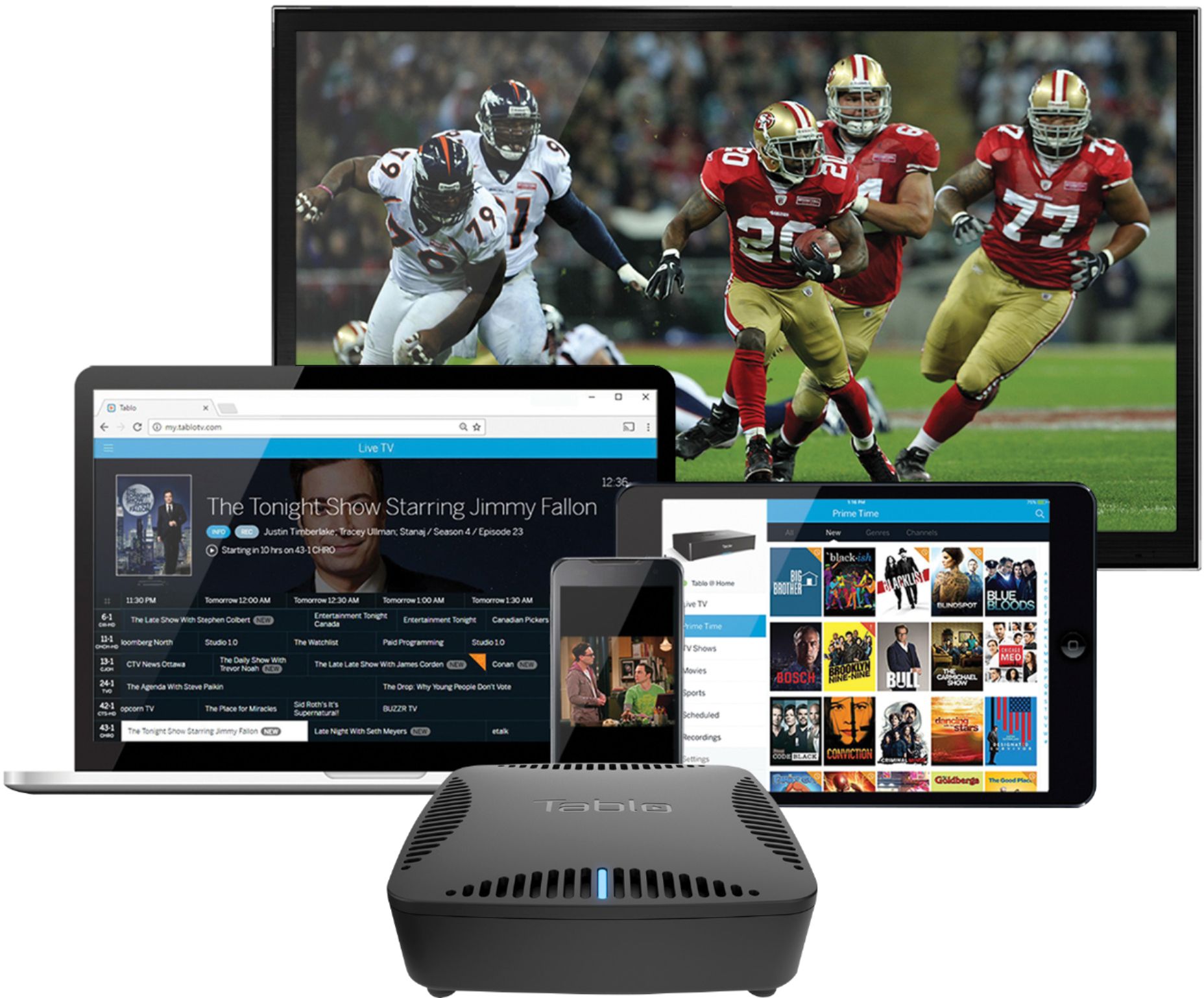
A:AnswerNot directly. Device requires an internet connection and antenna, and will then broadcast its own signal to most "smart" TVs and streaming devices, such as Roku, Apple TV, or Chromecast. Also requires a separate hard drive.