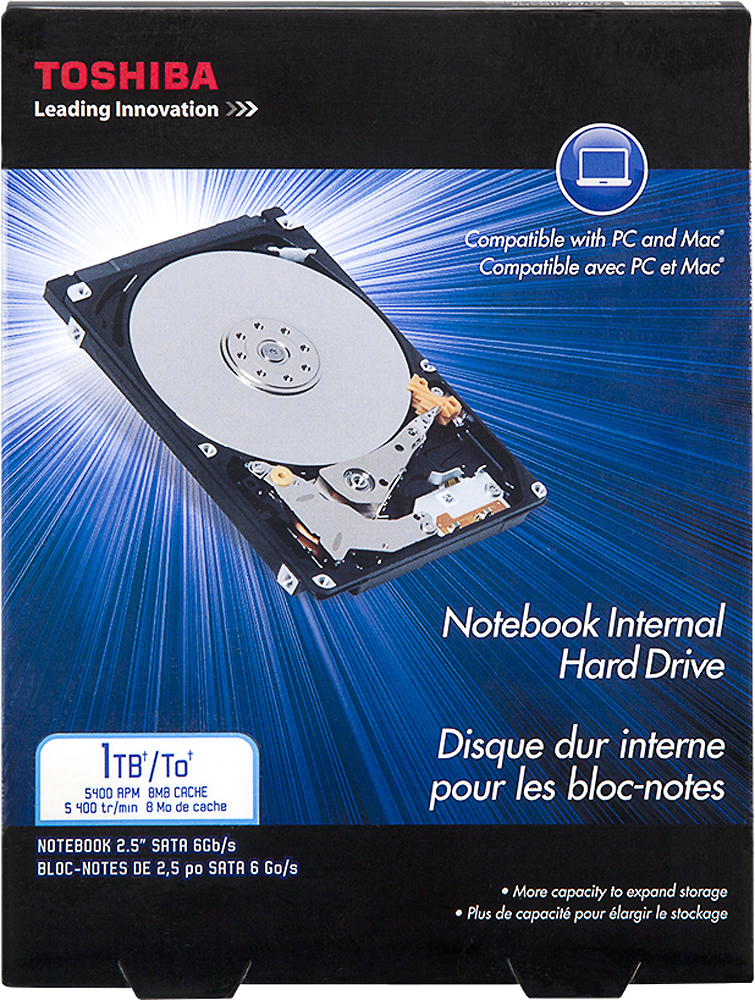
A:AnswerI have used this hard drive on a HP and a Dell Laptop. I don't think it will mater on Samsung Note book. Both laptops have been working good with no problems.
A:Answerif you go directly to an Apple Store/outlet in your city, they can ensure casing removal not be a problem. it would fit if the cabling can be connected.
A:AnswerThis hard drive is for laptops that use 2.5 inch or smaller drives. You may be looking for a desktop hard drive which almost all use 3.5 inch or larger ones.
A:Answervery likely will - as long as you have a standard 2.5" drive in your Dell, this eSATA drive is a nice low profile, so it can accommodate many machines - except for maybe the very thinnest laptops.
A:AnswerThe process is in the instruction. You have a choice to copy everything or just the OS only or select what you want to back up on your new HD. Very simple to do.
A:AnswerIt worked for my Toshiba Qosmio x770, so I believe it will also work with Satellite. Usually hard-drives are one size fits all for laptops. Hope this helps!
A:AnswerI can't imagine why it wouldn't, but even if it doesn't, the size and price of this drive makes it a great portable backup drive - just pop it in an SATA hard drive case (Best Buy sells them) OR, grab one off of eBay - I pulled a 750 GB drive from my Lenovo that was corrupted, replaced it with this, installed my reinstall software - got my Lenovo back up and running, reformatted my 750gb drive and dropped it into a drive case, giving me a huge backup, pocket sized drive to keep all of our family photo collections going back to 1998-99 - the last time we used actual film. I have another 500 gig backup case drive where I keep everything else from tax returns to my entire music collection, important documents, contacts and important programs. If the house caught on fire, you don't grab the family photo album anymore. you grab the backup drives and hopefully a couple of the laptops - must be thousands of photos on there. would take a truck to haul all those albums out of the house while it burns. And you can take it with you anywhere. Very useful and so worth it for the price, even if for some reason it won't work in your computer. highly recommended
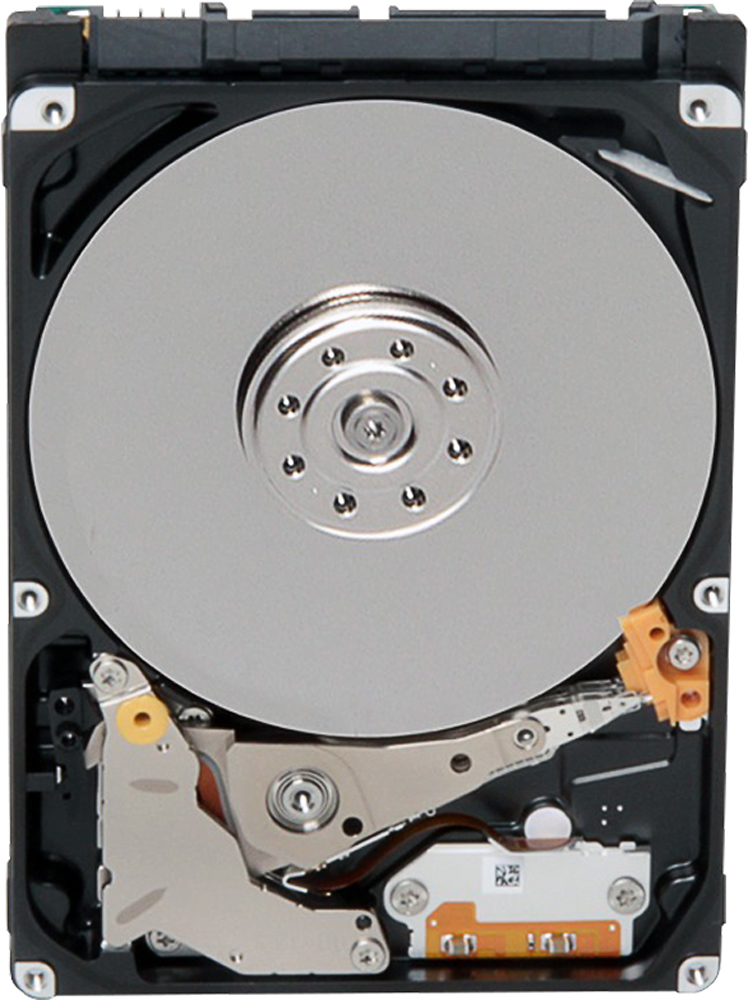
A:AnswerProbably. If the laptop uses a standard mount for an internal laptop hard drive and can support the SATAIII standard, if should be fine. If the laptop uses something different, there could be an issue.
A:AnswerI have had no problem in the six units here being changed over to this SSD hybrid, just use the bracket from original drive to ensure satisfactory fit.
A:AnswerI don't have that exact model, but I put it in a HP dv7 series and it fits and works great. You can always consult with the Geek Squad and then buy it there in store, or buy online and pick up in Best Buy.