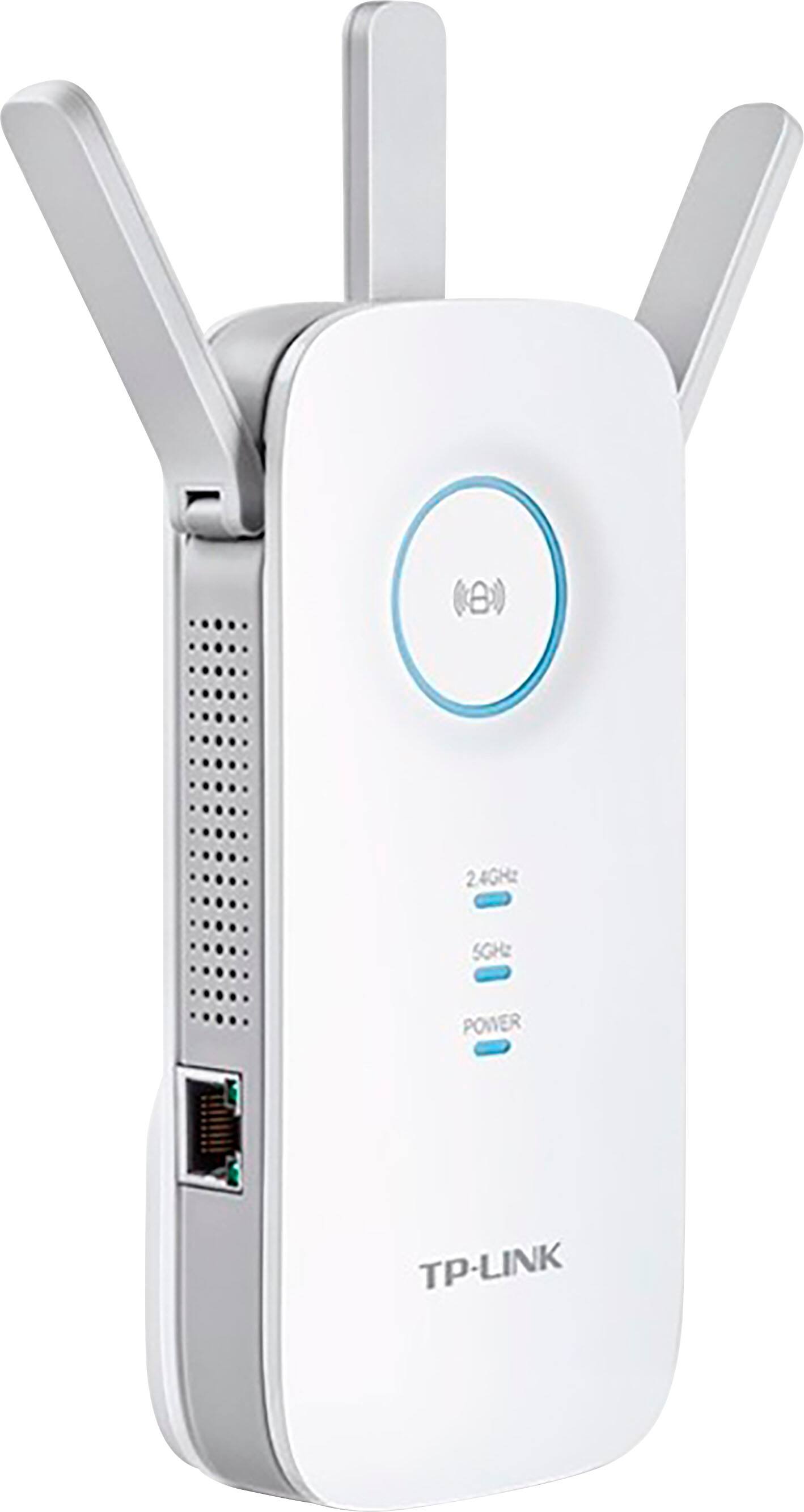
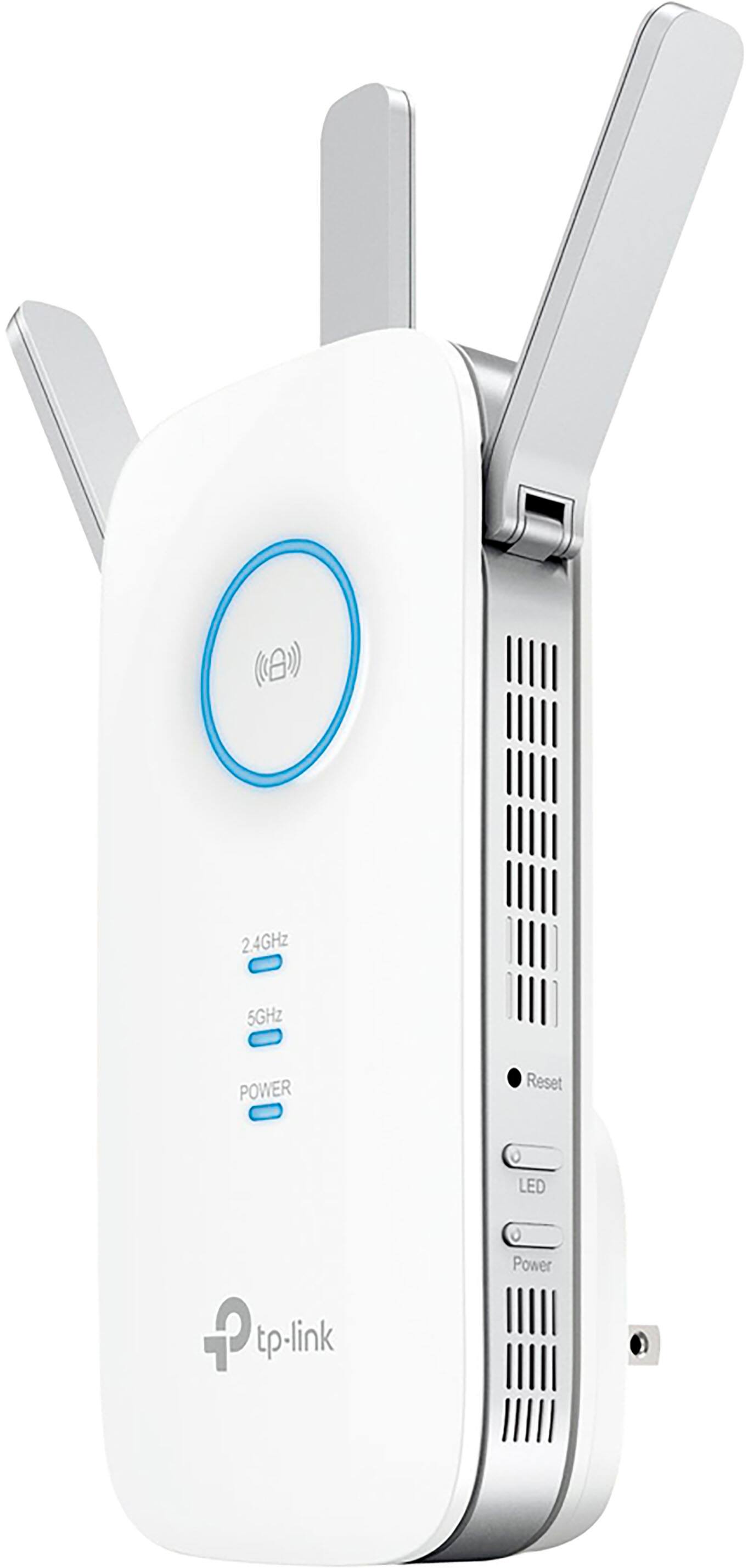
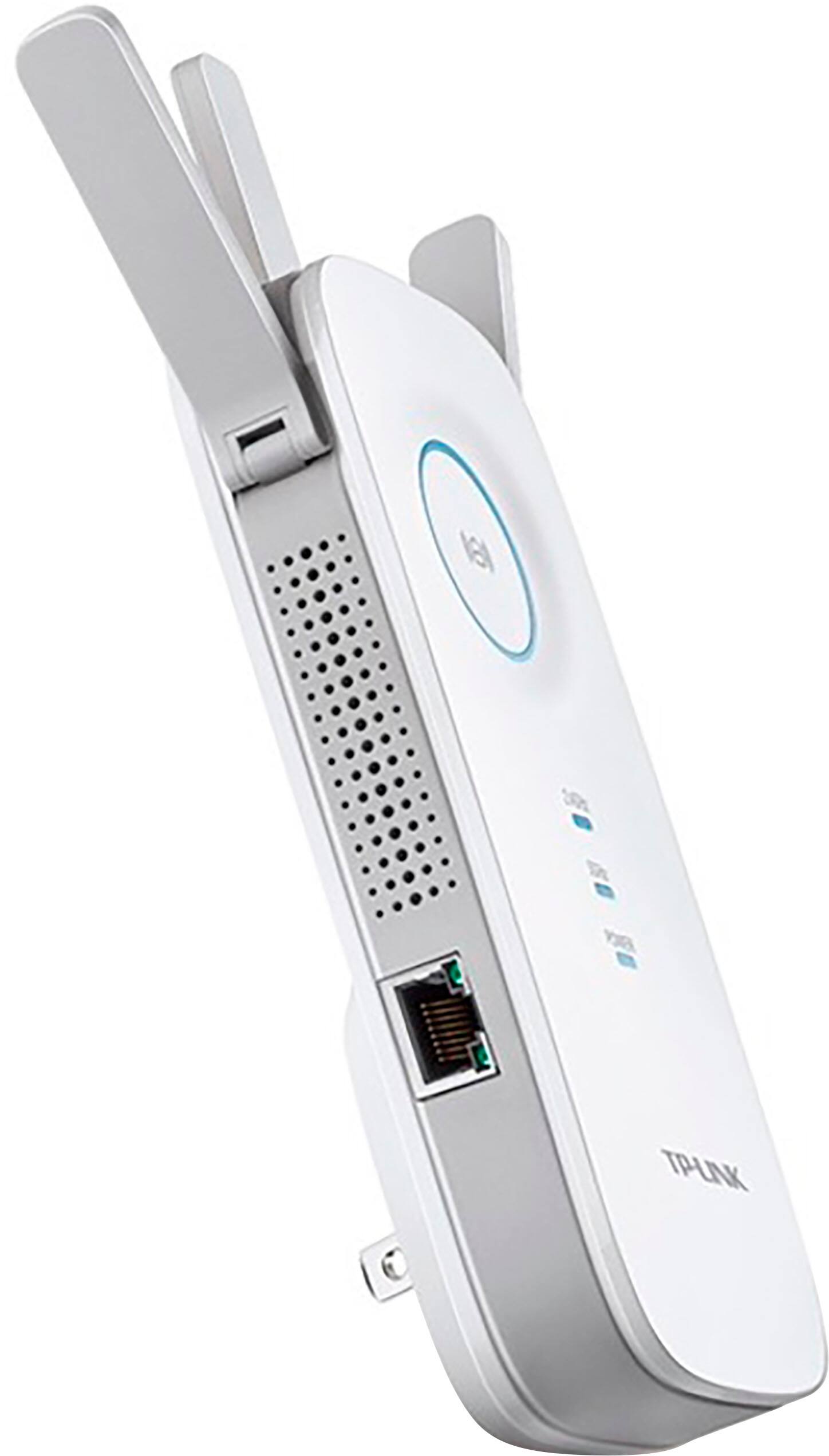
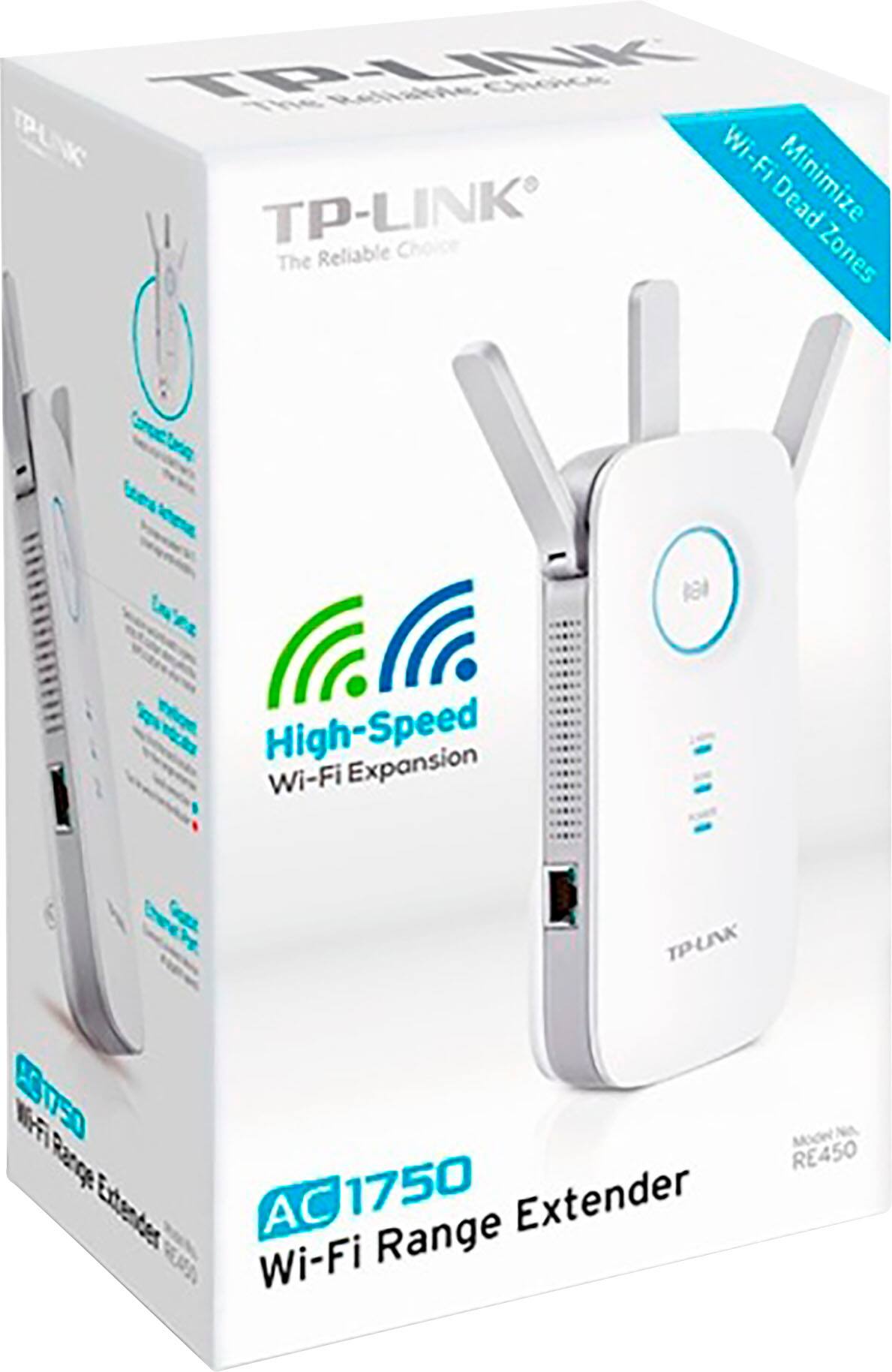
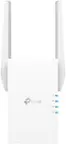
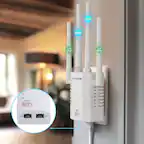
A:AnswerOur WiFi extenders are universally compatible with WiFi routers, so it will not matter who your Internet provider is, as long as you have a WiFi router installed within your home for the extender to connect to. The range of the extender will vary depending on your home's physical and networking environment. For best results, we recommend installing the extender in a position within your home where the router's WiFi signal is sufficiently strong; yet far enough from the router to effectively extend its range.
Regards,
TP-Link Support
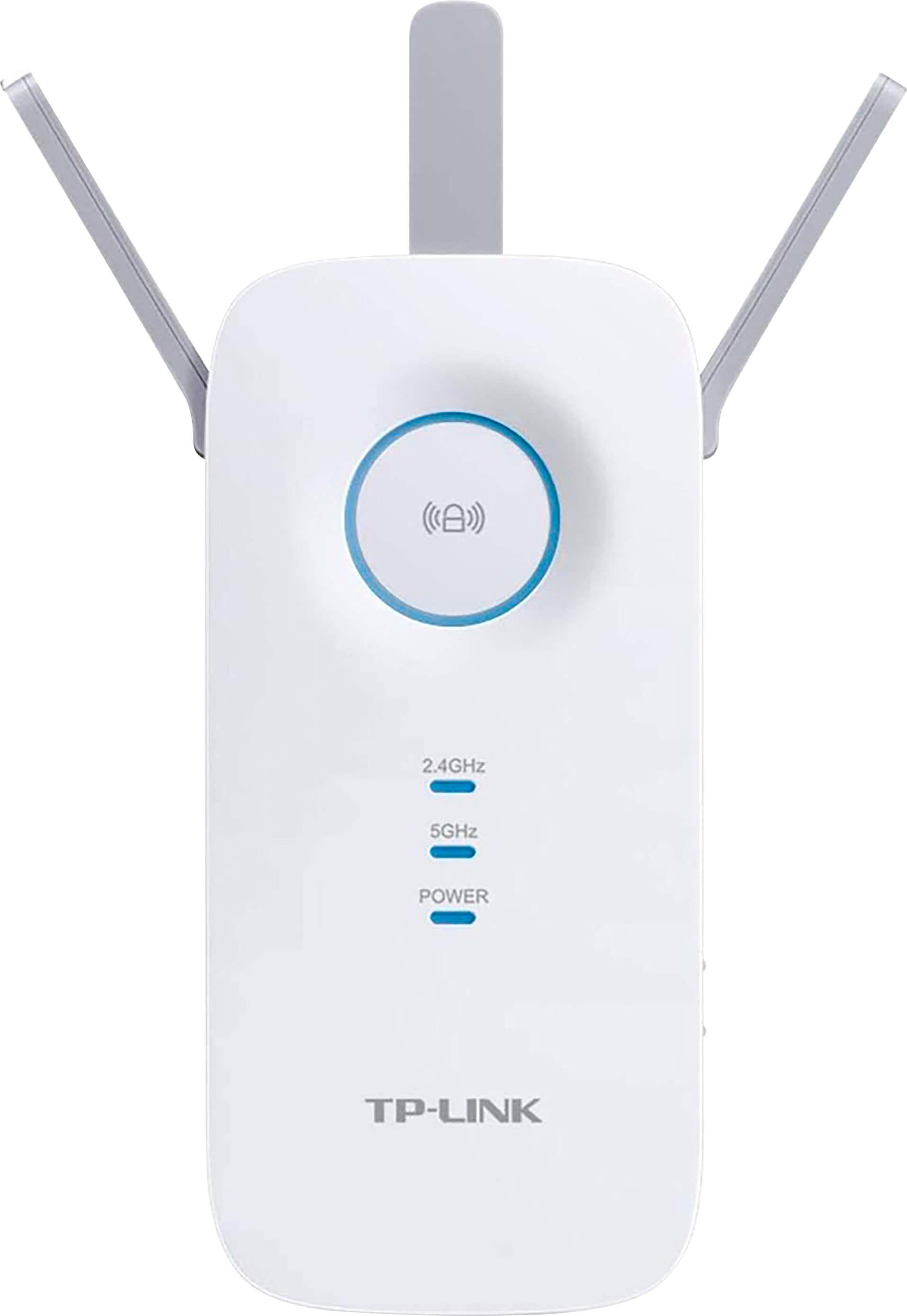
A:AnswerPage 23 of the PDF manual shows you how to choose between using the RE450 as an Access Point rather than a Range Extender. I believe you are describing an Access Point. If so the answer to your question is yes.
Here's my view of the use as an Access Point. Starting at the cable modem -- base wireless router -- ethernet wire -- access point (RE450) -- wifi. In this case you're using the device as an access point, not an extender and the ethernet is used as the connection to your main router.
If you use the device as either a Access point or an Extender, you can name the wireless SSID's on the base router and the Access point / extender the same. But you may have a problem with reconnecting with it when you want to make future changes.