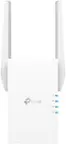
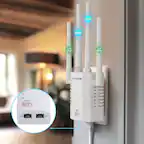
A:AnswerCoverage will vary depending on your existing router's signal, placement of the extender, and physical obstructions in the path of the extender's signal.
A:AnswerI have the TP LINK AC1750 RANGE EXTENDER, My wireless camera is about the same distance from the Range extender as yours. It works for the most part, the signal has dropped a couple times. I wouldn’t extend it any farther. Unfortunately for me The closest outlet is in an upstairs bedroom and the signal has to go through a couple sheet rock walls to reach the camera. If you have an outlet with a good direct line of site and very few obstructions the 30’ distance should work. A nice feature this extender has when used with the App is that it tells if you are within range from your router or not. I used this feature to place the extender as far from the router a possible and still be effective The extender will also list who is connected to it so you check it to see if the camera is connected or not.
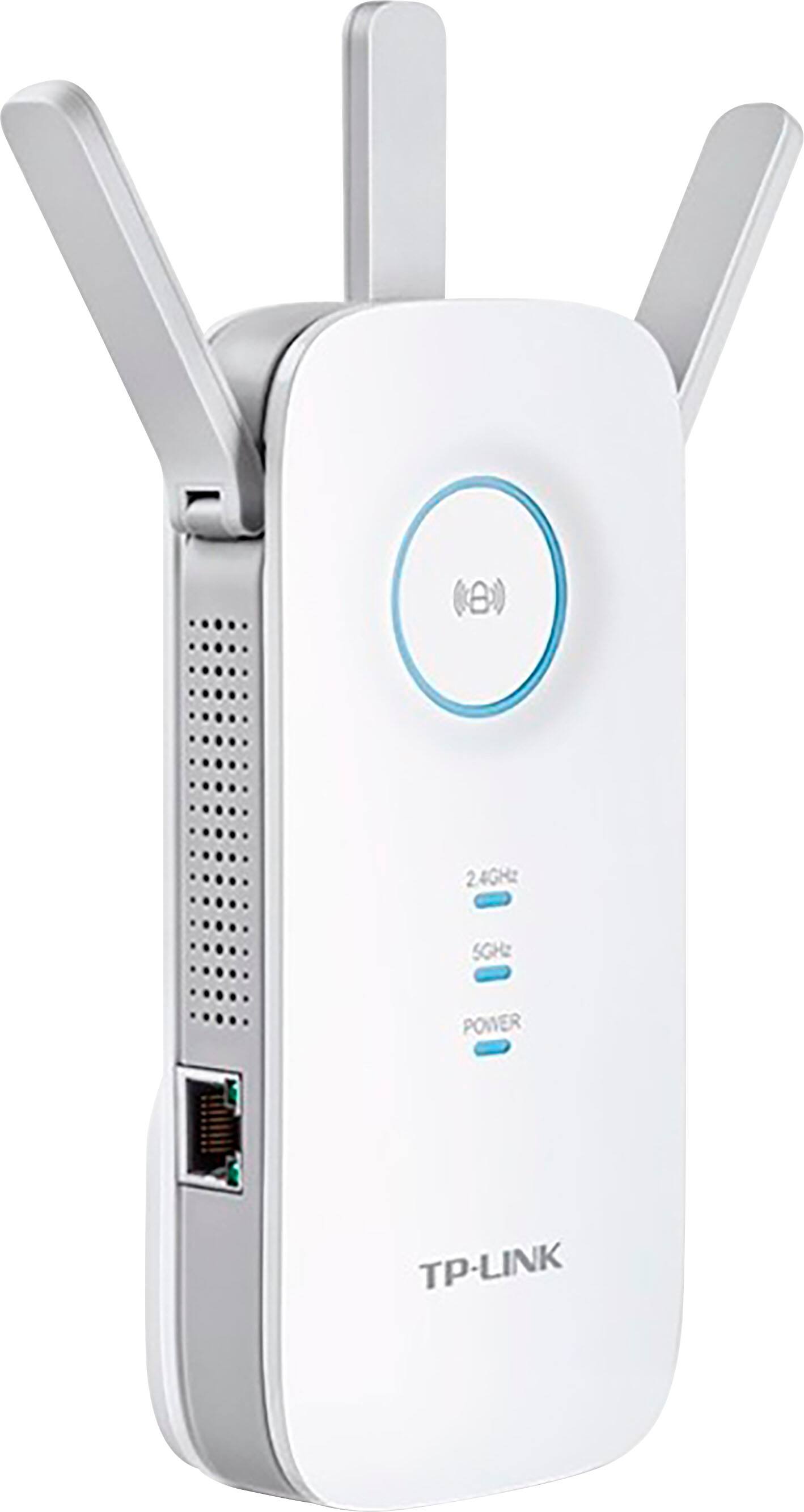
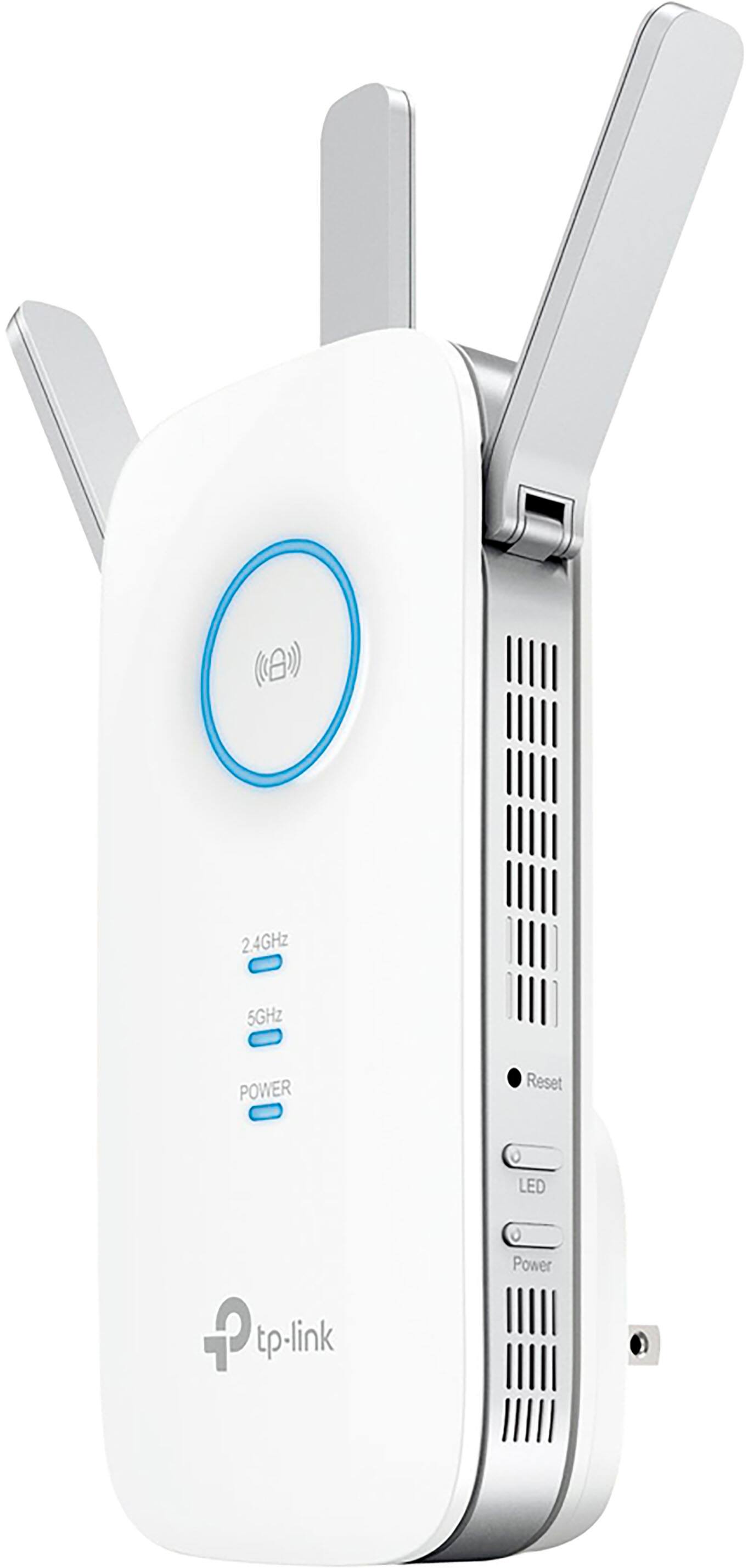
A:AnswerFor optimal WiFi extension results, please install the extender in a position within your home where the router's WiFi signal is sufficiently strong; yet far enough from the router to effectively extend its range. Please verify the RE status LED is indicating a solid connection.
A:AnswerI don't know much about wifi tech but I got this extender for the sole purpose of strengthening the WiFi signal and it does that. It splits the WiFi into two options: 2.4 GHz and 5 GHz, so I have to choose which one to use (I guess my modem, the regular wifi source, does that on its own). It is wireless and can be used for multiple devices like a regular WiFi signal works. I have used it for a laptop, ipad, and iphone at the same time and it worked fine. I have not tried using the iPhone HotSpot with it, though. I just followed the instruction booklet and everything worked out fine!
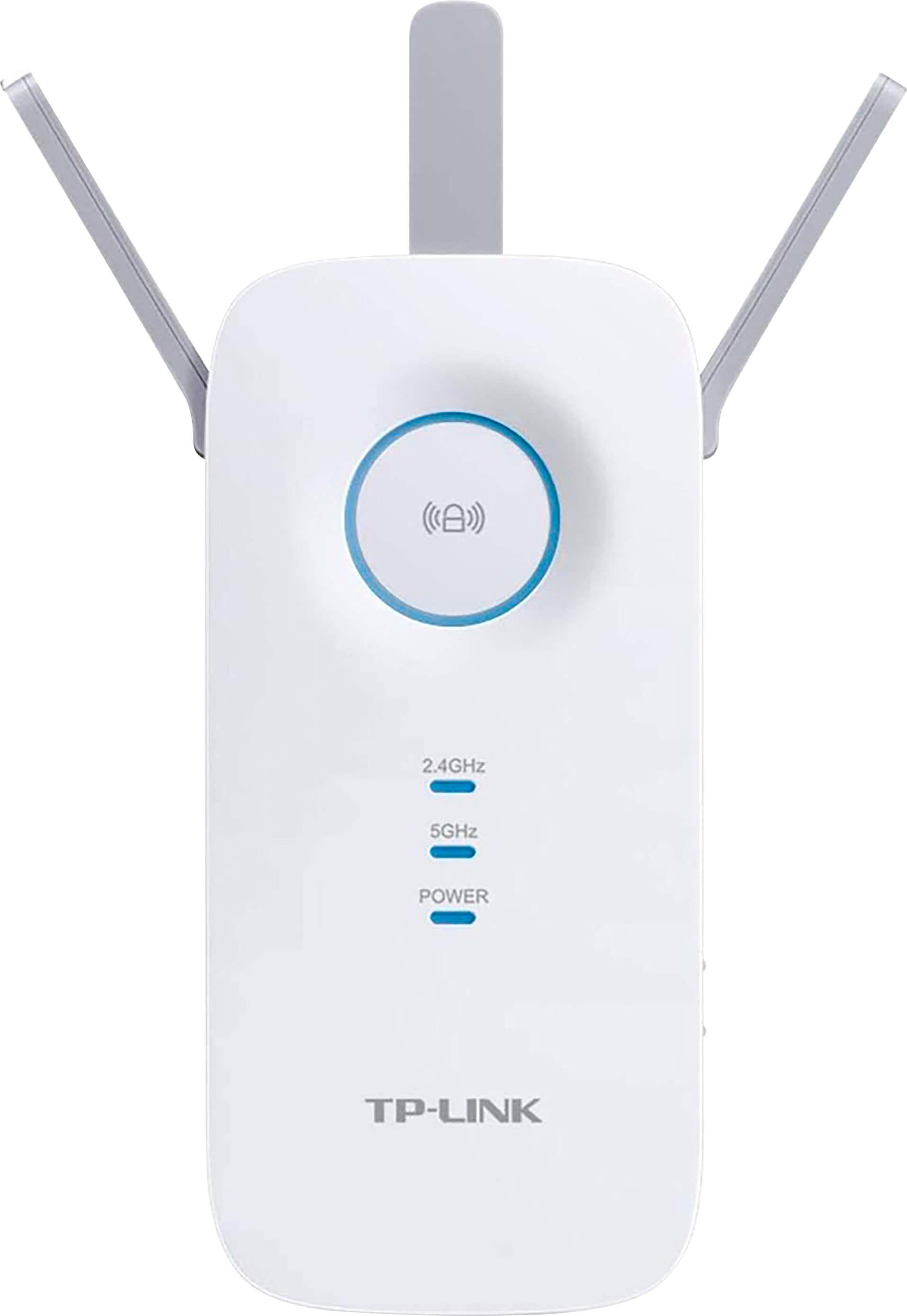
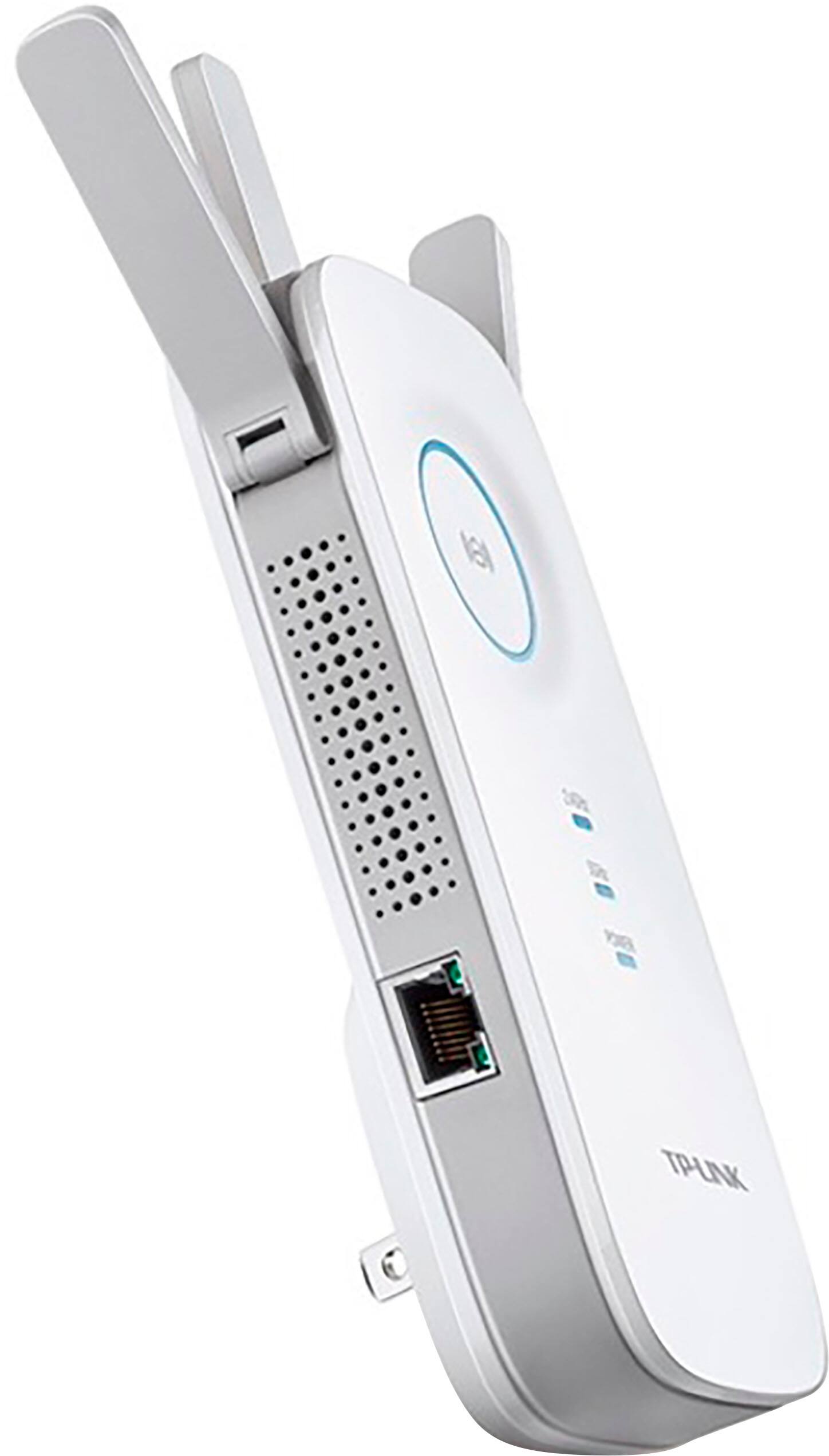
A:AnswerI tested setups both using it as a AP and then an Extender. I found that using it as an AP is much, much faster. You just need to make sure you have a good Ethernet jack to connect it to. Using it as an Extender only works if you have a strong WiFi signal to route it through. It will struggle if you have a weak WiFi signal to begin with. That is why I recommend using it as an AP.
A:AnswerIf you need additional WiFi coverage throughout your home, this extender can certainly help improve range and stability.
Regards,
TP-Link Support
A:AnswerFor best results with a range extender, we recommend positioning the unit within your home where the router's WiFi signal is sufficiently strong; yet far enough from the router to effectively extend its range. Placing the extender in an area that is already experiencing poor WiFi signal is not typically ideal.
Best Regards,
TP-Link Support
A:AnswerIf you mean extend data capacity, then no. For example, if your data caps at 25gb, by using this you still get 25gb. It only extend the range of WiFi coverage.