Questions & Answers
Page Showing 1-10 of 10 questions
Q: QuestionWhat is the dynamic contrast ratio of this monitor?
- A:Answer This monitor has a dynamic contrast ratio of 20,000,000:1 (1000:1 typical).
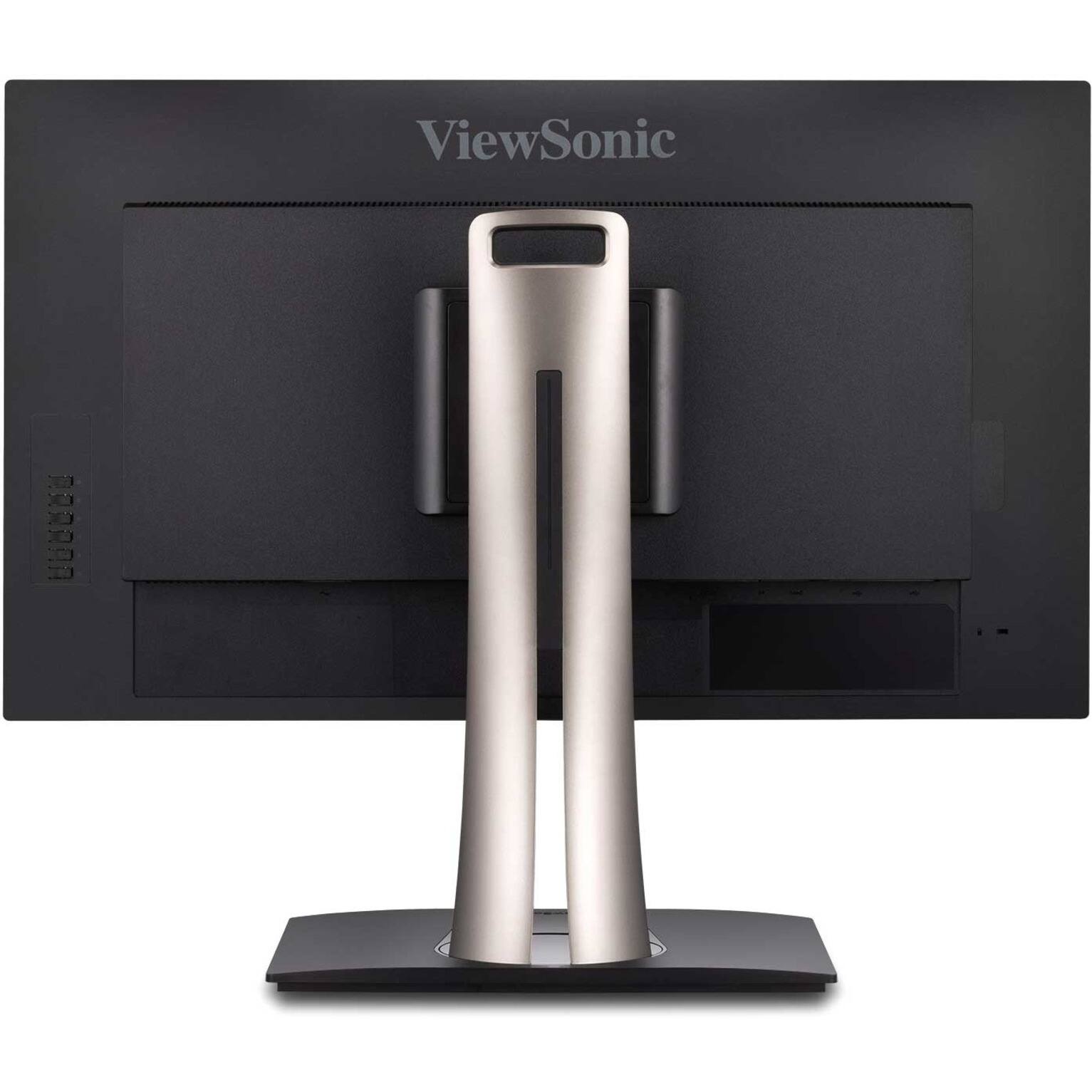
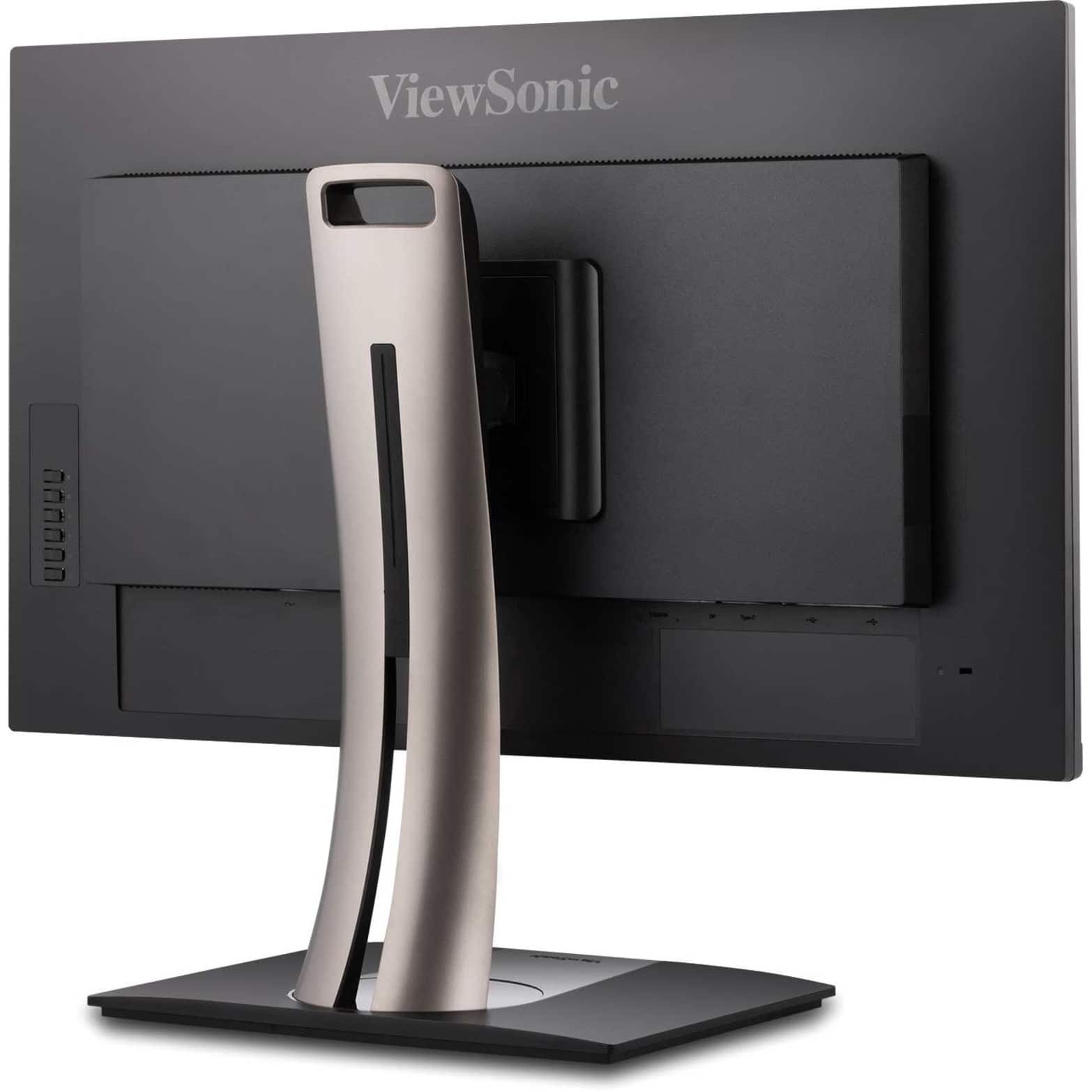
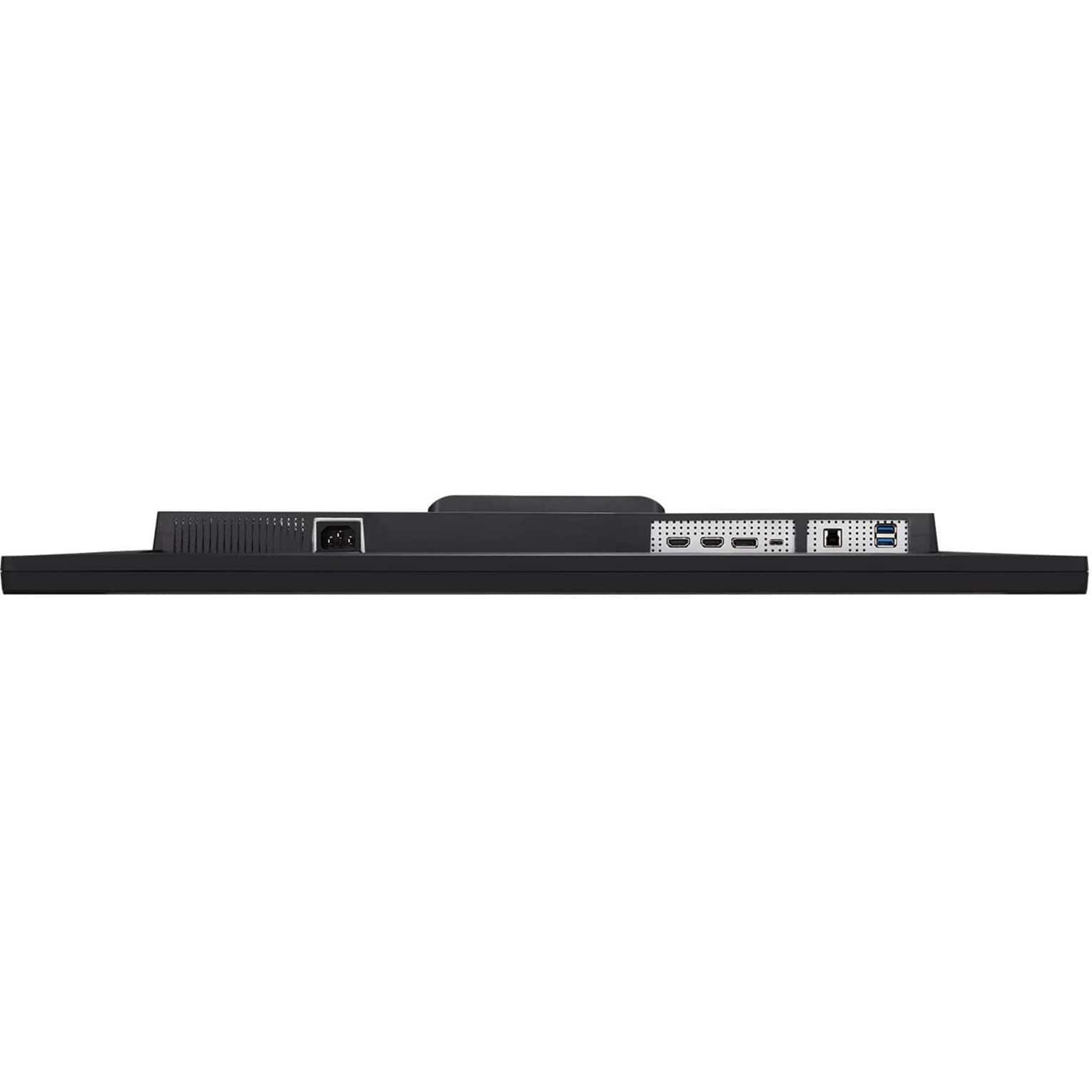
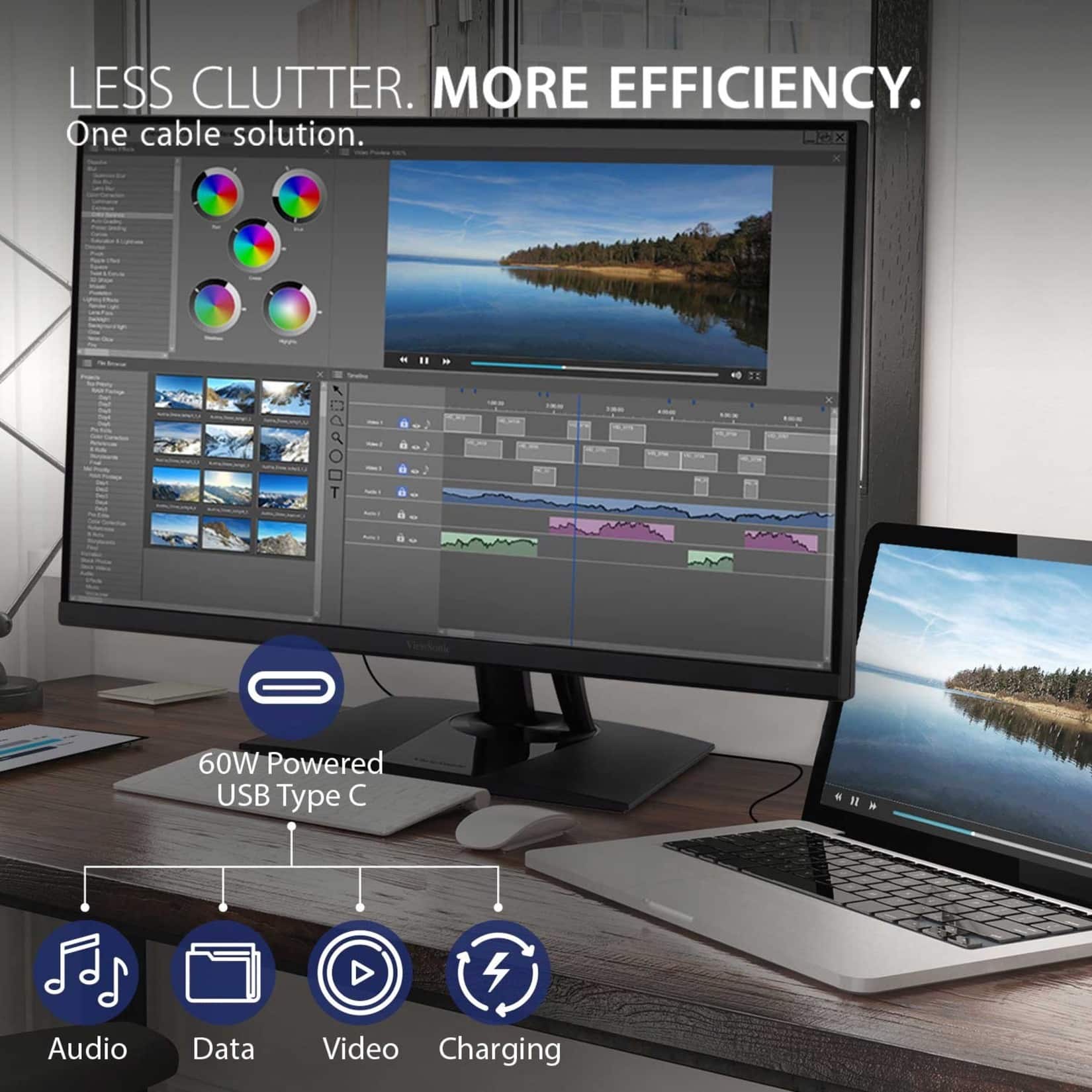
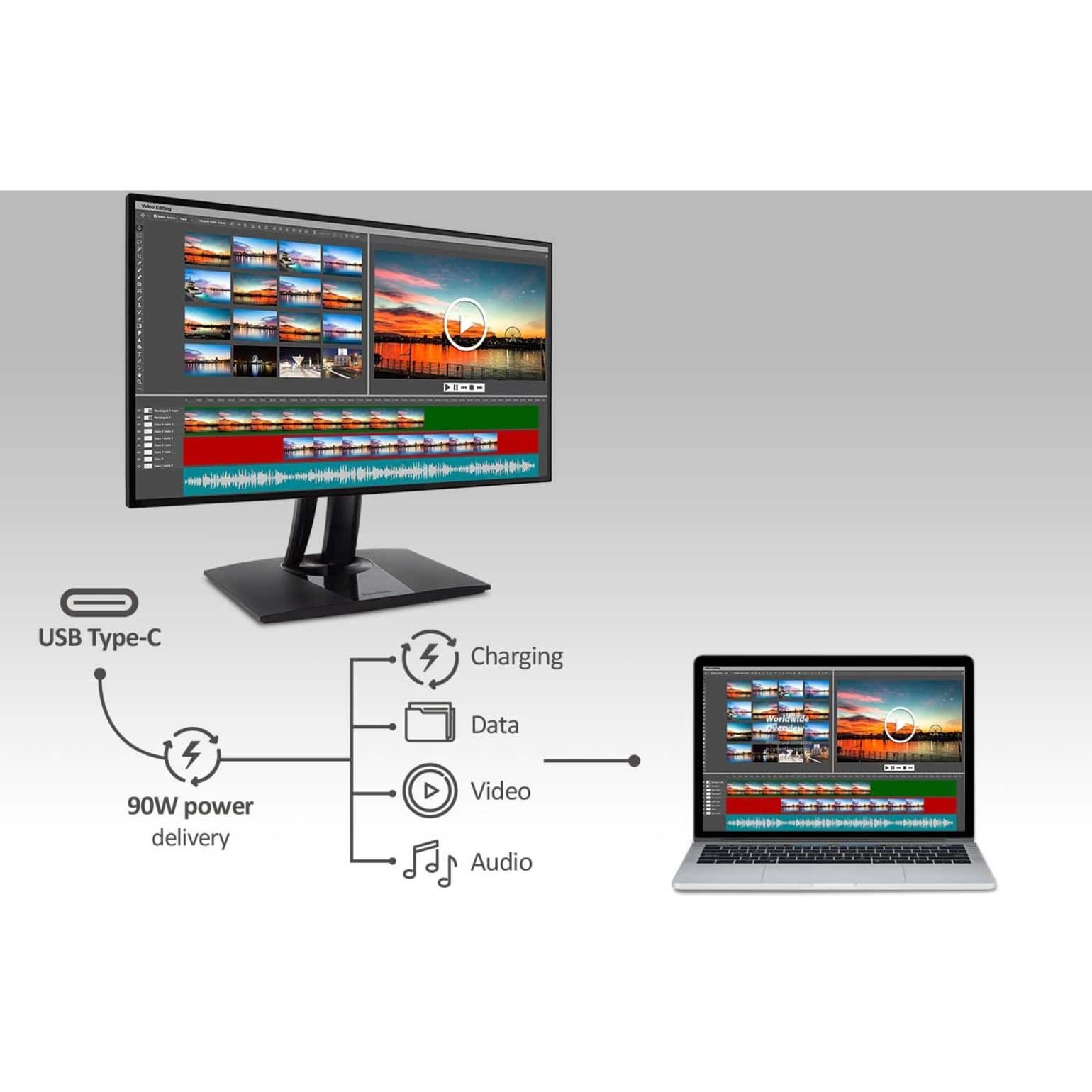
This question and answer was generated by AI based on customer and product data.Q: QuestionCan I charge my laptop using this monitor?
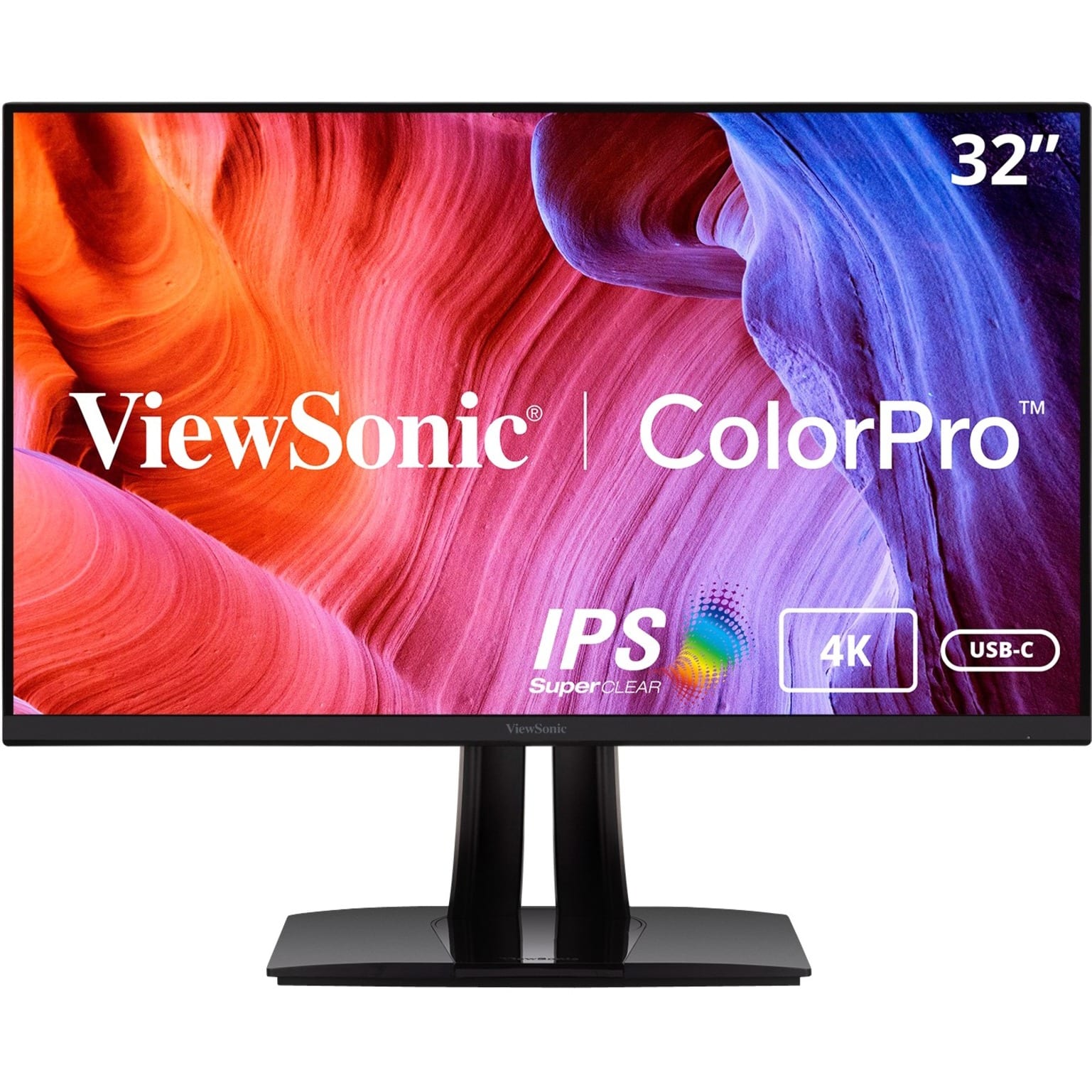
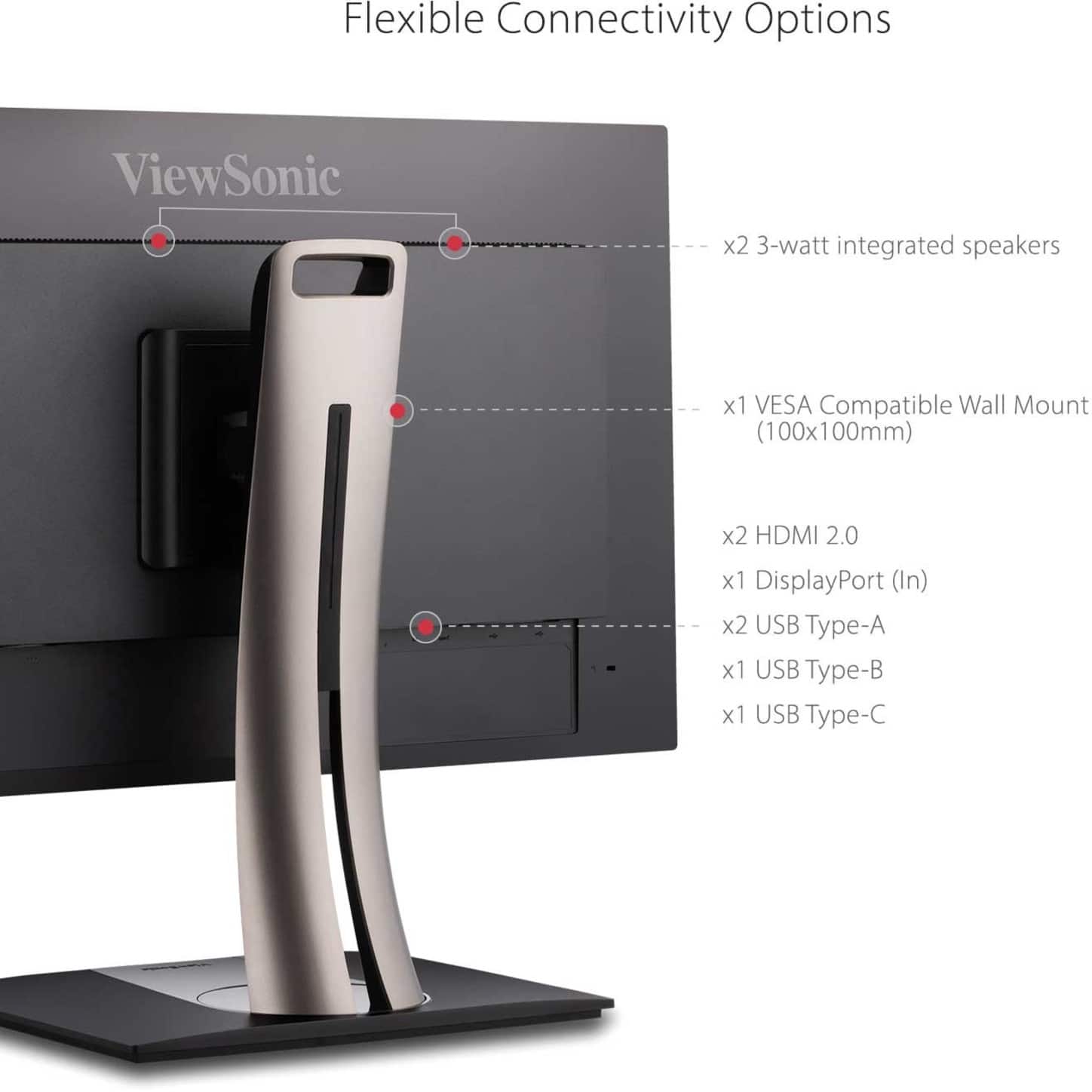
- A:Answer Yes, the monitor features a USB-C port with 60W high-speed charging.
This question and answer was generated by AI based on customer and product data.Q: QuestionWhat is the response time of this ViewSonic monitor?
- A:Answer This monitor has a 5ms response time (GTG).
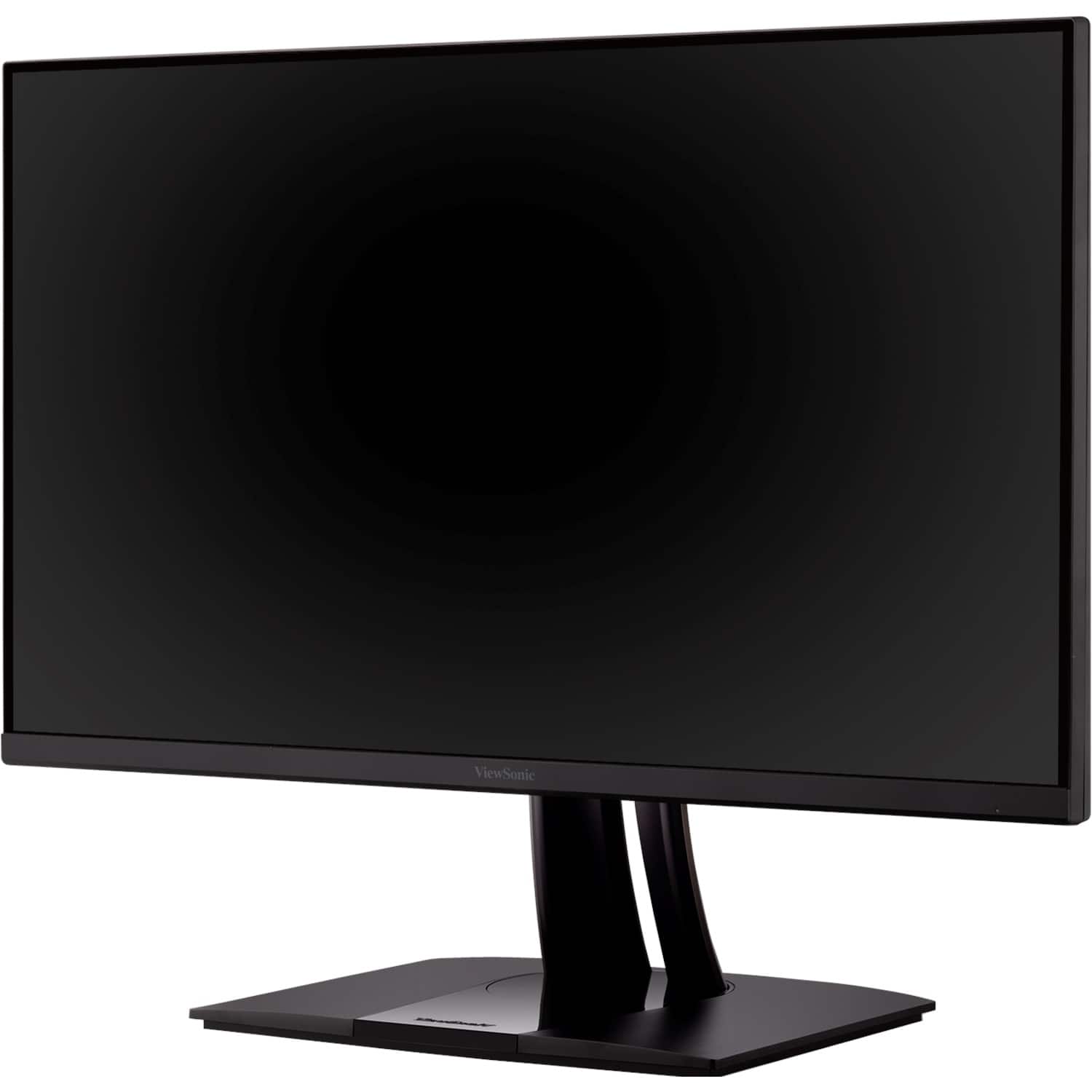
This question and answer was generated by AI based on customer and product data.Q: QuestionWhat type of display does the ViewSonic monitor have?
- A:Answer This ViewSonic monitor features an IPS LCD display with LED backlight.
This question and answer was generated by AI based on customer and product data.Q: QuestionDoes this monitor support HDR?
- A:Answer Yes, this monitor supports HDR10 for a wider range of color detail.
This question and answer was generated by AI based on customer and product data.Q: QuestionDoes this ViewSonic monitor have built-in speakers?
- A:Answer Yes, this monitor has built-in 3W stereo speakers for your enjoyment.
This question and answer was generated by AI based on customer and product data.Q: QuestionDoes this viewsonic have touchscreen capability
Asked by Ben.
- A:Answer This monitor does not have touchscreen capability.
Answered by ViewSonic Corporation
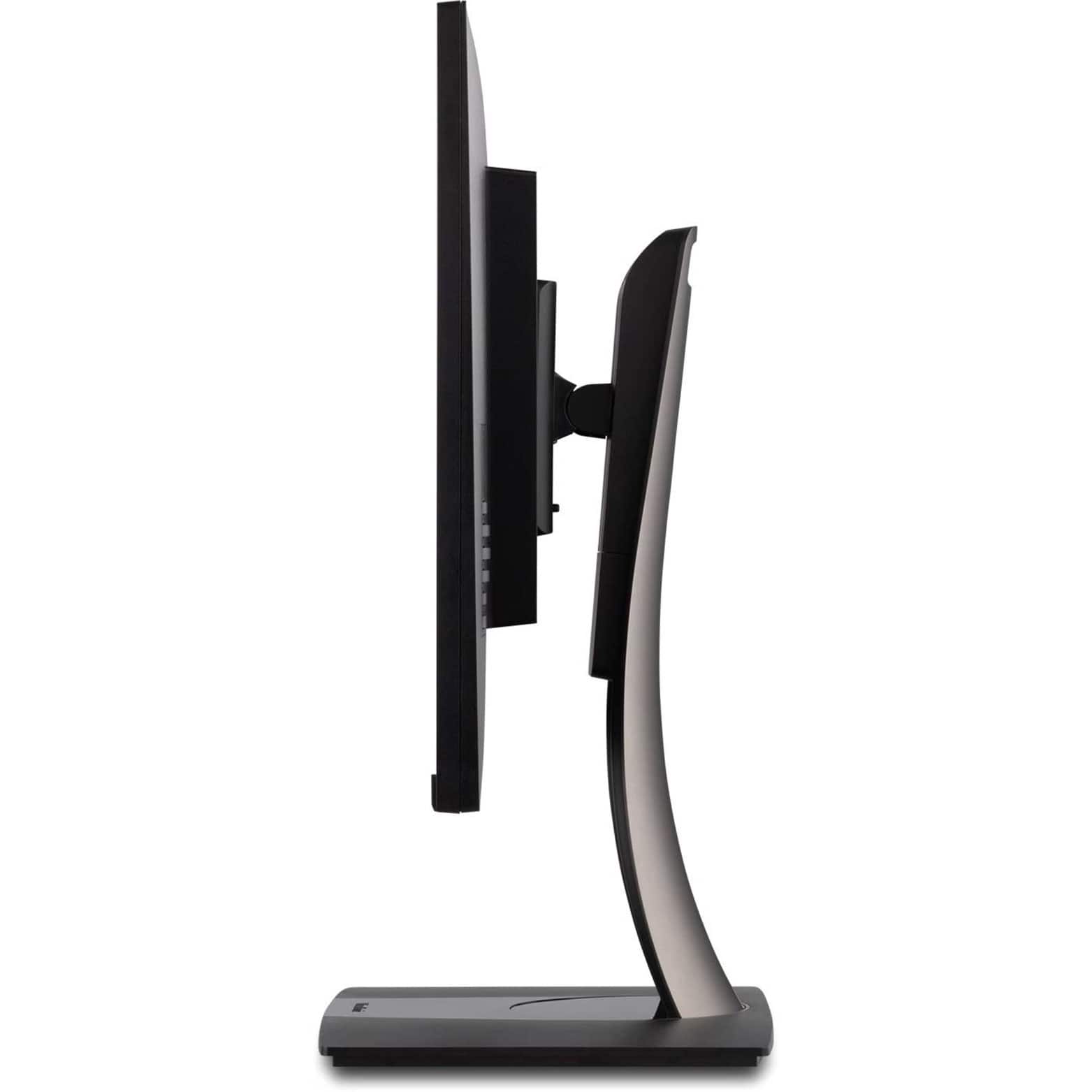
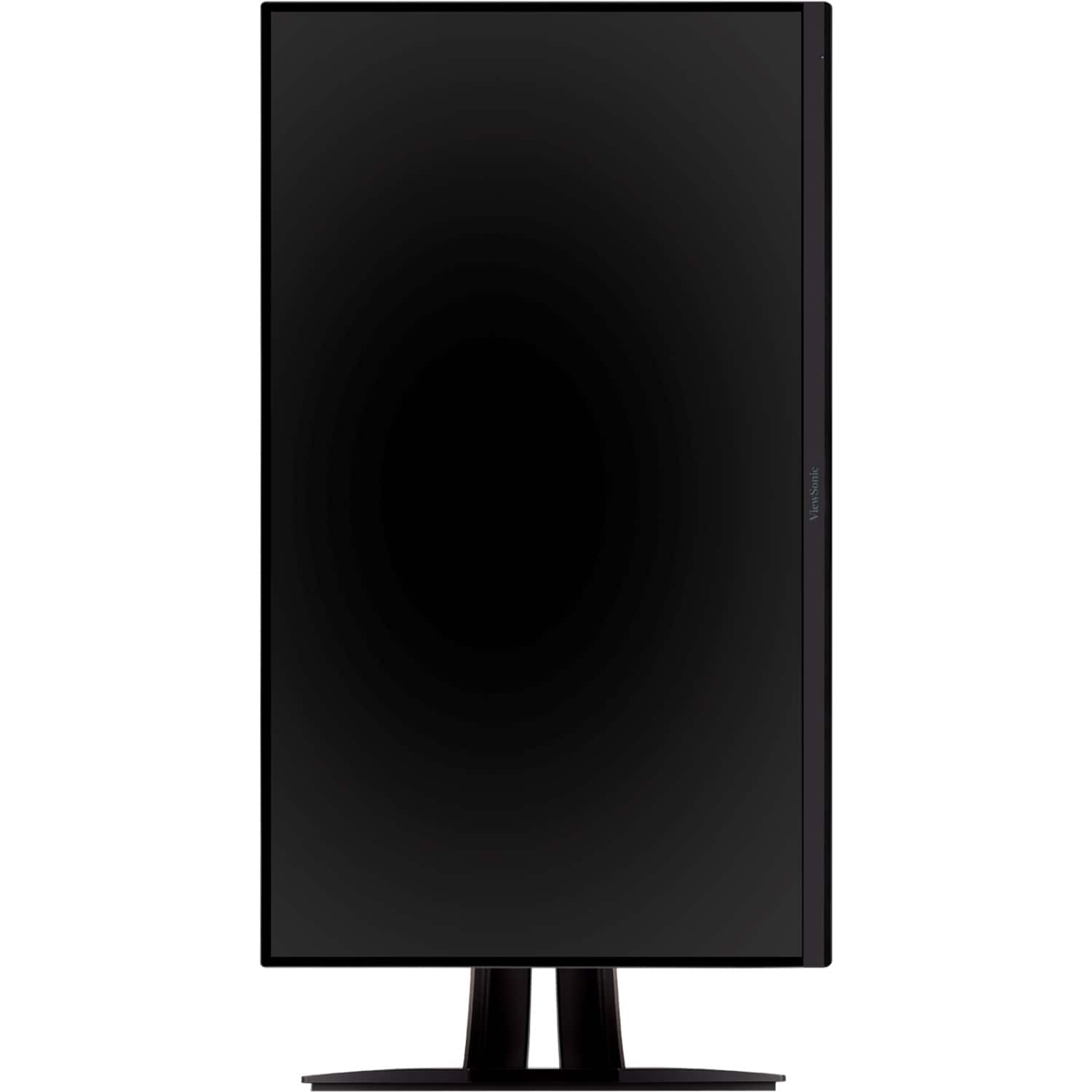
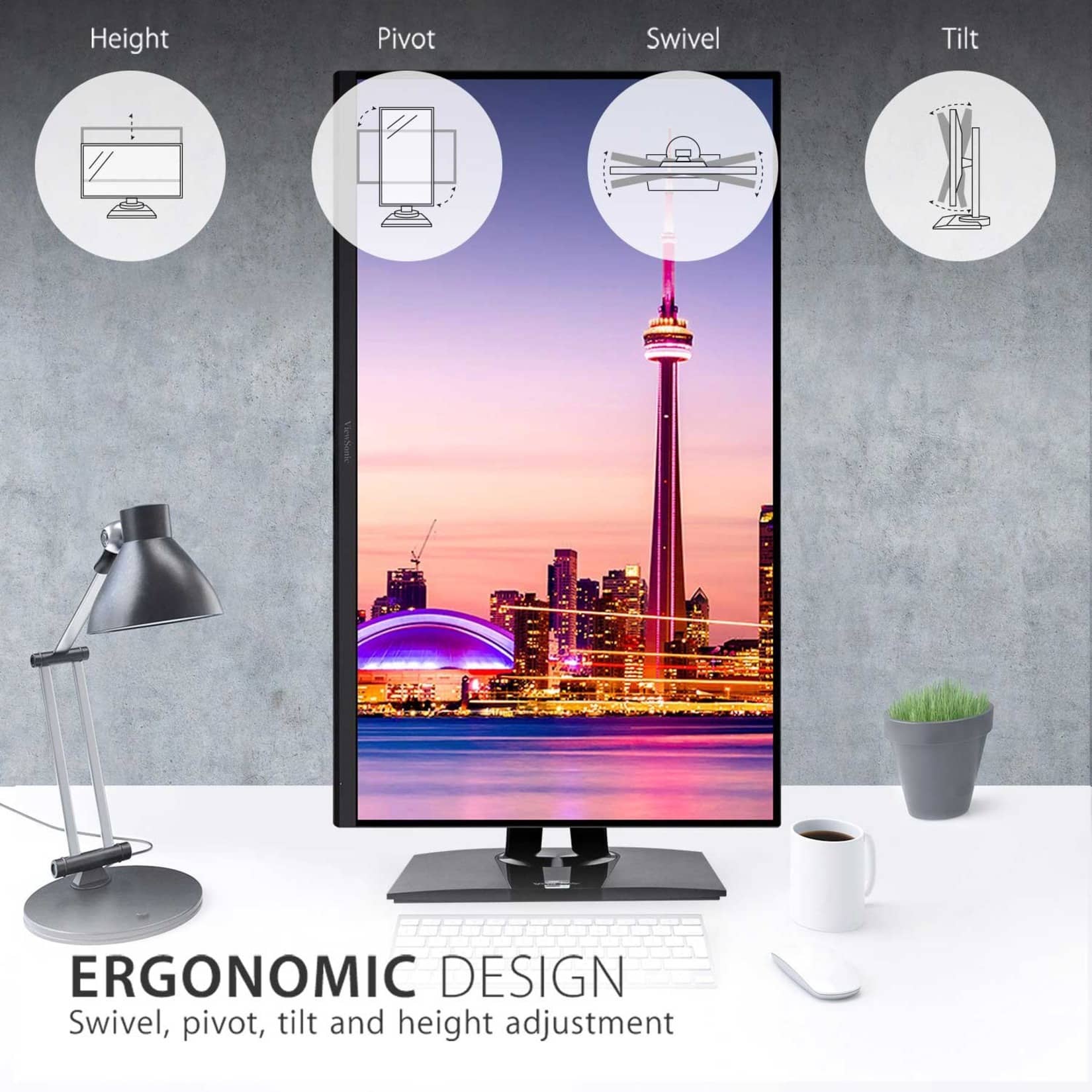
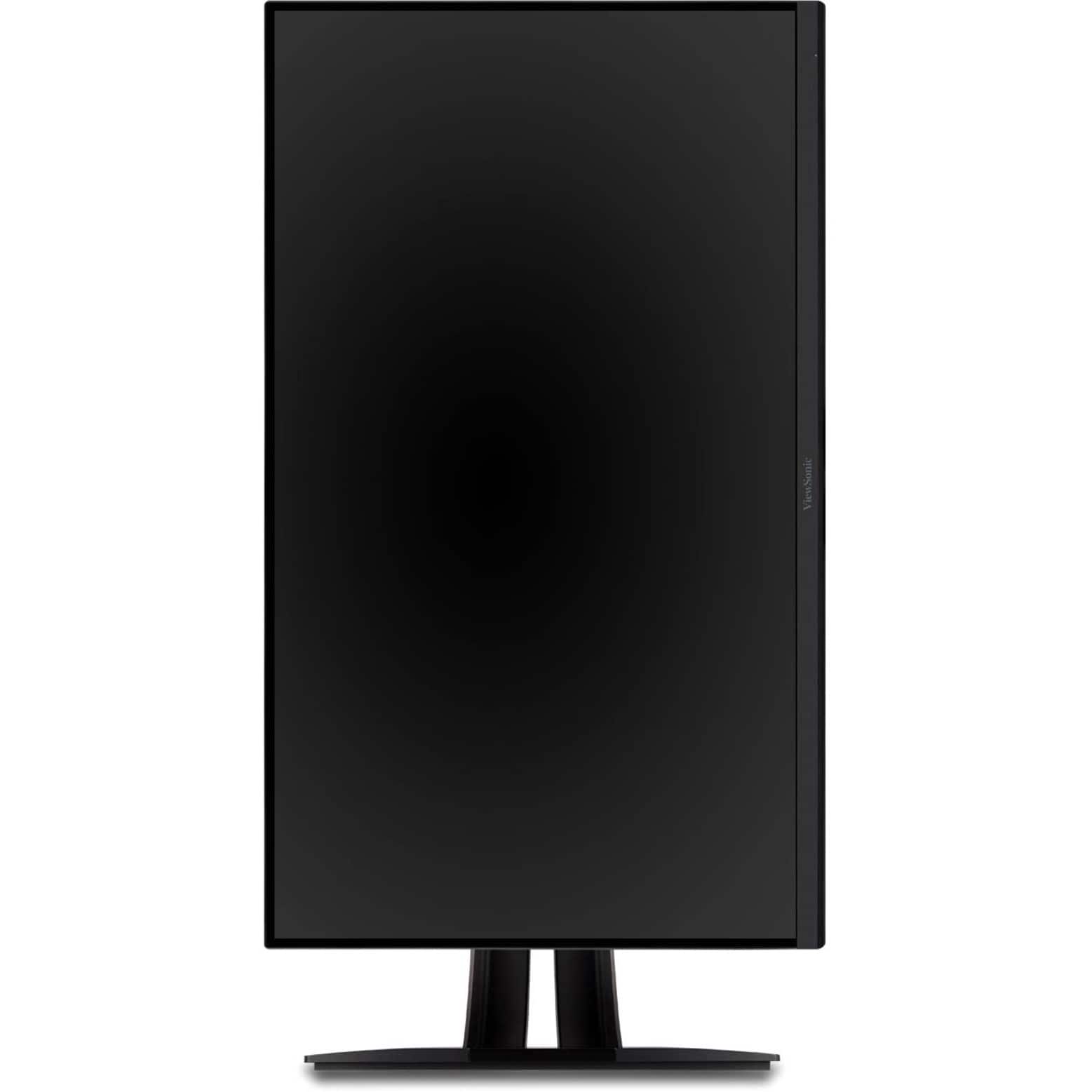
Q: QuestionCan this monitor pivot to portrait orientation?
Asked by Amber.
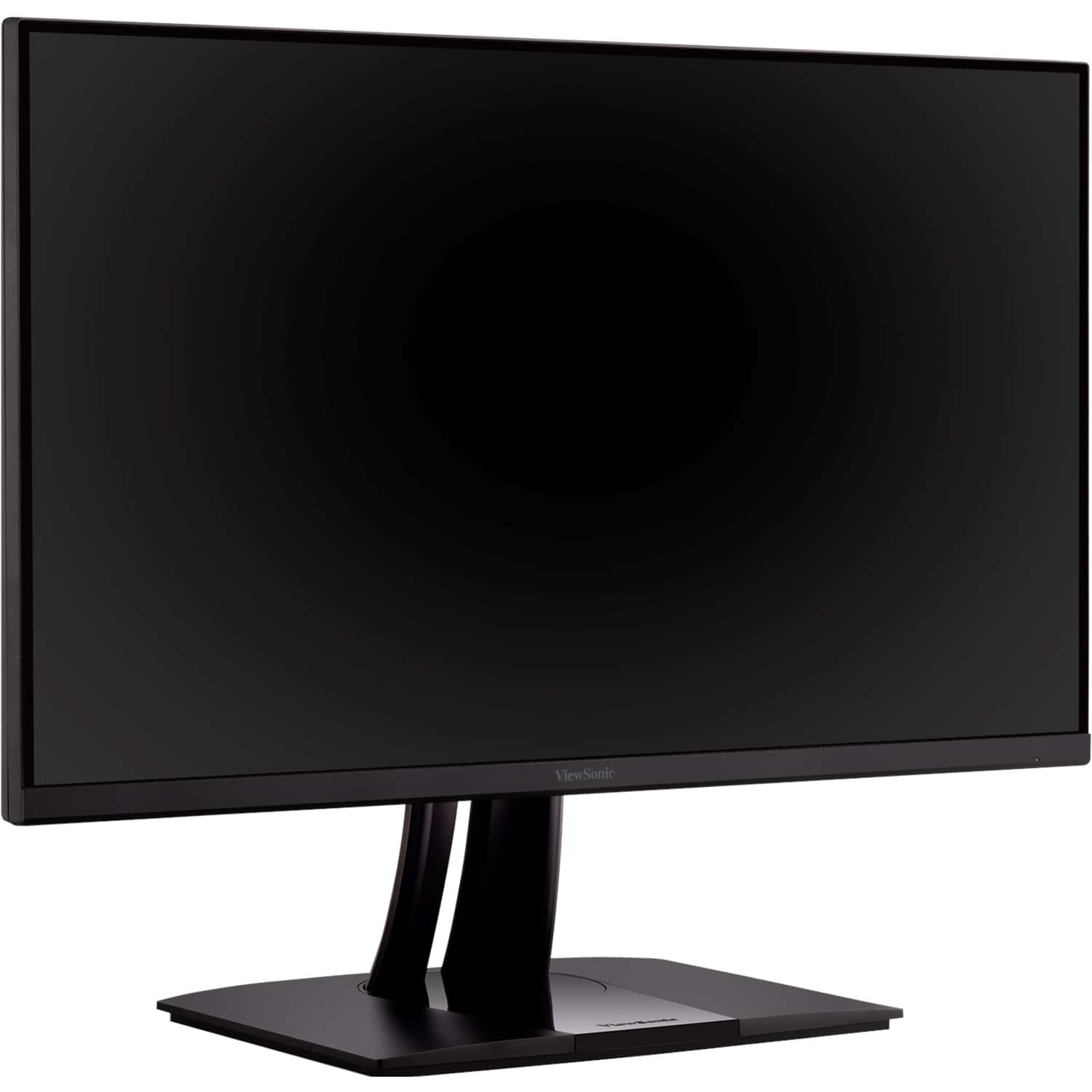
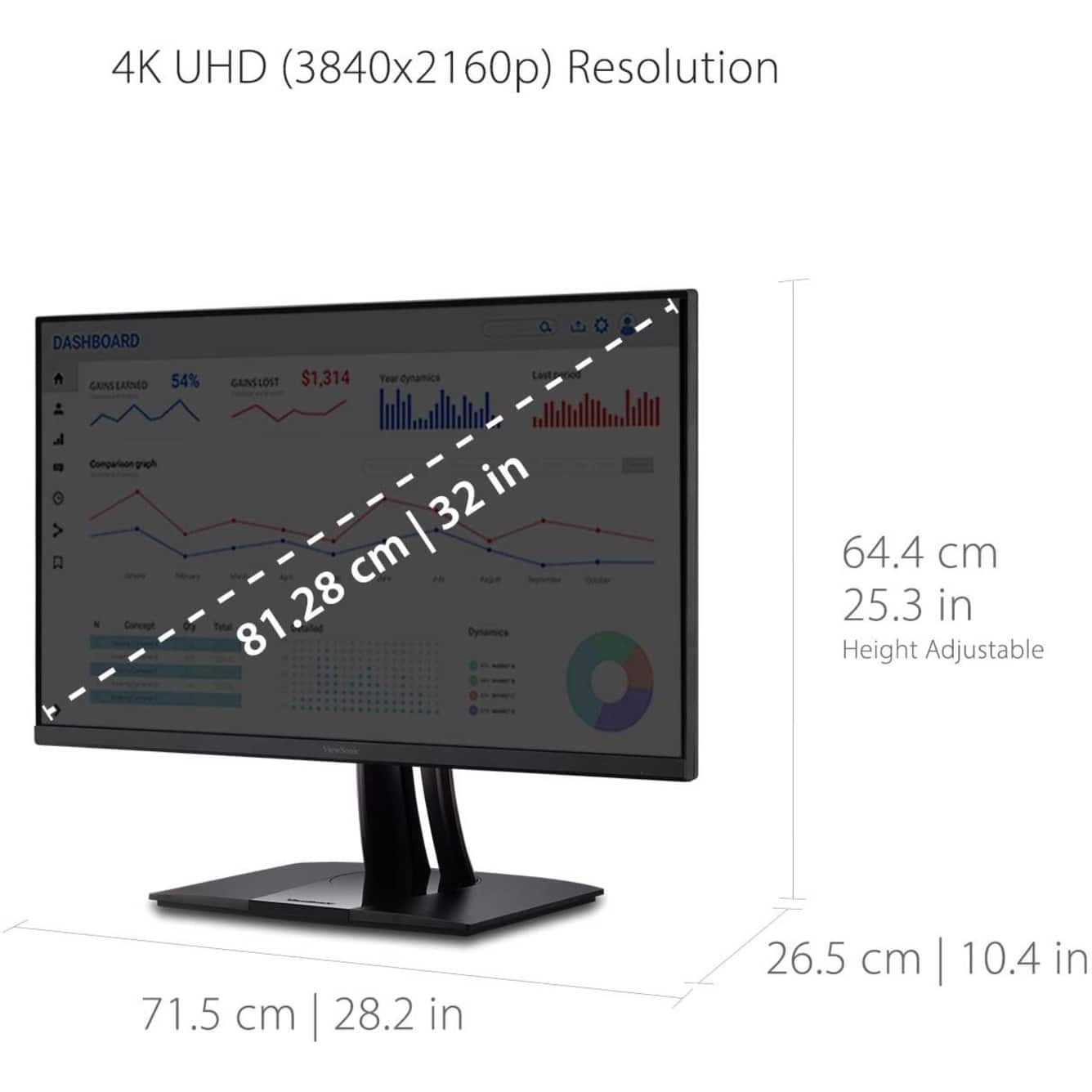
- A:Answer The VP3256-4K is able to pivot to a portrait orientation.
Answered by ViewSonic Corporation
Q: QuestionIs this monitor compatible with the new Mac Studio? Will it connect via the USB C?
Asked by GLCSD.
- A:Answer The USB C is designed to accept video and audio input so as long as the Mac Studio sends a signal it will receive it.
Answered by ViewSonic Corporation
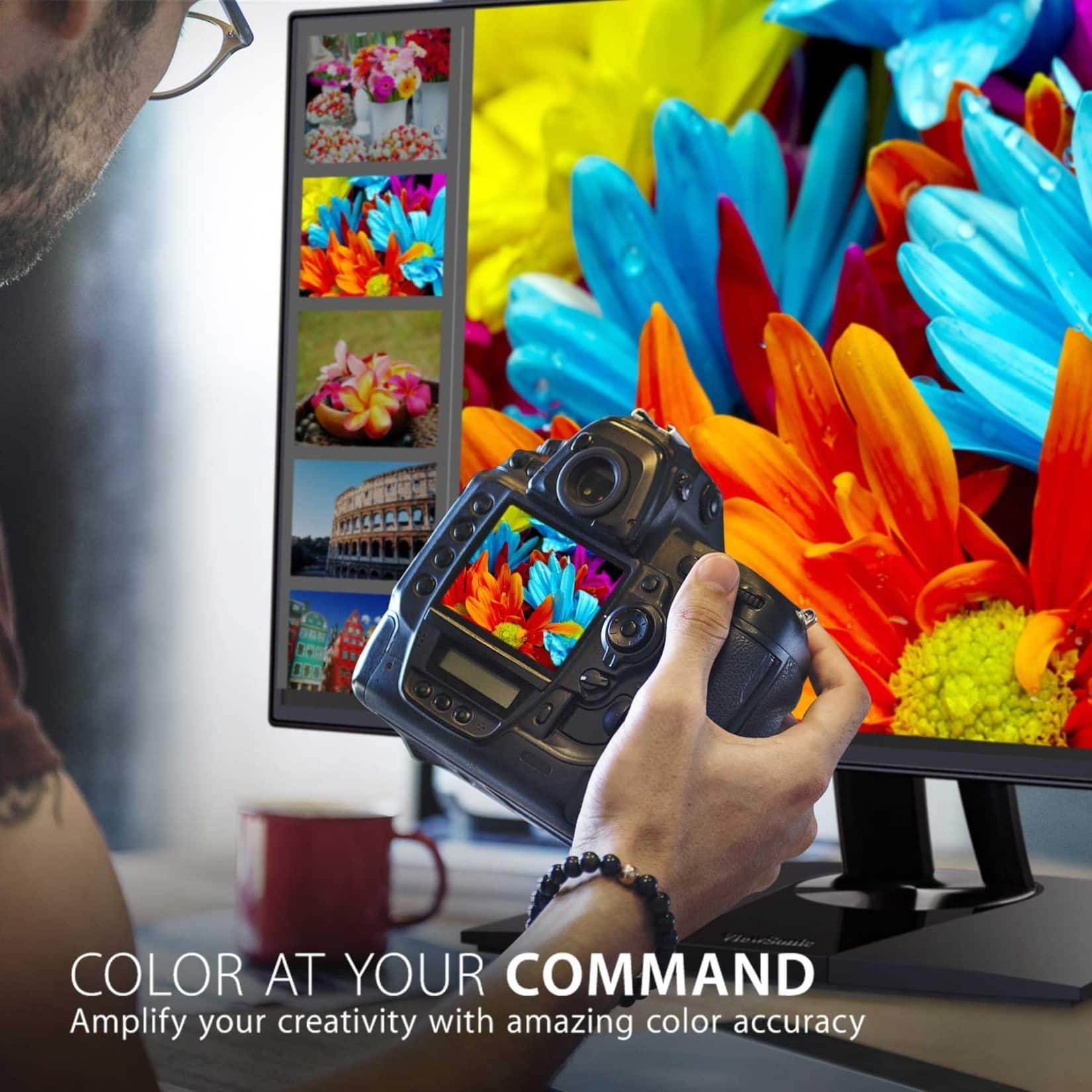
Q: QuestionIs this monitor factory calibrated?
Asked by Jane.
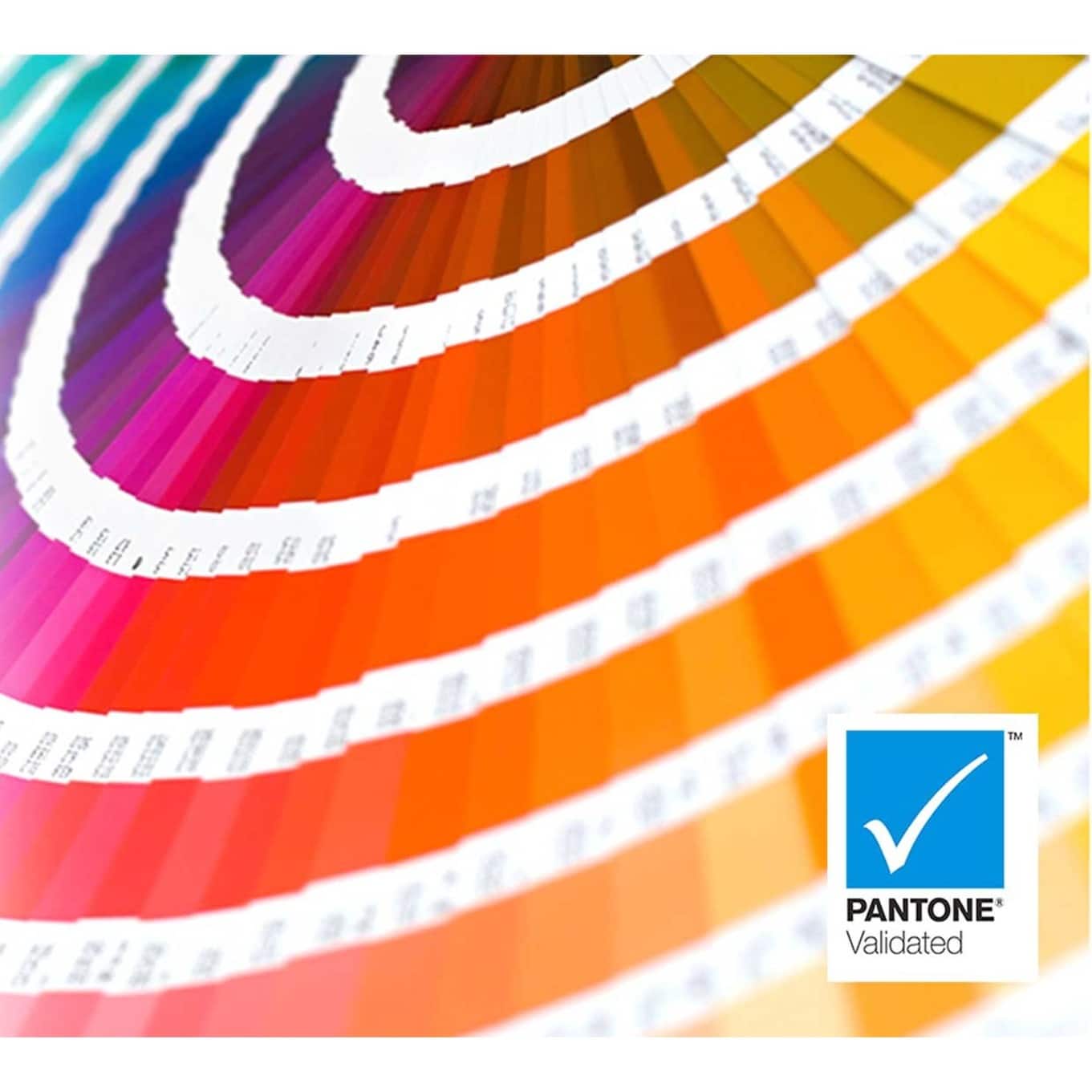
- A:Answer YES, IT'S FACTORY CALIBRATED. I RECOMMEND YOU ADJUST THE BRIGHTNESS FOR YOUR EYE COMFORT LEVEL. I ALSO RECOMMEND YOU VIEW THE MONITOR 36" TO 41" AWAY FROM YOU ON YOUR DESK. A SMALL DESK CAN'T ACCOMODATE THE SIZE OF THIS 31.5" MONITOR.
Answered by KINICH
Page 1, Showing 1-10 of 10 questions