A:AnswerHi - Voicemail is a subscription from your telephone service provider. Please contact them for any Voicemail related questions.
Thank you,
-VTech Support
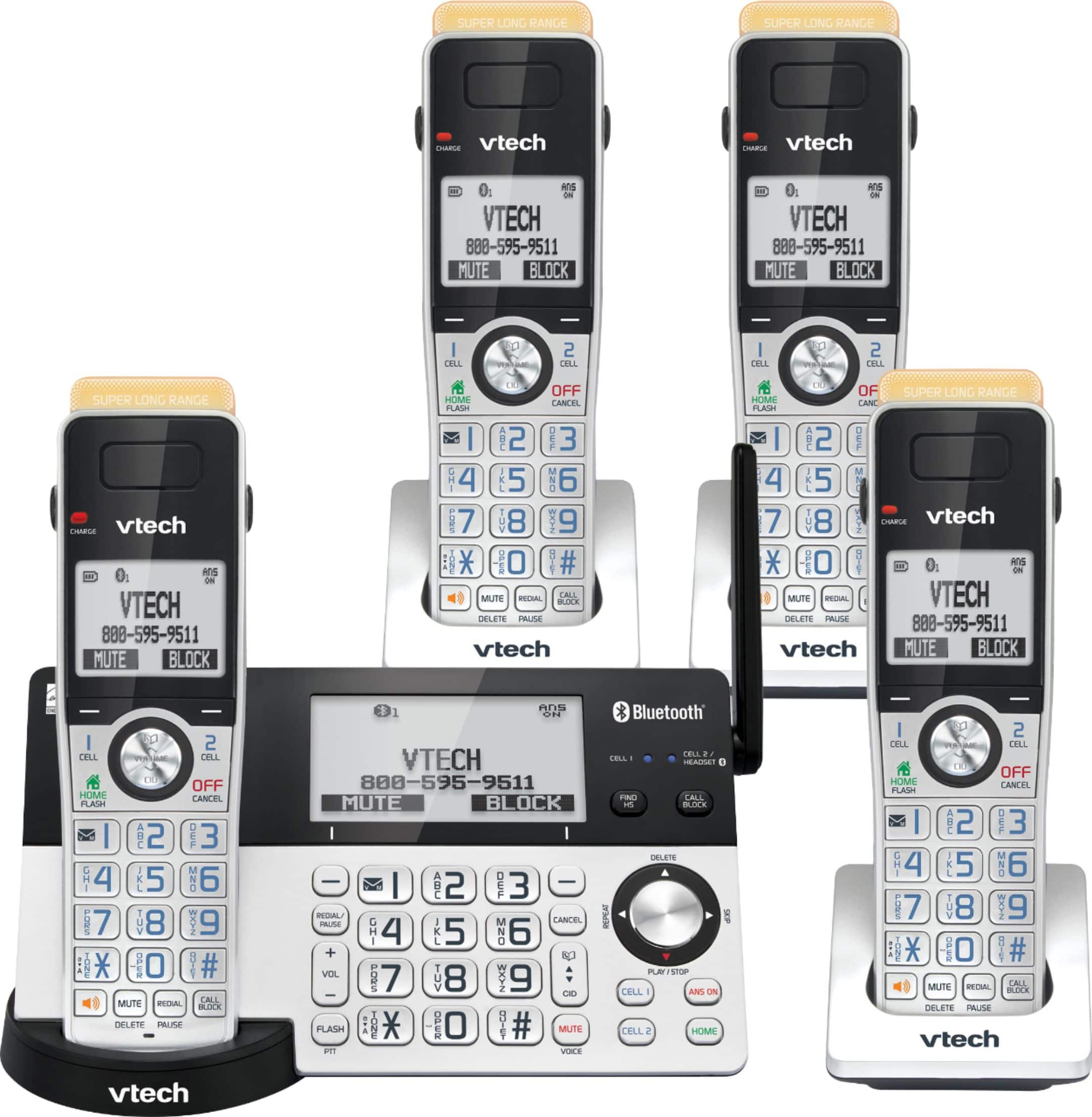
A:AnswerHi - Here's ow you can record your own announcement for the answering system of the VTech IS8151-4.
1. Press the Menu button on the cordless handset.
2. Press the CID down button to scroll to Answering sys, then press Select twice.
3. Press Select again to choose Announcement.
4. Press Select to choose Record annc. The system will announce “Record after the tone. Press STOP when you are done.” Speak towards the handset to record your announcement. Press STOP to end recording.
Thank you,
-VTech Support
A:AnswerHi - Two sets of VTech IS8151-4 connected on the same line will function as extension phones but features are not shared. They will not intercept with each other since they will be installed in different floors.
Thank you,
-VTech Support
A:AnswerHi - The telephone base of the VTech IS8151-4 every ten seconds when there is at least one new message recorded on the built-in answering machine as long as the message alert tone feature is set to on. The telephone base and the cordless handsets will also display "New Message".
Thank you,
-VTech Support
A:AnswerHi - The VTech IS8151-4 does not have a flashing light when there are unanswered calls. Instead, the telephone base and cordless handset screen will display Missed calls.
Thank you,
-VTech Support
A:AnswerIf you play around a bit, there is a menu item that tells you to have the ring on all 'phones. Lots of stuff to learn -- 75-page manual and lots and lots of choices. Easy set-up, tho', for making and answering calls right away. New technology always has too much stuff!
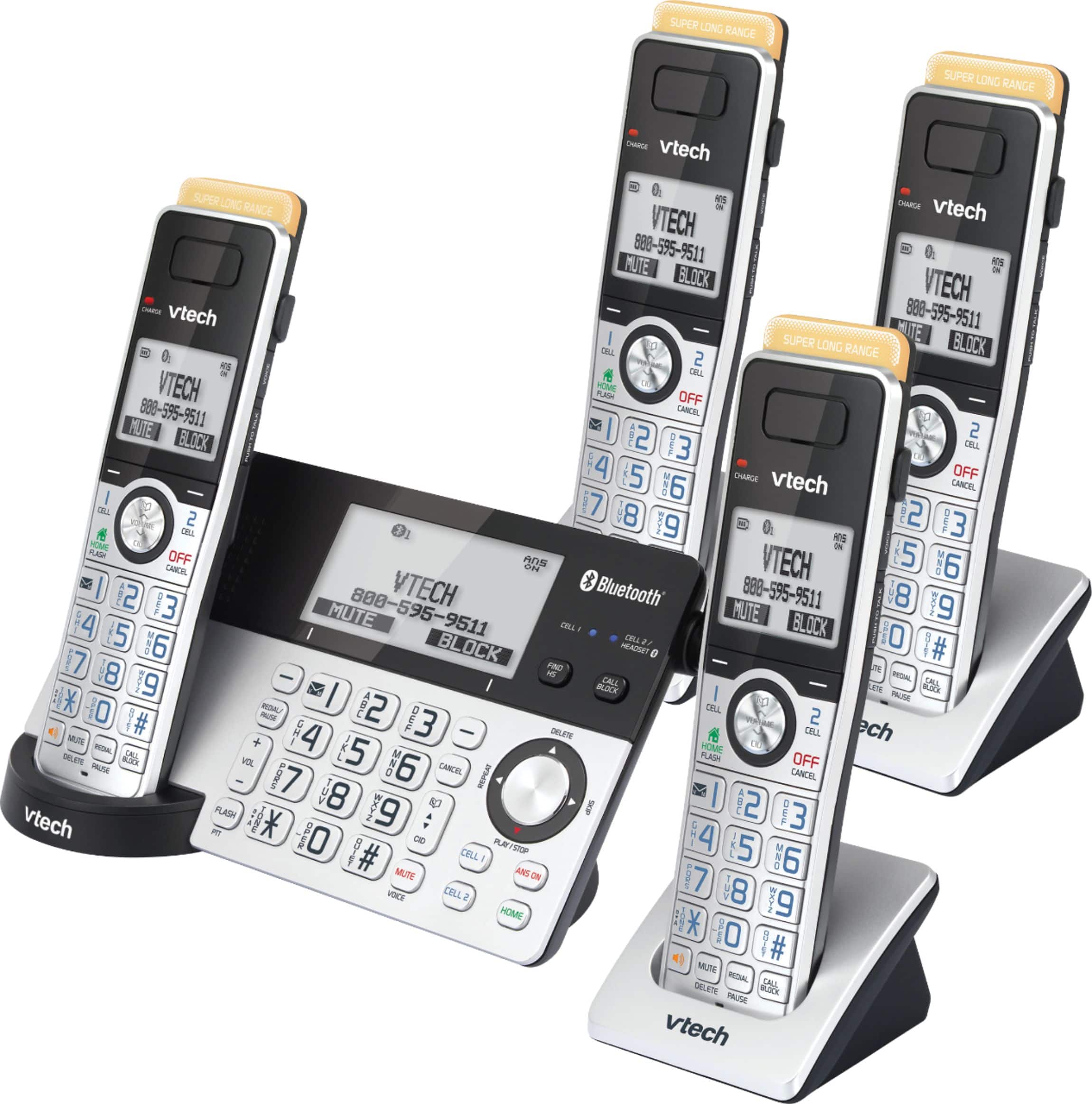
A:AnswerHi - The VTech IS8151-4 can register up to 12 cordless handsets. The compatible handset for this unit is the model IS8101.
Thank you,
-VTech Support
A:AnswerHi - the actual operating range of the VTech IS8151-4 may vary depending on the environmental conditions and other interferences such as walls, doors and other obstructions. The handsets may not be able to communicate with the base if installed in a separate building.
Thank you,
-VTech Support
A:AnswerNo my only real complaint is the phone book doesn’t scroll so when you get to s say you can’t easily get to the name without using arrow down. It’s much quieter as callers have to use a pound sign to get through and the salespeople don’t do that. Now after I use this more the phone book may get easier. It will be nice during the upcoming election season I think.