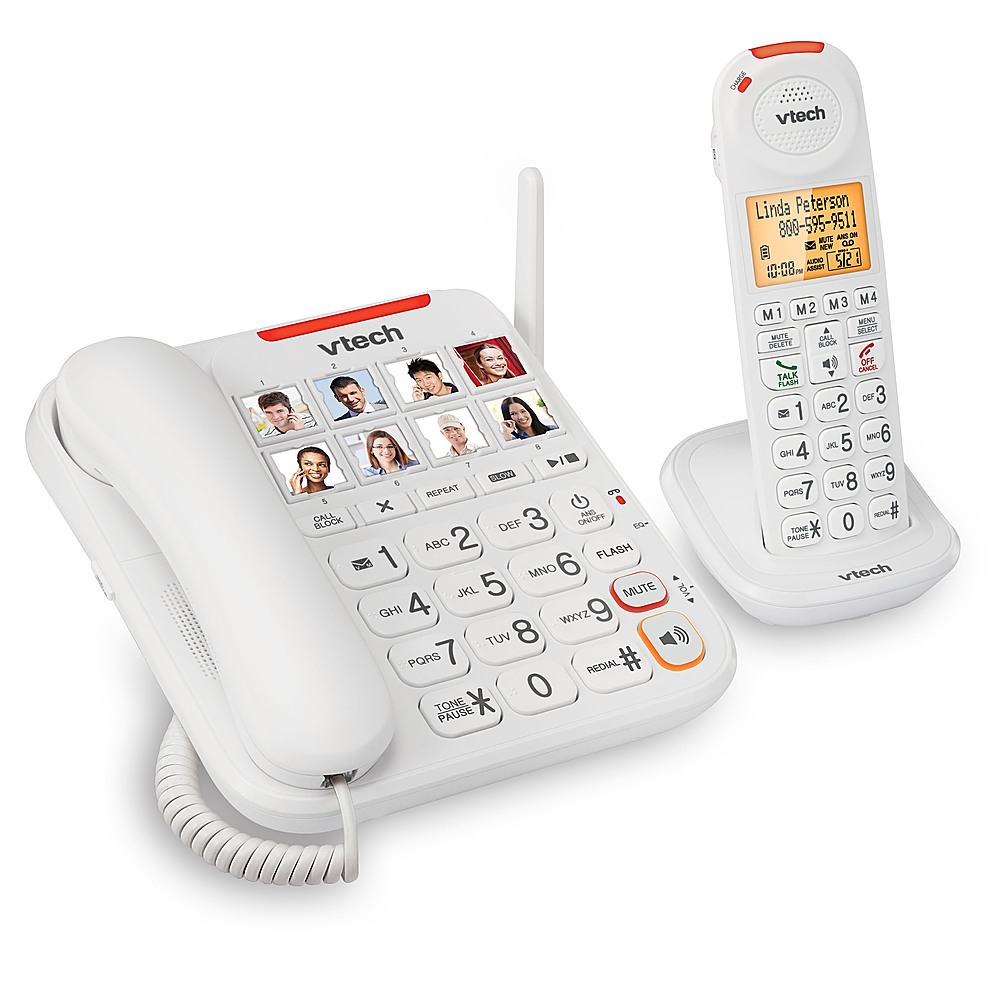
A:AnswerHi - Yes, the compatible cordless handset for the VTech SN5147 is the model SN5307. The telephone base can register up to 4 cordless handsets/
Thank you,
-VTech Support
A:AnswerHi - The Caller ID announce feature of the VTech SN5147 works on both the telephone base and cordless handset. Please note that the feature will work as long as you are subscribed to the Caller ID service from your telephone service provider.
Thank you,
-VTech Support
A:AnswerHi - The VTech SN5147 has a built-in answering machine that can record incoming messages. The handset screen will display "New message" and the Play button at the telephone base will flash when there is at least one new message recorded on the bult-in answering machine. You can press the play button at the telephone base to listen to messages. For more details, you can contact our Consumer Sales and Service Center between the hours of 9:00 AM and 4:00 PM Monday through Friday at 1-800-595-9511.
Thank you,
-VTech Support
A:AnswerHi - No, the VTech SN5147 does not have a capability to limit outgoing/incoming calls. You may need to check with your telephone service provider to see if they have a subscription similar to that.
Thank you,
-VTech Support
A:AnswerHi - We are sorry to hear that you are having issues with the VTech SN5147. Please contact our Consumer Sales and Service Center between the hours of 9:00 AM and 4:00 PM Monday through Friday at 1-800-595-9511 or by email at https://www.vtechphones.com/support/contact-us. We will work with you to resolve the product issues promptly. We look forward to hearing from you so that we can help to make it right.
Thank you,
-VTech Support Team
A:AnswerHi - Yes, the telephone base of the VTech SN5147 can register up to 4 cordless handsets. The expansion handset compatible with the telephone base is the model SN5107.
Thank you,
-VTech Support
A:AnswerHi - The robo call feature on the VTech SN5147 will enable you to screen calls from an automated system. For more information, please contact our Consumer Sales and Service Center between the hours of 9:00 AM and 4:00 PM Monday through Friday at 1-800-595-9511 or by email at https://www.vtechphones.com/support/contact-us.
Thank you,
-VTech Support
A:AnswerHi - If you are referring to entries in your cellular phone, regretfully, directory entries can only be manually saved on the VTech SN5147. For further assistance, please contact our Consumer Sales and Service Center between the hours of 9:00 AM and 4:00 PM Monday through Friday at 1-800-595-9511 or by email at https://www.vtechphones.com/support/contact-us.
Thank you,
-VTech Support
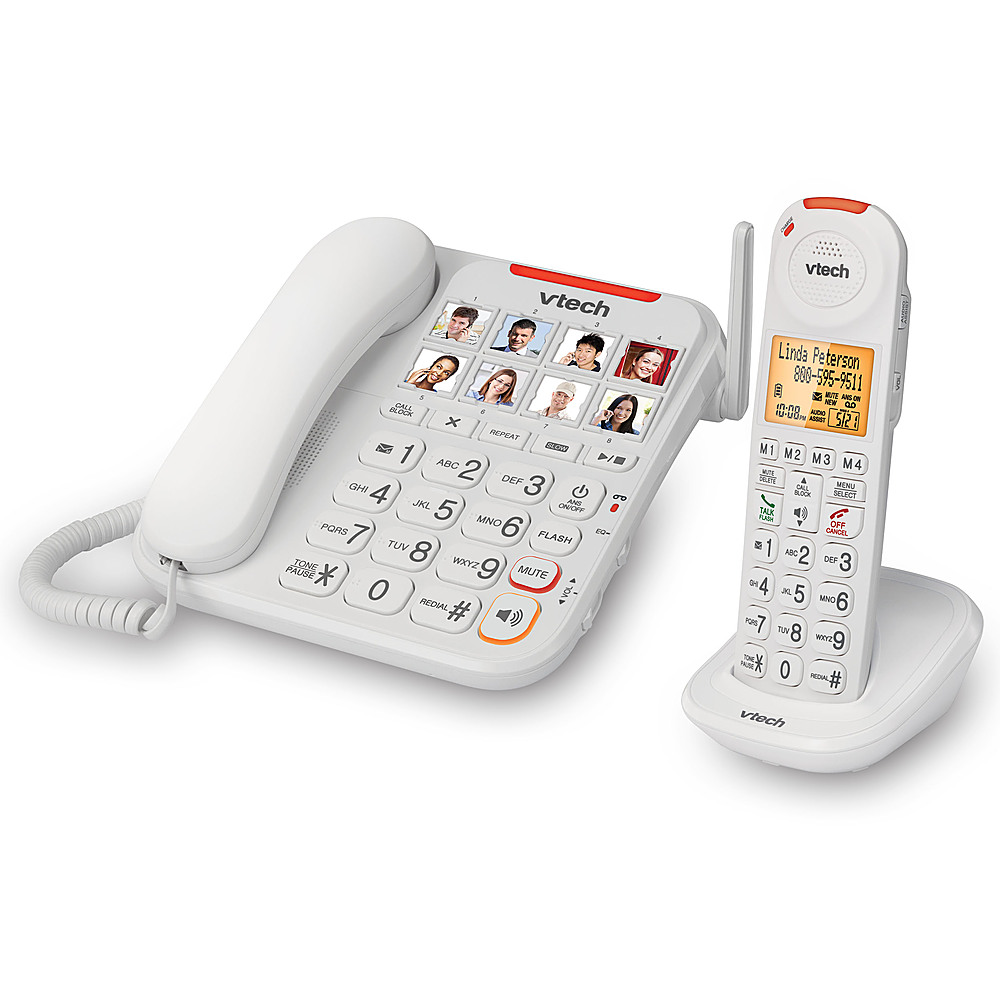
A:AnswerHi - You can install both the VTech SN5147 and the caption phone in the same line. They will work as extension phones, but features are not shared.
Thank you,
-VTech Support

A:AnswerThe telephone do not allow you to use both, you can use your local provider who have answering services or you can use the telephone. I have Verizon and the answering service is set up to allow me 3 attempts to get the call before going into voicemail. After that I have to call the number to retrieve my voicemail. If I want to use this telephone I have to contact Verizon to remove the service and setup my telephone voicemail. The phone will not do both.