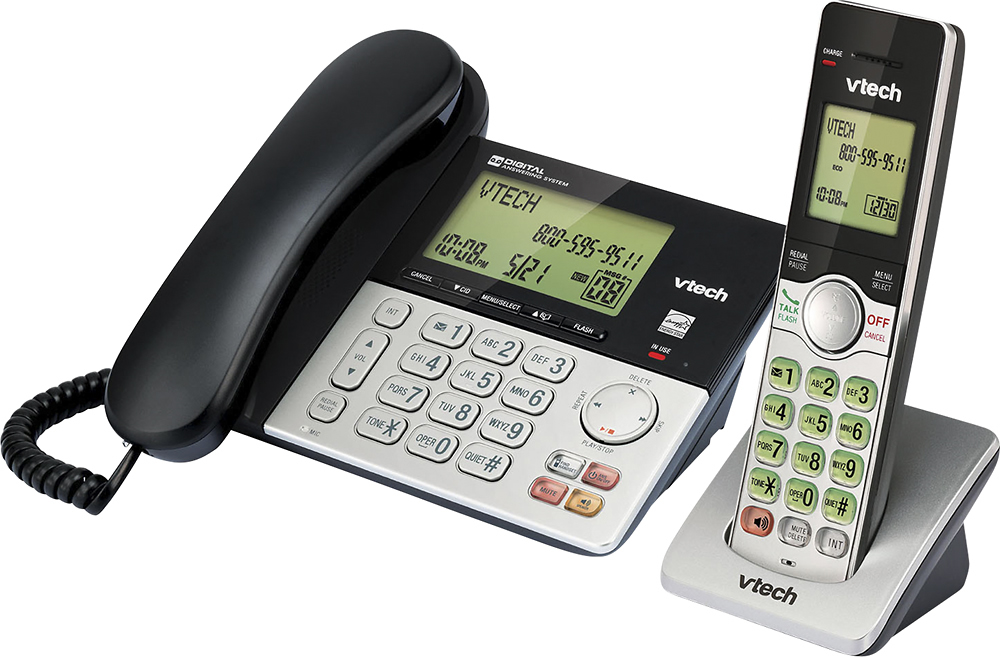
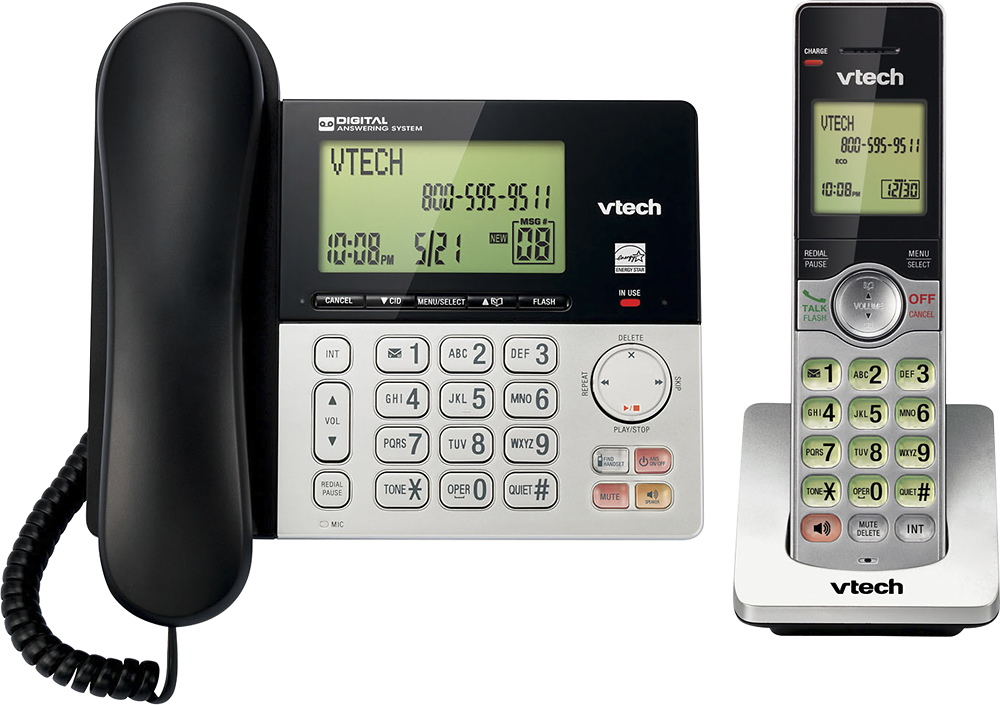
A:AnswerIf you lose power, only the base will work... the wireless phone will not. The base is the wired part of this system and the land line supplies enough power to make a phone call like in the old days. Hope this answers your question.
A:AnswerSomeone told me to look in to FAQ section, and I found "Press and Hold FIND HANDSET on the base for about four seconds until the IN USE light turns on and it shows REGISTERING, then on the handset, press the QUIET #, and then it will show REGISTERING. The CS6909 extension does work with the CS6949 base.
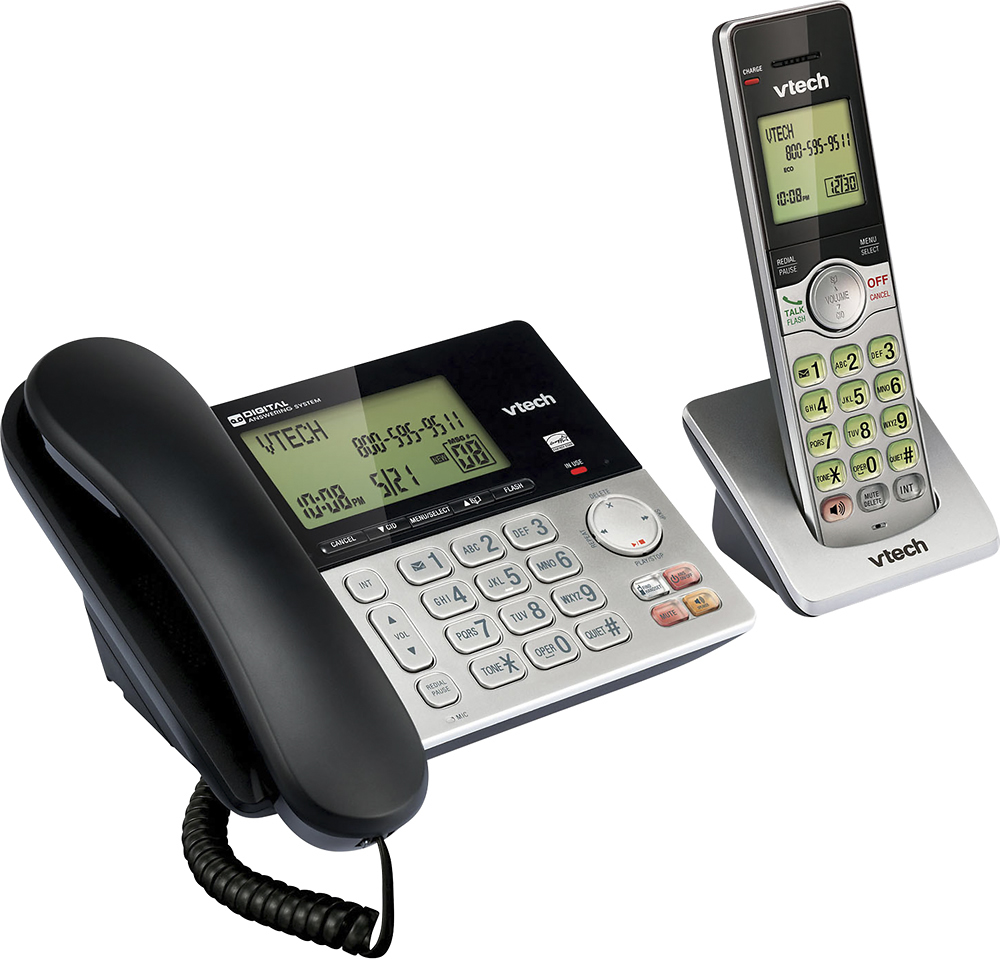
A:AnswerQuiet Mode allows you to silence all sounds from the phone from 1 to 12 hours. The base and handset ringers can be raised, lowered, and turned off completely.
A:AnswerYes, you can listen on the base unit speaker as someone records a message, BUT you probably have to be standing right next to the base unit to screen calls, because the volume on the speaker isn't very loud even when turned all the way up.
A:AnswerHi - The The handset and speakerphone ringer volume settings are independent on the VTech CS6949. You can turn off the ringer volume on both the cordless handset and the telephone base.
Thank you,
-VTech Support
A:AnswerBob - Only the corded base needs to be plugged in to the wall jack. The cordless handset only needs to be plugged into an electrical outlet. Thank you for your interest!
-VTech Support
A:AnswerToni - We apologize if you are having issues dialing on your VTech CS6949. If you are required to dial 10 digits or with the area code, delete the area code programmed on your telephone. Here's the complete instructions on how to delete:
Step 1: Press MENU when the phone is not in use.
Step 2: Press ▲ or ▼ to choose Settings, and then press SELECT.
Step 3: Press ▲ or ▼ to choose Home area code, and then press SELECT. Press DELETE on the handset or X/DELETE on the telephone to delete a digit or press and hold DELETE on the handset to delete all digits.
Step 4: Press SELECT to save your selection. Then the screen returns
to the previous menu. Hope that helped! Thank you! ~VTech Support
A:AnswerHi - The main telephone base of the VTech CS6949 will still work during power outages. However, you can only use the corded handset to make and receive calls. The answering machine and the display screen will not function if there is no power.
Thank you,
-VTech Support
A:AnswerHi - The VTech CS6949 does not have a corded headset port. However, you can register a cordless headset model VTech IS6200 to the telephone base.
Thank you,
-VTech Support
A:AnswerCJ - The compatible accessory cordless handset of the VTech CS6949 is the model CS6909. The telephone base supports a maximum of 5 handsets. Here's the procedure on how to register an accessory cordless handset. Please make sure the phone is not in use during the registration process.
Step 1. On the telephone base, press and hold FIND HANDSET for about 4 seconds until the IN USE light turns on, display shows Registering......
Step 2. On the cordless handset, press QUIET#. Display shows Registered and you will hear a confirmation tone.
Hope this helps. Thank you! - VTech Support