A:AnswerEven though it says its Bluetooth, it doesn’t have Bluetooth connectivity, I know they make a different model that does have the Bluetooth connectivity. I personally returned mine but only because I was able to shared my pc screen to my old 2in1 laptop to edit my photos and for me personally it was little easier to work with because I was already familiar with that laptop. But if you’re just using a normal laptop and/or don’t have a pc I would recommend either keeping it or returning it and paying the difference for the next model up. I hope this helps
A:AnswerTo answer the question directly, no, you'll have to do it online. But don't worry! It's a very easy and simple process to setup the tablet. The image attached below is a straightforward 3 step process incase you're considering the download process.
A:AnswerThis will function only as a mouse. All other functions will not work as you will not be able to download the drivers to operate the other functions of this device. So this will be a pen style mouse with missing functions. It will track like a mouse to draw and that is about it. All other buttons will be useless.
A:AnswerThank you for the question. The Wacom pen that comes with the Wacom Intuos is sturdy. However, it depends on how far up you drop it. Hopefully it will not reach terminal velocity before the pen hits the ground. Regards
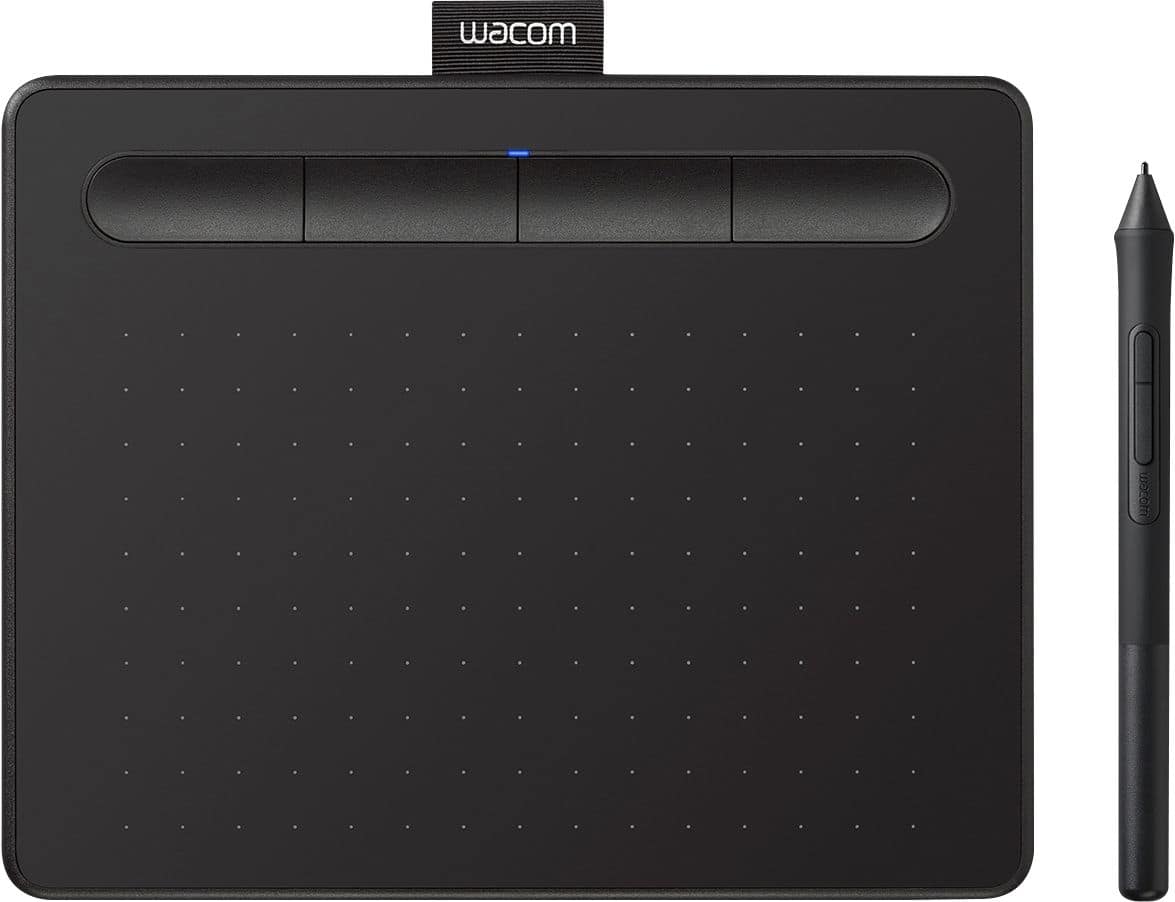
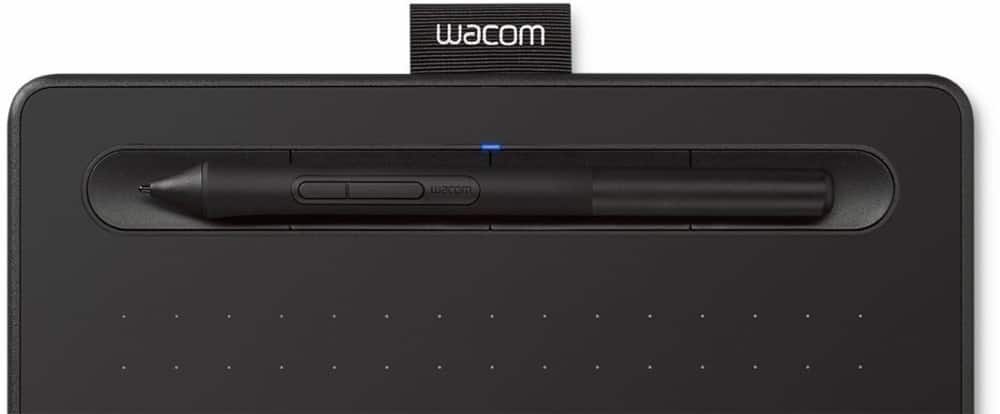
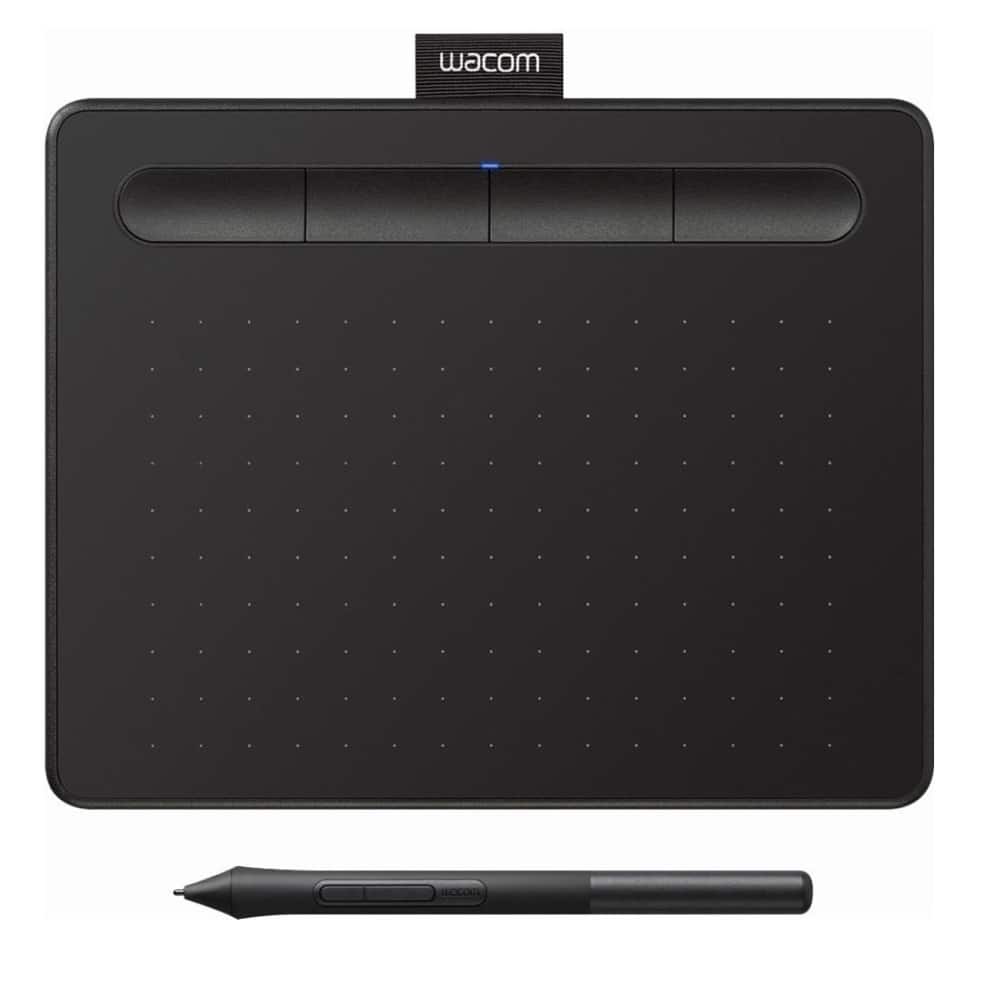
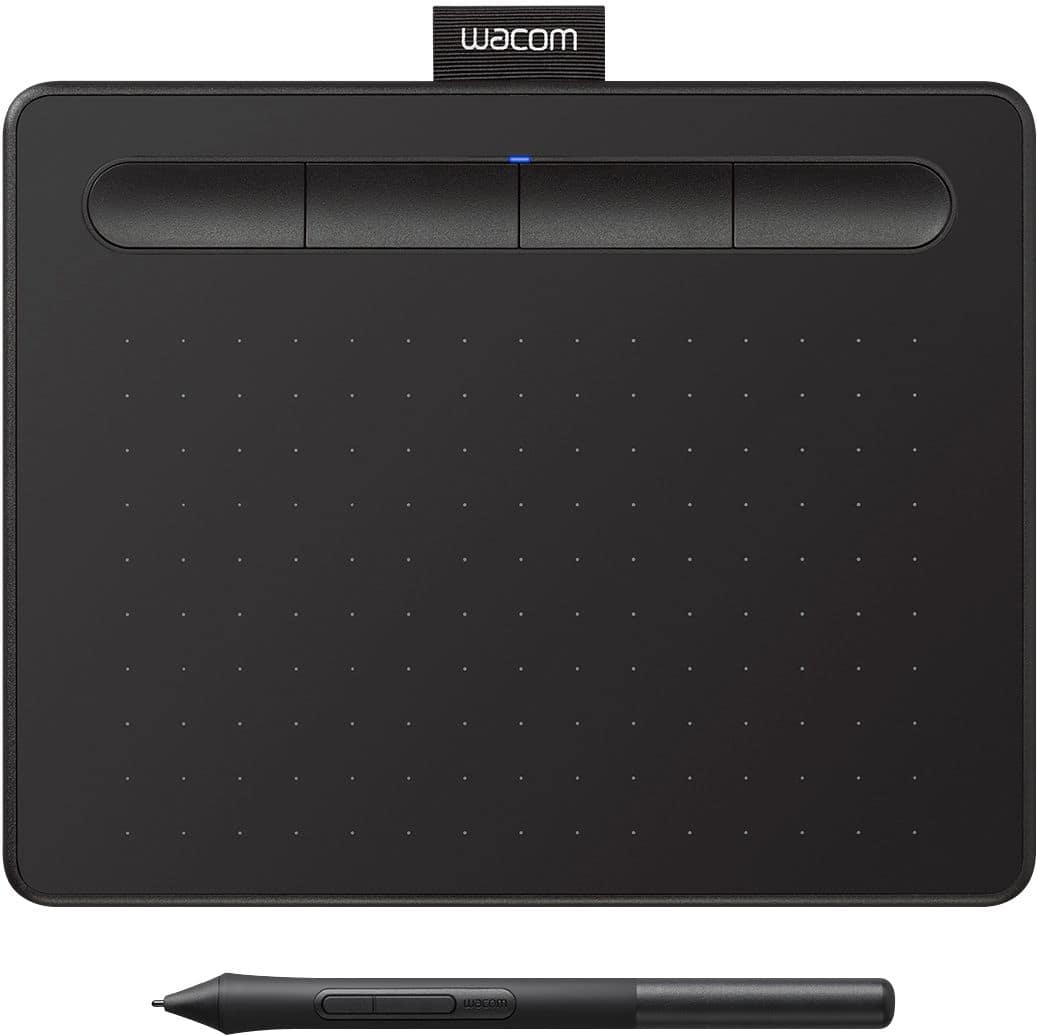
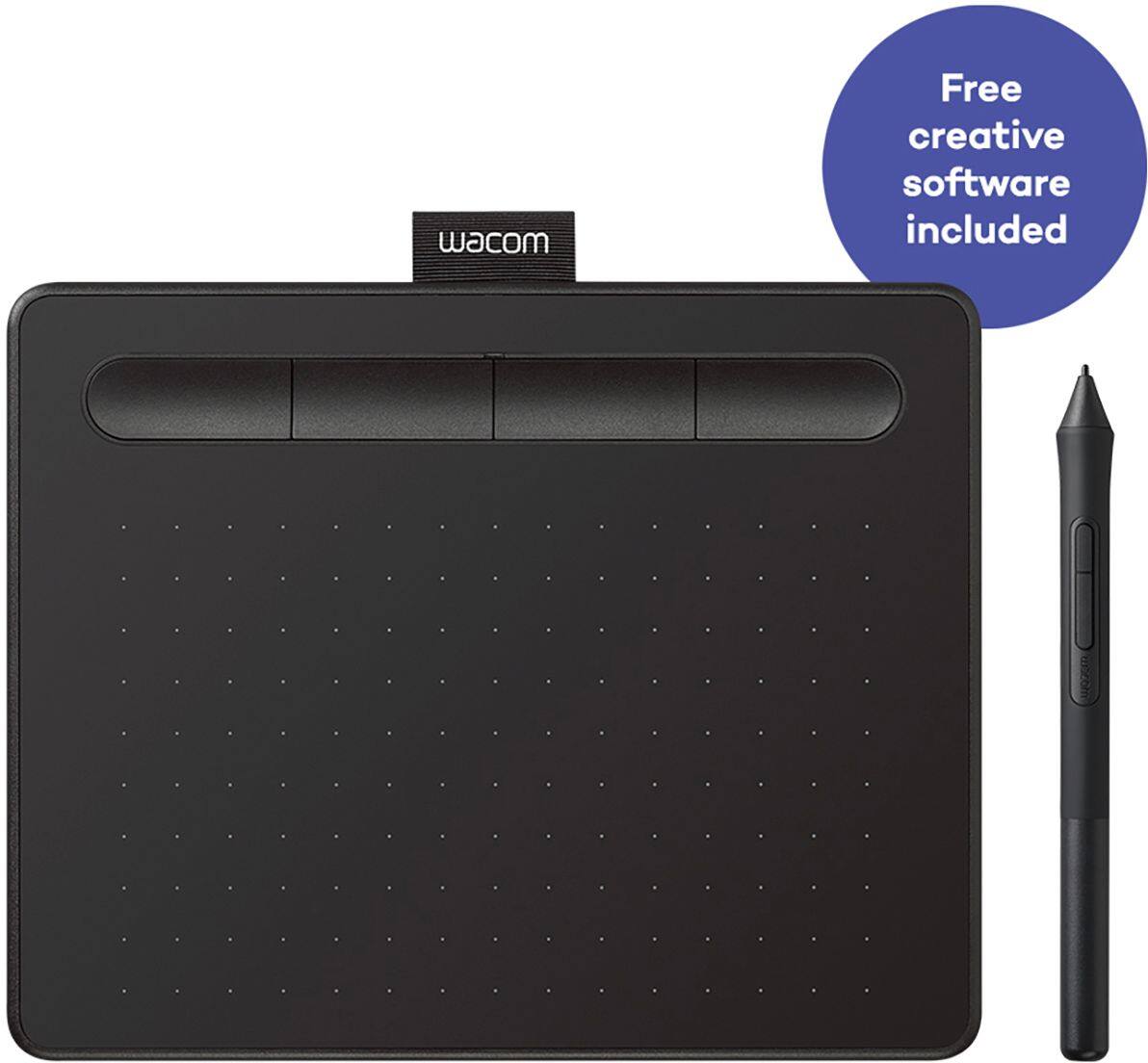
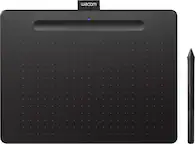
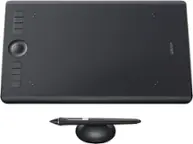
A:AnswerThank you for the question. The Wacom Intuos tablet itself does come with the Wacom Pro Pen 2 and all other accessories needed to get started. Regards