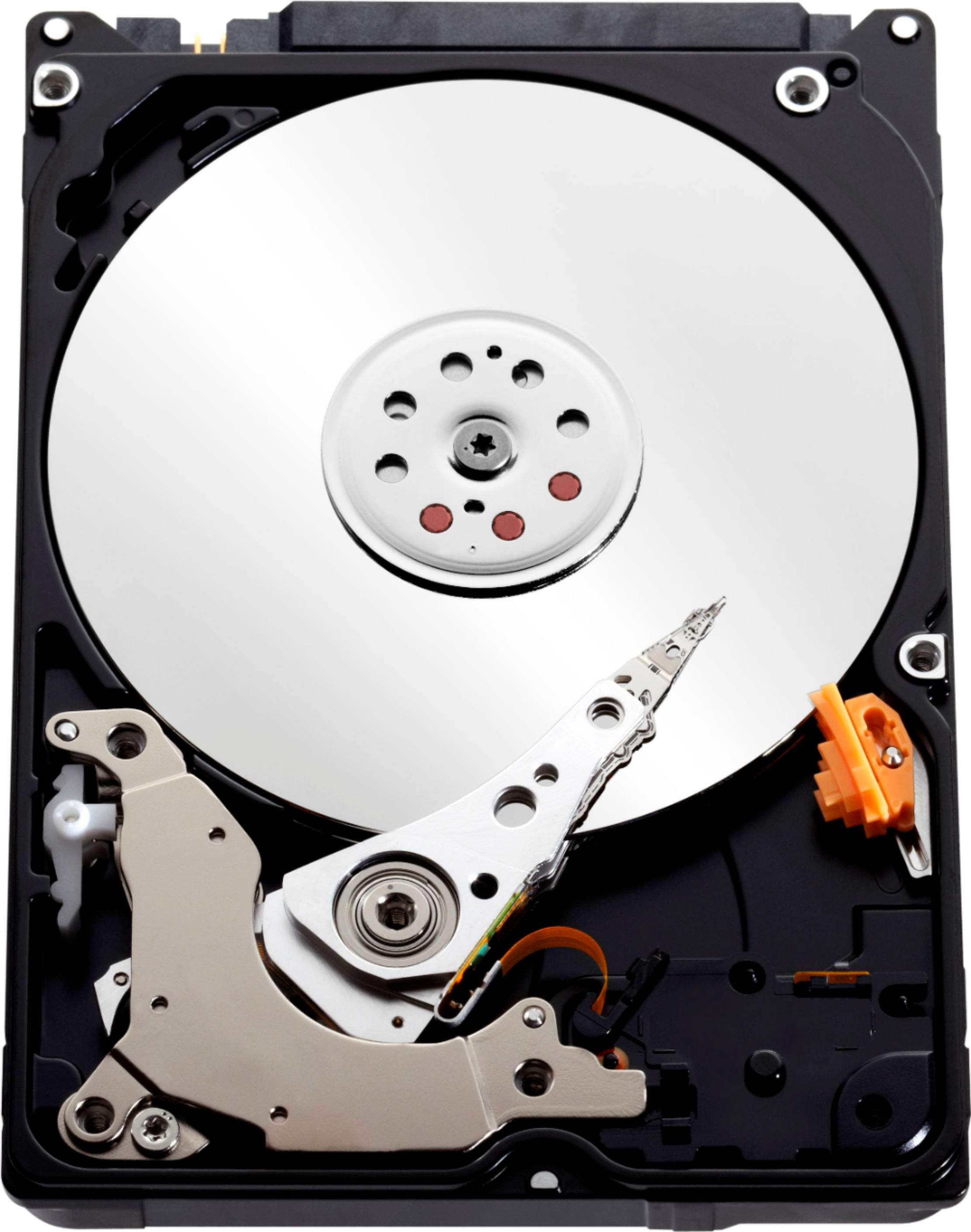
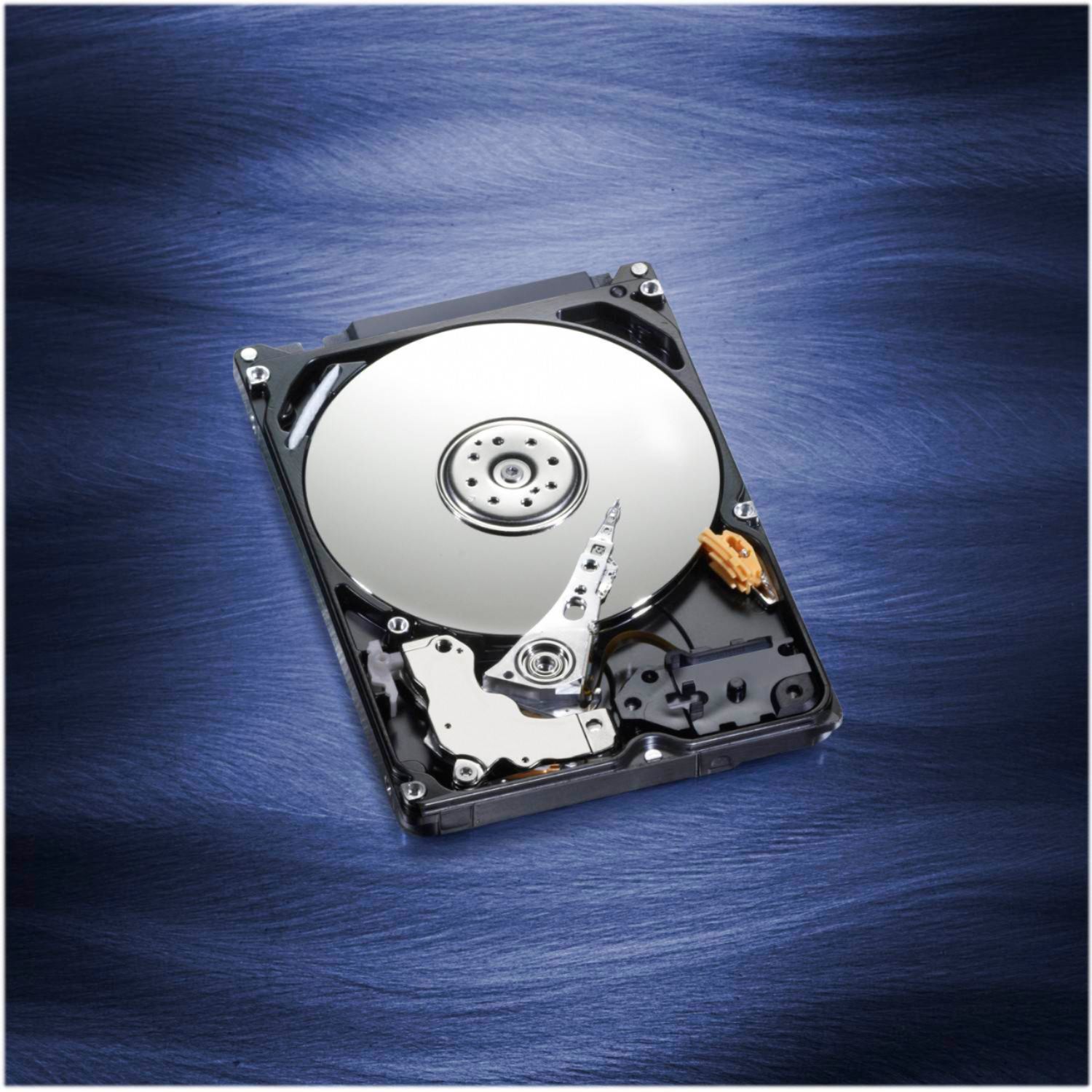
A:AnswerYes Dan, that drive will work well for you, and you should be able to find How-To instruction on YouTube to guide you in replacing the drive if you're uncomfortable digging around in your laptop.
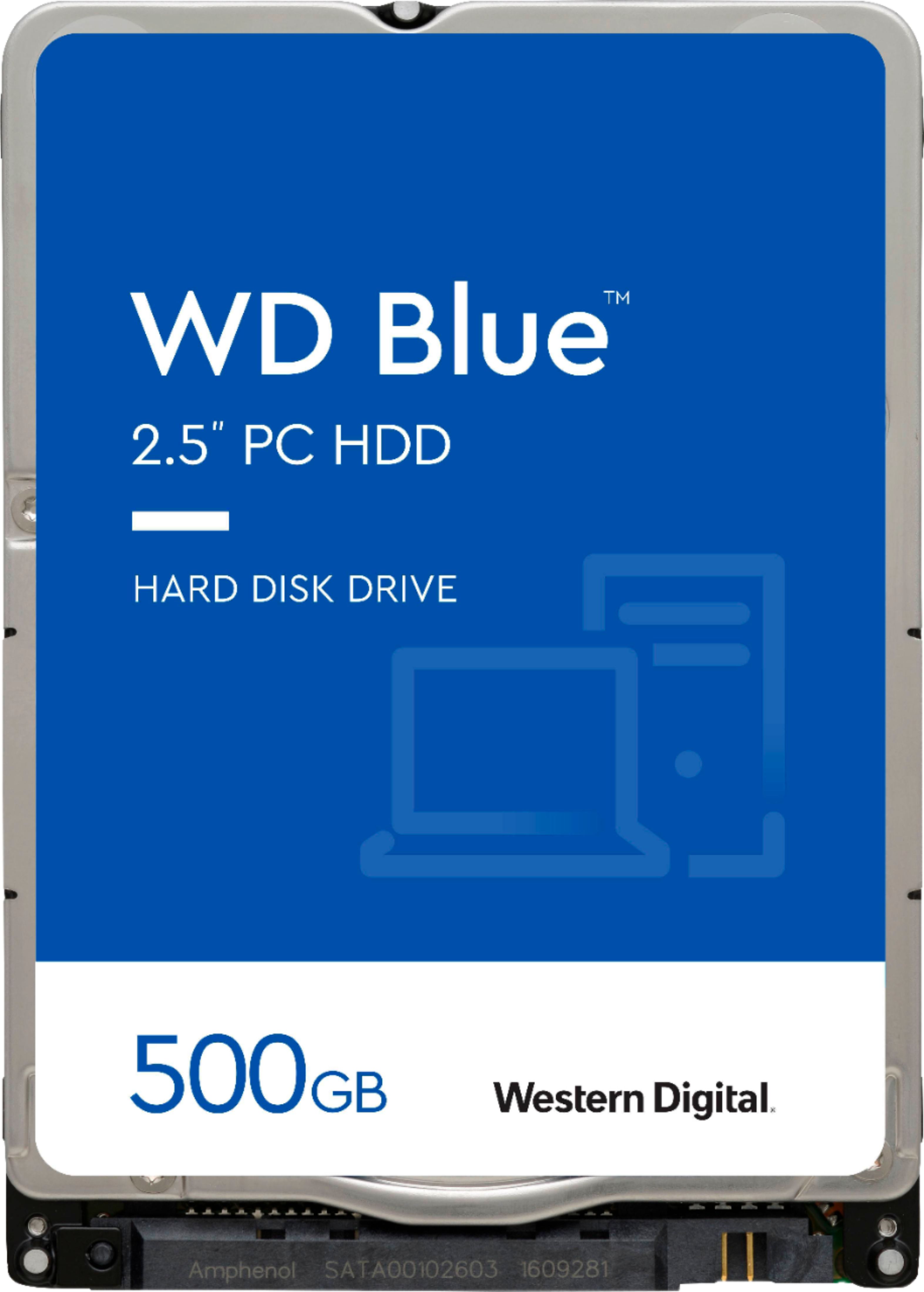
A:Answer~Hi Steve, sorry to be so late getting you an answer, I just now got the question sent to me...Yes, that WD 500 GB Sata hard drive will work fine, has to be the standard 2.5" form factor/ or size (common laptop hdd size*)..Cheers, Bee2the3rd
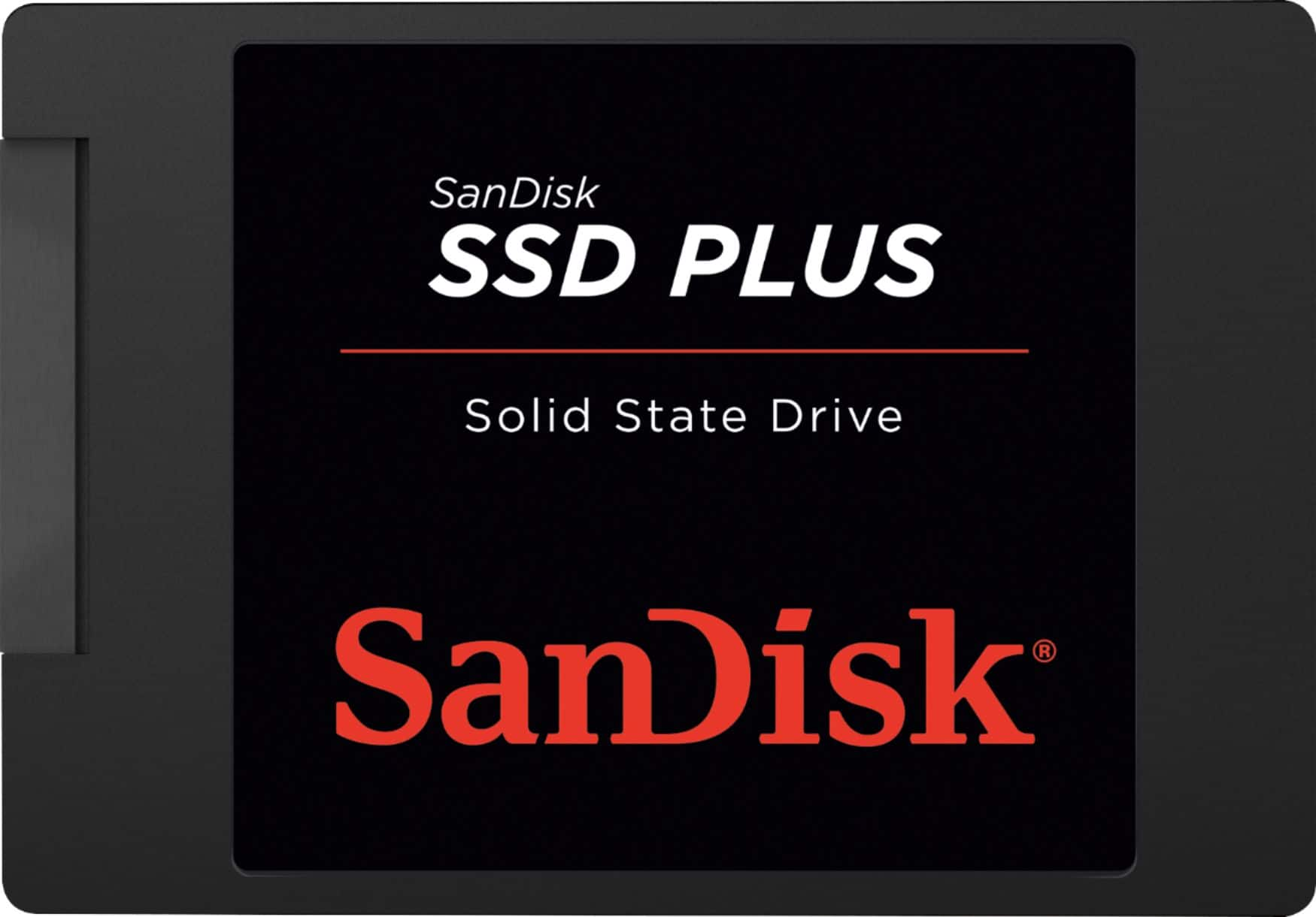
A:AnswerYes it should work just fine.. If you really want performance boost and overall system speed boost get a SSD drive... VERY Fast. Just get a big one if you want it to last for a long time..
A:AnswerHi , Please know that WD Mainstream Laptop drive has 2.5 Inch form factor. Please check with the PC/Laptop vendor whether WD drive will fit and support the PC. WD Mainstream Laptop: https://support-en.wd.com/app/products/product-detail/p/1460 Need Help? Please see our "'Contact Us" page for information.
A:AnswerYes this should fit in the same slot that the original hard drive is located in. This hard drive should work with XP without any issues. The only limitation you have to the hard drive is the size of the physical hard drive that will fit into the slot of the laptop.
A:AnswerYes, This will work in your Gateway Laptop NV Series NV57H94U.
You may need assistance or additional hardware such as an external hard drive to Backup and Restore your current drive information.
The [ VisionTek - Solid State Drive Installation and File Transfer Kit Model: 900537 SKU: 6060039] , will allow you to operate your drive externally, so that you can clone your existing drive onto the new SSD drive. This will permit you to then install the new drive into the laptop and be up and running in about an hour.
A:AnswerIt should be, most laptops take a 2.5" hard drive (which this one is) so by all accounts it should work just fine. IMO you should do yourself a favor and buy an SSD for the extra speed, but this drive does just fine if you're main concern is gaining storage space.
A:AnswerYes it will. It will fit almost any standard sized laptop. You will have to load the OS onto it because it is a blank drive. Also getting them out can be tricky on some models. I suggest looking up the full manual on the HP website. Good luck!
A:AnswerIt should be! PlayStation 3 consoles accept most 2.5" internal Serial ATA hard drives for upgrade and HDD replacement purposes. Step-by-step installation instructions can be found in your owner's guide or on Sony's official PlayStation support site.
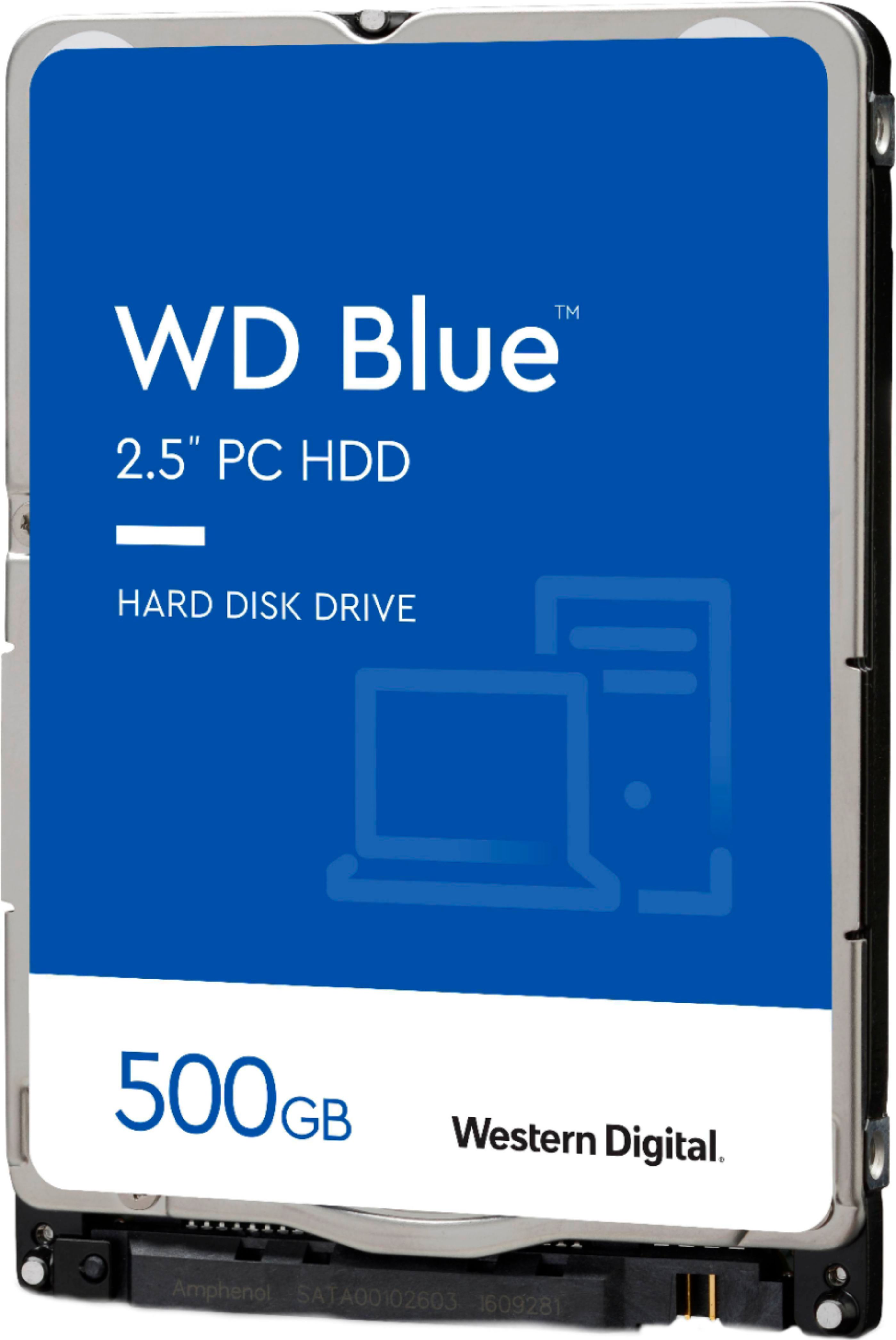
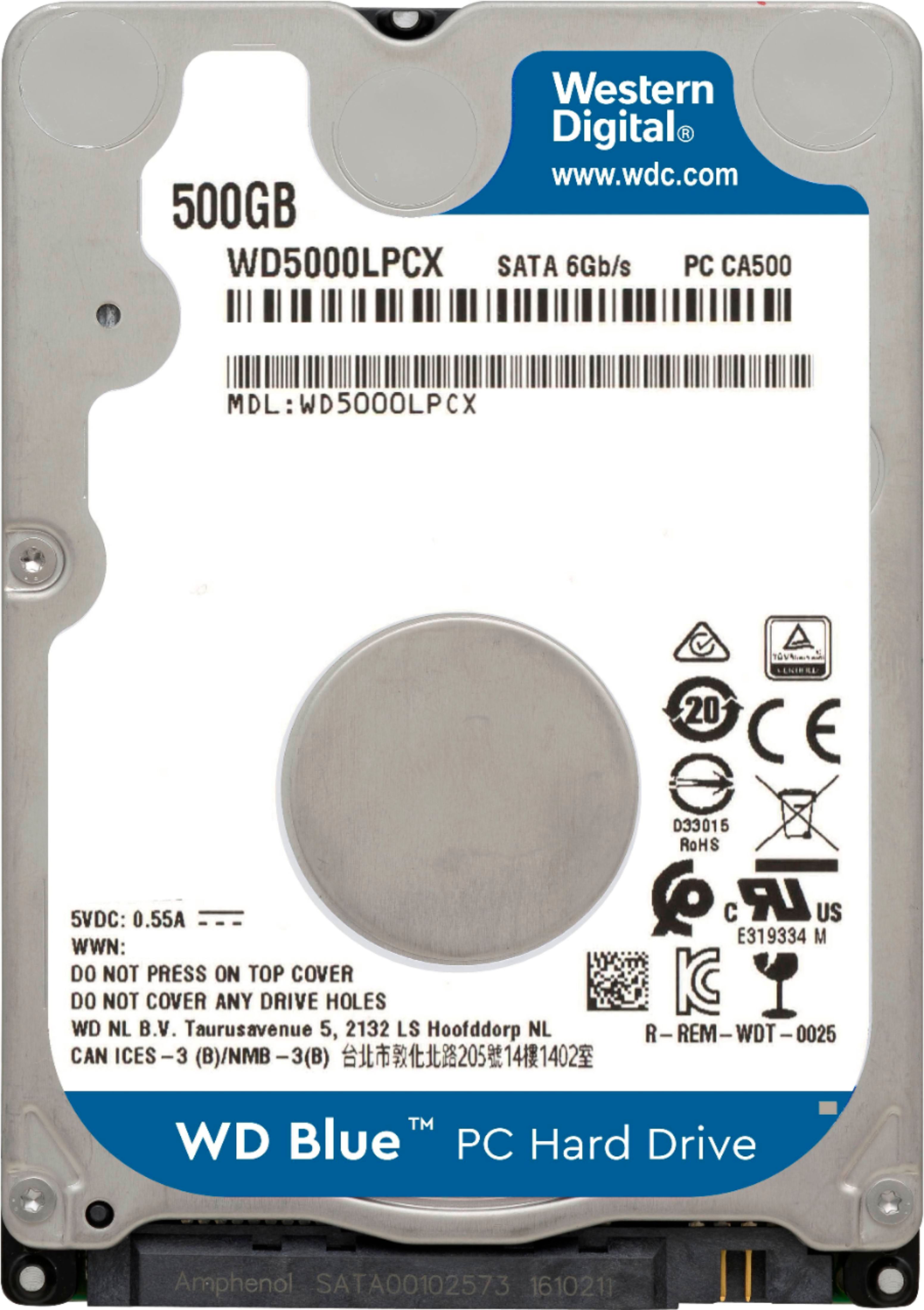
A:AnswerHi Chuck, Please know that the WD Blue Hard Drive for Laptop comes with SATA 6 Gb/s interface and has 2.5 Inch form factor. Please refer the link to know more about the drive https://support-en.wd.com/app/products/product-detail/p/276 -Need Help? Please see our "'Contact Us" page for information.
A:AnswerHi Nomad, Please know that the WD Blue Hard Drive for Laptop comes with SATA 6 Gb/s interface and has 2.5 Inch form factor. Please check with the PC/Laptop vendor whether the WD drive will fit and support the host device. -Need Help? Please see our "'Contact Us" page for information.
A:AnswerHello, Please know that the WD Blue Hard Drive for Laptop comes with SATA 6 Gb/s interface and has 2.5 Inch form factor. Please check with the host device vendor whether the WD drive will fit and support the host device. -Need Help? Please see our "'Contact Us" page for information.
A:AnswerHi FIshtick, Please know that the WD Blue Hard Drive for Laptop comes with SATA 6 Gb/s interface and has 2.5 Inch form factor. Please check with the host device vendor whether the WD drive will fit and support the host device. -Need Help? Please see our "'Contact Us" page for information.