A:AnswerHello, Please be informed that the WD Easystore External drive comes preformatted in NTFS format for Windows OS, However, in order to use the drive for macOS you can reformat the drive with macOS supported HFS+J file system by using this link: https://support-en.wd.com/app/answers/detail/a_id/3879 Please be informed that reformatting is a data destructive process, please backup the data from the drive before reformatting it. Please refer to the link for time machine backup: https://support-en.wd.com/app/answers/detailweb/a_id/18952/kw/time%20machine -Need Help? Please see our "'Contact Us" page for information.
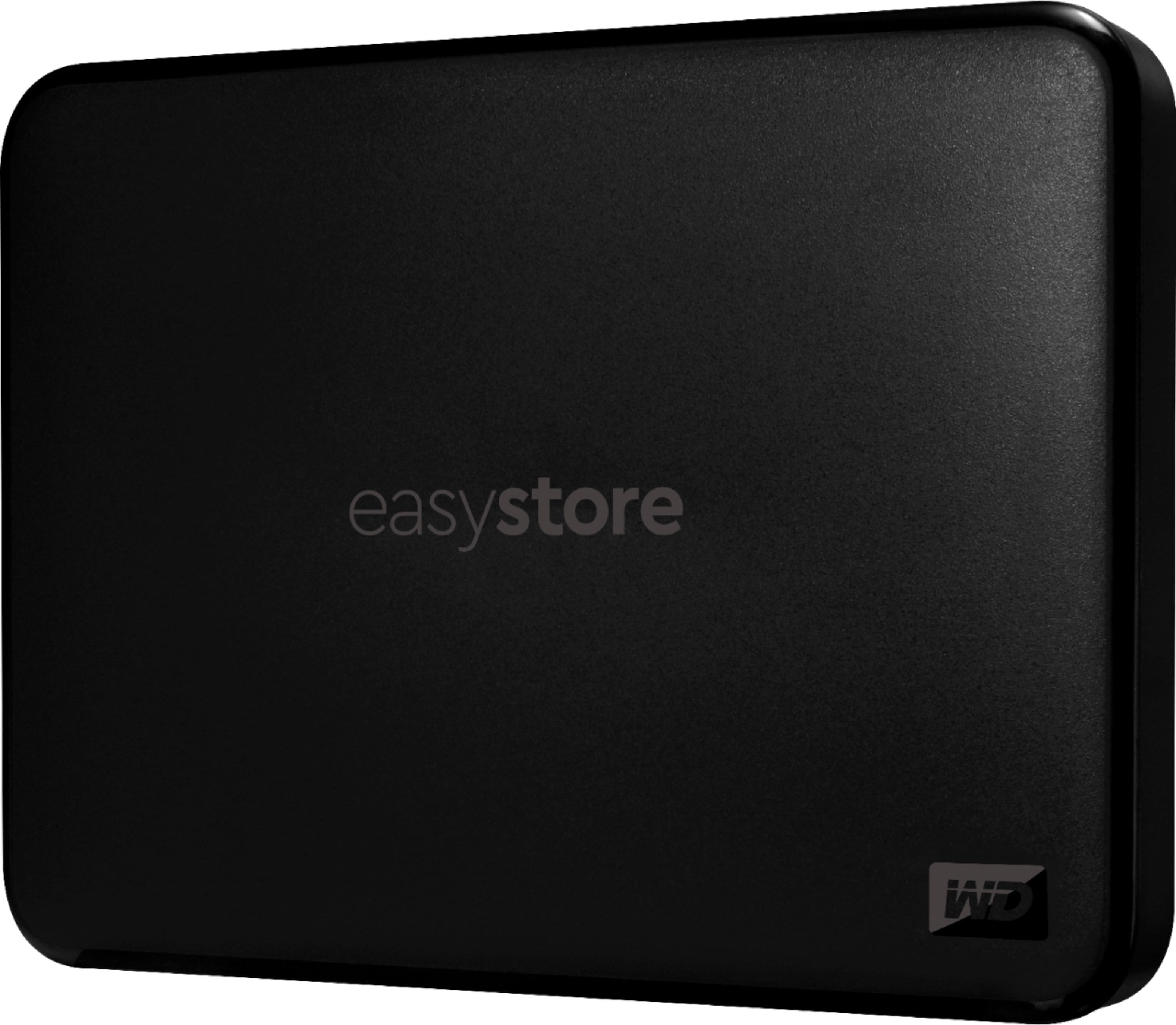
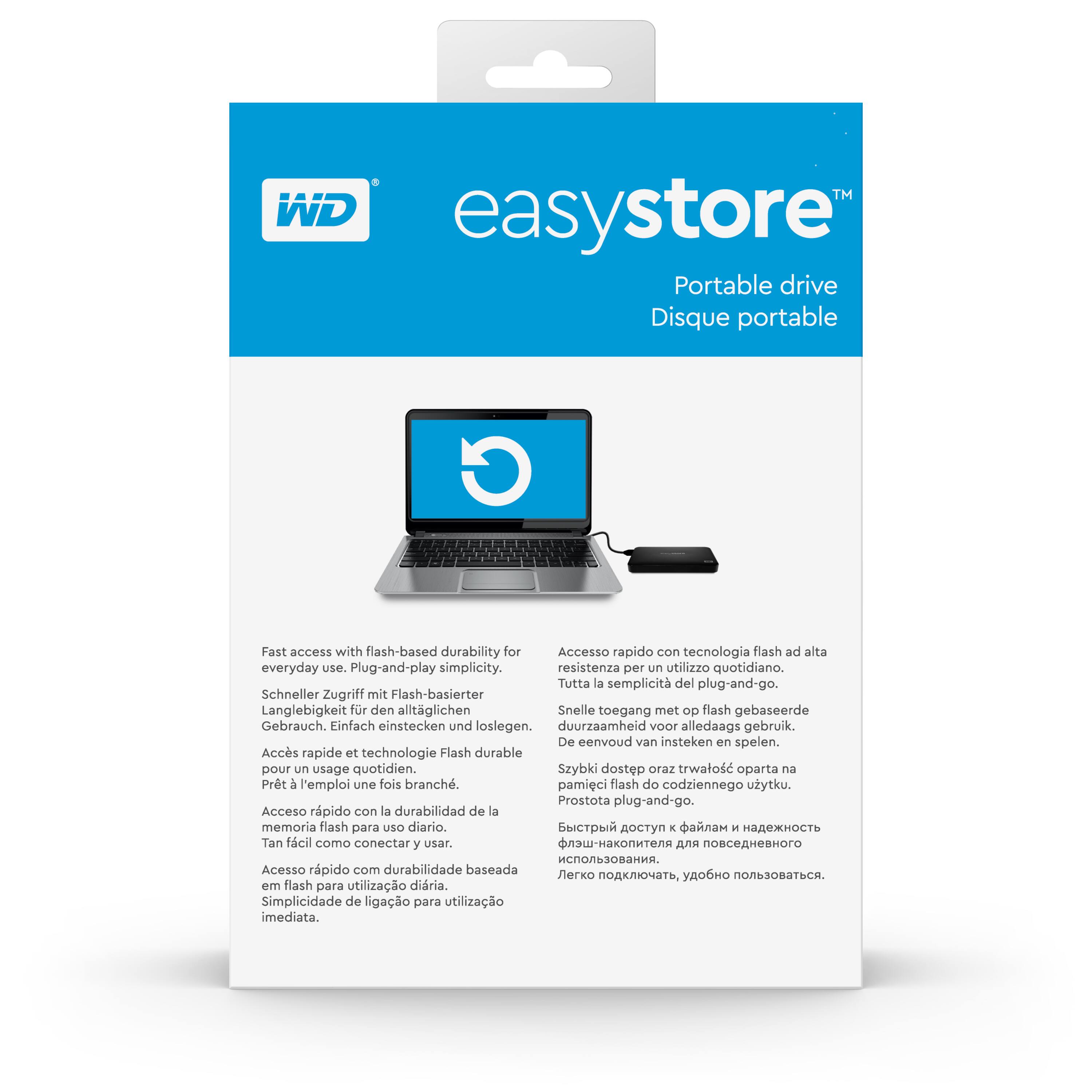
A:AnswerHello Brian, Please be informed that the WD Easystore drive is a plug 'n' play device tested and designed for Windows and Mac computers. The easystore portable drive is both USB 3.0 ready and USB 2.0 compatible and comes with USB 3.0 Type-A Interface. In order to know more about the drive refer to the link: http://products.wdc.com/library/AAG/ENG/4078-705145.pdf -Need Help? Please see our "'Contact Us" page for information.
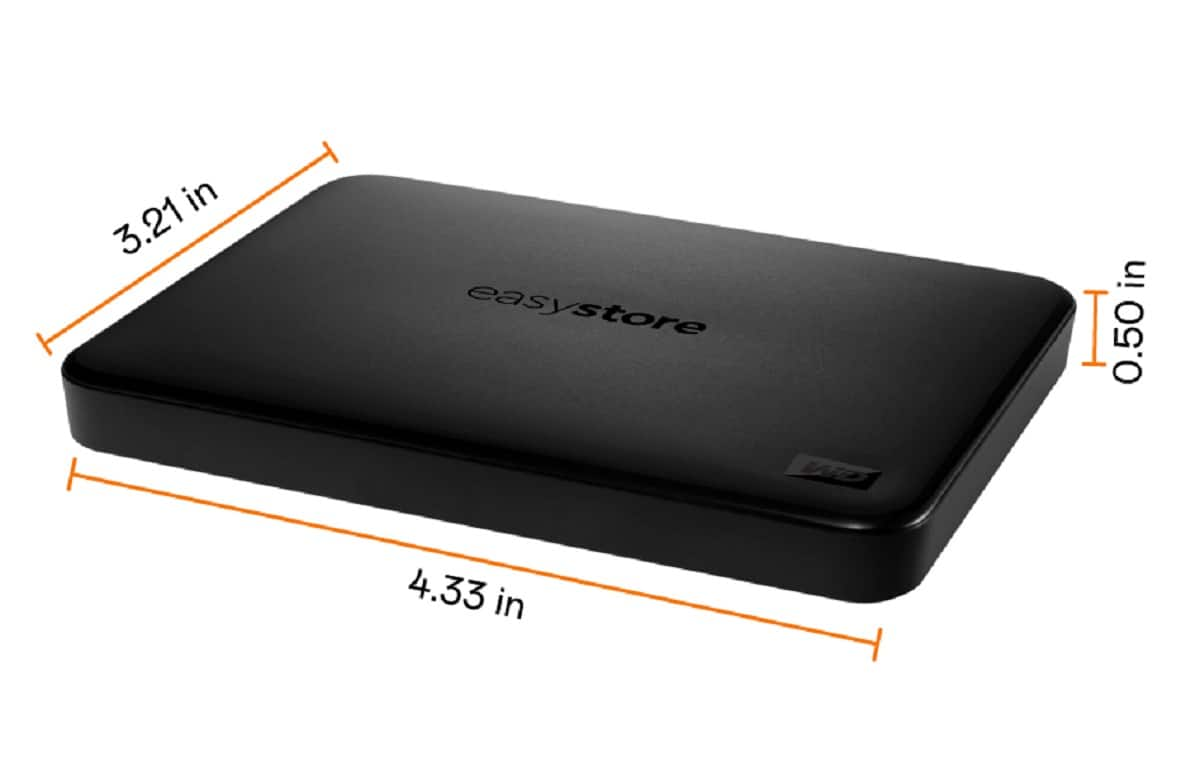
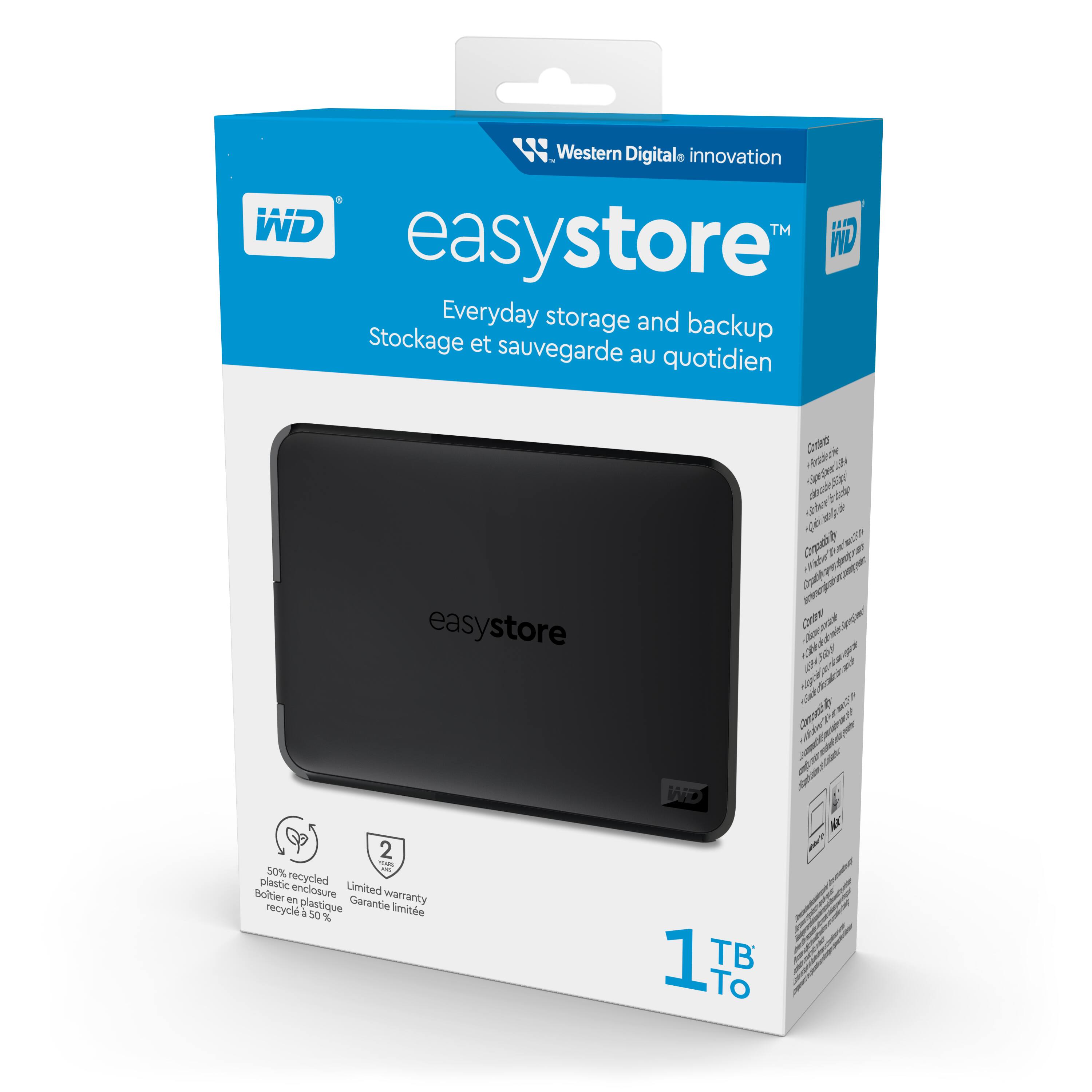
A:AnswerHello, Please be informed that the WD Easystore drive is a plug 'n' play device that has been tested and designed for Windows and Mac computers. This drive is compatible with Windows 10+ and macOS 11+. Compatibility may vary depending on the user's hardware configuration and operating system. Moreover, WD Backup software is now end of support. However you could use File History or Acronis on windows .You could refer to the link mentioned below: Windows 10 and 11 File History Backup and Restore to a WD DAS-https://support-en.wd.com/app/answers/detail/a_id/25298/kw/file%20history and for using Acronis you could refer to the link mentioned below : https://support-en.wd.com/app/answers/detailweb/a_id/30022/kw/acronis Please be informed that for backup on Mac you could use macOS Time Machine Backup and Restore to a WD DAS-https://support-en.wd.com/app/answers/detail/a_id/18952/kw/time%20machine. Check out the link to learn more about the drive: http://products.wdc.com/library/AAG/ENG/4078-705145.pdf -Need help? Please see our "'Contact Us'" page for details.
A:AnswerHello, We request you to try different USB ports, cables and computers to resolve the issue. If the issue persists, we request you to open a support ticket on the mentioned link: https://support-en.wd.com/app/ask/session/ the customer support team will contact you as soon as possible. -Need Help? Please see our "'Contact Us" page for information.
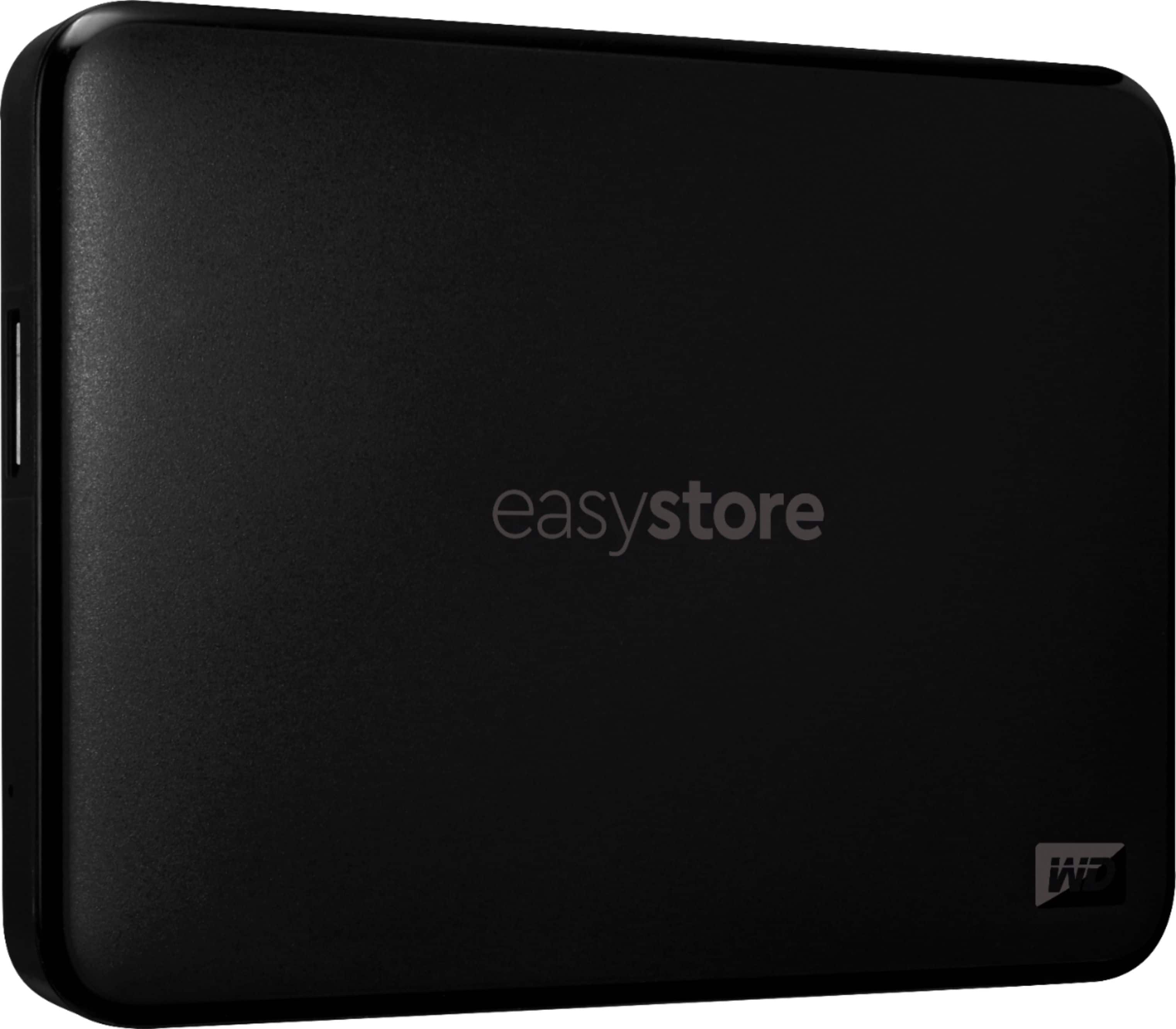
A:AnswerHello, We do not recommend to partition the drive if you want to format the drive then please refer to the link mentioned below: https://support-en.wd.com/app/answers/detailweb/a_id/8200. Also, WD Easystore is a plug n play device and you could copy and paste the data to the drive directly. In order To know more about the drive refer to the link: https://www.westerndigital.com/products/portable-drives/wd-easystore-portable-3-0-hdd?sku=WDBAJN0010BBK-WESE- Need Help? Please see our "'Contact Us" page for information. -Need Help? Please see our "'Contact Us" page for information.
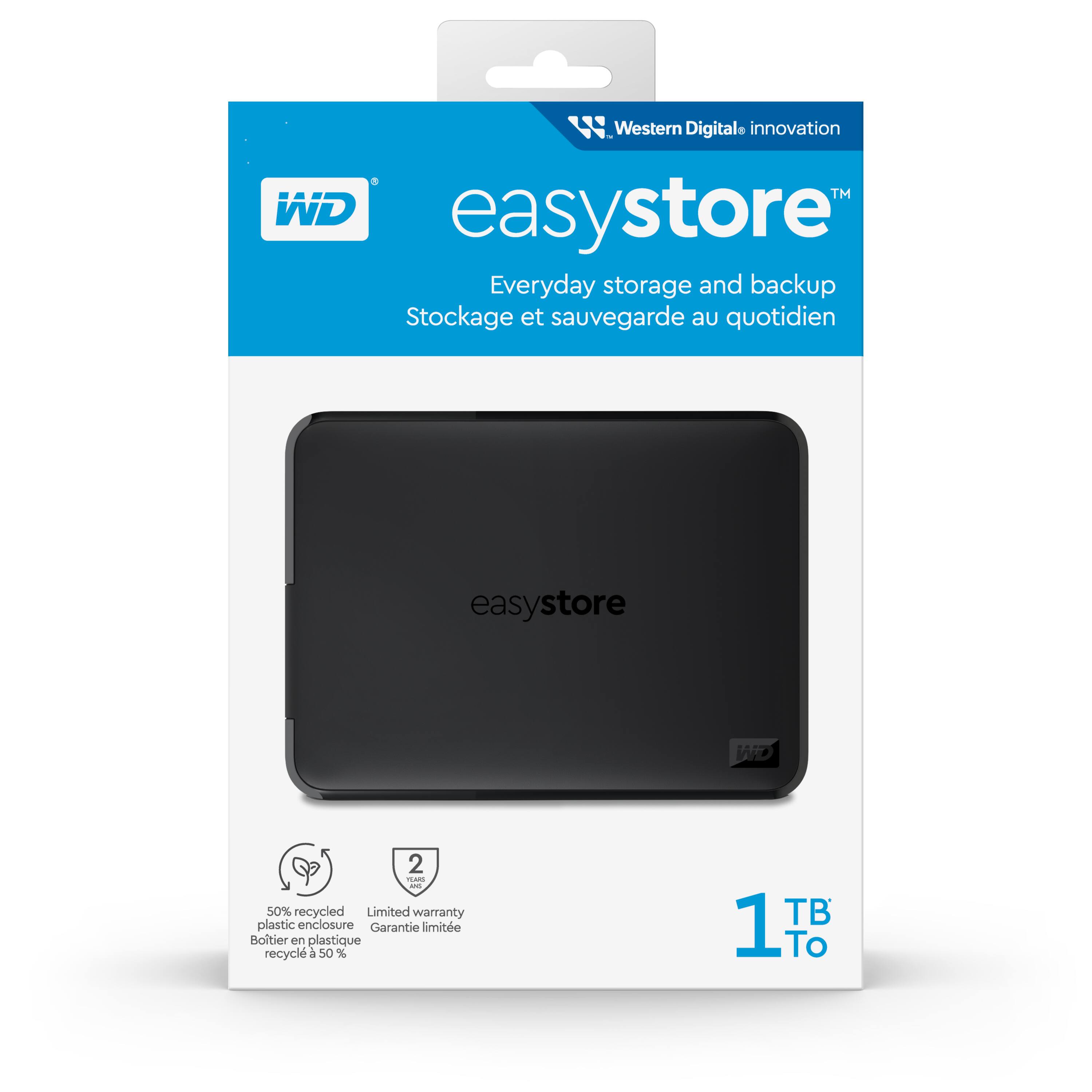

A:AnswerHello, Please be informed that the WD Easystore drive is a plug 'n' play device tested and designed for Windows and Mac computers. The easystore portable drive is both USB 3.0 ready and USB 2.0 compatible and comes with USB 3.0 Type-A Interface. For more information: http://products.wdc.com/library/AAG/ENG/4078-705145.pdf -Need Help? Please see our "'Contact Us" page for information.