A:AnswerFirst of all I don't think you can copy CD's directly to your IPod. You first have to download them to your computer hard drive and then copy the music to your IPOD. You need to copy the music from iTunes. Look through the menu under "copy to". I know I have copied CD's to my hard drive and then used ITunes to make a CD of my favorite songs and also copied to my iPod. Hope this helps.

A:AnswerI bought it for this purpose, but I'm unsure it is working. Installation instructions are not very clear and I haven't been able to determine if it is working. There is a file being generated, but it appears to be compressed in some way. Not very satisfying I'm afraid!
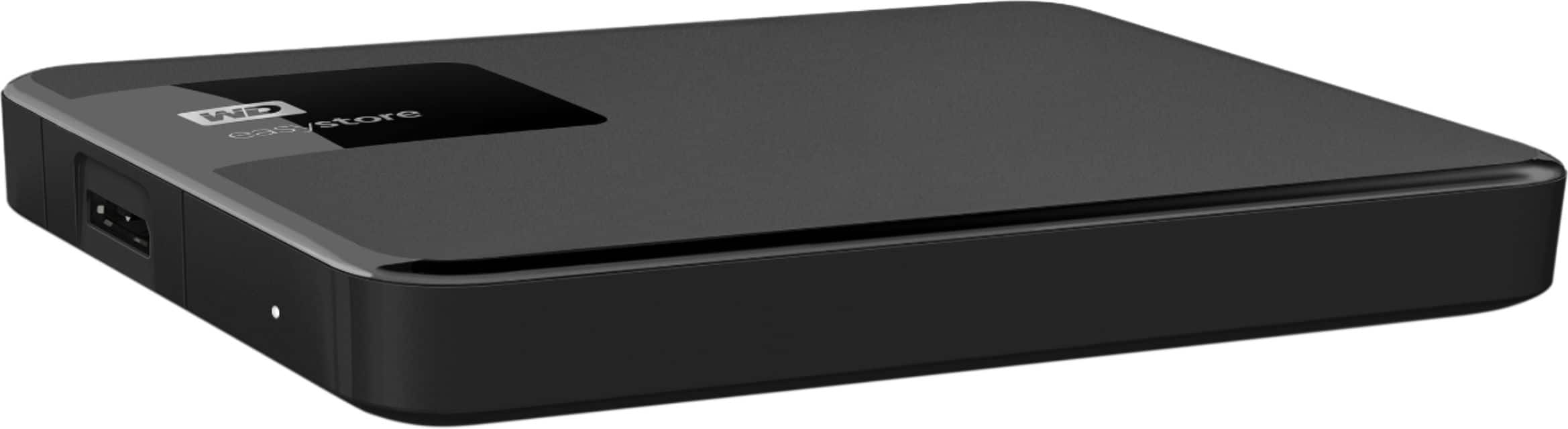
A:AnswerHello Mike, Please be informed that the WD Easystore drive is a plug 'n' play device tested and designed for Windows and Mac computers. You could use the drive by connecting USB cable to your computer. The easystore portable drive is both USB 3.0 ready and USB 2.0 compatible and comes with USB 3.0 Type-A Interface. In order to know more about the drive refer to the link: http://products.wdc.com/library/AAG/ENG/4078-705145.pdf -Need Help? Please see our "'Contact Us" page for information.
A:AnswerHi Bron701, We are sorry for the inconvenience caused & to assist you better it would be helpful to have a bit more information. We request you to please get in touch with our customer service team to elaborate on the issue. This way we can ask you some questions to isolate the issue & to provide the best possible resolution. -Need Help? Please see our "'Contact Us" page for information.
A:AnswerHello Mike, Please be informed that the WD Easystore Portable Hard Drive is a plug 'n' play device and has connectivity with USB 3.0 devices as well as backward compatibility with USB 2.0 devices. The drive is designed and test for Windows and Mac computers. For more info about the drive, refer to the link: http://products.wdc.com/library/AAG/ENG/4078-705145.pdf -Need Help? Please see our "'Contact Us" page for information.
A:AnswerHello, Please be informed that the WD Easystore drive is a plug and play External Portable Hard Drive.. For more info about the drive refer the below link for Product Overview of the drive- http://products.wdc.com/library/AAG/ENG/4078-705145.pdf USER MANUAL- http://products.wdc.com/library/UM/ENG/4779-705168.pdf Need Help? Please see our "'Contact Us" page for information.
A:AnswerIt's a simple process, really. Go to Computer, look for the Drive your external hard drive is plugged into (Example: Drive J). Then you click on it and it should show you the files and folders you have put into the external hard drive. If they don't show, then you might not have properly placed your folders and files in the external hard drive. Though it's really not that hard to place items and folders into an external hard drive. It's no different from USB flash drives.
A:AnswerHello,Please be informed that the WD Easystore drive is a plug 'n' play device and is both USB 3.0 ready and USB 2.0 compatible. It comes with USB 3.0 Type-A cable. We recommend you to contact your host device support to check whether the drive will fit and support the device. To know more about the drive please refer to the link: http://products.wdc.com/library/AAG/ENG/4078-705145.pdf -Need Help? Please see our "'Contact Us" page for information.
A:AnswerHi, Please know that WD Easystore Portable Hard Drive is a plug 'n' play device and has connectivity with USB 3.0 devices as well as backward compatibility with USB 2.0 devices. If you are purchasing the drive on WD Online Store, then you can contact our Online Store Support https://shop.westerndigital.com/. -Need Help? Please see our "'Contact Us" page for information.
A:AnswerHi Barbjs47, Please be informed that the WD Easystore drive is a plug 'n' play device tested and designed for Windows and Mac computers for seamless operation. In order to know more about the drive refer to the link: http://products.wdc.com/library/AAG/ENG/4078-705145.pdf -Need Help? Please see our "'Contact Us" page for information
A:AnswerHi Jun9x, Please be informed that WD Easystore is a plug 'n' play hard drive tested and designed for Windows and Mac computers. In order to know more about the drive refer to the link: http://products.wdc.com/library/AAG/ENG/4078-705145.pdf -Need Help? Please see our "'Contact Us" page for information
A:AnswerHi Doug, Please be informed that the WD Easystore drive comes equipped with WD Backup software for windows & Time Machine for macOS. WD Backup is an application which automatically stores a copy of your files, photos, and documents with on premise backups to a WD drive as primary storage. It can also restore previous backups to your computer. WD Backup keeps up to 5 older versions of each file. To know more about the WD Backup software refer to the link: https://support-en.wd.com/app/answers/detail/a_id/12279 -Need Help? Please see our "'Contact Us" page for information
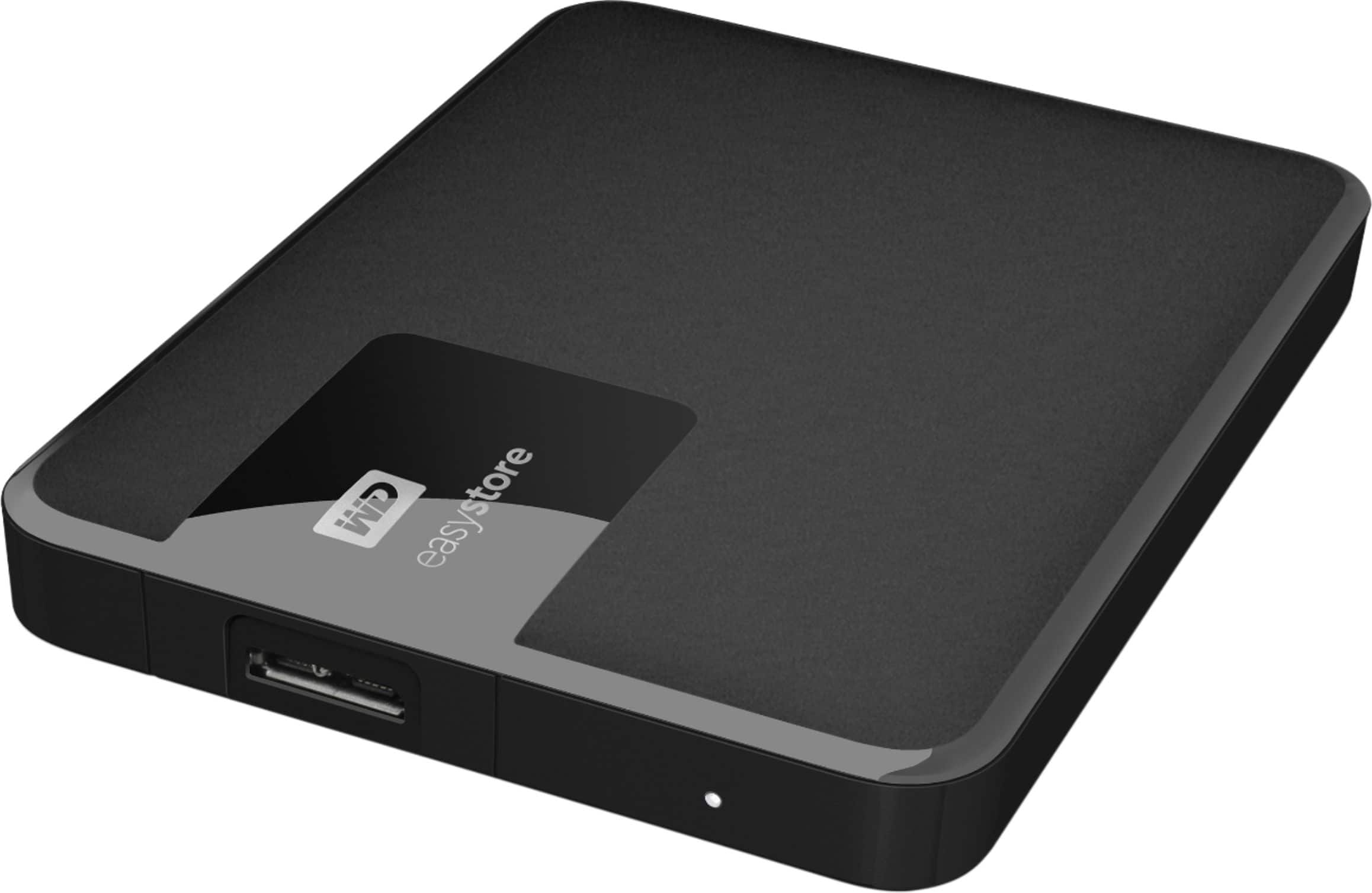
A:AnswerHi UskxxW0rldW1de, Please be informed that the WD Easystore drive is a plug 'n' play External Hard Disk Drive. The drive ships with a USB 3.0 cable and uses USB 3.0 Type-A interface. To know more about the drive please refer to the link: http://products.wdc.com/library/AAG/ENG/4078-705145.pdf -Need Help? Please see our "'Contact Us" page for information.