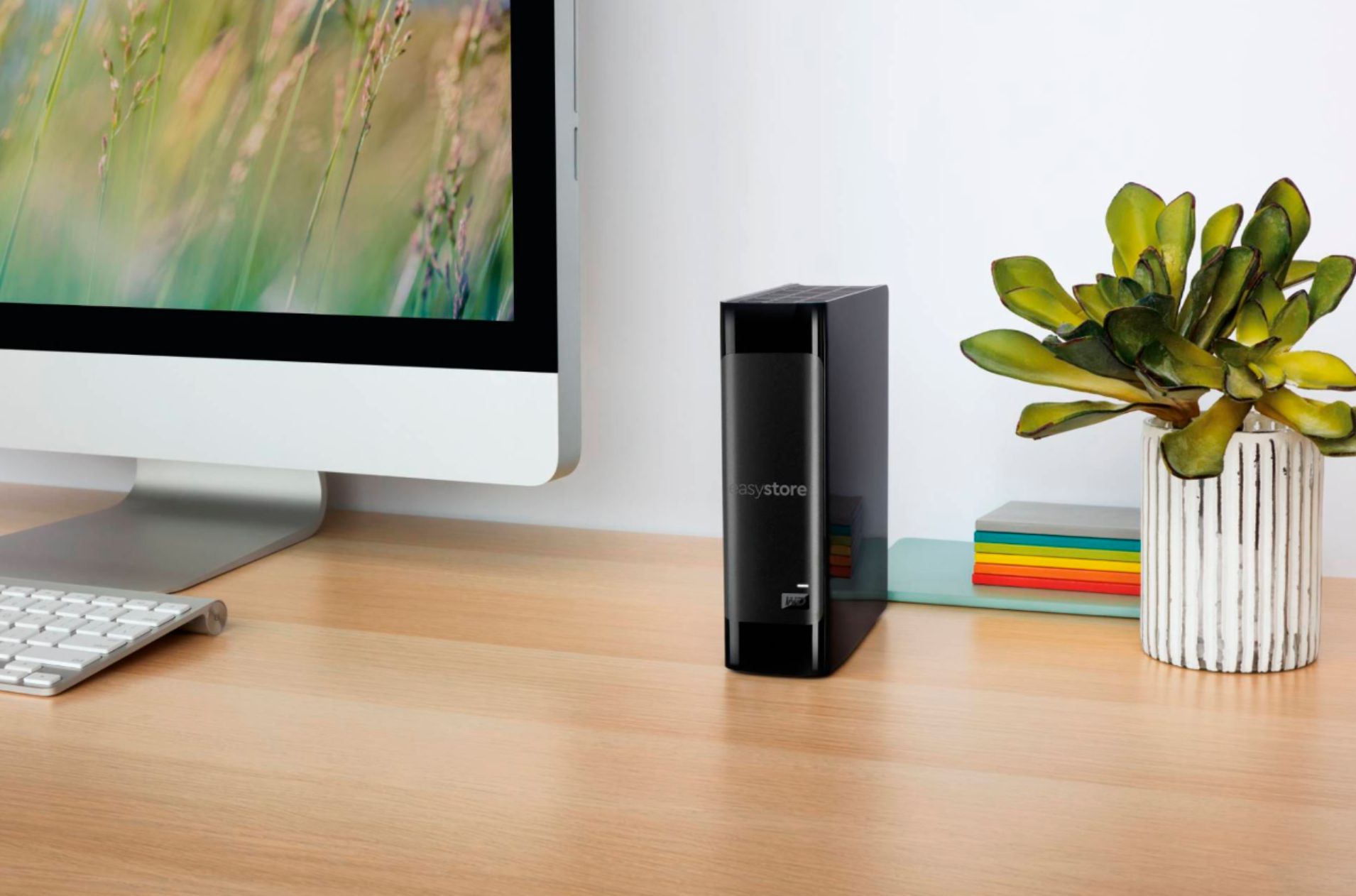
A:AnswerThe drive inside was a WD80EDAZ. I ordered in Feb 2021. I plugged into a synology nas 220+ and was instantly recognized without any pin modification needed.
A:AnswerHi faith,
Please know that the WD Easystore Desktop is a plug and play DAS device and does not possess remote access features.
Need Help? Please see our "'Contact Us" page for information.
A:AnswerHi SuperDave, Thank you for your showing your interest in WD Easystore External Hard drive. Please know these drives manufactured for normal operation. In order to know the compatibility please contact to your Host device manufacturer. Moreover, you can reconsider our WD Purple internal drive which is designed for surveillance systems. Refer to the link mentioned below to know more about this drive. https://www.wdc.com/en-us/products/internal-storage/wd-purple-surveillance-hard-drive.html
Need Help? Please see our "'Contact Us" page for information
A:AnswerIt should. I’m running on Mojave. I’m also not using it as a time machine backup. I’m using it for primarily backing up other files. I have another external hard drive that does my TM backups. But that shouldn’t matter.
A:AnswerYou have to have a host computer, it doesn’t have a processor. You can set it to back up via iTunes. You can also set up your os computer to backup. Extra space for multiple backups!
A:AnswerWD has a special cord for the WD 8TB EASYstore one end connects (weird shaped plug) to the Interface circuit and the other end of the cable is USB to connect to your computer.
Many people are taking the HDD out of the case and installing as a regular Storage Backup drive using the WD DISCOVERY backup program that is included "pre-written" on the Easystore HDD. The HDD is already NTFS formatted. The HDD is a 3.5 inch, 5,400 rpm, usually 256MB cache (Thailand) or 128MB (China). You definitely what it from Thailand as marked on the Bottom side of the Box Carton where the P/N and Purchase Barcode is located. There are 2 types of Labels they are White or RED. The white is a re-branded Hitachi HSGT Hard Drive basically the same as the WD Red labeled HDD. However, the RED performs better even though on White Paper or Specifications are nearly the same. There are fantastic reviews on the Portable WD 4TB EasyStore HDD.
A:AnswerIf you’re using a PC, yes. Probably. If you’re using an Apple computer, no. The built in software is incomparable with Apple OS. You must reformat the drive to use with Apple. This drive comes with NTSC format and it’s incompatible with much of Apples systems. Reformat into Apple journaled for anything with OS 10.13 and prior or for 10.14, you’ll use the new Apple format. Hope this helps.
A:AnswerI bought the same, and My TV isn't supporting either and asking to check the DNLA settings for the Drive. Will update the drive for media play and see if it works.
A:AnswerIt seems the Roku will support 4TB's from an internet search I did however not sure if it'll support more than that. It can't be formatted as exFat. Needs to be formatted with the following: FAT16, FAT32, NTFS, EXT2, EXT3, and HFS+. Also to note, it seems you can't use a portable hard drive. The external hard drive needs to have a power supply because some of the Roku's only support up to certain milliamps.
A:AnswerIt's plug and play. I'm using it on my S. The light remains on. Not sure if it can be disabled. My settings are for the hdd to work while the S is in sleep mode