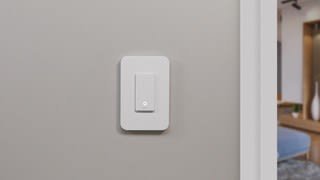
A:AnswerYes it will work but you have to make sure you buy the Wemo that says 3 way switch on the side of the wemo box not the other switch that only controls one light switch.
A:AnswerRegular bulbs are comparable with the switch. I just have regular LED light bulbs in my ceiling fan which is connected to the switch and it works great!
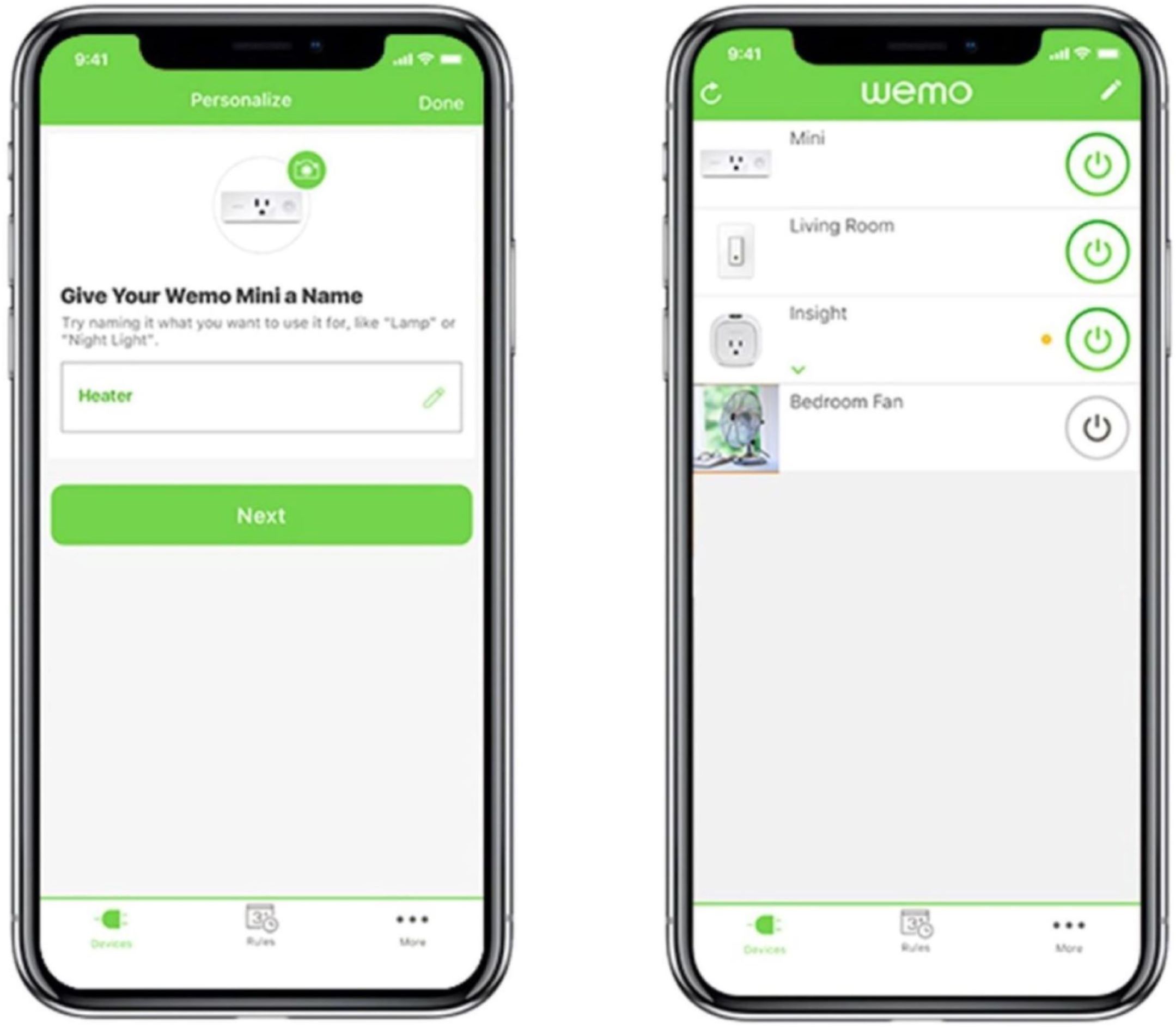
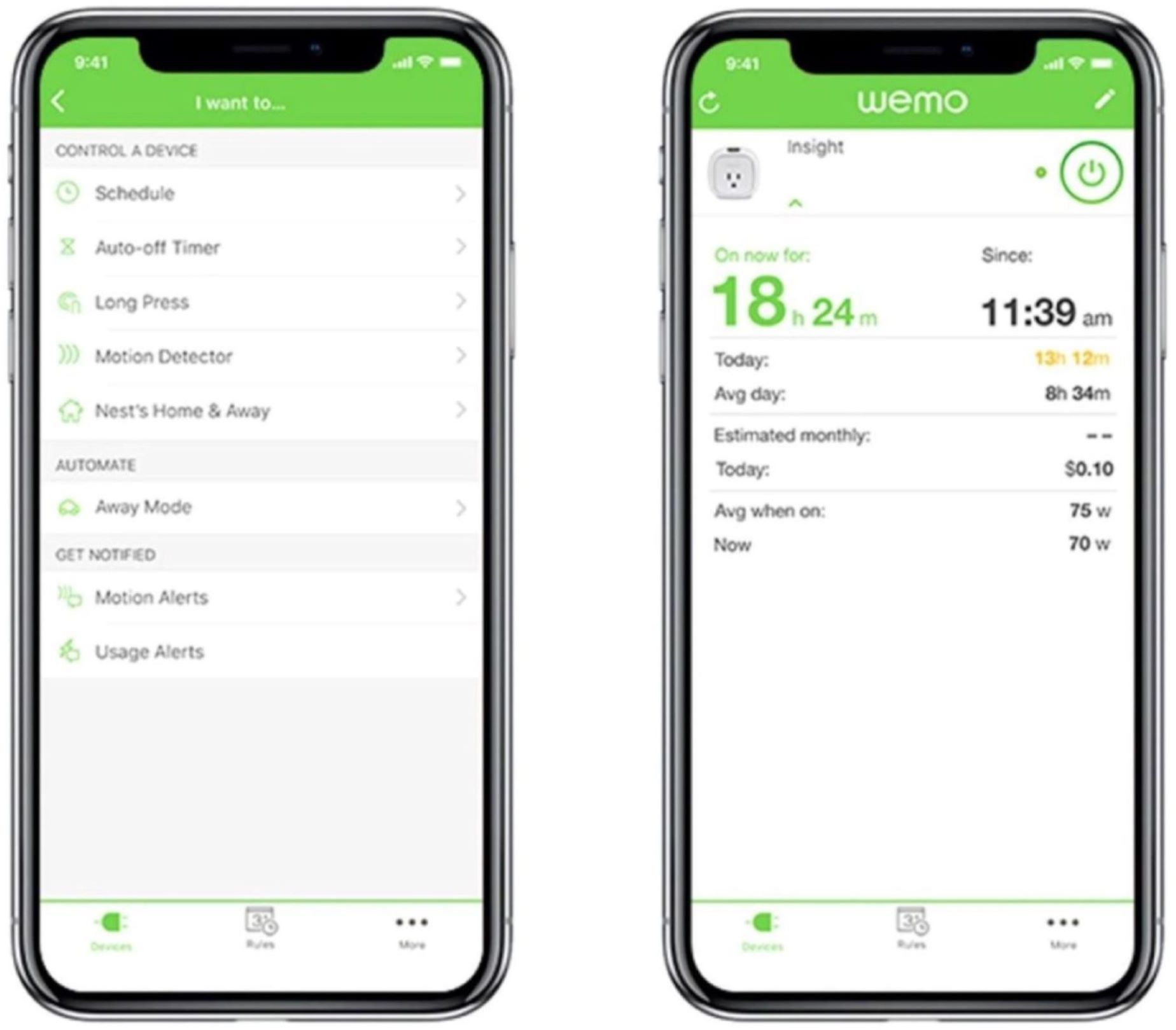
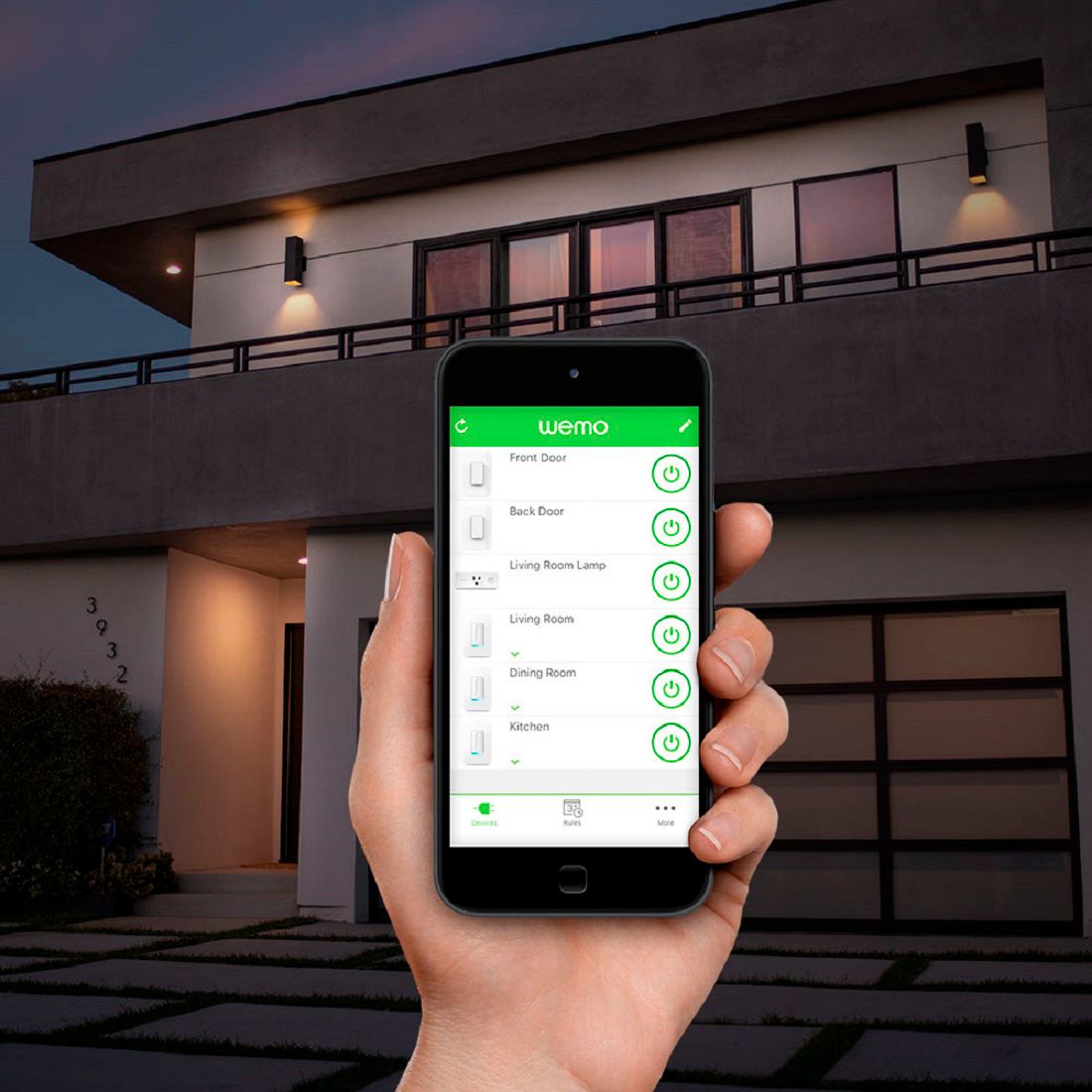
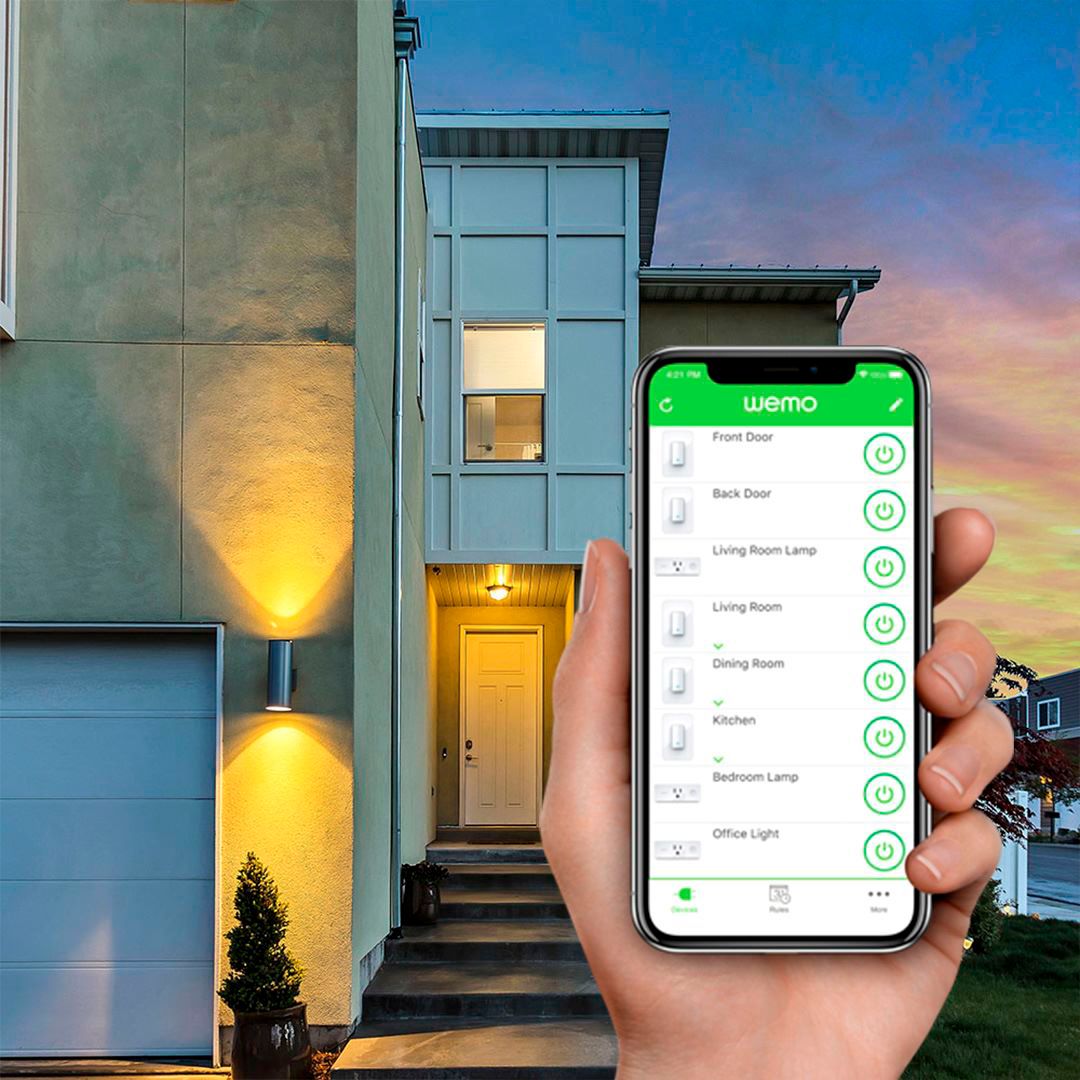
A:AnswerReplace the switch with a Wemo light switch and you can turn it on with your phone from anywhere you have cell or internet service and you can set a schedule to turn it on or off based on your selected times. Or, use it like a normal light switch too.
A:AnswerThe switch can be in any state to control remotely. As long as your home WiFi connection is good & wherever you are has a good data connection, your WeMo app should show you the state of your switch presently & allow you to turn on, off or even schedule an action.
A:AnswerYou can use as many lights that is tied to the circuit. I have my switchs tied to led light and they work fine. As long as your vanity needs 120V to turn on you are fine.
A:AnswerHi, SGWonder. Please be advised that we do not have a 3 Way Wemo Dimmer Switch. The Wemo WLS040 does not have the option to dim your light, it can only turn it on/off.
A:AnswerTo power up your switch you need the line (black), the load (red/black) for the light bulb and and the neutral (white). Ground either copper or (green) is to prevent you from getting shock. You can use a switch without the ground but you run the risk of getting shock or electrocuted. You add more ground wire to cover each light switch you add.
A:AnswerYes you can depending what voice recognition you have like Siri Alexa or others. You have to program them to their app. But not all are compatible. Check before buying.
A:AnswerFirst thing to check, does your Eero 6 support the 2.4ghz frequency? Do you have the same wifi password on Eero as you did on old router? My wemo's are new, but I just put in 17 and have Orbi Mesh. I had a few issues where I had to reset some of my wemo's to factory default. You can do that manually from switch or from the Wemo app and then go through setup again.