Questions & Answers
- Model:
- WYZEC-BC
- |
- SKU:
- 6633581
Highly rated by customers for: Image Quality
$49.98Your price for this item is $49.98
Page Showing 1-7 of 7 questions
Q: QuestionI saw where this unit has motion detection, but does it not have motion tracking? I didn't see it mentioned... just wanted to be sure.
Asked by Otis.
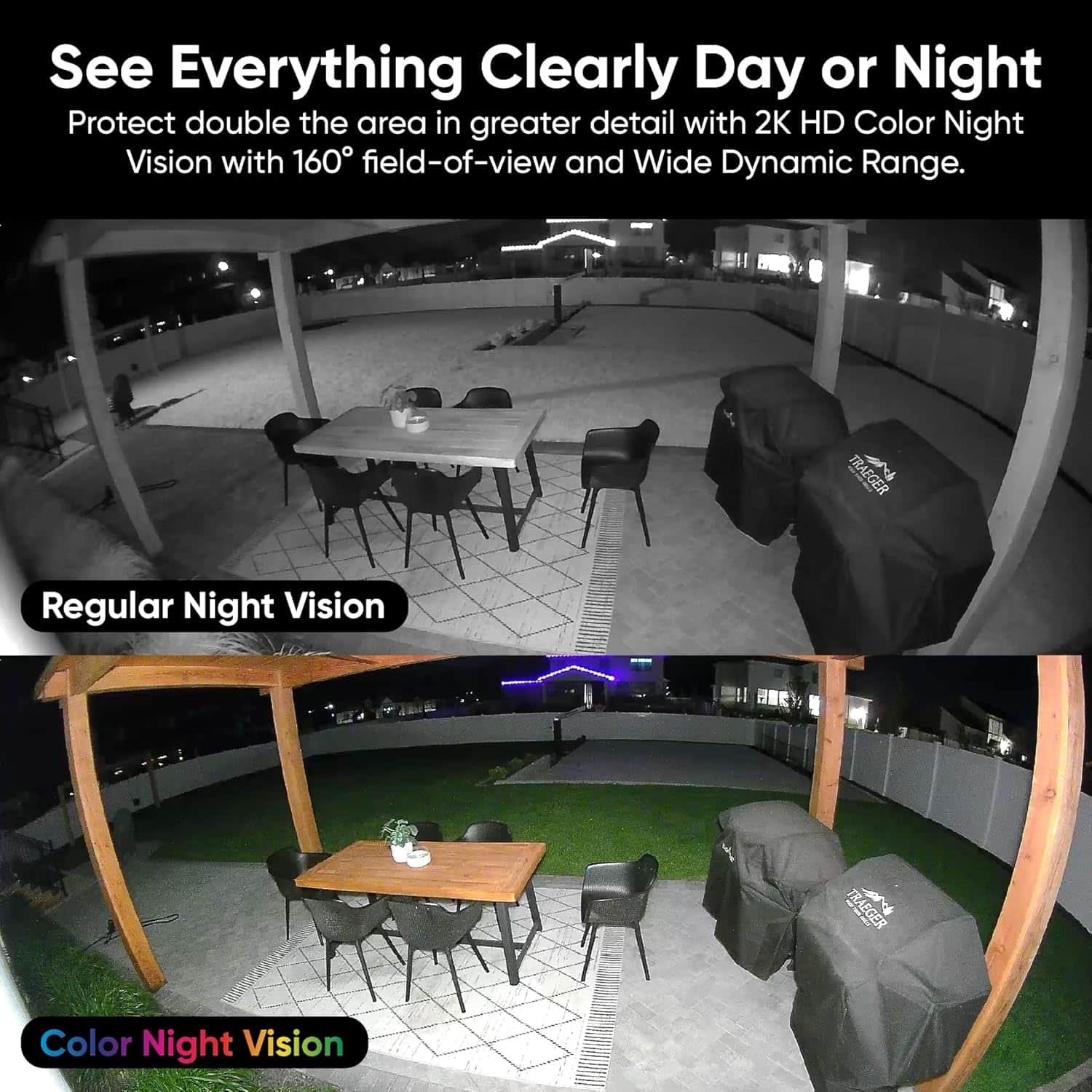
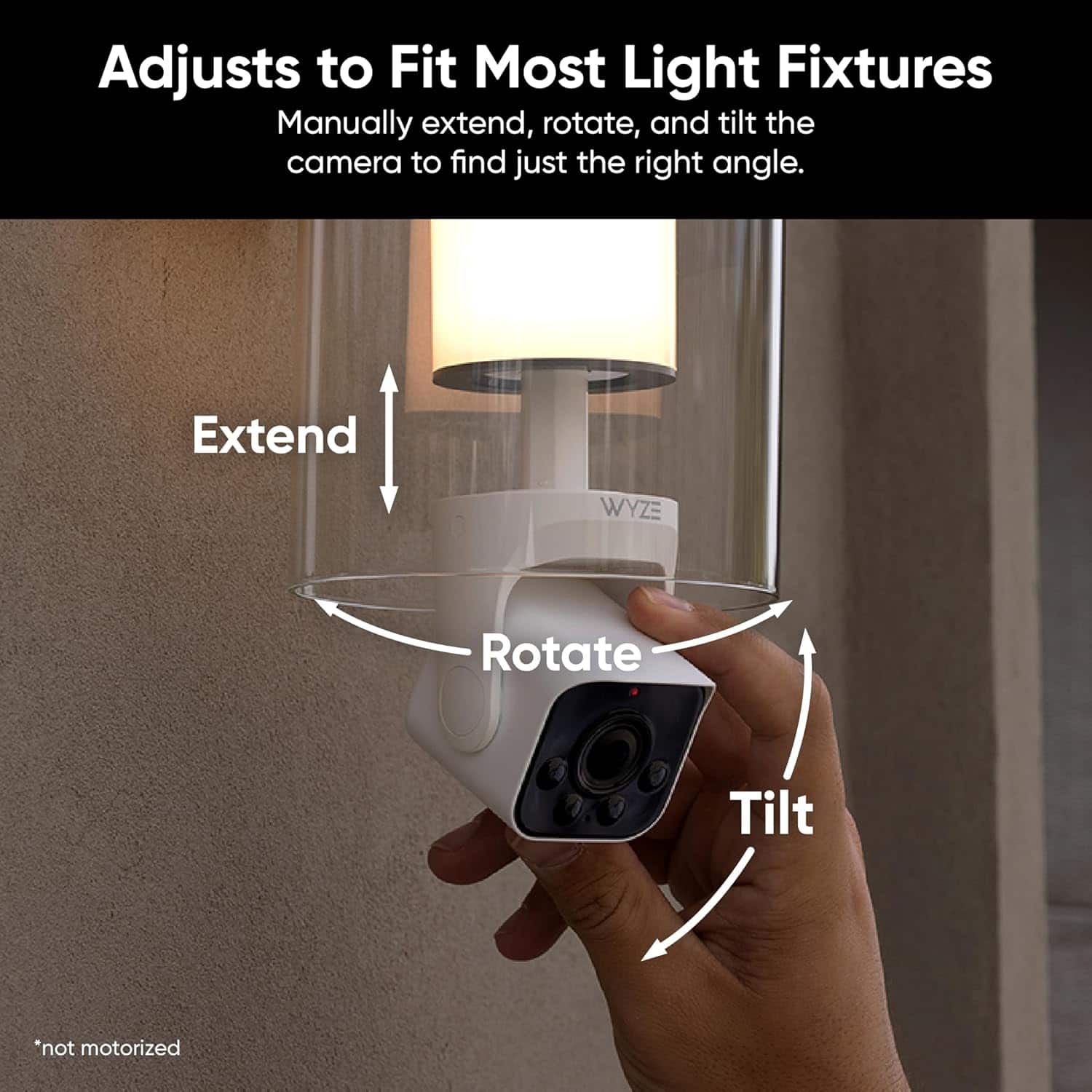
- A:Answer Hi there! The Wyze Bulb Cam includes motion detection—it alerts you when it spots movement—but it does not have motion tracking like the Pan cameras (Cam Pan v1/v2/v3). You can't have it automatically follow or pan toward moving objects; it’s a fixed-angle camera that stays in place after detection. If you have other questions, concerns, or would like to speak more about our products please reach out to our Wizards team (https://wyzelabs.zendesk.com/hc/en-us) so we may help. Thank you and have a great day!
Answered by Wyze Labs
Q: QuestionIs the light and camera one unit? If one is not working, can each part-light or camera be replace? Or does the whole unit needs replacing?
Asked by Daziee.
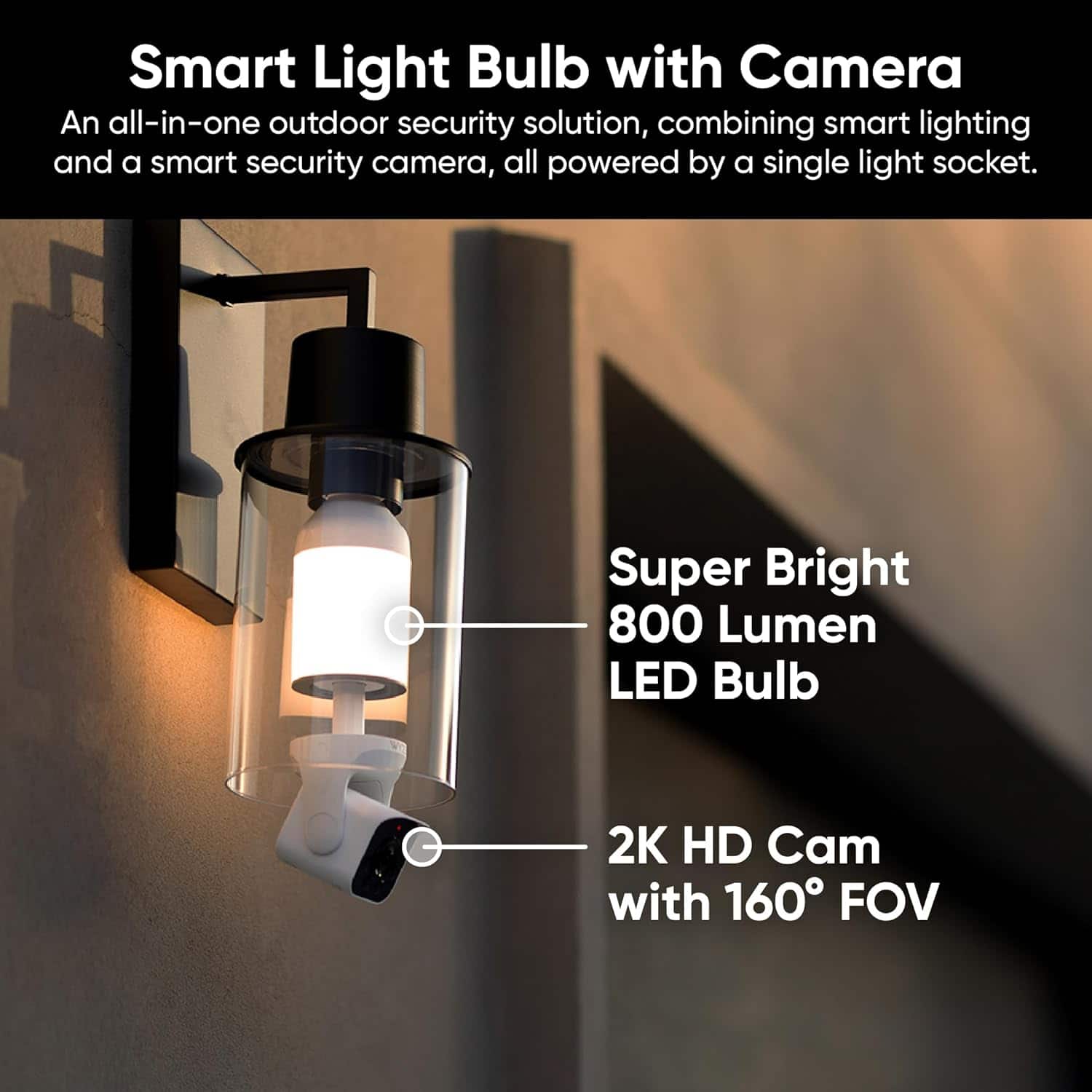
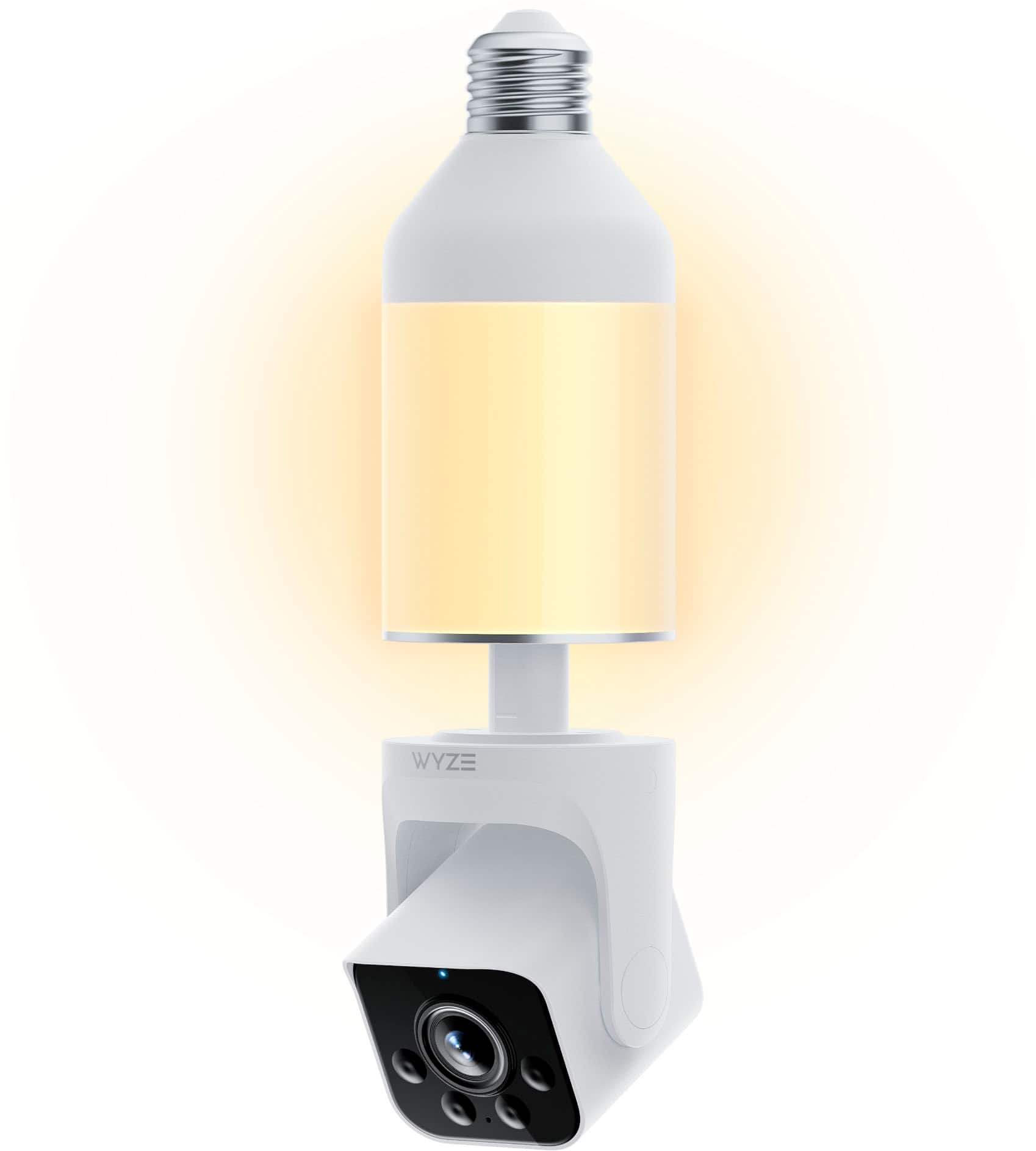
- A:Answer Hi there! The Wyze Bulb Cam is an all-in-one unit that combines a lightbulb and a camera. If either the light or the camera stops working, the entire unit would need to be replaced, as the light and camera are not separate, replaceable components.
Answered by Wyze Labs
Q: QuestionWhat size microsd can’t this unit handle
Asked by Storage.
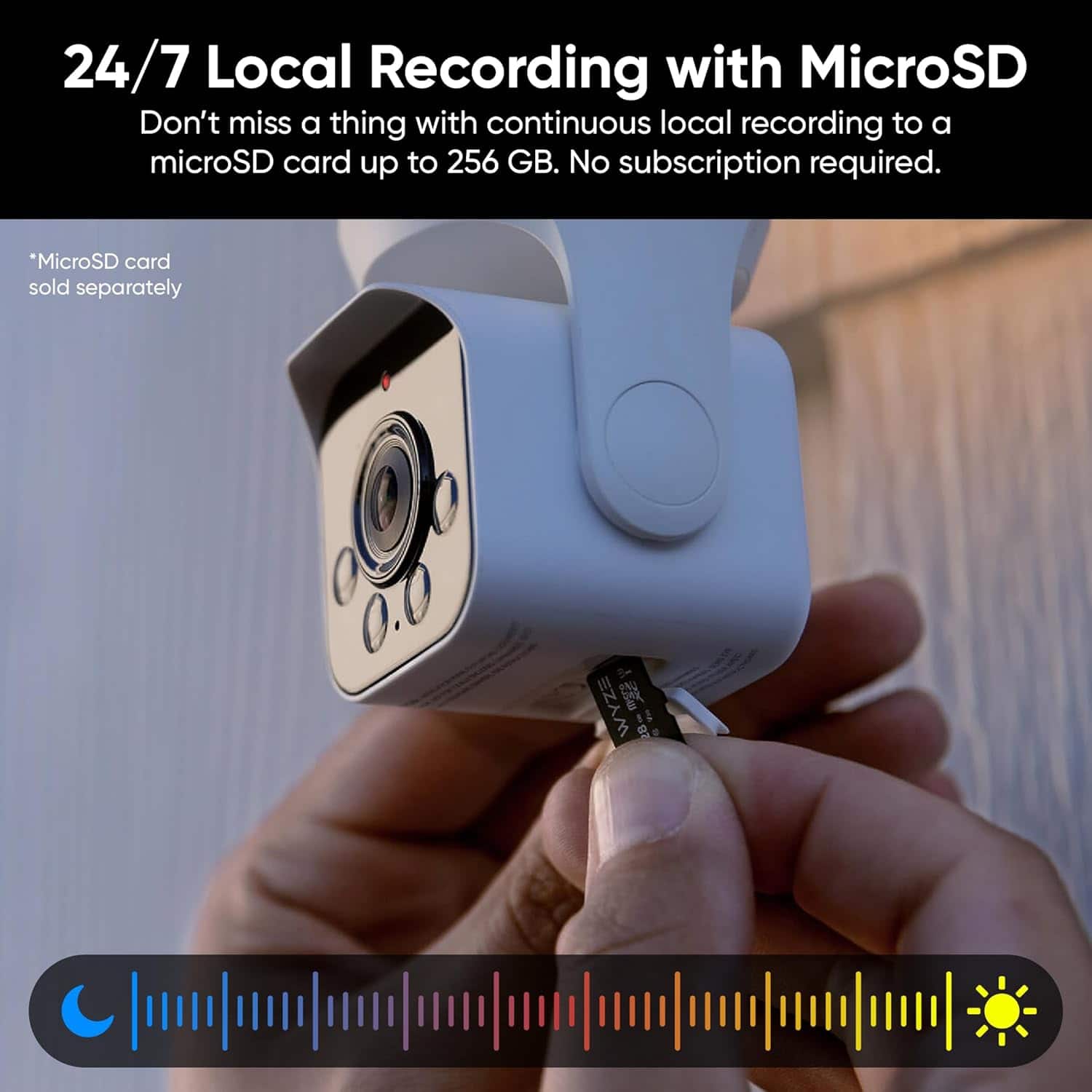
- A:Answer Hi there! The Wyze Bulb Cam supports microSD cards for local storage with the following specifications: up to 32GB in FAT32 format and up to 256GB in exFAT format. MicroSD cards that don’t meet these specifications may not be compatible with the camera. If you have any additional questions, concerns, or feedback, our Wizards team is ready to assist you at https://wyzelabs.zendesk.com/hc/en-us. Thank you for reaching out, and have an excellent day!
Answered by Wyze Labs
Q: QuestionHow long is the lightbulb expected to last? Besides outside temperatures, what would cause the lightbulb and camera to become dysfunctional?
Asked by elizh00.
- A:Answer Hi! The Wyze Bulb Cam has an expected lifespan of about 25,000 hours (around 2.5–3 years of continuous use). Besides extreme temperatures, factors that can cause it to fail include: Poor ventilation or enclosed fixtures (overheating) Moisture or water exposure Power surges or unstable voltage Continuous heavy use (camera streaming, night vision) Firmware or connectivity issues Proper installation and environment can help extend its lifespan.
Answered by Wyze Labs
Q: QuestionI have an 8 bulb string of lights on one circuit. Is it possible to use one Bulb Cam with seven compatible Wyze bulbs on this one circuit?
Asked by KJ.
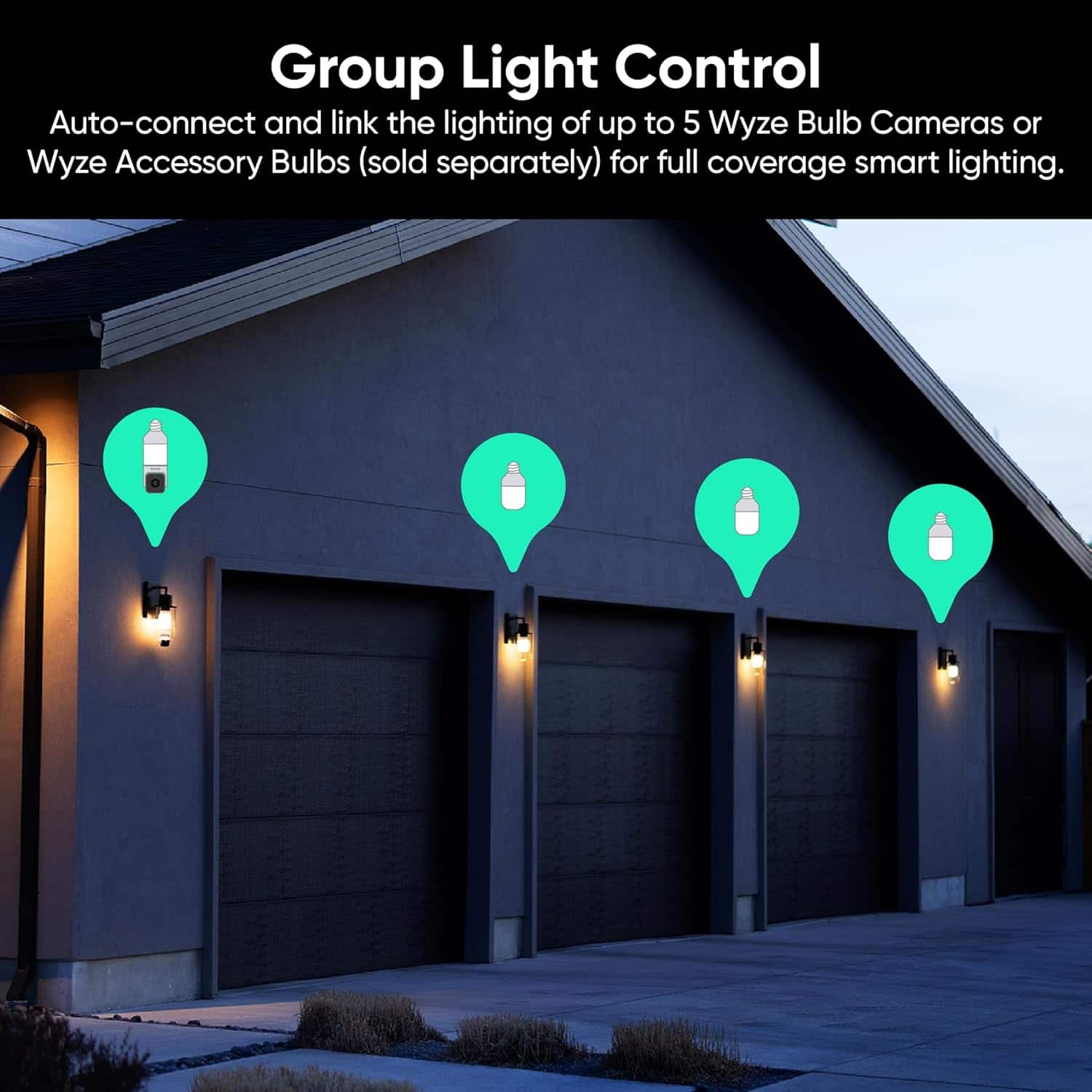
- A:Answer Hi there! No, you cannot use one Wyze Bulb Cam with seven compatible bulbs on a single 8-bulb circuit. A single Wyze Bulb Cam can only link with a maximum of five accessory bulbs. If you have other questions, concerns, or would like to speak more about our products please reach out to our Wizards team (https://wyzelabs.zendesk.com/hc/en-us) so we may help. Thank you and have a great day!
Answered by Wyze Labs
Q: QuestionWhat is the wattage on the bulb? Brightness?
Asked by Anonymous.
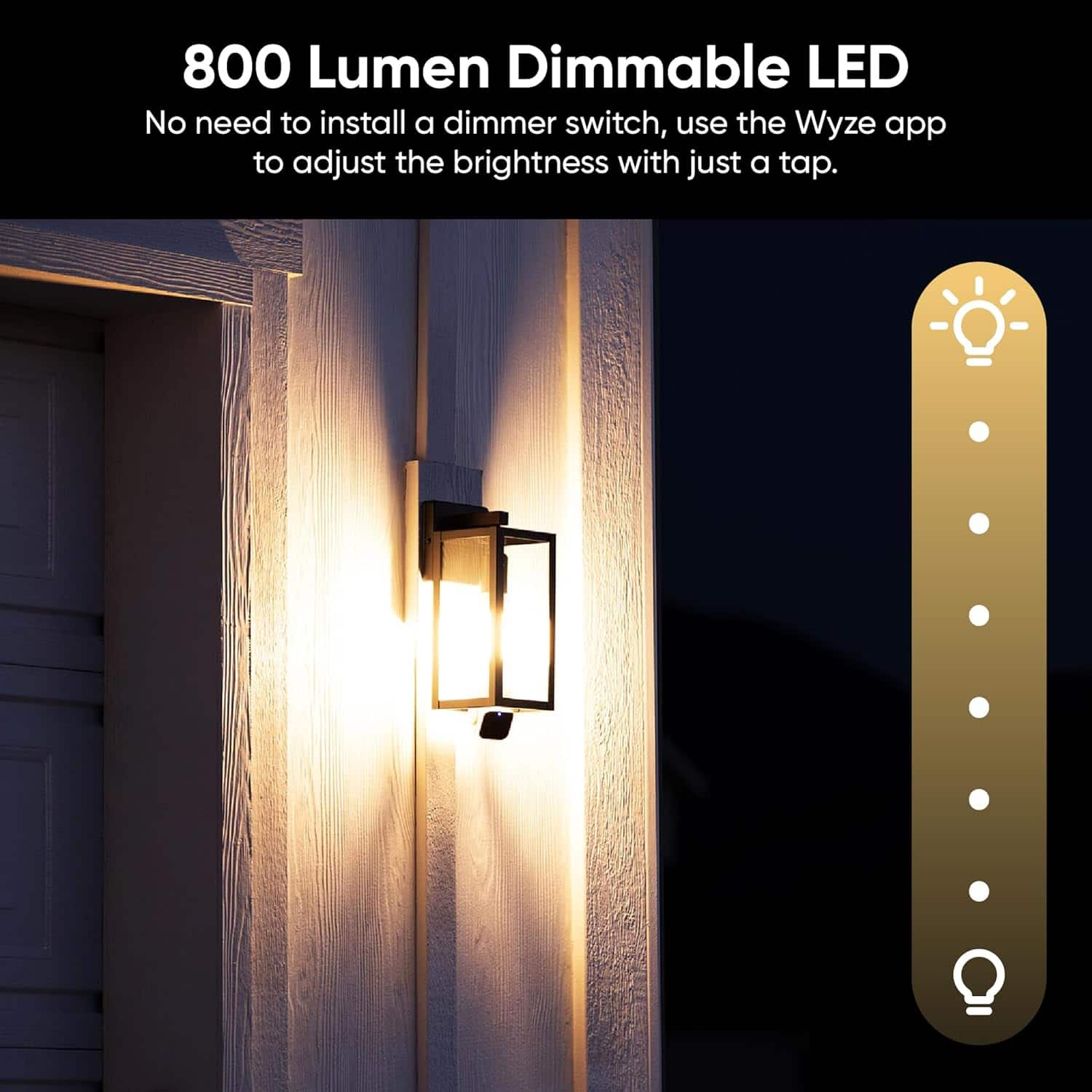
- A:Answer Hi there! The Wyze Bulb Cam has a wattage of 15 watts and provides up to 800 lumens of brightness, with adjustable brightness settings and different modes like Ambient Light for a constant low glow or high brightness upon motion detection. If you have other questions, concerns, or would like to speak more about our products please reach out to our Wizards team (https://wyzelabs.zendesk.com/hc/en-us) so we may help. Thank you and have a great day!
Answered by Wyze Labs
Q: QuestionDoes the bulb stay on all the time since I assume the light switch has to stay on?
Asked by JF.
- A:Answer Hi there! Yes, the Wyze Bulb Color requires the light switch to remain in the "on" position to stay powered. However, you can control the bulb's behavior in the following ways: - Using the Wyze App: You can turn the bulb on/off, adjust brightness, change colors, or set schedules directly through the app. - Using the Light Switch: You can manually turn the bulb on/off with the light switch. When turned back on, the bulb will return to its previous color, temperature, and brightness settings. - Power Loss Recovery Setting: You can configure the bulb to turn on, stay off, or return to its previous state after a power outage. This setup ensures flexibility while keeping the bulb functional.
Answered by Wyze Labs
Page 1, Showing 1-7 of 7 questions
Most-viewed items
- Black Friday Deal$199.99Your price for this item is $199.99
- Black Friday Deal$14.99Your price for this item is $14.99
- Black Friday Deal$89.99Your price for this item is $89.99
- $34.99Your price for this item is $34.99$59.99The comparable value for this item is $59.99
- Black Friday Deal$119.99Your price for this item is $119.99
- Black Friday Deal$39.99Your price for this item is $39.99
- Black Friday Deal$74.99Your price for this item is $74.99
- Black Friday Deal$49.98Your price for this item is $49.98
- Black Friday Deal$349.99Your price for this item is $349.99
- Black Friday Deal$49.99Your price for this item is $49.99
- Black Friday Deal$399.99Your price for this item is $399.99
- $119.99Your price for this item is $119.99$149.99The comparable value for this item is $149.99
- Black Friday Deal$229.99Your price for this item is $229.99
- $34.99Your price for this item is $34.99
- $25.99Your price for this item is $25.99$39.99The comparable value for this item is $39.99
- $49.99Your price for this item is $49.99$69.99The comparable value for this item is $69.99
- $19.99Your price for this item is $19.99$29.99The comparable value for this item is $29.99
- $179.98Your price for this item is $179.98$279.99The comparable value for this item is $279.99
- $39.99Your price for this item is $39.99$79.99The comparable value for this item is $79.99
- Black Friday Deal$24.99Your price for this item is $24.99