Questions & Answers
- Model:
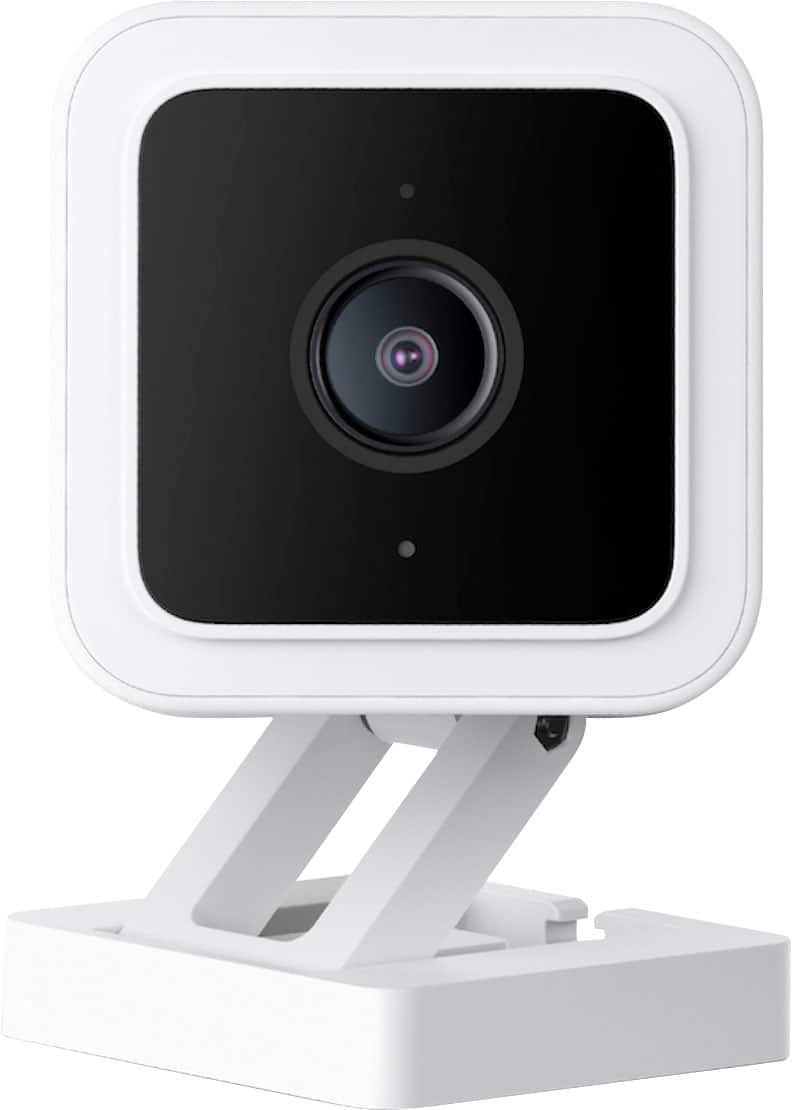
- WYZEC3
- |
- SKU:
- 6474737
Q: QuestionHi! Does this camera also record audio as well or just the visual and can you rewind it back to an earlier time?
Asked by Anonymous.
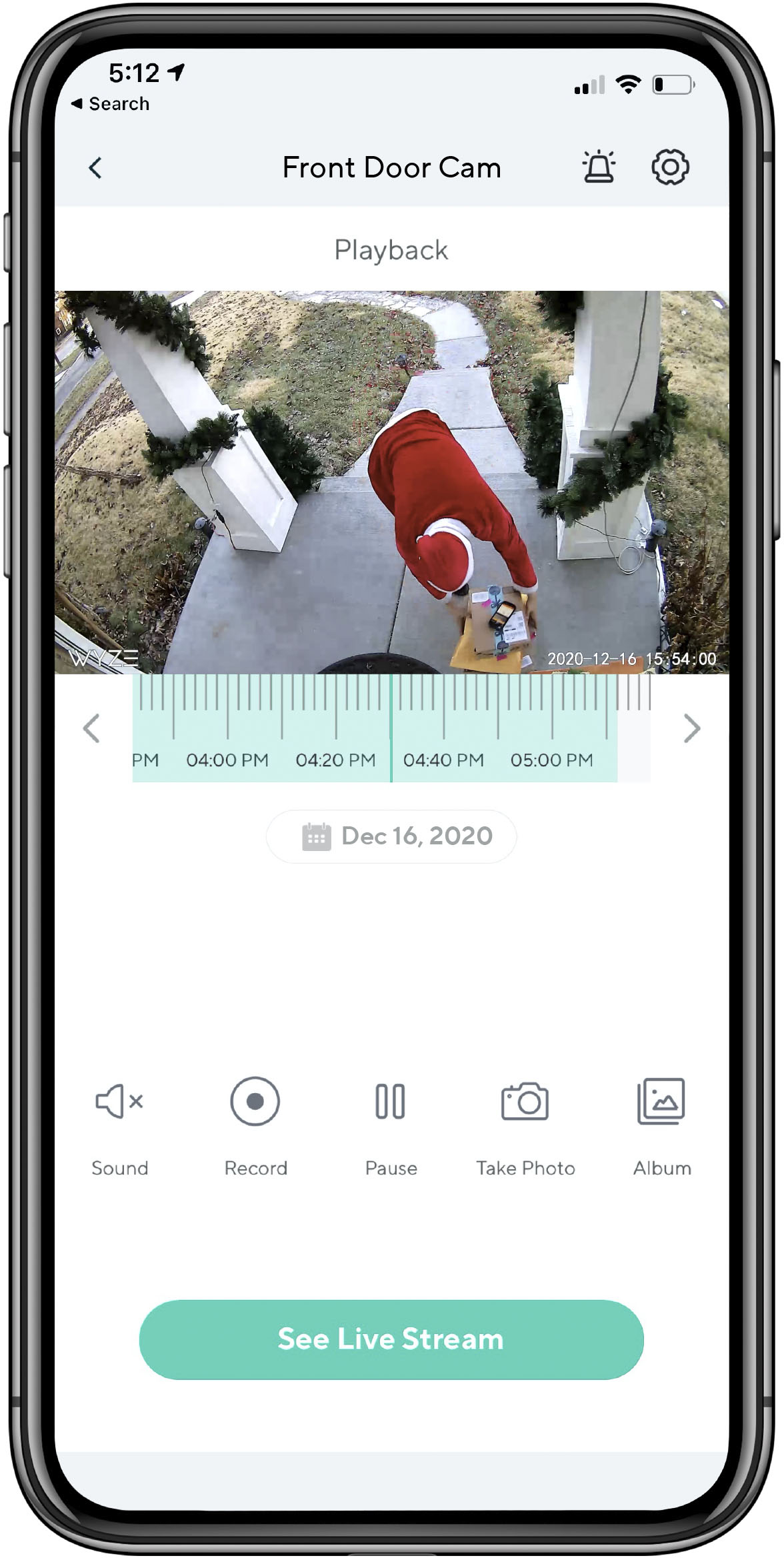
- A:Answer Yes, it records audio (I don't know the quality of sound though as I don't use that feature). The camera automatically records (at least) 12 seconds of video to the cloud for each motion/sound event. All recorded events are saved to the cloud for 14 days, regardless of monthly subscription. You can also insert an SD card to record continuously, which can also be reviewed remotely through the app.
Answered by Phil
Q: QuestionCan the camera be moved left to right on the app to look around the room?
Asked by ROCKERCHICINMA.
- A:Answer No, you do not have that option, but the view is very wide so it cover a lot space around an area, you do not need to see everything just the entrance or any area that want watch good luck
Answered by Jorhino
Q: QuestionWill this camera detect and record outdoor motion through a closed window?
Asked by Motion.
- A:Answer Yes I have all four of mine at a window and it detects movement. It does quiet well for being inside just be aware of sun glare
Answered by Grinch
Q: QuestionCan the camera be turned on and off from the camera or is the app required?
Asked by Bill.
- A:Answer Hello there! The Wyze Cam V3 can only be turned on and off from the Wyze App. If you have additional questions, concerns, or would like to speak more about this please reach out to our Wizards team (https://wyzelabs.zendesk.com/hc/en-us) so we may help. Thank you and have a great day!
Answered by Wyze Labs
Q: Questioncan this camera be configured to be managed locally without an internet connection using browser or other software that is not a phone app? if not do you have camera's that are?
Asked by Jackie.
- A:Answer Hi there! Our products will require a 2.4GHz WiFi network signal in order to setup and communicate with the Wyze app. The cameras are primarily meant to work with Wyze Apo. Currently, all our cameras needs the Wyze app to be used. If you have additional questions, concerns, or would like to speak more about this please reach out to our Wizards team (https://wyzelabs.zendesk.com/hc/en-us) so we may help. Thank you and have a great day!
Answered by Wyze Labs
Q: QuestionWill this work if I install it on my Home computer
Asked by Woody.
- A:Answer Hi Woody - If you use the MicroSD card, you can eject that and play it back on your computer. I bought two 65 GB cards with adapters. The only downfall is that the recordings saved are only 1-minute recordings. There's the Record folder, then in there are one folder per day, in that 24 folders for each hour, and in that 60 video files of 1-second each. I opened the first in my Windows Media Player, and there's an option to Autoplay, which will roll one video into the other, but I'm limited to 30-second forward and 10-second backward jumps within each minute. (Another media player might offer true FF and RW functionality). I'm now looking for an app that will splice the 1-min videos together into 1-hr long videos. This really is a bit of a pain, but it's doable.
Answered by Nicole
Q: QuestionCan it be mounted on the ceiling?
Asked by Jon.
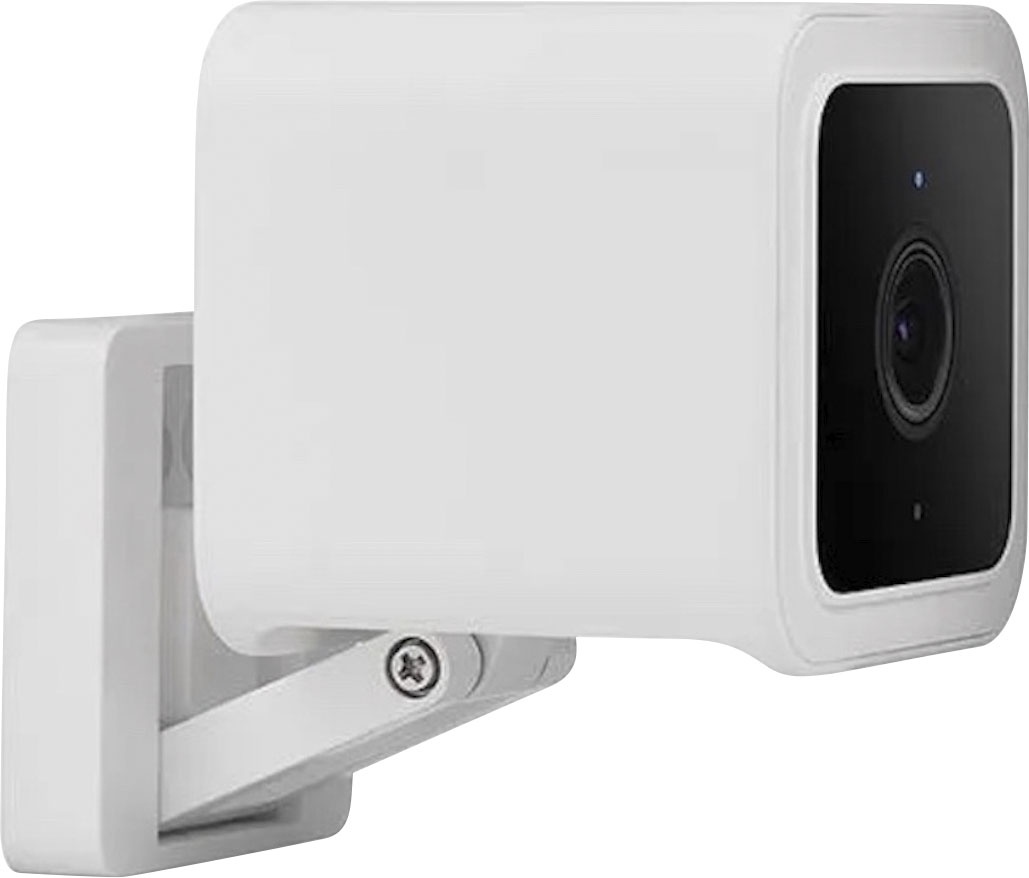
- A:Answer Hi there, yes you can mount it to the ceiling and rotate the cam view to 180 degrees on the settings menu. We would recommend taking a look at this article for further information: https://support.wyze.com/hc/en-us/articles/360051119311 You can also reach out to our Wizards team (https://wyzelabs.zendesk.com/hc/en-us) so we may further assist you with any issues you may be having. Thank you!
Answered by Wyze Labs
Q: QuestionIs this camera weather proof? Rain, wind, cold temperatures?
Asked by Sony.
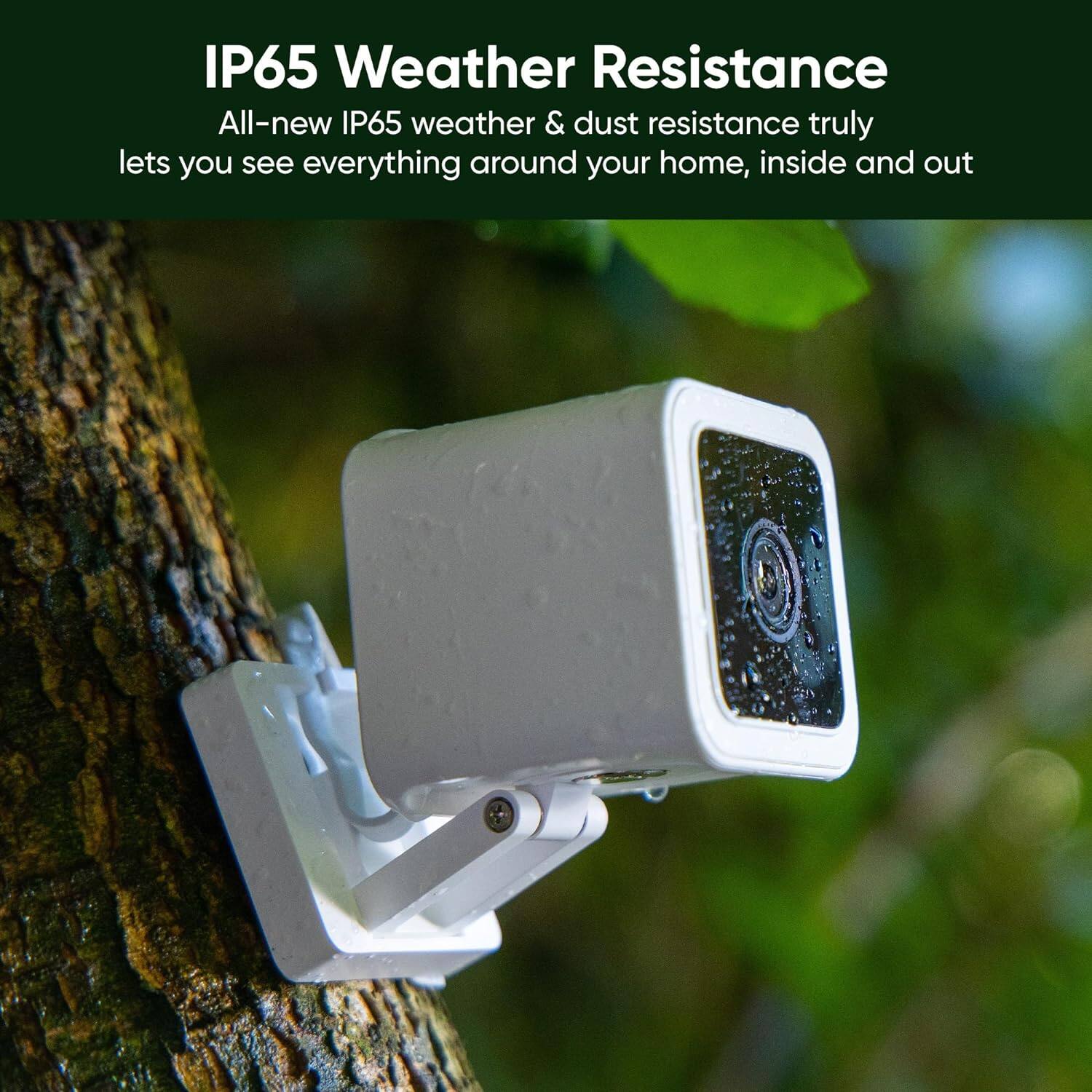
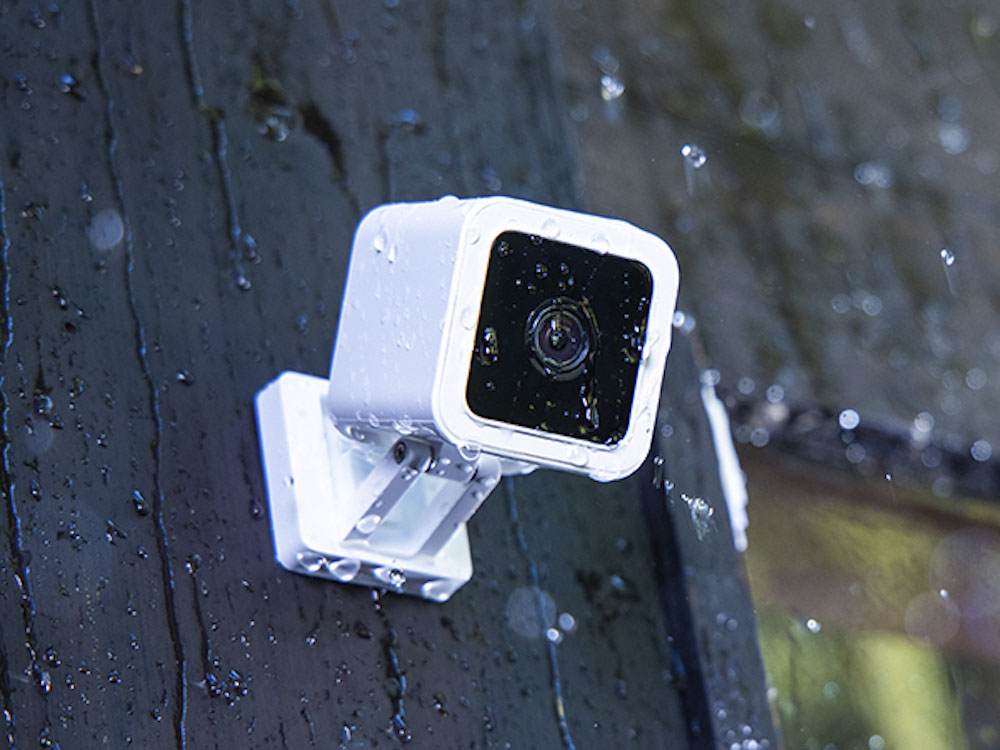
- A:Answer Hello there, we thank you for your question. Wyze Cam v3 is weather-resistant, rated IP65, and can be used both indoors and outdoors. It is not wireless, however, and must be connected to a power outlet to work. Please note that the power adapter included with the v3 isn't weather resistant, so if you plan to use it outside you will either need to run the power from inside or purchase a weather-resistant adapter. If you are still experiencing any issues or if you have other questions or concerns, please reach out to our Wizards team (https://wyzelabs.zendesk.com/hc/en-us) so we may help out. You may tap on the Message icon in the bottom right-hand corner of the support site > fill out the questionnaire > choose the way in which you would like to speak with our team. Please include as much information on your issue as possible. Our products come with a 1-year manufacturer warranty, so if the device is determined to be defective we will be happy to exchange it for you. Thank you for your feedback and have a great day!
Answered by Wyze Labs
Q: QuestionWe need a camera in our church nursery and want to hear the children continuously through the morning services. Will this camera record voices continuously for 2 hours? We don't need to speak to them, just be able to hear them.
Asked by scrabblelady.
- A:Answer Hello! Our camera will capture one 12-second alert video every five minutes when motion or sound is detected. Using a microSD card with the ‘record on event’ or 'continuous recording' feature turned on will allow the camera to record the rest of the footage that the cloud video does not capture. We also have Cam Plus, which is an add-on service and upgrades the free 12-second motion recording already included with Wyze Cam. This upgrade will record motion and store the events to the cloud for as long as motion is detected and adds Person Detection. That means no 12-second limit and no cooldown period. The recordings are stored in the cloud for 14 days. If you have not already please reach out to our Wizards team (https://wyzelabs.zendesk.com/hc/en-us) so we may help out. You may tap on the Message icon in the bottom right-hand corner of the support site > fill out the questionnaire > choose the way in which you would like to speak with our team. Please include as much information on your issue as possible. Our products come with a 1-year manufacturer warranty, so if the device is determined to be defective we will be happy to exchange it for you. Thank you for your feedback and have a great day!
Answered by Wyze Labs
Q: QuestionWhat is the difference between the v3 and v4?
Asked by cameraman.
- A:Answer Hi there! The Wyze Cam v3 and Wyze Cam v4 are both part of Wyze’s popular line of indoor/outdoor cameras, but the Wyze Cam v4 includes several upgrades and new features compared to the v3. We would recommend taking a look at this article for comparison: https://support.wyze.com/hc/en-us/articles/9858434338715 If you have other questions, concerns, or would like to speak more about our products please reach out to our Wizards team (https://wyzelabs.zendesk.com/hc/en-us) so we may help. Thank you and have a great day!
Answered by Wyze Labs
Q: QuestionDoes this have a magnetic base and metal plate for mounting?
Asked by cameraman.
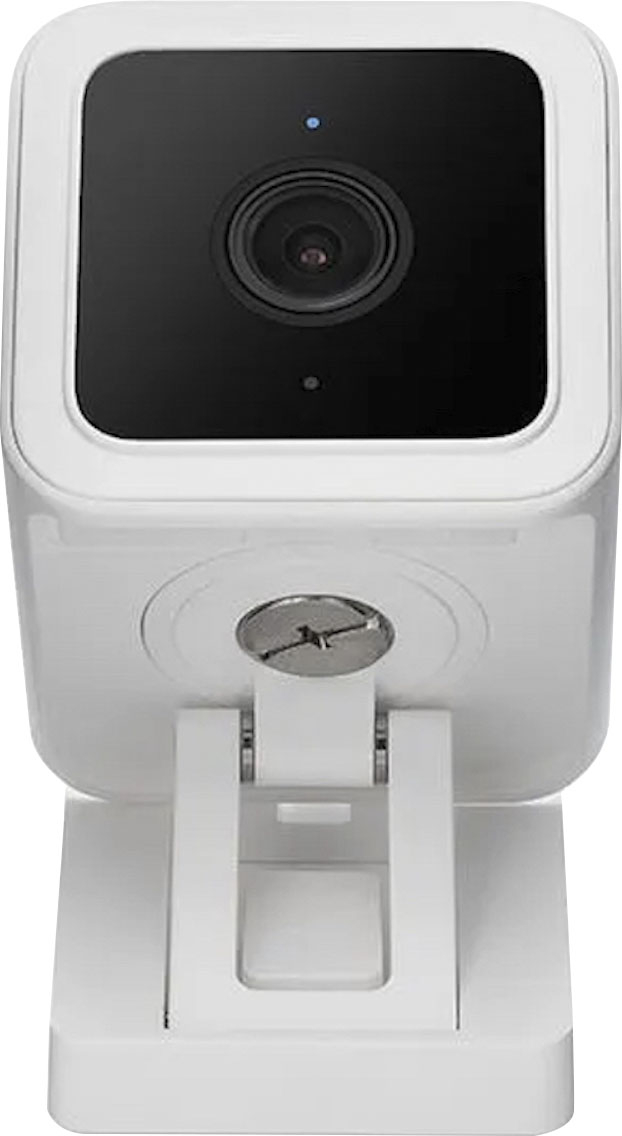
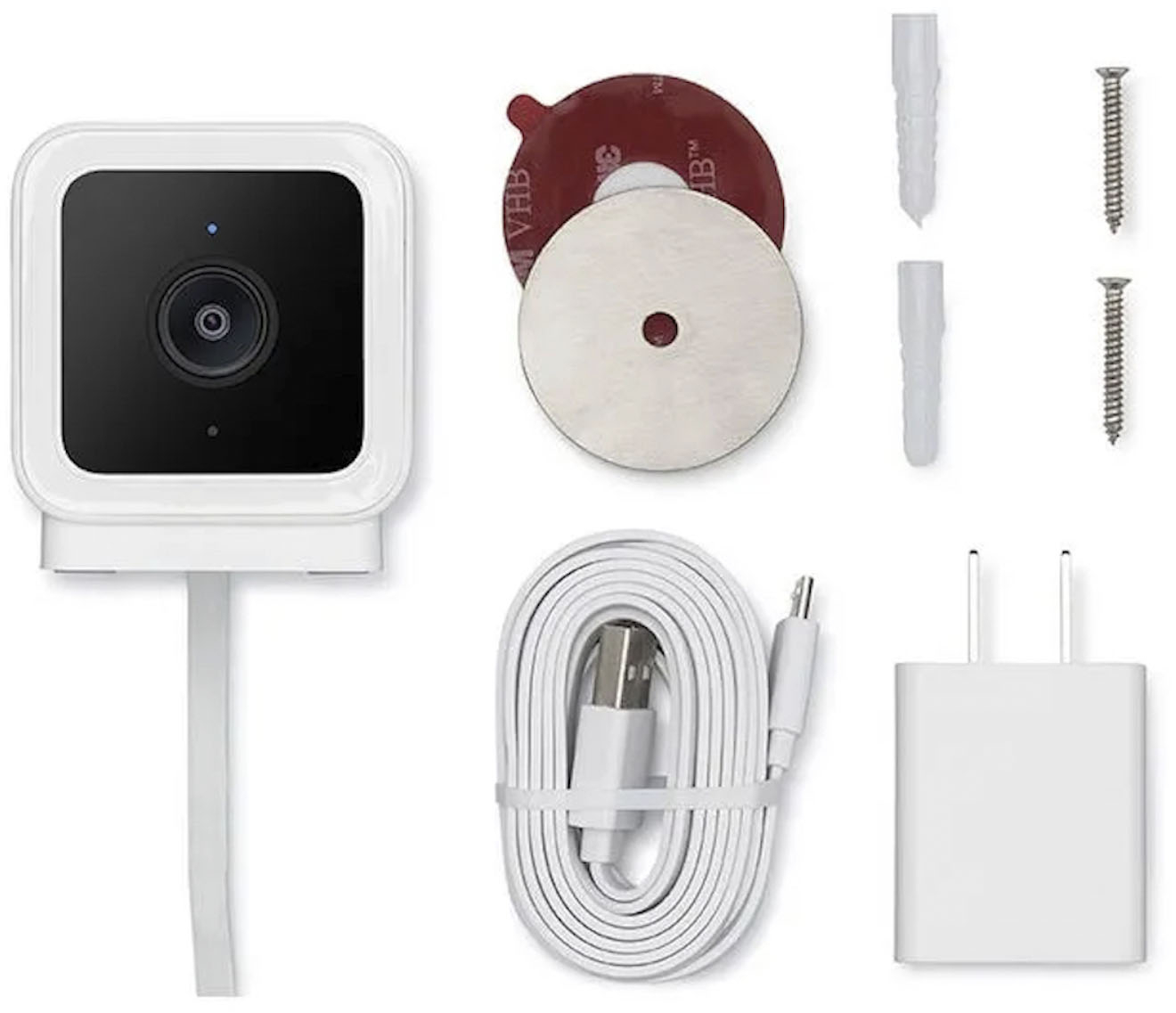
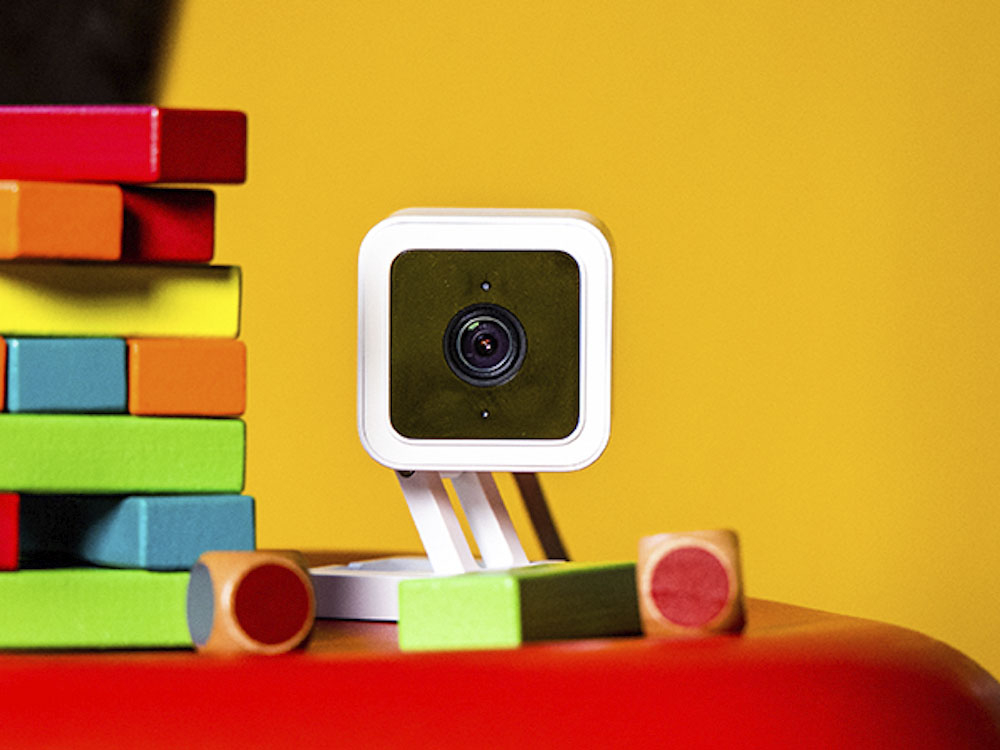
- A:Answer Hi there! Wyze Cam v3 includes a magnet in its base that allows it to be mounted to steel or iron surfaces, so you can use the included metal plate for mounting. We would recommend taking a look at this article for some tips: https://support.wyze.com/hc/en-us/articles/360051119311 If you have not already please reach out to our Wizards team (https://support.wyze.com/) so we may help out. You may tap on the Message icon in the bottom right hand corner of the support site > fill out the questionnaire > choose the way in which you would like to speak with our team. Please include as much information on your issue as possible. Our products come with a 1-year manufacturer warranty, so if the device is determined to be defective we will be happy to exchange it for you. Thank you and have a great day!
Answered by Wyze Labs
Q: QuestionCan I have the camera set to record at certain times?
Asked by Anonymous.
- A:Answer Yes, the Wyze Cam v3 allows you to schedule recording times. Through the Wyze app, you can create scheduled rules to specify when the camera should record events or enable continuous recording. Additionally, you can adjust the Event Recording settings to activate motion or sound detection during specific time frames. You may also check this link to learn more about how the device works: (https://support.wyze.com/hc/en-us/sections/360011231672-Wyze-Cam-v3). You may also reach out to us at: (https://wyzelabs.zendesk.com/hc/en-us) so we may further assist you if you have other queries or concerns. Thank you and have a great day!
Answered by Wyze Labs
Q: QuestionCan this be mounted on anything else that isn't the term indoors or outdoors? Like on an object?
Asked by Mars.
- A:Answer Yes, you can put it in the table
Answered by PerlaH
Q: QuestionHello, if i use a microsd, do i have to manually clear the storage if the space is full? If not, do the footages delete after certain period of time?
Asked by MD.
- A:Answer From what I am aware, you yourself need to clear your MicroSD, the footage will not get deleted. I left mine with the same SDs for like a year until i decided to clean them.
Answered by MonicaB
Q: Questionwill this camera be a full live stream instead of capturing images a minute?
Asked by chris.
- A:Answer Hello there! Yes, you can view livestream using Wyze App however, if you're experiencing showing images and not recordings please take a look at this article: https://support.wyze.com/hc/en-us/articles/6577945783067 If you have not already please reach out to our Wizards team (https://support.wyze.com/) so we may help out. You may tap on the Message icon in the bottom-right hand corner of the support site > fill out the questionnaire > choose the way in which you would like to speak with our team. Please include as much information on your issue as possible. Our products come with a 1-year manufacturer warranty, so if the device is determined to be defective we will be happy to exchange it for you. Thank you and have a great day!
Answered by Wyze Labs
Q: QuestionI have this camera at a property and use the app. I would like to buy another and use at a different property. Can I integrate 2 cameras in the same app or will I need to log out and onto a new account to see the second one?
Asked by Lauren.
- A:Answer You can have 2 cameras in the same app, next to the logo there is a '+' press that and it will give you the option to add a new device, let it know which type of WYZE device it is and you will have to install it like the first one you got.
Answered by MonicaB
Q: QuestionHow does the alert work on cam+? I want to be alerted if the camera sees a racoon around my chicken coop. Can I then use the alarm to scare it off?
Asked by AnneB.
- A:Answer The cameras are nice but they can be a bit delayed, you can be alerted from movement but triggering the alarm will be up to you, the cameras are not design to set an alarm from movement in general but yes you can definitely use the alarm to scare it away.
Answered by MonicaB
Q: QuestionHow do you connect to the Wyze - Cam v3 via Bluetooth? How far can the Bluetooth connect reach.
Asked by KTP1.
- A:Answer You have to download the wyze app first! Then call wyze customer service and get a subscription! Then you have to have and Internet service! Then you can turn in your camera with the service.
Answered by FlowerBeauty
Q: QuestionDoes it use Wi-Fi all the time or just when it’s recording?
Asked by Bella.
- A:Answer Wifi keeps the camera working.
Answered by Evelyn
Q: Questioncan i use,view, record using sd card without subscribing to Icloud
Asked by Anonymous.
- A:Answer Yes.
Answered by Lester
Best-selling security camera and system accessories
- $114.99Your price for this item is $114.99$229.99The comparable value for this item is $229.99
- $49.99Your price for this item is $49.99
- $29.99Your price for this item is $29.99
- $149.99Your price for this item is $149.99$249.99The comparable value for this item is $249.99
- $379.99Your price for this item is $379.99
- $39.99Your price for this item is $39.99
- $69.99Your price for this item is $69.99
- $99.99Your price for this item is $99.99
- $9.99Your price for this item is $9.99
- $49.99Your price for this item is $49.99
- $18.99Your price for this item is $18.99
- $199.99Your price for this item is $199.99
- $39.99Your price for this item is $39.99
- $59.99Your price for this item is $59.99
- $19.99Your price for this item is $19.99
- $59.99Your price for this item is $59.99
- $34.99Your price for this item is $34.99
- $69.99Your price for this item is $69.99