Customer Ratings & Reviews
- Model:
- 4451C032
- |
- SKU:
- 6494259
Customer reviews
Rating 4.3 out of 5 stars with 1084 reviews
(1,084 customer reviews)Rating by feature
- Value4.4
Rating 4.4 out of 5 stars
- Quality4.3
Rating 4.3 out of 5 stars
- Ease of Use4.2
Rating 4.2 out of 5 stars
Customers are saying
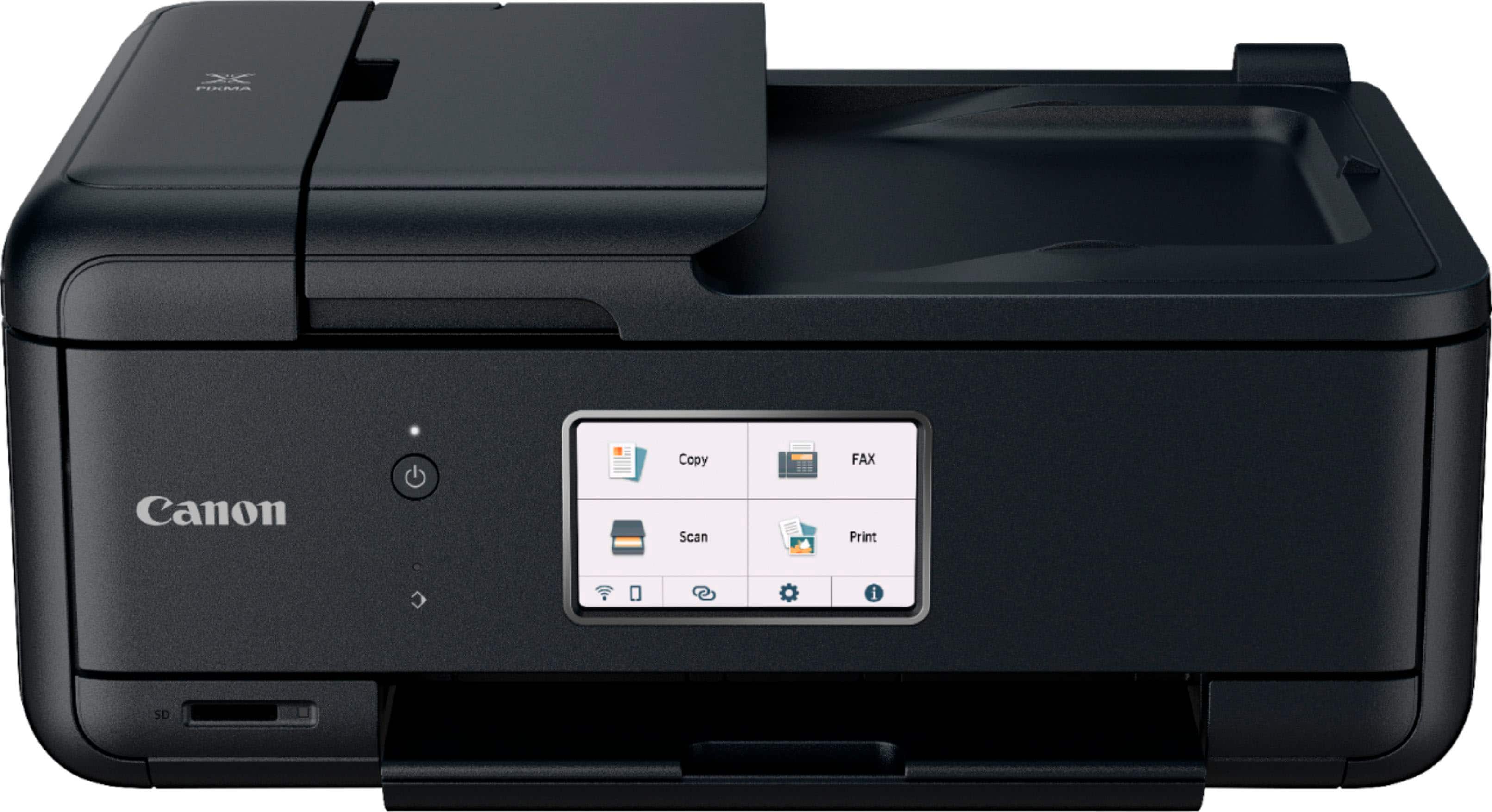
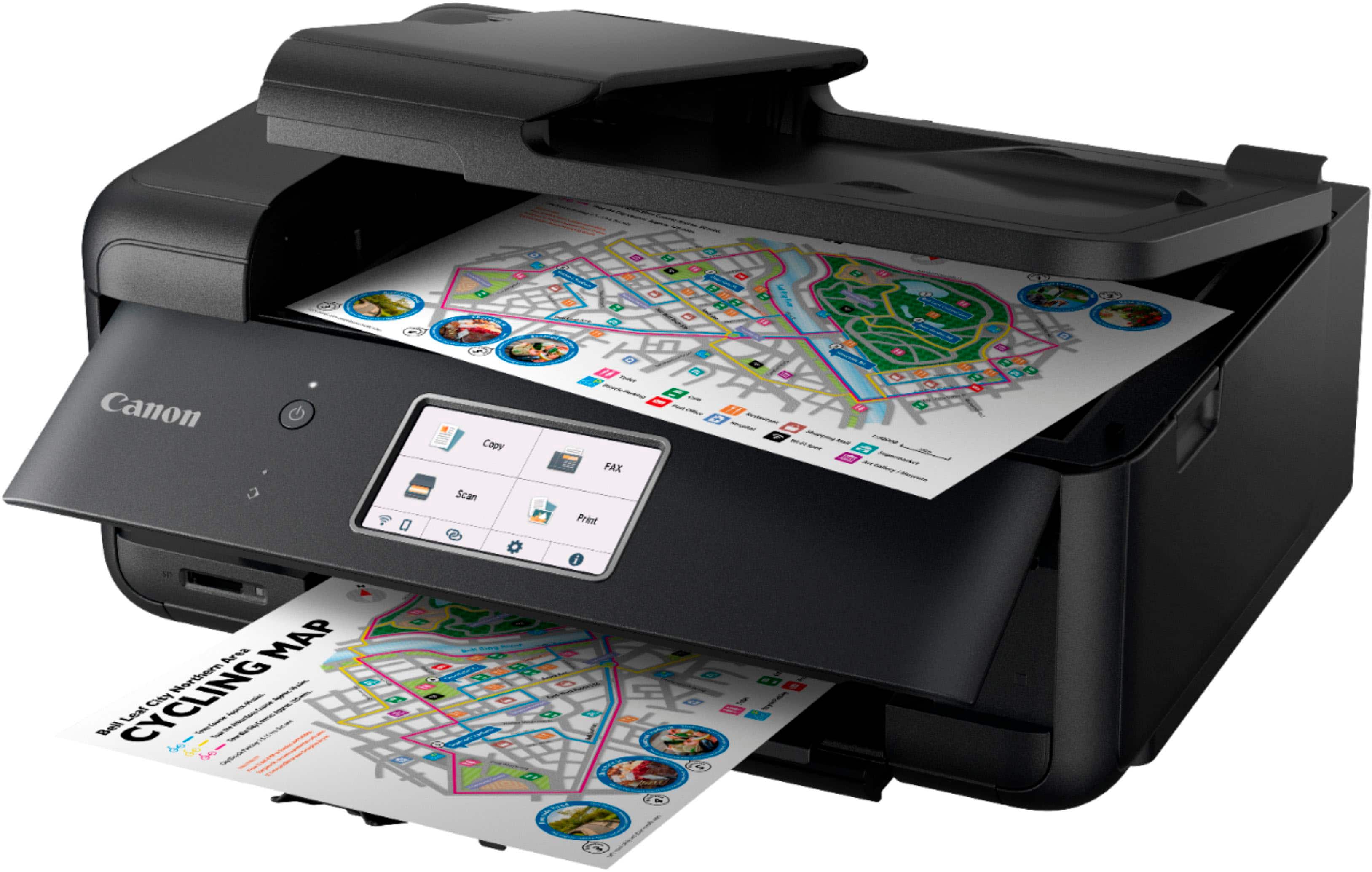
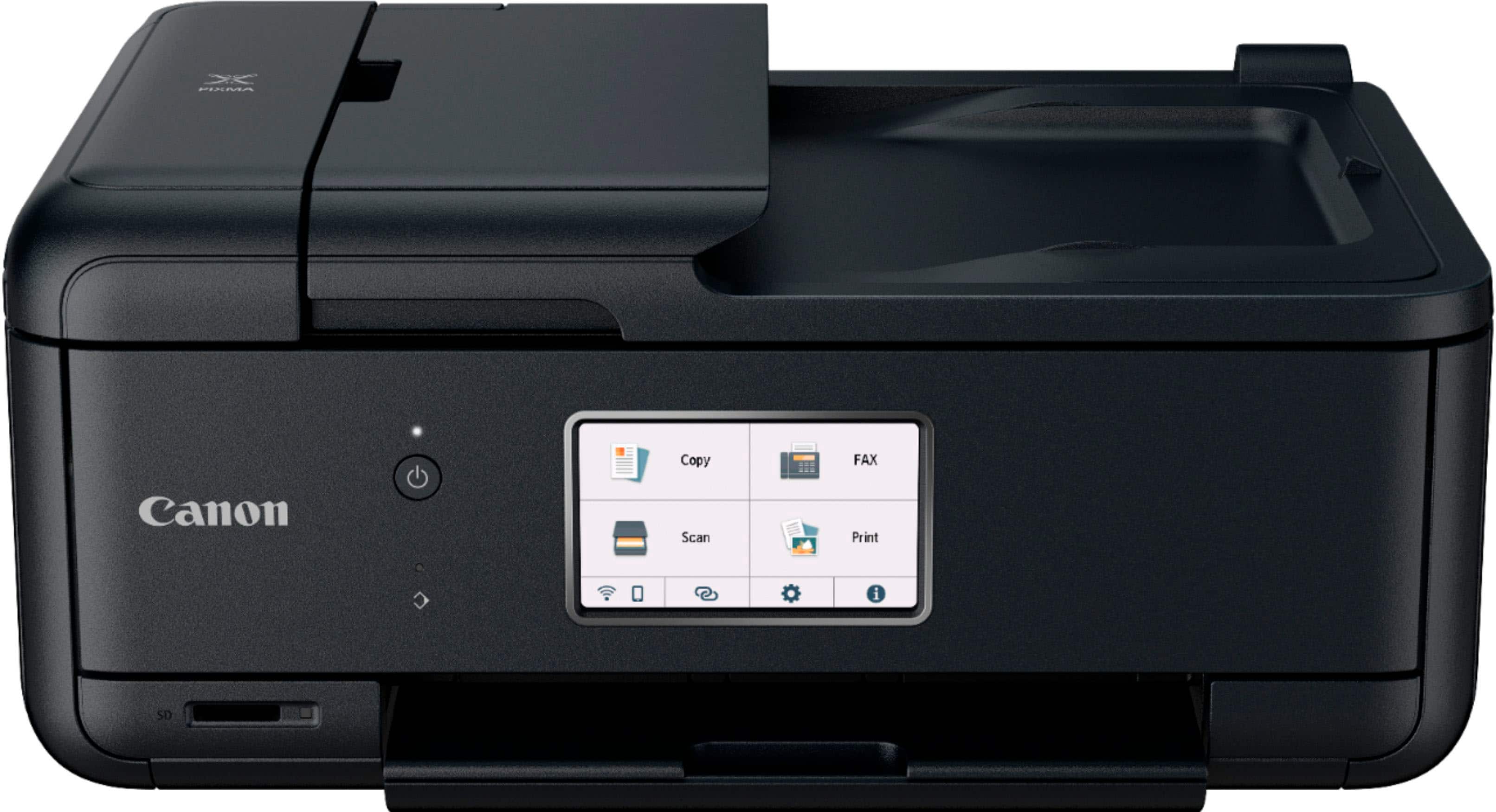
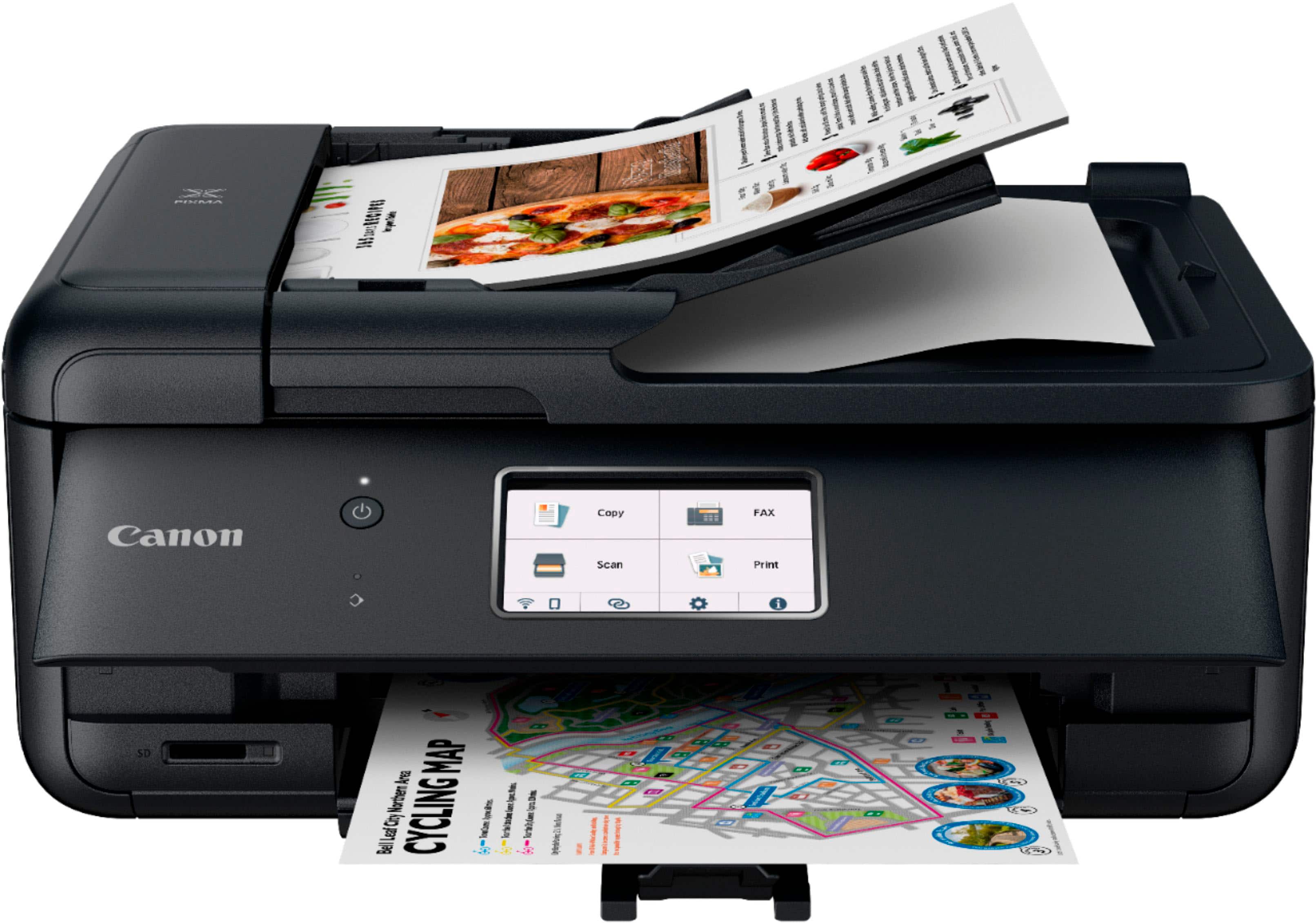
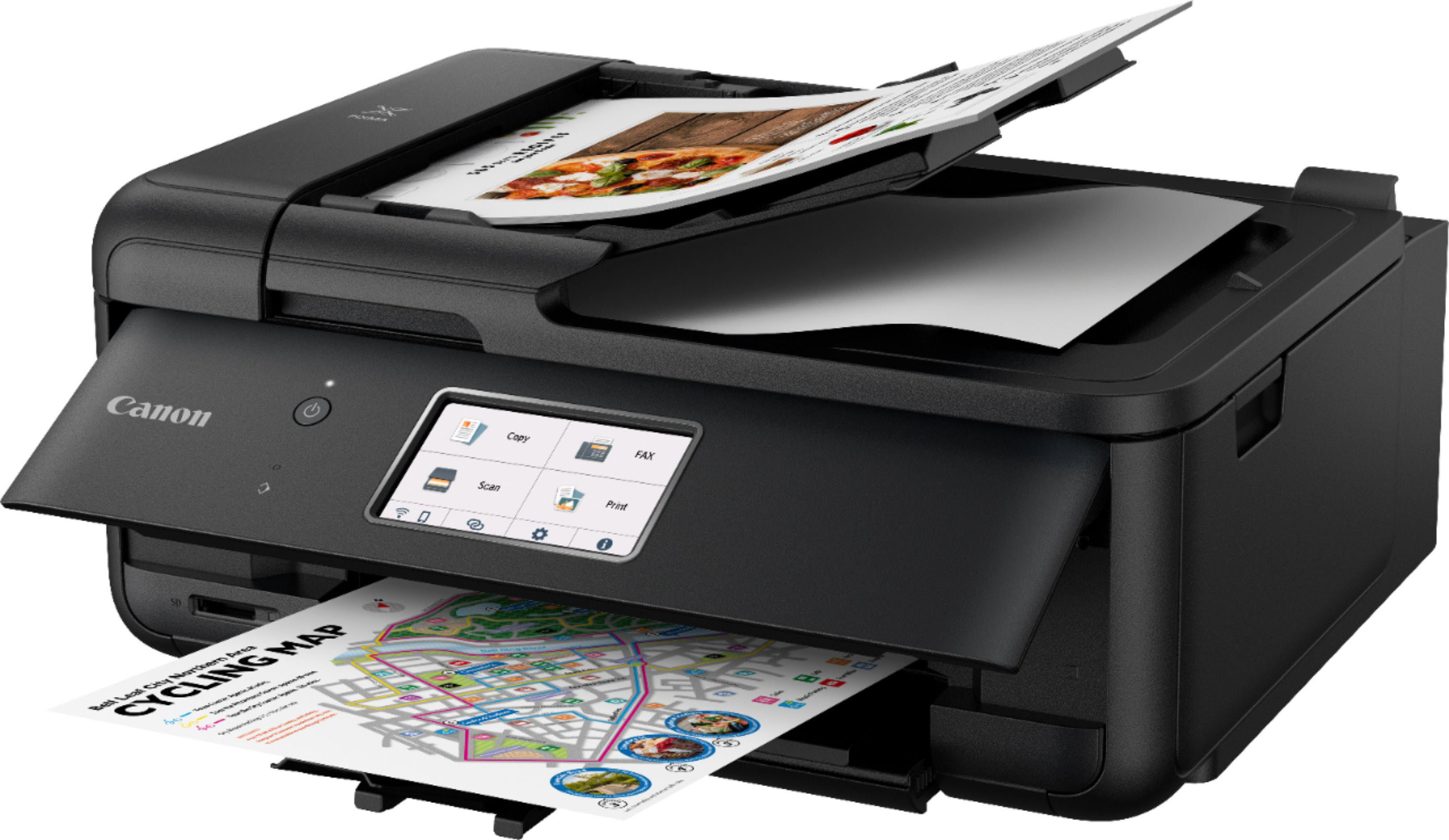
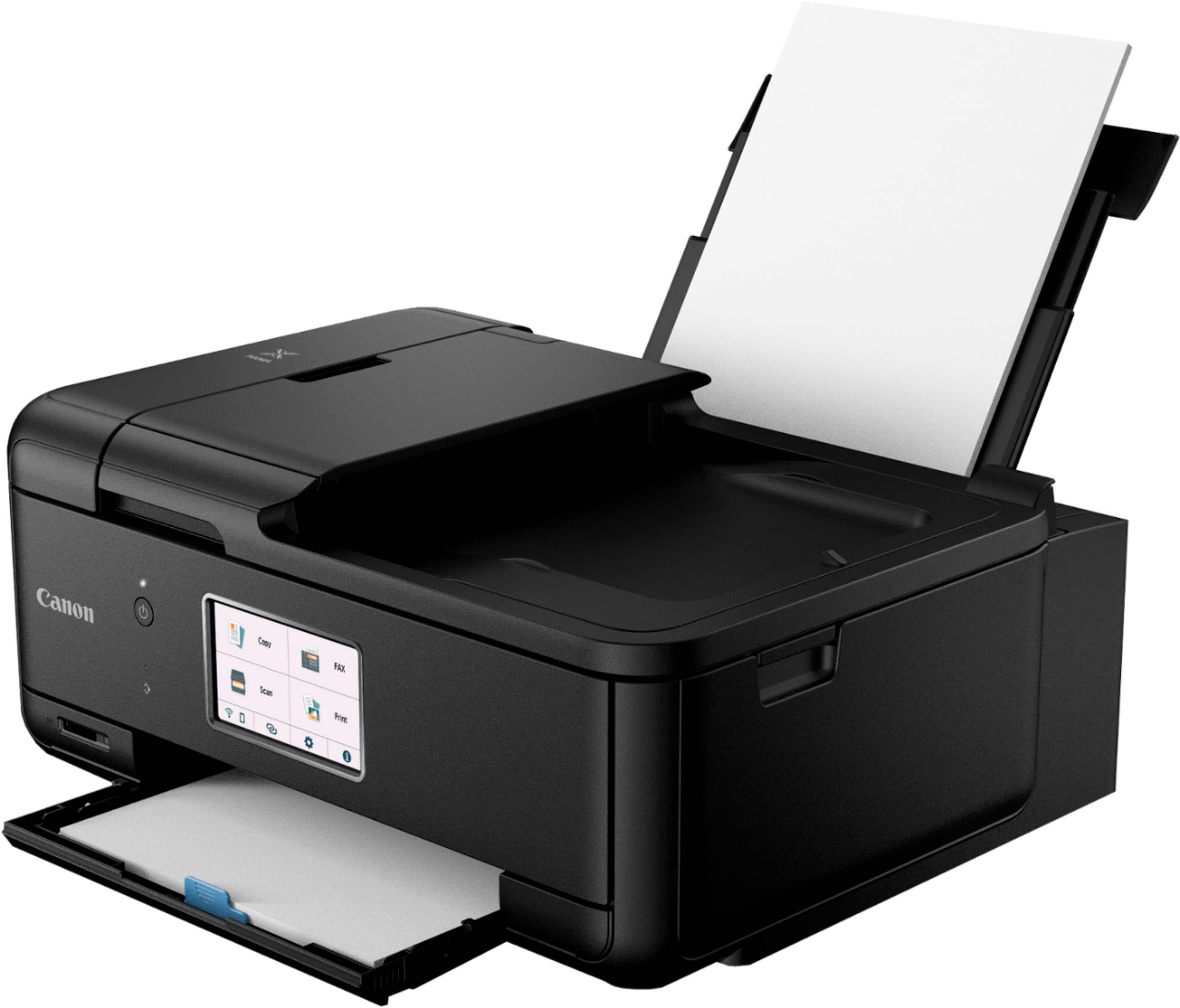
Customers value the PIXMA TR8620a for its excellent print quality and ease of use. Many appreciate its overall performance, convenient size, and simple setup. The only concern expressed was about the paper tray.
This summary was generated by AI based on customer reviews.
- Pros mentioned:Ease of use, Overall performance
Rated 5 out of 5 stars
Printer
||Posted .This reviewer received promo considerations or sweepstakes entry for writing a review.Performs as expected and is easy to use. The ink cartridges were easy to replace as well.
I would recommend this to a friend - Pros mentioned:Print quality
Rated 4 out of 5 stars
Lightweight, capacity, two sides, copy
||Posted . Owned for 1 month when reviewed.This reviewer received promo considerations or sweepstakes entry for writing a review.It pretty really well, and it's better than HP. HP is kinda annoying with Window, but canon work flawlessly with window. two side print is amazing. However, it hard to connect two devices at once it print good too.
I would recommend this to a friend - Pros mentioned:Print qualityCons mentioned:Paper tray
Rated 4 out of 5 stars
Great printer for the price point
||Posted . Owned for 3 weeks when reviewed.This reviewer received promo considerations or sweepstakes entry for writing a review.The printer is quick to warm up and ready to print. The only downside is the paper tray is a bit clumsy. The price point is great and the printing comes out crisp and well satuated.
I would recommend this to a friend - Pros mentioned:Overall performance
Rated 4 out of 5 stars
Works very well, quality prints for the price.
||Posted . Owned for 2 months when reviewed.This reviewer received promo considerations or sweepstakes entry for writing a review.Decent printer and functions well. A negative is that when printer turns off you have to go to computer to turn it on when something is sent to printer. My previous printer, also a Canon, would turn on whenever a print was sent. I would much prefer that. Also, the output tray is a bit wobbly and awkward.
I would recommend this to a friend - Pros mentioned:Overall performance, Print quality
Rated 5 out of 5 stars
Great home printer
||Posted . Owned for 1 year when reviewed.This reviewer received promo considerations or sweepstakes entry for writing a review.We needed a home printer, works great and also prints out pictures which is a plus
I would recommend this to a friend - Pros mentioned:Ease of use, Print quality
Rated 5 out of 5 stars
Easy and Speedy Little Printer
||Posted . Owned for 3 weeks when reviewed.This reviewer received promo considerations or sweepstakes entry for writing a review.Printer has been working as expected for the first two months. Set up was very easy even for a non-technical person. Auto shut off feature saves a little money on electricity. Printer is fast and we are using it in wi-fi mode which works great. Print from all devices.
I would recommend this to a friend - Pros mentioned:Overall performance
Rated 5 out of 5 stars
All in One Printer
||Posted . Owned for 3 weeks when reviewed.This reviewer received promo considerations or sweepstakes entry for writing a review.Haven't used it much yet, but so far, good. So far works better than my last HP printer. That never worked right from the begining an HP even sent me another and it had the same issues.
I would recommend this to a friend - Pros mentioned:Print quality
Rated 4 out of 5 stars
Cannon Product
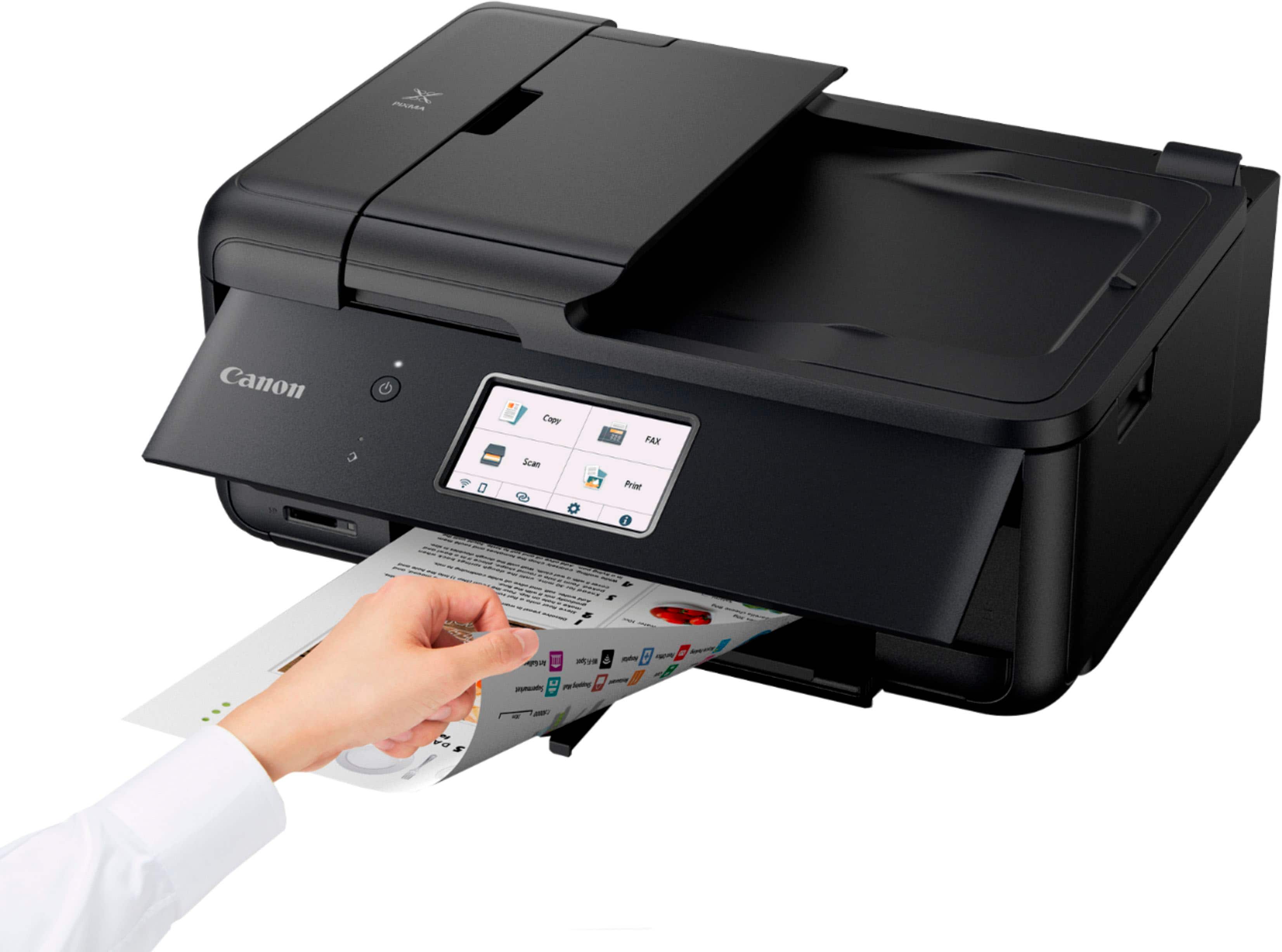
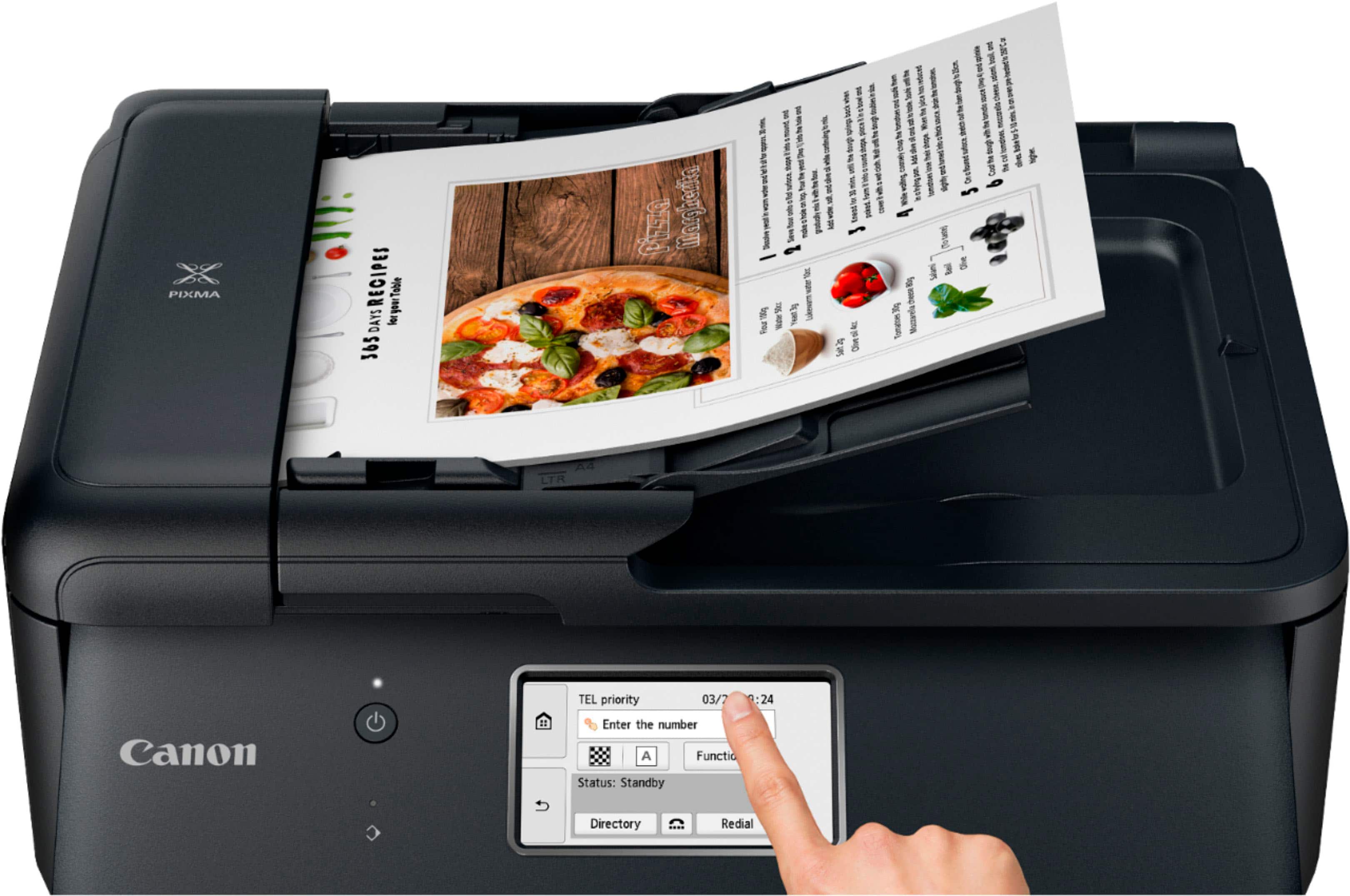
||Posted . Owned for 1 week when reviewed.This reviewer received promo considerations or sweepstakes entry for writing a review.Like the color, the display screen, the location of the paper tray. I like the amount of paper the tray can hold. I like that it can print on both sides. I like that it can scan, fax, copy & print.
I would recommend this to a friend - Pros mentioned:Ease of use, Print quality
Rated 5 out of 5 stars
Great Printer!!!
||Posted . Owned for 3 weeks when reviewed.This reviewer received promo considerations or sweepstakes entry for writing a review.A great economical printer, it's easy to use, faxes, scans, copies and it prints great pictures. I had the Geek Squad come and set it up which they did efficiently. My previous printer was an HP, was not pleased with the issues it had. Decided to switch from HP to Canon and I'm so glad I did.
I would recommend this to a friend - Cons mentioned:Paper tray
Rated 4 out of 5 stars
Great for wedding DIYs / not as great for bulk
||Posted .This reviewer received promo considerations or sweepstakes entry for writing a review.I got this printer for wedding DIYs and it has been perfect! To be honest, there is a slight learning curve for printing on different sizes and paper types but nothing you can’t pick up from a YouTube tutorial. I’ve had to reset the printer a few times due to it timing out from the app -> printer requests. I would recommend this for smaller projects and a great mid-point price printer! Maybe not as great for more serious / bulk printing.
I would recommend this to a friend - Pros mentioned:Ease of use, Size
Rated 5 out of 5 stars
Excellent Printer
||Posted . Owned for 3 weeks when reviewed.This reviewer received promo considerations or sweepstakes entry for writing a review.Had this printer about a month and very satisfied so far (personal use). Relatively easy to set up (if you follow the directions). Compact size and affordable price. My prior Canon printer lasted about a decade and this printer was its current replacement.
I would recommend this to a friend Rated 5 out of 5 stars
Dope printer
||Posted . Owned for 3 weeks when reviewed.This reviewer received promo considerations or sweepstakes entry for writing a review.20 years ago I had a canon printer similar to this one. Similar this one is better because it has Bluetooth capabilities and Wi-Fi capabilities it's quiet it's not too loud it doesn't start shaking or percolating or convulsing like other manufacturers yeah I like it I love it.
I would recommend this to a friend- Pros mentioned:Overall performance, Size
Rated 5 out of 5 stars
Great Printer!
||Posted .This reviewer received promo considerations or sweepstakes entry for writing a review.It works so perfect and it’s small which fits perfect in our office
I would recommend this to a friend - Pros mentioned:Ease of use, Print quality
Rated 5 out of 5 stars
SIX out of 5 stars!
||Posted . Owned for 1 month when reviewed.This reviewer received promo considerations or sweepstakes entry for writing a review.I have no negatives to report on this product. Matter of fact, im surprised it didnt cost more! This printer handles printing documents with ease. The print speed is good and there are a host printing configurations to choose from. Where this printer excels is in the quality of photos is prints. It's studio quality! I love that i can send pictures to the printer from my cell phone and the print will be ready in seconds. Canon also has their app where you can make custom design or pick from many presets like making calendars, gift cards and many more. Setup was a breeze and its worth mentioning that the look of the printer is good. No one wants a bulky, old fashioned printer in their home. I'd highly recommend this product to any and everyone.
I would recommend this to a friend - Pros mentioned:Overall performance
Rated 5 out of 5 stars
Canon Printer TR8620a
||Posted . Owned for 1 month when reviewed.This reviewer received promo considerations or sweepstakes entry for writing a review.This is a new version of my previous Canon Printer. Works great so far. It would be so helpful if I could buy a printed version of the printer manual. Is that possible? Some of the features are different from my old printer. I am old and have a hard time with all the manuals being on line now.
I would recommend this to a friend - Pros mentioned:Overall performance
Rated 5 out of 5 stars
Very good printer
||Posted . Owned for 3 weeks when reviewed.This reviewer received promo considerations or sweepstakes entry for writing a review.I needed a printer /scanner to replace the older Canon model. I don't do a lot of printing, This was a good price and works very well for my needs.
I would recommend this to a friend - Pros mentioned:Print quality, Setup
Rated 5 out of 5 stars
8620a
||Posted .This reviewer received promo considerations or sweepstakes entry for writing a review.Easy and fast setup. Prints and copies well. Good Value
I would recommend this to a friend - Pros mentioned:Ease of use, Print quality
Rated 4 out of 5 stars
So Far So Very Good.
||Posted . Owned for 1 month when reviewed.This reviewer received promo considerations or sweepstakes entry for writing a review.The unit functions well. Printing is fast amd relatively quiet compared to earlier Canon models. Set up was pretty easy. I have not had any experience with the faxing and scanning functions yet. One drawback has been that there are times when the Wi-Fi connection fails and has to be redone. I do not know if that is because of the Wi-Fi or the printer. I may purchase a USB cable as a backup. Also having 5 ink cartridges is a little daunting.
I would recommend this to a friend - Pros mentioned:Print quality
Rated 3 out of 5 stars
Great printer with hiccups for the rookie user.
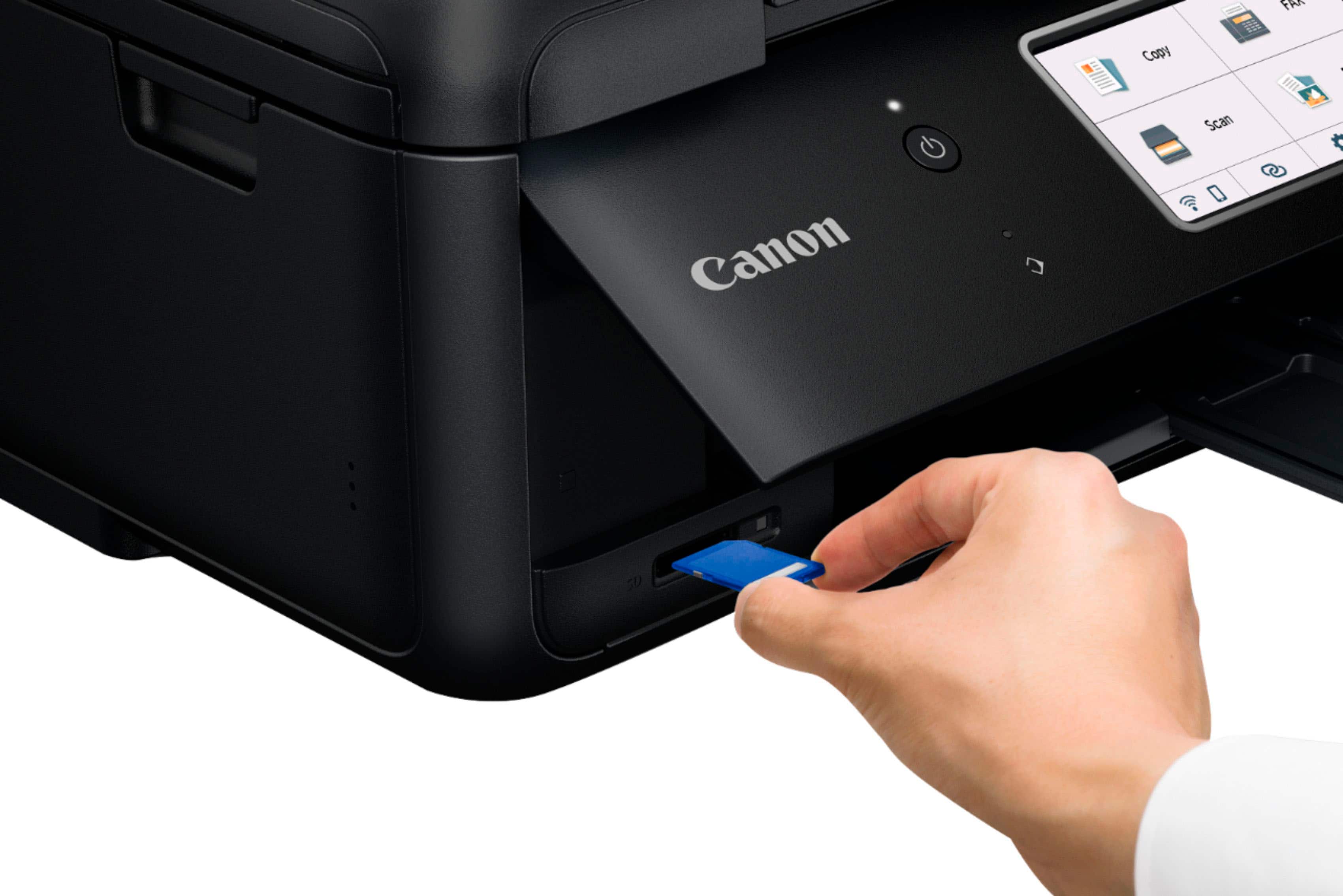
||Posted . Owned for 1 month when reviewed.This reviewer received promo considerations or sweepstakes entry for writing a review.For me this was a migration from MX-922. I went to Canon web site and downloaded the drivers. I didn't have any idea what to download (as a starter). The site should have given some advice. Was dismayed to find that it didn't have thumb drive interface, but had SD card. When booted up the printer is in the eco-save mode, so we have to manually set it from the printer utility or turn it on every time we want to use it. From the physical printer menu, you can do scan, but when I tried to "save scan to the PC" nothing happened, no feedback whatsover!! Also was dismayed to see that the feed tray can hold only a few dozen sheets. Exterior design was nice, but had a rickety feel during operation as if its very delicate. Doesn't lend itself to rapid use as when in a life or death situation. First time scan from desktop produced only jpg's and my scan settings from scan utility didn't work. I managed to trace it to improper installation. Some one without my IT knowledge would have suffered quite a bit. These days, the software needs to know whether it installed correctly, otherwise the user should be informed. Print quality was very good. Once the drivers were loaded and network connections made one could print easily. When the scan utility was re-installed, I could set it to scan to PDF. All drivers need to be separately installed!!!!
I would recommend this to a friend - Pros mentioned:Print quality, Setup
Rated 5 out of 5 stars
Pixma TR8620a
||Posted . Owned for 1 month when reviewed.This reviewer received promo considerations or sweepstakes entry for writing a review.Easiest setup ever. Prints very fast. Have it in my downstairs den and can print from all over my house..you have to make sure you read the manual to set it up as eco save..this will allow the printer to print whenever you want without having to go to it to turn it on.
I would recommend this to a friend