Customer Ratings & Reviews
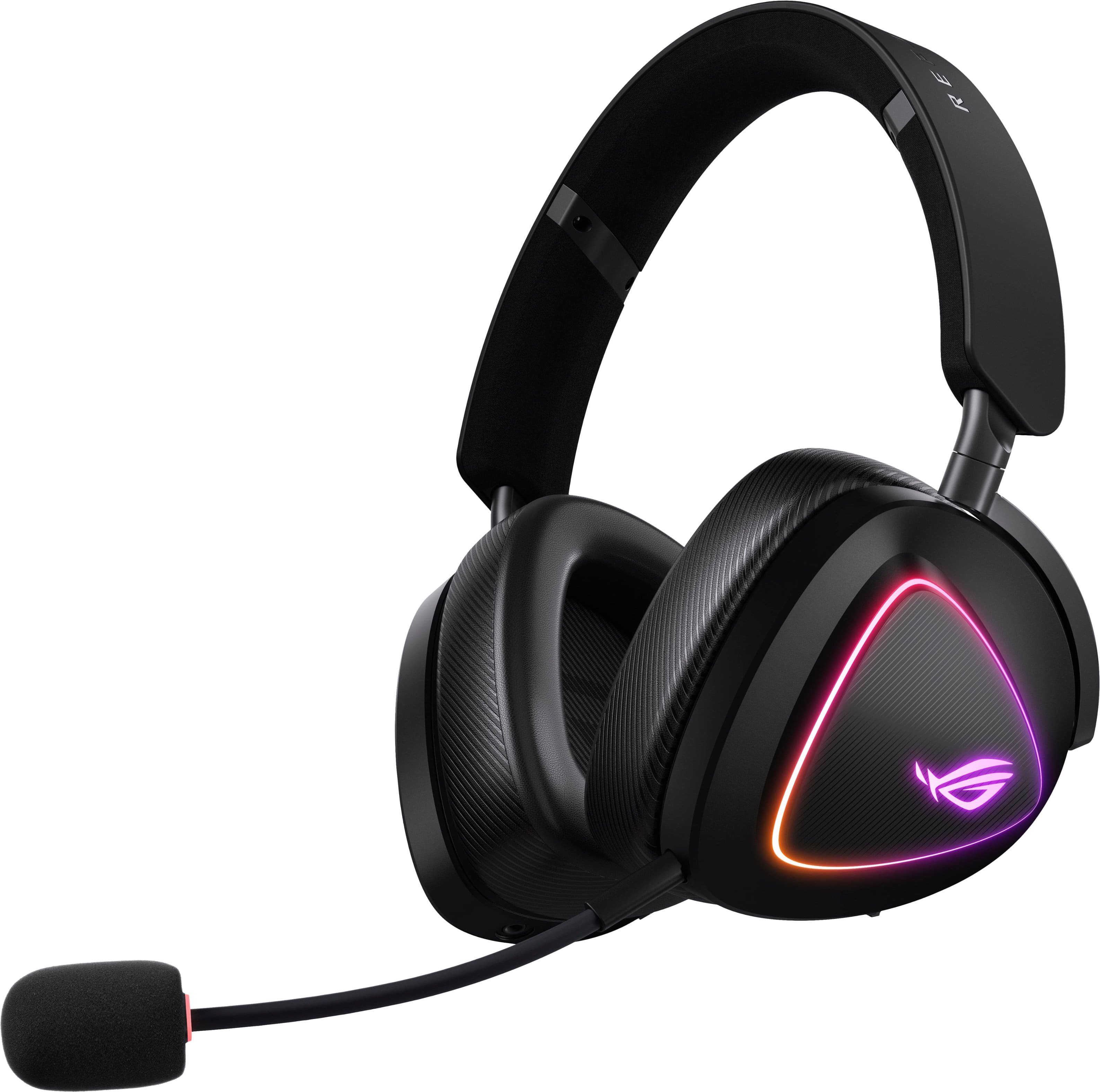

- Model:
- ROG DELTA II A701
- SKU:
- 11083817
Rating by feature
- Value
Rating 4.3 out of 5 stars
- Quality
Rating 4.6 out of 5 stars
- Ease of Use
Rating 4.6 out of 5 stars
Great sound quality
||Posted . Owned for 2 weeks when reviewed.This reviewer received promo considerations or sweepstakes entry for writing a review.The headphones out of the box with asus software sound great and i like that you can mutli use bloothtooth with the dongle.
I would recommend this to a friendROG headset
||Posted .This reviewer received promo considerations or sweepstakes entry for writing a review.Awesome Quality. very comfortable I would recommend to anyone
I would recommend this to a friendNot cheap but worth it!!
||Posted .This reviewer received promo considerations or sweepstakes entry for writing a review.Love the overall quality of this puppies!! Plus they connect to the Armory Crate eco system! 10/10
I would recommend this to a friendAwesome sound quality
||Posted . Owned for 2 weeks when reviewed.This reviewer received promo considerations or sweepstakes entry for writing a review.Great head set very crisp sound had to turn down volume compared to other head sets
I would recommend this to a friendGood headset price is a little high.
||Posted . Owned for 2 months when reviewed.This reviewer received promo considerations or sweepstakes entry for writing a review.Headset is very comfortable very sleek and stylish but for $250 a little too pricey if you can get it on sale, definitely worth it!
I would recommend this to a friendgreat gaming headset
||Posted .This reviewer received promo considerations or sweepstakes entry for writing a review.excellent gaming headset.....10/10....great upgrade from last gen headset
I would recommend this to a friendI'm happy to use it
||Posted .This reviewer received promo considerations or sweepstakes entry for writing a review.Absolutely perfect sound and microphone. Perfect quality!
I would recommend this to a friendGreat headset!
||Posted . Owned for 2 weeks when reviewed.This reviewer received promo considerations or sweepstakes entry for writing a review.High quality build and speakers are pretty loud. Asus always comes through.
I would recommend this to a friendLove it
||Posted . Owned for 2 weeks when reviewed.This reviewer received promo considerations or sweepstakes entry for writing a review.Absolutely blown away. I have tried many headsets and this is the one im sticking with.
I would recommend this to a friendGreat Product
||Posted . Owned for 1 week when reviewed.This reviewer received promo considerations or sweepstakes entry for writing a review.Great Product. Great Sound. Light Weight. Highly Recommended.
I would recommend this to a friendHeadphones
||Posted .This reviewer received promo considerations or sweepstakes entry for writing a review.Purchased for my grandson and he says they are awesome!
I would recommend this to a friendAmazing Headset
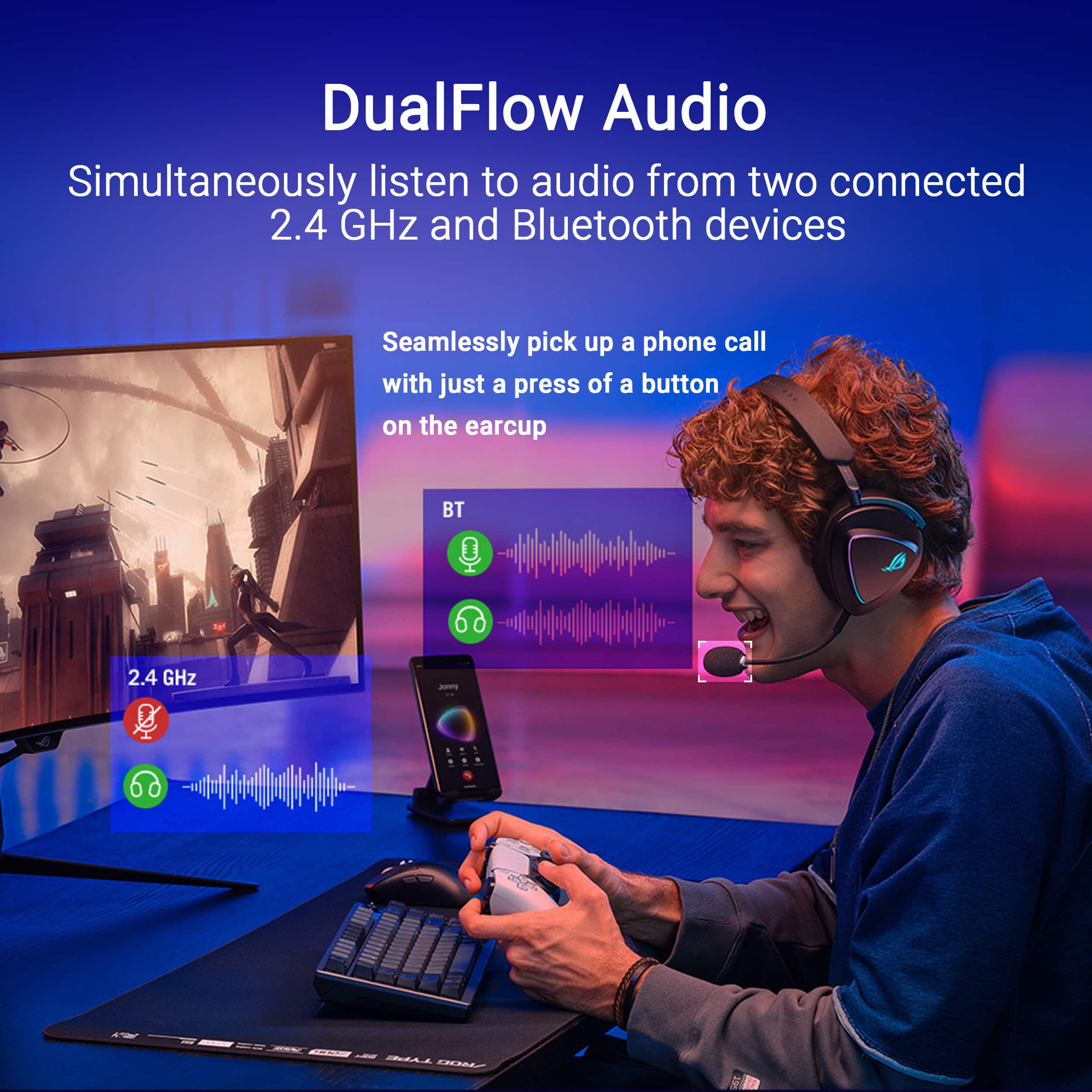
||Posted .This reviewer received promo considerations or sweepstakes entry for writing a review.Best headset I have owned. The dual audio stream capability is fantastic.
I would recommend this to a friendHead set
||Posted .This reviewer received promo considerations or sweepstakes entry for writing a review.Works great, got it for my husband and he loves it
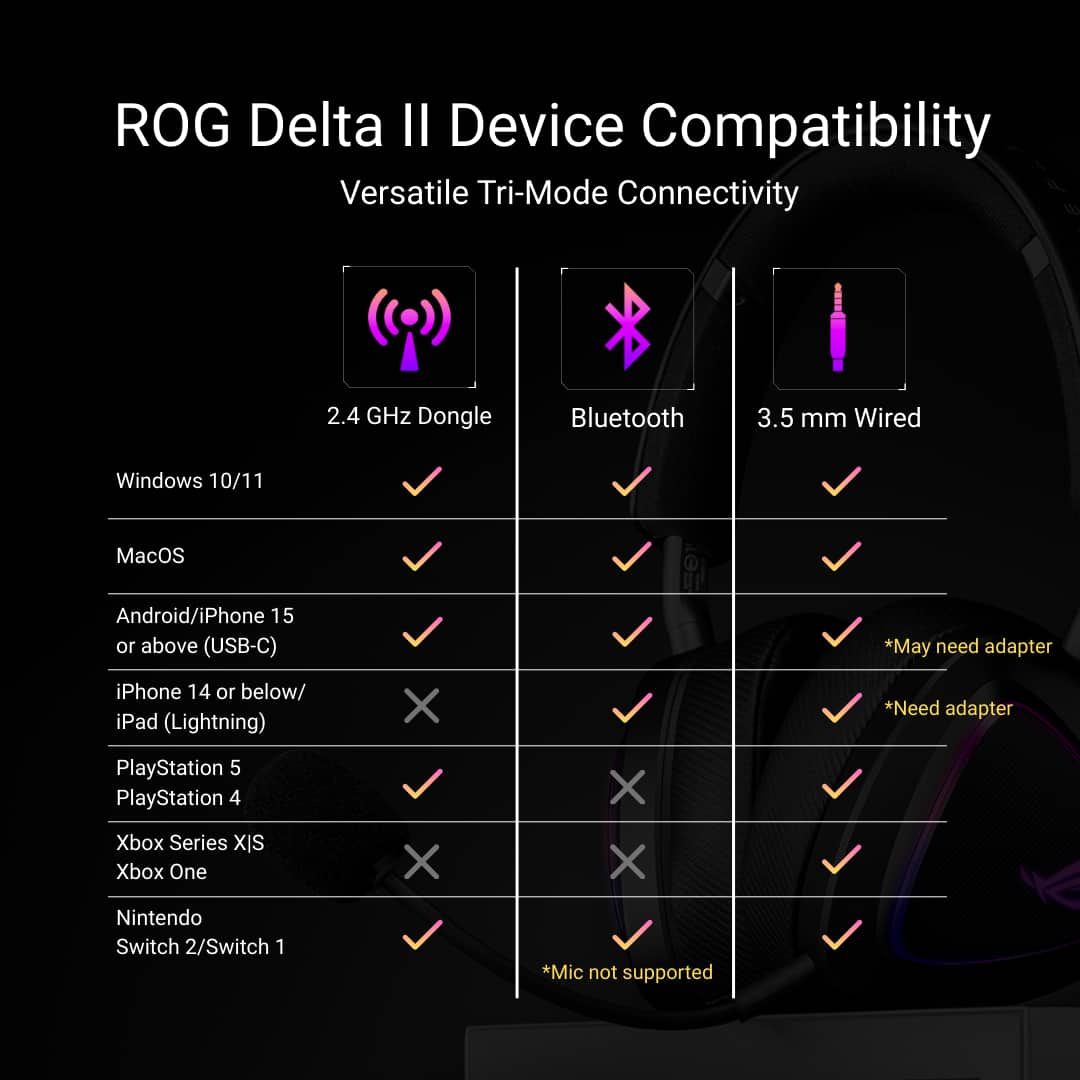
I would recommend this to a friendWill not work for Xbox series X.
||Posted .This reviewer received promo considerations or sweepstakes entry for writing a review.Great headset. Did not work for my Xbox series X. Will be returning for something else.
I would recommend this to a friendAsus FTW
||Posted .This reviewer received promo considerations or sweepstakes entry for writing a review.Asus headphones are amazing. It’s one of my favorite brand.
I would recommend this to a friendComfortable
||Posted . Owned for 2 weeks when reviewed.This reviewer received promo considerations or sweepstakes entry for writing a review.I upgraded and got this delta 2. The volume is louder and the sound is crisp.
I would recommend this to a friendGreat for pc, maybe not the best for console
||Posted .This reviewer received promo considerations or sweepstakes entry for writing a review.Great for pc by all means, but have been having issues connecting fully to the Xbox- installed, updated all drivers, etc..
No, I would not recommend this to a friendHeadphones
||Posted .This reviewer received promo considerations or sweepstakes entry for writing a review.It’s the best you can buy in the market. Price match is good
I would recommend this to a friendGreat headphones
||Posted .This reviewer received promo considerations or sweepstakes entry for writing a review.My son LOVES these for gaming. We’ve gone through a few pair and he likes these the most
I would recommend this to a friend
Excellent Gaming Headset from ROG
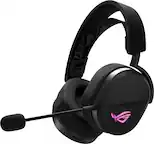
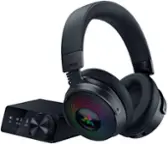
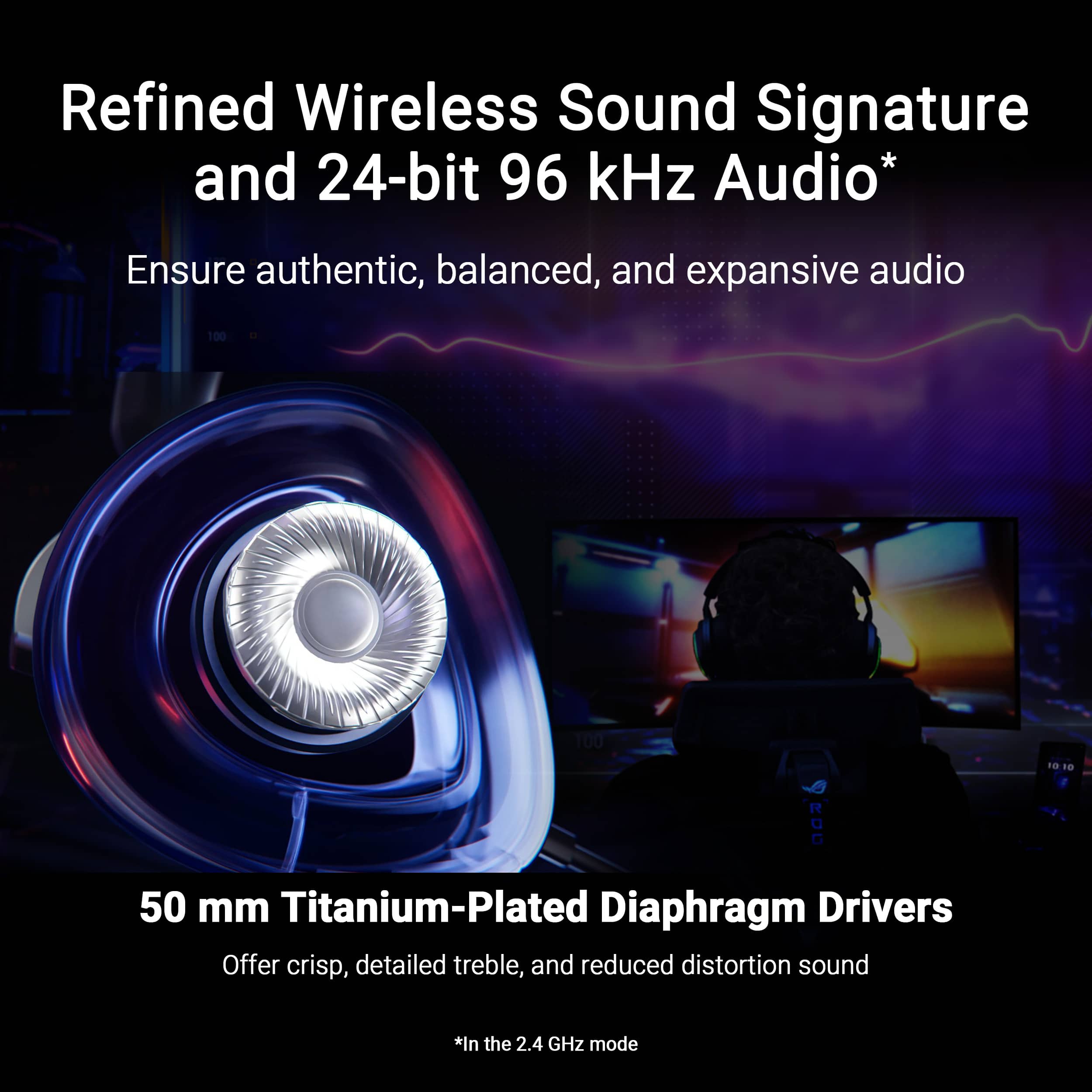
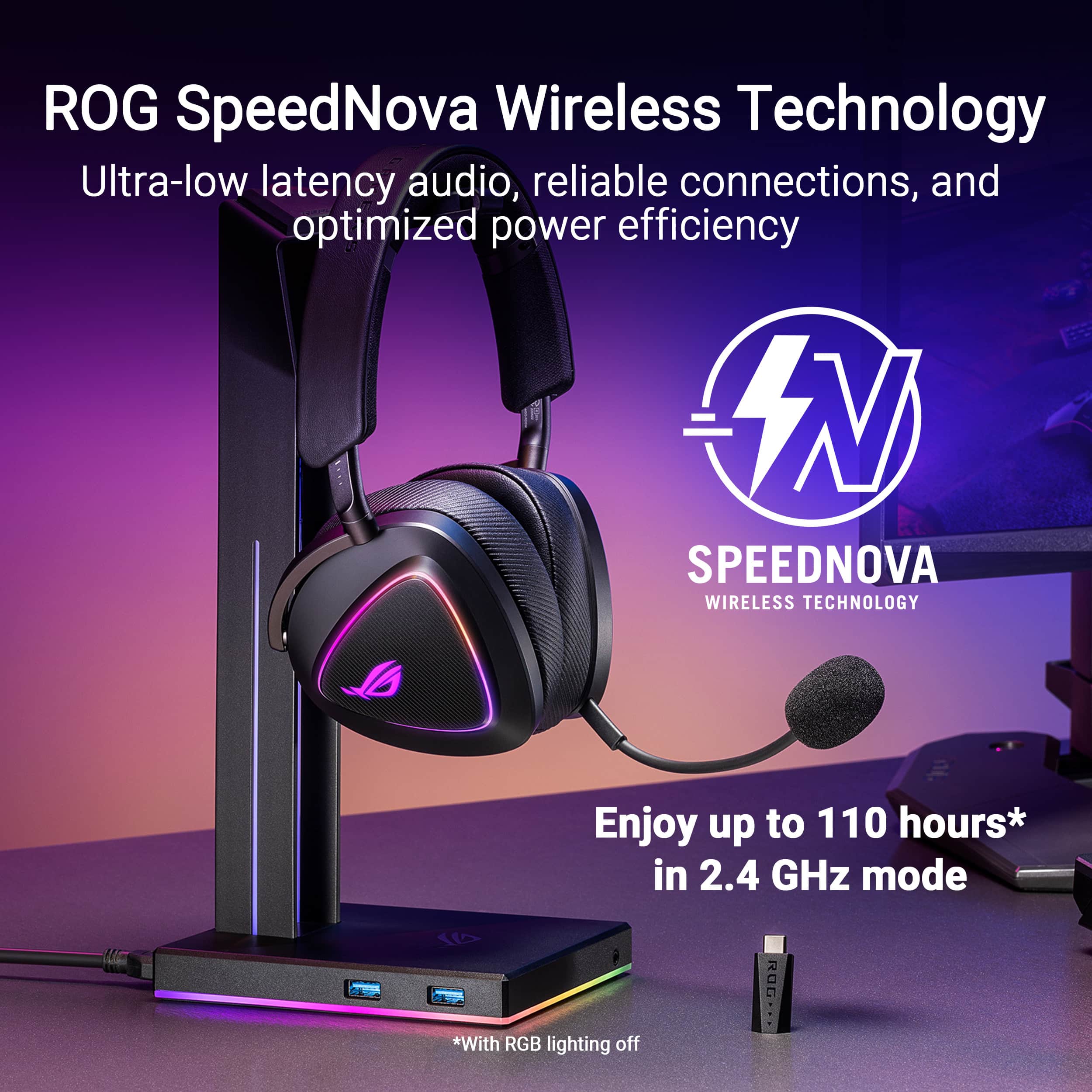
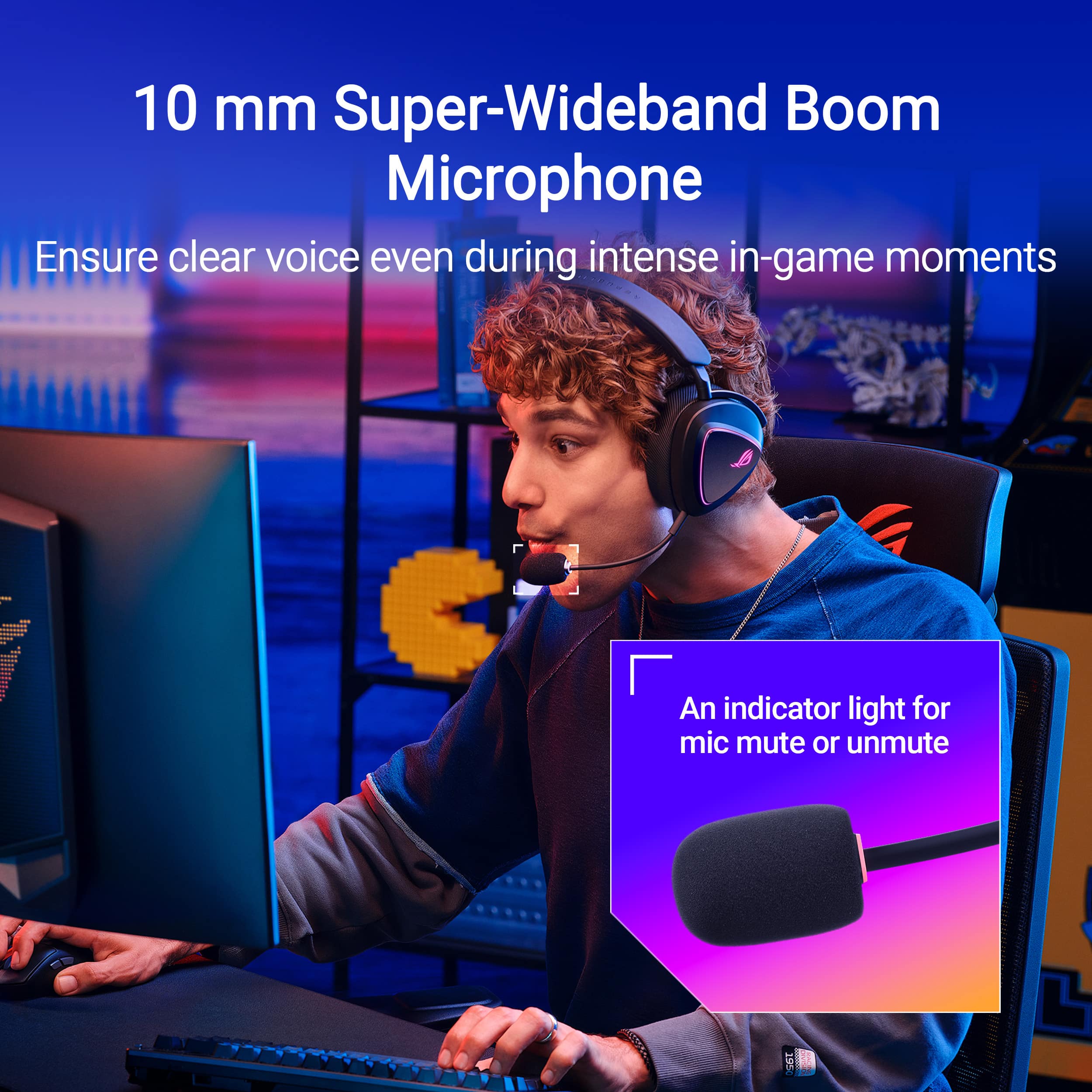
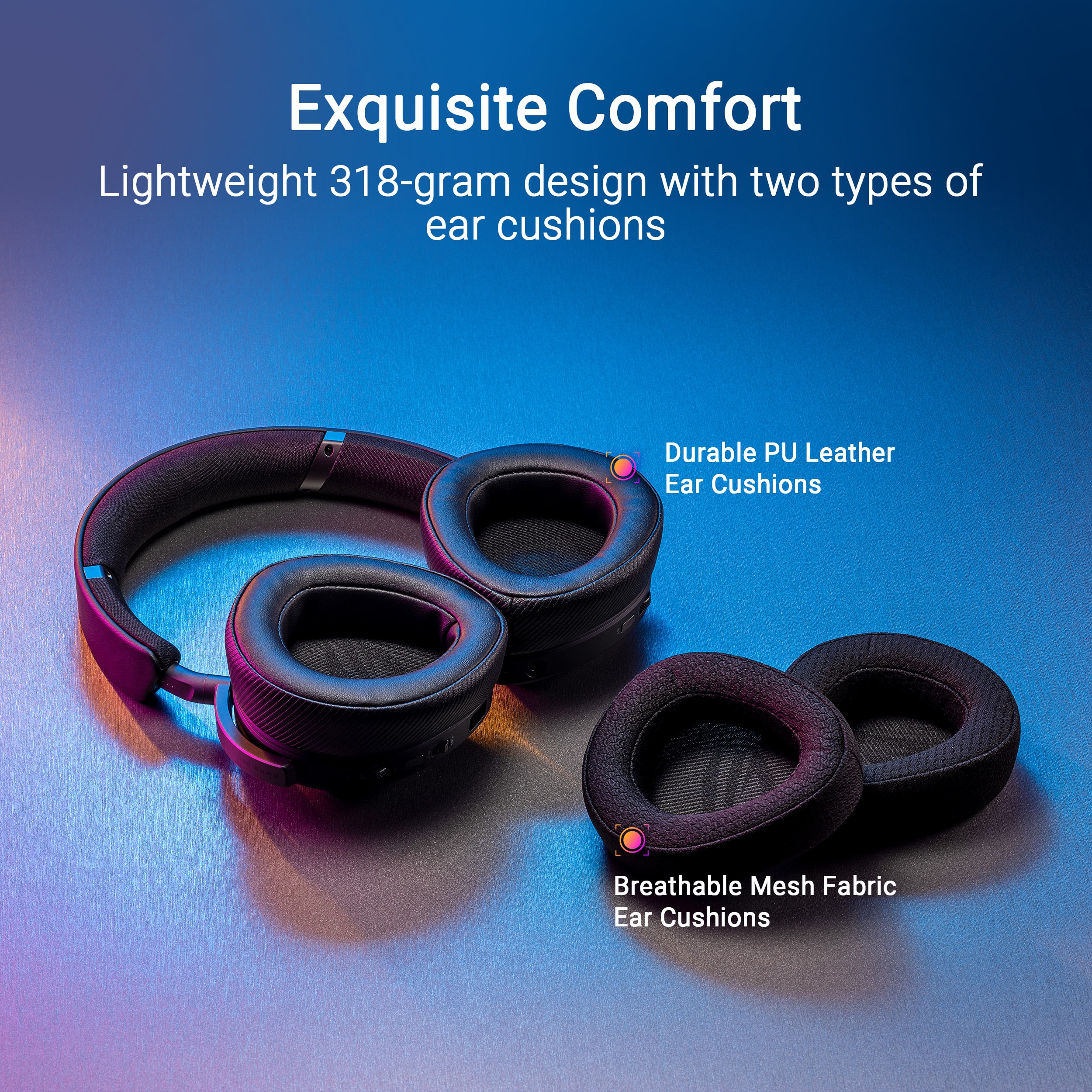
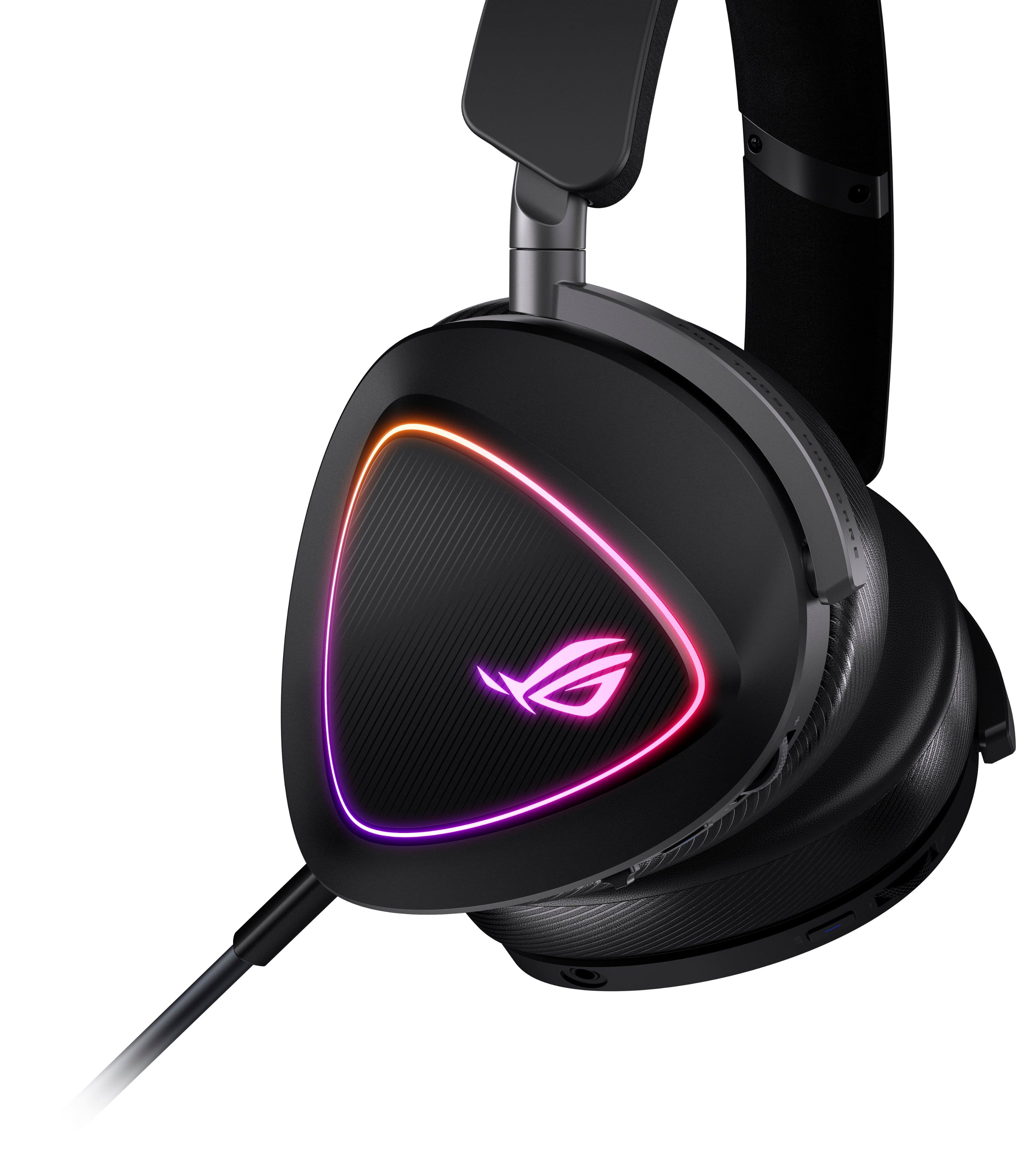
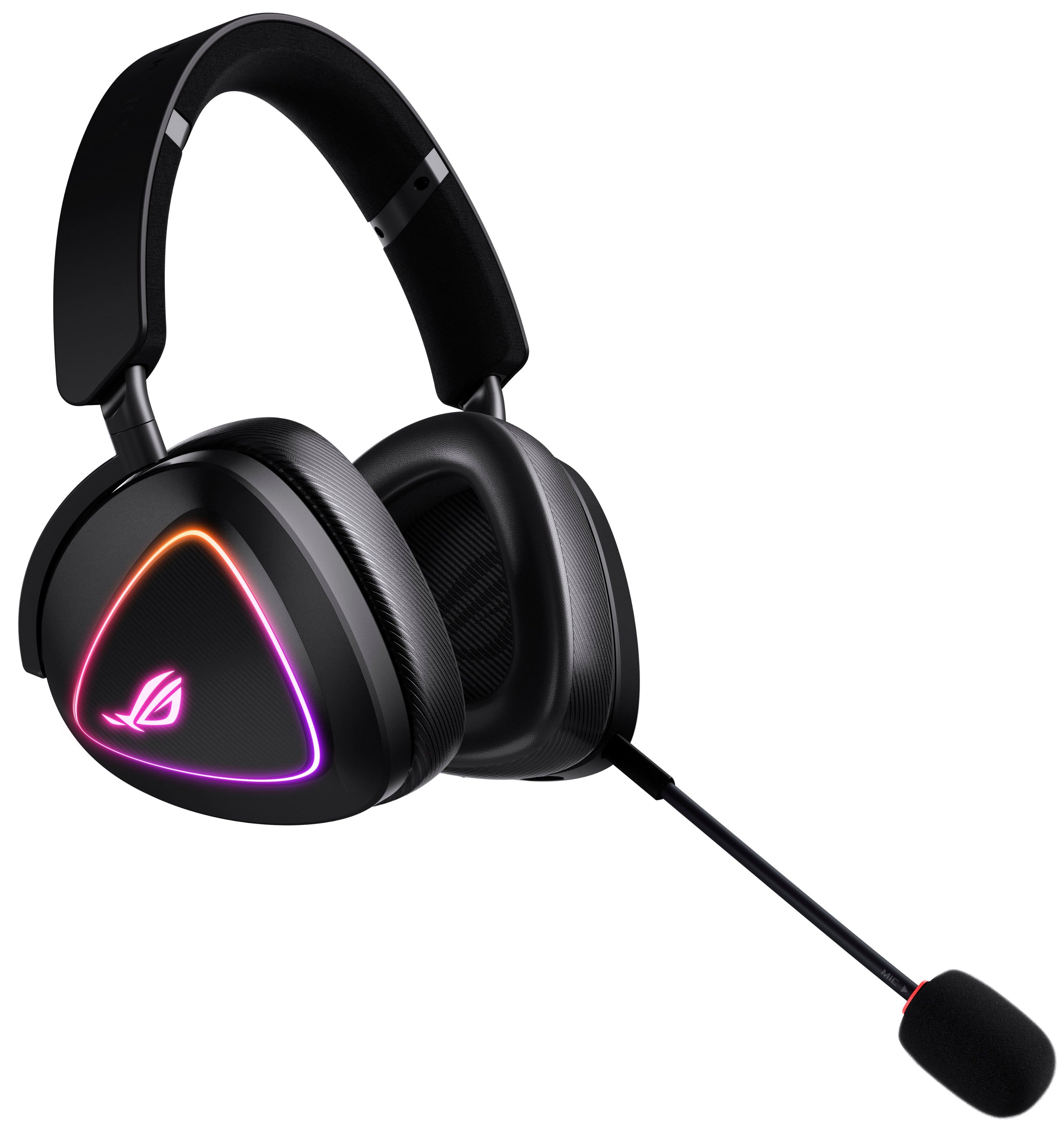
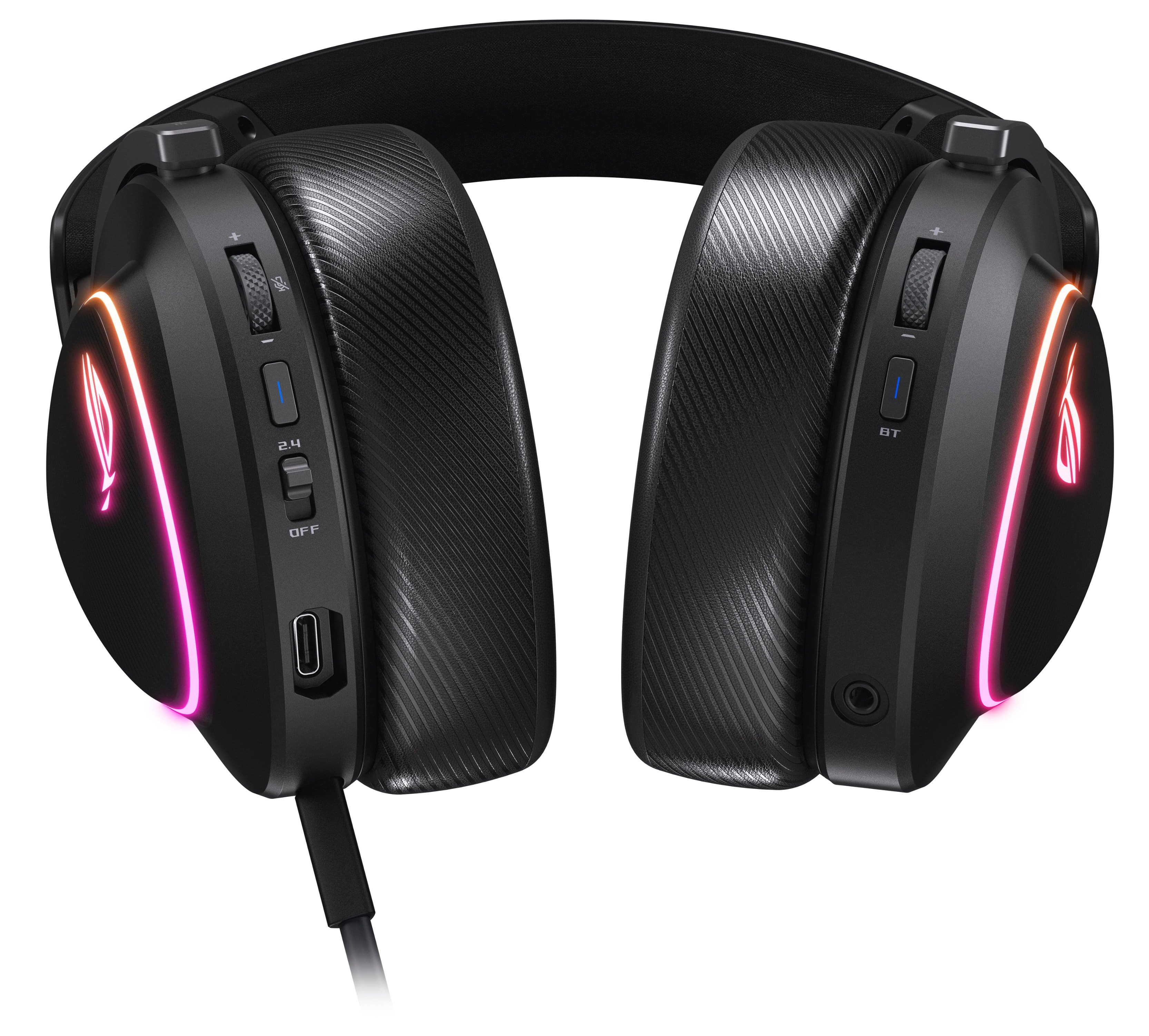
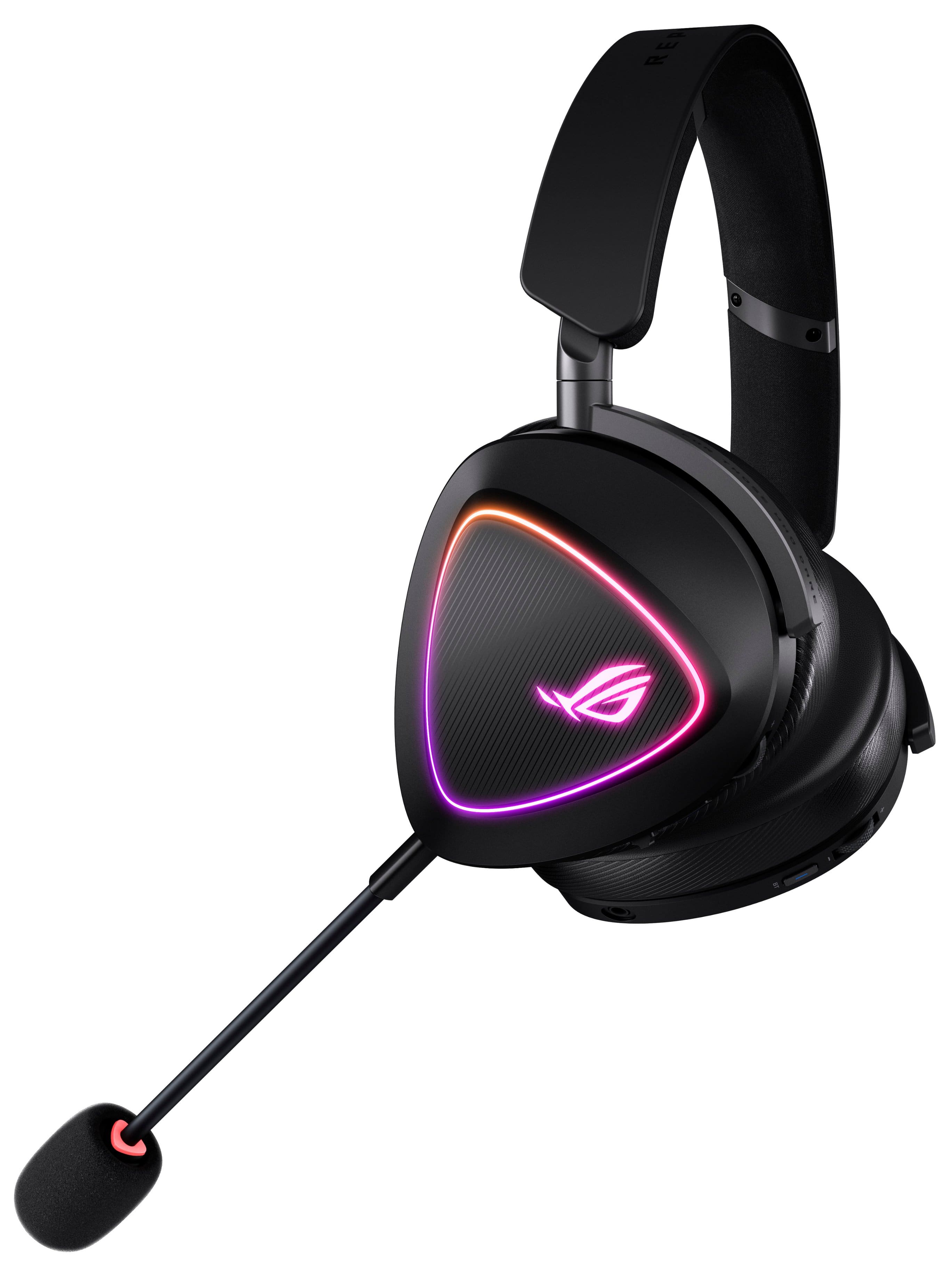
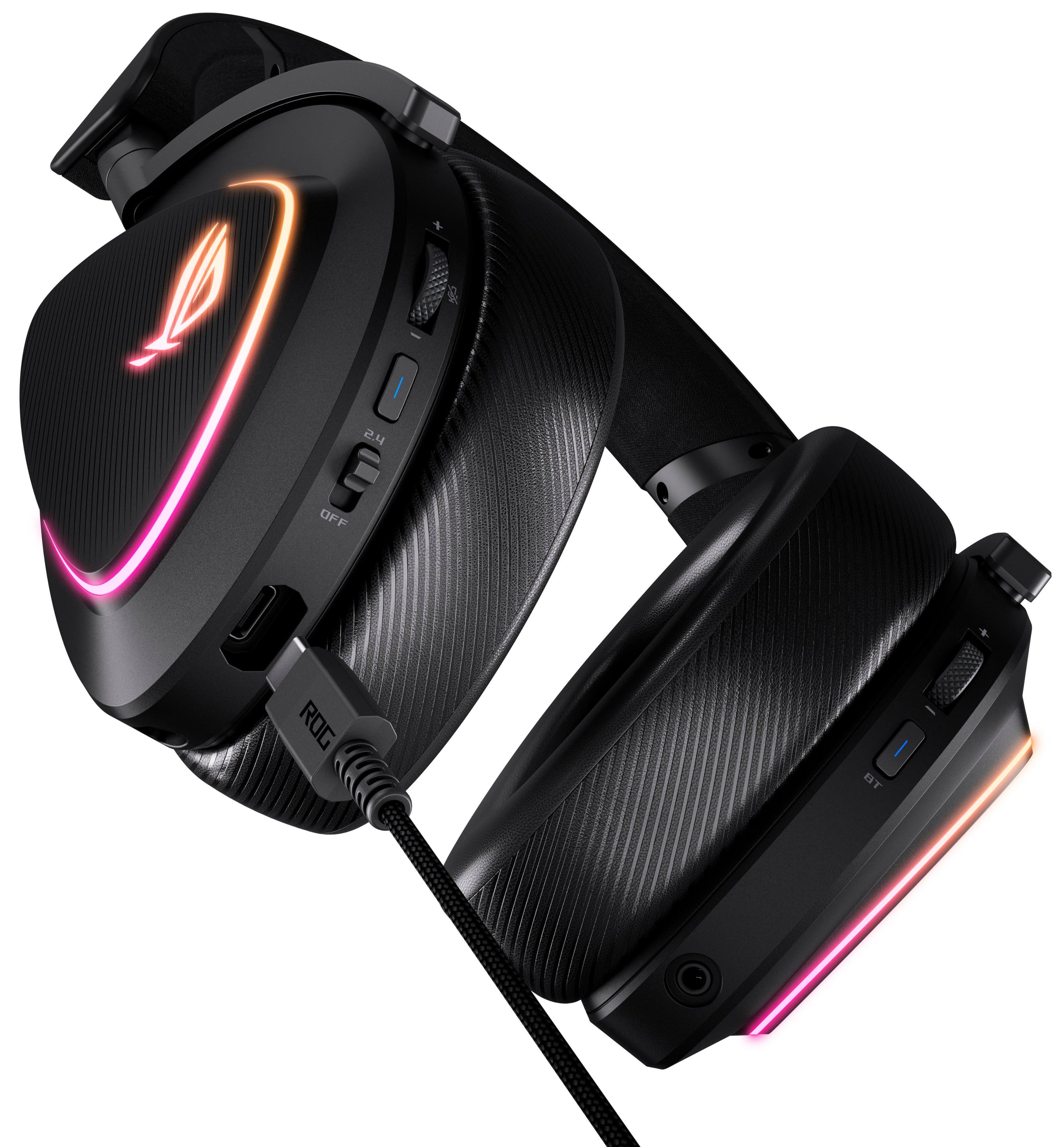
|Posted .This reviewer received promo considerations or sweepstakes entry for writing a review.The ASUS ROG Delta II is one of the better gaming headsets I’ve tried recently. The first thing I noticed upon unboxing is how lightweight it is. While it doesn’t compete directly with some of the ultralights you’ll find on the market, I was still impressed with the build quality and weight distribution. It makes it comfortable to wear for several hours. It comes with two separate sets of ear cups, one being PU Leather and the other a breathable mesh. I have become accustomed to the mesh ones since I sometimes wear glasses and I don’t like sweaty ears. That said, you’ll probably not change them out often because these don’t have a twist to lock or remove like some other competitors do which makes it a bit difficult to swap them frequently. The headset comes with a boom mic (which is somewhat hidden in the box) and the ability to mute directly on the headset. When muted a red ring on the end of the mic will illuminate. The dongle is USB-C but an adapter is included in the box if you need it. You can connect to the headset via the 2.4 GHz wireless dongle, 3.5 audio cable, or Bluetooth. The headset supports Windows and PS5 with the dongle. I was also able to get the dongle to work on my Mac and Steam Deck plug and play. However, if you want to use it with an Xbox your only option is wired. It supports playing back audio from your game and Bluetooth at the same time, which is great for streaming music while gaming or taking a phone call. There are buttons directly on the headset to take or end a call, as well as separate volume controls for Bluetooth so you can easily mix the volumes as needed directly on the headset. There’s also a dedicated power button for each. One thing I always test on headsets is the range of the 2.4GHz wireless. Nothing scientific here as it depends on so many factors, but I just want to know if I can walk to the kitchen and get a cup of coffee. Most of my headsets will barely reach the kitchen and cut out at about that point. Happy to say these worked well in the kitchen and even went into the next room so I can say the range is very good. ASUS offers their full Armoury Crate or Armoury Crate Gear software for Windows to configure the headset. The full version is best if you have an ASUS laptop or other peripherals from the brand, otherwise just download the Gear version which has the same functionality but without the bloat of supporting other devices. The #1 thing you will want to adjust is the equalizer as the out of the box the sound is flat. This is also where you can adjust lighting and microphone adjustments. With the equalizer enabled and a bit of tuning, I thought the sounds it can produce for games and music were clean and crisp, with a wide soundstage. There’s a bass boost option that can be configured which I found to make a significant difference if you find the bass lacking. Unfortunately, I found the settings I made in Windows didn’t save to the headset and were reset even when I moved to another Windows system. When I switched to Mac again, the default flat sound signature was back and immediately noticeable. For lighting I found that it’s best to just leave it off. The battery will last over 100 hours without lightning and just a bit over 24 with it on. In my opinion I’d rather have battery life than RGB lightning. You can also disable RGB by holding the 2.4 GHz function button for 5 seconds. Regarding the battery, there is a fast charge for roughly 15 minutes to get more than a workday’s worth of usage. There is no active noise cancellation as you might find in other premium headsets. That said you will get some passive cancellation with the earcups and the PU Leather ones will provide a bit more isolation. It also does not support ASUS’ AI Noise cancelling software that I’ve seen on previous ROG products but no one told me they had issues hearing me in-game. Pros: - Tri-Connectivity: 2.4 GHz, Bluetooth, and 3.5mm Wired - 50mm titanium plated drivers - 10mm boom microphone w/ mute indicator - Over 100-hour battery life (no RGB) - Lightweight only 318g - High-res 24-bit 96kHz audio - Simultaneous Audio from Bluetooth and Gaming - Long wireless range - 15-minute fast charge = 11 hours of use - Includes two pairs of ear cushions (leather and breathable) - Armoury Create Gear Cons: - No active noise cancellation - Equalizer a must for best sound - Configurations are device dependent Overall – ASUS is one of my go to brands for gaming gear and this headset will deliver great sound for both music and games provided you adjust the equalizer.
I would recommend this to a friend