Customer Ratings & Reviews
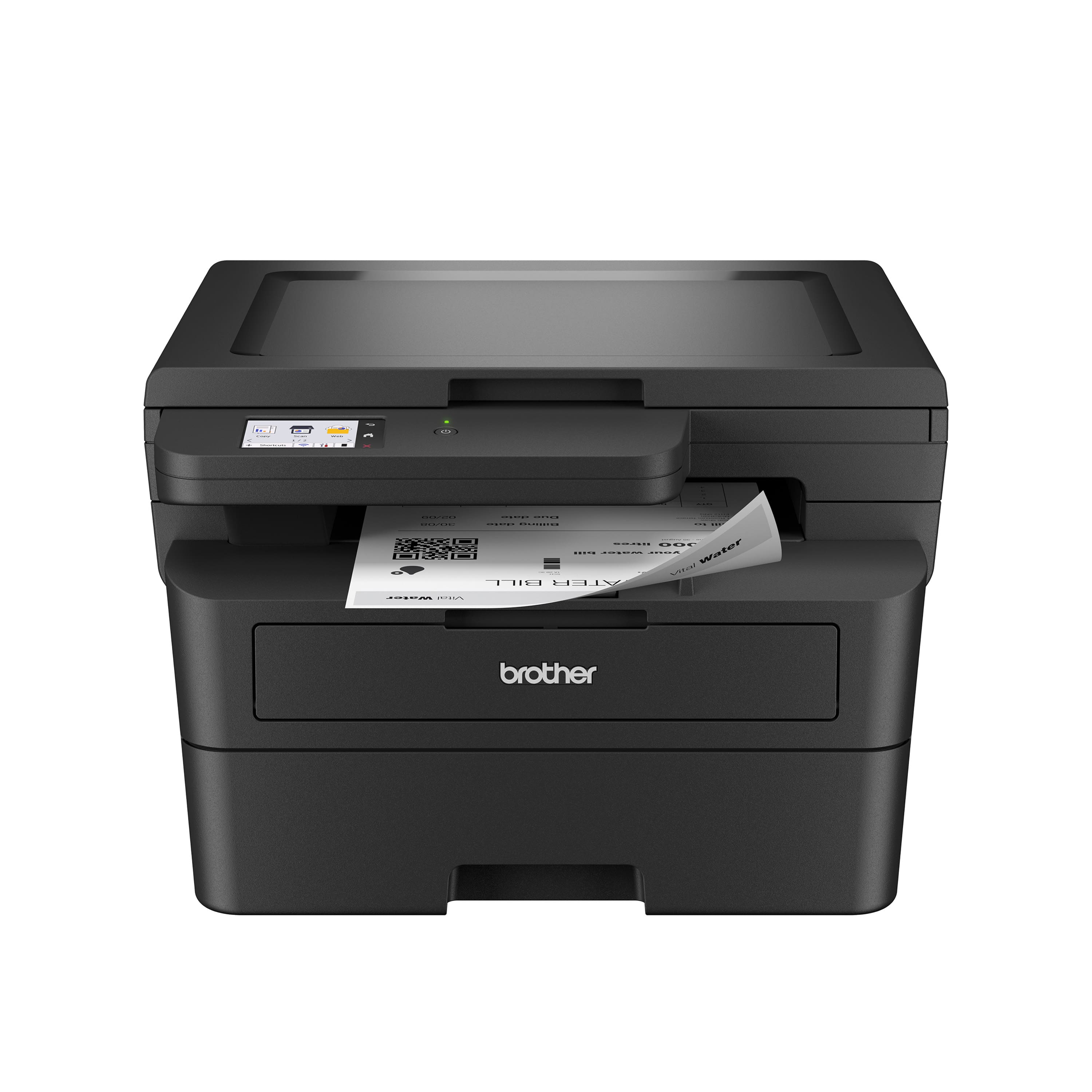
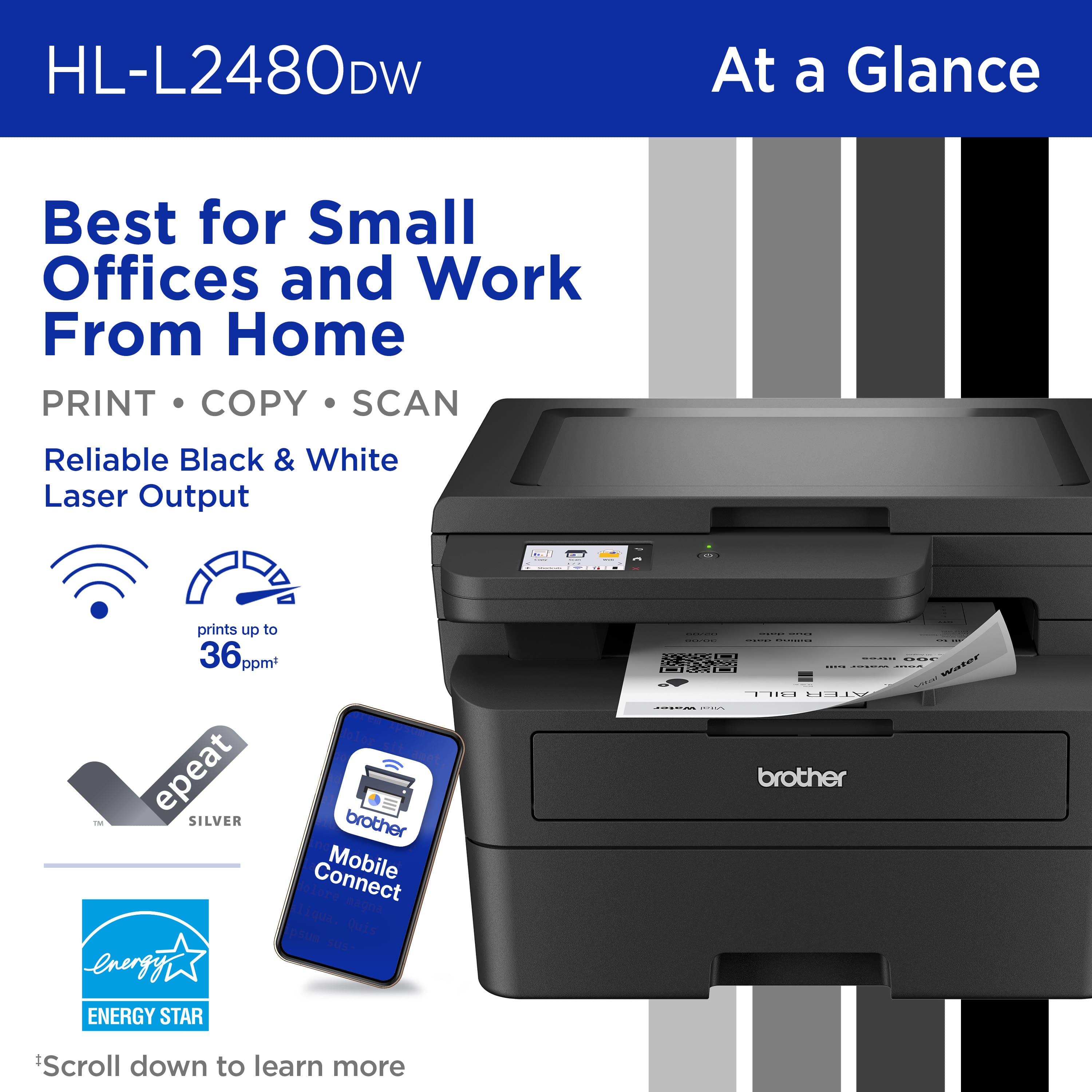

- Model:
- HL-L2480DW
- SKU:
- 11235972
Rating by feature
- Value
Rating 4.6 out of 5 stars
- Quality
Rating 4.7 out of 5 stars
- Ease of Use
Rating 4.5 out of 5 stars
- Pros mentioned:Print quality
Best Printer Ever
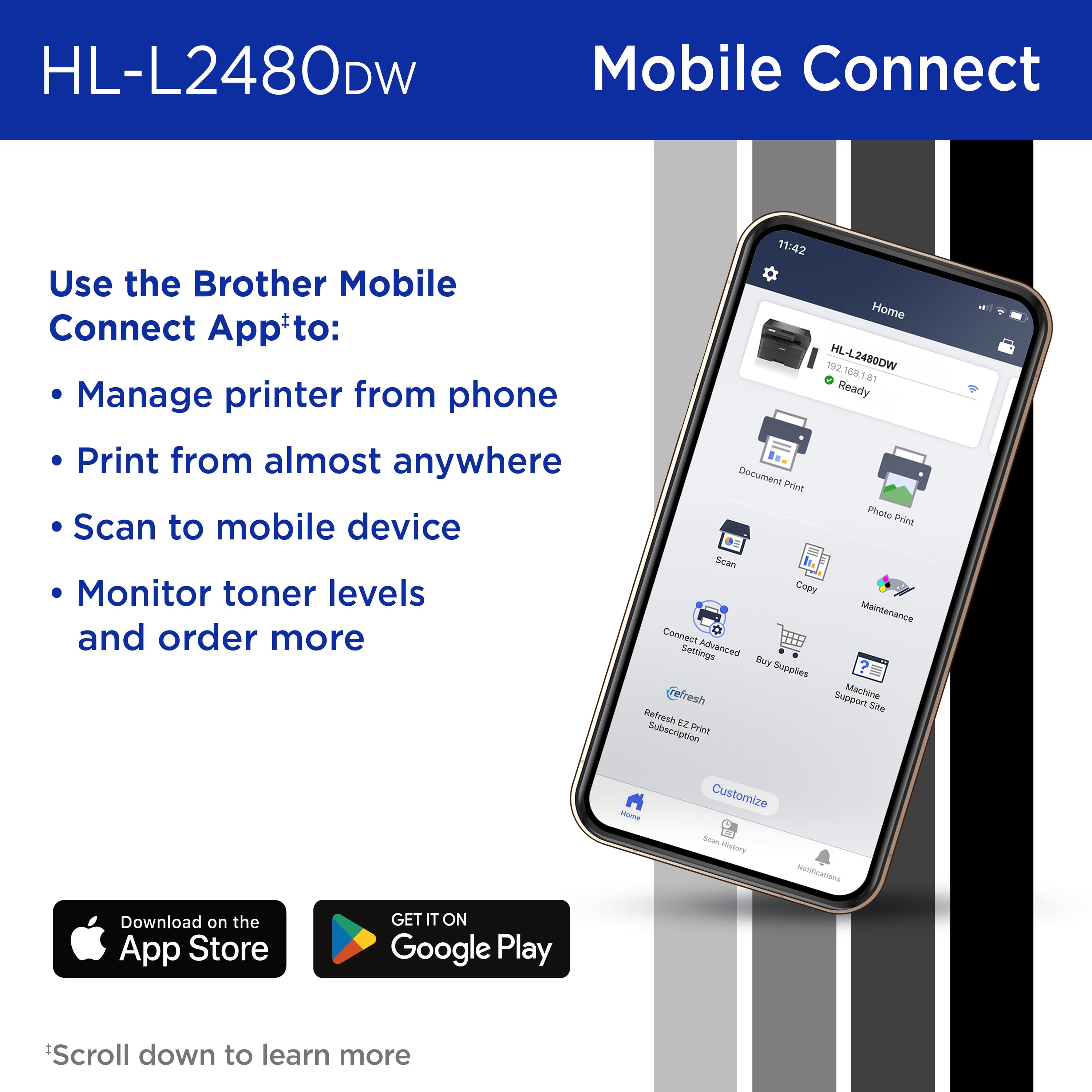
||Posted . Owned for 1 month when reviewed.This reviewer received promo considerations or sweepstakes entry for writing a review.I really like this printer, it was a little confusing to set up. Once I got it, it works fast, prints from iPad and iPhone. So many things it does, prints, scans copy.
I would recommend this to a friend Home office
||Posted . Owned for 3 weeks when reviewed.This reviewer received promo considerations or sweepstakes entry for writing a review.Ease of use and only one long lasting printer cartridge. This printer is perfect for home use.
I would recommend this to a friend- Pros mentioned:Ease of use
Super easy install
||Posted . Owned for 3 weeks when reviewed.This reviewer received promo considerations or sweepstakes entry for writing a review.Great black & white laser all in one. Super easy to install. Had it up and running in 15 minutes as a Network printer although I’m a tech dummy. If I buy a color in future it will be Brother brand
I would recommend this to a friend - Pros mentioned:Print quality
Better than ink jets
||Posted . Owned for 1 month when reviewed.This reviewer received promo considerations or sweepstakes entry for writing a review.Finally got rid of ink and the high cost. Since I use low volume the ink only evaporates. For a few dollars more upfront you get better quality too
I would recommend this to a friend - Pros mentioned:Print quality
Brother Printers are Dependable
||Posted . Owned for 1 month when reviewed.This reviewer received promo considerations or sweepstakes entry for writing a review.I have always loved Brother laser printers because if their dependability, speed, and durability. Great print quality and fair pricing,
I would recommend this to a friend Wireless Headache
||Posted . Owned for 2 weeks when reviewed.This reviewer received promo considerations or sweepstakes entry for writing a review.It has been working fine but very difficult to set up wirelessly with my iMac. Almost returned it! Too Soon to provide a better review.
No, I would not recommend this to a friend- Pros mentioned:Print quality
Brother HL-L2480DW
||Posted . Owned for 1 month when reviewed.This reviewer received promo considerations or sweepstakes entry for writing a review.Great printer for a home office, super fast and good quality
I would recommend this to a friend - Pros mentioned:Ease of use
Great value, works as expected
||Posted . Owned for 2 months when reviewed.This reviewer received promo considerations or sweepstakes entry for writing a review.Easy to set up, works flawlessly. This was a great value and my second Brother multifunction product.
I would recommend this to a friend - Pros mentioned:Ease of use
Easy to use
||Posted . Owned for 1 month when reviewed.This reviewer received promo considerations or sweepstakes entry for writing a review.Easy to set up and use. It has been in use for 2+ months and so far no issues.
I would recommend this to a friend Set up issues, otherwise good printer
||Posted . Owned for 1 month when reviewed.This reviewer received promo considerations or sweepstakes entry for writing a review.Printer driver issues. Brother.com site not very helpful for service problems.
No, I would not recommend this to a friendCan't get wireless to work.
||Posted . Owned for 1 month when reviewed.This reviewer received promo considerations or sweepstakes entry for writing a review.I haven't been able to print wireless yet from my laptop. I must use a USB cable. I should have read the many complaints online regarding this problem; many solutions given, but none have worked. Too many hours spent researching and trying to solve the problem.
No, I would not recommend this to a friendBrand response from Brother
Posted .We understand you are experiencing issues with your Brother HLL2480DW not working properly. We'd like to help. Please contact the Brother USA support team at: https://www.brother-usa.com/support

- Pros mentioned:Print quality

Buy it!
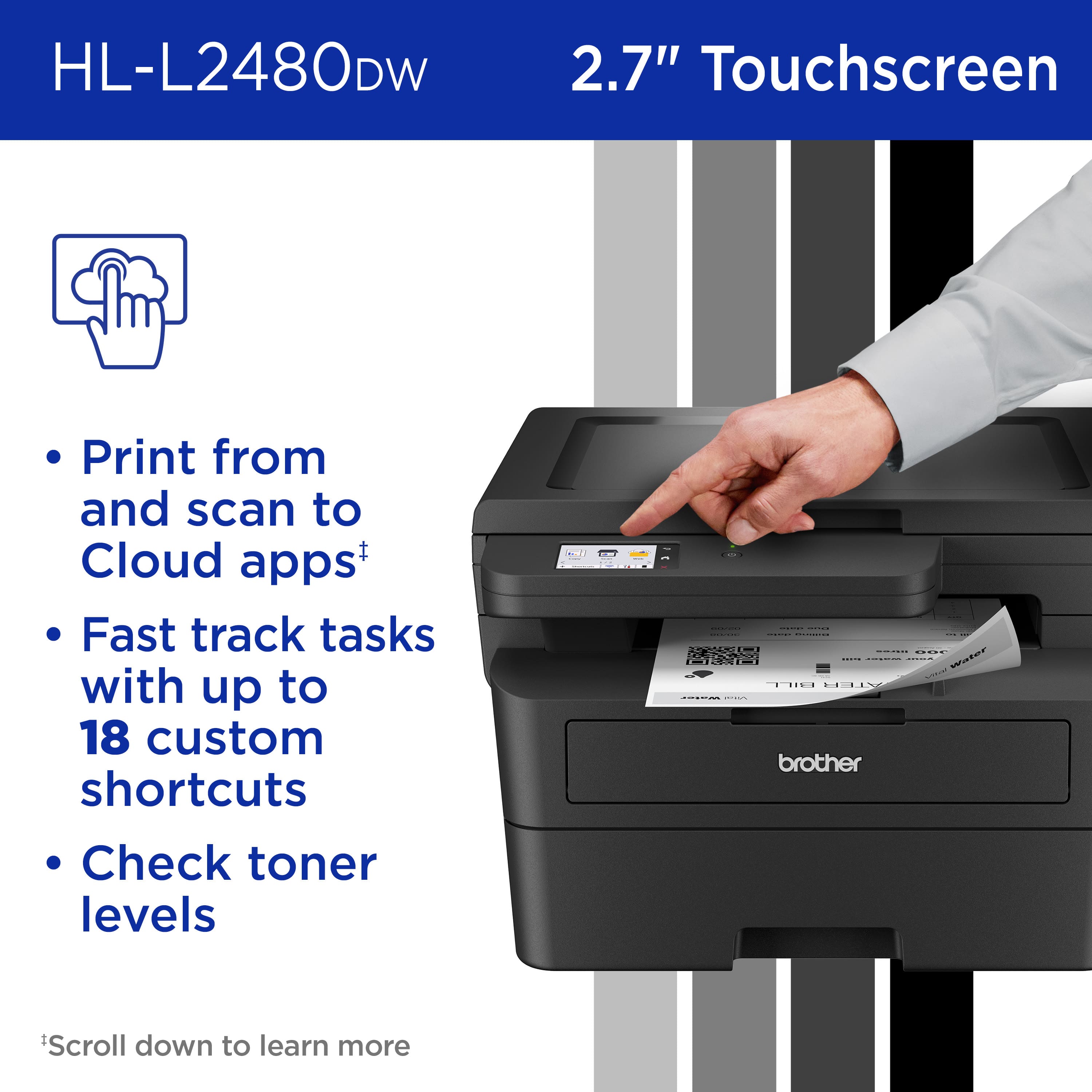
|Posted .This reviewer received promo considerations or sweepstakes entry for writing a review.fantastic printer. I love the fact that the printer can see both 2.4 and 5ghz wifi networks, has ethernet options, or usb. the fact that I can connect it in the manner that I want and not just over wifi is great. I print a lot of documents for my home office and this is able to keep pace. I am able to print 200 page documents in just under 9 minutes from start to finish. single pages are done well under a minute from when it is sent to when it comes out. The cloud connection seems pretty easy for jobs in the cloud. The quality of the print is excellent. Touchscreen seems perfectly responsive. Document scanning was plug and play for Mac with no real barriers to getting it setup. Copies are also quite easy with no connection or computer required. I have pushed about 600 pages through the printer so far and haven't had a single jam yet. I would recommend this for any small business, home office, or heavy duty home user/student. The ink seems to last sufficiently long as well and is easy to replace from what I can tell
I would recommend this to a friend Brother printers = TRASH Wifi app
||Posted . Owned for less than 1 week when reviewed.This reviewer received promo considerations or sweepstakes entry for writing a review.If I could give Brother negative stars I would. Their app and wifi connection process is TRASH. I am a reasonably tech savvy person and it took minimum 15 attempts before I was able to connect with the app on an iPhone and then when I tried to connect my laptop, it messed up my ability to wireless networks at both home and work and even my professional IT staff at work are having trouble fixing the laptop. Keep in mind it never successfully connected to the printer but the drivers from the app royally messed up my laptop. I will be returning this. NEVER BUY BROTHER!!
No, I would not recommend this to a friendBrand response from Brother
Posted .We understand you are experiencing connectivity issues with your Brother HLL2480DW. We'd like to help. Please contact the Brother USA support team at: https://www.brother-usa.com/support
- Pros mentioned:Print quality, Setup
Definitely in the "best printer" conversation
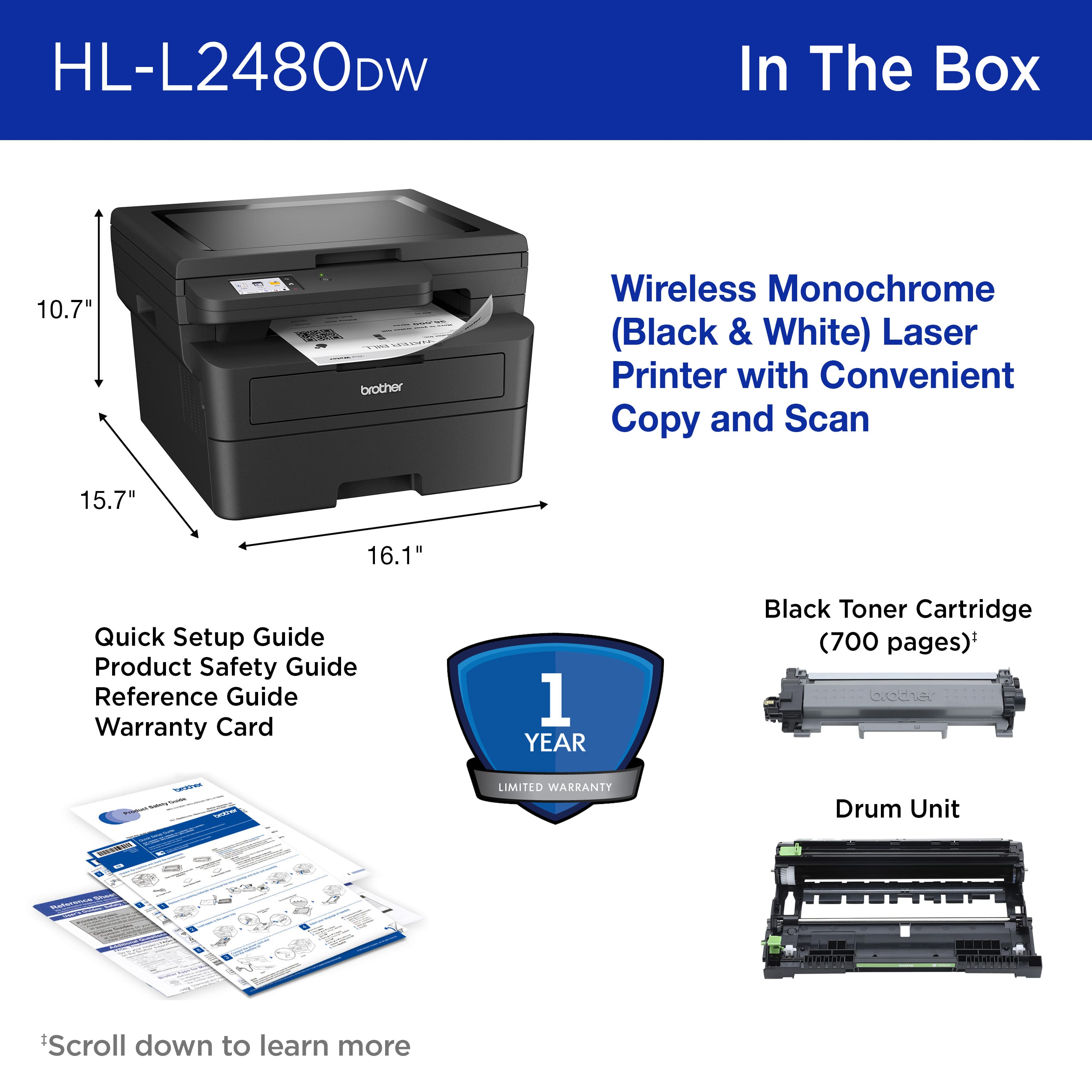
|Posted .This reviewer received promo considerations or sweepstakes entry for writing a review.Anytime someone is in the market for a printer, I feel it comes down to a few factors: print quality, ease of use, and speed/efficiency. Granted, some may look at cost, especially long-term expenses with regards to ink or toner, but most that are in the market for a printer understand the commitment necessary up front. The Brother HL-L2480DW gets high marks in these areas in my opinion and here’s why. First, let’s talk about unboxing and physical setup. The packaging is standard fare and gives you confidence the printer has been protected during transport. When I got it out of the box, I was a little surprised by how large it was. If you are looking for a space-saver, this isn’t it. You will need at least a foot and a half counter or stand depth for this thing to sit on. The printer is very well built and didn’t give me the sense of weak or loose parts I had to be careful of when handling it. There is minimal assembly, and all documentation was concise and to the point. I think ease of use begins with how easily a person can get from unboxing to up and running or using the product. I’ve got to say, this printer exceeded my expectations in this department. It doesn’t take much effort to start printing from different devices on this printer. The only thing that would slow you down from just instantly printing is you should update the firmware prior to using it. Other than that, you can scan a QR code to get you started printing from your mobile device, and you can easily connect to it with your PC. I do recommend downloading the status monitor if you consistently use a PC. It is a helpful tool that keeps your printer updated, monitors the status of your printer, and helps keep an eye on ink level. As far as speed and efficiency are concerned, this printer really spits out the documents quickly. It handles 2-sided printing like a boss and prints rather quietly considering the speed at which it prints. You can really churn out the documents, if needed, and the speed at which you can do so is a welcome surprise. Being a laser printer, the cost of cartridges can be a concern, so efficiency is important. So far, the Brother HL-L2480DW has me feeling pretty good in this area. We have pushed out quite a few documents, and the cartridge is still nearly full – nothing like a little wallet joy. How’s the print quality? It’s very good. Every detail of my documents was not only crisp and clear but served as accurate depictions of their design or capture. No smudging or streaking experienced during printing, even when handling the documents immediately after printing. Truly a fantastic job with print quality. Should you buy one? Yeah, if you need a printer. It’s that simple. This printer is exceptional in the 3 areas I mentioned earlier: ease of use, speed/efficiency, and print quality. The only way this doesn’t get strong purchase consideration is if you need color.
I would recommend this to a friend - Pros mentioned:Ease of use, Print quality
Great Choice If You Need Laser Printing.
|Posted .This reviewer received promo considerations or sweepstakes entry for writing a review.My son is a United States Navy Nuclear Engineer. How is this relavant to this review? Him being a super smart kid with an engineering aptitude (albeit a little quirky), he LOVES to build things, tear them down and rebuild in an "improved" way. That said, he purchased a famous-space ship from a famous space-series (whose names are trademarked) from a famous building-block company (trademarked) and started building. Problem is, he left his assembly instructions at home 2713 miles away. He had to print them from my color bubble jet printer. Ouch. 164 pages of COLOR printed pages. And with printer ink being more expensive then human blood {it's a fact, look it up!}, the expense was a hard hit to take watching page after page after page... When the opportunity to get this Brother Monochrome Laser printer came up, I had immdeiate flashbacks and snapped this offer up. Had I had this printer, printing that same manual would have cost a fraction of the price and the text and images (although not in color) would have been extremely crisp, clean and fast compared to the bubble jet. As for tech specs, I won't waste your time. They are easy to get anywhere. But I will comment on the set-up being easy, the printing is extrememly crisp and tight and the speed is impressive. End of the day, if you have a need for a Laser Printer, this is a solid choice.
I would recommend this to a friend - Pros mentioned:Ease of use, Print quality
Another excellent Brother product
|Posted .This reviewer received promo considerations or sweepstakes entry for writing a review.This printer stands out as an exceptional product within its price range, offering a seamless experience from setup to performance. As a satisfied user, I would wholeheartedly recommend it to anyone in search of a reliable printer. The setup process for this device is nothing short of a breeze. Getting it up and running was a straightforward affair. The simplicity of the setup can be attributed to the intuitive design and user-friendly instructions provided. Navigating to the Brother webpage and downloading the setup app was a cinch, requiring minimal technical expertise. Once downloaded, connecting the printer to WiFi was painless. Installing the toner was similarly hassle-free, further streamlining the setup process and allowing users to get to printing in no time. Speaking of the toner, I was particularly impressed with the quality and longevity of the drum/toner system employed by this printer. Having owned a previous Brother printer that utilized a similar system, I can confidently attest to its superior performance compared to traditional ink cartridges. The longevity of the toner is remarkable, lasting significantly longer without compromising on print quality. Even as the toner nears depletion, it continues to deliver consistent and reliable results, ensuring that every print is crisp and clear. Based on my experience with the previous device, I have full confidence that this printer will maintain the same level of performance and reliability over time. In addition to its printing capabilities, this printer also features a copy/scan function that enhances its versatility and utility. Having utilized this feature, I can attest to its effectiveness and efficiency. The scanner produces high-quality scans with impressive accuracy, capturing fine details and producing clear, legible copies. Similarly, the copy function operates seamlessly, allowing for quick and easy duplication of documents without any loss of quality or clarity. Whether scanning documents for digital storage or making copies for distribution, this printer excels in meeting various needs and requirements. In summary, the printer surpasses expectations in terms of setup simplicity, toner longevity, and overall performance. Its user-friendly design, coupled with reliable functionality, makes it an ideal choice for both personal and professional use. With its impressive features and dependable performance, this printer offers excellent value for money and is sure to satisfy the needs of any user.
I would recommend this to a friend - Pros mentioned:Print quality, Size
Great!
|Posted .This reviewer received promo considerations or sweepstakes entry for writing a review.Unboxing: The Brother HL-L2480DW impresses from the start with a neat and compact packaging. Inside, you'll find the printer, setup CD, power cord, and a helpful quick start guide. The unboxing experience is straightforward and user-friendly. Look and Feel: This printer boasts a sleek and professional design. Its compact size makes it ideal for small office spaces or home use. The control panel is intuitive, featuring a clear LCD display and responsive buttons. The build quality is solid, reflecting Brother's commitment to durability. Installation: Setting up the HL-L2480DW is a breeze. The step-by-step guide makes it easy for even non-tech-savvy users to get everything up and running quickly. The wireless setup is particularly convenient, allowing seamless connectivity from various devices. Mobile App: Brother's mobile app complements the printer's functionality seamlessly. It offers convenient options for mobile printing, scanning, and monitoring toner levels. The app's user interface is intuitive, providing a hassle-free experience for users on the go. Printing Speed and Quality: This laser printer impresses with its swift printing speed, making it efficient for busy work environments. Text documents come out crisp and clear, showcasing the printer's excellent monochrome printing capabilities. It handles various paper sizes and types effortlessly. Toner Cost and Efficiency: While the initial investment might be slightly higher, the HL-L2480DW makes up for it with cost-efficient toner usage. The high-yield cartridges contribute to lower per-page printing costs, making it an economical choice for users with moderate to high printing needs. Conclusion: The Brother HL-L2480DW stands out as a reliable and versatile 3-in-1 laser printer. Its user-friendly setup, impressive printing speed, and cost-efficient toner usage make it a strong contender in its category. Whether you're a home user or a small office, this printer delivers on both performance and functionality. Overall, a solid choice for those seeking a dependable monochrome printer.
I would recommend this to a friend - Pros mentioned:Ease of use, Print quality
Great moderate use multifunction laser printer
|Posted .This reviewer received promo considerations or sweepstakes entry for writing a review.After trying a few different models of inkjet and laser printers over the years, Brother continues to take the cake with it's models, particularly the laser printers. I would say most households should really move to laser printers only if they can forego color printing. Even if that's a must a good deal is out there for color models and the longevity and cost work out much better in the long term. For this model, I use it for mixed household, academic, and business use. In terms of printing, it's fast, good quality, and after printing over 500 pages so far, no issues. My primary interest was how the auto-duplex and scanning would work out. It worked quite well and didn't have to repeat pages or worry about jams. The size of the printer is on the bigger side overall. However, it is more compact than the lift top models with separate feeders. The cost of toner is very reasonable for Brother, another huge plus. Overall, this is as good as advertised. It's simple to set up, works great, and has little issues. I would have no issue recommending this to home users or up to moderate sized businesses. I have always been a fan of the ease of set up for Brother machines. Some other companies have seriously cumbersome setups and this is very quick and easy.
I would recommend this to a friend - Pros mentioned:Print quality
Fast With Excellent Print Quality
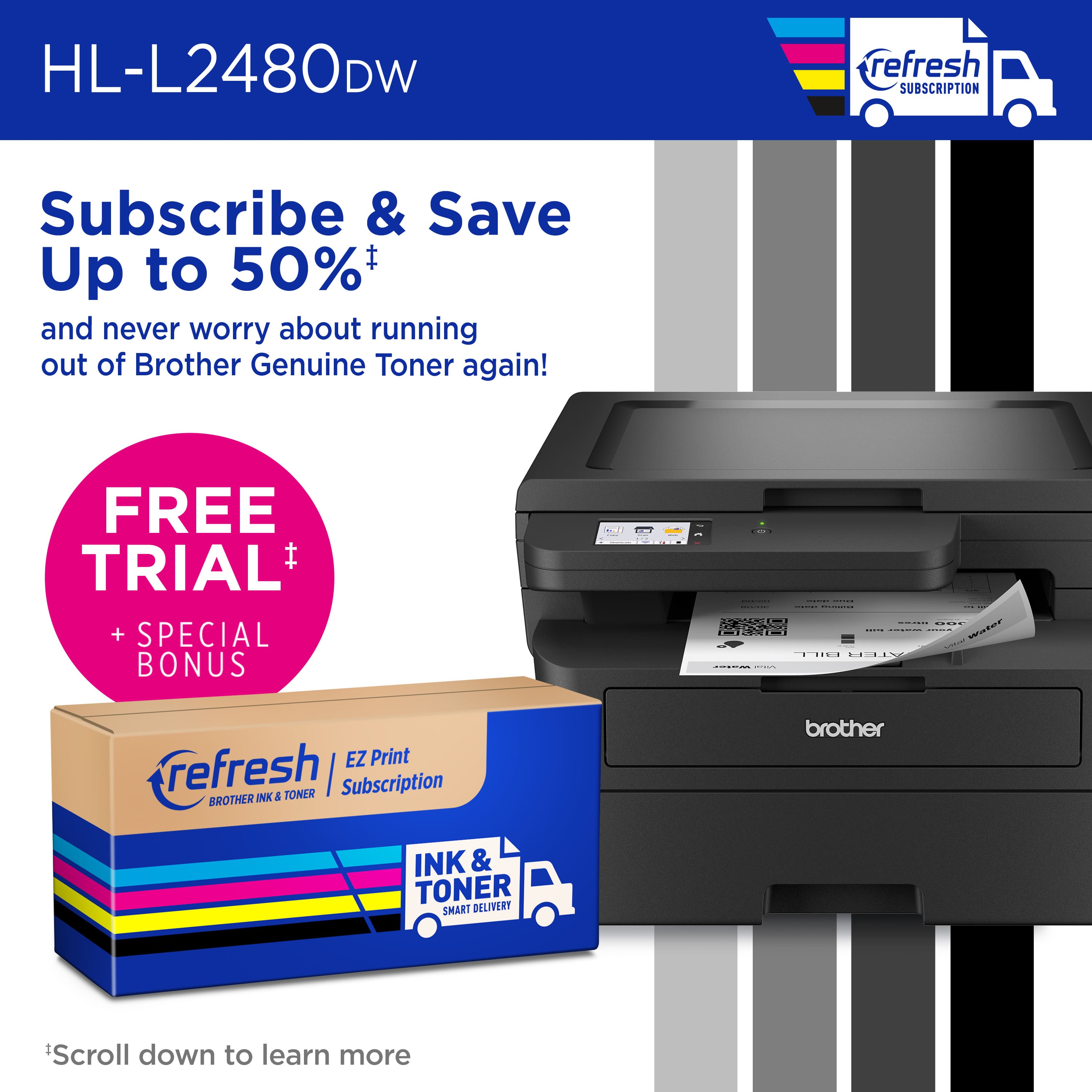
|Posted .This reviewer received promo considerations or sweepstakes entry for writing a review.Brother has a LOT of printers to choose from - with new models coming out frequently. I have never been disappointed with a Brother printer and I think this one makes an exceptional addition to their line. This model will copy/scan/print (no fax) and can mobile print/scan from/to your mobile device. Setup was fast and intuitive and completely wireless. And, as with nearly all new printers, there is an easy to use LCD touchscreen interface you use to access various features and settings on the printer. Large and somewhat heavy (over 22 lbs.), this isn't what I would call a desktop printer. It is also a little bit loud for my taste. But with its aggressive sound comes aggressive performance. It can print single sided copy at up to 36 pages/minute and can fire out double sided copy at just under half that rate (it's fast!). Brother's advertisement and the operating software both push their Refresh EZ Print Subscription (free trial!!!) but for a single user, I would recommend that you cancel that reminder the first time you see it. Best feature of this printer is, well, the printing. This isn't new technology, but this printer produces stunning text that is dark and very crisp. An excellent machine - highly recommended.
I would recommend this to a friend - Pros mentioned:Print quality, Setup
A great printer for the home office.
|Posted .This reviewer received promo considerations or sweepstakes entry for writing a review.I am getting a lot of good use out of the Brother HL-L2480DW mono color printer. In the box. The printer is well and securely packed. I removed it from the box and gave a quick glance over the fast start instructions. This unit is pretty much plug and play. After you remove all the tape and stickers, you insert the toner cartridge, which goes in very easily (remember to take of the orange plastic cover on the cartridge). After installing the toner cartridge, I loaded the paper and plugged it in. I started it up and used the q-code displayed in order to download the Brother app from the app store. Once downloaded, I followed the instructions to connect the unit to wi-fi. I also signed up for the trial ink service, but do know know how long I will keep it. All in all, this printer works exactly as advertised. I mostly print wirelessly and the unit fires right up. The printing quality is good and the unit spits pages out quickly. This is a great printer for my home office and I look forward to getting plenty of use out of it.
I would recommend this to a friend