Customer Ratings & Reviews

- Model:
- HL-L2480DW
- SKU:
- 11235972
Rating by feature
- Value
Rating 4.6 out of 5 stars
- Quality
Rating 4.7 out of 5 stars
- Ease of Use
Rating 4.5 out of 5 stars
- Pros mentioned:Print quality

A great printer for home and office
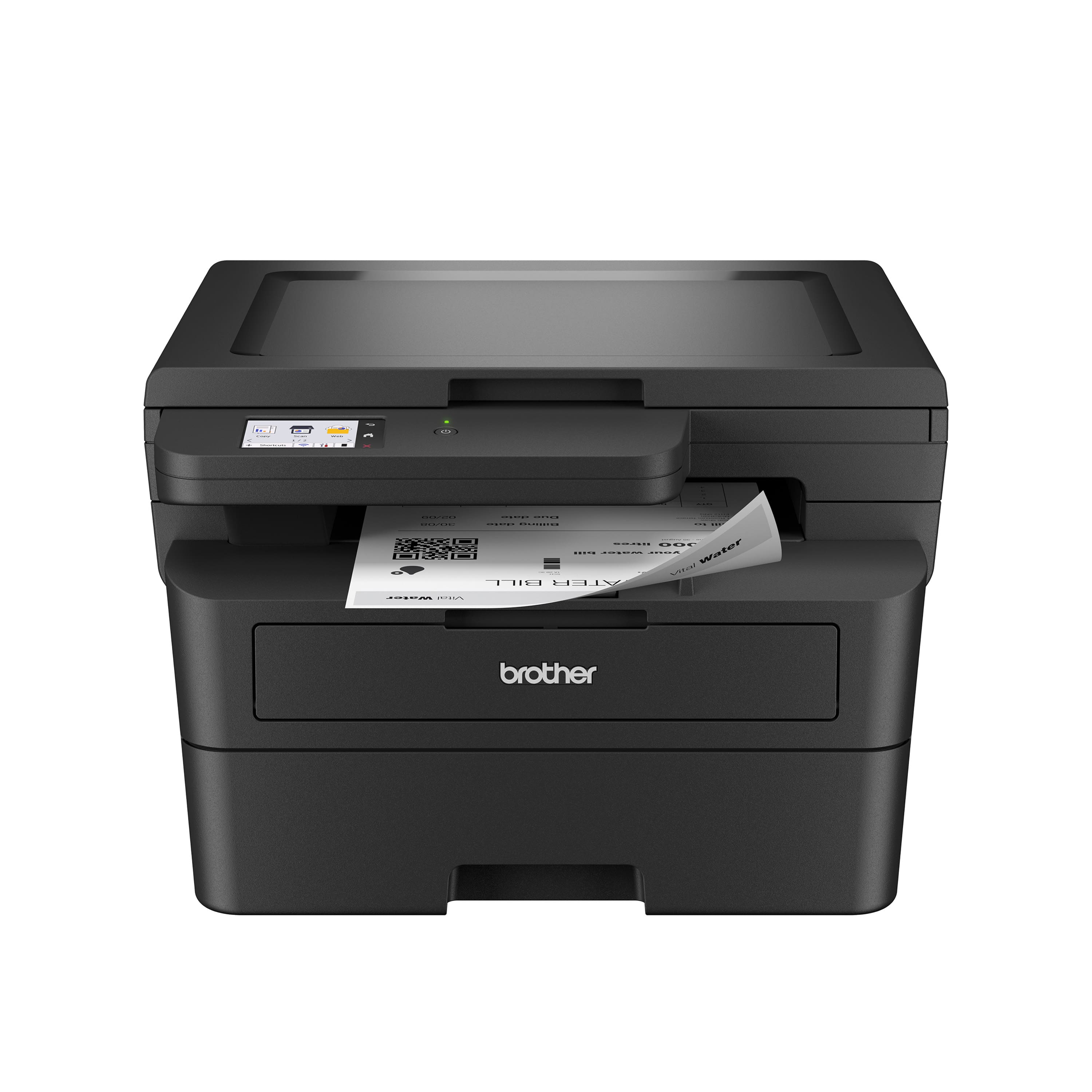
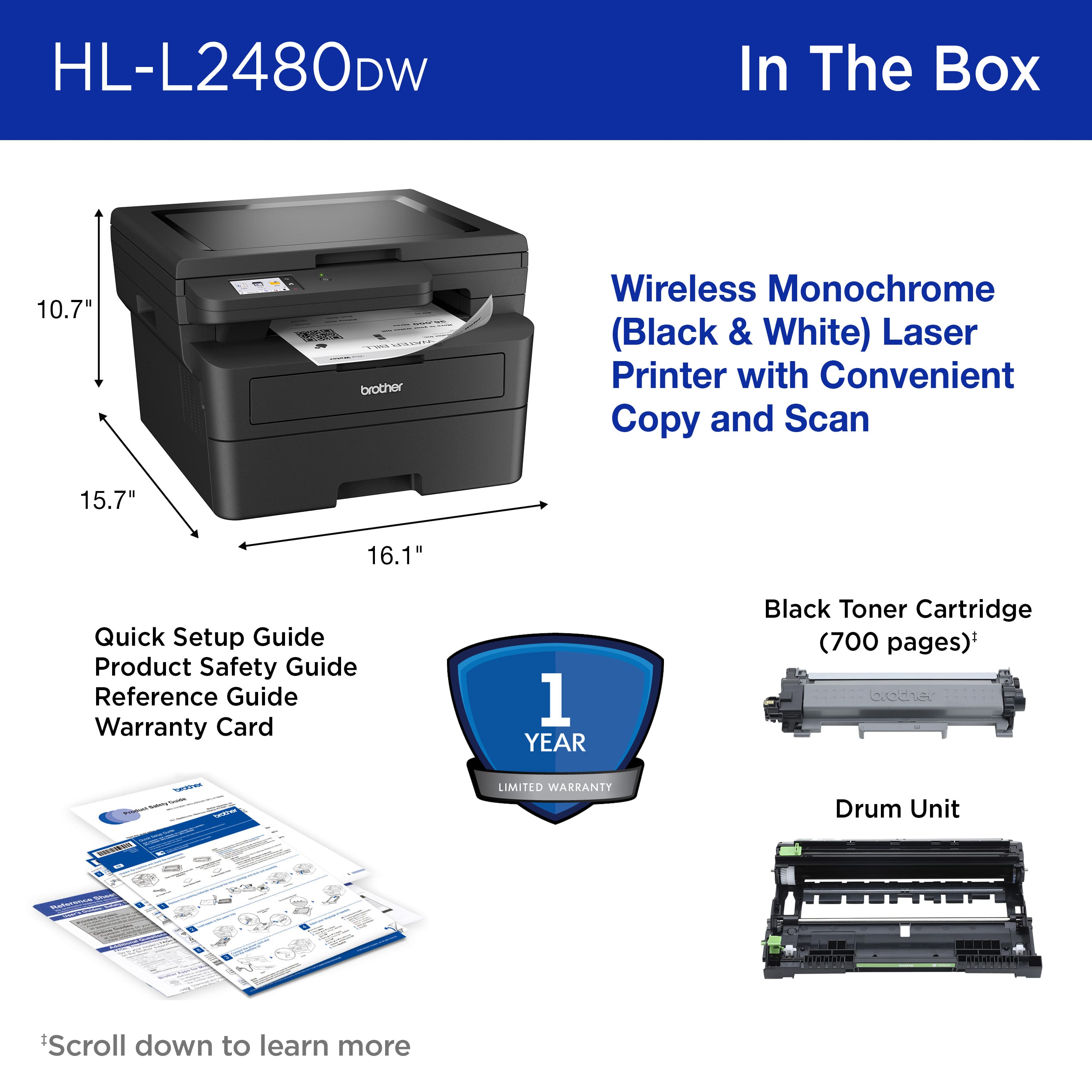
|Posted .This reviewer received promo considerations or sweepstakes entry for writing a review.You might wonder why anyone would want a black and white printer. Even in an office setting, there are prints that need to be done in color. But this is not the exact area where monochromatic printers shine: It's volume. When I say volume I mean the quantity of printed material. Laser printers are especially good at that as toners can deliver a massive amount of prints before running low. This is where this Brother Mono Printer comes in. If you already have some kind of color printer, this black and white printer will complement and actually also save you money. For instance, if you print your letter heads on your color printer, you can print whatever text, tables or anything that doesn't require color with the Brother HL-L2480DW. I have seen my need for ink go down massively. But let's not get ahead of ourselves and have a look at what comes in the box and what it can do. This laser printer is rather big. You will need a solid surface with enough room to place the printer on. It comes with a toner and a power cable. It can be connected using WiFi or LAN or USB. I have found that the WiFi works very well in my home office and everyone can access it even from across the house. Installation is a breeze and the drivers install themselves pretty much on their own. The companion app is rather rudimentary but I chalk that up as a win, since you don't really have to mess around with a lot of options if all you do is print documents. One of the strongest points for this printer is the printing speed. It is fast. VERY fast. You can knock out a 50 page document in less than a couple of minutes (after warm-up and all). The result is excellent, sharp and clean. It can hold a nice stack of paper, the scanner is OK and the screen and interface is very easy to navigate. Frankly, there's really nothing I have found to be lacking, aside from a rather short power cable. All in all, this AIO monochromatic laser printer is probably one of the best in its class. If you have high volumes to print or you want to reduce the cost of color cartridges or toners, the Brother HL-L2480DW will help you do that. I can only recommend this printer and I hope Brother keeps making such excellent products.
I would recommend this to a friend - Pros mentioned:Print quality
Excellent 3-in-1 Printer, Scanner and Copier
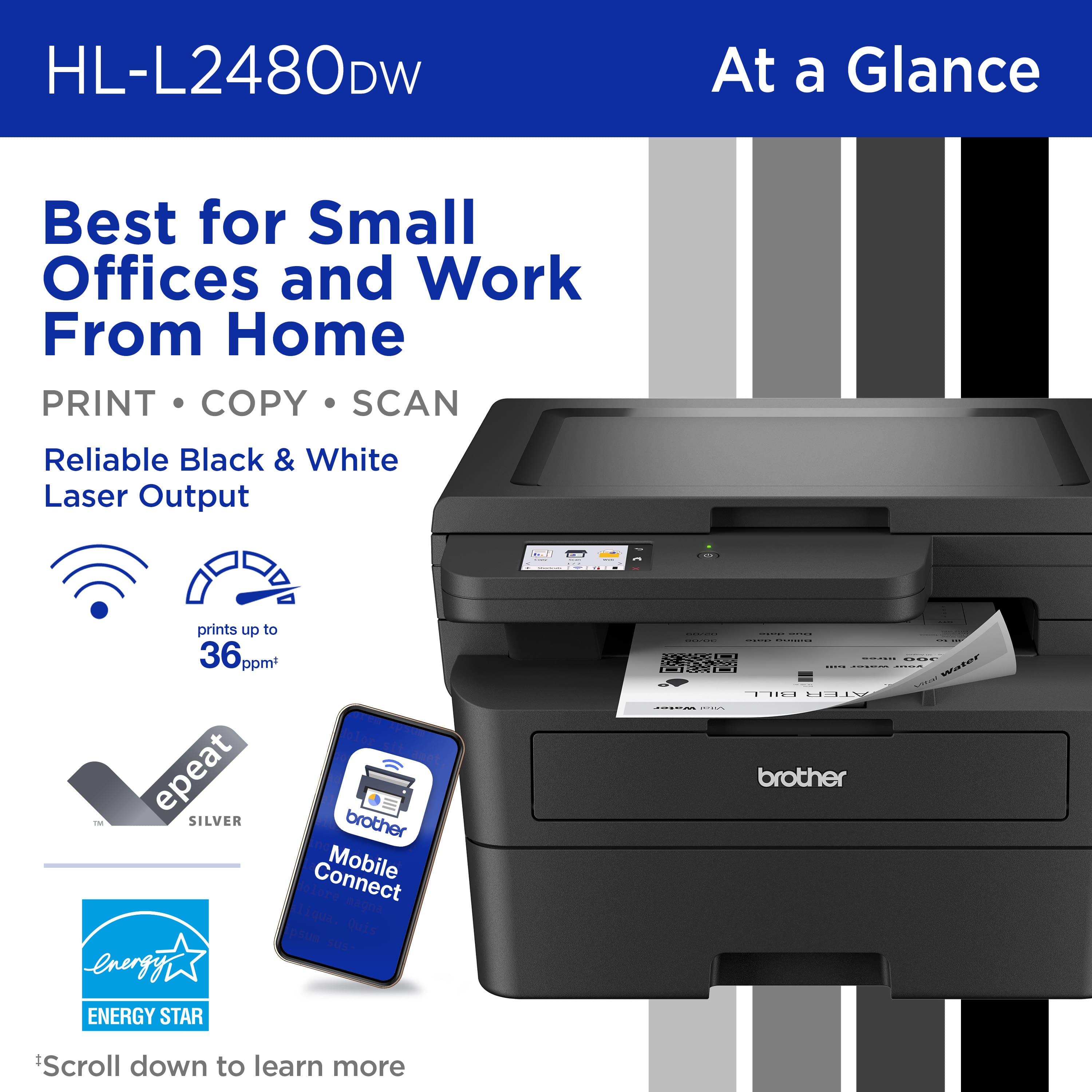
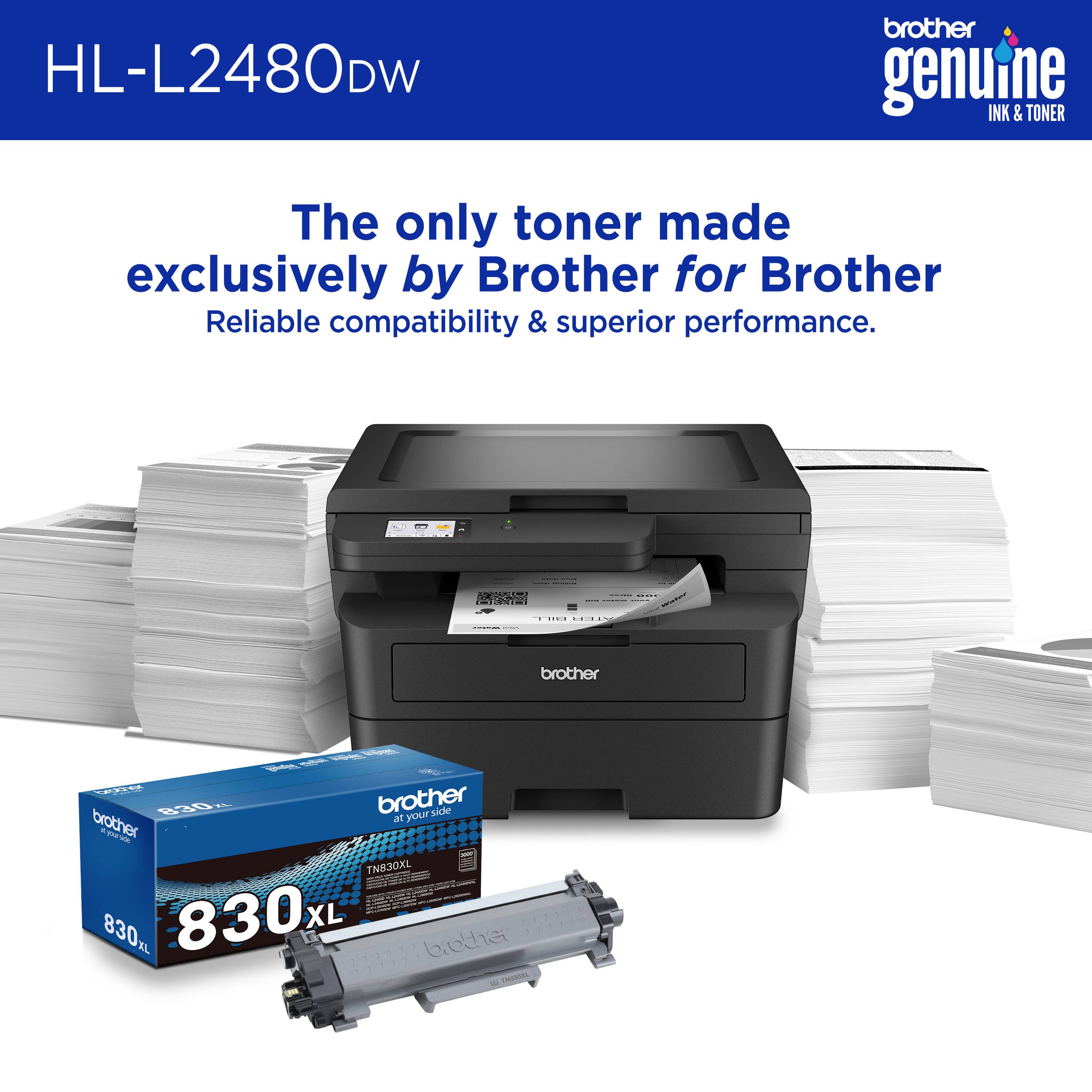
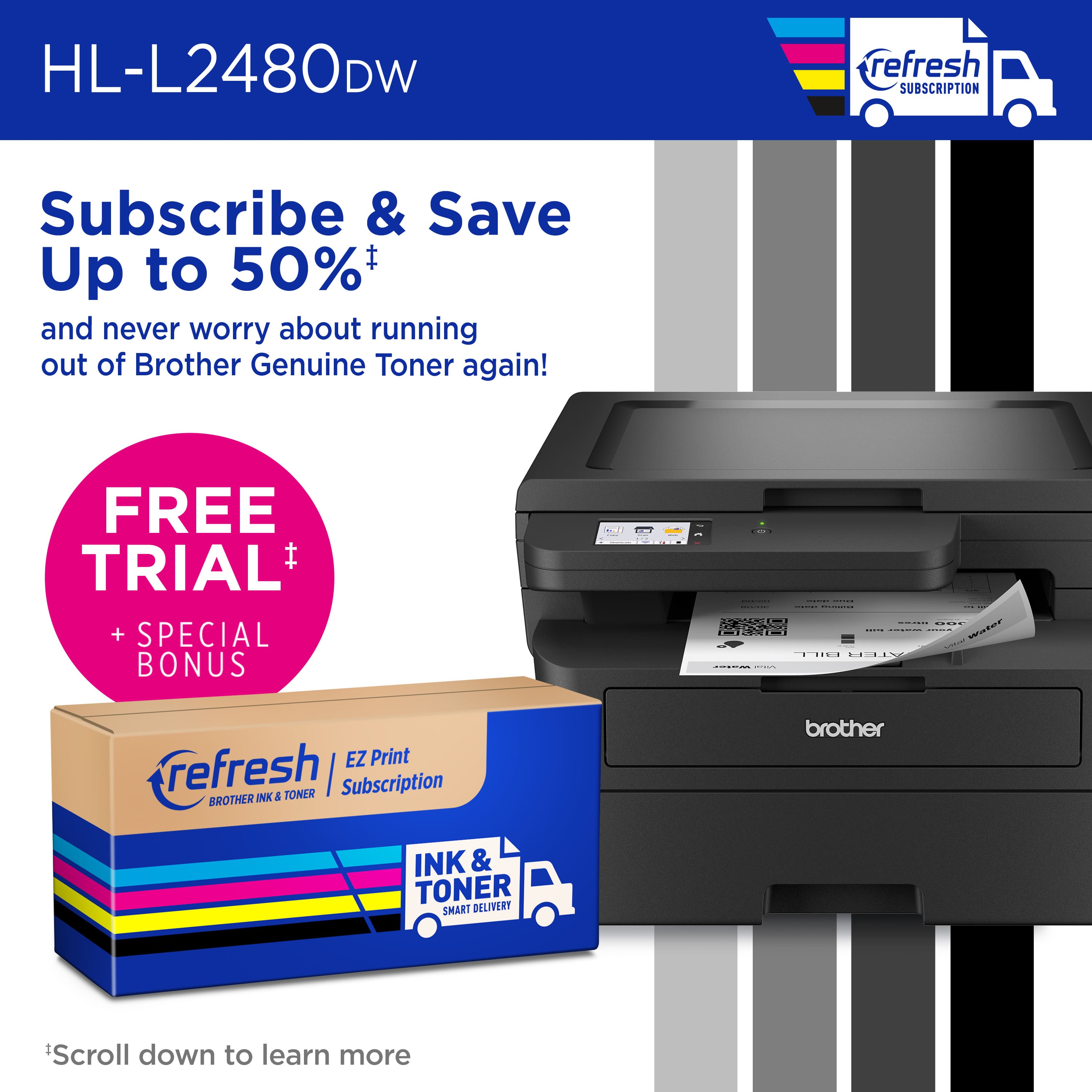
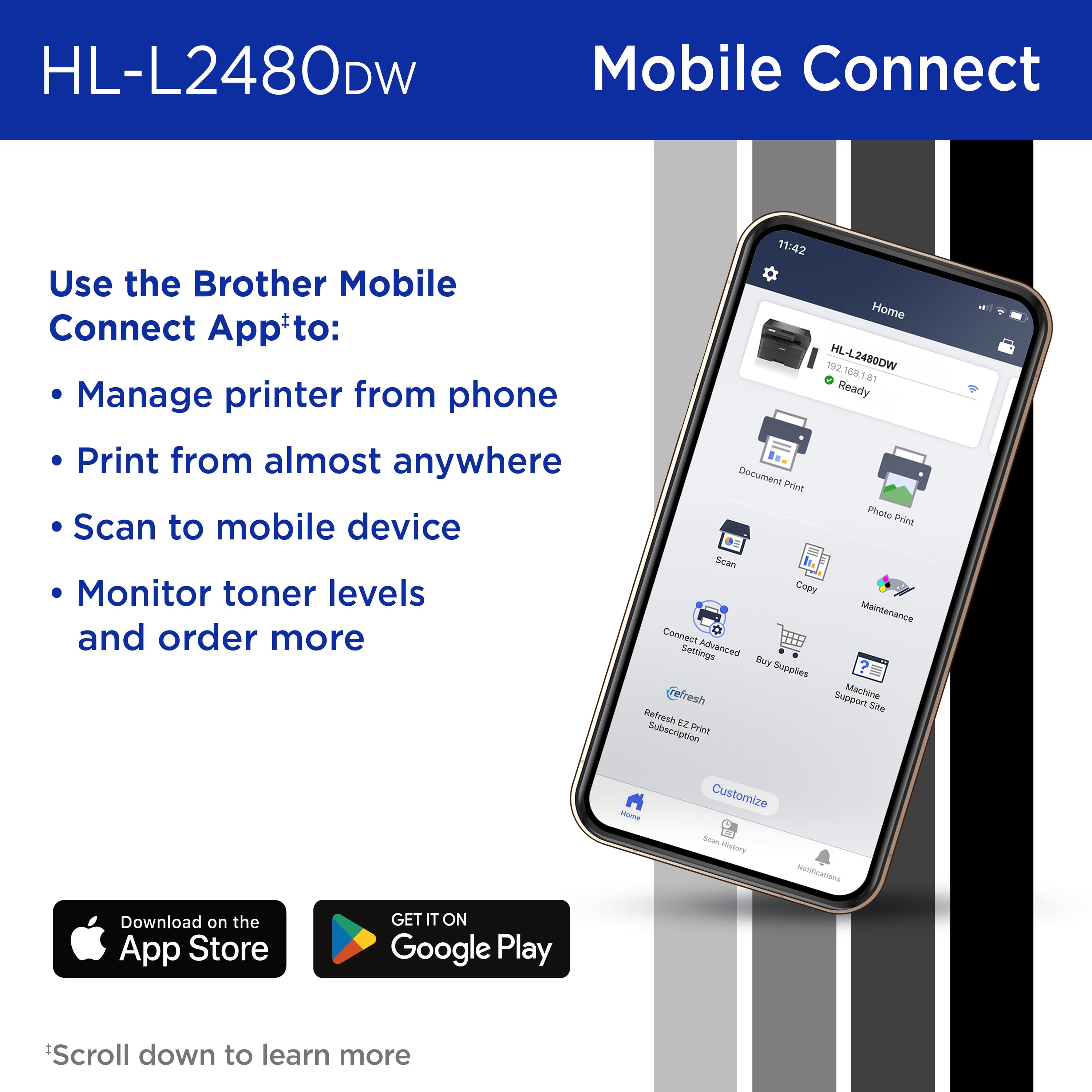
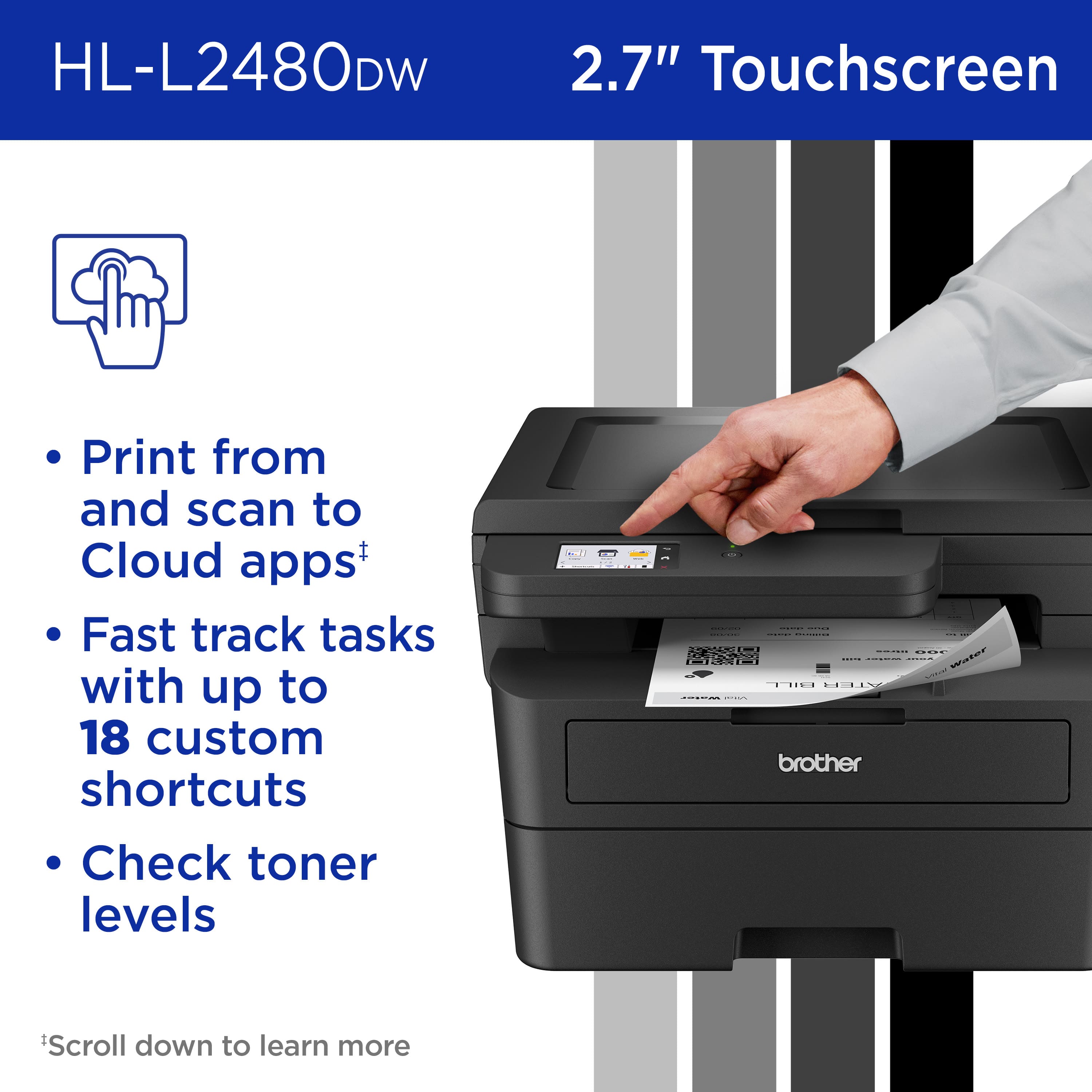
|Posted .This reviewer received promo considerations or sweepstakes entry for writing a review.Summary ------------- Another excellent printer, scanner and copier from Brother which has crisp printing at 36 pages per minute. It also has a 250 page tray so that you don’t have constantly feed in paper. The setup was easy with the app or the 2.7 inch screen. Must buy Pros ------ 1. Excellent and fast printing 2. Very capable scanner 3. Supports dual band Wifi 4. An excellent mobile app. 5. Refresh EZ Print subscription 6. Works with generic toner. Cons ---- 1. Not color 2. A bit pricey Details- ----------- The setup is very easy, Install the toner and then, you can use the brother app from the app store OR use the 2.7 inch touchscreen to setup the printer. I was able to recognize the printer from all my mobile devices and Macbook as well as windows machine. The Printer supports 250 pages in the tray for copying and printing. This way you don’t have to feed in the paper few at a time. The scanner is also great, works really well with mobile devices. It can Scan to Searchable PDF, Scan to Mobile, Scan to Word, Scan To PowerPoint, Scan To Excel, Easy Scan to E-mail The scanner can also connect directly to cloud services like google drive and save documents. Overall the 3-in-one is a great printer, scanner and copier. And since it supports generic cartridges, makes it a must have
I would recommend this to a friend - Pros mentioned:Print quality
Perfect laser printer for home or a small office!
|Posted .This reviewer received promo considerations or sweepstakes entry for writing a review.This printer is used in our home, but we homeschool so we do a lot of printing and scanning. We had a laser printer previously but were given an inkjet as a gift without realizing how much more it would cost to operate. And we have months of very limited use over the summer and found our ink would tend to dry out when not regularly used, so we switched back to a laser printer. We wanted one that didn’t take up a lot of space, a large paper tray with a manual feed option, duplex printing, copy and scanning functions and a flatbed scanner only instead of a document feeder. We also wanted wireless and wired network connectivity, and the option to connect directly to a computer via a USB cable. This unit exceeded all our requirements AND at a great price point! There’s a 2.7” touch screen with cloud connectivity to Google Drive and other cloud-based services, and there’s a Brother Mobile Connect App to print/scan from your devices and manage your printer. While the unit has a stated 36 PPM copy speed, I haven’t had copy that much so I can’t confirm that. The optical scan resolution is 1200 x 1200 dpi, and the prints are crisp and sharp. The unit includes a starter toner cartridge rated for 700 pages and a drum unit rated for 15,000 pages.
I would recommend this to a friend - Pros mentioned:Print quality
Great B/W Printing - Additional Features are Mixed
|Posted .This reviewer received promo considerations or sweepstakes entry for writing a review.I have slightly mixed feelings about the Brother - HL-L2480DW Wireless Black-and-White 3-in-1 Laser Printer. I’ve used and loved B/W laser printers for over a decade and have a great appreciation for their ability to print black and white documents quickly, cleanly, and crisply. The Brother - HL-L2480DW does that very well. An added plus is it’s large, 250 sheet, capacity paper tray. As a basic, B/W laser printer, it is excellent. I begin to experience mixed feelings when it comes to the multi-function features and the initial setup. The initial setup was mostly straight-forward. However, for some reason, I had more trouble than expected getting the printer connected to my computer and app. It felt like the instructions were missing some information and the app feels a bit old - as if ported from Android to Apple, rather than written with Apple in mind. The app has had an update since my initial install and appears to be improved. Multi-function features: * The copy function works well for single-copies. Just place original on scanner, press the button, and a crisp black-and-white copy comes out. * The lack of a document-feeder means you must place each document - and each side of each document - on the glass separately. * For some reason, the quality of my scans are not as good as the quality of the copies I’ve made. Even after increasing the resolution. Scans are in color, though, and I was able to easily set up the printer to scan to my Dropbox account. * Once again, the lack of a document-feeder means this feature (as with making copies) is best for casual use. * The small LCD screen is very helpful and was key to getting the initial setup to work and for adjusting various settings. * Although it cannot feed documents in duplex mode, it prints duplex pages (front and back) very well. The Brother HL-L2480DW excels at printing crisp black-and-white pages quickly. With its large-capacity paper tray, it’s ideal as a document printer. As for its added features, I recommend considering those as a minor addition when evaluating this printer. If you need to scan or copy multi-page documents on a regular basis, you should look for another model.
No, I would not recommend this to a friend - Pros mentioned:Print quality
Like what
Posted .This reviewer received promo considerations or sweepstakes entry for writing a review.I'm glad I chose this particular machine. It's quiet, smooth and fast.
I would recommend this to a friend