Customer Ratings & Reviews



- Model:
- MFCJ1205W
- SKU:
- 11136778
Rating by feature
- Value
Rating 4.4 out of 5 stars
- Quality
Rating 4.3 out of 5 stars
- Ease of Use
Rating 4.3 out of 5 stars
Printer
||Posted . Owned for 3 weeks when reviewed.This reviewer received promo considerations or sweepstakes entry for writing a review.Very light color on the paper when using colored ink. The entire machine vibrates when using. Poor quality.
No, I would not recommend this to a friendBrand response from Brother
Posted .We understand you're experiencing print quality and vibrating issues with your Brother MFCJ1205W machine. We'd like to help. Please contact our Customer Service department and we will work with you to resolve this issue. Brother Customer Support Team is available to assist you direct: www.brother-usa.com/brother-support


Good printer, but colors are a bit faded
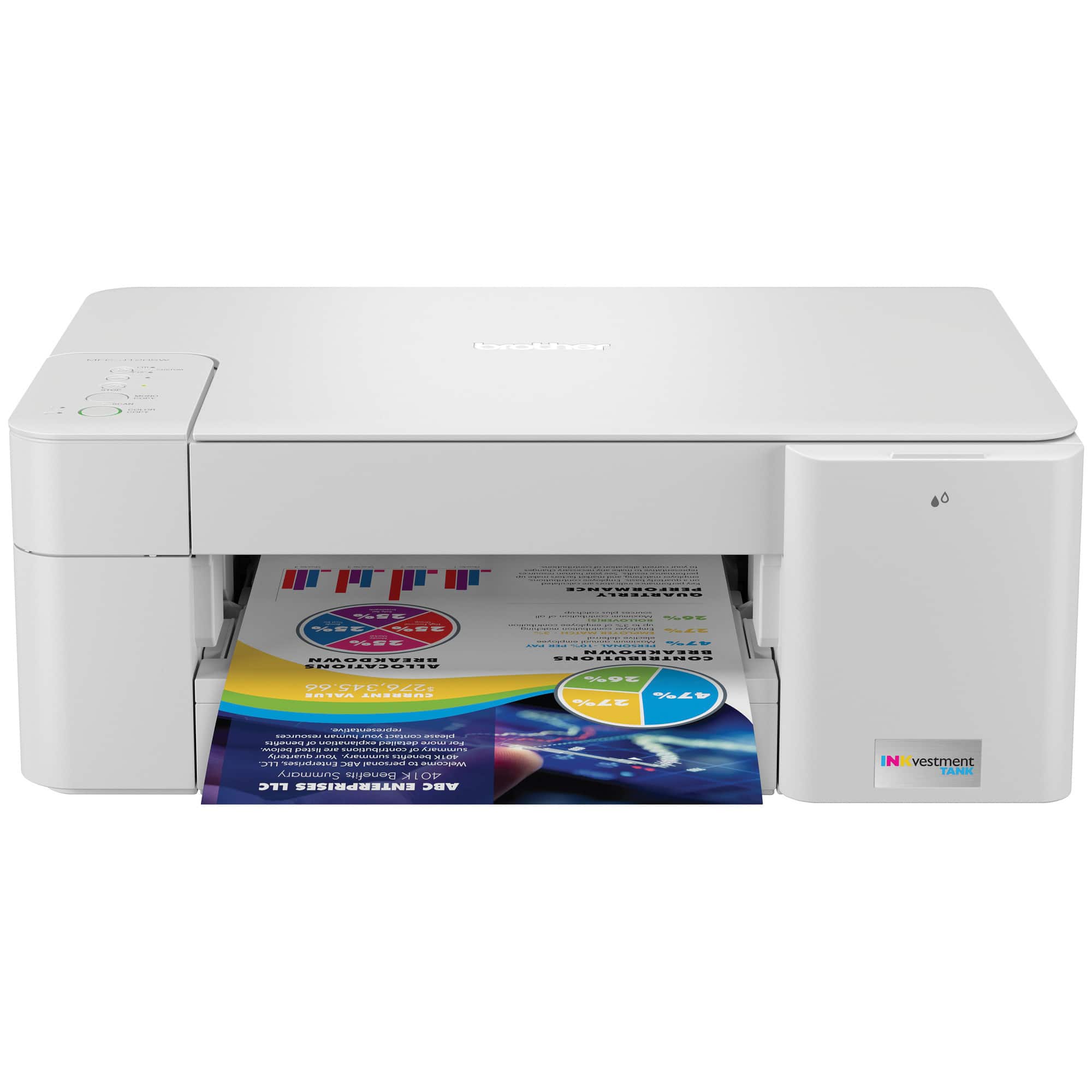
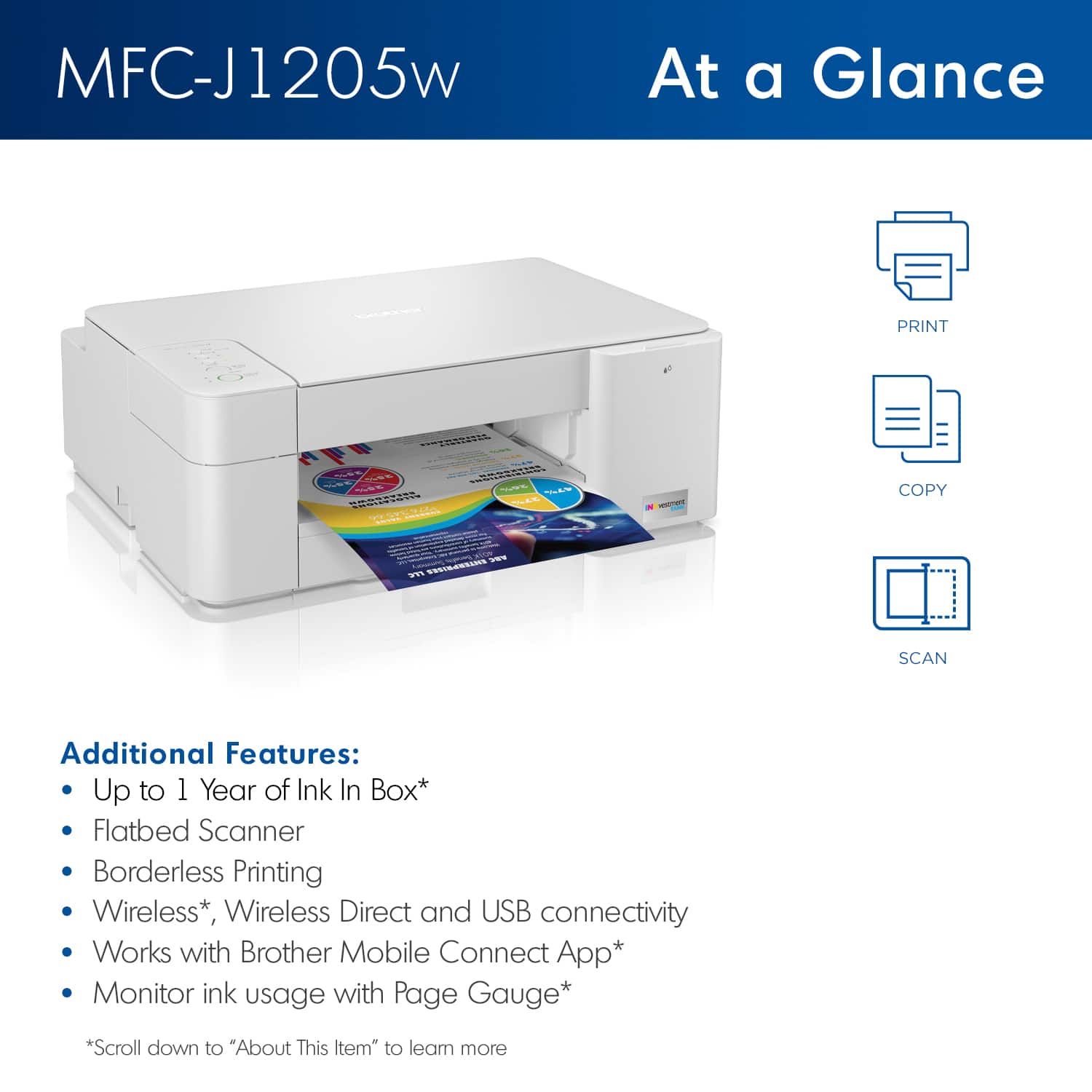
|Posted .This reviewer received promo considerations or sweepstakes entry for writing a review.Pro: Fast print Relatively quiet Con: No display Led indicator can be confusing Color accuracy A typical 3 in 1 printer that was easy to set up, and does its job without the frills. There’s no display, a minimal 5 button layout, and 2 status indicator lights. Without a display, you sometimes have to use a combination of buttons to do certain functions like cleaning the print heads. You also have to know the different error codes from the combination of the blinking/solid from the two indicators. Printing from the app is recommended as it allows adjusting your settings not on the printer. Setting it up was simple. It took a little bit for the printer to be found on wifi, but no issues beyond that. The app offers more settings than on the printer. You can choose between printing documents or images, scan, paper size, and quality. Printing for documents was quick, while images depend on the print quality. The line quality is good, but after testing various settings and modes, I found the color accuracy (even at best quality) is a bit off. The color is more faded when compared to the original source. There’s also a difference in accuracy between printing and copying. I got the most accurate when printing an image at best quality. While it’s not terrible, it was noticeable coming from my last printer. Overall a good straight to the point printer to have for a home office. Full page documents print fast and look sharp. Depending on the mode, color is a bit faded but acceptable. Not having a display makes it harder to use in certain cases, like having to know what the limited indicator codes are or not having on board ink level indicators.
I would recommend this to a friendjunk
||Posted . Owned for 3 weeks when reviewed.This reviewer received promo considerations or sweepstakes entry for writing a review.wouldn’t connect to Wi-Fi and wouldn’t print would not buy had to return it.
No, I would not recommend this to a friendBrand response from Brother
Posted .We would like to thank you for your feed back at Brother customer satisfaction is something we take seriously. We are so sorry that you had to return the Brother MFCJ1205W. We would love to hear more details to be able to better assist you on buying another Brother printer. Our Brother customer support team is available to assist you at www.brother-usa.com/brother-support
Cheap Junk
||Posted . Owned for 1 month when reviewed.This reviewer received promo considerations or sweepstakes entry for writing a review.Prints blanks after six weeks and about five total pages printed. Pretty cheaply made, very limited menu.
No, I would not recommend this to a friendBrand response from Brother
Posted .We are sorry that you are experiencing printing issues with your Brother MFCJ1205W machine and we understand your disappointment. Our Brother Customer Support Team is on stand-by to provide quality products and service to our customers via online, email or live chat: www.brother-usa.com/brother-support
BS
||Posted . Owned for 3 weeks when reviewed.This reviewer received promo considerations or sweepstakes entry for writing a review.I never purchased this item. I hope this didn't get charged to my account
No, I would not recommend this to a friendCya Later
||Posted . Owned for 2 weeks when reviewed.This reviewer received promo considerations or sweepstakes entry for writing a review.Took it back. Would not work...Best Buy was great. Bought an HP..it works
No, I would not recommend this to a friendBrand response from Brother
Posted .We understand you were experiencing issues with your MFCJ1205W. We wish you had contacted our Brother Customer Support Team to be able to guide you through the issue. If we can be of any assistance is the near future, please don't hesitate to contact us directly at www.brother-usa.com/support.
Good bang for the buck
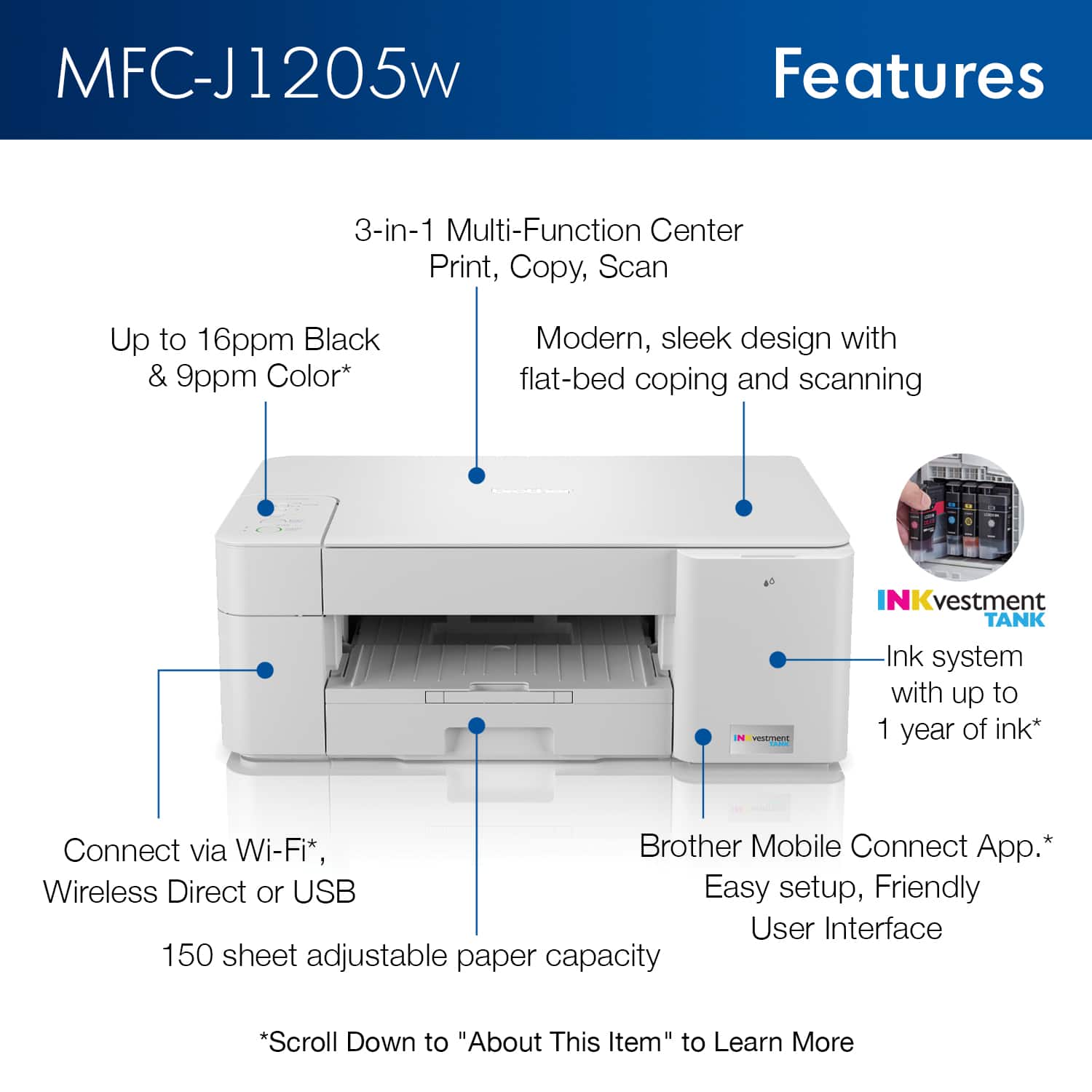
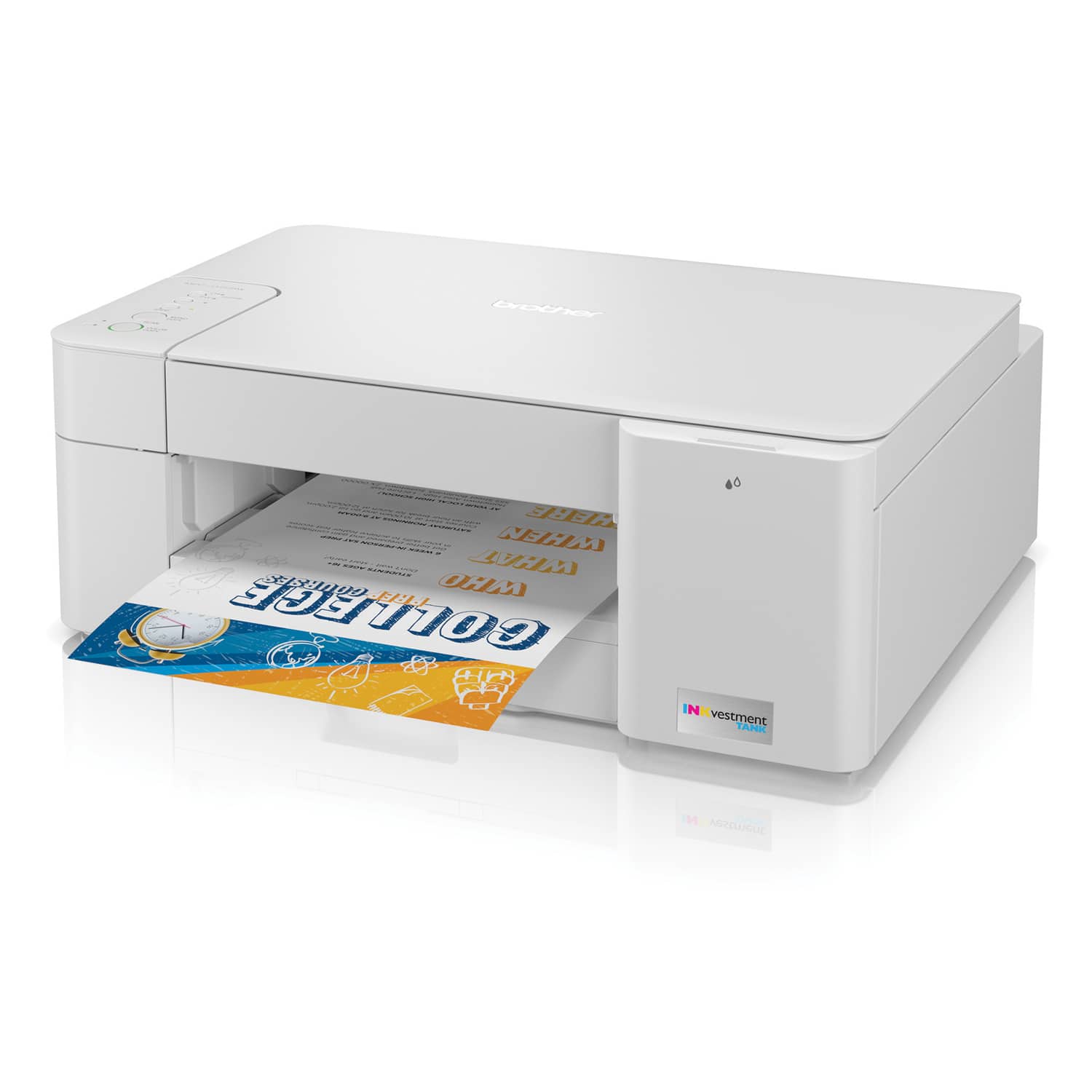
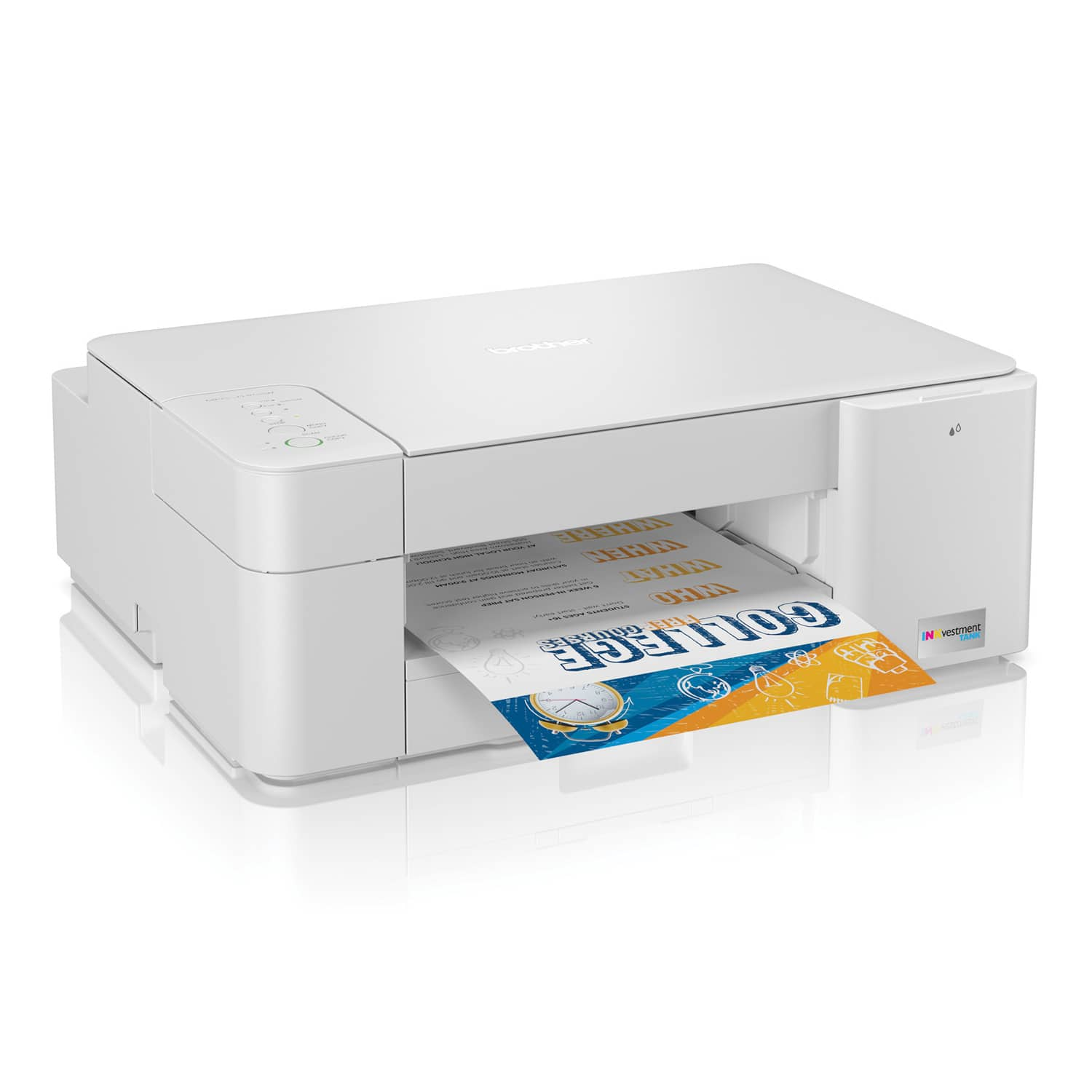
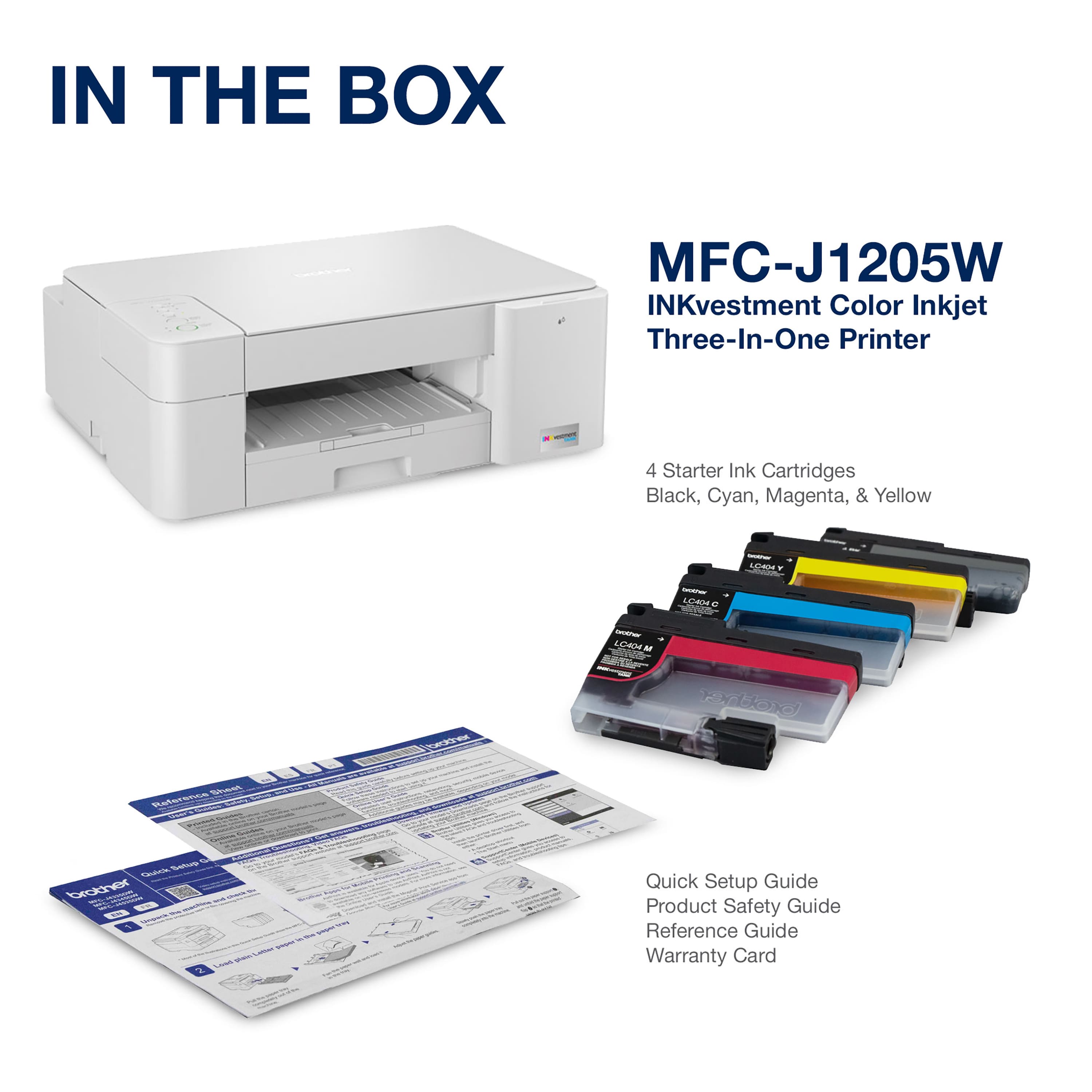
|Posted .This reviewer received promo considerations or sweepstakes entry for writing a review.OVERVIEW: The Brother MFC-J1250W wireless printer gives you good bang for the buck. Brother is not known for producing the most refined printers out there, but they do make a great workhorse and have some of the cheapest proprietary ink on the market. I got this printer to replace my old Brother all-in-one (which got damaged because of my mistake) and, I have to say, Brother has come a long way since 2014 (the last time I bought my other Brother printer). Pretty much everything on this printer was easier from get-go from set up to print quality, everything has improved vastly. What you get here is a feature-filled, serviceable printer that is great for families or a home office. WHAT DO YOU GET: The printer comes prepackaged with 4 high capacity ink cartridges. The printer itself was packaged simply in the usual large box. It was easy to extract and basically all you have to do is plug it in. I didn't measure the length of the cord, but it was pretty long enough to reach an outlet in my set up and average length for the printer. This is one of the most stylish printers that I've ever owned. It's basically a white box with a tilting front panel with the big enough touch screen and buttons. The footprint is small enough to be compact and large enough to take or scan A4 paper. SET UP: Installing the ink was a breeze. Just remove the plastic protector from the cartridge and slip into the appropriate slot. The ink is front loaded in the right side panel, so you don't have to open the printer--like we did in the bad old days--to pop in the new cartridges. Easy peasy. This printer uses Brother's standard paper tray. I'm not really enamored of it. It goes in and out of the slot well enough. You then need to connect to your home network (or connecting directly to your printer with a USB cable). This was described in the quick start guide and also easy using the now-larger touch screen. You then have to install the drivers on your computer. For iOS and Android, you simply download the Brother Mobile Connect app. PRINTING TEXT: Print quality for text has been great. The text appears to be sharp and very easy to read. A laser jet might have sharper quality, but it's hard to notice. Good enough for school or work applications. The advantage of a laser jet would be two fold: better print quality and print speeds faster than 16 ppm (black & white) & 9 ppm (color). But 12 ppm for an inkjet, is spot on. No complaints here. SCANNING: Scanning is easy enough to do on a PC or Mac using the Brother software. The scanner is not the sharpest of scanners but is fine for text documents. If you want to archive photos, it will work, but you will want to use a more precision scanner if you want full photo-quality. This is basically a 2400 x 1200 dpi optical scanner at the max, but whatever the dpi, if the end resolution isn't so good it really doesn't matter what the dpi is. It's kind of like having a gazillion pixel camera with a not-so-good lens. You'll have lots of pixels but the picture will still be blurry. PAPER HANDLING: I did not try to put 150 sheets in the automatic paper feeder but for 40-50 sheets of paper, it works perfectly CONCLUSION: All in all, this is a great value for a printer. Brother has come a long way when it comes to making their set up user friendly. As noted above, expectations have to be appropriate for these multi-function printers, but even given the weak spots for this printer, it is a great printer for home or home office. Recommended.
I would recommend this to a friendExcellent Quality, Reasonable Footprint
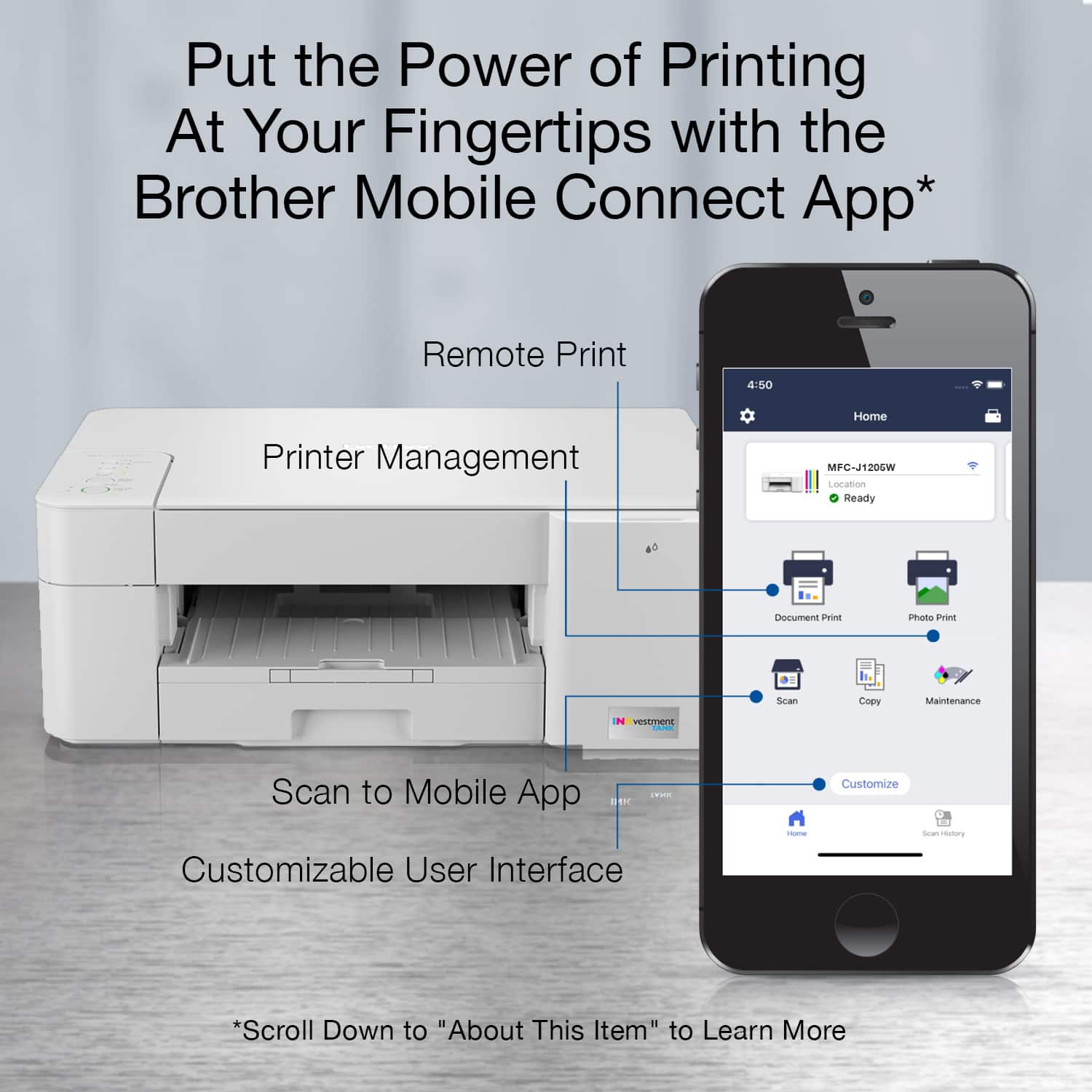
|Posted .This reviewer received promo considerations or sweepstakes entry for writing a review.This printer is simple to setup. The ink cartridges pop in and a status page is printed to confirm they are all working properly. I scanned the QR code with my phone and downloaded the app to control the printer with my phone. Installation on my computer was just as easy. The software installed and it found the printer on my network without any difficulty. The phone app allows borderless image printing along with document printing and scanning. The borderless color images take about 3 minutes to print on 8.5x11 paper, but they are worth the wait. The print quality is excellent on plain paper. I am sure it is even better on photo paper. Black and white text documents print around 10 seconds per page or less, depending on complexity. With the phone app, it allows scanned images to be saved as JPEG or PDF file types directly to photos or a multitude of other options. This is much easier than some apps that require the image to be stored in the app. To test the scan and copy functions, I scanned and copied some small QR and regular barcodes that can really confuse low-resolution scanners. I then printed them and tried to scan the codes with my phone. They still worked perfectly. That test has been a miserable failure with some other brands of printers. The buttons on the printer are pretty basic. The most important are power, copy buttons, and one to switch between letter and 4x6 paper. The apps allow expanded functionality. This keeps it simple and has a clean look. The one thing I do not understand is that the USB port is under the scanner lid. This is the strangest place I have ever seen a USB port located. It works, but it is definitely strange to me. The ink compartment is simple to access, right on the front of the printer. There is no complex procedure which is pretty nice. Each color is loaded individually and they click in with little effort. Other than the weird location of the USB port (and lack of a USB cable like many other printers), I really have nothing major to complain about. Brother makes some pretty nice printers. I would definitely recommend it to friends. It looks good, works great, and has an excellent print quality.
I would recommend this to a friendBrother never fails to impress
|Posted .This reviewer received promo considerations or sweepstakes entry for writing a review.I am becoming a printer expert quickly. I enjoy using Brother printers because they are simple to use. This entry level printer has very good build quality and the prints are extremely vibrant on photo stock paper. Setup is very easy and I was up and running in minutes. The footprint of brother printers is usually small and this one is no exception. Love the size and the prints are very good.
I would recommend this to a friendWish the replacement ink was more affordable
|Posted .This reviewer received promo considerations or sweepstakes entry for writing a review.I appreciate receiving a decent amount of ink in the box, unlike those who put in demo cartridges with enough ink for 10 pages or whatever. However, these do come in the form of ink cartridges and not tanks per se, so you still will be using cartridges. I'm not a fan after having used the tank system with bottles of ink for refills. So, I lost a star for this. This unit does have some version of a tank inside the printer, but isn't how you fill up the ink - you still buy cartridges and replace as you always have. A set of OEM cartridges will set you back, I'm sure, $50.00-$65.00 list price, on a printer/copier/scanner that costs $99.99. That seems a bit like a hook to get you onboard as a customer, without regard for how to keep you as a customer. Sounds bad, but if you are going to pay $50 or more for ink, this will end up as a donation somewhere with no ink vs. just buying a new one and on sale for probably not much more, with a fresh supply of ink to go with the new device. That out of the way, the unit functions flawlessly. Print speed is decent, copies look good, and the scan functions are excellent. The app provides an easy way to communicate with the printer, and the numerous communication options are impressive. Franky it is typical Brother quality, and my other Brother products are still here years later, working without a single problem. My only issue is with the big price tag to get replacement ink. If that were resolved, I'd be pushing this to a 5 star review. Brother products are in my home and have been for years, I don't doubt their quality or longevity. And I think most printers will be similar in their price of ink and won't include as much in the box, so this makes that a better value. Plus you know that you won't have any issues with Brother products in general, so that isn't an issue.
I would recommend this to a friendDont Do It
||Posted . Owned for 2 months when reviewed.This reviewer received promo considerations or sweepstakes entry for writing a review.Had to return. Would not connect to wifi or desktop. Buttons (on/off, etc.) didn't work when plugged in. Geek Squad online and on phone were no help after hours with them.
No, I would not recommend this to a friendDecent One
|Posted .This reviewer received promo considerations or sweepstakes entry for writing a review.I got this printer few days back I was very excited about opening to verify how it works and all, I had high expectations but this could not meet my expectations but definitely good printer. Contents in box - Printer, 4 Ink boxes and Manuals. Manuals are good. Just one observation, maybe they would have mentioned about 2 seconds long press on WiFi button on the printer. But it’s ok. Installation : Very easy just open Inks and open ink slots and push it and then connect to power and then insert paper. As soon as the installation is done it prints quality check paper which shows ink levels which is good. WiFi setup : Some how it took time for me to setup through iPhone it was finding the printer but not connecting, as soon as I powered off and on my router it worked fine. I installed software and latest drivers on windows very easy process without that also it should work fine. No LCD screen on the printer. Brother claims 1 year Ink in the box , maybe the ink what they give initially ( one set ) and works for 1 year if we print 100 per month, I really can not verify this, hopefully it works. Printing Experience: To start with I took screenshot in my iPhone and then gave it for print and it took time like anything to print :) I had a feeling that was it really working or not.. then i realized it is a image file.. Usually Image files takes time I know but this one takes even more :). But other document types like pdf and doc etc.. printers fast and I really liked that printing speed. With this you can not print on both sides, I really prefer to have that option just to save more paper. You can not load more papers. Paper loading space is not good. Some how I did not like that paper loading tray and design, this is just my personal opinion.
I would recommend this to a friendAwesome Printer/Scanner/Copier
|Posted .This reviewer received promo considerations or sweepstakes entry for writing a review.I have to admit I haven’t had a home printer in years so all of this is quite a shock. The app is super easy to use and it integrates with my Windows laptop and my iPhone seamlessly. I hate to admit but the majority of use has been screen shotting coloring pictures for my kids so I’ll never need to buy coloring books again. Beyond that it’s nice to be able to scan documents, etc. and store them vs. taking a picture. The machine is very quiet and prints very quickly. Ink cartridges are extremely easy to install. I’m in heaven with this machine and hesitated buying a in home printer but since it appears I’ll be working from home indefinitely, this is a must have for the home office.
I would recommend this to a friendLimited Features and OS Options
|Posted .This reviewer received promo considerations or sweepstakes entry for writing a review.The Brother MFCJ1205W INKvestment Tank Inkjet Printer produces good-quality prints on plain paper. The new 'tank' cartridge is a good approach and I like their auto-order system better than the 'forced' system that HP offers. However, I cannot recommend it for 2 reasons (which may or may not matter for you): 1 - It does not print 2-sided. In order to accomplish a 2-sided print you must manually flip the pages over and then have it print the second side. It will assist you in this by printing every other page on large jobs, but you still have to flip them over to print the alternate pages. 2 - It is Windows-focused and thus you cannot get the highest resolution print from a Mac as you can from Windows. Also, you need to use a special Brother print app to access printer options on a Mac. If these issues do not matter or apply to you, you may want to consider it. But, personally, I wouldn't recommend it in light of the many better choices that are currently available in this price range.
No, I would not recommend this to a friendLove Brother printers
|Posted .This reviewer received promo considerations or sweepstakes entry for writing a review.This printer is super easy to set-up, connect to the internet and start printing. It prints pretty quickly and I have not had any connection problems. The only thing is getting used to a printer with no screen. I'm so used to having a little screen to do everything, it takes some time getting used to the fact that there is not one. I downloaded the app on my MacBook with no issues, found the printer, connected it to the wifi and voila, it was up and running.
I would recommend this to a friendGood printer but not great
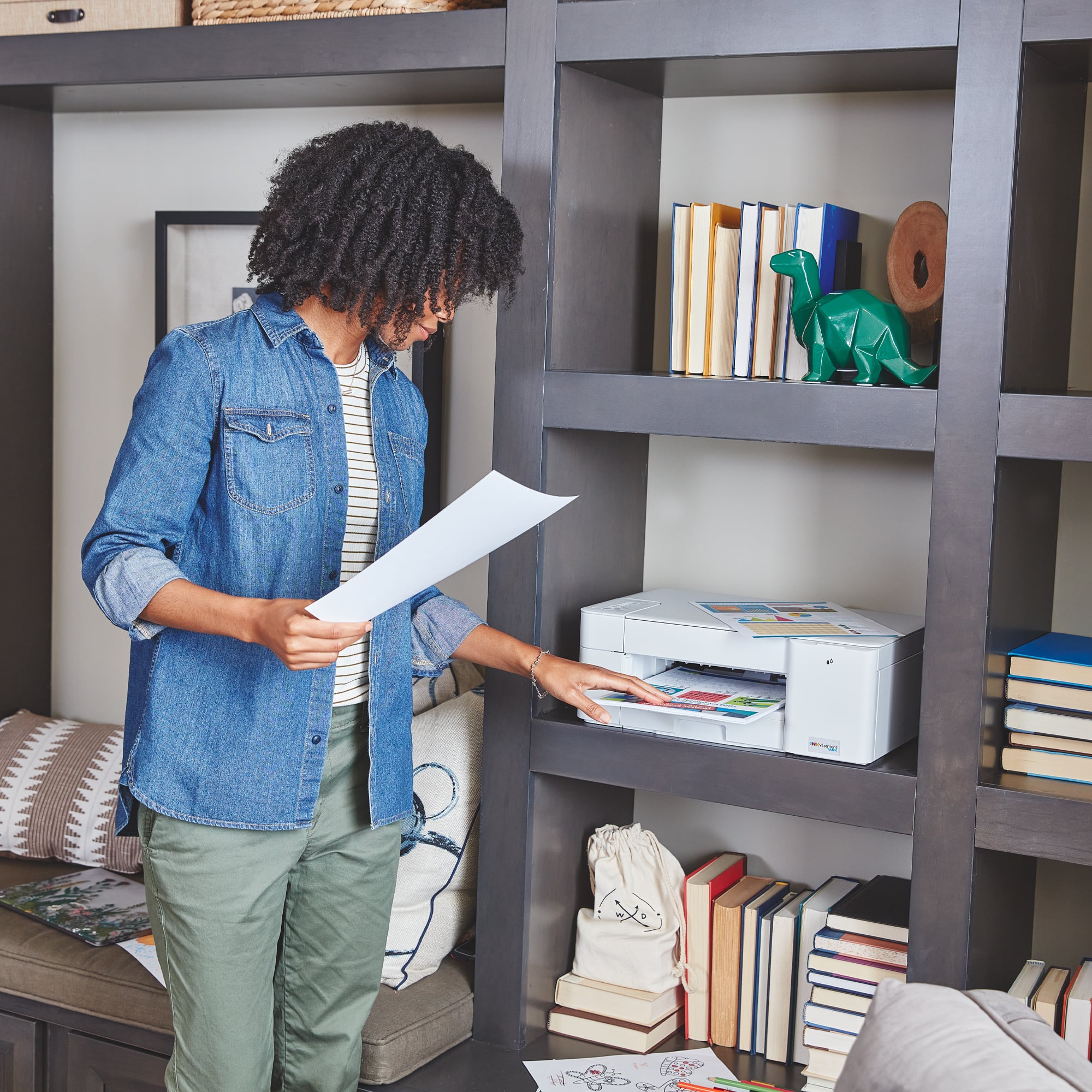
|Posted .This reviewer received promo considerations or sweepstakes entry for writing a review.Overall this is a really good printer. It’s footprint is a bit smaller than others with the same features so it would work well in space constrained areas. The speed and quality of both B/W and color printing was surprisingly quick. As was the scan and copy time - these area compared to others I have used in the same price/features range - I’m sure there are better ones available but not in this price range. Setup was pretty easy and straightforward using the brother app. Now for the just ok - high quality prints were acceptable, not great or the worst I’ve seen. For most everyday needs this printer will more than meet what you want. The large ink tanks are a plus, box says it’s one year of ink and I could not verify that but will say there was still a lot of ink left after running a number of prints. Bottom line is there seem to be more ink in this box than you get with others. Would not hesitate to recommend this to anyone unless you need a lot of high picture quality presentations.
I would recommend this to a friendGreat Printer
|Posted .This reviewer received promo considerations or sweepstakes entry for writing a review.I want to start with the good that could have earned this unit 5 stars by itself. The MFC-J1205w multipurpose printer is magnificent. The colors on my presentation were flawless with no paper bleed while printing. The machine prints black and white at a surprisingly great rate of speed for a printer in this price point too. Picture printing is actually really good but that is not what I think of as the go to for this unit. I still do not quite believe the Inkvestment portion of this product, but I will say I printed a ton of stuff and according to Brother’s I can print a ton more at almost 1,200 pages worth before having to get a refill. Brother like others has a pay refill program that I perused on and feel like it could be a great value when the time comes. On to the negative for me, I gave this device 3 stars ONLY because I was not a fan of the original setup process. It took me forever just to get the printer to connect to my WiFi. Then I had several issues with the drivers for my PC, the Brother website registration process, and the app. I am pretty easy going with regards to setup and installation, especially on a new device but this was silly. I 100 percent understand that they will work through these hiccups, but it is 2021 and their competitors don't have these bumps. Once installed though, everything works fine printing and scanning from the PC. The app is super fluid and easy to use on my android device. But I always think about how easy this would be for my mother to come over and print to. It would not be right now for this particular Brother's printer. So, for now 3 not 5 stars and I am not just being generous with that the print again earned those hands down.
I would recommend this to a friendBrother Inkvestment
Posted .This reviewer received promo considerations or sweepstakes entry for writing a review.Good product, easy to use, value price, hoping that the ink really does last a year
I would recommend this to a friendSlow going, but confident.
Posted .This reviewer received promo considerations or sweepstakes entry for writing a review.I have high expectations for this item, but have had many days worth of trouble setting it up - possibly because of my out of date phone or my Lyme disease head-case problems - maybe getting the next level up in the series with the control pad would have helped. I am excited by the better quality prints over the next level up and the savings. Will find some help docs or youtube videos. Going to GET THERE & soon.
I would recommend this to a friendPleased
Posted .This reviewer received promo considerations or sweepstakes entry for writing a review.It is a great little copier/scanner etc. Easy to use and gives clear copies and print out from our laptop.
I would recommend this to a friend