Customer Ratings & Reviews
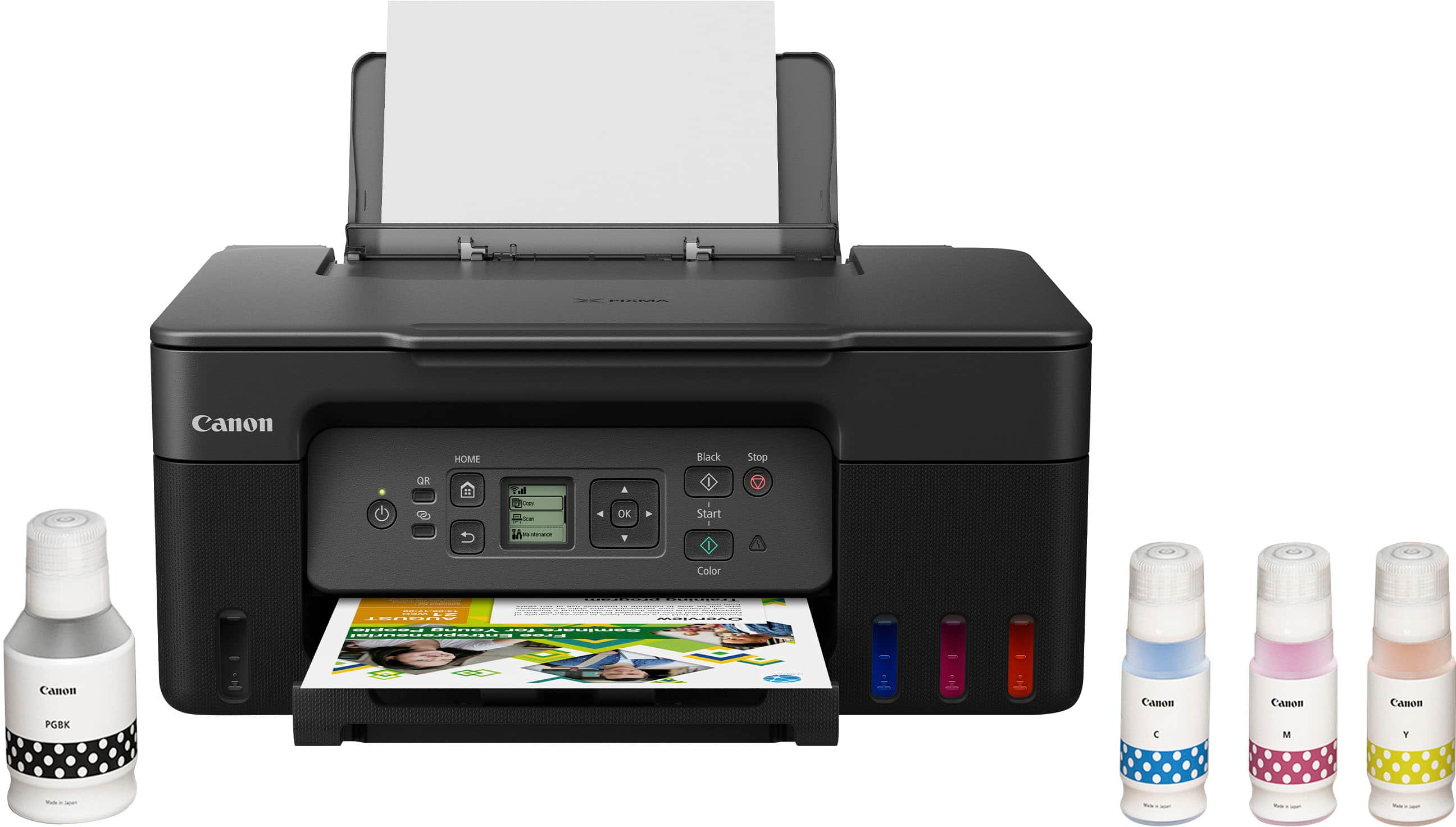
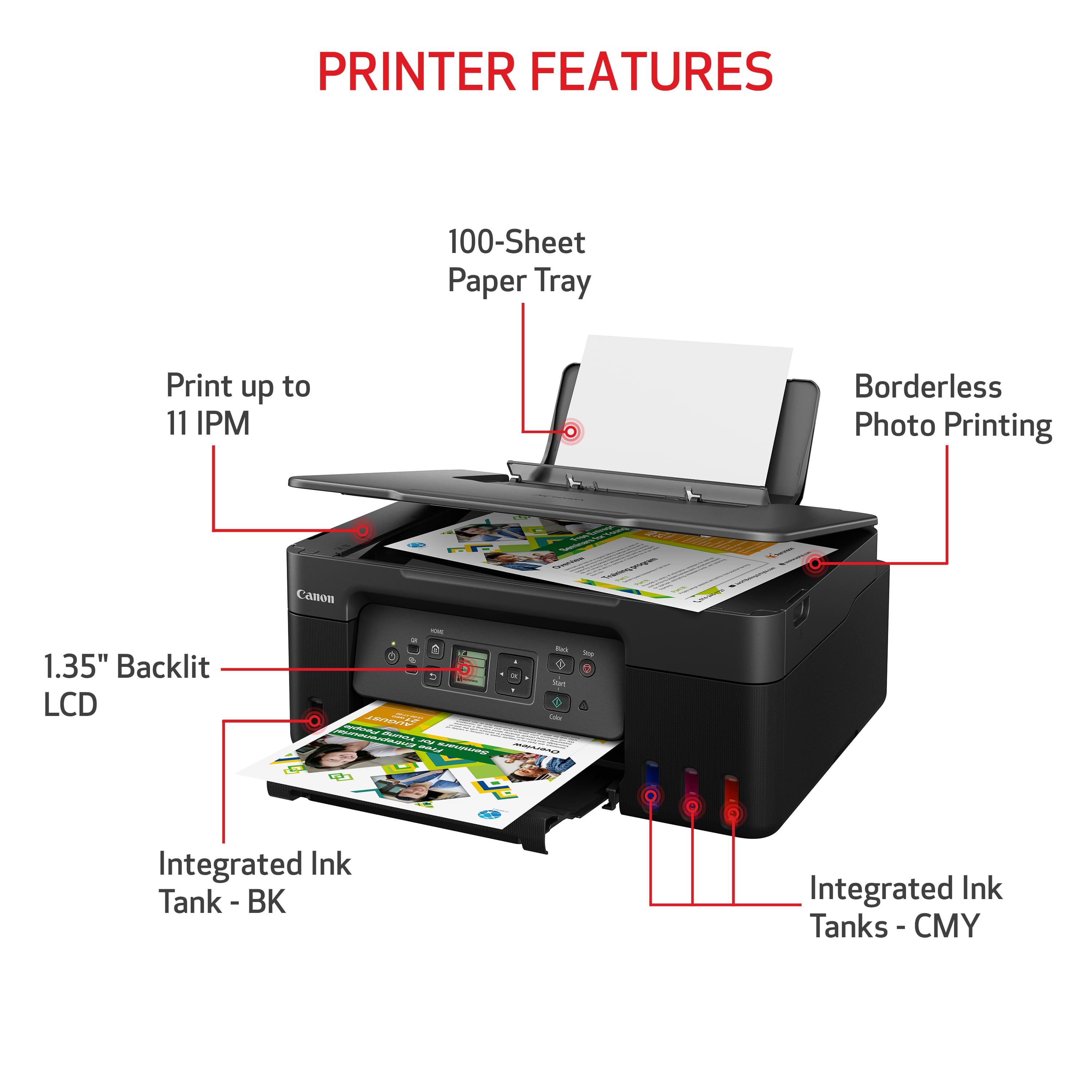
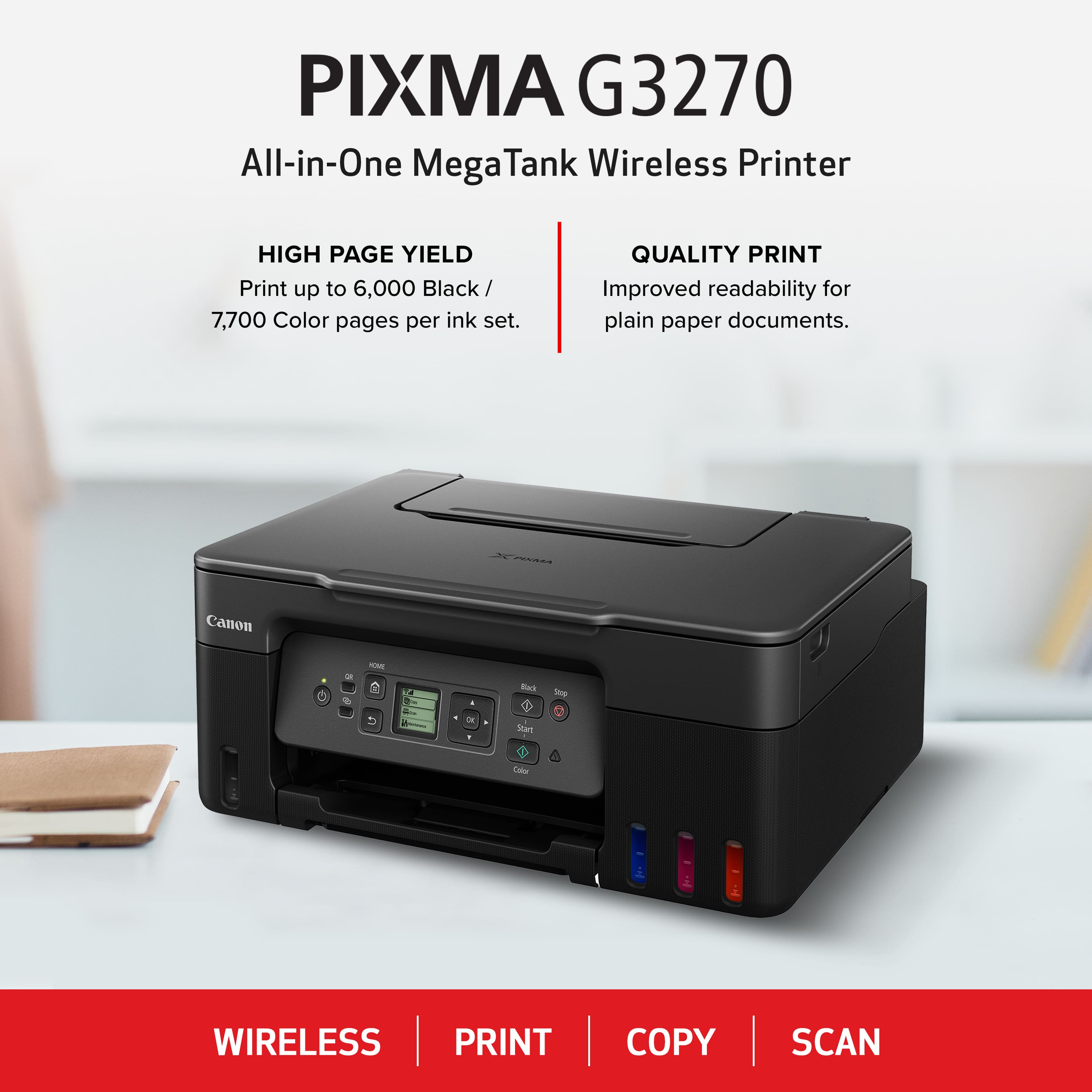
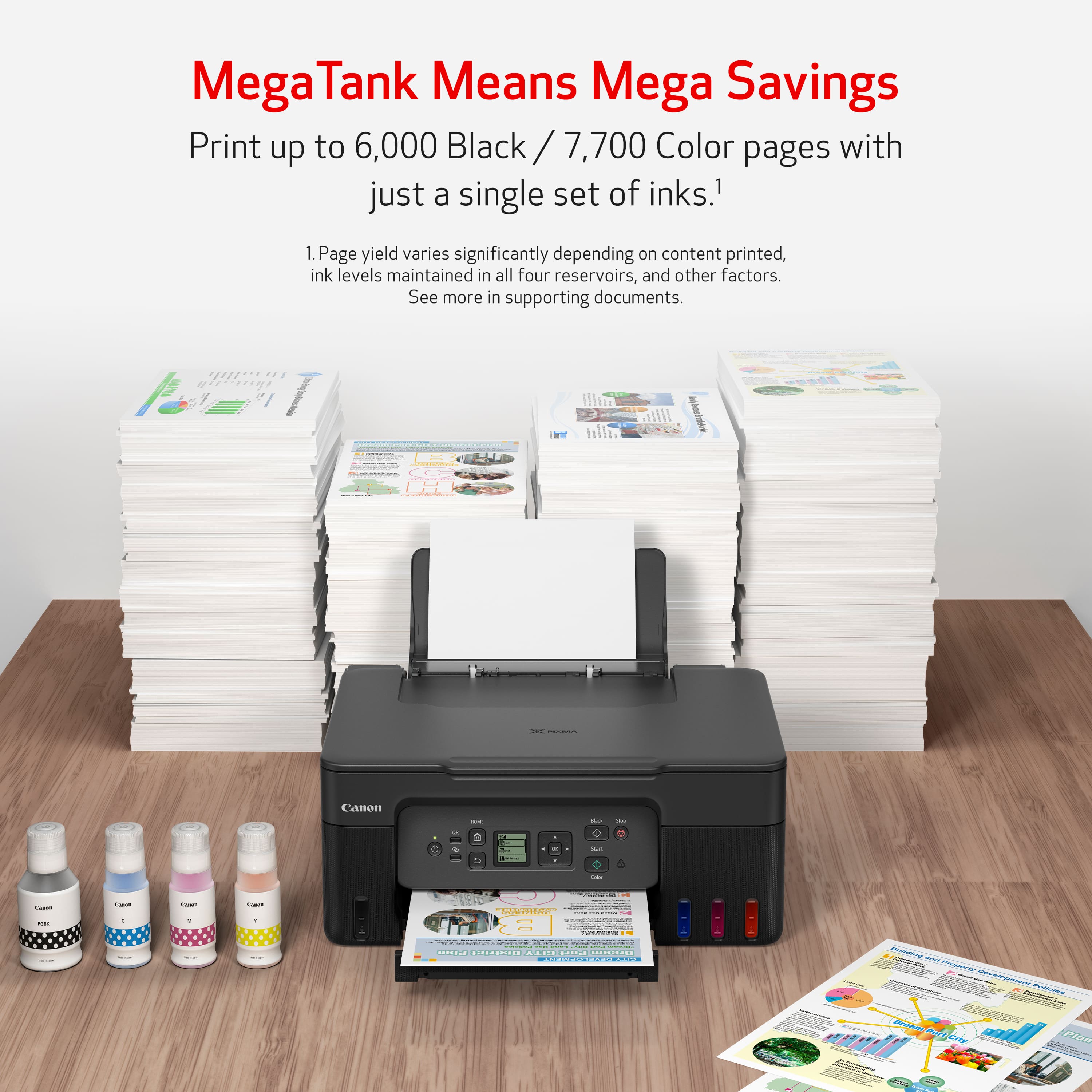

- Model:
- 5805C002
- |
- SKU:
- 10154963
Customer reviews
Rating 4.4 out of 5 stars with 386 reviews
(386 customer reviews)Rating by feature
- Value4.5
Rating 4.5 out of 5 stars
- Quality4.4
Rating 4.4 out of 5 stars
- Ease of Use4.4
Rating 4.4 out of 5 stars
Rated 4 out of 5 stars
CANON -PIXMA MegaTank G3270 Wireless All-In-One
||Posted . Owned for 3 weeks when reviewed.This reviewer received promo considerations or sweepstakes entry for writing a review.I have not owned this printer long enough to give a 5 star rating. However, after my ancient Canon printer finally broke down, and a good deal of research, I finally opted for this model (with very helpful input from BEST BUY staff.). Love the fact that I am not spending a fortune on cartridges, the ease of operation, school, and quality of print (BLACK and WHITE and COLOR) is great! (Had GEEK SQUD install, and very glad I did.)
This review is from Canon - PIXMA Megatank G3270 Wireless All-In-One Supertank Inkjet Printer - White
I would recommend this to a friendRated 5 out of 5 stars
MegaTank is the way to go!
||Posted . Owned for 3 weeks when reviewed.This reviewer received promo considerations or sweepstakes entry for writing a review.I bought this printer to replace an older model Canon Pixma MegaTank. My previous model lasted 4 years. I do a lot of printing for children's classes and needed a printer that wouldn't run out of ink once a week. These tank printers are the way to go. I only purchased refill ink about once a year with my old one. Product is sturdy, easy to set up with wireless network and the print quality is excellent. I highly recommend this printer!
This review is from Canon - PIXMA Megatank G3270 Wireless All-In-One Supertank Inkjet Printer - Black
I would recommend this to a friendRated 5 out of 5 stars
Great printer
||Posted . Owned for 1 month when reviewed.This reviewer received promo considerations or sweepstakes entry for writing a review.I love the idea of refill ink instead of buying cartridges that will dry over time. Great quality.
This review is from Canon - PIXMA Megatank G3270 Wireless All-In-One Supertank Inkjet Printer - Black
I would recommend this to a friendRated 2 out of 5 stars
Worked great for a year, then broke.
||Posted .This reviewer received promo considerations or sweepstakes entry for writing a review.This worked great for one year! I printed a lot, but less than 2000 pages - I hadn’t even done an ink change yet. Then it broke, just 3 weeks after the one year warranty expired. All the paper started jamming in sideways, and it told me to clean the rollers. I did everything the manual told me, and finally hired a repair person, but the repair person wasn’t able to fix it without taking a risk to break open parts of the printer that were seal. They said it wasn’t an easy printer to fix.
This review is from Canon - PIXMA Megatank G3270 Wireless All-In-One Supertank Inkjet Printer - Black
No, I would not recommend this to a friendRated 3 out of 5 stars
Print quality is not great
||Posted .This reviewer received promo considerations or sweepstakes entry for writing a review.The setup was easy. I love the idea of getting rid of ink cartridges. I had HP ink printer and had to have monthly subscription to use the printer. I hated, so I got rid of ink cartridge HP ink printer. It looks this printer doesn’t require subscription to print which is good. However print quality is not great. I print photos to paint. It’s a major drawback for me.
This review is from Canon - PIXMA Megatank G3270 Wireless All-In-One Supertank Inkjet Printer - Black
I would recommend this to a friendRated 4 out of 5 stars
Canon G3270 Printer
||Posted . Owned for 1 month when reviewed.This reviewer received promo considerations or sweepstakes entry for writing a review.The Canon printer works very well. I really like the wireless system. My only complaint is the paper feed tray. There are times when the feed rollers don't catch the paper.
This review is from Canon - PIXMA Megatank G3270 Wireless All-In-One Supertank Inkjet Printer - Black
I would recommend this to a friendRated 5 out of 5 stars
Canon Pixma Mega Tank G3270
||Posted .This reviewer received promo considerations or sweepstakes entry for writing a review.I usually use a Canon Pixma MX922 and it broke. I print a lot of flyers and pictures. I saw this and decided to give it a try and I am glad I did - I absolutely love it, especially the refillable ink tanks. The print quality is good I am very happy with this printer purchase
This review is from Canon - PIXMA Megatank G3270 Wireless All-In-One Supertank Inkjet Printer - Black
I would recommend this to a friendRated 4 out of 5 stars
Trying the ink tank concept!
||Posted .This reviewer received promo considerations or sweepstakes entry for writing a review.easy to set up. Hoping the ink lasts me a long time. I like the ink tank concept. I did not like that it said this printer does both side printing, but it requires you to put the one sided sheet back into the tray to print the other side.
This review is from Canon - PIXMA Megatank G3270 Wireless All-In-One Supertank Inkjet Printer - Black
I would recommend this to a friendRated 4 out of 5 stars
Canon
||Posted . Owned for 3 weeks when reviewed.This reviewer received promo considerations or sweepstakes entry for writing a review.It functions well as a printer. However, printing speed needs improvement.
This review is from Canon - PIXMA Megatank G3270 Wireless All-In-One Supertank Inkjet Printer - Black
I would recommend this to a friendRated 5 out of 5 stars
Best at home printer
||Posted . Owned for 1 month when reviewed.This reviewer received promo considerations or sweepstakes entry for writing a review.Printer is very good, the prints come out very nice and the color is very vibrant. If your looking for a typical home ptinter I would recommend this 100%.
This review is from Canon - PIXMA Megatank G3270 Wireless All-In-One Supertank Inkjet Printer - Black
I would recommend this to a friendRated 5 out of 5 stars
Printer
||Posted .This reviewer received promo considerations or sweepstakes entry for writing a review.Great printer home orpffice would recommend to everyone to get one best value
This review is from Canon - PIXMA Megatank G3270 Wireless All-In-One Supertank Inkjet Printer - Black
I would recommend this to a friendRated 5 out of 5 stars
EZ setup
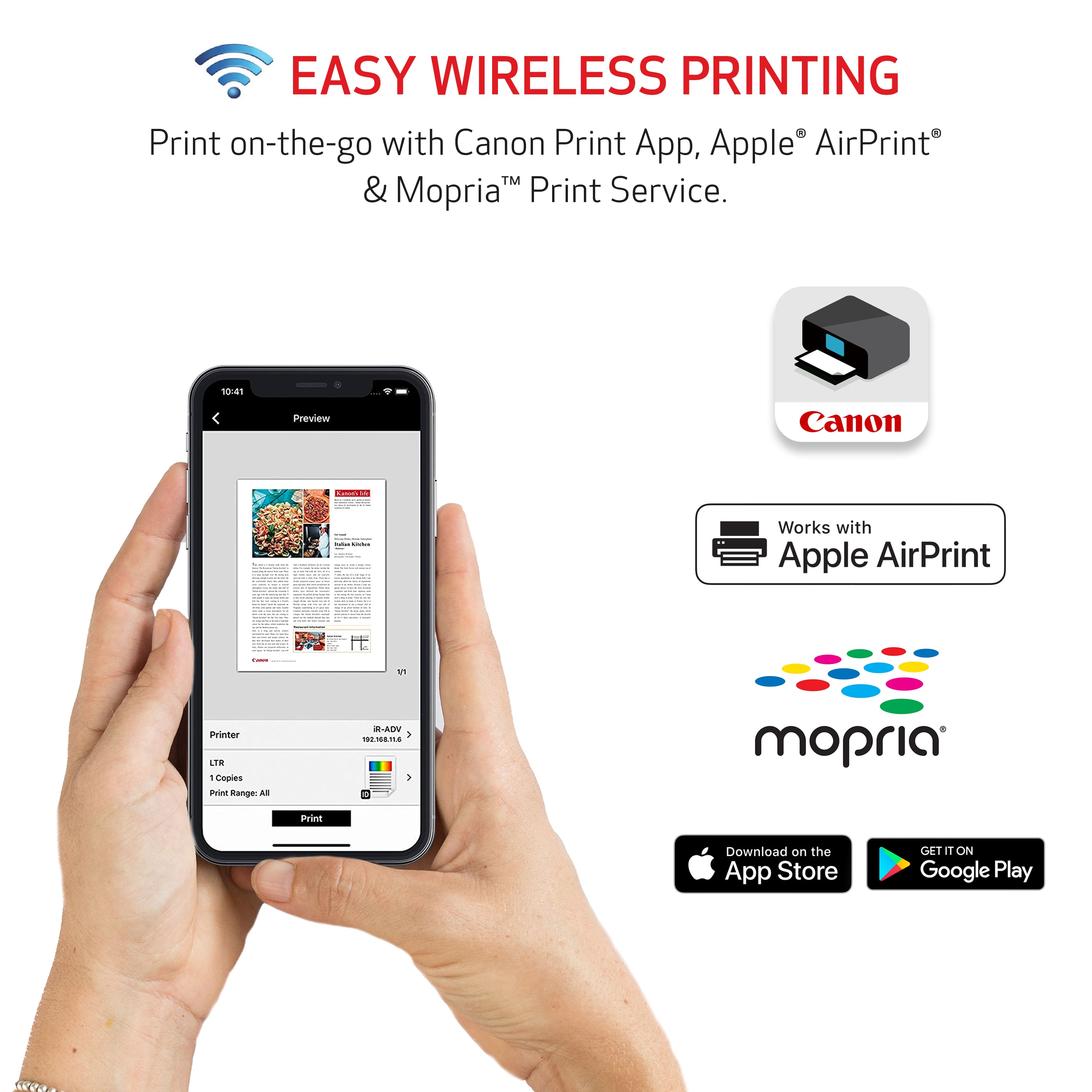
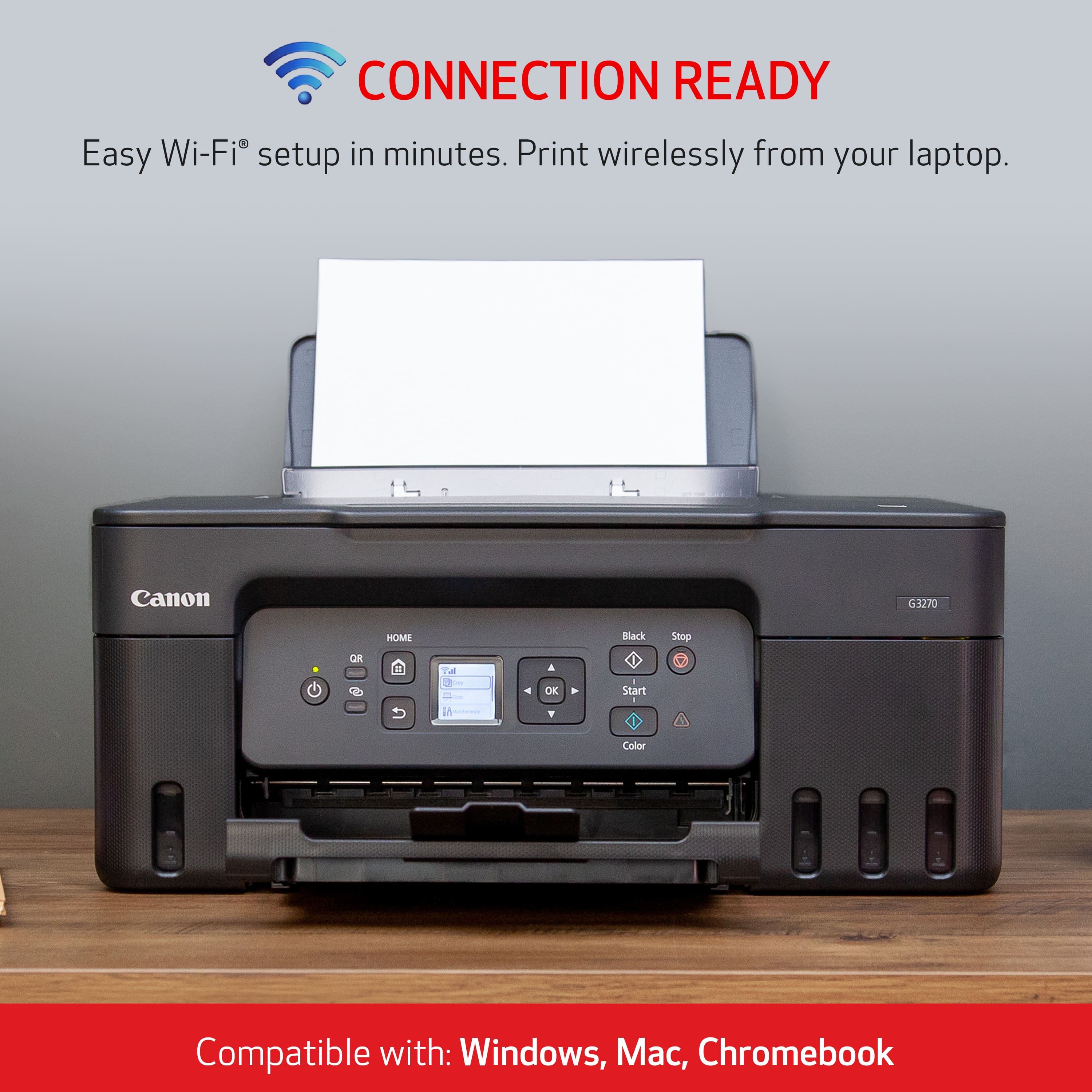
||Posted .This reviewer received promo considerations or sweepstakes entry for writing a review.It was a very easy setup. Step 1 was to download the app to your phone. If you ignore the phone app, and just follow the computer instructions - set up is a breeze.
This review is from Canon - PIXMA Megatank G3270 Wireless All-In-One Supertank Inkjet Printer - Black
I would recommend this to a friendRated 5 out of 5 stars
Great for the price
||Posted .This reviewer received promo considerations or sweepstakes entry for writing a review.Works as described. We’ve had no issues. My wife needed this for her crafting because the type of ink they use. Easy setup no issues and ink has lasted.
This review is from Canon - PIXMA Megatank G3270 Wireless All-In-One Supertank Inkjet Printer - Black
I would recommend this to a friendRated 5 out of 5 stars
BEST Printer Ever!!
||Posted . Owned for 3 weeks when reviewed.This reviewer received promo considerations or sweepstakes entry for writing a review.This is my second PIXMA Mega Tank Wireless Printer. I love that I can place my printer in the best spot in the room for my needs. I never have to worry about running out of ink. It has many options for paper type and that is a big bonus since I use the printer for art and photography as well as my writing. Can't say enough good things about my PIXMA G3270.
This review is from Canon - PIXMA Megatank G3270 Wireless All-In-One Supertank Inkjet Printer - Black
I would recommend this to a friendRated 4 out of 5 stars
Nice printer !
||Posted . Owned for 1 month when reviewed.This reviewer received promo considerations or sweepstakes entry for writing a review.This printer really shines when it comes to output quality. The print quality is consistently good, delivering crisp and clear results whether it's documents or photos. You'll be impressed with how sharp everything looks. The only minor point to note is that it can be a little slow connecting at times. It's not a major issue, but you might experience a brief wait before it's ready to go. Once it's connected, though, it performs beautifully.
This review is from Canon - PIXMA Megatank G3270 Wireless All-In-One Supertank Inkjet Printer - Black
I would recommend this to a friendRated 5 out of 5 stars
Love the Printer: Great Performance and Large Ink
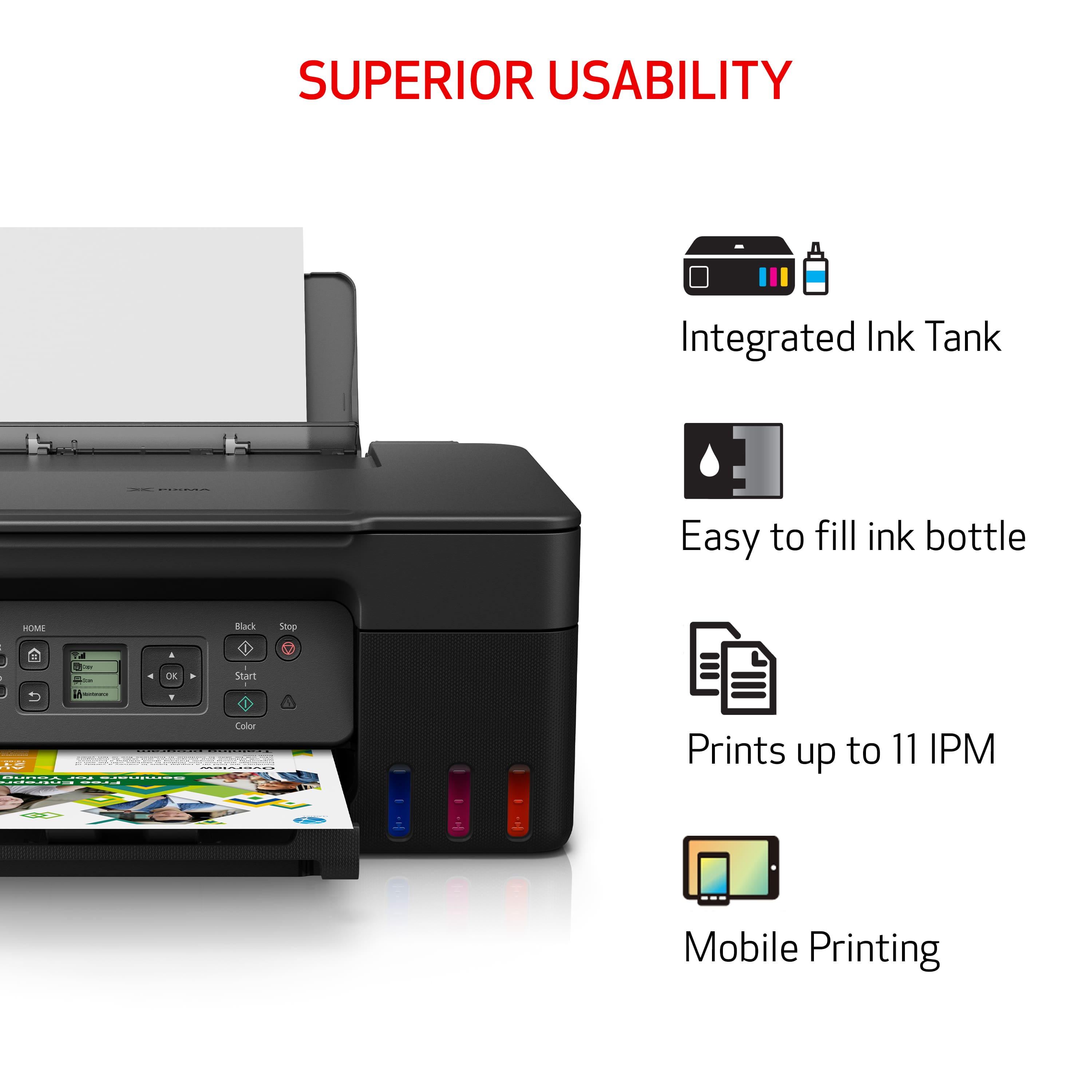
||Posted .This reviewer received promo considerations or sweepstakes entry for writing a review.I love this printer! A standout feature is the large ink tank, which is a huge convenience. I'm hopeful that the ink will last for the advertised 2,000 pages. Its performance has been excellent so far.
This review is from Canon - PIXMA Megatank G3270 Wireless All-In-One Supertank Inkjet Printer - Black
I would recommend this to a friendRated 5 out of 5 stars
Great Printer
||Posted . Owned for 3 weeks when reviewed.This reviewer received promo considerations or sweepstakes entry for writing a review.Great product. Set up was easy. Starting printing with in minutes of unboxing. Would recommend
This review is from Canon - PIXMA Megatank G3270 Wireless All-In-One Supertank Inkjet Printer - Black
I would recommend this to a friendRated 5 out of 5 stars
great printer
||Posted .This reviewer received promo considerations or sweepstakes entry for writing a review.love this print easy set up prints great would definetly recommend
This review is from Canon - PIXMA Megatank G3270 Wireless All-In-One Supertank Inkjet Printer - Black
I would recommend this to a friendRated 4 out of 5 stars
Steps to scan still confusing
||Posted .This reviewer received promo considerations or sweepstakes entry for writing a review.I haven't had it that long and have only used it twice. I was eventually able to set it up on my own to print, but getting it to scan was and continues to be a little more challenging. The number of steps (buttons to push) to get it to scan are double what my old printer was, and it's not intuitive. I finally wrote down the steps so hopefully the next time, I scan, I can press the buttons in the correct order w/out any delays or having to start over. I wish it had come with a quick set-up and how to print-scan guide to keep & use as an easy reference card.
This review is from Canon - PIXMA Megatank G3270 Wireless All-In-One Supertank Inkjet Printer - Black
I would recommend this to a friendRated 5 out of 5 stars
Great printer!
||Posted .This reviewer received promo considerations or sweepstakes entry for writing a review.This printer works really well and very easy set up
This review is from Canon - PIXMA Megatank G3270 Wireless All-In-One Supertank Inkjet Printer - Black
I would recommend this to a friend

















