Customer Ratings & Reviews
- Model:
- 3113C002
- SKU:
- 11957603
Rating by feature
- Value
Rating 4.3 out of 5 stars
- Quality
Rating 4.3 out of 5 stars
- Ease of Use
Rating 4.1 out of 5 stars
- Pros mentioned:Print quality
I love this printer!!
||Posted . Owned for 3 weeks when reviewed.This reviewer received promo considerations or sweepstakes entry for writing a review.This is a great printer. The ink last what feels like forever.
I would recommend this to a friend - Pros mentioned:Print quality
Preferred way to print
||Posted . Owned for 1 year when reviewed.This reviewer received promo considerations or sweepstakes entry for writing a review.Great investment with less expense for ink. This is the preferred way to print.
I would recommend this to a friend - Pros mentioned:Print quality
Excellent
||Posted . Owned for 7 months when reviewed.This reviewer received promo considerations or sweepstakes entry for writing a review.Loved it the ink last for a very long time would definitely recommend
I would recommend this to a friend Best Printer for the Money
||Posted . Owned for 3 weeks when reviewed.This reviewer received promo considerations or sweepstakes entry for writing a review.This is one of the best printers, I have ever owned. slim size and not that noisy.
I would recommend this to a friendGood printer
||Posted . Owned for 3 weeks when reviewed.This reviewer received promo considerations or sweepstakes entry for writing a review.Very good printer, only little on slower side when starting the print. Takes 30-40 seconds to initiate the print
I would recommend this to a friendWas okay
||Posted . Owned for 1 year when reviewed.This reviewer received promo considerations or sweepstakes entry for writing a review.The always work for a couple of months and then the paper trade ask for paper when the Peper is already in there not able to use it
I would recommend this to a friendTerrible!!!
||Posted . Owned for more than 2 years when reviewed.This reviewer received promo considerations or sweepstakes entry for writing a review.Do not buy this! Have had it less than 2 years with minimal use. Maybe printed some documents less than 30 times in that timeline - first it stopped printing in black font then it began to show errors on its own maintenance routine. Placed error info on Canons website and followed the instructions still no resolve. Sad to say Canon was recommended by Best Buy employee and now I’m sitting with a huge piece of junk that doesn’t work after Canons on troubleshooting requirements. Don’t forget used it handful of times!
No, I would not recommend this to a friend- Pros mentioned:Print quality
Perfect printer
||Posted . Owned for 1.5 years when reviewed.This reviewer received promo considerations or sweepstakes entry for writing a review.I love the duration of ink. It's quiet and fast. A must buy
I would recommend this to a friend - Pros mentioned:Ease of use, Print quality
Beautiful
||Posted . Owned for less than 1 week when reviewed.This reviewer received promo considerations or sweepstakes entry for writing a review.It’s fantastic, color accuracy is very good, printing is fast and setup was easy. Turning in and printing right away is within seconds. It’s worth the investment.
I would recommend this to a friend Lines!!
||Posted . Owned for 1 month when reviewed.This reviewer received promo considerations or sweepstakes entry for writing a review.I was super excited when I purchased this printer. However, it continued to print faded images with lines throughout. I had paid for the Geek squad service, so I reached out to have them help. They then wanted me to purchase another type of Geek Squad service to help me correct the lines. They were not helpful and had no remorse for my troubles. So, I returned the printer to Best Buy.
No, I would not recommend this to a friendWashed out colors, impossible to set up, finicky
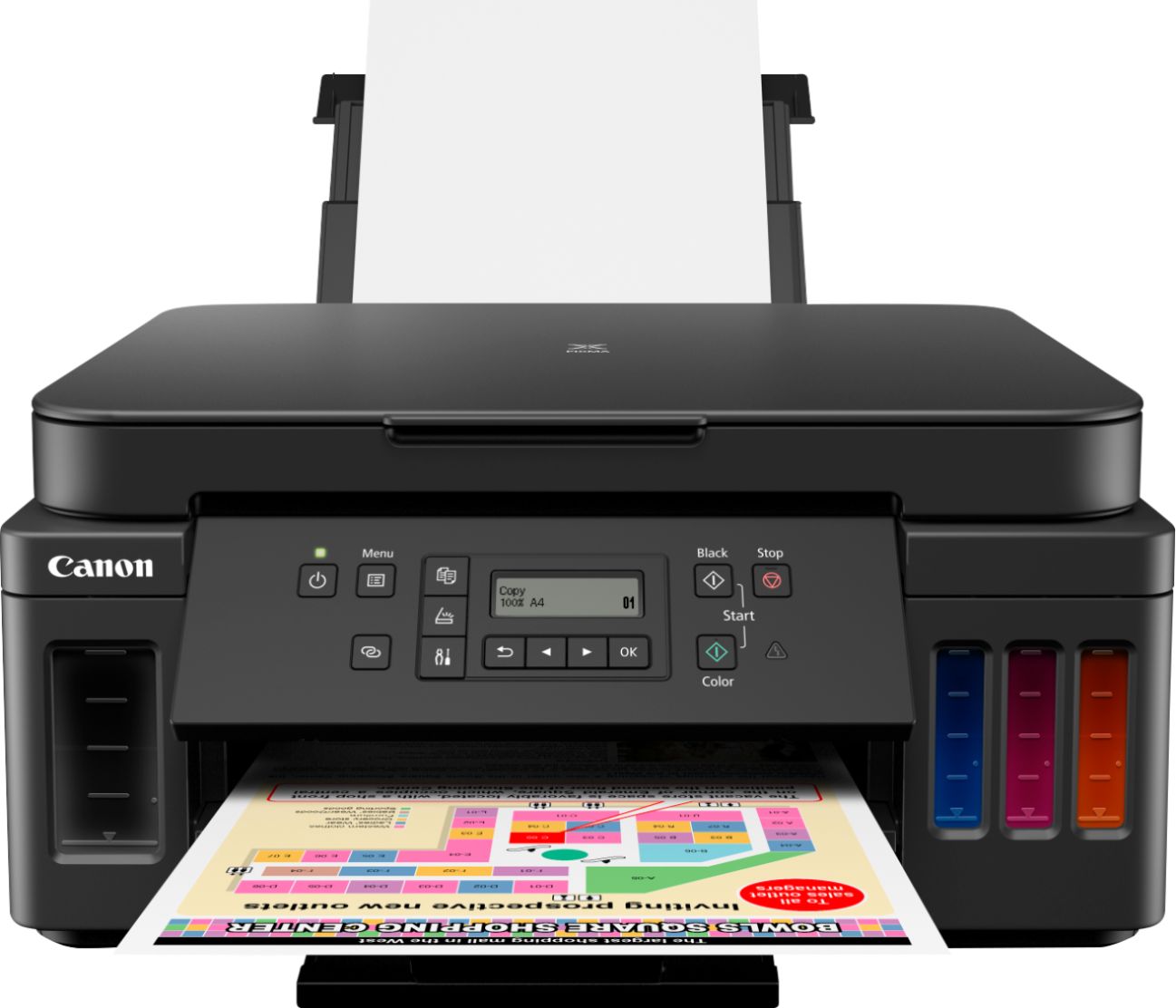
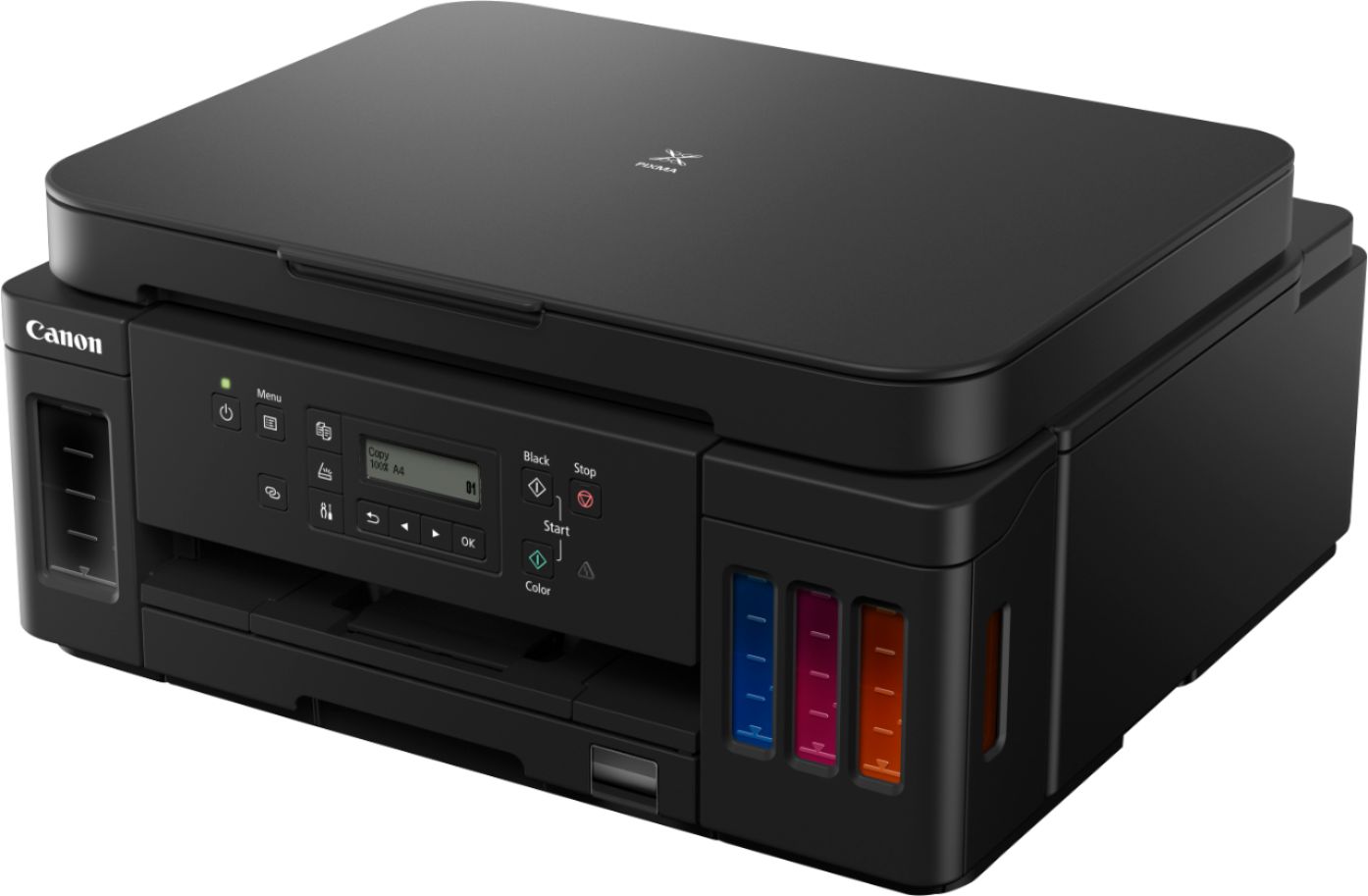
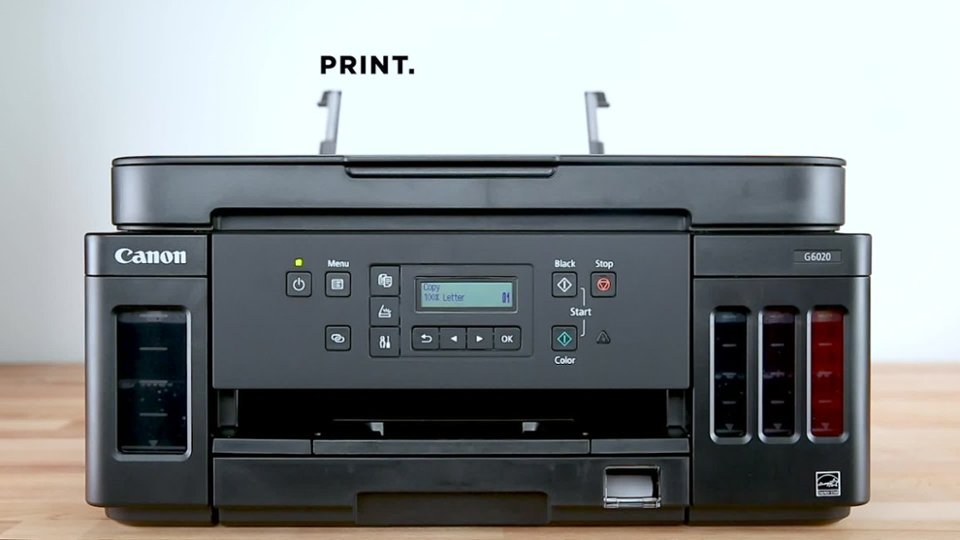
||Posted . Owned for 2 months when reviewed.This reviewer received promo considerations or sweepstakes entry for writing a review.DO NOT BUY THIS PRINTER! You are only setting yourself up for frustration and failure. If they had negative stars, this would get them. Absolutely the worst and most finicky printer I have ever owned. Set up is nearly impossible. Despite being wireless and having an Ethernet port, only ONE connection type is allowed for all devices wanting to use it. The flip up panel is ridiculous, the LCD display is not backlit and the only way to read it is to use a flashlight (see photo). The control buttons are not at all intuitive. Worst of all, despite having the MegaTank cartridges, is it like the simply diluted the contents of one normal ink cartridge giving washed out and terrible color prints, even at what should be the highest quality settings. Terribly disappointed, as my Canon Pixma MP970 was among the best printers I've used.
No, I would not recommend this to a friendLoved it!
||Posted . Owned for 2 months when reviewed.This reviewer received promo considerations or sweepstakes entry for writing a review.Gets the job done, what I loved about it is that it doesn’t waste a lot ink like other printers. Works great especially when printing on photo paper. Quality is amazing!!
I would recommend this to a friend- Pros mentioned:Ease of use, Print quality
Easy ready to go printer
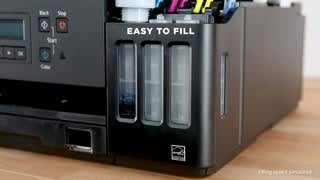
||Posted . Owned for 3 weeks when reviewed.This reviewer received promo considerations or sweepstakes entry for writing a review.Love how easy the set up was I like that I can see how much ink is left in each tank Prints clear & sharp
I would recommend this to a friend Printer
||Posted . Owned for 1.5 years when reviewed.This reviewer received promo considerations or sweepstakes entry for writing a review.Wokring well , great, simple, saving method for the colors
I would recommend this to a friendIt just dont work all the times
||Posted . Owned for 5 months when reviewed.This reviewer received promo considerations or sweepstakes entry for writing a review.When the printer works well is great, but sometimes it say no paper and the paper tray is full.
No, I would not recommend this to a friendSo disappointed
||Posted . Owned for 8 months when reviewed.This reviewer received promo considerations or sweepstakes entry for writing a review.So disappointed. The LED screen cannot be read, no backlight, and is especially aggravating since it is always in error mode. Has to be used daily to keep the heads from drying out. It has a hard time loading paper. It's only useful for printing shipping labels
No, I would not recommend this to a friendVery bad printer dont buy it
||Posted . Owned for more than 2 years when reviewed.This reviewer received promo considerations or sweepstakes entry for writing a review.Don’t waste your money it may work good first time and make you happy but after 100 pages to print it may don’t work any more
No, I would not recommend this to a friendInk guzzler - even before it was pluged in!
||Posted . Owned for 1 week when reviewed.This reviewer received promo considerations or sweepstakes entry for writing a review.Why is the ink decreasing without any use? The ink was filled about a week ago, now down to almost 3/4. I haven't even plugged it in yet and I'm already going through ink! This is getting returned.
No, I would not recommend this to a friend- Pros mentioned:Print qualityCons mentioned:Display

Great Color Printer
|Posted .This reviewer received promo considerations or sweepstakes entry for writing a review.Setup was a piece of cake - I was worried about spilling ink during the filling process but didn't lose a drop!! like every printer you just have to find all the orange tape to remove and plugin. Then insert the 2 printer heads and fill the tanks! Setup was simple via the included CD. The software still looks like it's from the '90s but it worked to perfection. Detected the printer and set up the wifi easily. I tried a few prints and was happy with the results. I was able to easily print from the cartridge or rear insert easily. The colors on paper were a little washed out but were perfect on photo paper and printable vinyl for my CRICUT stickers!! The machine itself was smaller than I had anticipated by the size of the box.and fits nicely on my side table. The prints are extremely quick and have not been "wet" went done printing. I reduced to 4 stars for the following reasons: 1. The software works great but has that 90's design! 2. poor color on standard 20lb/92 paper - just a bit washed out 3. The display is HARD to read!! It really should be backlit, even though it does adjust angle it's still hard to read. Time will tell on the longevity of this printer - I abandoned ink many years ago due to the ink cost and the cartridges drying out before I could use them. As such, use laser for daily and local pharmacy for color prints. Ink refills for this are not expensive(12 bucks per color refill at the time of this writing). I would recommend this for home project/photo printing. I also like the phone app to print pictures directly from your phone where I take most my pictures anyway!!
I would recommend this to a friend - Pros mentioned:Print quality
No more cartridges and super fast printing!
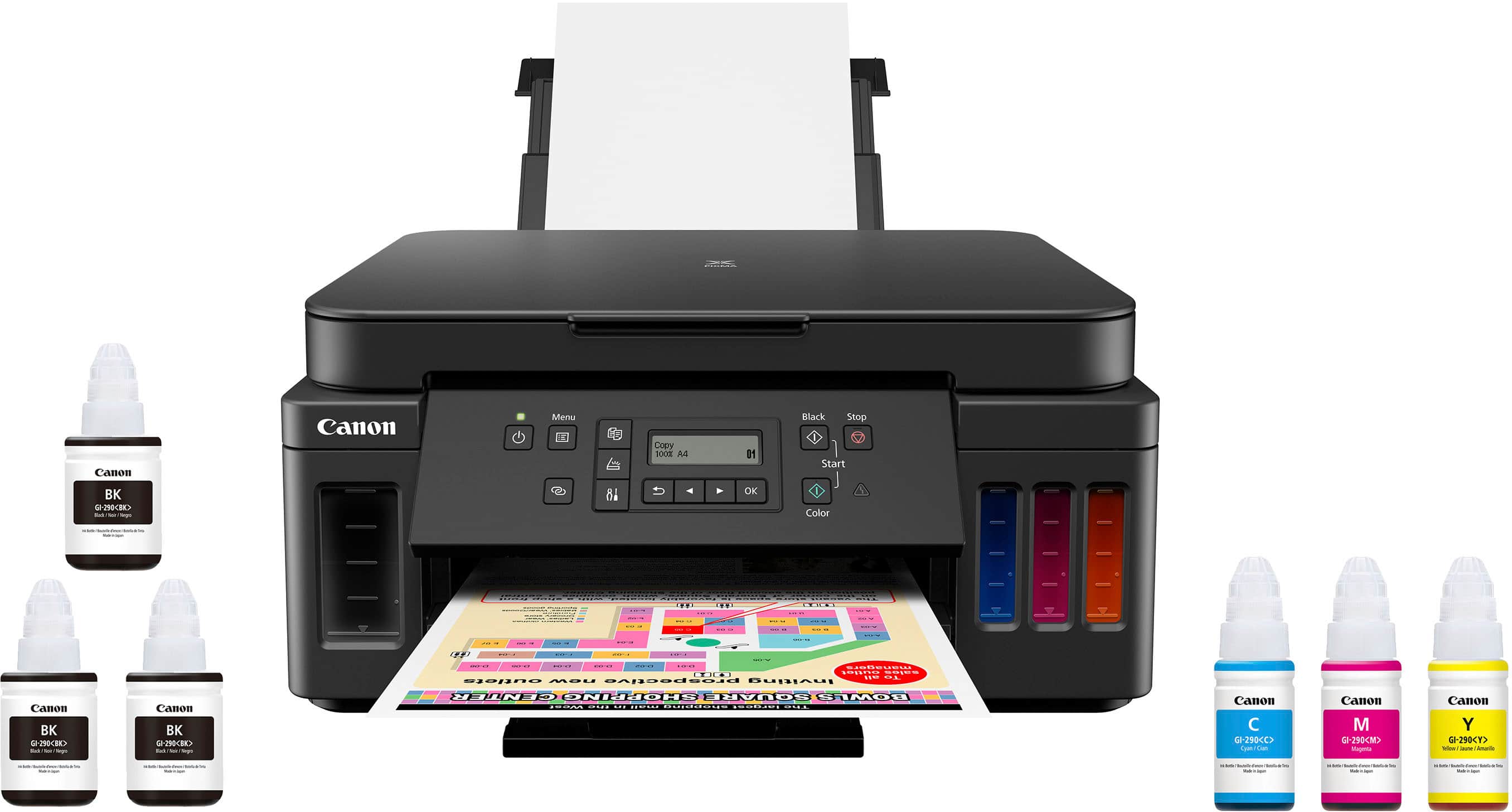
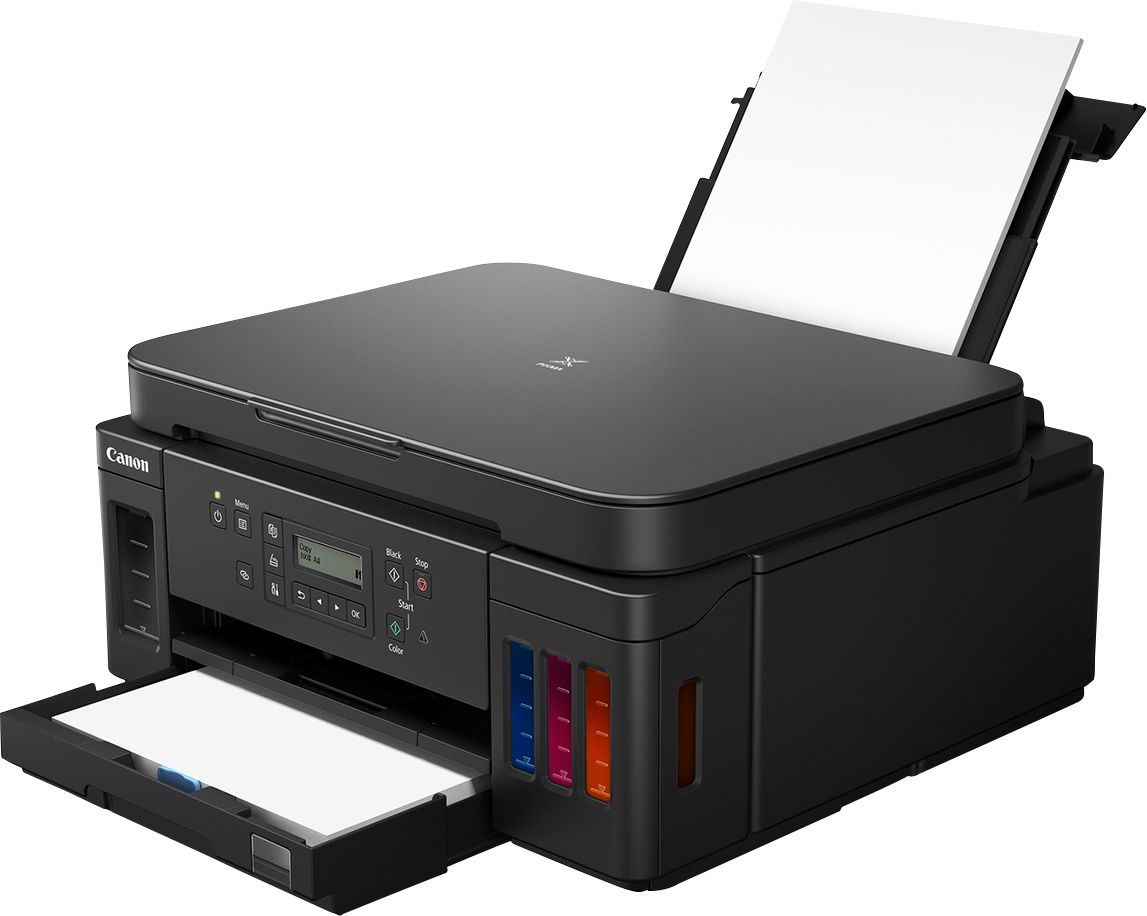
|Posted .This reviewer received promo considerations or sweepstakes entry for writing a review.Printers are my arch-nemesis. I loathe them to the point where I've refused to own one. What few things I've needed printing, I'd throw them onto a USB thumb drive and take them to my local Kinko's and have them printed there. But now, with resumes that need to be printed and our daughter starting Middle School, I thought I may give my mortal enemy another round. Who won this time? It's a draw, actually! Printers and I never get along. This one did give me a bit of a fuss, but after about 3 hours and throwing all of my tech know-how at it, I finally achieved victory and found some inner peace. My primary issues with printers were: 1) It seemed that the cost of the ink just never justified owning a printer and that buying new ink/cartridges quickly cost more than the price of the printer itself. 2) Installing the drivers always created so much bloatware on my PC. 3) Setting it up and getting/keeping it connected to the wireless network has always been a pain. Now that is over, lets get into what matters. The review. Unboxing the printer was a great experience. Everything was super nicely packed. I loved the fact that not only did Canon provide you with the necessary ink for the initial fill, but they also gave two extra bottles of the Black ink (for 3x total Black fills). It would have been nice to have seen some sample photo paper or something, just to get started so I wouldn't have had to run out and buy some. Otherwise, everything was great. Removing all the packaging tape that secures everything on and in the printer during shipping wasn't difficult and I didn't wind up forgetting some somewhere. The ink was...if I dare say, a joy to fill. It's almost a satisfying experience. Once everything is unpackaged, the heads installed and the ink filled, it's ready to turn on. Now, I wanted to say that I followed the instructions in the quick set-up guide PERFECTLY. I powered it on, did everything I needed and went to the website from my PC that it instructed. Started the setup process (Easy WL connect, as it's called) and darn, wouldn't ya know it? The sucker just WOULD NOT connect to the network. After refreshing the setup process where it's "trying to find the printer" some 20x total and following the alternate routes it provides, nothing was working. So, I had to go to the printer and get it on the network manually using the single line LCD display. Going through the arduous process of inputting my huge Wi-Fi password, only for it to smack my hand and say that it couldn't connect to the network (twice), I went to call Canon support. Guess what? Oh, yeah, they're closed on the weekend. So, after hammering away for about 2 more hours, I finally discovered the WPS Connection option and after about 5x trying this, something glorious happened. IT CONNECTED!!! I was sooooo ecstatic. Once it connected and I was able to finish setup on the PC. I called it quits for the day. After 3 hours, I needed to bask in my glory for a bit before returning to play. So, over the next few days, I'd tested pretty much everything I needed. I was able to get a few things printed that I needed to - a resume and a few shipping labels. Man, that was nice not having to go out. Then I played around with some pictures and had ZERO complaints. I was surprised that the photo paper loads via the back and not in the paper tray. So, it's nice to not have to remove the paper every time you want to print a photo. I was impressed with both the print quality and the speed of this thing. Also, we own all Apple devices and the Airplay function works as advertised, no issues with connecting and everything is in harmony. The Airplay feature was the primary reason, along with the MegaTank, that we wanted to go with this printer. In conclusion, I'm going to give this 4 stars. It loses a star for the initial setup and network connection woes and that the setup itself doesn't really give you all available options or explain why the Easy WL Connect wasn't working. That one is still a mystery. If it weren't for this one issue, I'd give this thing 5 stars all the way through. I also wanted to add that the cost of ink for this puppy isn't bad, either! The colors are $12 each and the Black is $18 (via Best Buy). So, if you needed one of each to do a full fill-up from empty, you're looking at $54 total (3x color, 1x black). Which for me, is about the same price as a game. I can deal with that!
I would recommend this to a friend


















