Customer Ratings & Reviews
- Model:
- 4451C032
- SKU:
- 10315355
Rating by feature
- Value
Rating 4.4 out of 5 stars
- Quality
Rating 4.3 out of 5 stars
- Ease of Use
Rating 4.2 out of 5 stars
Good printer, scanner, copier, but be gentle!
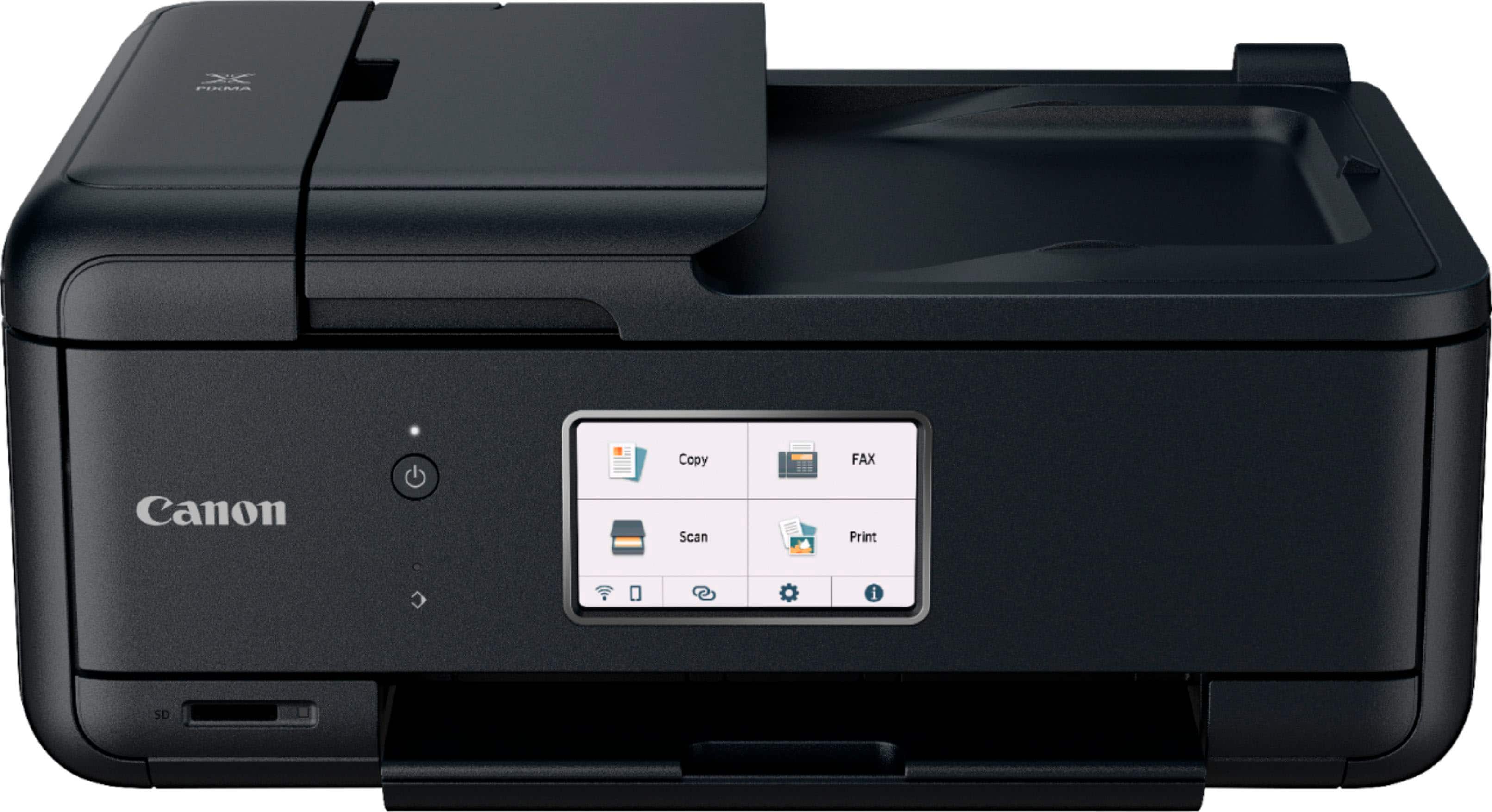
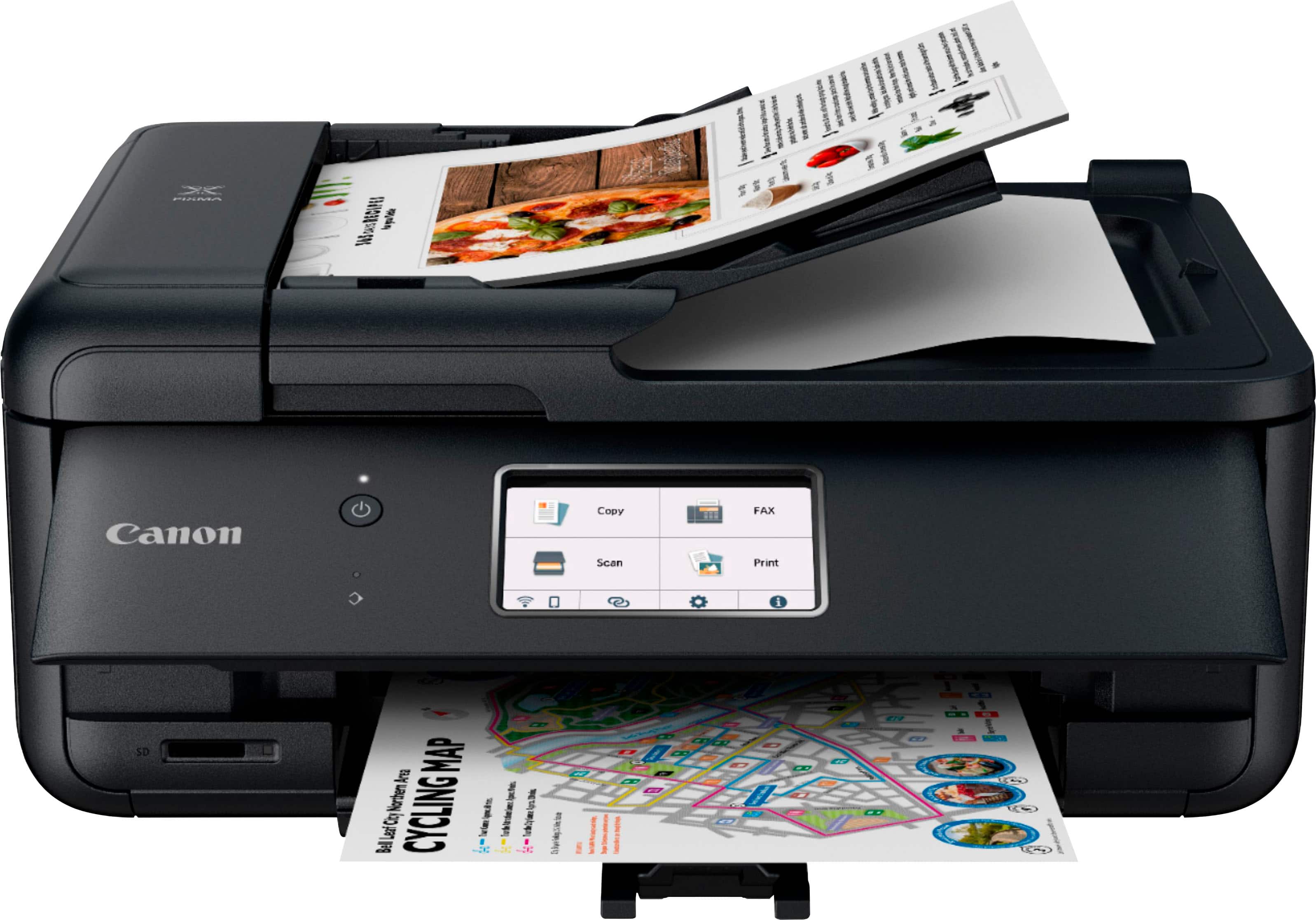
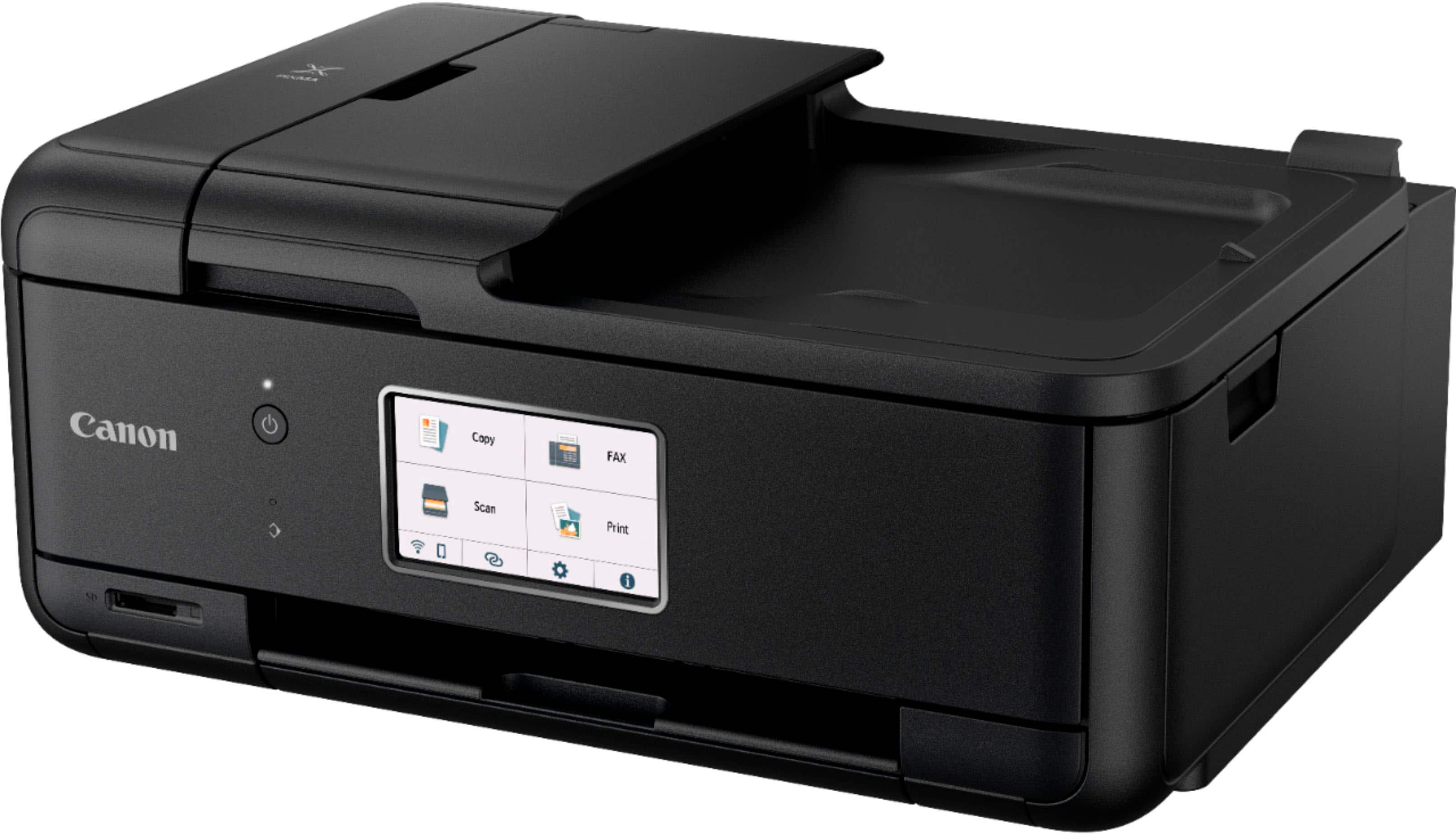
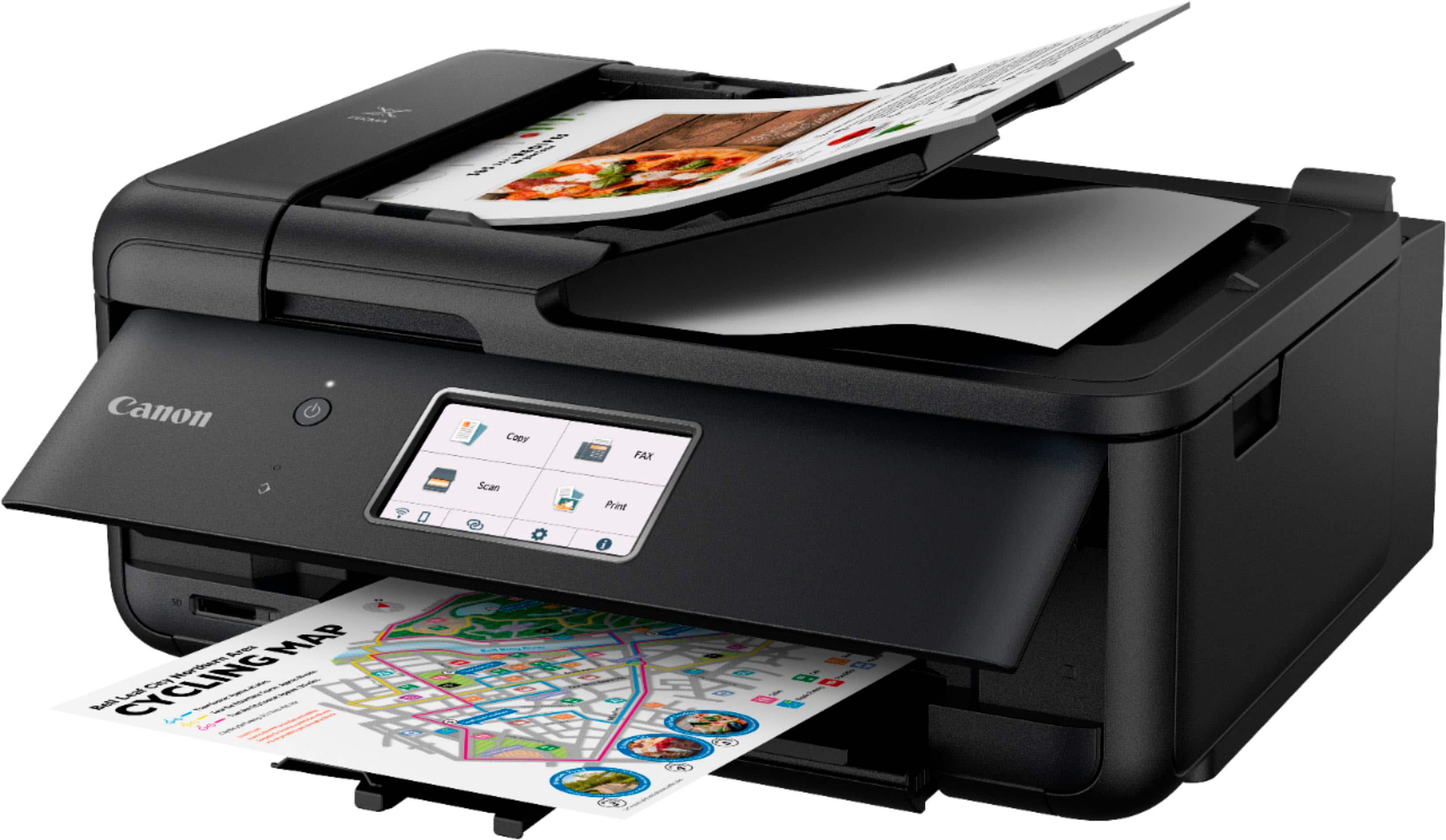
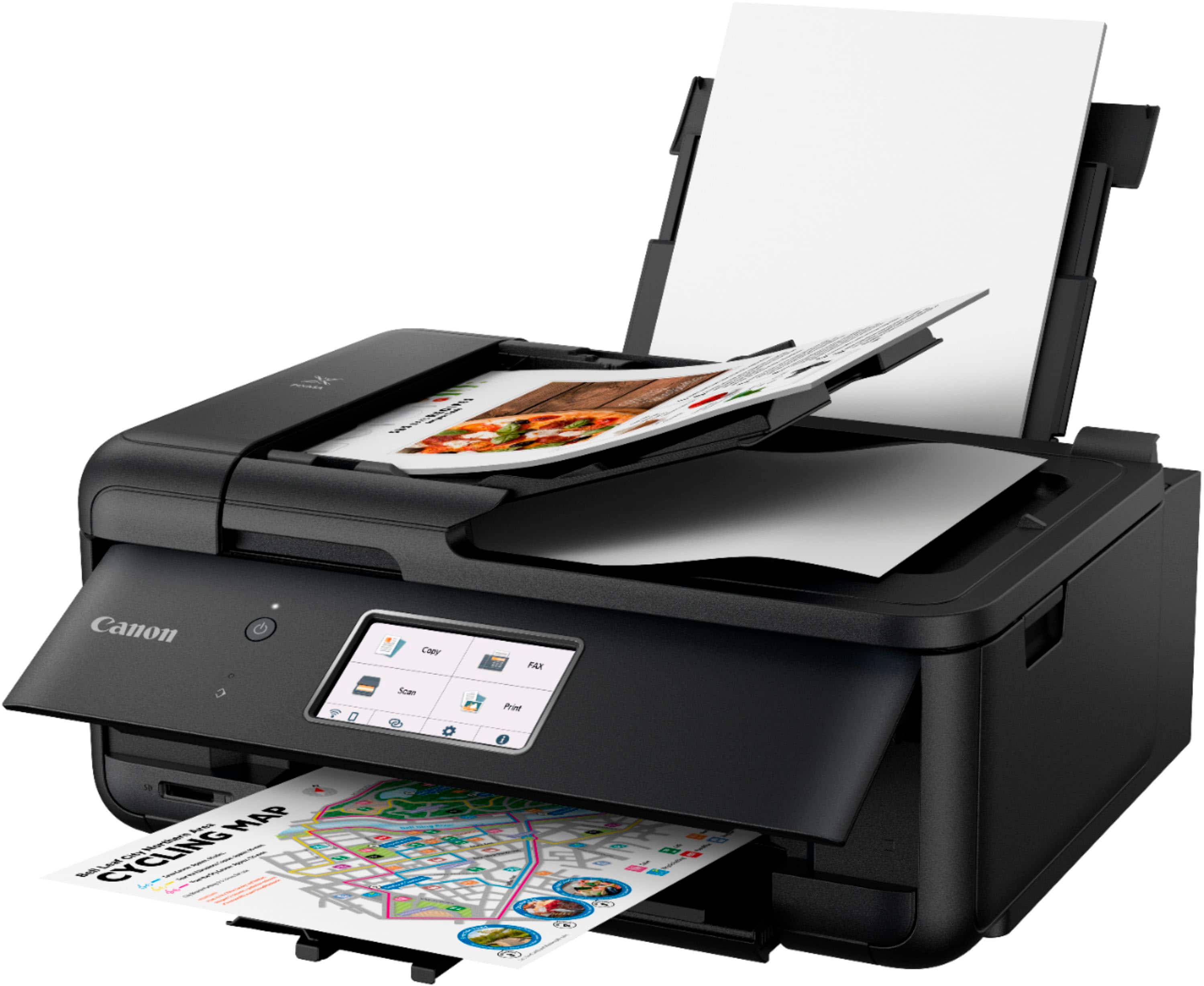
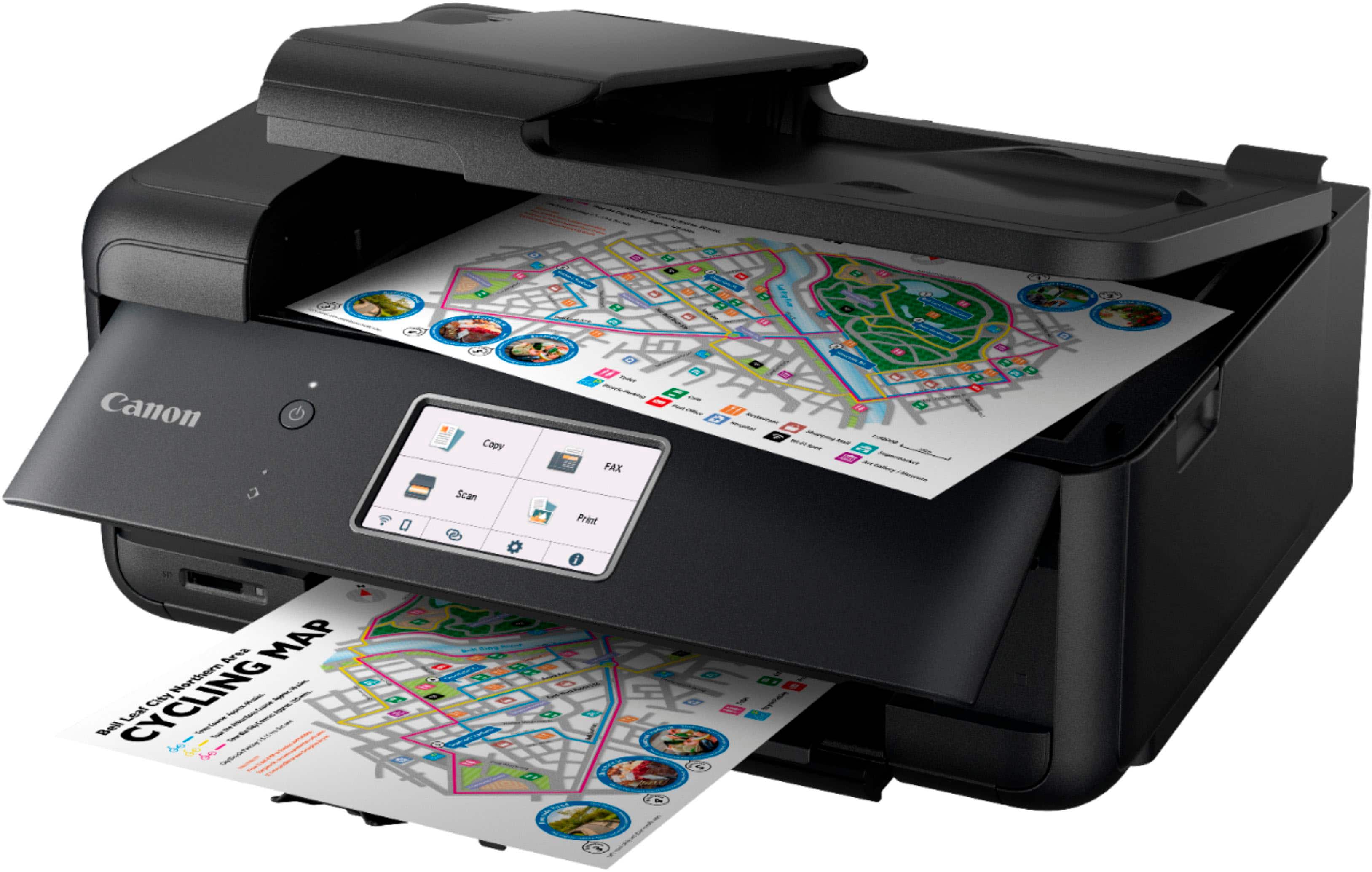
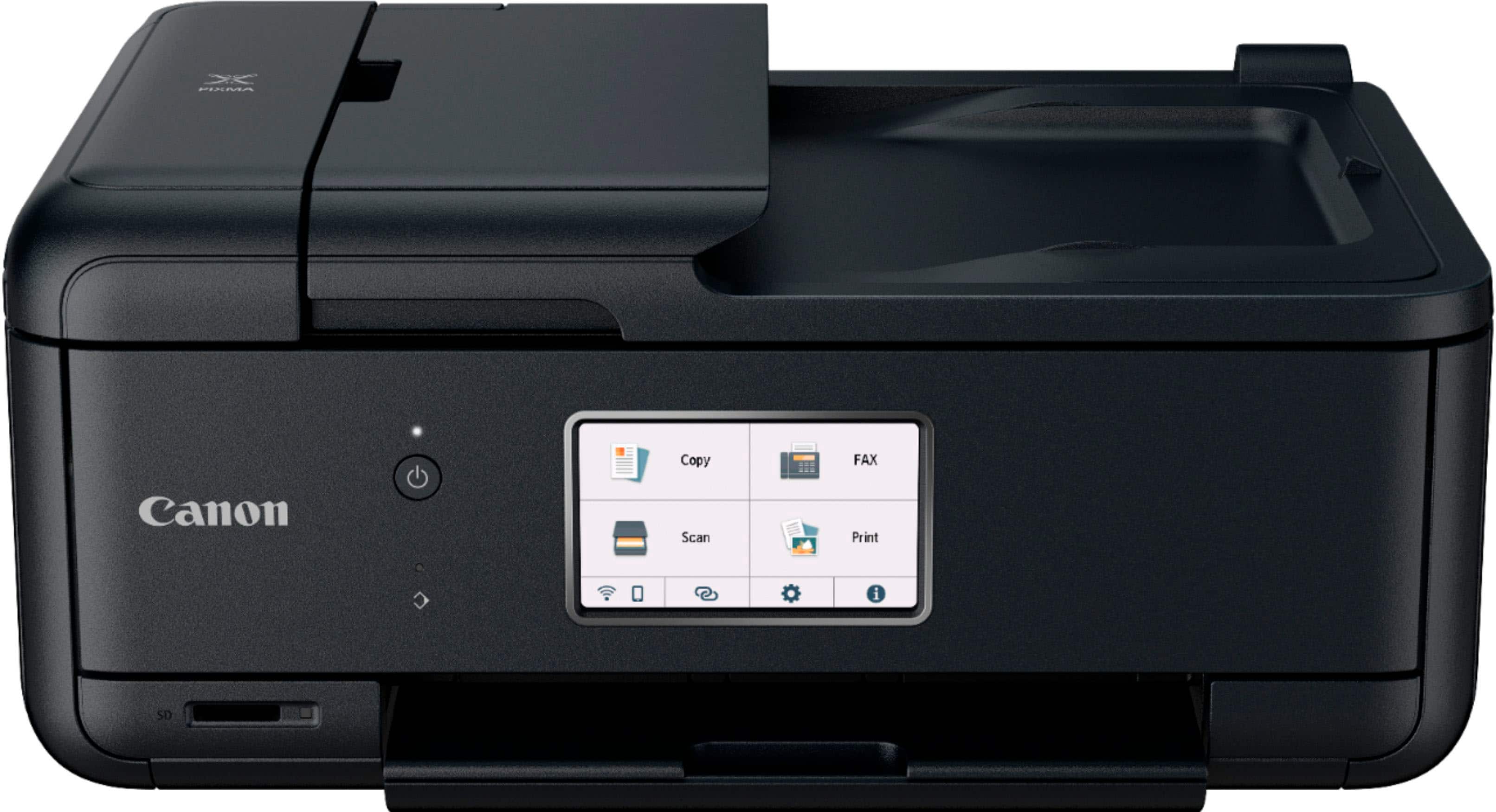
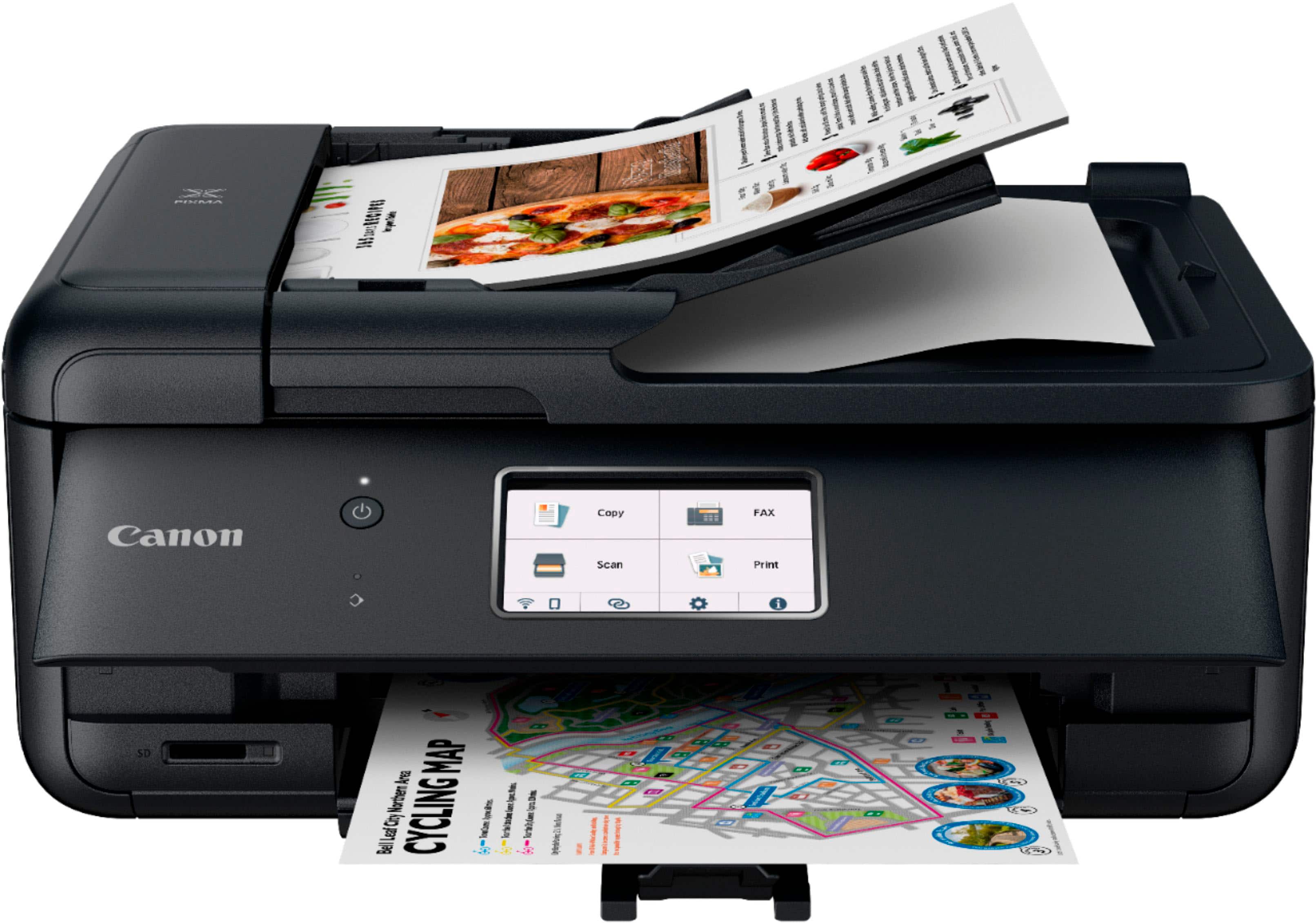
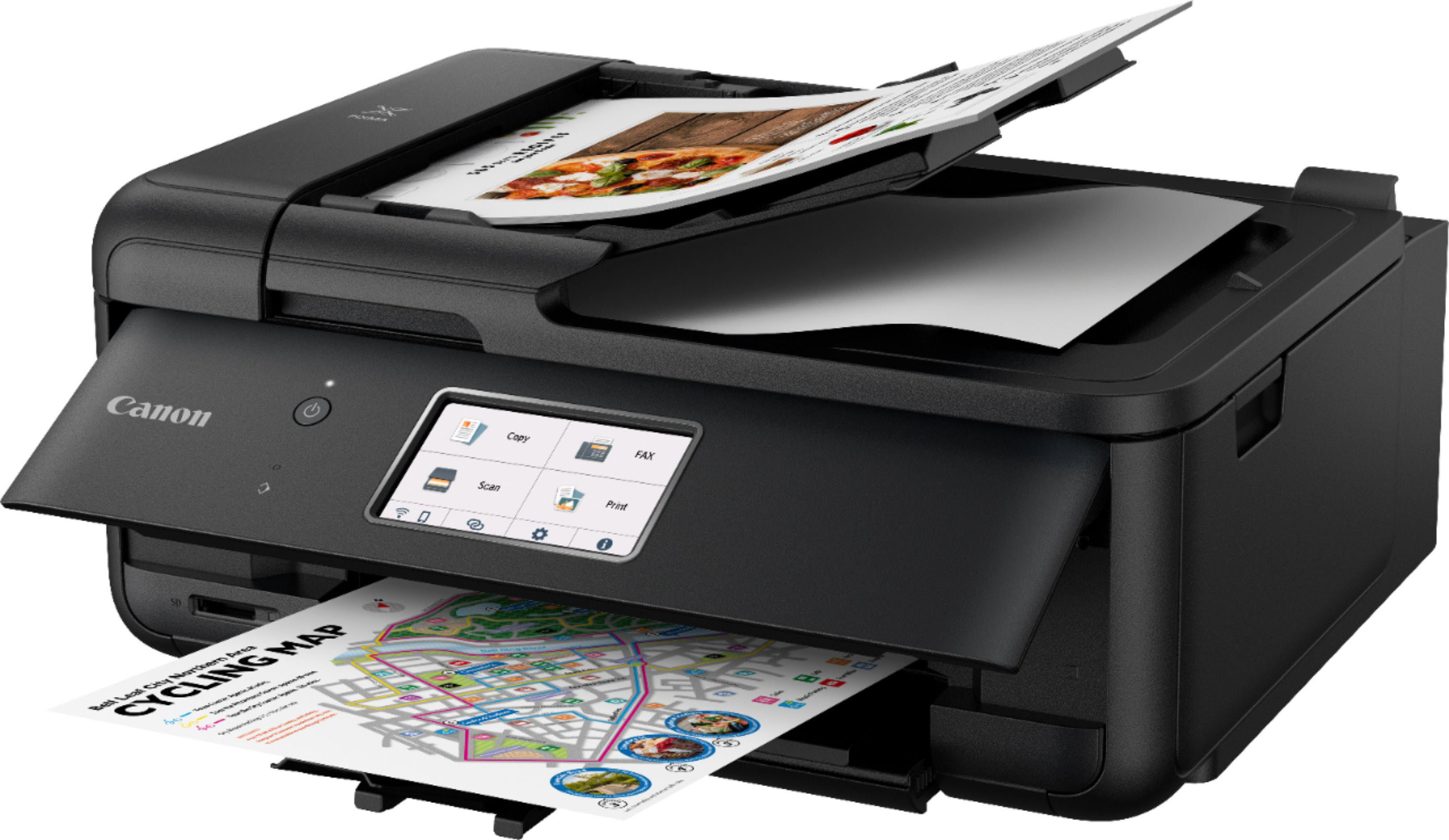
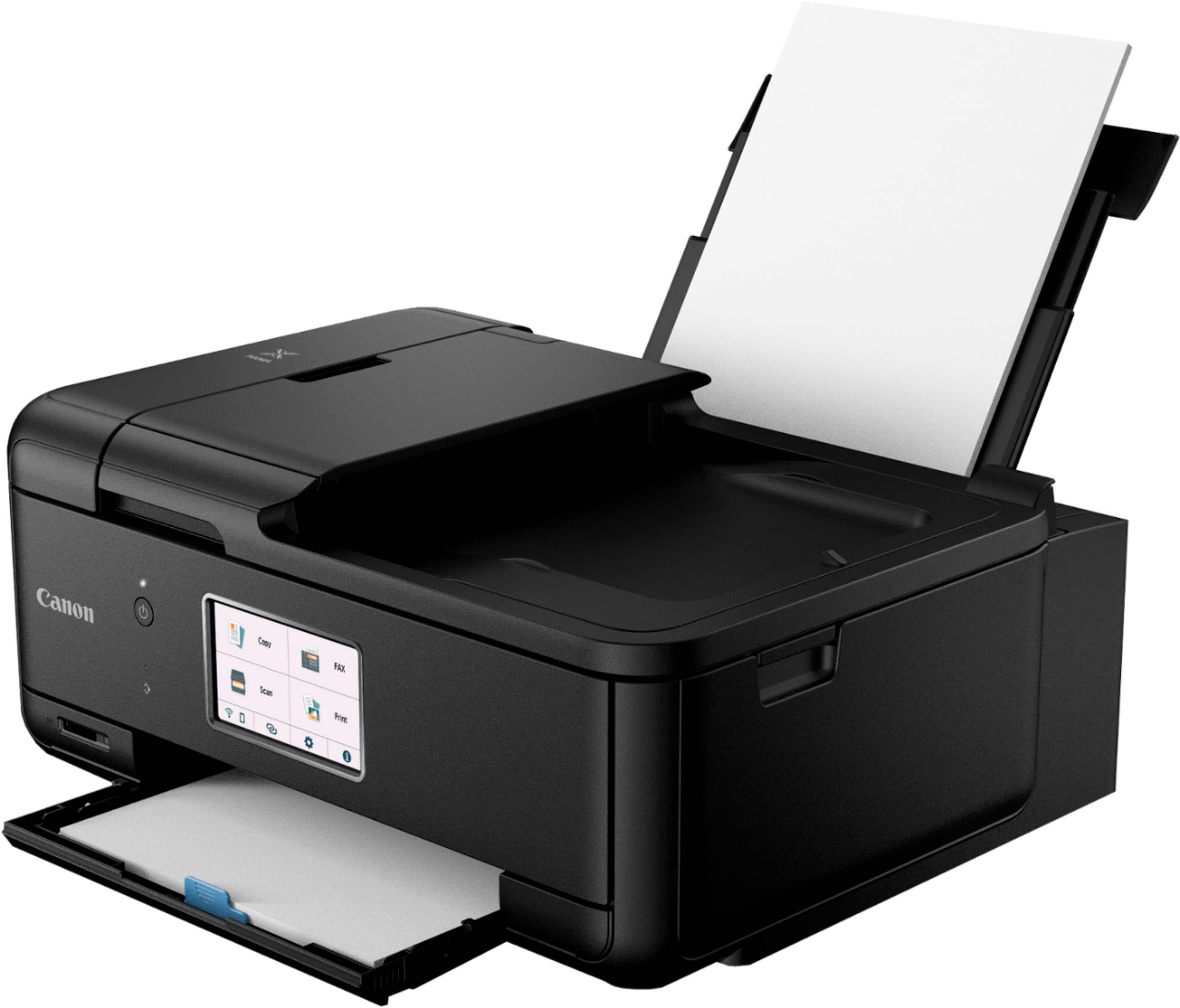
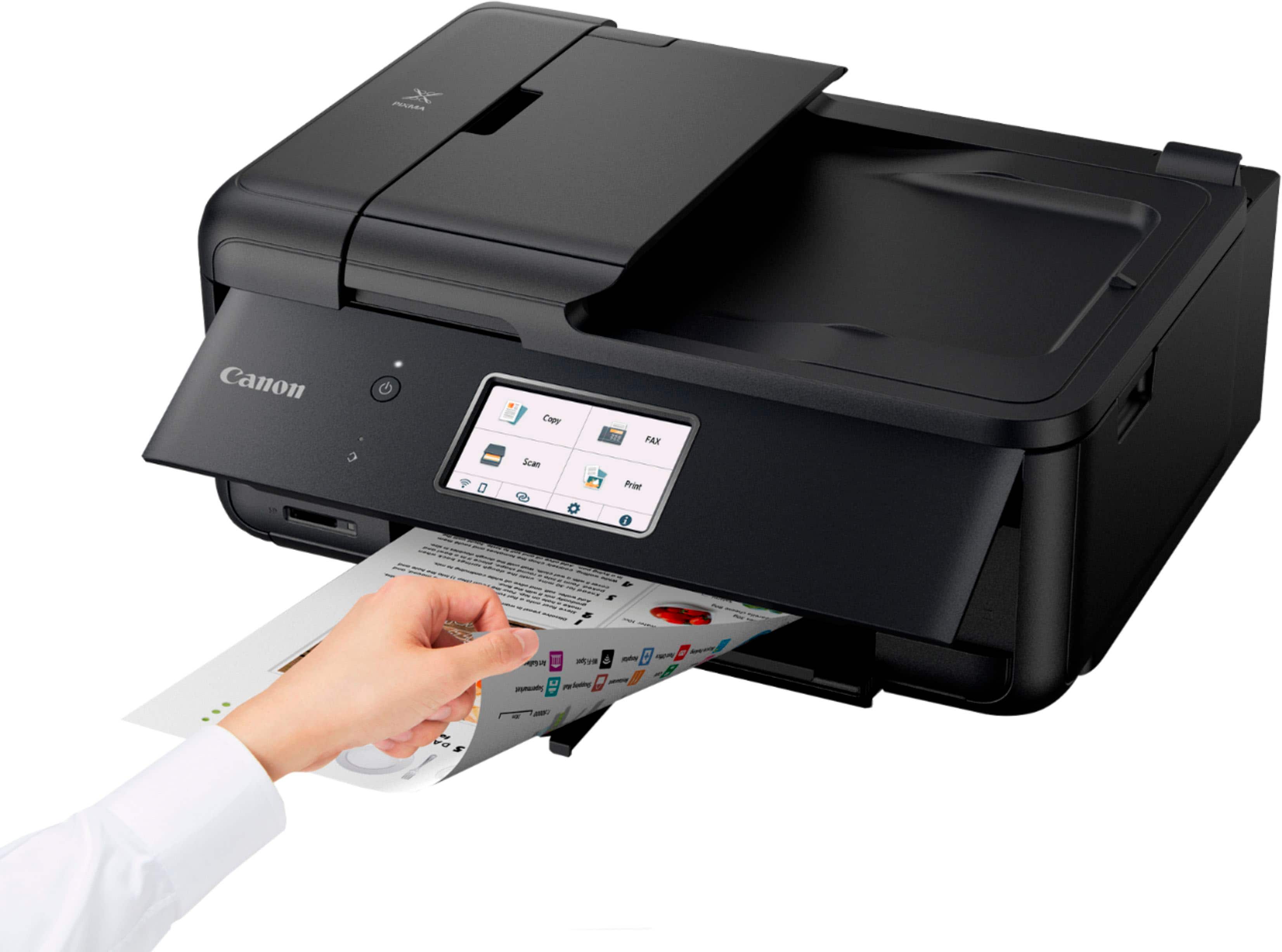
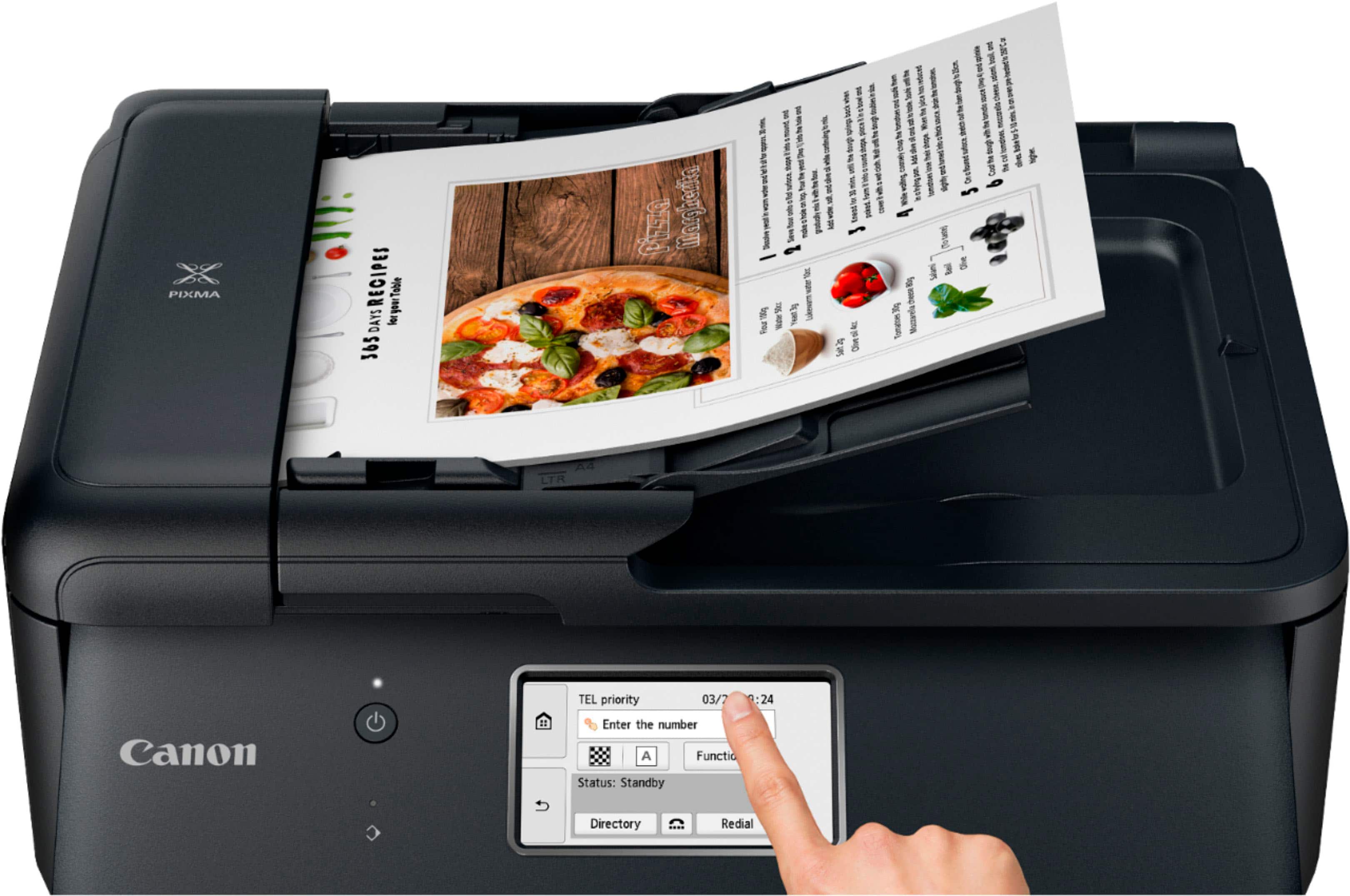
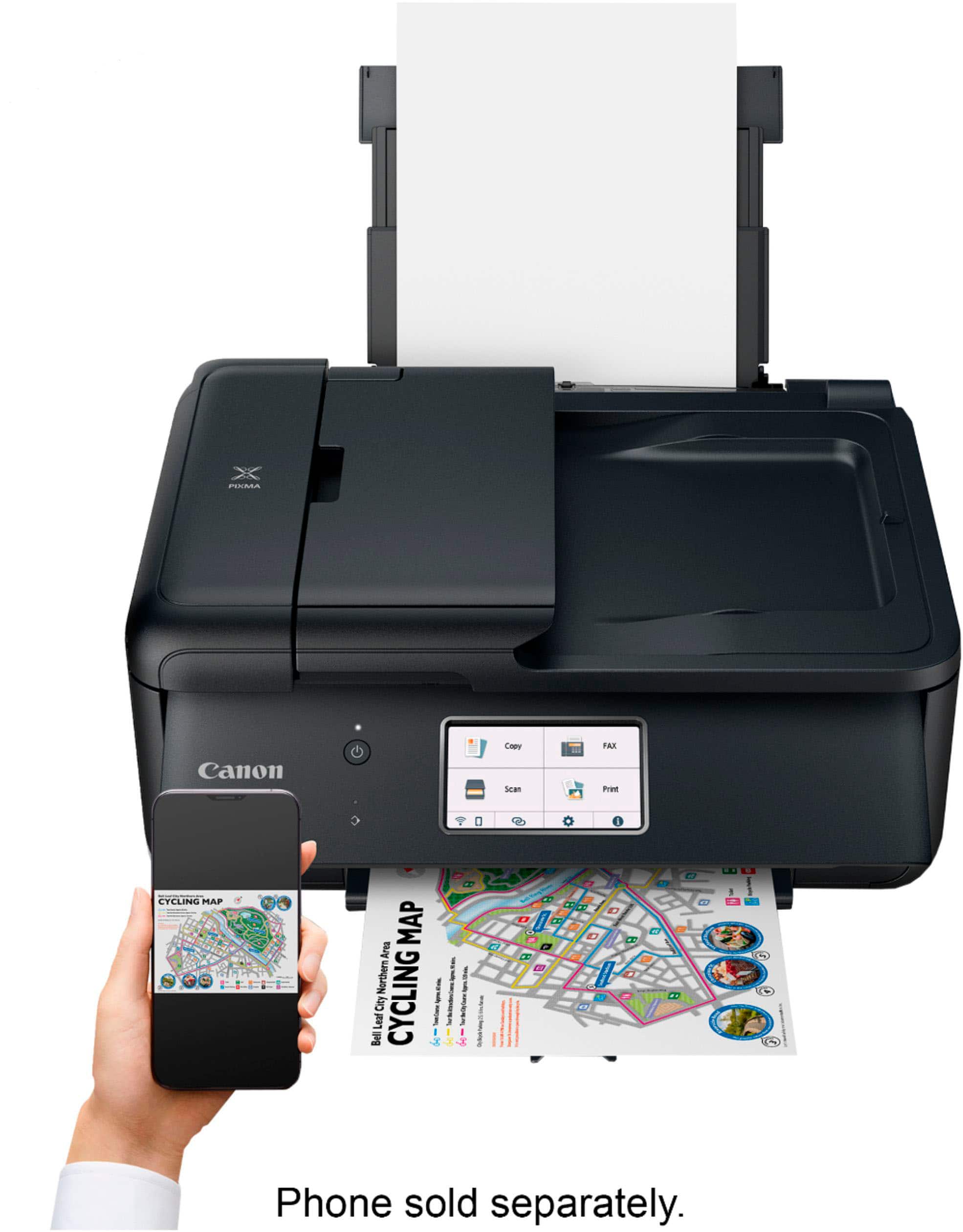
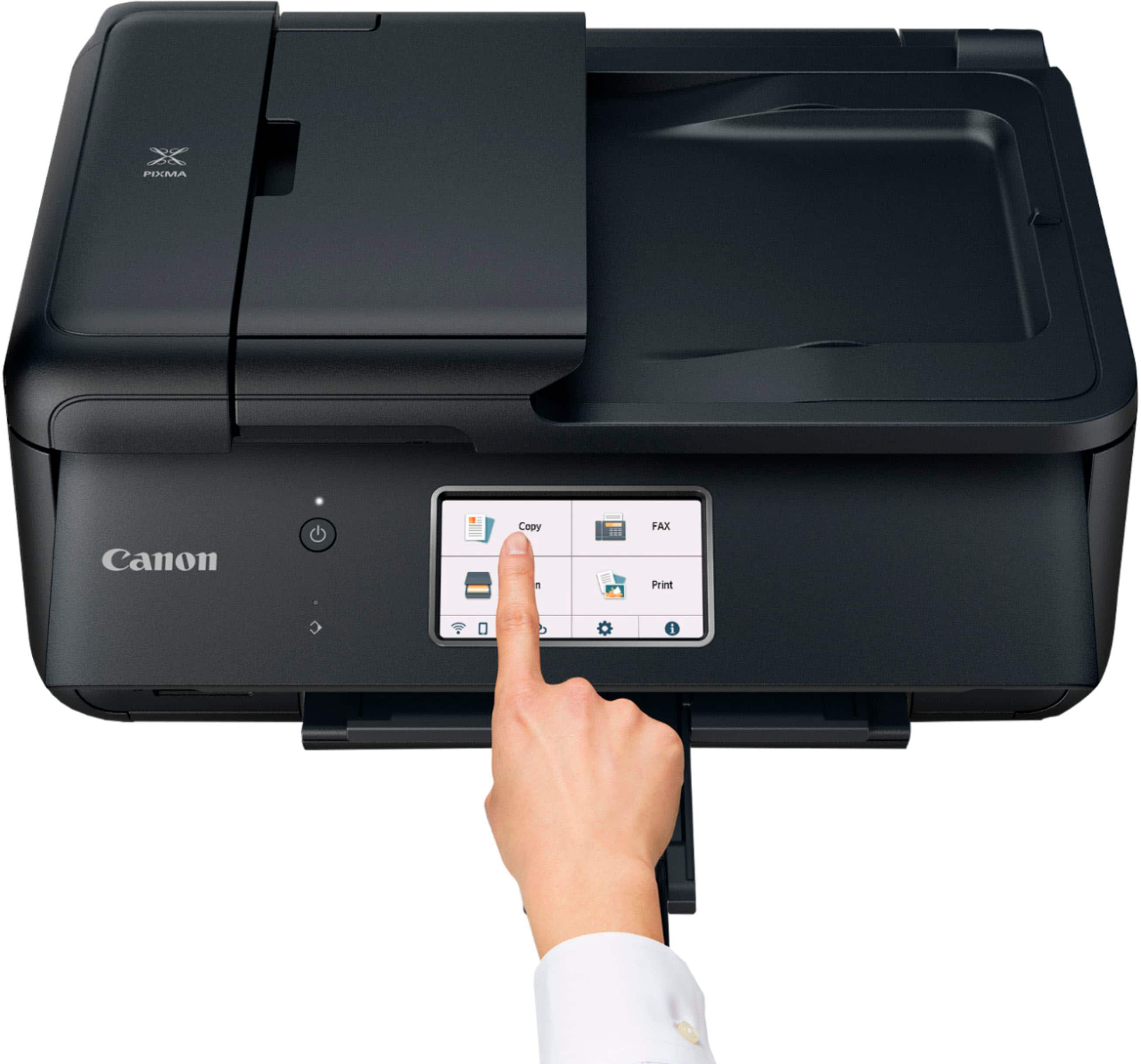
||Posted . Owned for less than 1 week when reviewed.This reviewer received promo considerations or sweepstakes entry for writing a review.First, this printer is compact and set up for easy installation and operation. It integrated instantly with my WiFi, and printed very fast and very good quality output in black and color. The five cartridges that came with it were very easy to install (easy access) with good feedback for proper installation (a beep when each one was properly seated). The starter ink cartridges have tiny capacity, but that’s not unusual. I ordered high capacity "E-Z Ink" cartridges for when these run out. (You have to get good quality replacement cartridges, and these get high marks.) I tested scanning, copying, faxing, and auto-duplex printing, and everything works fine. I eventually got the fax component to work, although it was pretty confusing, mostly because my cable phone line didn’t want to cooperate at first (I connected from the modem/router through the printer to the phone/answering machine to run both on a single land line). I don’t expect to fax much, so it’s not a big problem. I mainly like the auto-document feeder, even if it does not do duplex (simultaneous 2-sided) scanning. The one drawback is that you have to raise the front panel in order to print. That panel is not robust, even though the color touchscreen works really well. You can’t print without the front panel being raised and the printout tray being extended, and that makes them vulnerable to breaking, if you leave them up raised/extended. I’m just going to leave them closed until I need to print, then open them up. I really like the Canon print app, since I print/scan a lot from my phone and tablet, and my MacBook added the printer right away via WiFi. Canon and Apple work pretty well together in my experience. I did remove every trace of my old printer from the MacBook before installing he new printer software for this printer. There are two paper trays, one in front and one in back, which is nice to have if you do envelopes and/or photo prints in the back feeder, along with regular 8.5x11” text printing in the front tray, but they are a little finicky to set up and load. So, in summary, this printer has really stout, fast, high-quality innards, but rather delicate exterior features. It replaces an old, but reliable Pixma MG3220, which was pretty sturdy on the outside, but very basic and not particularly swift or easy to use on the inside. I’m really happy with this purchase, and Best Buy did a good job in the purchasing process: competitive price, in stock, and easy pick-up.
I would recommend this to a friendSolid Work Printer
||Posted . Owned for 1 month when reviewed.This reviewer received promo considerations or sweepstakes entry for writing a review.As a Kitchen Manager, I spend a few hours going over P&L and cost analysis documents. I need a printer thats solid and wont give me much lip when I ask it to do its job. My first printer failed me for the last time and had to terminate its employment. Luckily, Black Friday deals were still going on and I knew it was time to seek a replacement. I needed an easy to connect, fast printer that will reliably do what I needed every time. After much comparing of numerous models and shoulder brushing with stressed out shoppers/employees, I found this printer. After months of use, it has been a top performer. My 3 month evaluation would be: exceeds expectations. If I paid this printer a wage, I'd give it a raise (I consider raises no less than 6 months after hiring, so high praise).
I would recommend this to a friendVery satisfied with Canon printer to date
||Posted . Owned for 1 month when reviewed.This reviewer received promo considerations or sweepstakes entry for writing a review.Printer has been working great so far. Easy setup and works well with my wifi. A few things to note: the paper tray appears to hold less paper than other printers I have had before. It is also a little more recessed so not as convenient to reach. Also it's kind of odd that the control panel has to be open in order for the printer to work. But so far these are the only minor negatives I have encountered.
I would recommend this to a friendDecent printer!
||Posted . Owned for 1 year when reviewed.This reviewer received promo considerations or sweepstakes entry for writing a review.Haven't had any issues it prints pretty fast and is compact enough for our needs! Don't expect it to hold much paper in the tray because of how compact it is.
I would recommend this to a friendA Most Dependable Printer/Scanner/Copier/FAX
||Posted . Owned for 3 weeks when reviewed.This reviewer received promo considerations or sweepstakes entry for writing a review.I have the original PIXMA TR8620 and have extensively used it for the past 10 tears. I've always been impressed by the Canon PIXMA TR8620. Unfortunately, the unit failed. I normally could have fixed it, but I am now disabled. I purchased the TR8620a and am more impressed by it. It hooked up exactly the same as the TR8620. Everything on the TR8620a works good! Best Buy having it on sale for $60 off retail was frosting on the cake.
I would recommend this to a friendPerfect for home office.
||Posted . Owned for 2 weeks when reviewed.This reviewer received promo considerations or sweepstakes entry for writing a review.Best printer I have ever had. Easy set up and compact. Excellent addition to home office.
I would recommend this to a friendCanon
||Posted . Owned for 1 month when reviewed.This reviewer received promo considerations or sweepstakes entry for writing a review.It is the right size and operates without issue. I would like to set is to stay on until I manually turn it off for remote printing.
I would recommend this to a friendNew printer
||Posted . Owned for 1 month when reviewed.This reviewer received promo considerations or sweepstakes entry for writing a review.Very easy to set up - fast in scanning/ printing Had other Canon for + 10 yrs
I would recommend this to a friend
Nice printer
|Posted .This reviewer received promo considerations or sweepstakes entry for writing a review.Easy to setup and the quality was pretty decent on it. Shipping was delayed but it was during the holidays.
I would recommend this to a friendPrinter
||Posted . Owned for less than 1 week when reviewed.This reviewer received promo considerations or sweepstakes entry for writing a review.This printer is awesome and it’s very helpful make good copy
I would recommend this to a friendGreat printer for documents and photos!
Posted .This reviewer received promo considerations or sweepstakes entry for writing a review.Best Bang for your BUCK!! No issues whatsoever with the Canon Pixma. bought this Canon for business to print and scan the usual documents. BUT, I have also been using it to print on transparency paper for my art projects. Currently doing cyanotypes. It's especially handy printing images directly from my phone. Couldn't be happier with this all-in-one printer. Found a cheap vinyl cover on amazon to complete the package.
I would recommend this to a friendGreat Printer
||Posted . Owned for 3 weeks when reviewed.This reviewer received promo considerations or sweepstakes entry for writing a review.I like this printer because it’s simple and easy to use. Easily connected it to our iPhones and iPads. And it prints very nice. Good price too!
I would recommend this to a friendCanon printer we'd suggest purchasing
||Posted . Owned for 3 weeks when reviewed.This reviewer received promo considerations or sweepstakes entry for writing a review.Really pleased we went with the Canon printer. It was super easy to set up and even easier to use. This little device does it all, fax, scan, copies single and double sided, and the images of photographs is terrific. The sales person was right, great advice in recommending this printer for our home use.
I would recommend this to a friendMs
||Posted . Owned for 3 weeks when reviewed.This reviewer received promo considerations or sweepstakes entry for writing a review.Reliable, Easy to set up and user friendly. Quite. Nice looking machine blends well in the office. Great price
I would recommend this to a friendGreat printer, mediocre directions
||Posted .This reviewer received promo considerations or sweepstakes entry for writing a review.So far so good. I just finished setting up the printer and successfully printed from my laptop and from my phone. Heres the thing though (pay attention if you are not tech savvy) The directions are not good. If I were not very tech savvy I’d probably still be struggling to connect. The directions tell you first to download apps and a bunch of software. And then it tried to connect to the printer. Um, hello…. Directions, you skipped over connecting the printer to WiFi. Of course this will leave your phone and laptop spinning, looking for the printer, lol. So basically I ignored the last page of directions. Skipped downloading a bunch of cumbersome software, and just manually connected to WiFi. On the printer, hit settings, WiFi, manually connect, then enter your WiFi password. Your printer will now be discoverable to your home devices (phone, laptop, iPad). Easy peasy. I was printing a few seconds later. Print quality good so far. Quiet. Relatively speedy (compared to my last canon). Printed a page in about ten seconds.
I would recommend this to a friendBetter than the alternatives doesn't make it good.
||Posted . Owned for 1 month when reviewed.This reviewer received promo considerations or sweepstakes entry for writing a review.The paper feed is very quirky: the default is a rear-mounted cassette that doesn't come with the printer and is otherwise unavailable (at least I can't find it advertised anywhere) and the top-load feature, while functional, doesn't hold much paper. Also, the power default shuts the printer off after an hour, and the menus to set it to a more usable setting are less than intuitive. There are some other quirks as well. Overall, however, the print quality is good, ink usage is acceptable, and the general ease of set-up and use is far superior to the HP 9015 it replaced.
I would recommend this to a friendHard to beat the value!
||Posted . Owned for 3 weeks when reviewed.This reviewer received promo considerations or sweepstakes entry for writing a review.I have been using Canon printers for a long time, and when I needed a new one I tried to find one that used the same ink cartridges as my earlier one as I had a supply. The print quality for price paid is excellent at the "normal" setting for the type of photographs I print. It does not have the Photo Blue ink cartridge of my earlier printer, but I have yet to see any difference in photo quality. The scan features are good for what I need, but I've yet to use the automatic document feature (that was not on my earlier printer). Every feature is easy to use and the printer couples effortlessly with my iMac computer over wifi. A bargain in quality low cost printers.
I would recommend this to a friendGreat home printer
||Posted .This reviewer received promo considerations or sweepstakes entry for writing a review.This printer is very easy to install. It is cost efficient because it uses individual color pods. If one color runs out, just that color gets replaced, rather than the whole insert. The price was reasonable at Best Buy, where I could pick the printer up, rather than having it shipped. The recycling option was also helpful in turning in my old printer.
I would recommend this to a friendPixma TR8620a
||Posted . Owned for 1 month when reviewed.This reviewer received promo considerations or sweepstakes entry for writing a review.This is a very good printer, my second of this model. I have had good luck with Canon Printers in various applications, replacing two other manufacturers' products. Color and B-W printing are excellent and accurate, photo printing is very good, and the unit has a reliable print quality over time. Set-up was easy and the printer has performed reliably. I would buy another, but I already own two.
I would recommend this to a friendCannon a step back in quality
||Posted . Owned for 1 month when reviewed.This reviewer received promo considerations or sweepstakes entry for writing a review.I had a cannon Pixma 922 for 15 years and it was a dream. I use a IMAc as my computer. On the latest Apple operating system update neither Cannon or Apple would take ownership of providing a driver that would allow the scanner to work. I purchased the PIXMA Tr 8620a. It is a cheap quality product and it is a pain to put in the paper and use. As a functioning printer. copier, and scanner it works and that's the best I can say. I would never buy another one based upon the construction of the product. I would not want my companies name on a product built like this.
No, I would not recommend this to a friend