Customer Ratings & Reviews
- Model:
- 4451C032
- SKU:
- 11991154
Rating by feature
- Value
Rating 4.4 out of 5 stars
- Quality
Rating 4.3 out of 5 stars
- Ease of Use
Rating 4.2 out of 5 stars

Print like a pro!!!!!
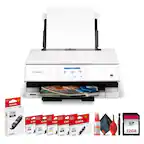
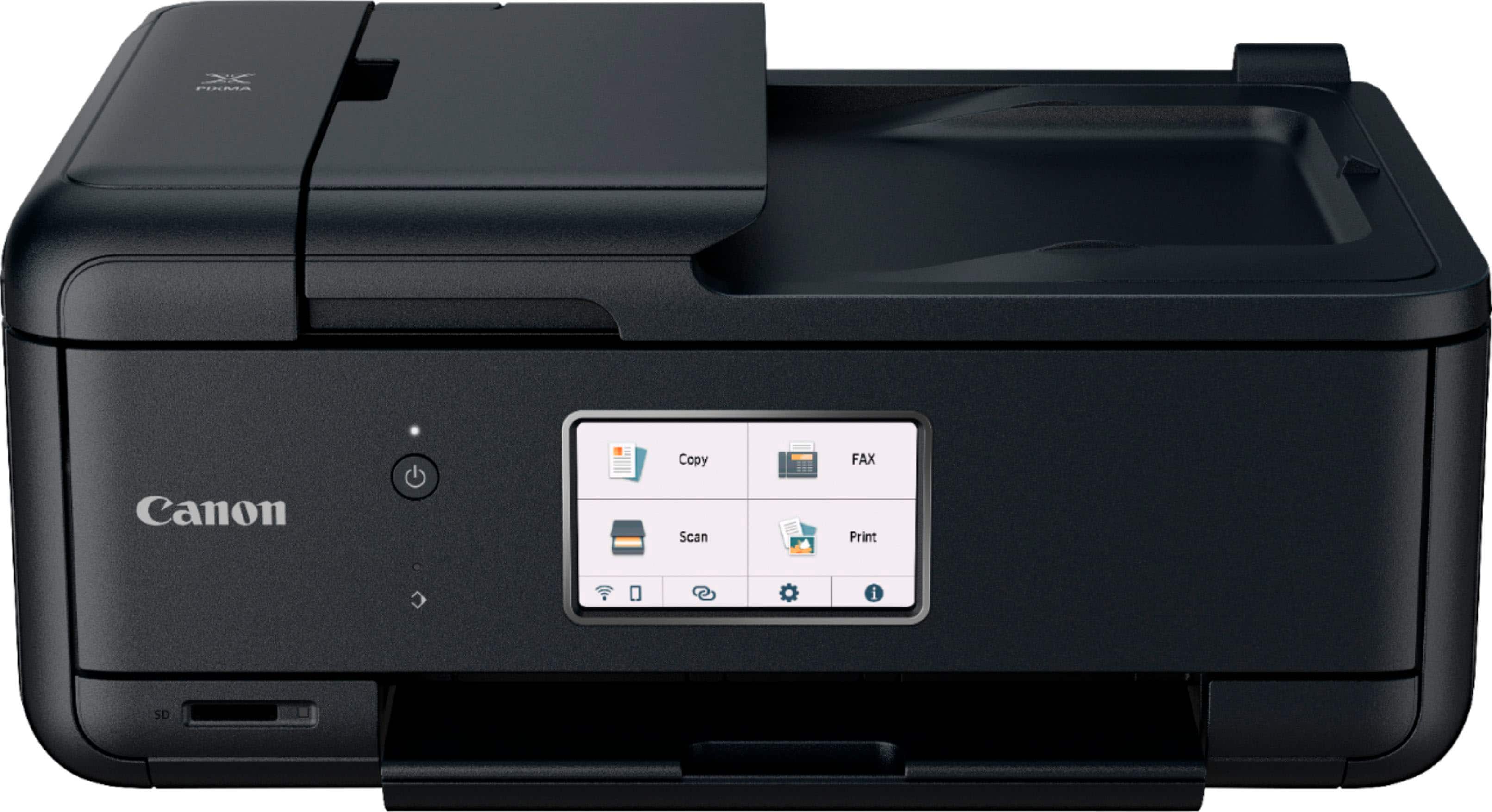
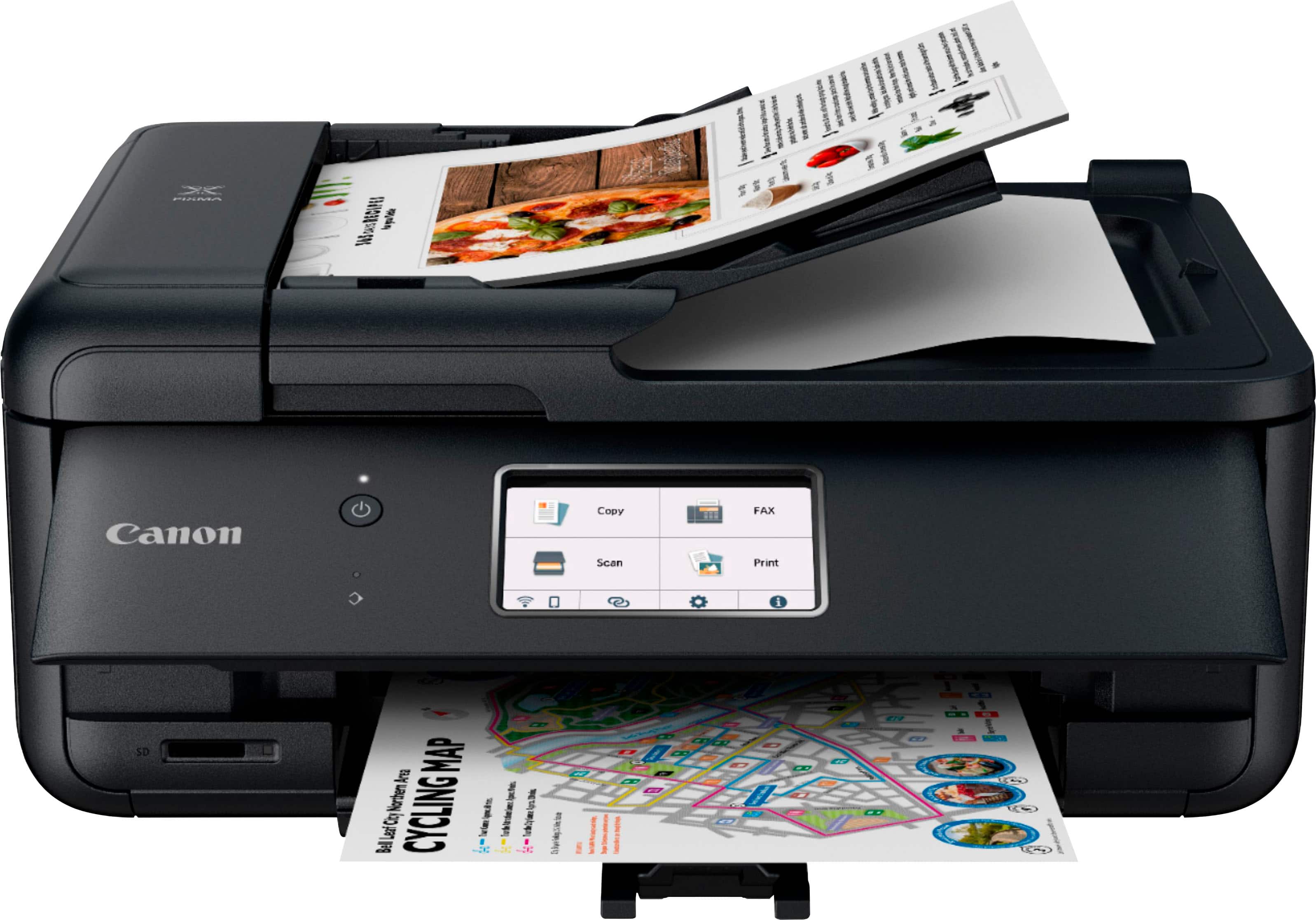
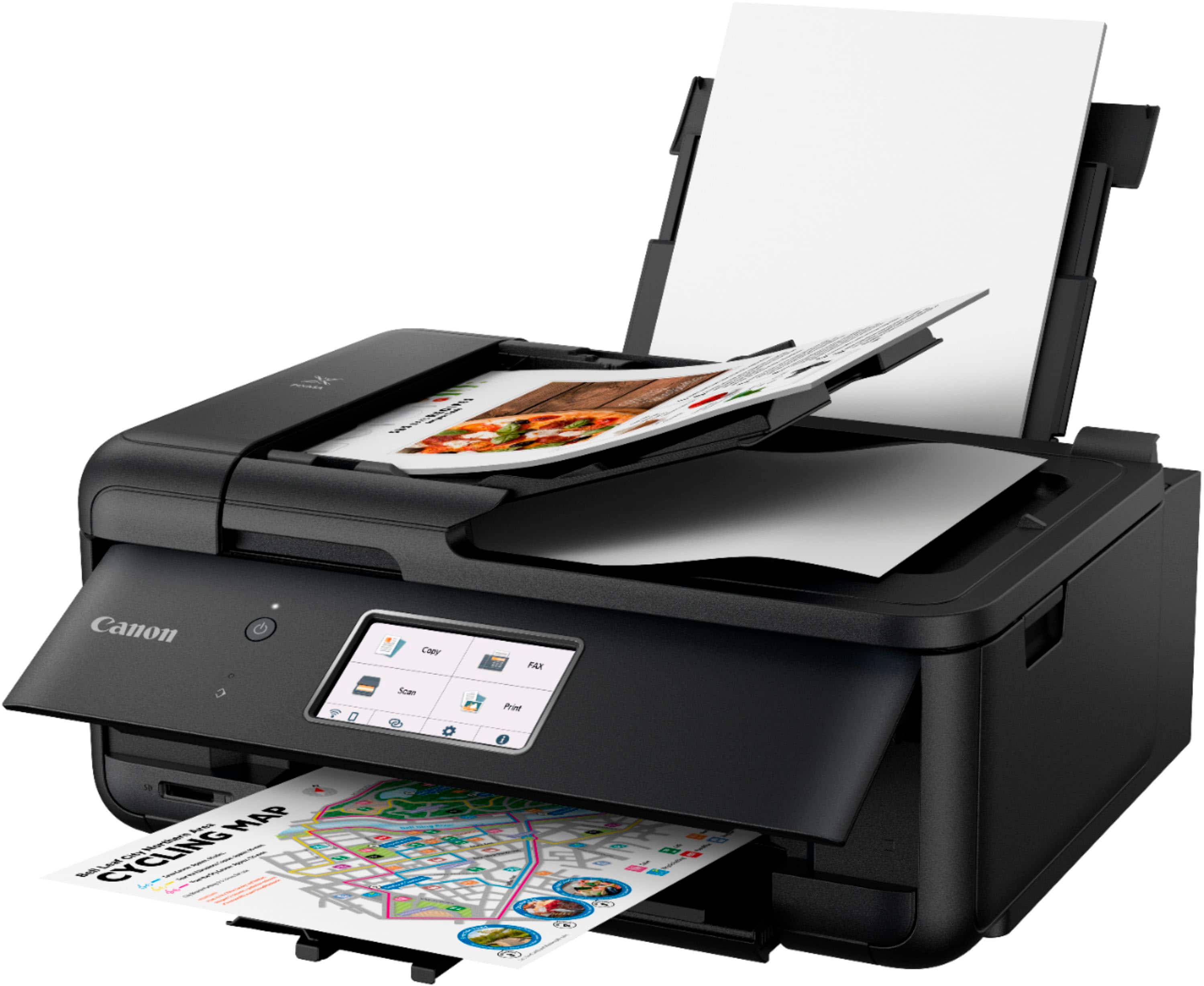
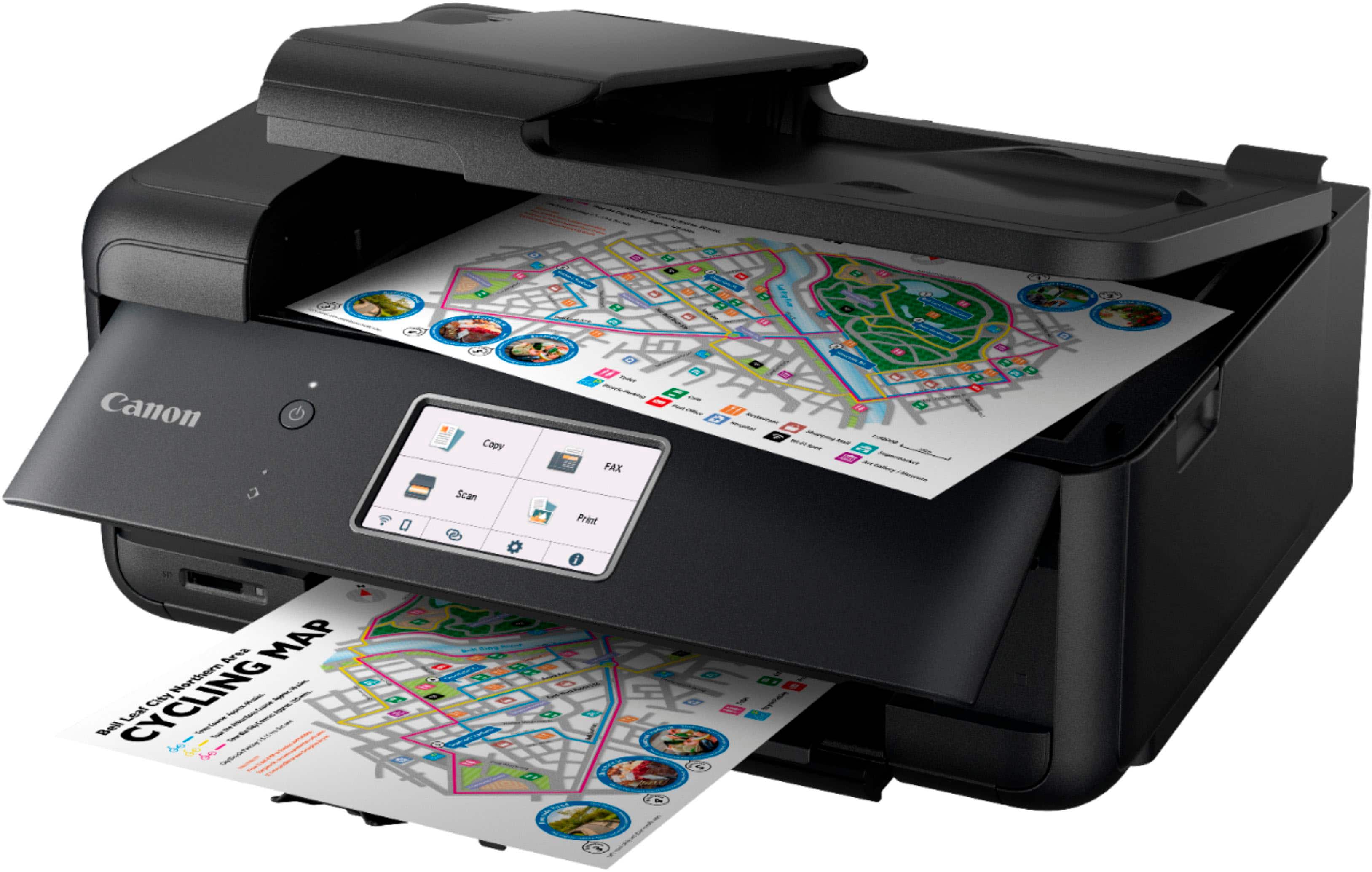
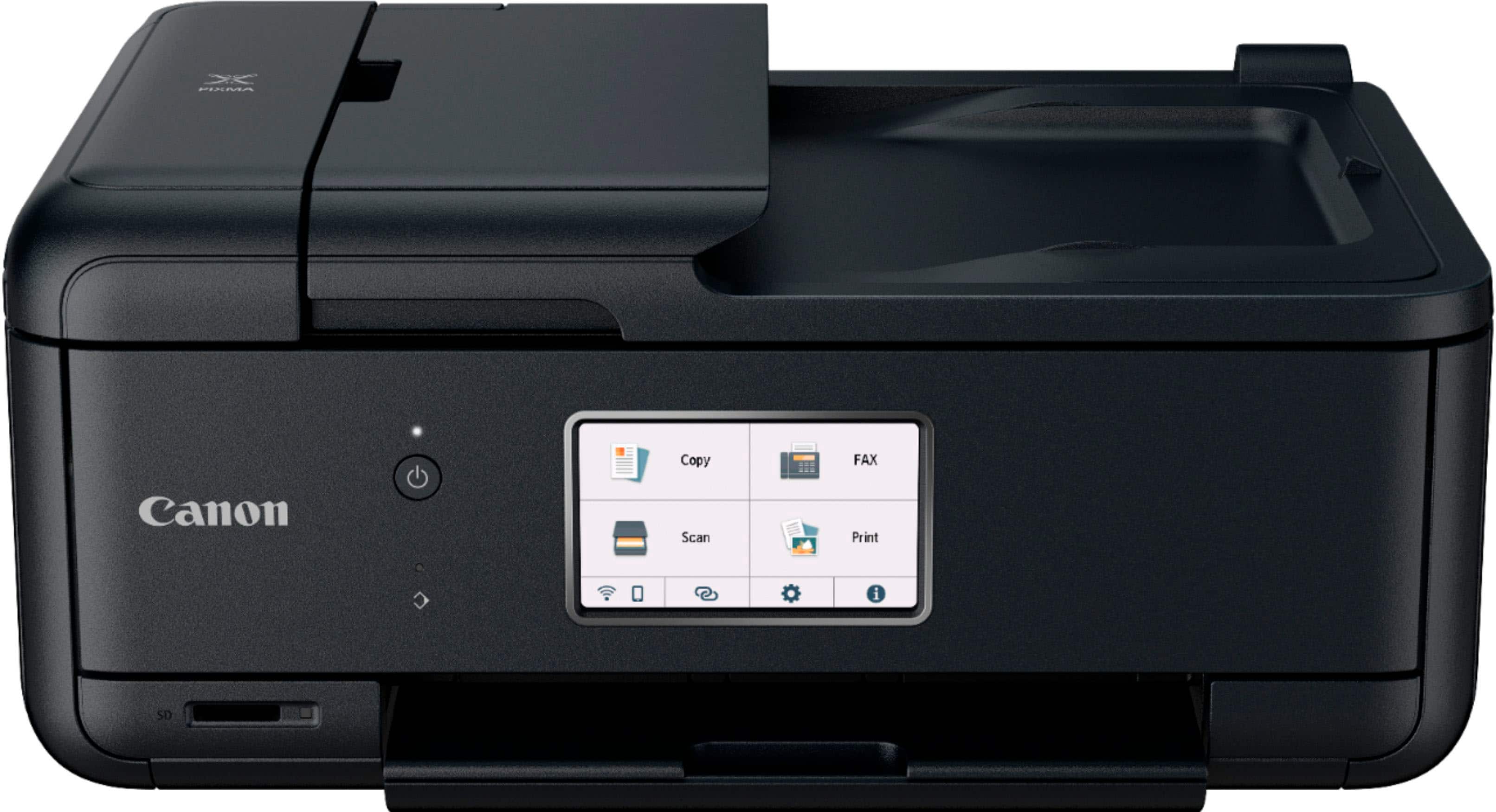
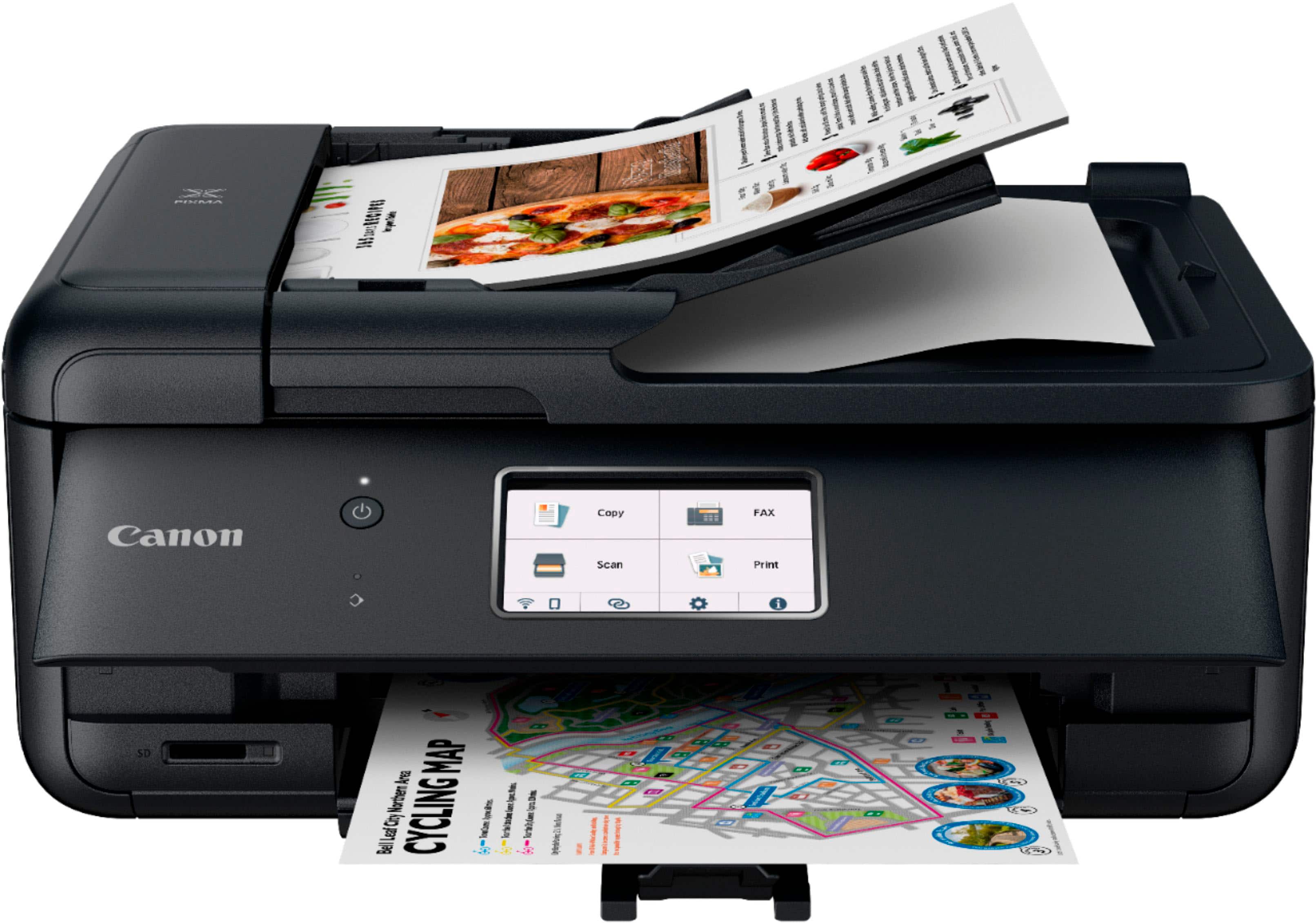
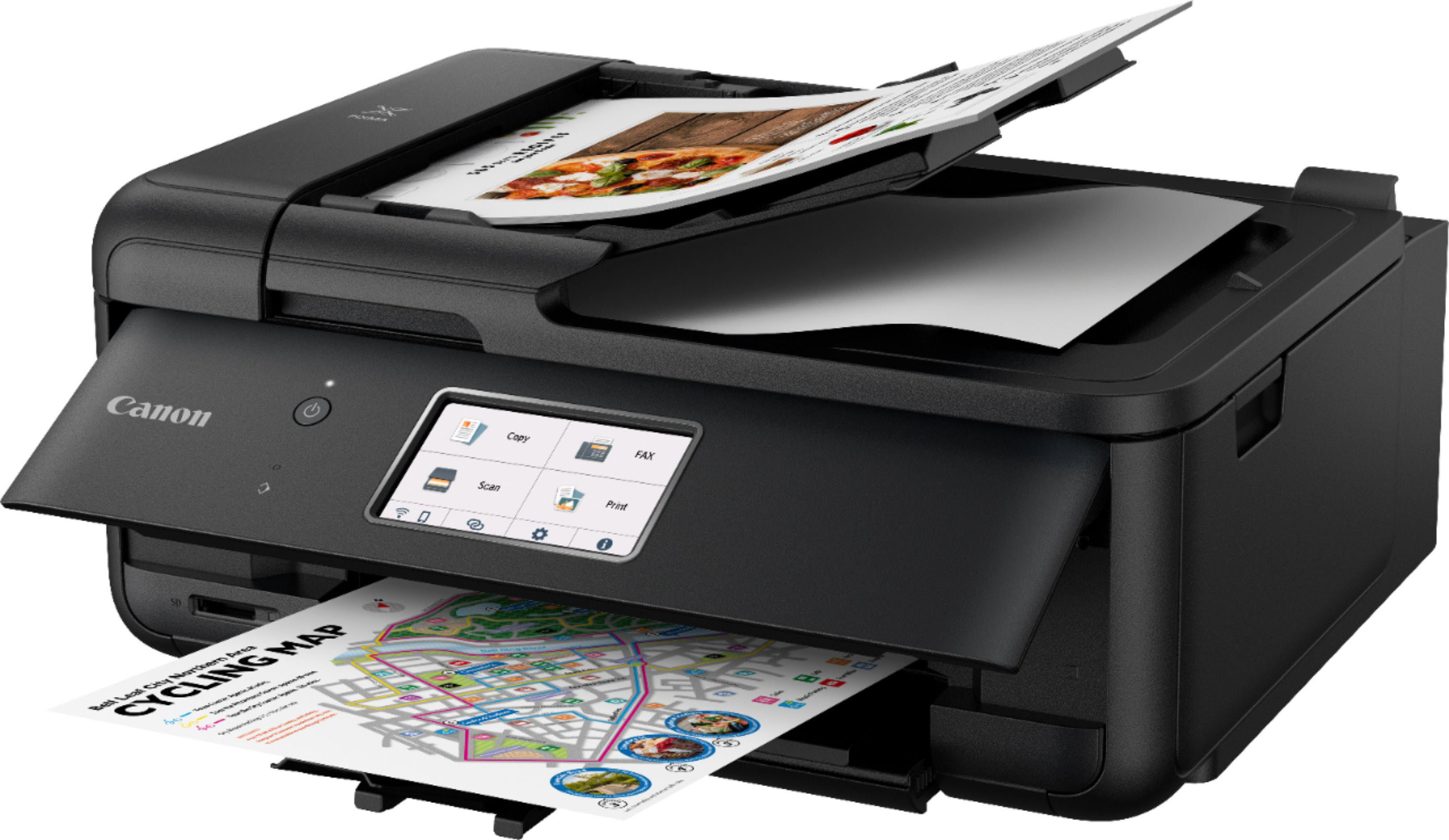
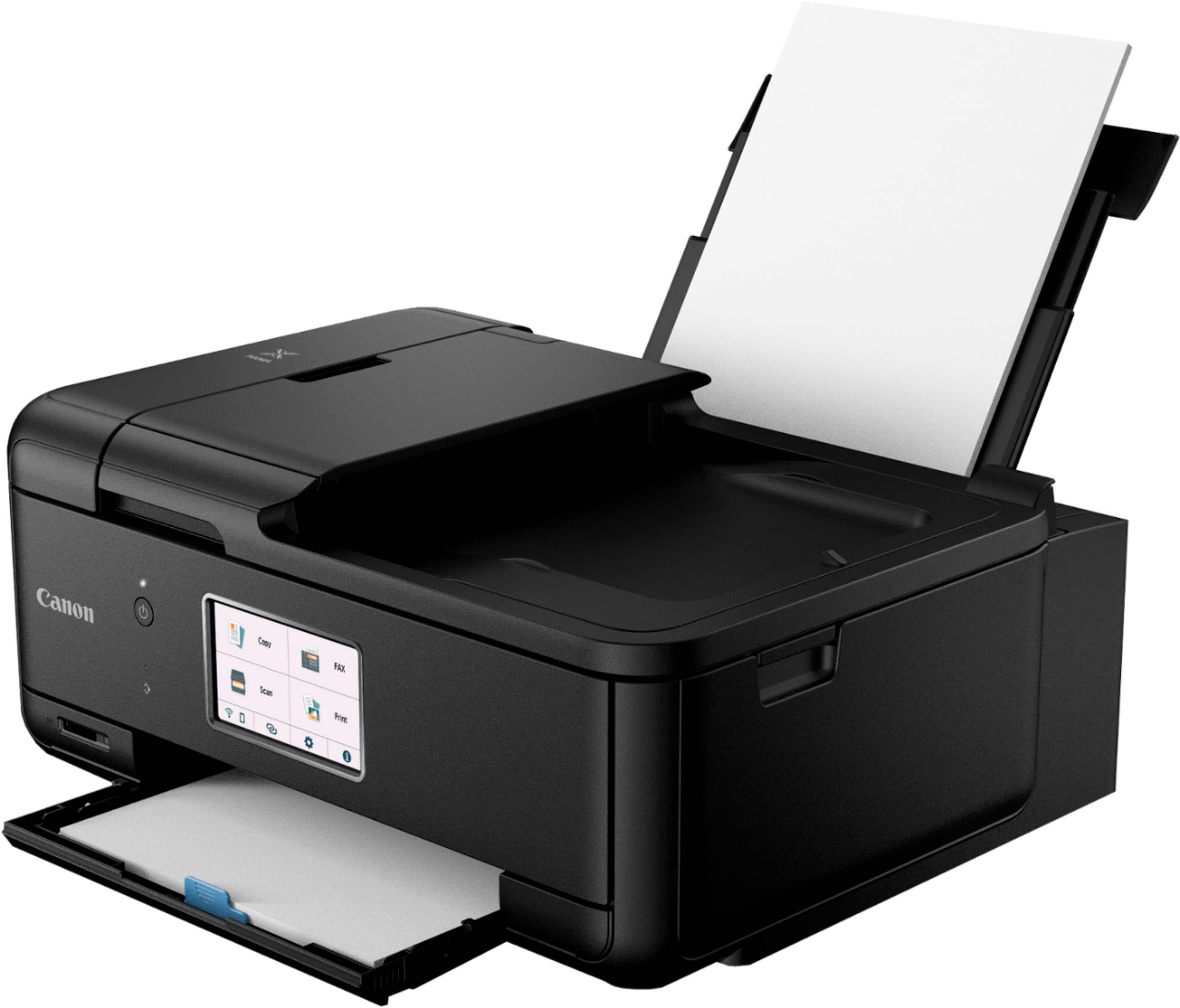
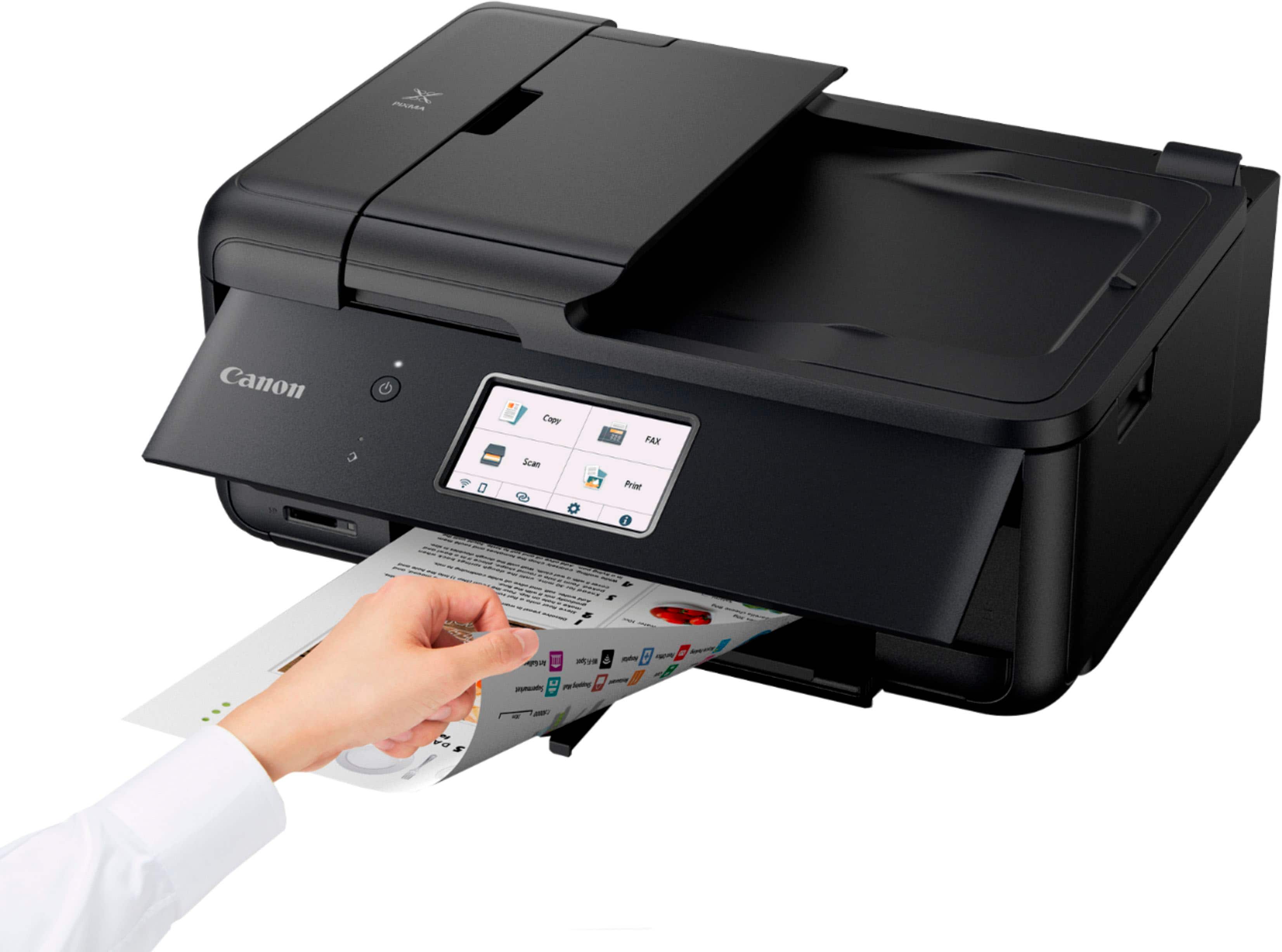
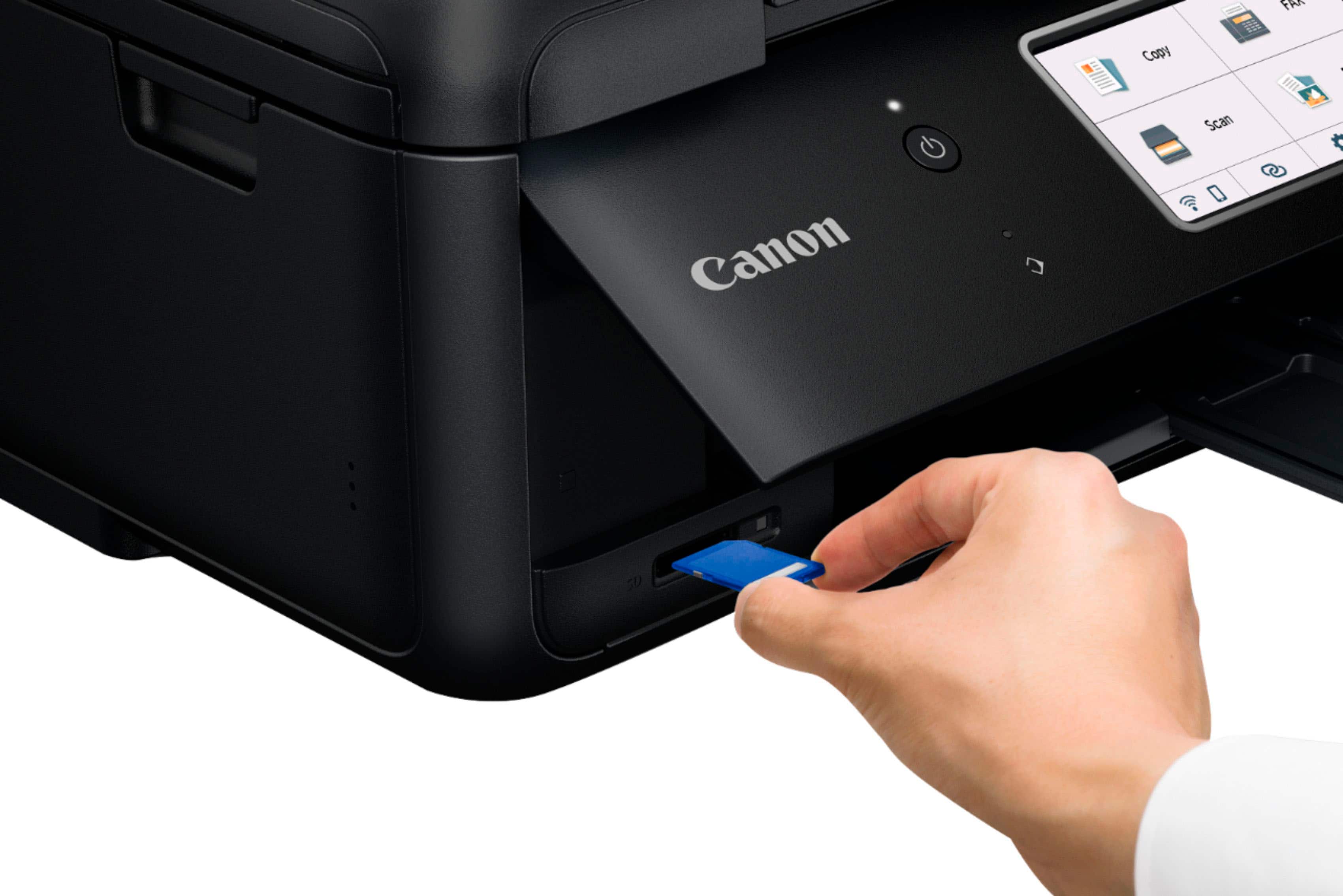
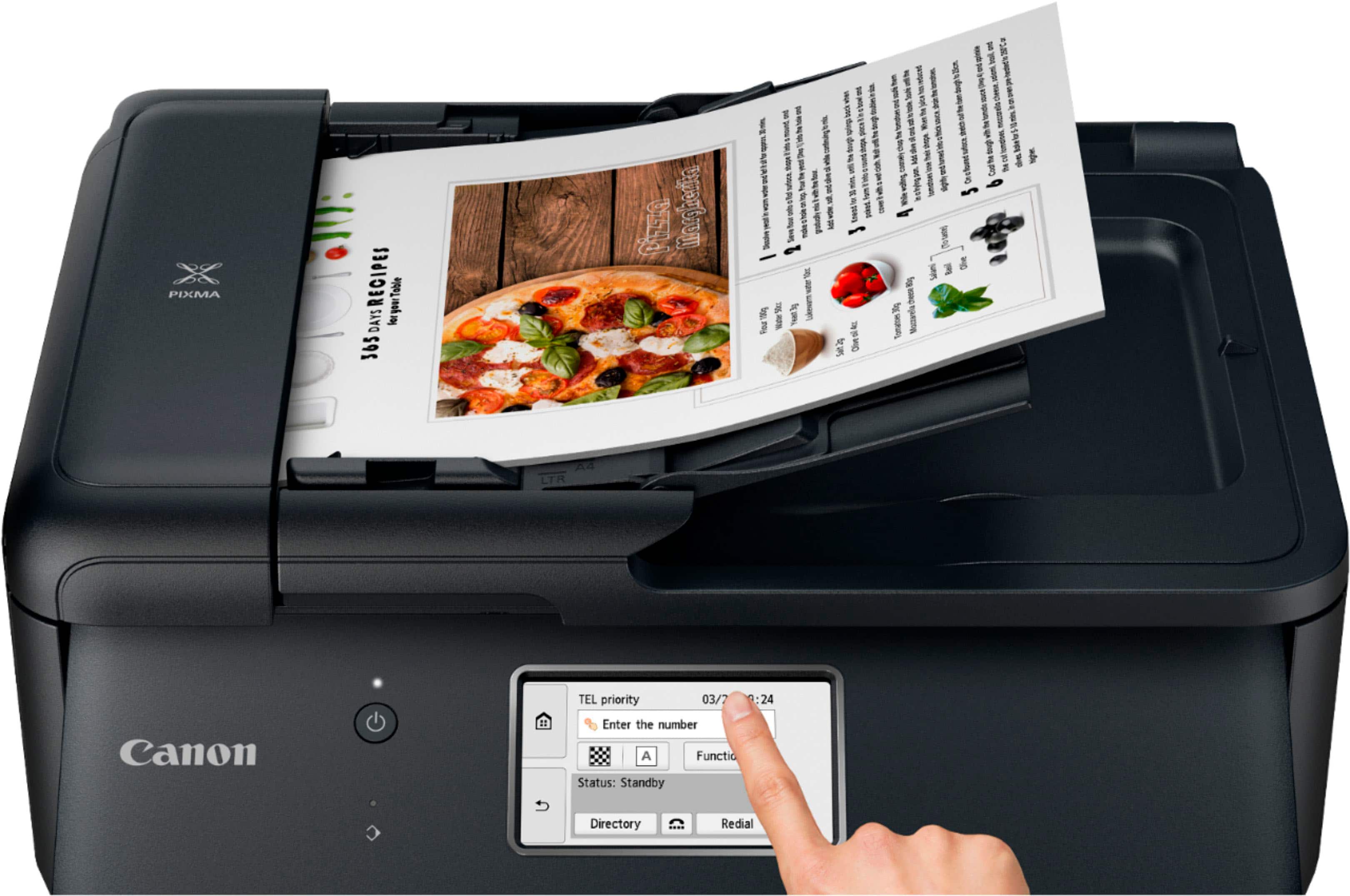
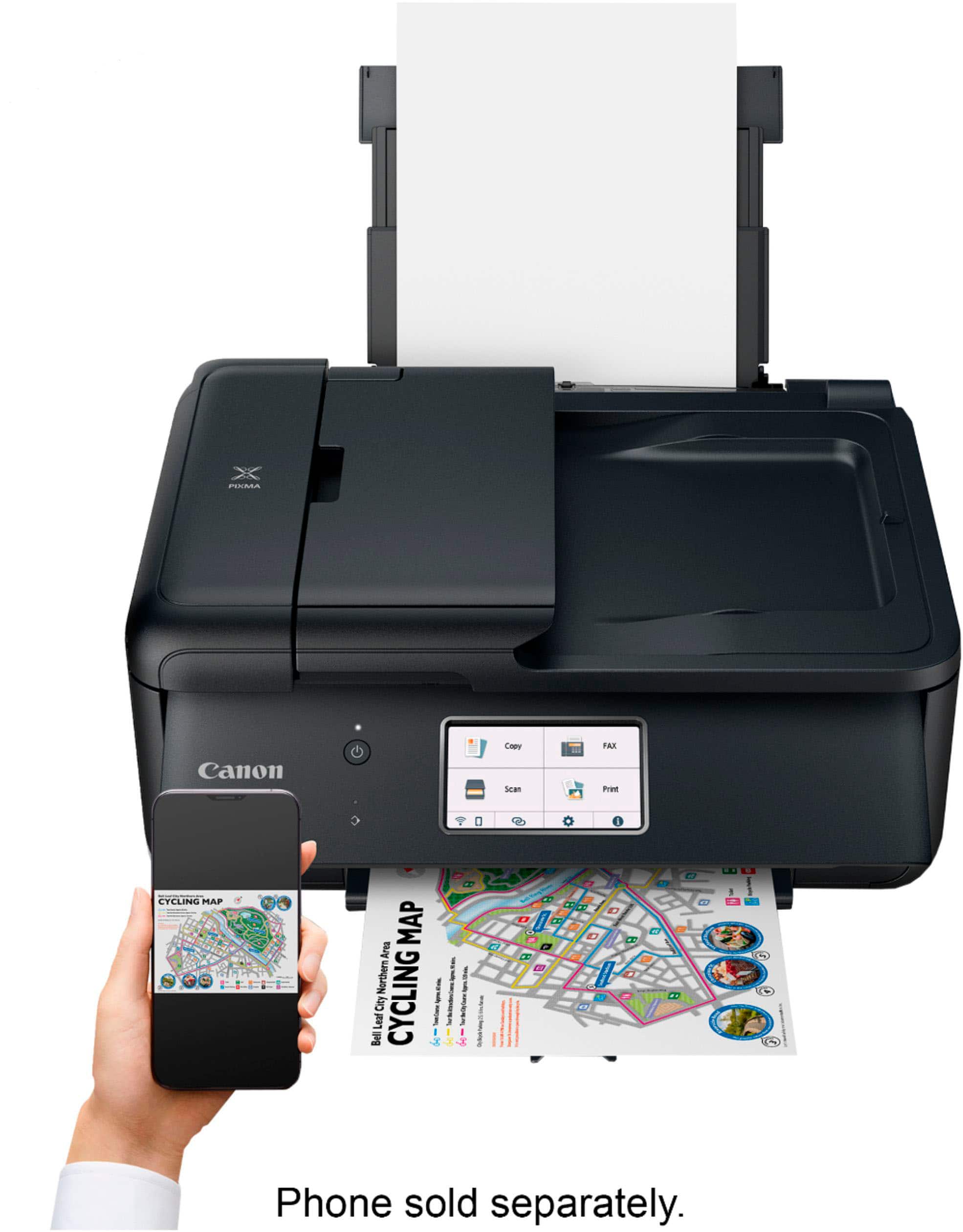
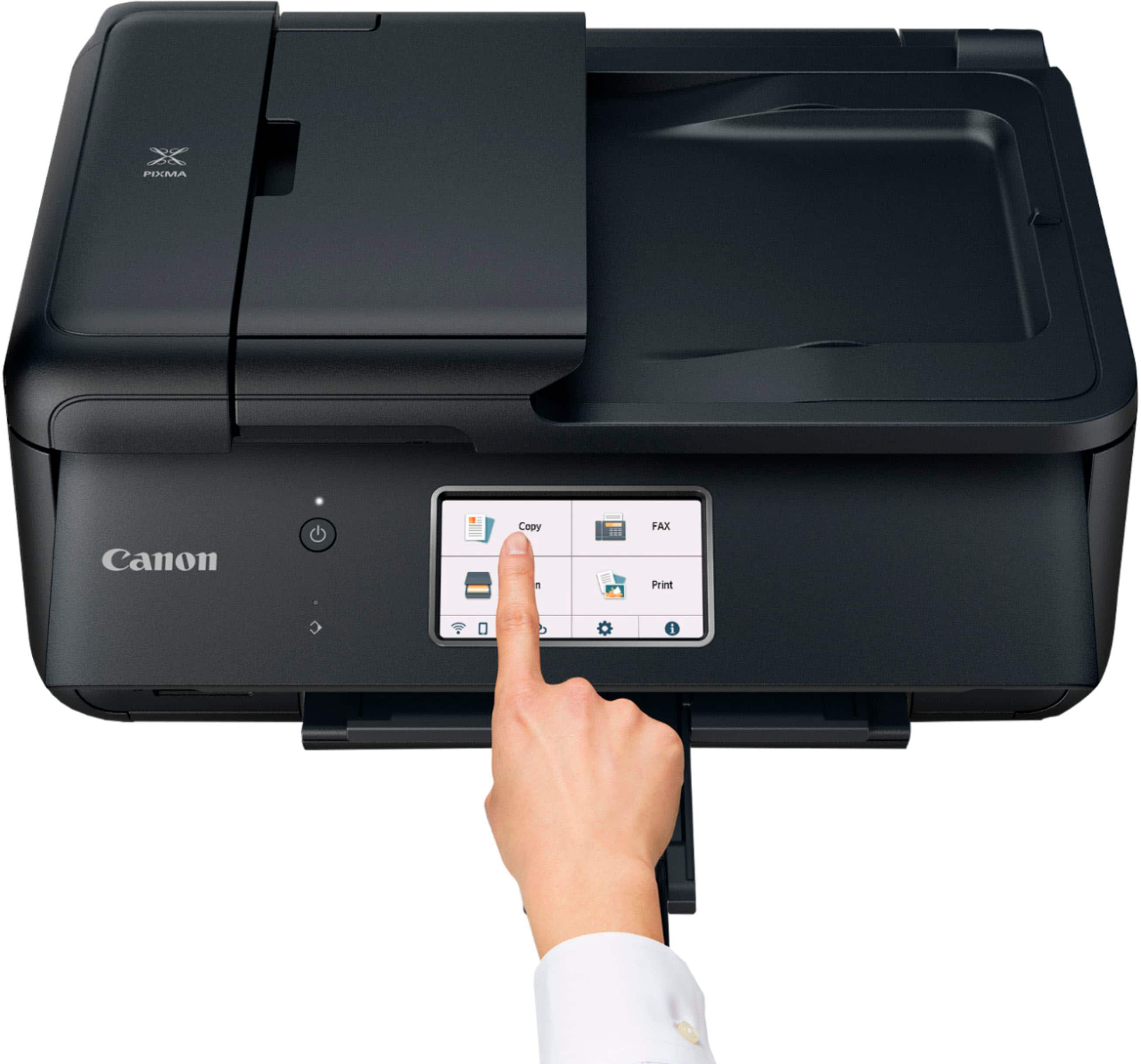
|Posted .This reviewer received promo considerations or sweepstakes entry for writing a review.Canon PIXMA TR8620a Wireless All-In-One Inkjet Printer is an excellent option for home or office. An all-in-one design including wireless and wired internet connectivity and fax machine capabilities will be a welcome addition to any home office. The setup was straightforward. I was up and printing within a few minutes. The 4.3" LCD touchscreen makes for easy control and task navigation. It also has front and rear paper support that lets you use all types of paper and options. Using the Canon print app Apple apron and Mopria print Service, you can also print on all mobile devices. You also have SD card support. Canon also uses the hybrid ink system, which gives you excellent blacks on all your documents and photos. The ink system uses five individual ink reservoirs, which provides a great cost-effect because you only replace the low ink. And I love that it has automatic two-sided printing. And it also supports Alexa and Google. There is also great software to download Easy-PhotoPrint Editor Software, PosterArtist Lite Software, And a Canon app from AppStore. It comes with Standard Ink Tanks(PGBK, BK, C, M, Y), Telephone/Modem Cords, and a power cord. This one will make your printing jobs effortless.
I would recommend this to a friend- Pros mentioned:Ease of use, Print quality
DonnaS
Posted .This reviewer received promo considerations or sweepstakes entry for writing a review.I'm very happy with this printer. It was very easy to set up and prints like a dream. I especially like the display on the front of the printer instead of on top. Much easier to read this way. Much faster than my other printer so what's not to like.
I would recommend this to a friend - Pros mentioned:Print quality
Great printer!
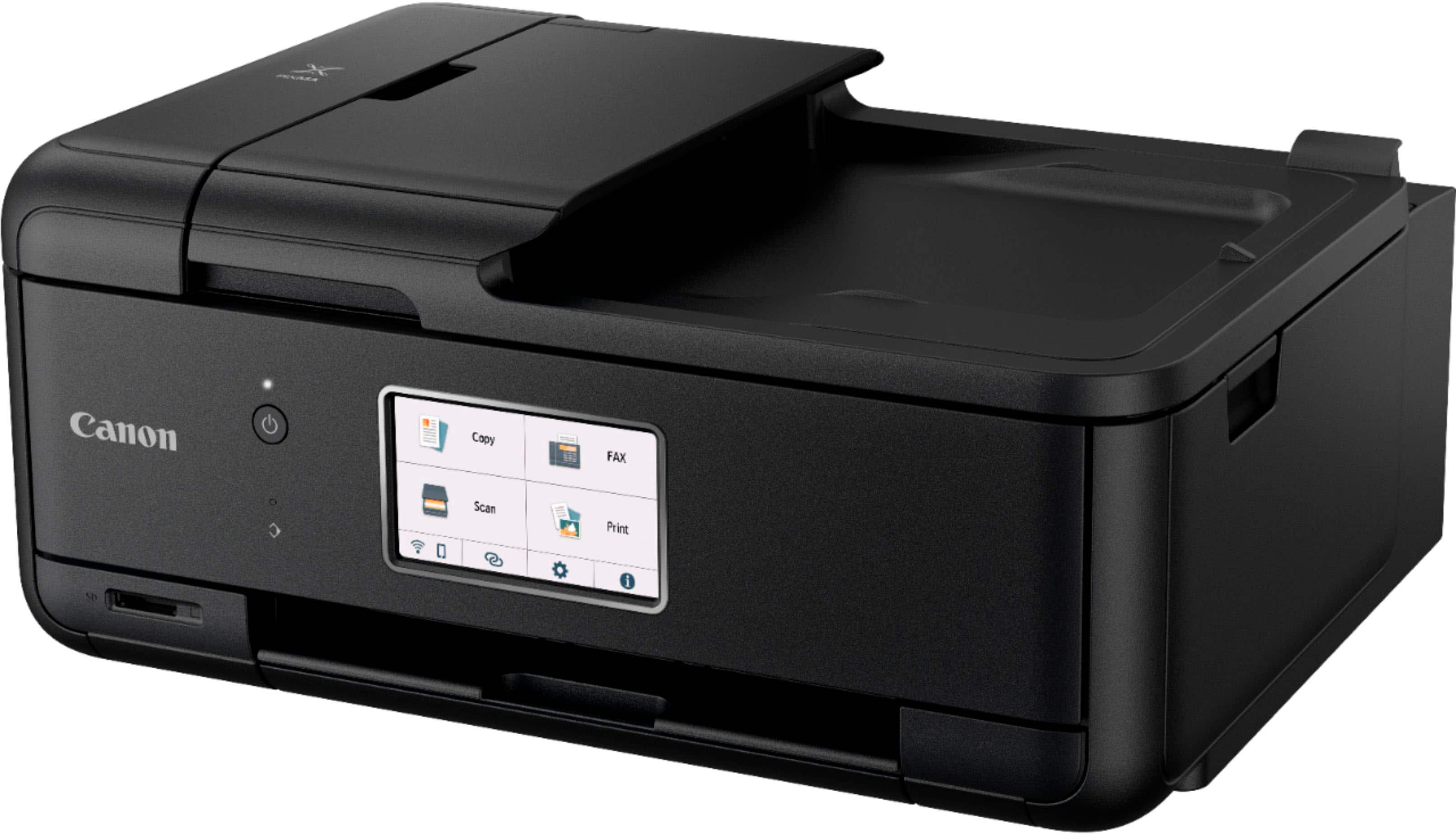
|Posted .This reviewer received promo considerations or sweepstakes entry for writing a review.Out of the box, this is a really nice looking printer. It has a wide, flat design and is very sleek looking. The front panel has a power button and the largest touchscreen I have ever had on a printer. There is an an SD slot on the front as well. After peeling off all the plastic and getting it plugged in, I was ready to give it a go. The "Getting Started" guide has everything you need to get started. Just scan the q-code with your smart phone to download the app. It does everything you need to get set up, walking you through it step-by-step. It has one of the easiest wi-fi setups I have ever encountered. The app is very useful for instructions on how to operate the printer and you can make setting adjustments as well. The print quality is excellent. Double-sided photo printing has come a long way and this printer handles everything with aplomb. It is one of the faster home printers that I have had. I really couldn't find any fault with this printer and recommend it with no reservation.
I would recommend this to a friend Geek Squad terribl work
||Posted .This reviewer received promo considerations or sweepstakes entry for writing a review.item not completed !!!!!!!!!!!!!!!!!!!!!!!!!!!!!!!!!!!!
No, I would not recommend this to a friend- Pros mentioned:Print quality
Great price for a printer
Posted .This reviewer received promo considerations or sweepstakes entry for writing a review.Very nice printer. Canon does a great job. Prints faster than I thought it would. Haven't had it long enough to determine the ink usage, but appears to be very good.
I would recommend this to a friend Best printer ever
Posted .This reviewer received promo considerations or sweepstakes entry for writing a review.I really like the printer,but it seems like, once the warranty expires, and so does the printer. I had the TR8520 purchased from staples, and once the 4 yr ins was expired, the printer wouldn't turn on. May be it's a staples store things. That's why my 2nd one wich is the TR8620a i decided to purchased it from bestbuy instead, that is of course my go to for every electronic stuff. And I'm so upset i couldn't bought my last one from bestbuy, cause of the lock down from covid-19 bestbuy wasn't allowed in store shopping, and i didn't know what kind of printer that i wanted back them,and staples store was wild open at the time,as long you had a mask on. But i kinda regret purchased it from staples, cause 4 yrs later, it wouldn't turn one. And everything i ever bought from bestbuy, 4yrs later, they're still going strong.
I would recommend this to a friendAwesome
Posted .This reviewer received promo considerations or sweepstakes entry for writing a review.Love this printer! Easy setup. Connected to my WiFi right away!
I would recommend this to a friend- Pros mentioned:Overall performance
Canno Printer
Posted .This reviewer received promo considerations or sweepstakes entry for writing a review.Its a very product i have it for over 3 years and its just now burned out but i definitely got my money's worth and it print fax copy just perfect im in the process of getting a new one it work perfectly
I would recommend this to a friend Great for home office!
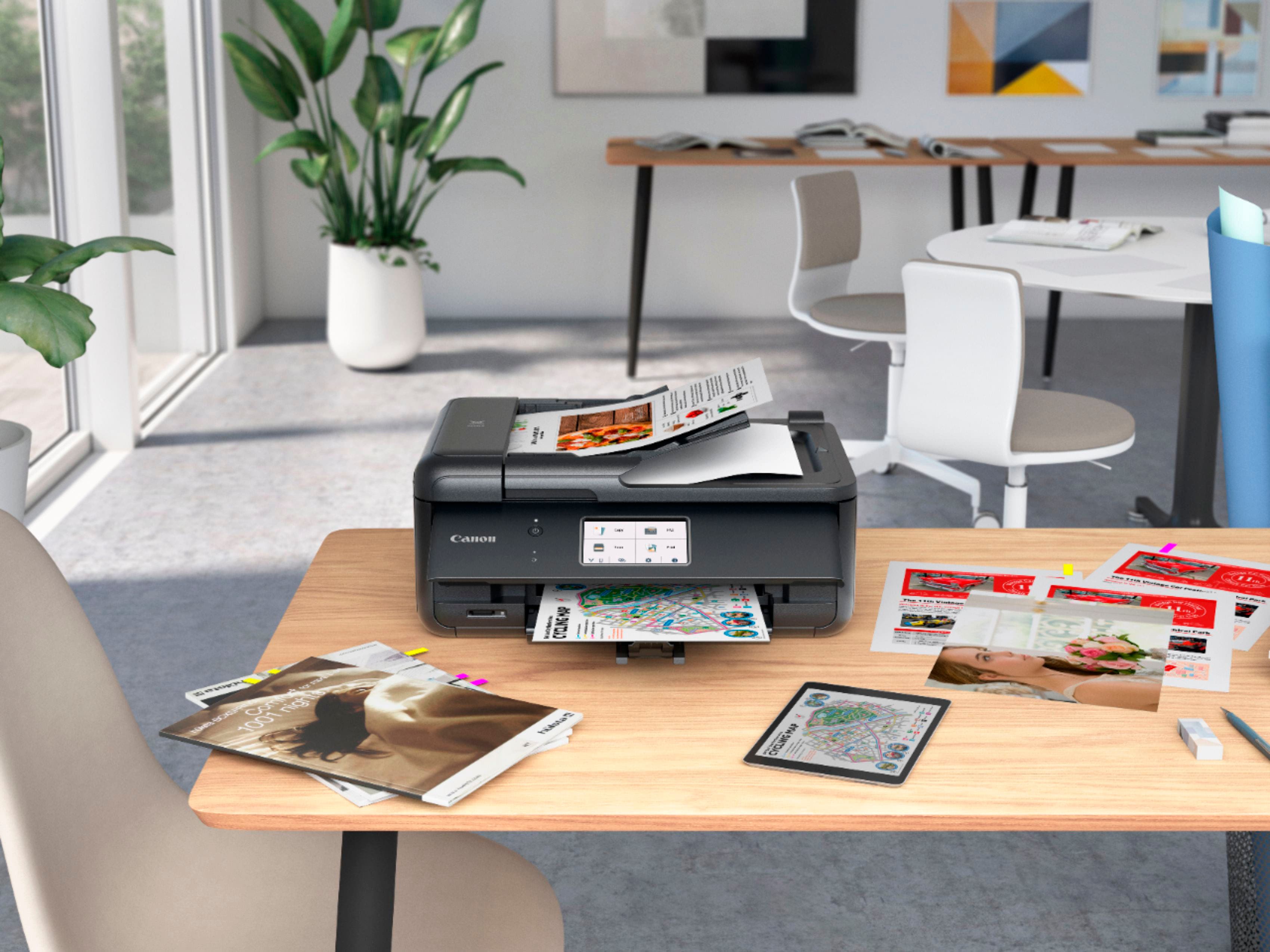
|Posted .This reviewer received promo considerations or sweepstakes entry for writing a review.One of the basic elements to be able to work from home that have become indispensable is the printer, not only to print but also to scan documents, make copies, fax and one of my favorite functions is to print photos with photo paper, there are times that we only keep our photos on our devices and having a printer that can print those photos that deserve to be, I feel it's something great. The unboxing is simple and easy, everything is well packaged, protected and in sight, the printer comes in a plastic bag easy to remove from the box, once outside is just a matter of connecting the printer to the power, follow the instructions on the screen and you're done (Canon app is required). One of the things I noticed from the beginning is that this printer does not allow you to print wirelessly if it is not with the Canon app, there are currently many apps that we use and sometimes you just need to print quickly, having to go through an app to print what you want from any mobile device sometimes can take more time than usual. Regarding the performance I have no complaints, the functions for which this printer was made to fulfill correctly, copies and prints are sharp, scanning is simple and the quality is sufficient, in question of photographs it seems to me that the quality is very good and no wonder being Canon, however there are some things that do not quite convince me as the paper tray is very small and if you want to print many sheets may not be enough, the design is simple but there are some parts that if you are not careful could break because they are made of a simple plastic, it is important to mention that for such a competitive price is what you get. Regarding the installation and configuration I definitely suggest to use the app to follow the steps and / or solve possible problems, besides that practically from the app you can perform most of the tasks. I can say that this Canon TR8620a printer is good for work at home, does not use much space and has the necessary office functions, copy, print, scan etc., the price as I mentioned seems reasonable, considering that you can print photos with photo paper seems a good choice, I wish it could be used wirelessly without the app but to tell the truth the app is not bad on the contrary is very complete and very helpful, I can recommend this printer without hesitation.
I would recommend this to a friend- Pros mentioned:Ease of use, Print quality
Really awesome printer
Posted .This reviewer received promo considerations or sweepstakes entry for writing a review.Easy to set up / beautiful copy / easy to use/ just waiting for photo paper to copy pictures
I would recommend this to a friend - Pros mentioned:Print quality
A good printer especially for the price
Posted .This reviewer received promo considerations or sweepstakes entry for writing a review.Excellent print quality on photos and text. Starts quickly. Control panel very intuitive. Installation was very easy on both a Windows 11 laptop and an older Chromebook. One thing I do not like is that it complete powers off if not used for a long time. I have to remember to turn it back on frequently.
I would recommend this to a friend - Pros mentioned:Ease of use, Print quality
Great Printer
Posted .This reviewer received promo considerations or sweepstakes entry for writing a review.SETUP: Sturdy, great for home office. Easy setup, cartridges easy to load. Black and white and color prints are all great!
I would recommend this to a friend - Pros mentioned:Print quality
Decent printer
Posted .This reviewer received promo considerations or sweepstakes entry for writing a review.So far, so good. workmanship is less than its predecessor. Quicker than its predecessor. Same type, separate ink cartridges that are easy to remove and install. I went with this because I needed a fax alternative. Most printers don't have that feature anymore.
I would recommend this to a friend - Pros mentioned:Print quality
A reasonable cost for a very versitile unit.
Posted .This reviewer received promo considerations or sweepstakes entry for writing a review.Works smoothly and provide great copies. I did have some difficultly finding the printer on-line. I don't know wherther it was my reading or poor directions. There were good suggestions to follow up if one has difficulties. This printer replaces an earlier model of the same feathers which worked extremely will until I accidentily jammed some paper croocked on dual sided printing. NOt the printers fault but mine.
I would recommend this to a friend - Pros mentioned:Ease of use, Print quality
Easy set-up.
Posted .This reviewer received promo considerations or sweepstakes entry for writing a review.Excellent , easy set-up and connection to wi-fi. Prints great!
I would recommend this to a friend - Pros mentioned:Ease of use
Canon PIXMA TR8620a
Posted .This reviewer received promo considerations or sweepstakes entry for writing a review.Great Printer, Fax and Scanner! Easy to hook up! Worth the price!
I would recommend this to a friend Love my Canon
Posted .This reviewer received promo considerations or sweepstakes entry for writing a review.Easy to setup and easy to use! Great photos! Love it!
I would recommend this to a friend- Pros mentioned:Ease of use, Print quality
A solid printer with great results
Posted .This reviewer received promo considerations or sweepstakes entry for writing a review.prints fast; easy set up and the price is right! I had a prior Canon for several years and it was great.
I would recommend this to a friend - Pros mentioned:Ease of use
Thank you!
Posted .This reviewer received promo considerations or sweepstakes entry for writing a review.Very nice. Received it very quickly. Was worried about setup on my Windows 10 system. The instructions and online guides made it a snap! No problems at all.
I would recommend this to a friend - Pros mentioned:Print quality
Good printer but a little strange
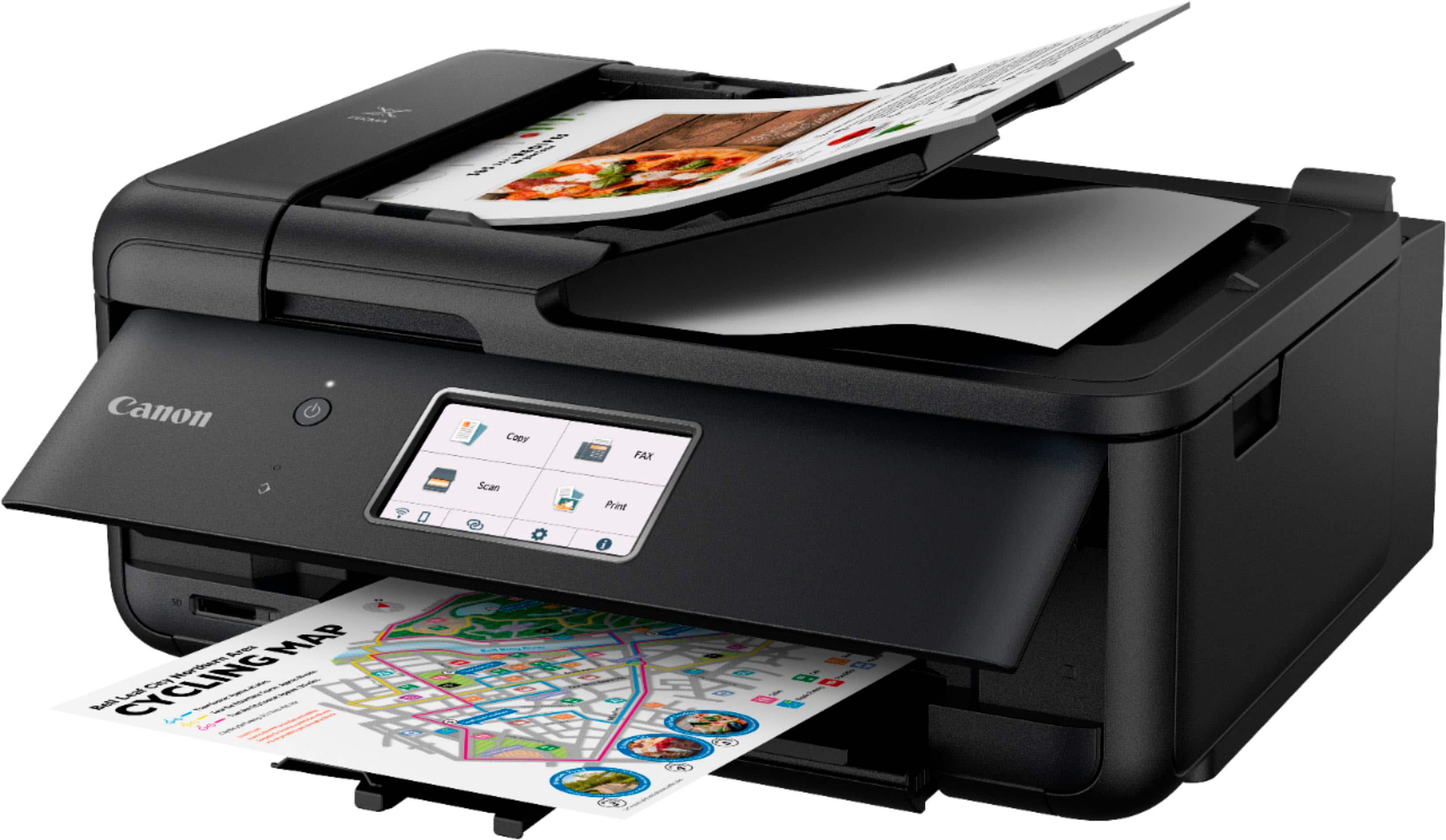
Posted .This reviewer received promo considerations or sweepstakes entry for writing a review.The Canon printer prints excellent copies. Paper is loaded in the bottom of the printer, which means you must lift the control panel with the video screen up to print anything. That is pain. Also try as I might, I cannot find a electronic manual to help with things like printing envelops which must load in a tray in the back. I guessed this, but you should not need to guess this. The printer does its job and I will keep it, but not user friendly.
I would recommend this to a friend