Customer Ratings & Reviews




- Model:
- 6256C002
- |
- SKU:
- 10115739
Customer reviews
Rating 4.4 out of 5 stars with 514 reviews
(514 customer reviews)Rating by feature
- Value4.5
Rating 4.5 out of 5 stars
- Quality4.4
Rating 4.4 out of 5 stars
- Ease of Use4.4
Rating 4.4 out of 5 stars
Rated 4 out of 5 stars
review
||Posted . Owned for 3 weeks when reviewed.This reviewer received promo considerations or sweepstakes entry for writing a review.Works good ink runs out quicker than I’d hoped it would
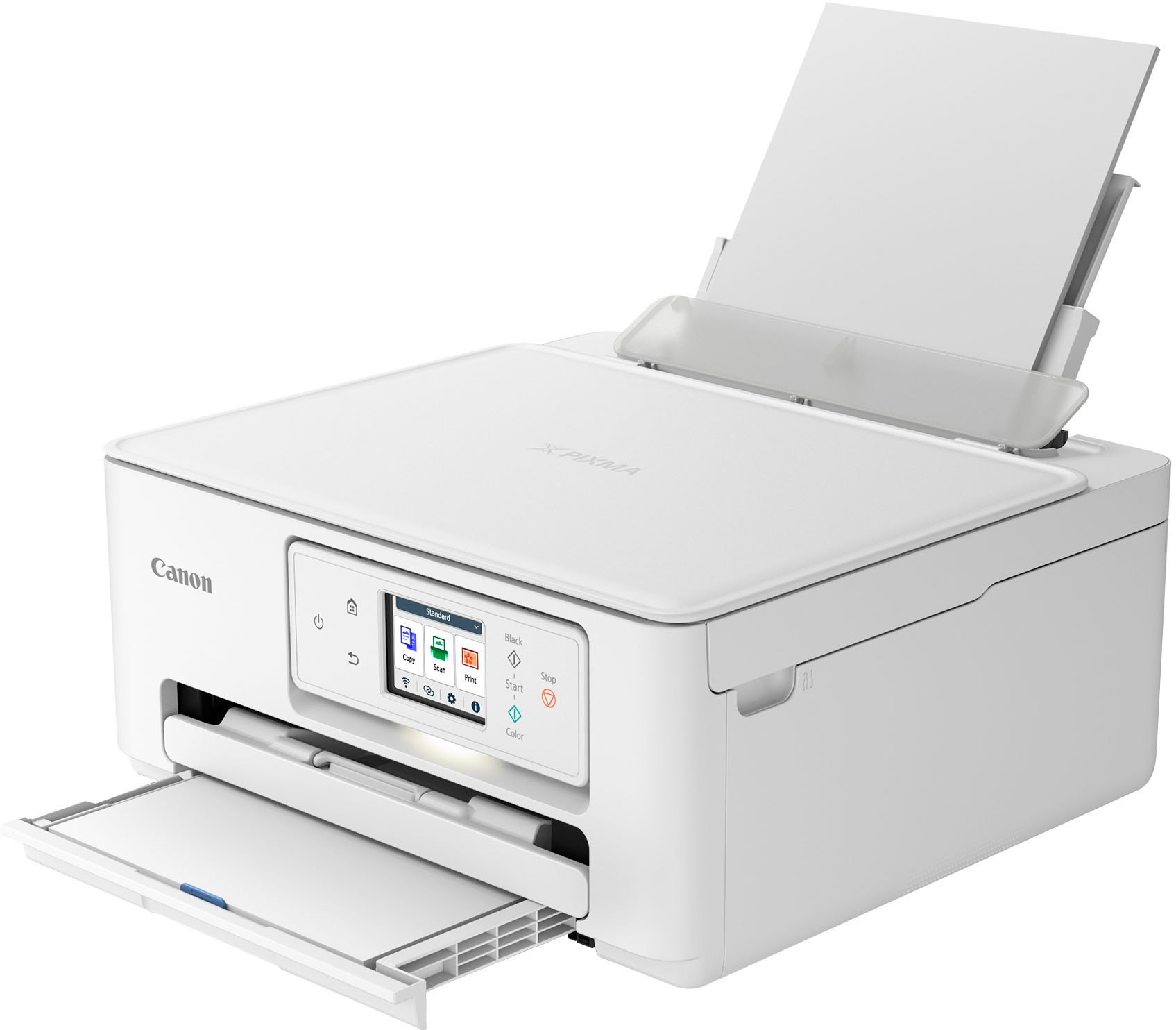
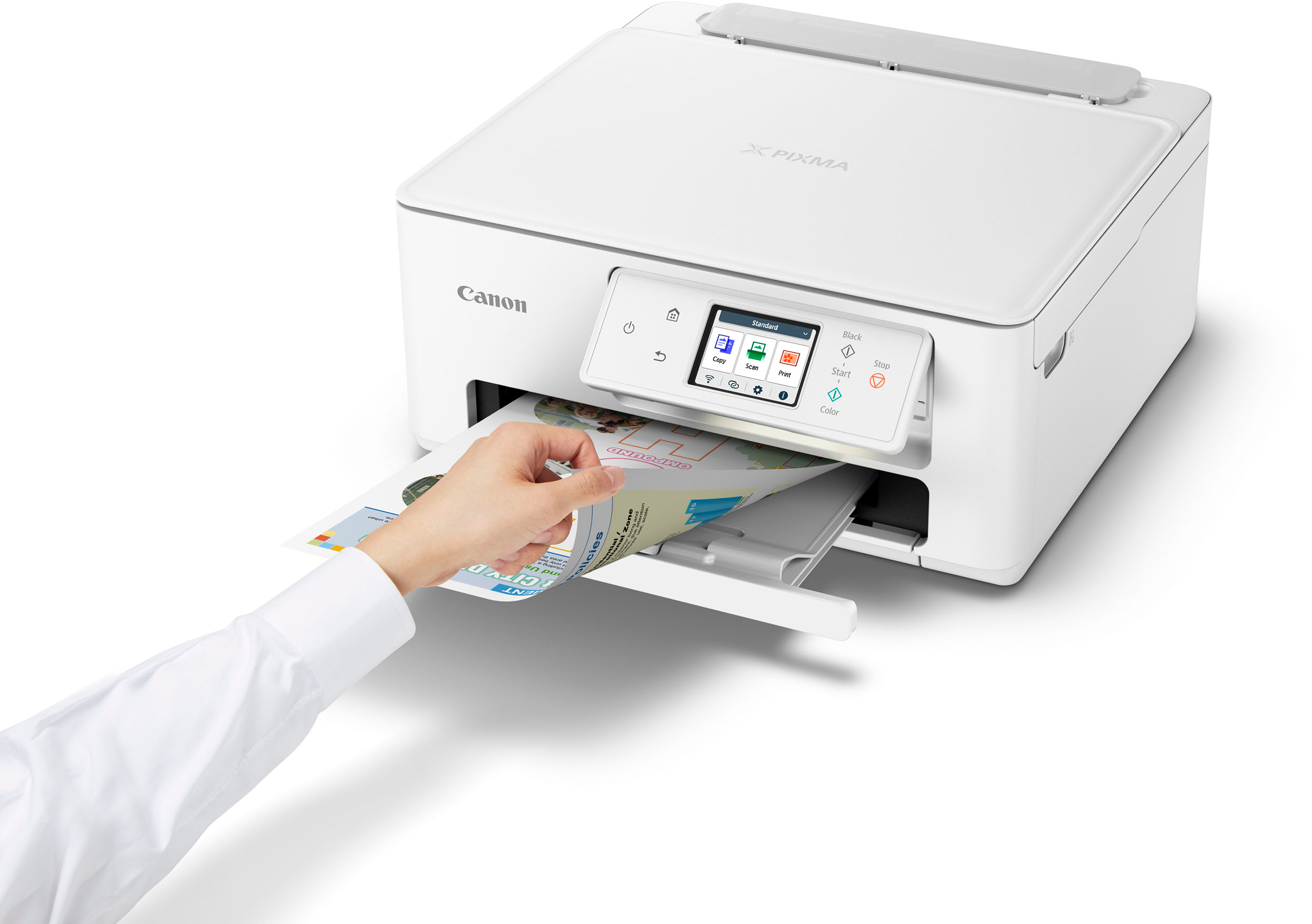
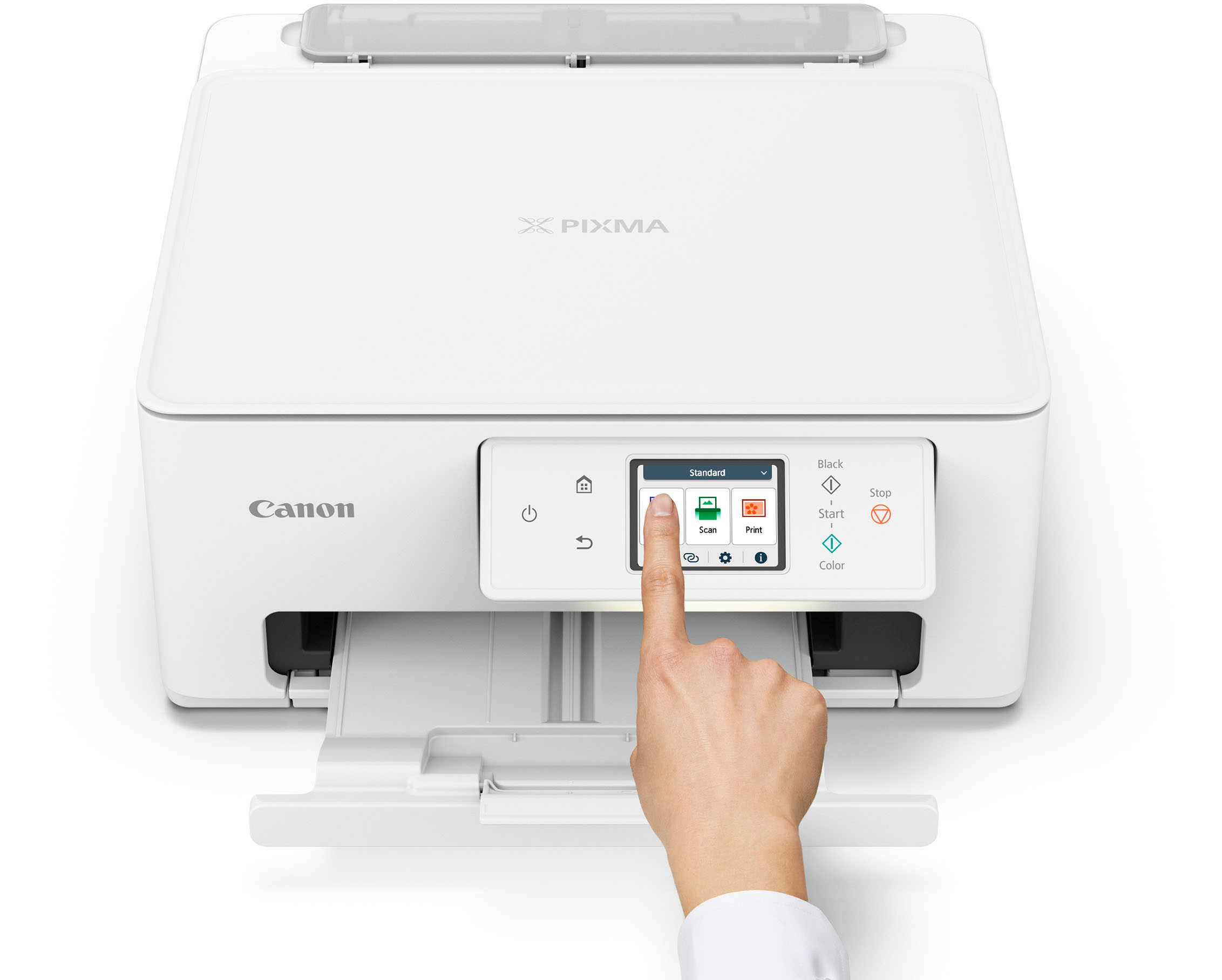
This review is from Canon - PIXMA TS7720 Wireless All-In-One Inkjet Printer - White
I would recommend this to a friendRated 5 out of 5 stars
Great service and equipment.
||Posted . Owned for 3 weeks when reviewed.This reviewer received promo considerations or sweepstakes entry for writing a review.It was easy to install. I thank the people that helped me at the Emeryville branch.
This review is from Canon - PIXMA TS7720 Wireless All-In-One Inkjet Printer - White
I would recommend this to a friendRated 5 out of 5 stars
Good value
||Posted . Owned for 3 weeks when reviewed.This reviewer received promo considerations or sweepstakes entry for writing a review.Have used Canon printers for years. This one is a great value. Does everything I need it to.
This review is from Canon - PIXMA TS7720 Wireless All-In-One Inkjet Printer - White
I would recommend this to a friendRated 4 out of 5 stars
Pixma TS7720
||Posted . Owned for 3 weeks when reviewed.This reviewer received promo considerations or sweepstakes entry for writing a review.Overall OK. Color registration from scan to print not accurate
This review is from Canon - PIXMA TS7720 Wireless All-In-One Inkjet Printer - White
I would recommend this to a friendRated 4 out of 5 stars
Works great
||Posted . Owned for 5 months when reviewed.This reviewer received promo considerations or sweepstakes entry for writing a review.It works great, but doesn't hold much paper at once
This review is from Canon - PIXMA TS7720 Wireless All-In-One Inkjet Printer - White
I would recommend this to a friendRated 3 out of 5 stars
Home office printer
||Posted . Owned for 1 month when reviewed.This reviewer received promo considerations or sweepstakes entry for writing a review.Not a fan of the wireless functionality, being that is a main reason for the purchase, I should not have to download the app in order to print.
This review is from Canon - PIXMA TS7720 Wireless All-In-One Inkjet Printer - White
No, I would not recommend this to a friendRated 3 out of 5 stars
Printer is good , customer service meh
||Posted . Owned for 1 week when reviewed.This reviewer received promo considerations or sweepstakes entry for writing a review.Love the printer, however our local Best Buy doesn’t carry the ink for this model in store and nobody in town carries it either. Super frustrating!
This review is from Canon - PIXMA TS7720 Wireless All-In-One Inkjet Printer - White
I would recommend this to a friendRated 5 out of 5 stars
Cannon Printer PIX Print Plain
||Posted . Owned for 1 month when reviewed.This reviewer received promo considerations or sweepstakes entry for writing a review.So Far So Good Best Buy's is the Best Always buy supplies at Best Buy's
This review is from Canon - PIXMA TS7720 Wireless All-In-One Inkjet Printer - White
I would recommend this to a friendRated 5 out of 5 stars
Pixma Printer
||Posted . Owned for 3 weeks when reviewed.This reviewer received promo considerations or sweepstakes entry for writing a review.Pixma Printer I am very happy with my new PIXMA printer --it works well with my MAC desktop.
This review is from Canon - PIXMA TS7720 Wireless All-In-One Inkjet Printer - White
I would recommend this to a friendRated 2 out of 5 stars
Not total garbage, but not the best.
||Posted . Owned for 1 month when reviewed.This reviewer received promo considerations or sweepstakes entry for writing a review.It’s an alright printer, but it’s not tremendously user-friendly for someone who isn’t really a tech whizz. The phone app makes things a bit more complicated than they need to be, there is no setting to adjust the ink saturation for lighter/darker images and the rear-loading tray is unreliable for printing an image straight. It’s fine for printing basic documents on regular paper from the bottom tray, but it’s a bit of a journey to do anything else.
This review is from Canon - PIXMA TS7720 Wireless All-In-One Inkjet Printer - White
No, I would not recommend this to a friendRated 5 out of 5 stars
Canon review
||Posted . Owned for 3 weeks when reviewed.This reviewer received promo considerations or sweepstakes entry for writing a review.waiting to update software installation and my Dell pc laptob Bluetooth connect a device to show
This review is from Canon - PIXMA TS7720 Wireless All-In-One Inkjet Printer - White
I would recommend this to a friendRated 5 out of 5 stars
Best buy on a printer
||Posted . Owned for 3 weeks when reviewed.This reviewer received promo considerations or sweepstakes entry for writing a review.Great printer. Little workhorse. Great for printing projects and office emails.
This review is from Canon - PIXMA TS7720 Wireless All-In-One Inkjet Printer - White
I would recommend this to a friendRated 3 out of 5 stars
Mr
||Posted . Owned for 3 weeks when reviewed.This reviewer received promo considerations or sweepstakes entry for writing a review.In general I am getting used to my printer, however, I am not well pleased with it.. It produces confusing instructions and there were not sufficient written instructions on setting it up.
This review is from Canon - PIXMA TS7720 Wireless All-In-One Inkjet Printer - White
I would recommend this to a friendRated 3 out of 5 stars
Good
||Posted . Owned for 2 months when reviewed.This reviewer received promo considerations or sweepstakes entry for writing a review.I gave it 3 stars simply because i did not like how where you lift up to scan something is just tabs but its not even sercured its flimsy
This review is from Canon - PIXMA TS7720 Wireless All-In-One Inkjet Printer - White
I would recommend this to a friendRated 3 out of 5 stars
Canon ts printer
||Posted . Owned for 1 month when reviewed.This reviewer received promo considerations or sweepstakes entry for writing a review.Kind of difficult for me to set up, but after initial setup the machine is ok, a little slow, but gets the job done, after 1 month of home use
This review is from Canon - PIXMA TS7720 Wireless All-In-One Inkjet Printer - White
I would recommend this to a friendRated 5 out of 5 stars
Canon printer
||Posted . Owned for 1 month when reviewed.This reviewer received promo considerations or sweepstakes entry for writing a review.The canon printer I purchased was everting I expected. and great quality
This review is from Canon - PIXMA TS7720 Wireless All-In-One Inkjet Printer - White
I would recommend this to a friendRated 1 out of 5 stars
Not good
||Posted . Owned for 1 month when reviewed.This reviewer received promo considerations or sweepstakes entry for writing a review.I had high hopes for this printer because Canon is a well known brand, but it was a disappointment. It is very poor quality. If you plan on printing anything other than documents then don’t waste your time or money on this printer.
This review is from Canon - PIXMA TS7720 Wireless All-In-One Inkjet Printer - White
No, I would not recommend this to a friendRated 5 out of 5 stars
Canon printer/scanner
||Posted . Owned for 3 weeks when reviewed.This reviewer received promo considerations or sweepstakes entry for writing a review.Does everything I need it to. Speed is good. Good buy.
This review is from Canon - PIXMA TS7720 Wireless All-In-One Inkjet Printer - White
I would recommend this to a friendRated 1 out of 5 stars
Old technology
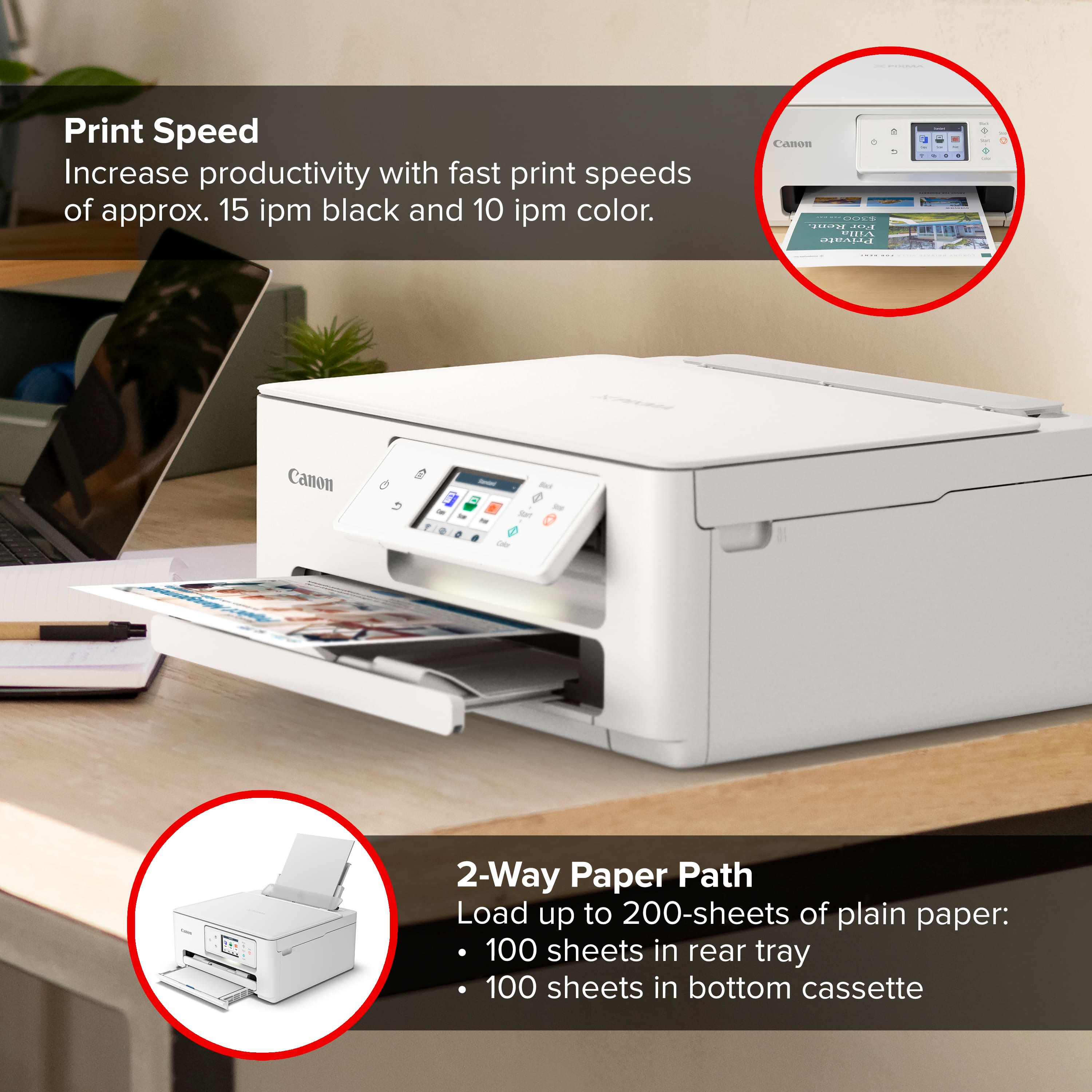
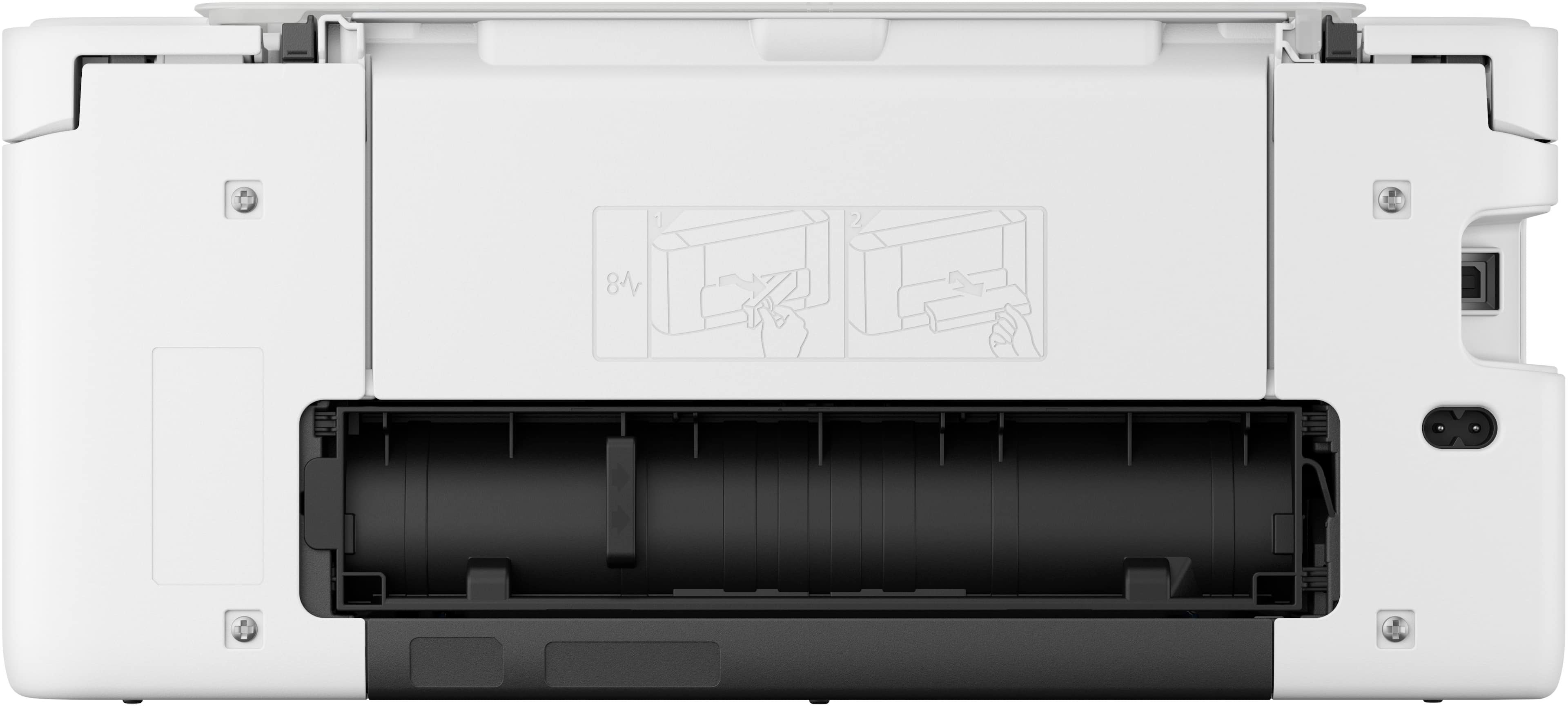
||Posted .This reviewer received promo considerations or sweepstakes entry for writing a review.The printer is slow to load and connecting to wifi was a challenge. Also PIXMA TS7720 does not have an automatic document feeder for its scanner. When scanning a document, each page would be scanned face down on the scan glass, one page at a time. Also the document feeder does not print multiple copies if needed of one sheet and it is not two sided either. You will have to manually scan each side and then print, The printer has two trays one on the bottom and one on the rear and they are both to load paper.
This review is from Canon - PIXMA TS7720 Wireless All-In-One Inkjet Printer - White
No, I would not recommend this to a friendRated 5 out of 5 stars
Good all in one
||Posted . Owned for 3 weeks when reviewed.This reviewer received promo considerations or sweepstakes entry for writing a review.Canon TS 7720 is a good all in one printer with great graphics
This review is from Canon - PIXMA TS7720 Wireless All-In-One Inkjet Printer - White
I would recommend this to a friend