Customer Ratings & Reviews




- Model:
- 6256C002
- SKU:
- 10154873
Rating by feature
- Value
Rating 4.5 out of 5 stars
- Quality
Rating 4.4 out of 5 stars
- Ease of Use
Rating 4.4 out of 5 stars
W
||Posted . Owned for 1 month when reviewed.This reviewer received promo considerations or sweepstakes entry for writing a review.It is not what I wanted hard to get ink very slow printer
No, I would not recommend this to a friendPrinter
||Posted . Owned for 1 month when reviewed.This reviewer received promo considerations or sweepstakes entry for writing a review.This printer only works when it feels like it and is very slow
No, I would not recommend this to a friendPoor delivery
||Posted . Owned for 1 month when reviewed.This reviewer received promo considerations or sweepstakes entry for writing a review.Not delivered in a timely manner at all so I had to cancel the order . Was not delivered when promised
No, I would not recommend this to a friendDoes not work with my network.
||Posted . Owned for 1 month when reviewed.This reviewer received promo considerations or sweepstakes entry for writing a review.Would not connect to my wifi network. No help from
No, I would not recommend this to a friend
Terrific all around printer!
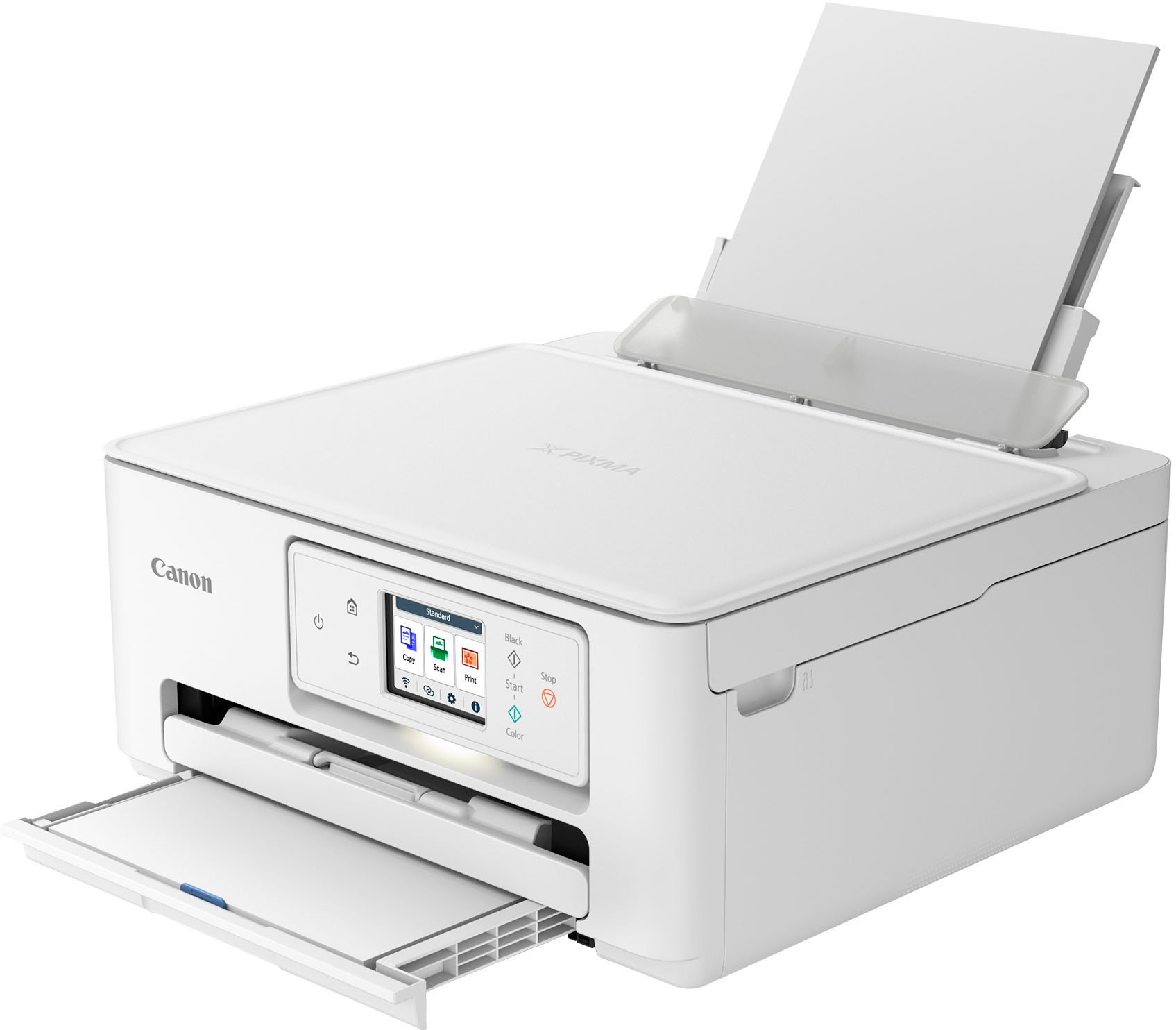
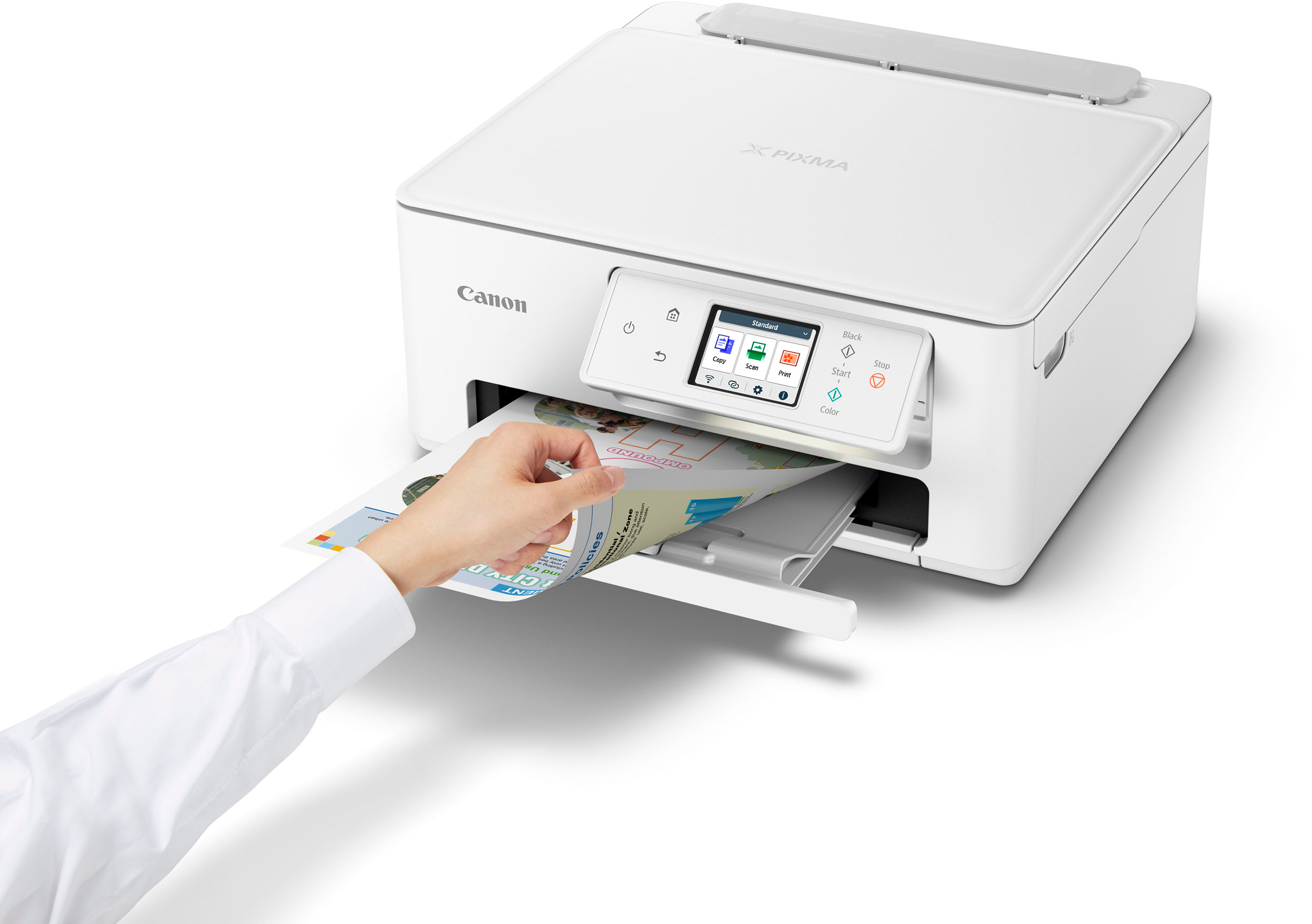
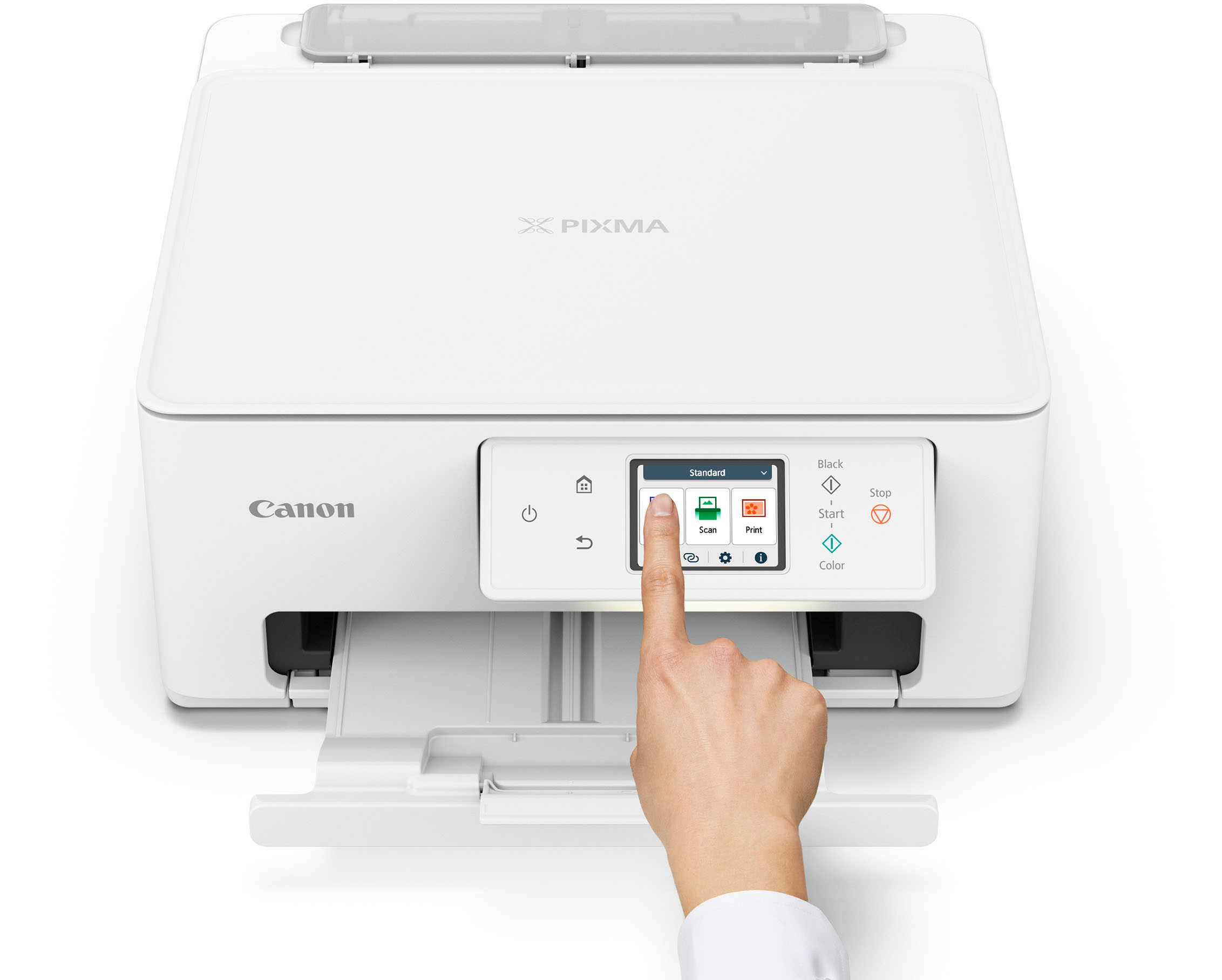
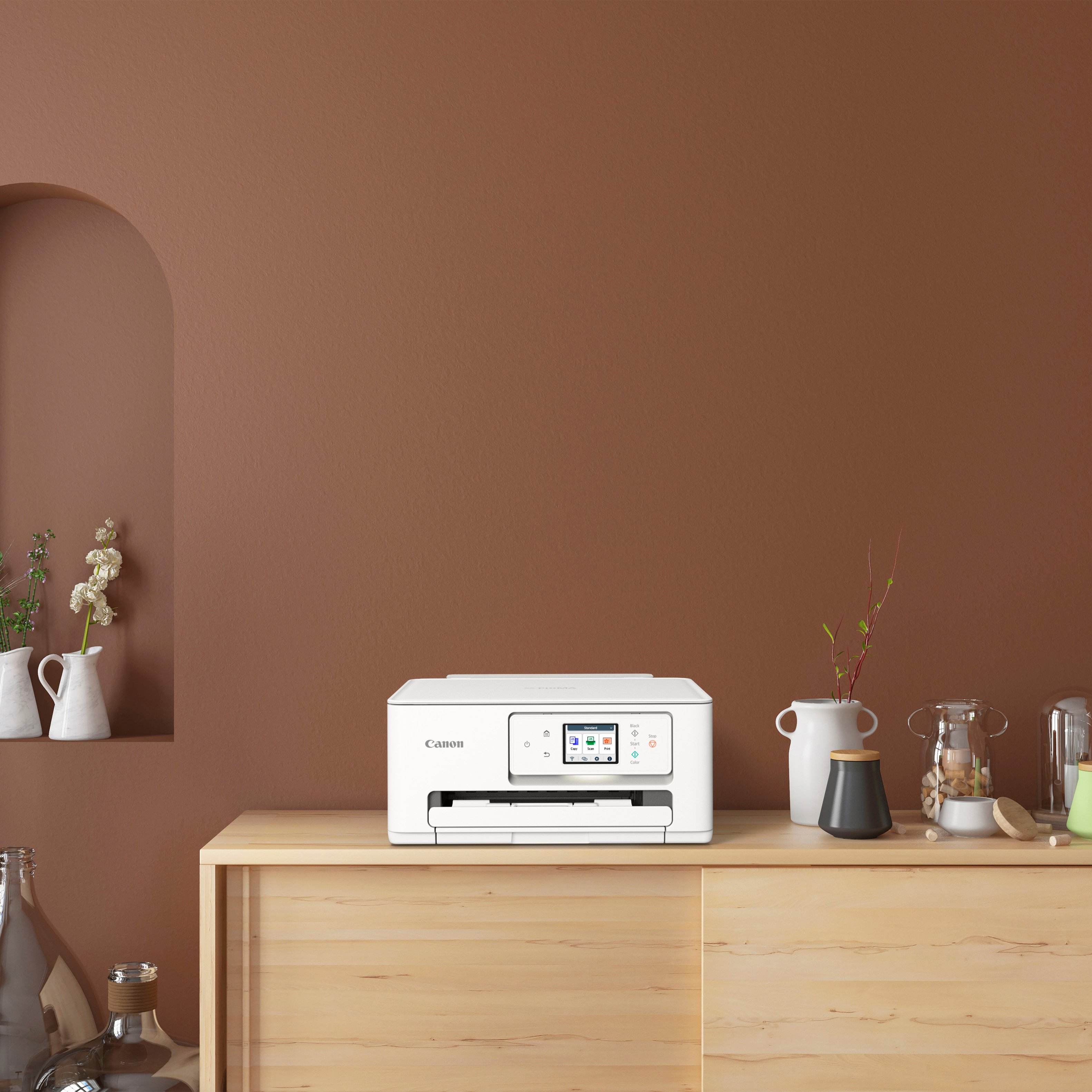
|Posted .This reviewer received promo considerations or sweepstakes entry for writing a review.This Pixma printer came very well packaged, with clear and easy setup instructions. Getting the printer installed on my phone and my computer, however, was very difficult. There is QR code to use. On my Android phone, it finally connected after two attempts. On my computer, the installation never did work with the setup download. I had to find a different download software online. I'm not sure if the difficulty was with my networks (I have multiple but tried a couple of them) or the speed of the internet (my fastest one is still slow). It would be nice to just be able to download drivers and use the Windows printer setup, rather than having to use the app. That being said, once connected, the printing was wonderful! I first printed 50 forms on card stock and the speed and print quality were both impressive. Next, I printed a program that used duplex printing and having automatic feeding on the duplex is very convenient! It prints the first side, sucks the paper back in, and prints the other side. On some of my other printers, I have to pull the paper out manually and reinsert (in the proper direction) in order to print on both sides. Another positive feature is the touch screen and navigation buttons on the printer itself. They are very easy to understand and finding the setting I want seems easy compared to many printers. I also deducted one star because the ink seemed to be a little high priced, and the Pixma Print Plans only go up to 200 pages per month (with rollover up to 200 pages). I tend to print 50-100 copies at a time for meetings, programs, etc. so this can add up quickly. I have ordered the XL cartridges, which should have a much greater yield. Even with the setup hassle and the ink prices, this is my everyday, go to printer over my other major brand printers due to the speed and print quality.
I would recommend this to a friendExcellent print quality with intermediate cost
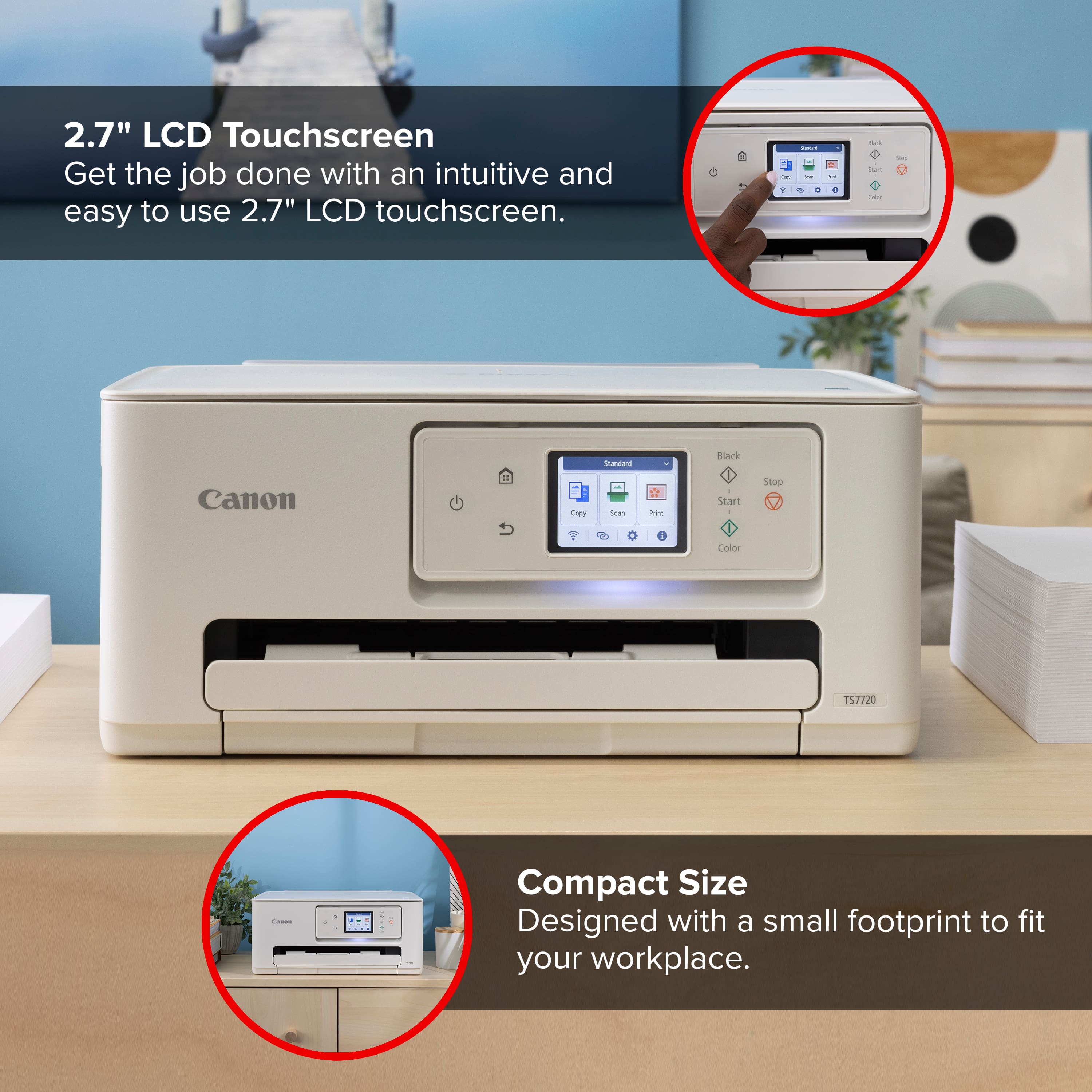
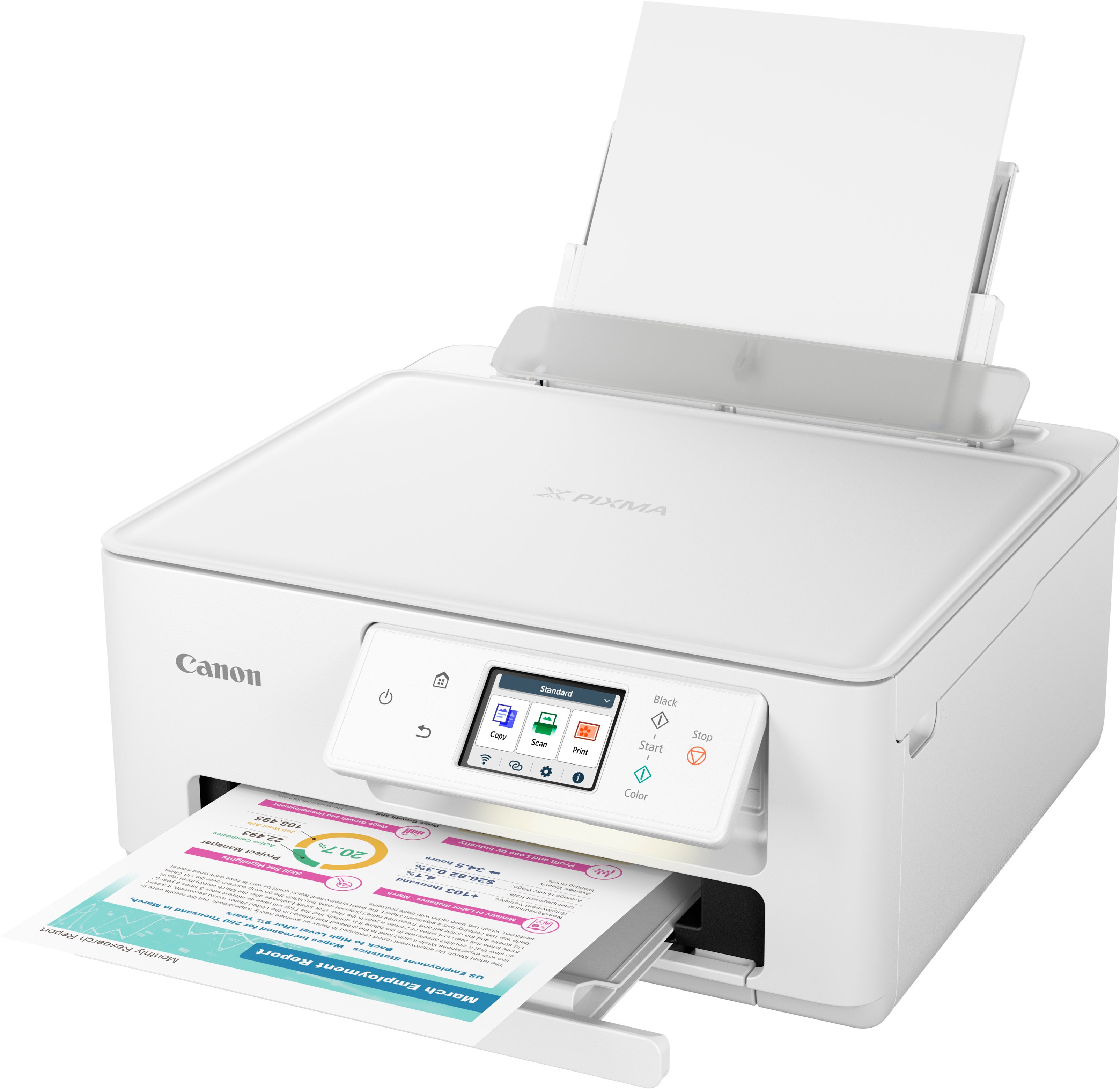
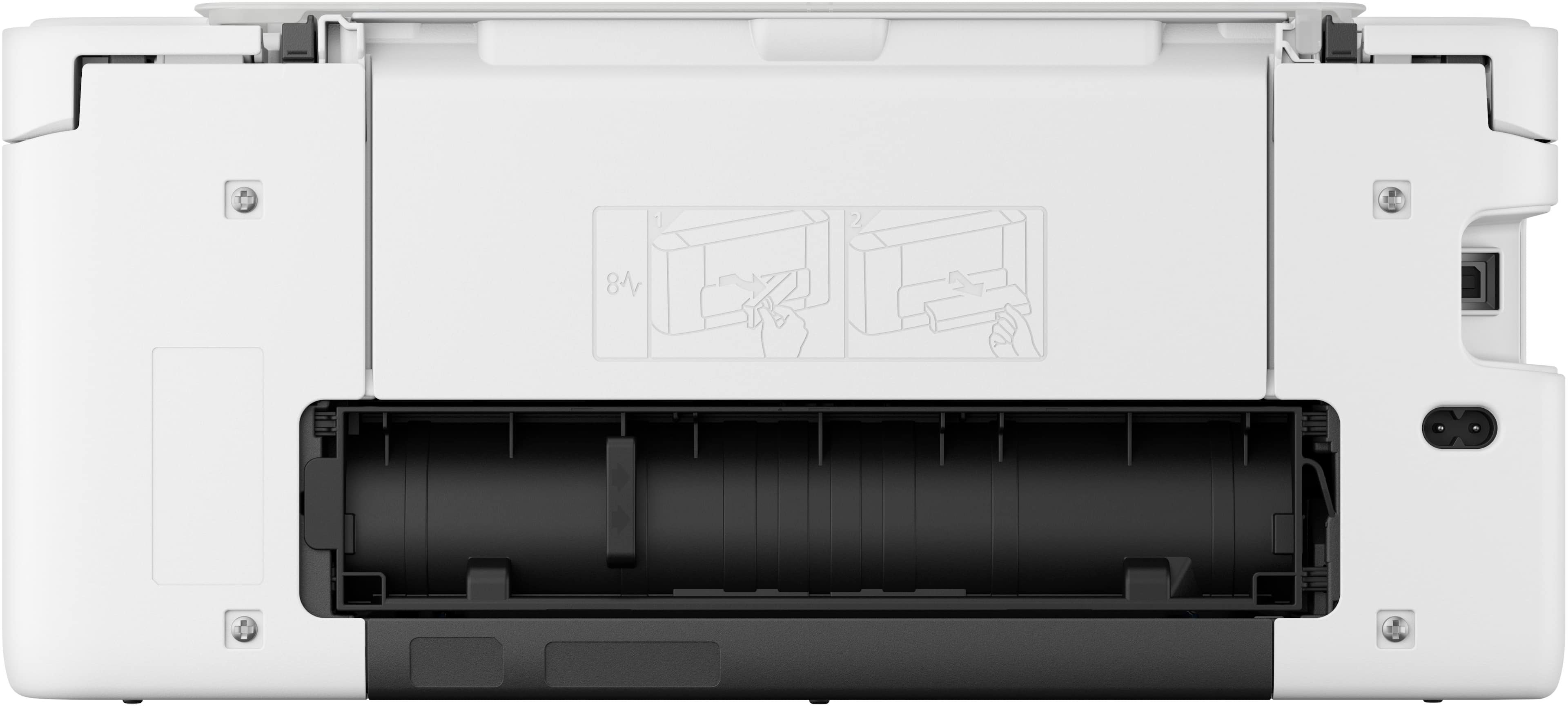
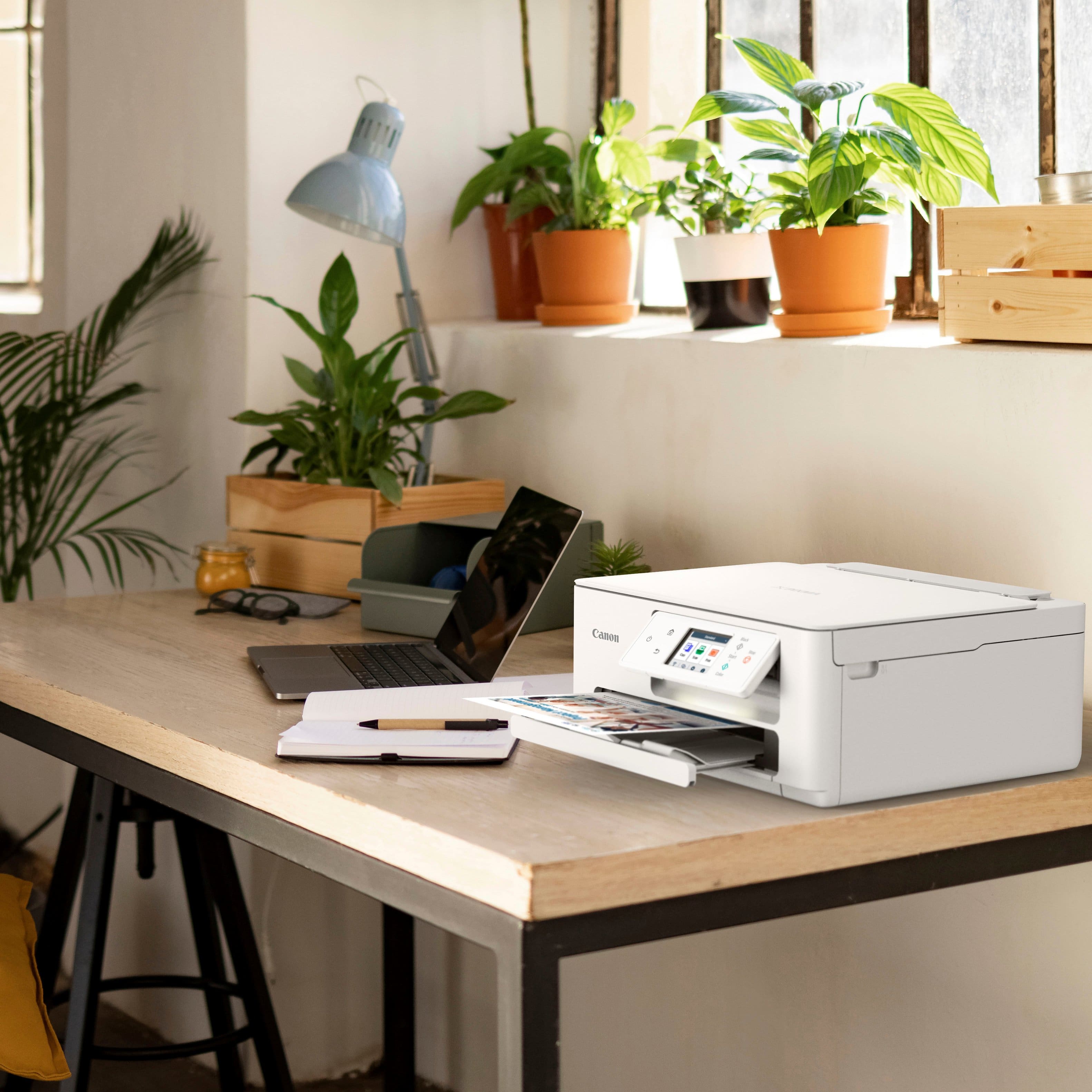
|Posted .This reviewer received promo considerations or sweepstakes entry for writing a review.Printer set up was easy. There were no driver issues. The unit is smaller and more attractive than my prior canon printers. The print quality is excellent and copies are quick and excellent. There is a touchscreen which allows you to customize in an intelligent way multiple copy modes as well as scan to your computer. There is no document feeder on the scanner, but there are two paper sources, including one included in the back. The design on the front panel is excellent. It angles to better visibility and there is a light underneath it to help you see the output tray. There are two print cartridges and compared to tech style printers. Your cost will be higher. There is, however, an automatic refill option with different usage levels, which would likely save you money versus buying two cartridges. The cartridges were not yet available at Best Buy at the time of this review. They were only available directly from Canon. Given the flexible auto mailing of cartridges plans or even the 30 cent pay buy sheet option, I would say that this is overall an intermediate cost per page higher than tank printers but lower than older five cartridge style canon printers. I believe you have to decide what is more important quality or cost.
I would recommend this to a friendGreat do-all printer
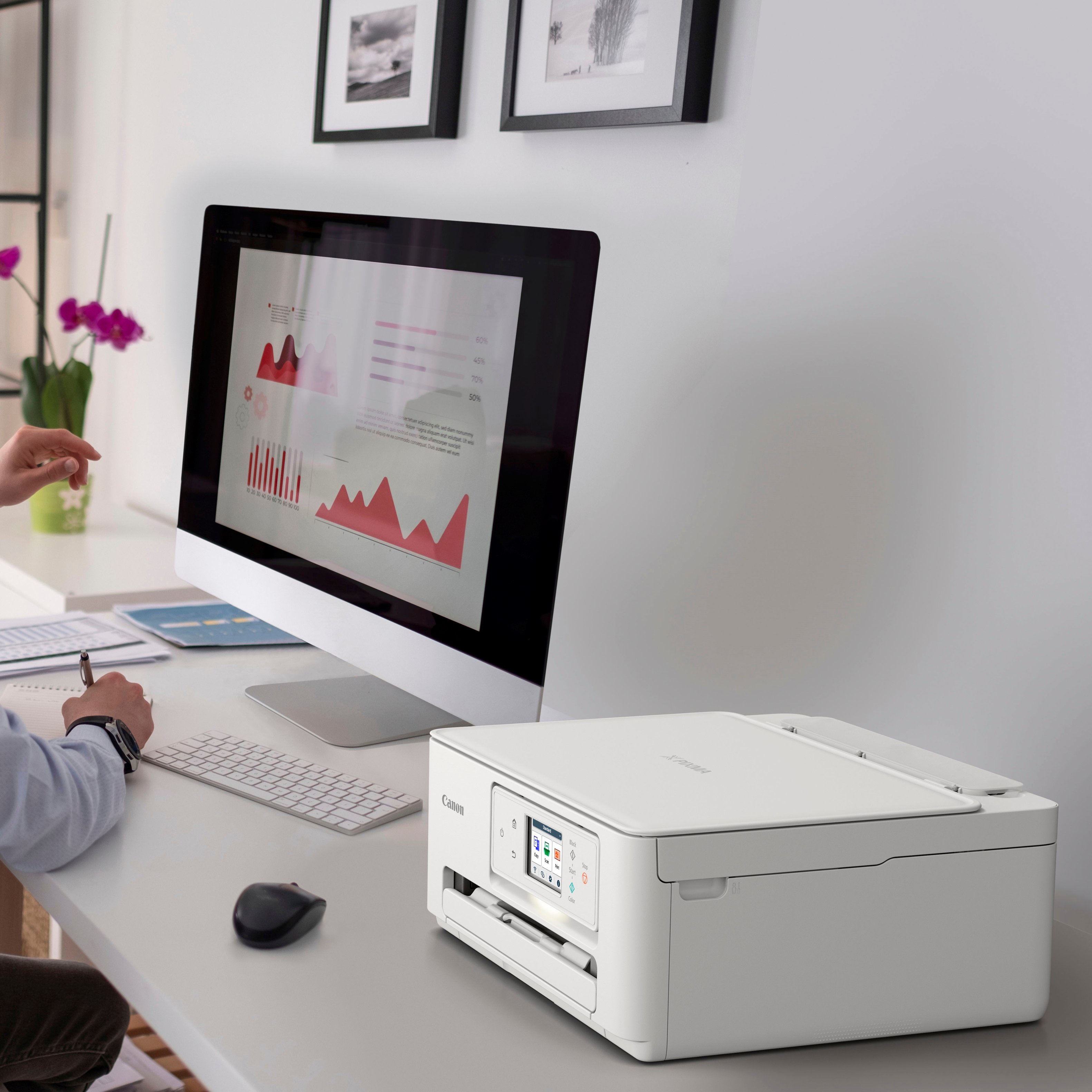
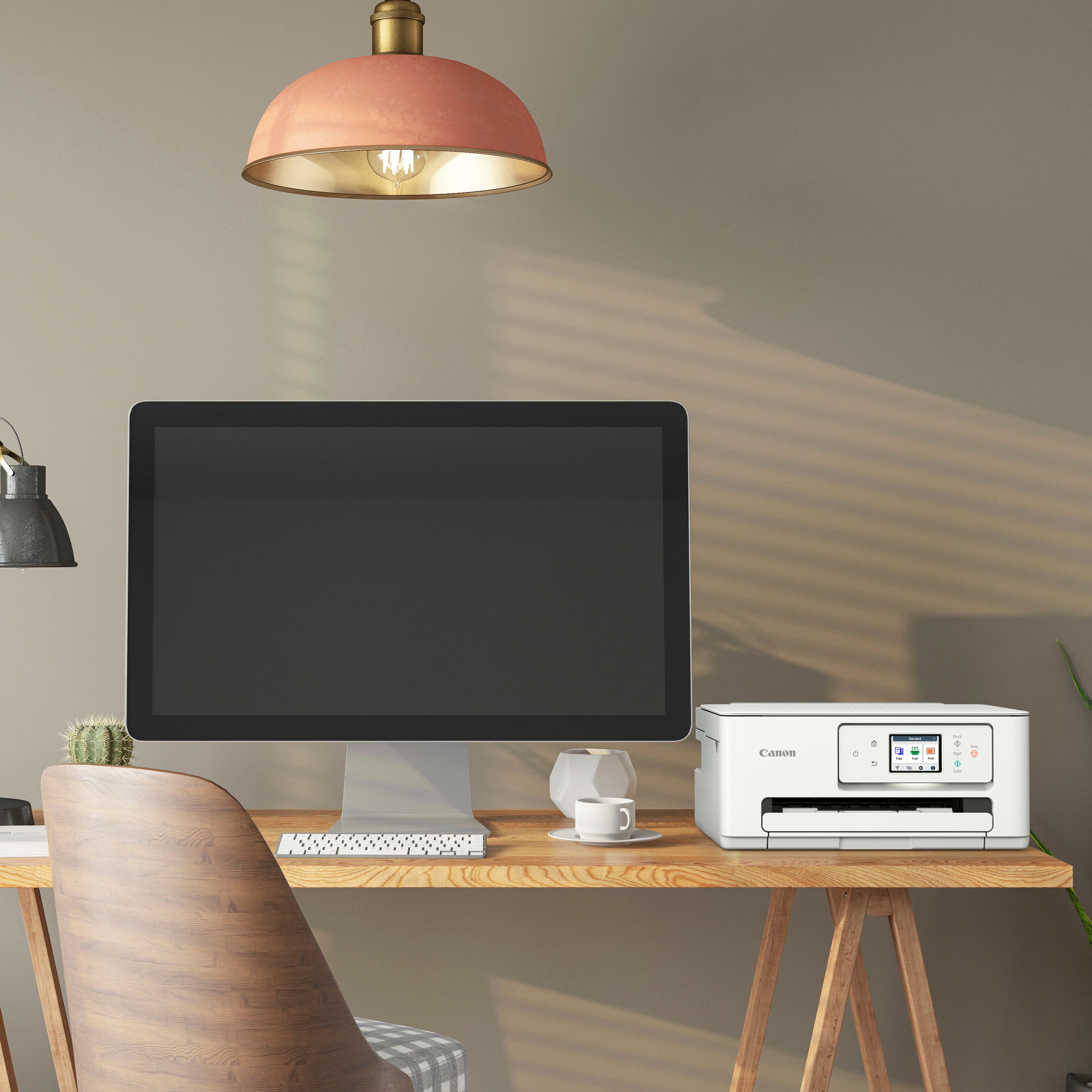
|Posted .This reviewer received promo considerations or sweepstakes entry for writing a review.Pretty standard these days for printers to be multi-functional ones so this being one is no surprise. Having used Canon printers (off and on) for the past decade or so, I've never really experienced a "bad" one and this is no different. Being a multi-functional printer, it does everything for home/school/office that you need it to. Printing is good at 15PPM for black. Nice little paper tray holds 100 sheets of paper which is about normal for a printer this size. Size wise, it's a relatively small footprint so you can put it just about anywhere without it being in the way. Scanning is pretty standard as well. This isn't a high res scanner but good enough for all your everyday scanning needs. It's a wireless printer too along with its companion app so you can print/scan wirelessly which is a nice bonus. Inks. Here's where it gets a little dicey for me. Cartridges are on par, price wise, so not a big issue there however Canon seems to be venturing into the same subscription based model that HP did. With HP, you HAD to sign up for an account even to use the printer. Hoping it's not like this with Canon so we'll see. Haven't been able to test if these can use remanufactured ink cartridges or if they're blocked like HP does. Functionality wise, a decent all-around printer to suit all your needs. Only real potential issue is how Canon decides to move forward with their print subscription plans.
I would recommend this to a friendGreat for Home Or Office Use
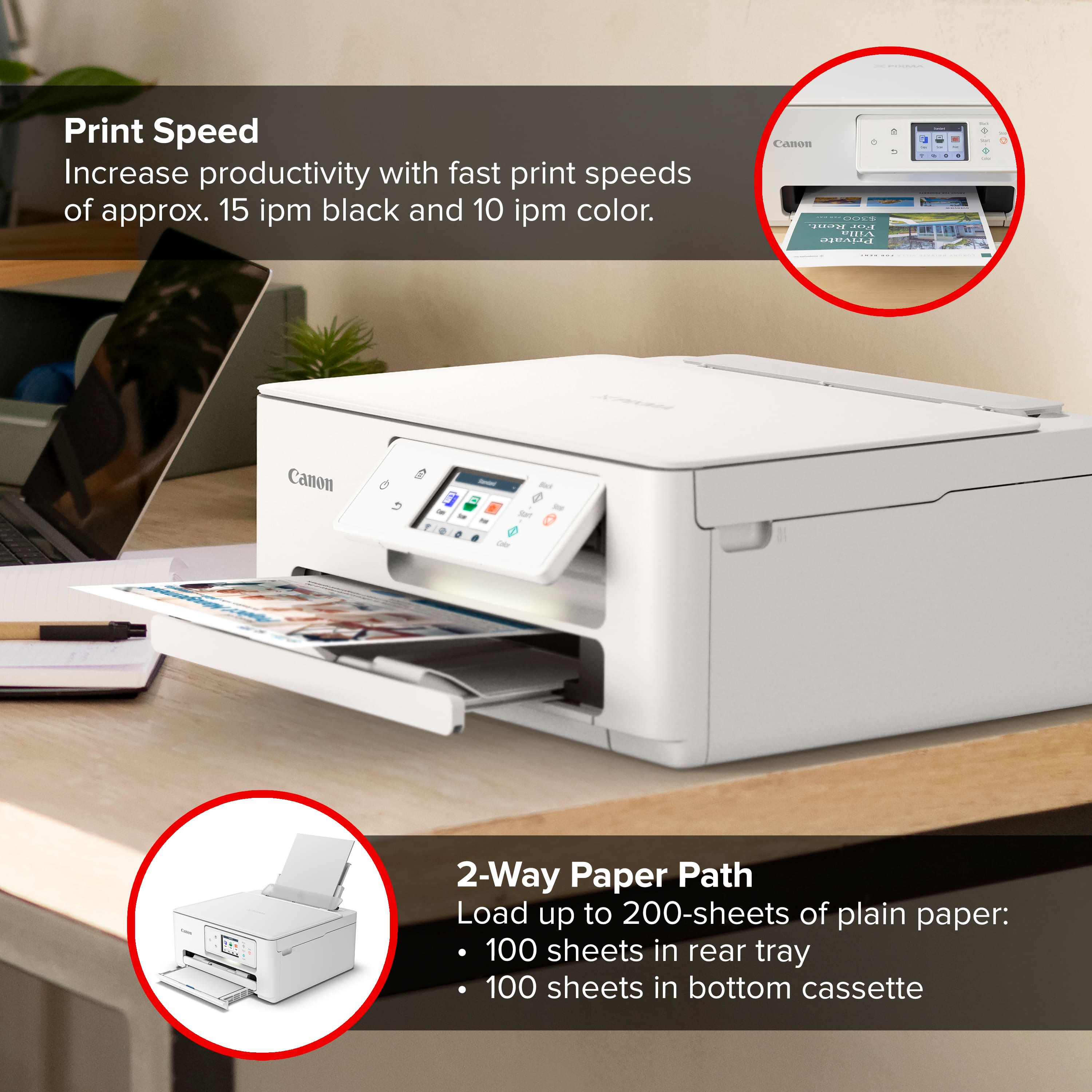
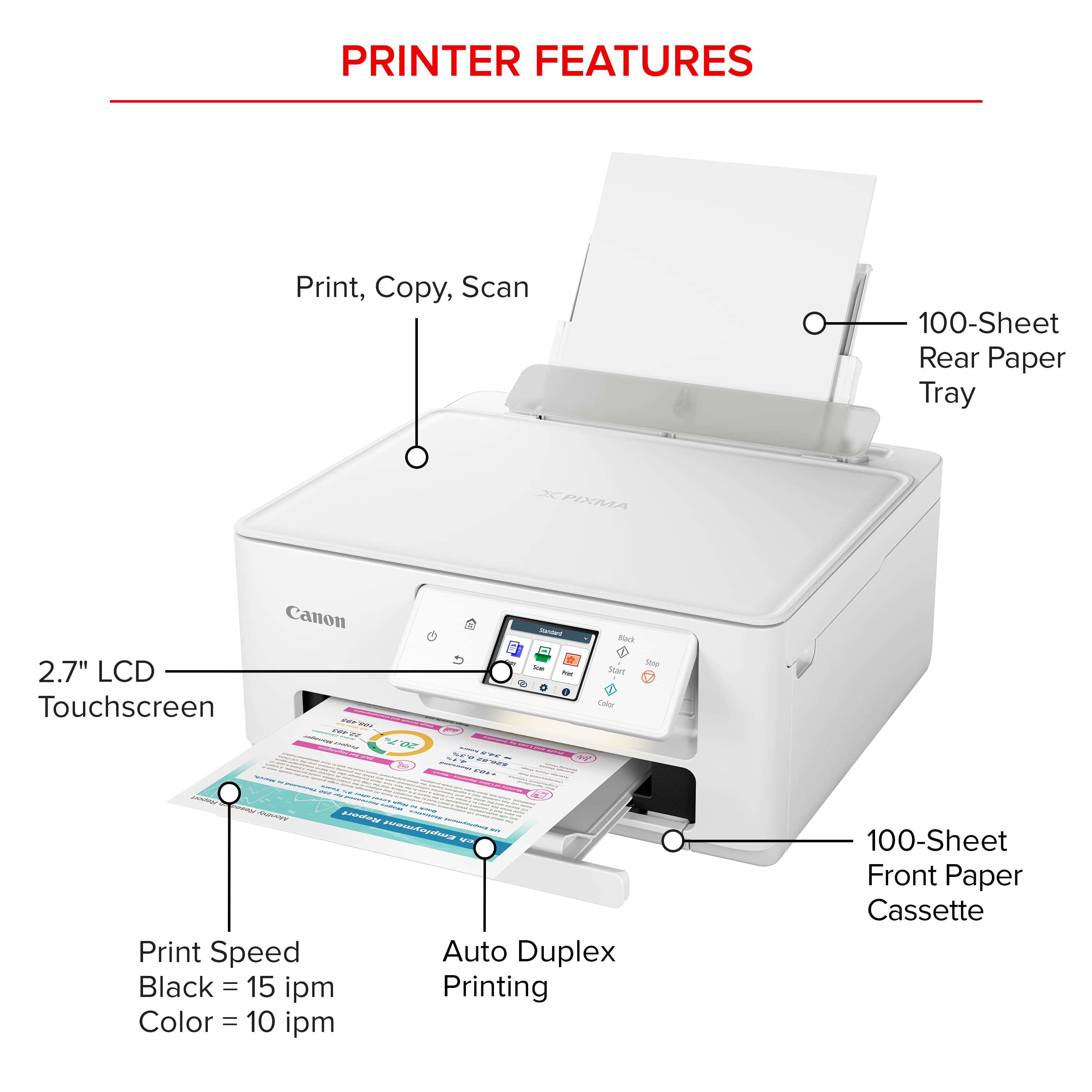
|Posted .This reviewer received promo considerations or sweepstakes entry for writing a review.This Inkjet printer prints, copies and scans. You can even print from your phone and other wireless devices. It is great for school work, home office or personal needs. With its small compact footprint, this can be placed easily into any room or office. Setup is pretty easy. Remove all the tape and packing materials, find a place to put it and plug it in. Press the ON button and follow the instructions on the 2.7 inch touch screen. Once that is done you will need to set this up with your computer and/or smart phone. Since I mostly use this with my computer, I needed to download and run the software and just followed the instructions to set this up with my computer. Set up with a smart phone is pretty much the same, but download the Canon PRINT app and follow the instructions. I have a need for printing double sided prints and this inkjet printer has built in auto duplex printing for easy two sided prints. No need to make sure you have the paper put in correctly to get that second side printed. This comes with two ink cartridges, one black and just one multicolor. This is handy because you do not need to purchase three different cartridges just for colors. This printer prints about 15 pages per minute for one sided black and white and 10 pages per minute for one sided color pages. It has two different places to put 100 sheets each, so you can have a total of 200 sheets of paper set up to print at one time. The bottom cassette hold 100 as does the rear tray. Photo prints come out amazing and colorful and will print up to an 8.5 x 11 inch borderless photo. I have made pamphlets and flyers that are bright and colorful. This is a great addition to any home or office setting. I highly recommend this printer.
I would recommend this to a friendthis Canon is a great addition to the home office
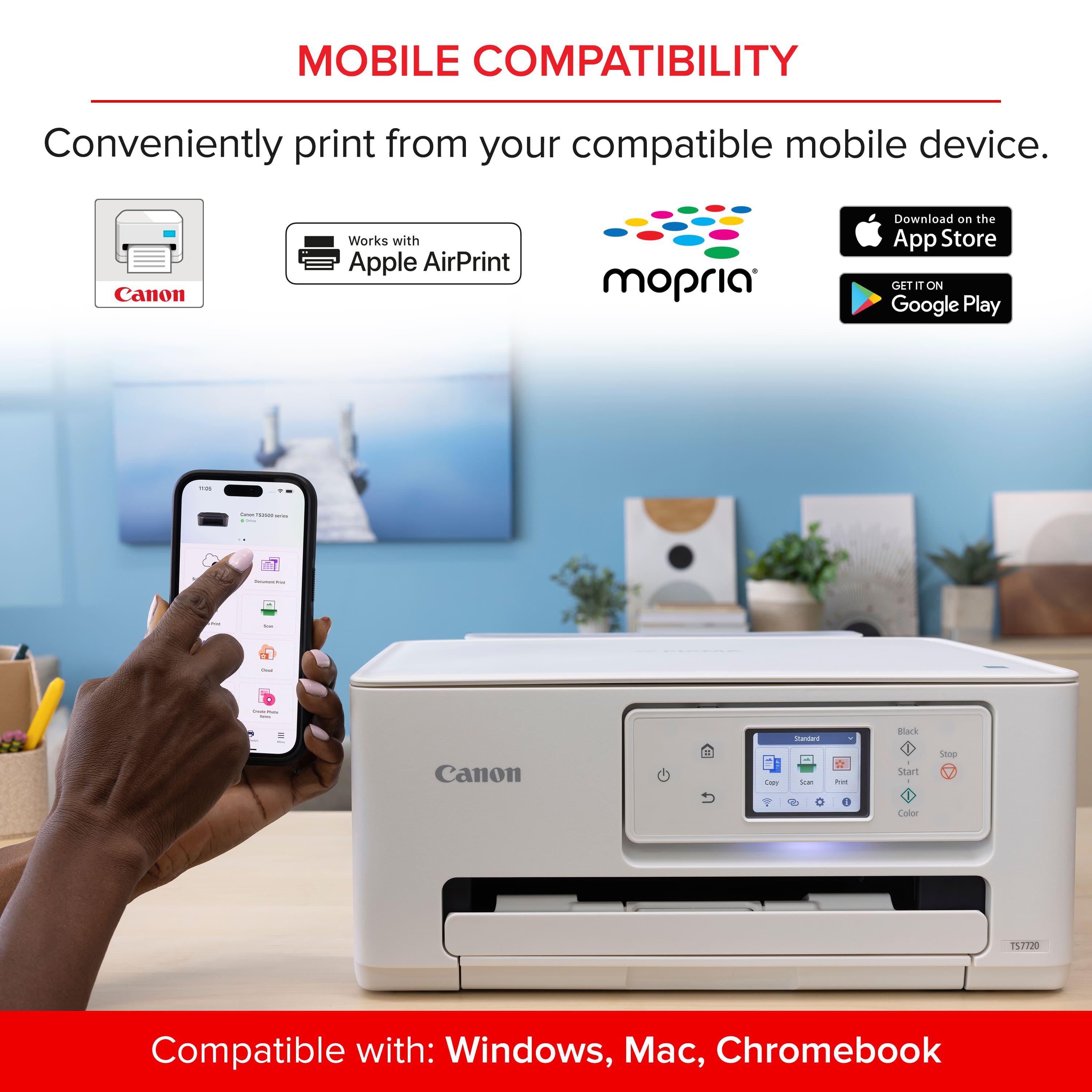
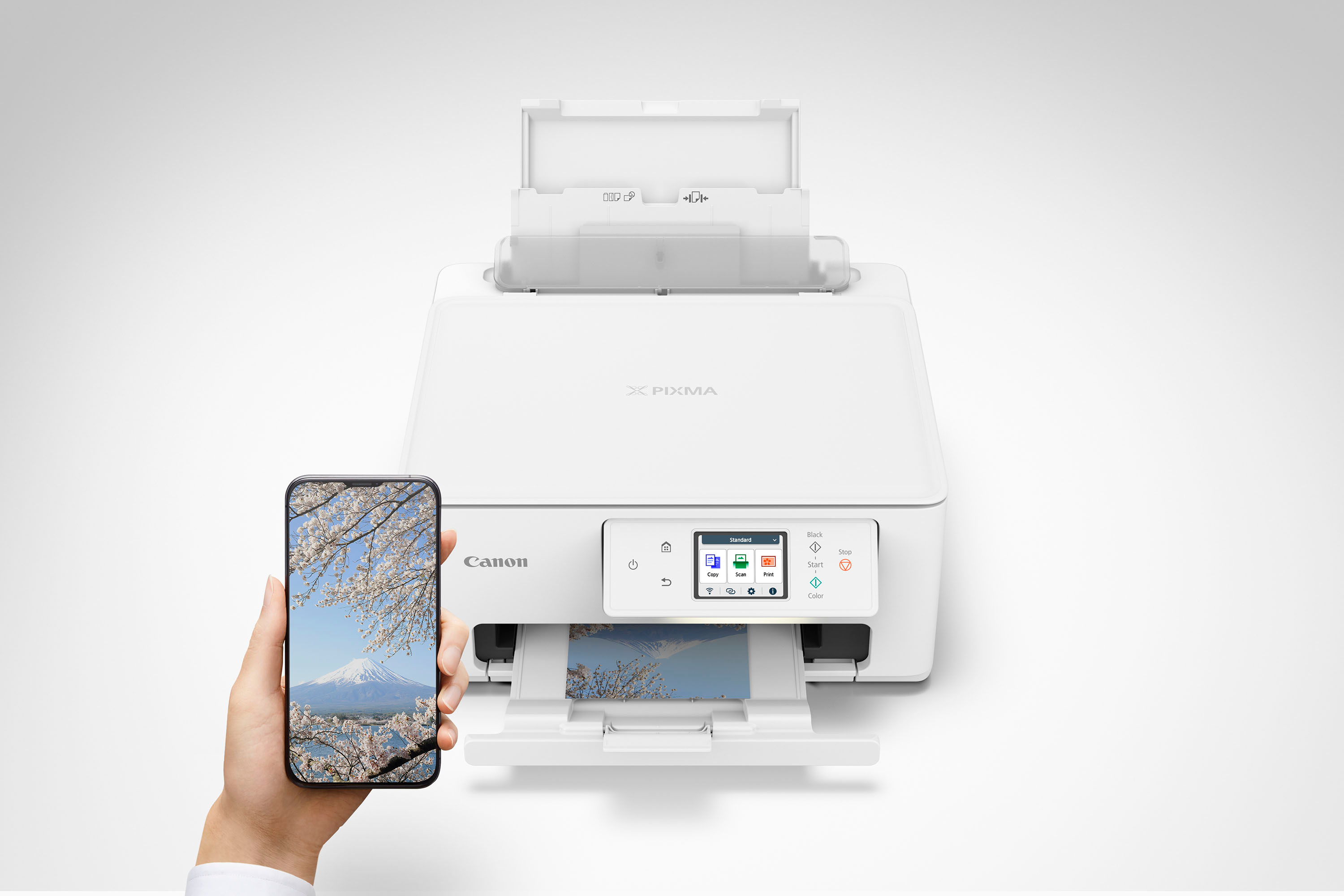
|Posted .This reviewer received promo considerations or sweepstakes entry for writing a review.This is a very nice compact scanner - printer by Canon. It looks sharp and has a nice little touchscreen, with very easy to understand functions. After initial setup of the wifi which doesn't take long at all, all your devices have almost instant access, my iphone found connected and started printing in mere seconds. For initial testing I printed on normal copy paper and 4x6 high gloss photo paper for my initial prints, both the copy paper and the photos I printed turned out really good! pros compact size easy to setup wifi connection no fuss phone to printer printing (supports ios and android [+windows/mac/chromebook]) duplex printing lcd touchscreen fast printing prints to 4x6 etc glossy photo paper very well ability to scan to email (must define mail server and addresses prior on admin webpage) cons the only thing i dislike about this printer is probably the same thing every ink printer gets knocked on, "the ink"; on this unit the ink well sizes seem very small (black ink volume 7.3ml, color 9.9ml), they say each cartridge has a page yield of about 180 for color cartridge and 180 for the black cartridge, if you print alot then you will be looking at replacing cartridges every half rheem of paper (rheem 500sheets). if you can, upgrade to the xl size cartridges (xl black 12.7ml ink volume, xl color 17.6ml) which doubles the yield to 400 & 400 per cartridge respectively. Overall this is a really solid printer from Canon, I love the touchscreen ability this unit has and how very simple it is to print from my phone so effortlessly. I would recommend this to anyone looking for a really affordable, quick printing, compact wireless scanner/printer with a few bells and whistles.
I would recommend this to a friendGreat printer and an easy set up..quality product.
|Posted .This reviewer received promo considerations or sweepstakes entry for writing a review.This printer is one that I found was easy to set up. One of the thins that I appreciate ost about this printer is that it has the wireless capabilities. In this world of tech, this is one of the things that I need the most. Having so many things to plug in this is just one of those things that I don’t have to worry about finding a plug for. I love how when you go to set up this printer , the direction of how to set it up is nice and easy to understand. Pairing this printer to your devices such as your ipad and your pones was also effortless. I know that wireless is not everyone’s cup of tea so it has the option of being wired as well. This would be great for my parents because they do not have WiFi in the house, I love this option for them. One thing that I find is a downside as always with ost printers is the cost of the ink. Lithography this printer prints great quality prints, the ink is not economical base of all of the things that I need to print. printing things for school can get quite expensive. Overall this is a great printer with nice quality prints.
I would recommend this to a friendTop affordable all in one printer and easy to use
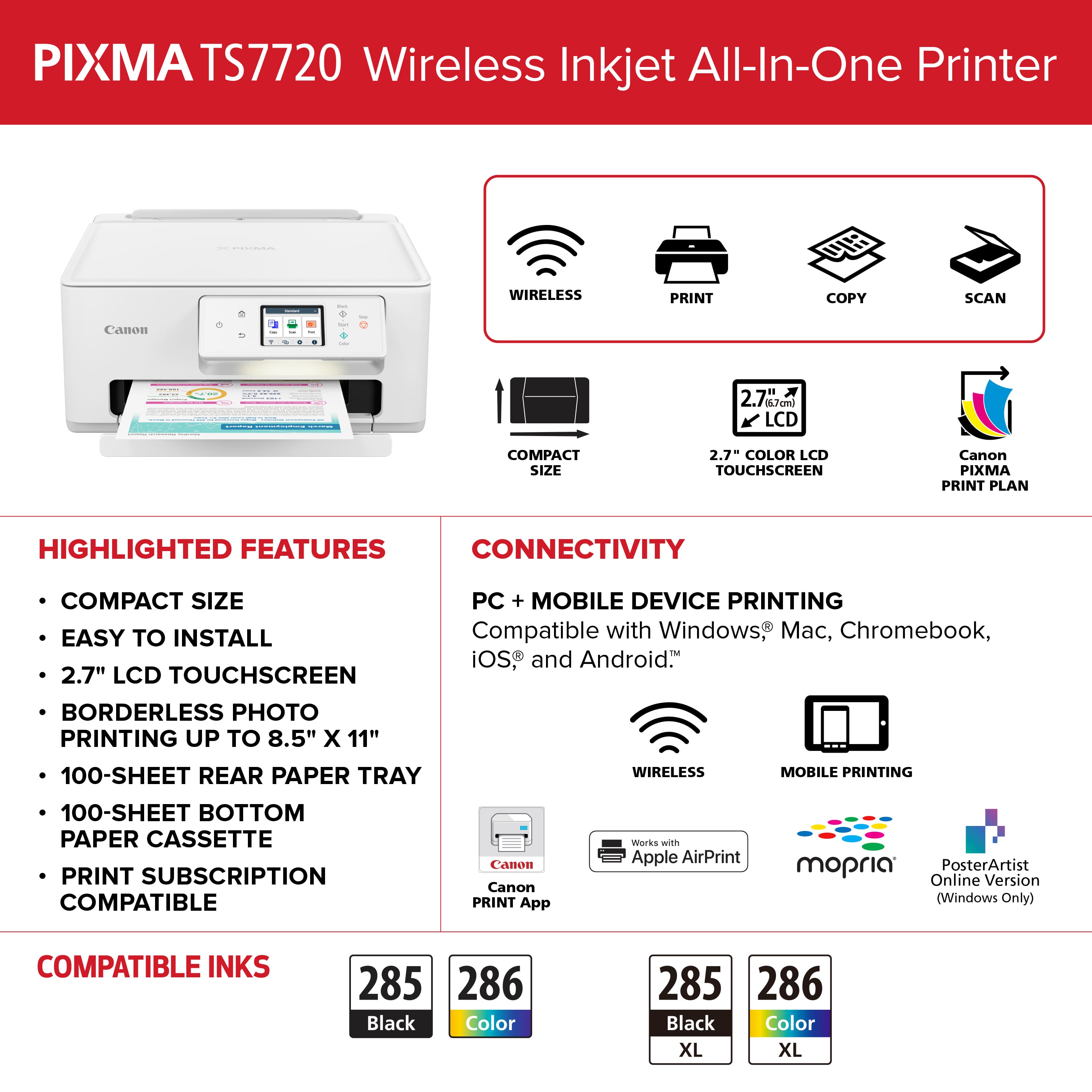
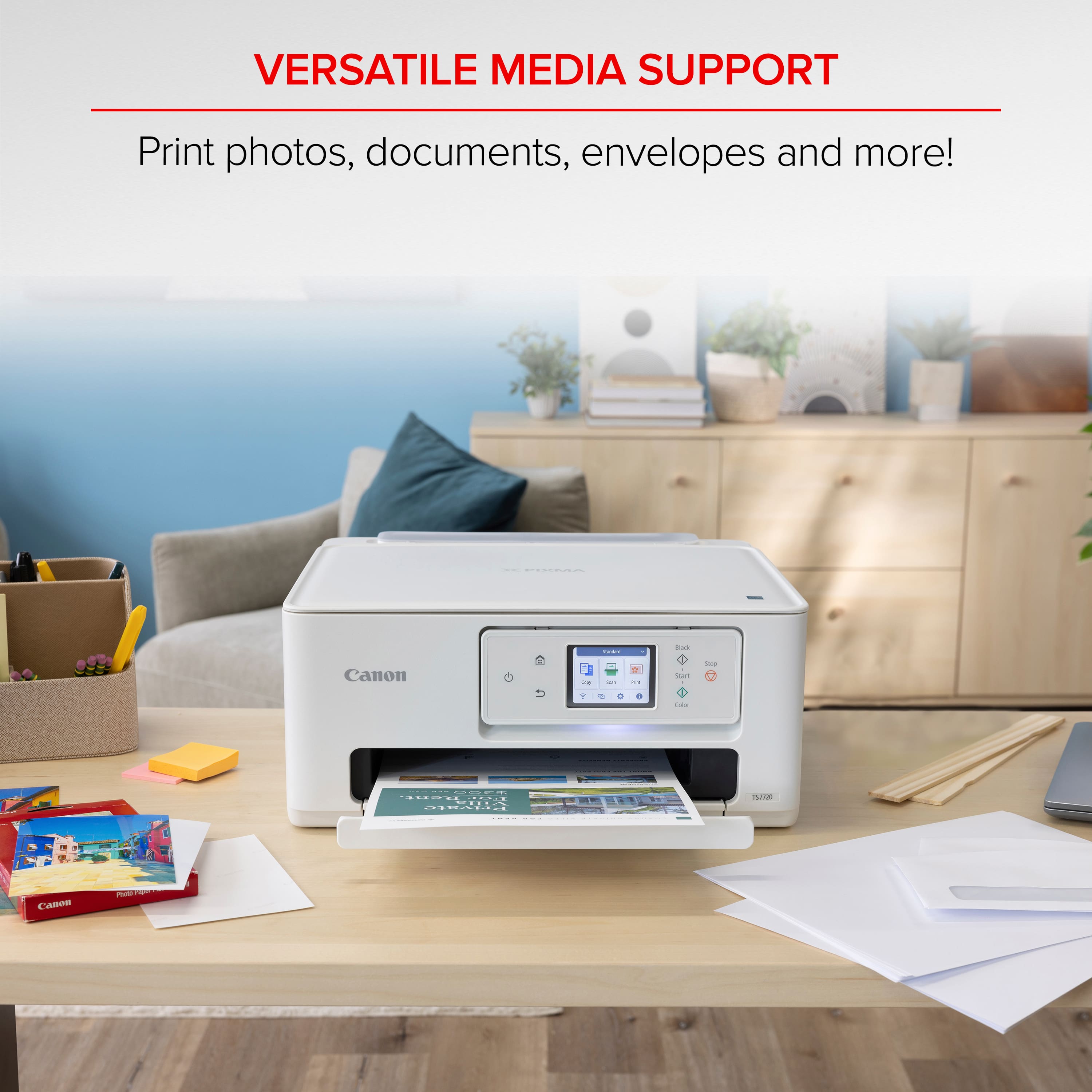
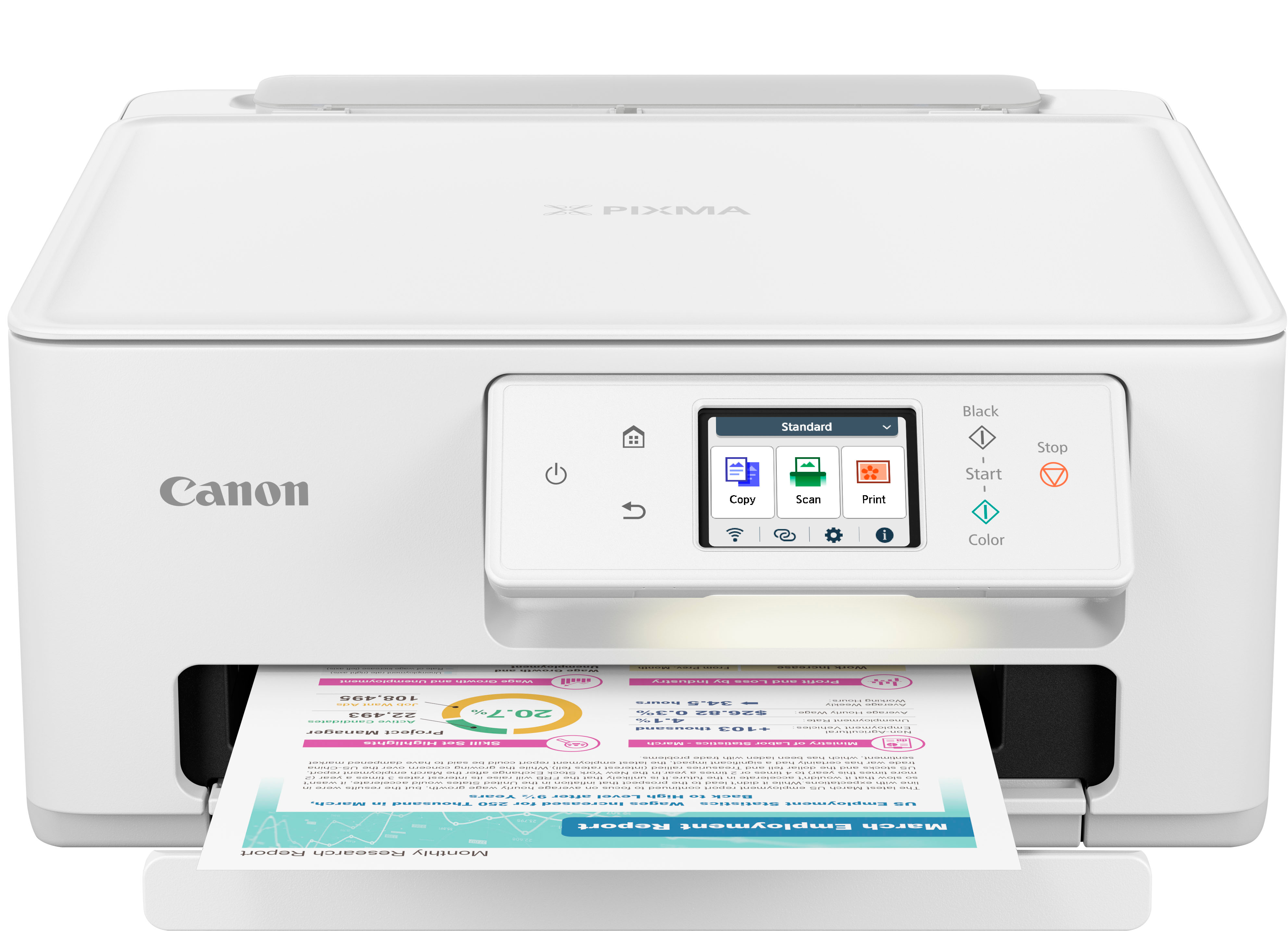
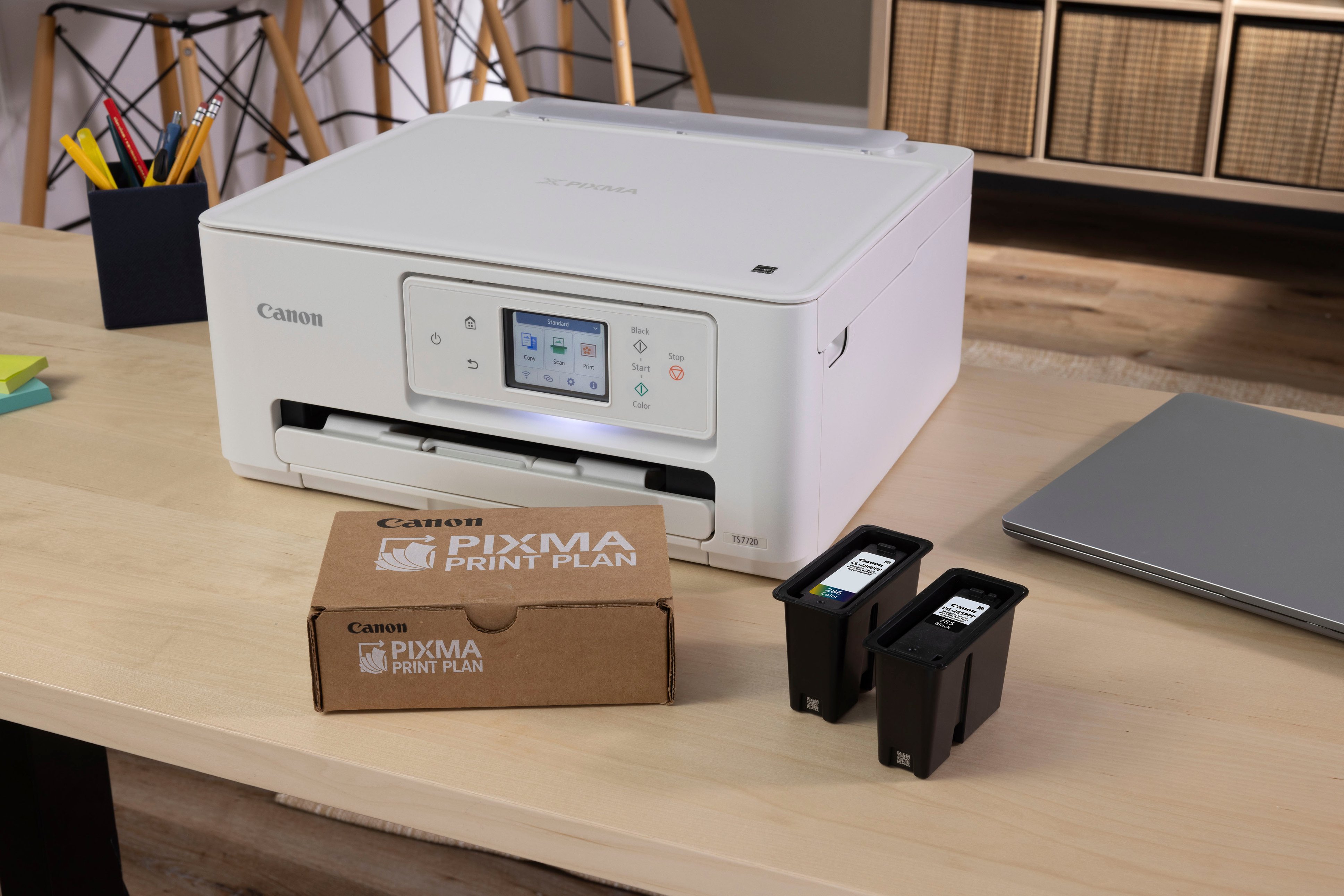
|Posted .This reviewer received promo considerations or sweepstakes entry for writing a review.Canon pixma TS7720 wireless inkjet is a small all in one inkjet printer. Copy, print, and scan with a total of 200 sheet storage that should be enough right? You get 100 sheets in the front tray and 100 in the rear paper tray. A nice 2.7 inch touchscreen display and auto duplex printing. You can use various paper types and sizes , like photo paper, envelopes, and borderless photos. That's where the rear tray comes in handy especially if you use the longer one for projects or artwork. Canon also made sure that it's compatible with iOS, Android , Windows , Mac and Chromebook. You only need to buy 2 ink cartridges the black 285 and color 286. I really dislike having to get 5 or 6 different ink cartridges. I stick to buying the XL for both which is cost saving and not too expensive as some other brands charge way too much for ink. Setting it up was fairly easy took 15-20 minutes . I printed some photos that came out very nice. For the most part it's used for the kids homework and projects so you really need a printer like this that can handle everything and hold all that paper . Another thing is everyone can use it just download the app on the phones and print wirelessly , because let's face it even the kids have a phone now and they print their stuff. I trust Canon since I was a teen and that was decades ago glad to say some companies still care about their customers.
I would recommend this to a friendEconomical Printer
|Posted .This reviewer received promo considerations or sweepstakes entry for writing a review.Upfront: This printer is great for economical uses and is easy to setup and quick at printing. If you use your printer heavily, I would strongly suggest a higher quality canon printer for longevity. Also, No fax if that is a must. Required Cartridges: PG-285 Black, CL-286 Color Unboxing and setup: Easy to unbox and prepare for the first use. There was not an excessive amount of packing material or tape securing pieces. It took me less than 5 minutes to get everything out, unwrapped, and plugged in for the setup. Setup: Again super easy thanks to Canon being in the printing business for years. I setup the printer using the Canon app on my iOS device. Loaded up the included ink and my own paper. Setup to my wifi system and the app was quick. It did take a few moments for it update and calibrate the ink heads but then it was ready to go. Printing and uses: The printer prints high quality color and b&w images and text with a printing resolution of 1200x1200. It prints 2 sided! Printing is fast and efficient for home use with speed of 15 pages per minute for b&w and 10 pages per minute for color. The PIXMA has many other features including a high quality flat bed scanner (1200*2400), bottom paper tray (low capacity) and rear paper feed, color touch screen and dedicated buttons for power, home, and start/stop copy. Plenty of connection capabilities including wifi, usb (cable not included), AirPrint, Mopria, Canon Mobile Printing. Quality: I have owned many canon printers throughout the years and this one seems to be made of much cheaper quality plastics than I am used to. I always enjoyed a PIXMA printer and this one seem less than what I am used to (reason for the 4 stars). I noticed immediately, that the top cover for the scanner, rear paper feed cover/flap, and the output tray were super cheaply made. Also, many PIXMA's had export trays and screens that would automatically open up (powered) when you were printing. This one is all manual.
I would recommend this to a friendCanon PIXMA TS7720 Wireless All-In-One Printer
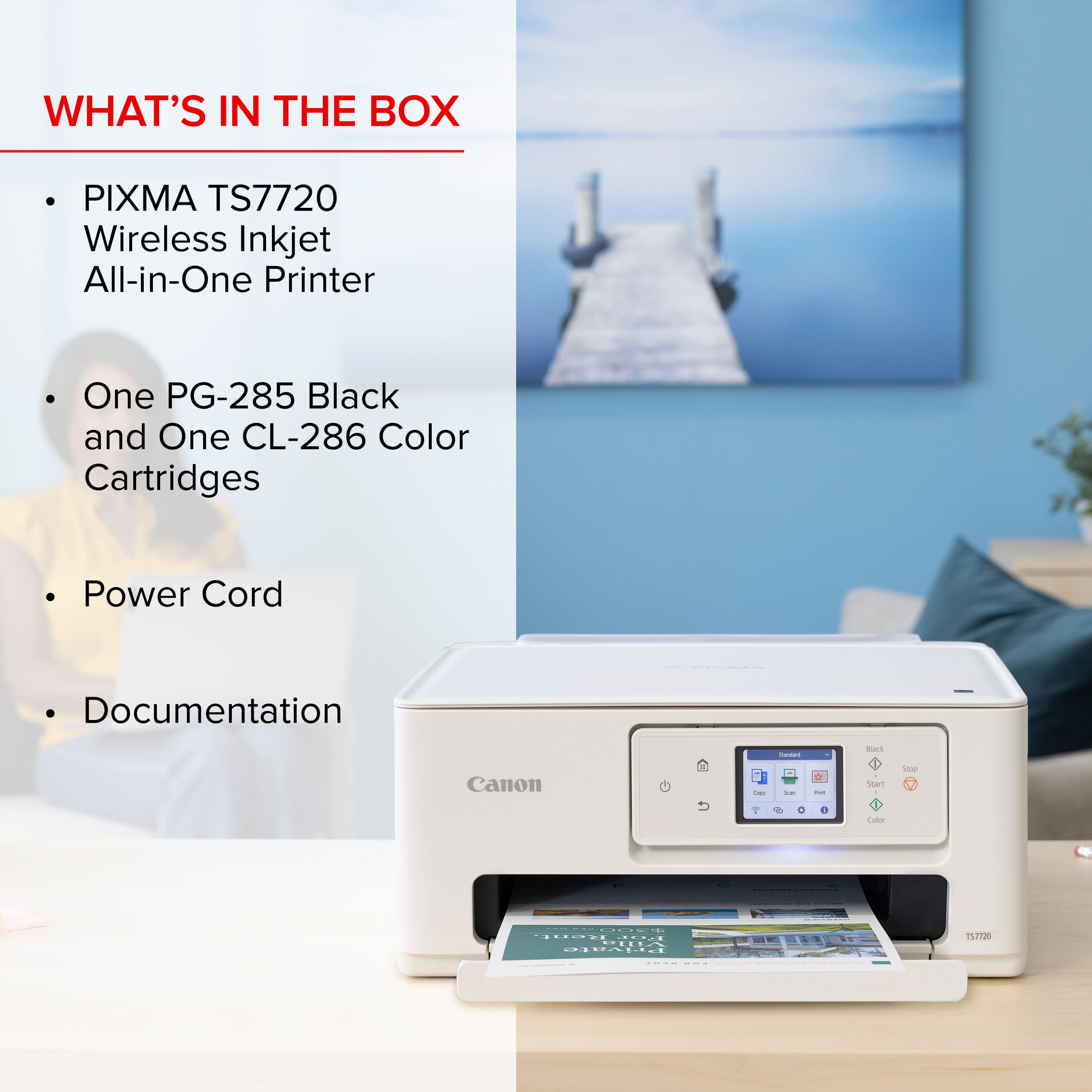
|Posted .This reviewer received promo considerations or sweepstakes entry for writing a review.So I received my Canon PIXMA TS7720 Wireless All-In-One Printer a couple weeks ago and have been putting it through its paces. The Canon PIXMA has become a great addition to our home office. Setup though easy was kinda tedious in the since that this printer isn't the usual plug-n-play type. Nonetheless, its still a decent printer that would be great for students in high school. Canon has always been a favorite office brand name that I've come to love over the years. Inside the nicely packed boxed is: * Canon PIXMA TS7720 Wireless All-In-One InkJet Printer * Power Cord * Inks ( Black, and TriColor) * User Documentation As I stated earlier, though the setup was easy, there were more steps in the process which included having the setup the printer through the web app (via computer) or mobile (via the app). Now I'm not a big fan of printer companies that are pretty much forcing you to utilize the mobile or web apps in order to print. To me, its a complete waste of time, but most companies I guess use this technique to track ink levels and/or make it "easier" for the consumer to order ink supplies. Although I myself am not a fan of always having to use an app just to print something, the Canon PIXMA TS7720 printer is a nice printer. In the test pages that I've printed the colors were vibrant and did not bleed into one another, nor did they have a faded look to them. And the black ink was nice. This printer also features copy and scan functions that work as expected. To copy something simply lay your document on the scan glass and the scan button on the the touch screen. You can also scan your ID or business cards as well. Just ensure to line your document up with the arrow in the top left corner on the scan glass and you're good to go. All in all I'd recommend this for a student that's in high school or maybe just starting off in college. This would also be nice for someone who doesn't do a large amount of printing in their home office.
I would recommend this to a friendSolid entry-level printer
|Posted .This reviewer received promo considerations or sweepstakes entry for writing a review.The printer market is so varied, with multiple styles, multiple price point levels, multiple designs...there's a lot out there. For most consumers it can be confusing making a decision. Most consumers don't need the highest end of printers, and for most consumers, the Canon - Pixma TS7720 will work just fine. Set up for the printer is standard fare. If you've downloaded the Canon printer app previously for a previous printer, you're ahead in the game. Installing the ink cartridges were easy as well. If you've been down this path previously...it's the same. If you haven't, the printer will walk you through the process smoothly. In terms of design, the TS7720 is standard fare for an All-In-One. Solid LED, raiseable top for scanning and back loading paper. It's not chic or anything of that nature, but you're not getting this printer to make a statement, you're getting it to print on paper, and when it comes to that, this printer gets it done. It prints two-sided, which, I never realized how often at home printers don't, but this one does. The print quality itself is solid. I wouldn't print photos to build a family picture book (that'd also use a lot of ink) but it doesn't a decent job with images and text. Having the app on your phone is a major bonus as much as we transition to doing so much from our phones, I can easily print anything off my phone. For most, this is printer will be the perfect purchase. It's gets the job done, simple and plain. It won't knock your socks off...but again, most of you are just in the market for a solid printer and this is it.
I would recommend this to a friendVersatile, Economical & Bright Colors
|Posted .This reviewer received promo considerations or sweepstakes entry for writing a review.The PIXMA TS7720 is a very versatile entry level printer. You will want to use the simple installation available by installing the Canon PRINT Inkjet/SELPHY app on your cell phone. It has all the paper size and type options including photo, envelopes, normal stock letter size paper and more. The colors are very nice and bright; however, you can take advantage of Canon’s hybrid ink system which did indeed produce extra sharp black and very bright colors – nice tip of the cap to the Canon engineers. If you want to also print from your phone, you will need to install the Mopria Print Service; also the phone and printer must be on the same wireless access point. It is not difficult to do the cell phone install but these are a couple important tips. This unit will work with a Chrome book. This is a key point since many printers actually won’t install correctly on the Chrome OS. This unit has a very nice and large LCD screen, 2-sided printing ability and good medium range printing speeds. You do not get a multi-page feeder but you do have a large glass scanning screen. A feature you do not always see on even higher priced printers is the dual band WiFi connectivity. So you can use your router’s higher speed 5 GHz access point – great. Another useful feature that Canon provides is the Poster Artist software. This printer is compatible with this web-based software (not all Canon printers are compatible). However, there is a free version and an expensive version, both developed by Canon. I made sure to go to the correct link to get the free version. (Oddly the more expensive version said it was out of stock). You can make banners, flyers, posters etc. Very easy to use with lots of templates. You should check out this useful free software. I would highly recommend this modestly priced, versatile and solid printer.
I would recommend this to a friendCanon Delivers as Usual
|Posted .This reviewer received promo considerations or sweepstakes entry for writing a review.I have probably used and reviewed printers from all major companies and out of all of them, I have found that the Canon user interface and usability experience have always been my favorite. This is no exception. Build quality and design are top notch. This is not the most expensive option out there and the expectations need to be set appropriately. As a nice budget option, this does everything you want it to do. Starting with the scan option, it is efficient and does it well. The copy option works well as well but the performance is probably not as fast compared to some others I have tried but should fit the bill for home use quite easily. Now, the printing set-up is easy even though I must say that more instructions should be provided for the normal user. The speed is adequate and perfect for home use, maybe a little slow for heavy office use but at this price point the performance is fine. My biggest complaint would be photo print quality and honestly I thought that something like 6320 had much better clarity and color reproduction but then again at this price point one should not be too critical. The color use and reproduction are not commensurate, meaning the ink is used too heavily compared to what you get on the print paper. For clarification, I used Canon's own photo paper. If you have used Canon's interface, ink ordering and re-ordering is always seamless, though you may get better deals elsewhere. Overall, a very good printer that is adequate for home use and is a good buy at this price point. Canon gets the win here.
I would recommend this to a friendPerfect all in one printer
|Posted .This reviewer received promo considerations or sweepstakes entry for writing a review.I have been needing a new home printer that has the capabilities to print, copy, and scan and also is lighter on ink. I am taking insurance designation courses and need to print out study materials frequently such as flash cards, outlines, and notes. This printer also allows me to scan in my written notes to keep on file. The setup or this printer is super quick and easy. There is a Canon printer app that helps you easily connect your printer to the internet to print from your phone or other devices. Once plugged in, you just need to install the included in cartridges. Follow the instructions on how to pop them in as they are a little different than other printers. Once the printer is connected and ink is installed, the printer will run any updates and print a test sheet. The paper tray holds a lot of paper so I don’t have to continually restock paper. The app is a great tool as it tracks the ink levels and you don’t have to guess when the ink will run out. It also has a smartphone copy where you can take an image on your phone to print or print images already saved on your phone. This printer is everything I need for home needs and I love the additional capabilities the app includes.
I would recommend this to a friendGreat for Cardstock
Posted .This reviewer received promo considerations or sweepstakes entry for writing a review.Great at printing on thick cardstock. Used for Wedding invitations and they came out great. Very easy to connect to phone and computer over wifi.
I would recommend this to a friendLightweight and Basic As Basic Gets
|Posted .This reviewer received promo considerations or sweepstakes entry for writing a review.I was surprised at how lightweight this printer is. It is very easy to move it when opening the scanner lid or pulling the paper tray in or out. It prints fairly fast and the print quality at the default settings is pretty good. It installed easily according to the instructions--but--until you go into the menu settings and disable the sleep and power off modes, Windows 10 wasn't able to wake it up. Another annoying feature--I placed this printer in the exact same position with the same wifi network as my last 3 printers--and this one kept reporting a weak signal as an excuse to show "offline." I was able to scan from it with 3rd party apps, but not able to print to it. I uninstalled it, let Windows find it and do a default basic install, and now it seems to be fine. I hope the new black cartridge I have coming lasts longer than the one that came with it, since 40 or 50 pages ate up half that one. Not sure this basic of basic printers delivers for the price of it. I do like the little light that shines as a backlight to the control panel which tilts up and away from the main body.
No, I would not recommend this to a friendStill have it
Posted .This reviewer received promo considerations or sweepstakes entry for writing a review.I am happy and my wife she still have it and work vary nice
I would recommend this to a friend