Customer Ratings & Reviews



- Model:
- CH-910D119-NA
- SKU:
- 6428114
Rating by feature
- Value
Rating 4.5 out of 5 stars
- Quality
Rating 4.5 out of 5 stars
- Ease of Use
Rating 4.7 out of 5 stars
Customers are saying
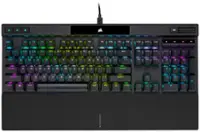
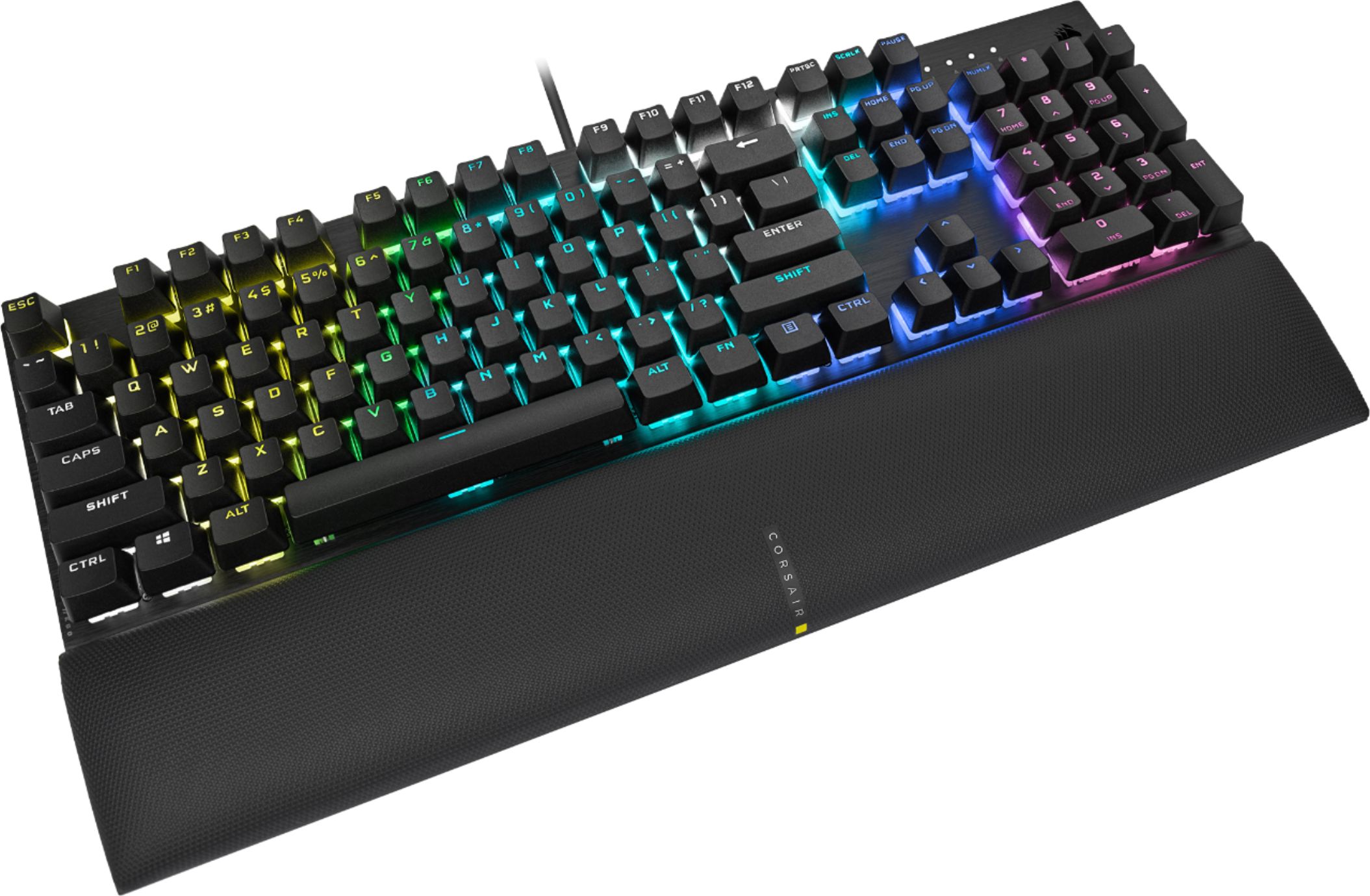
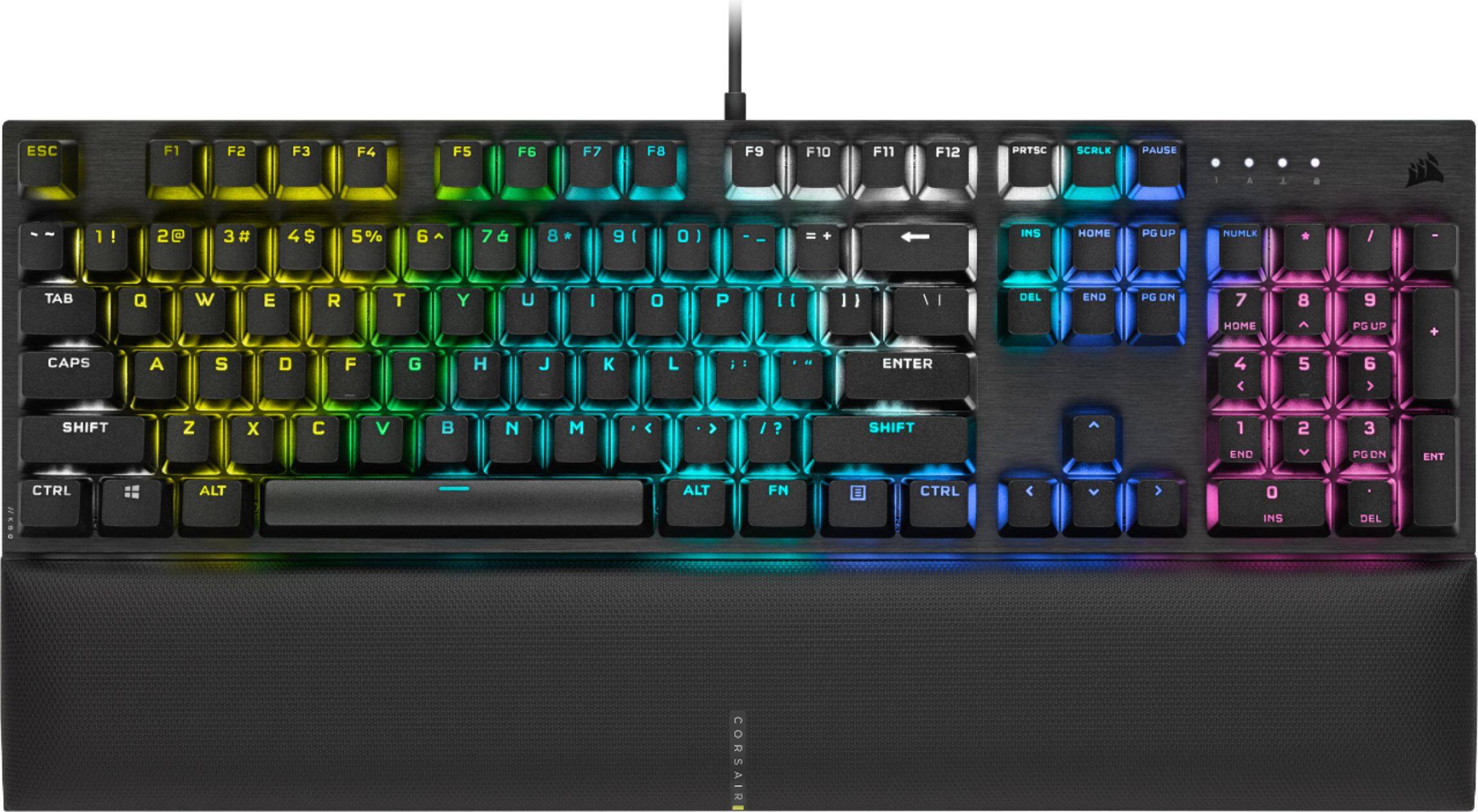
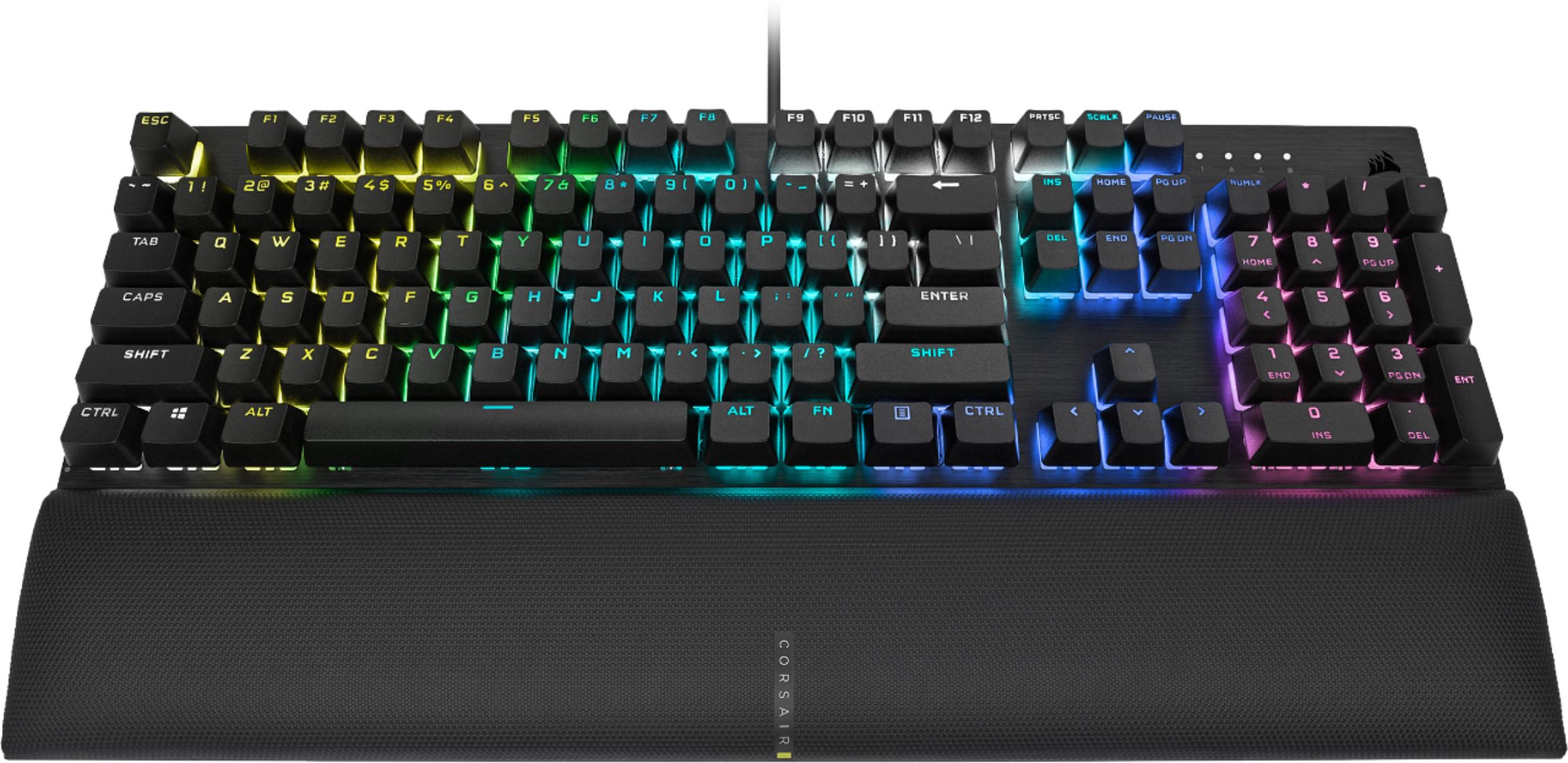
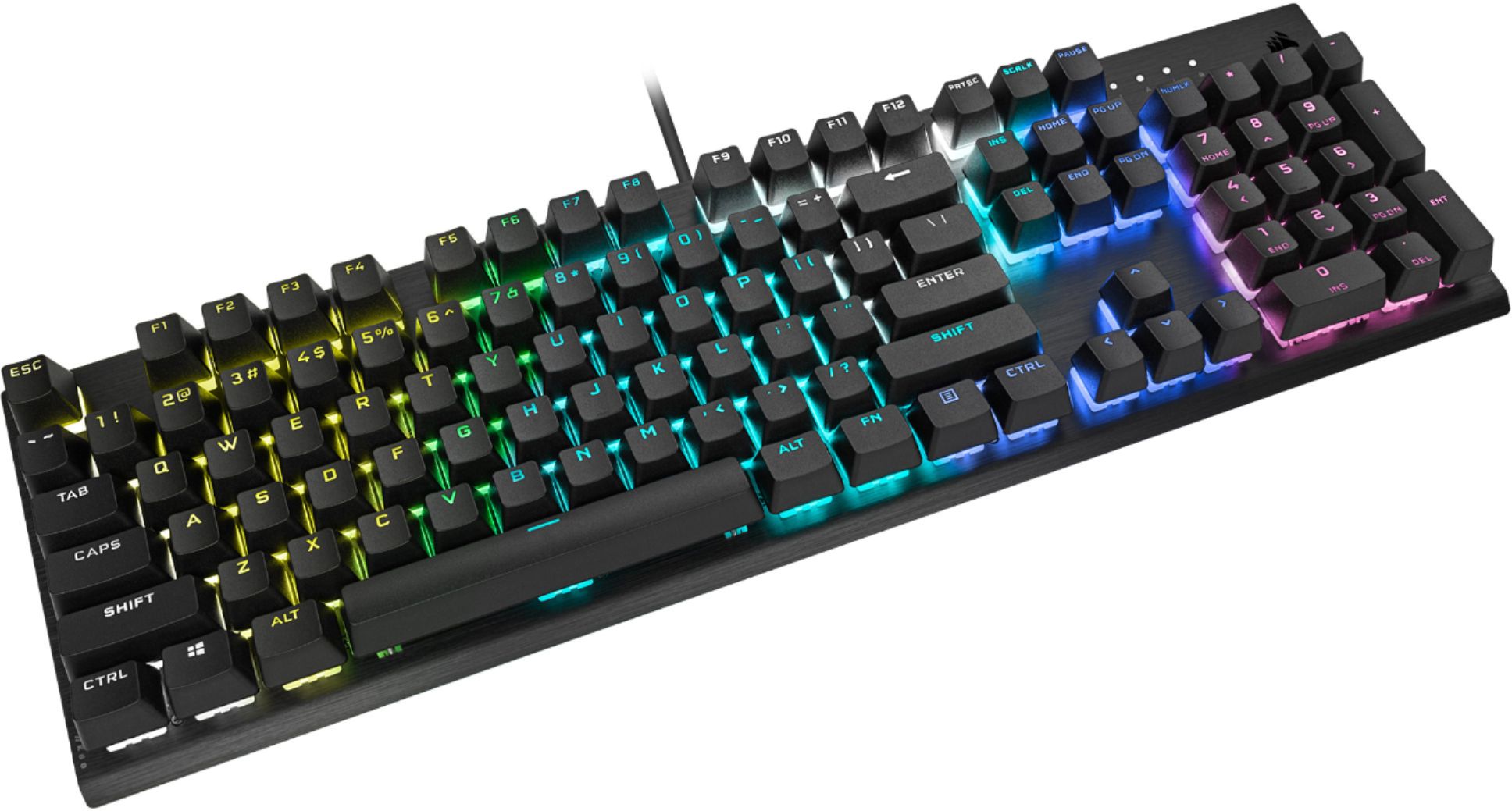
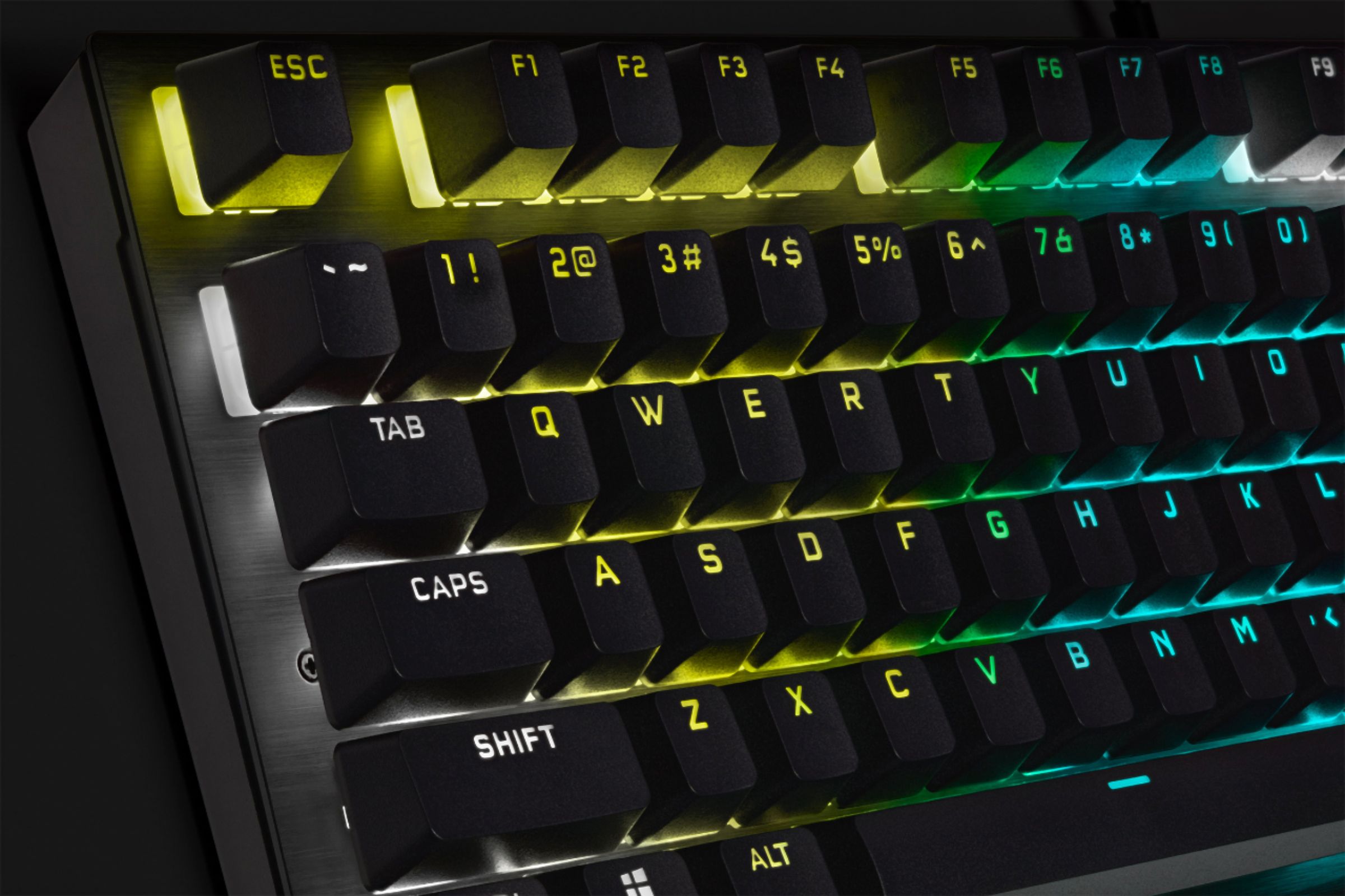
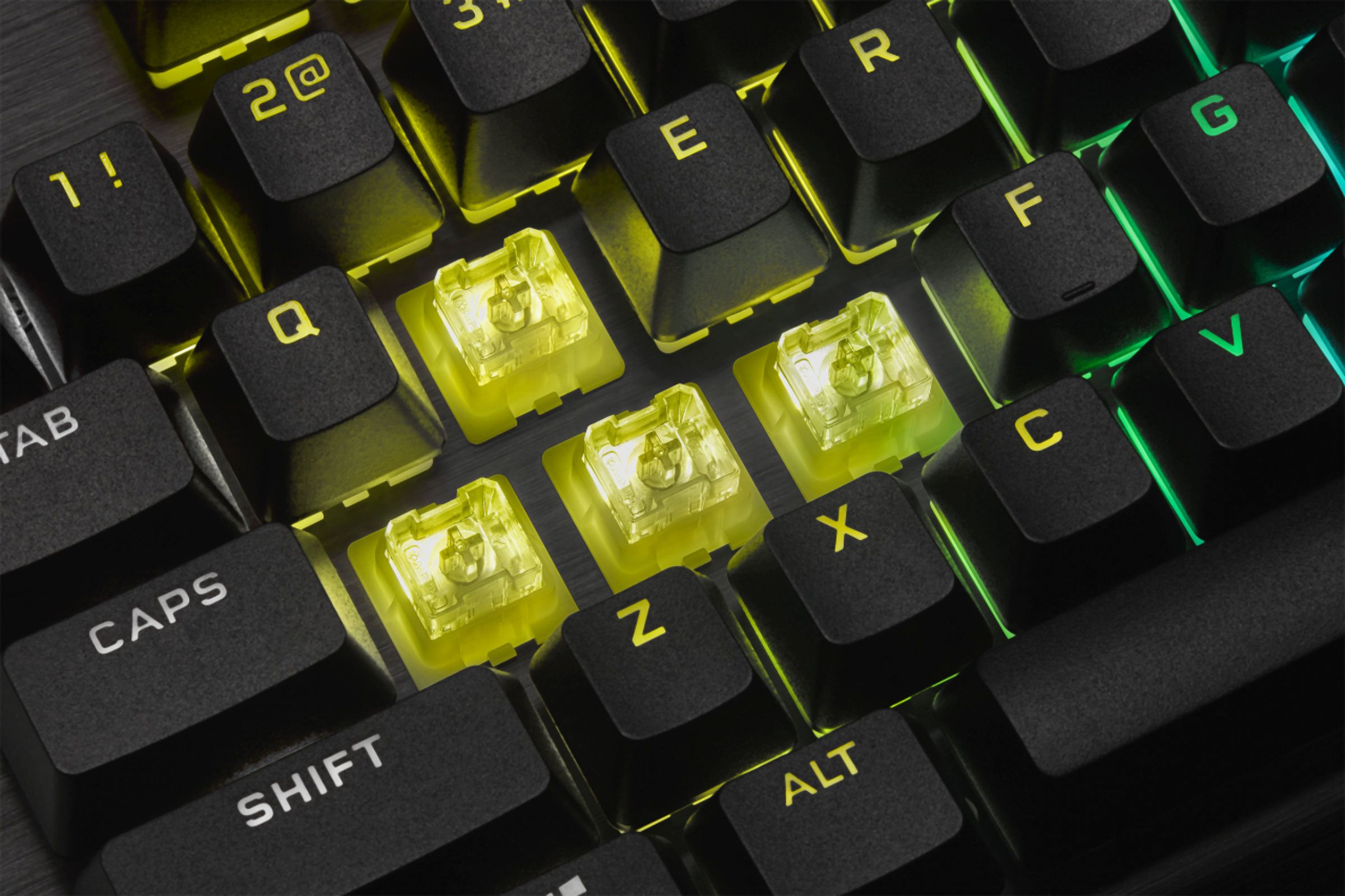
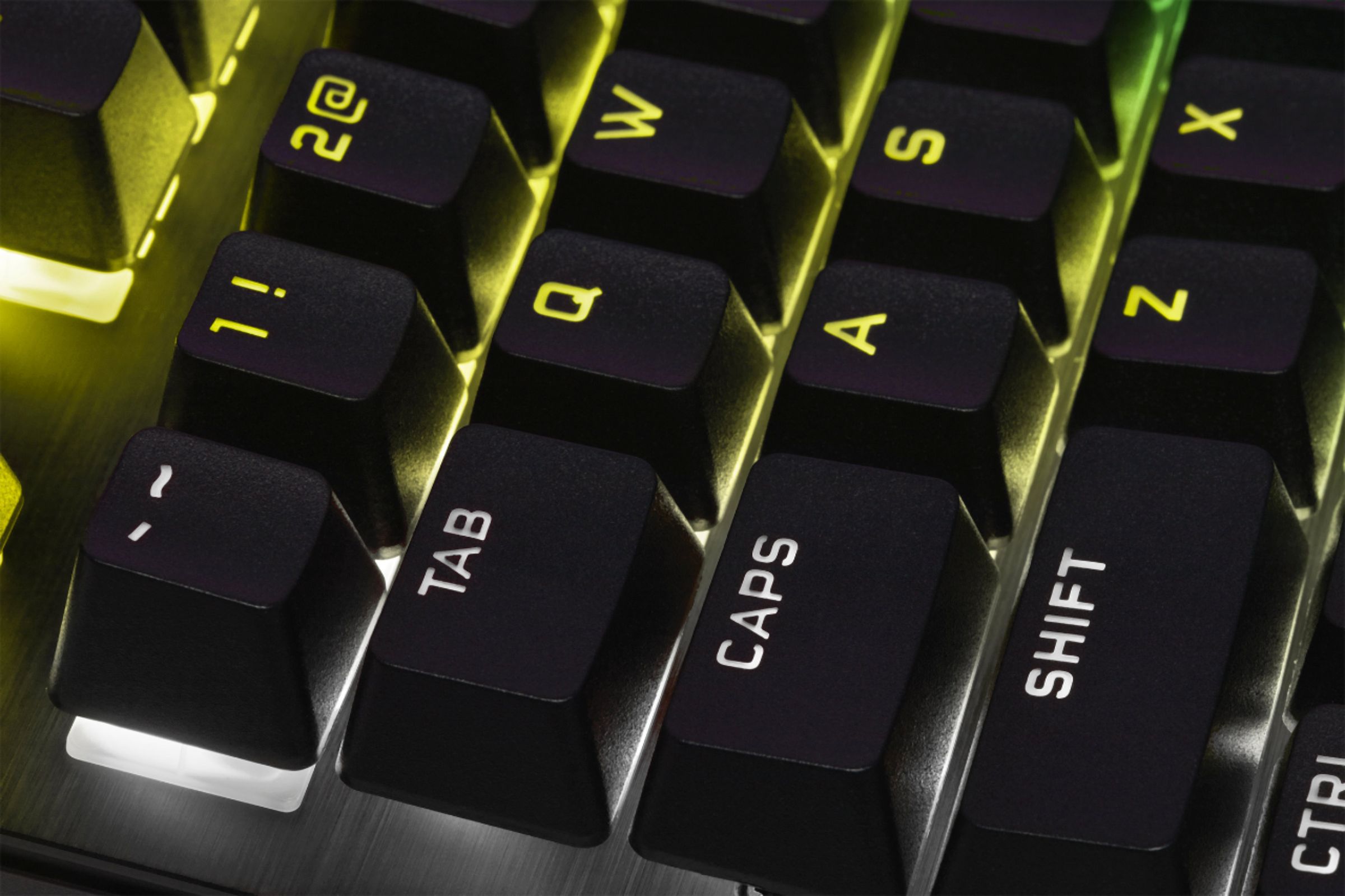
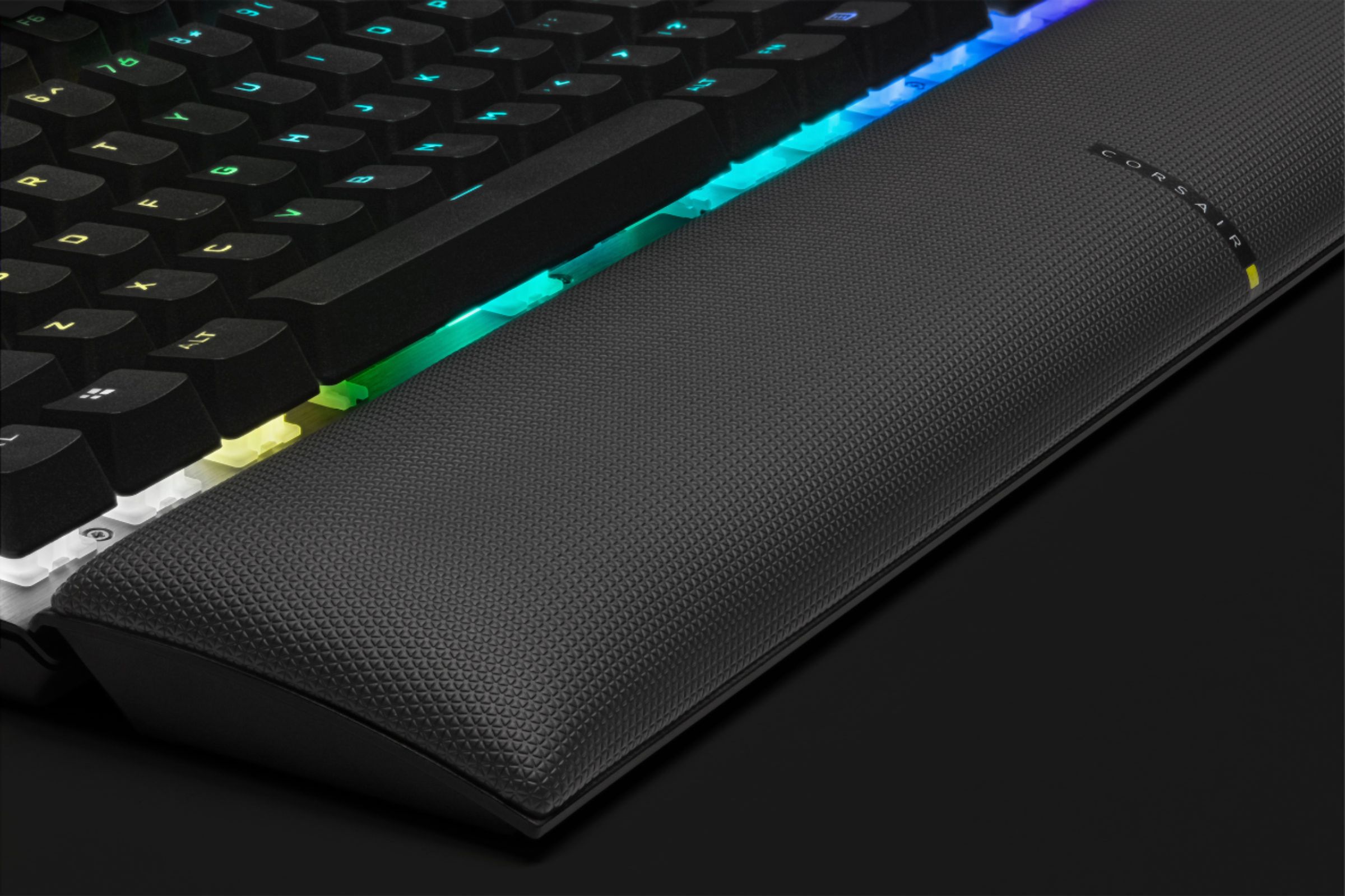
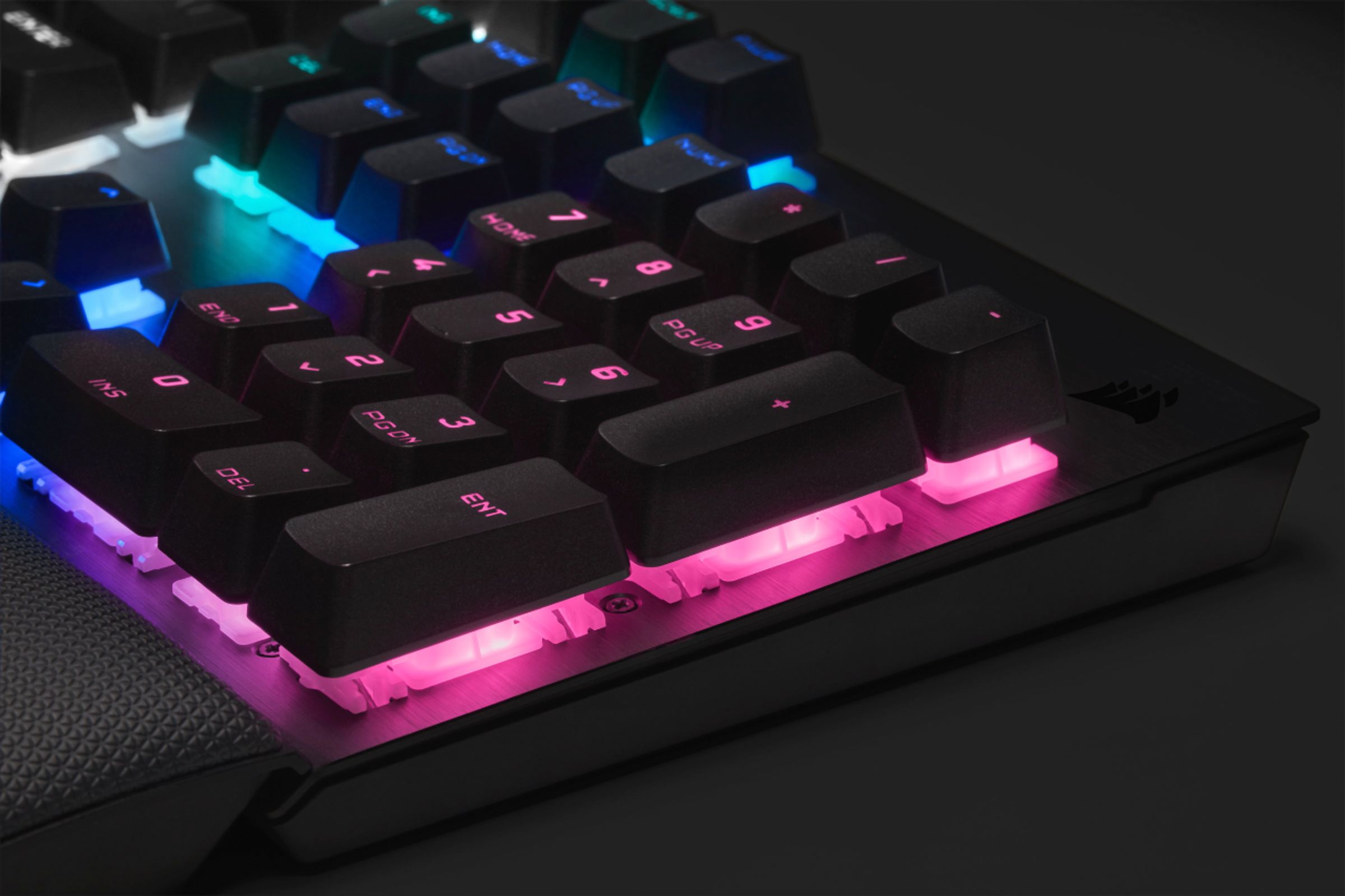
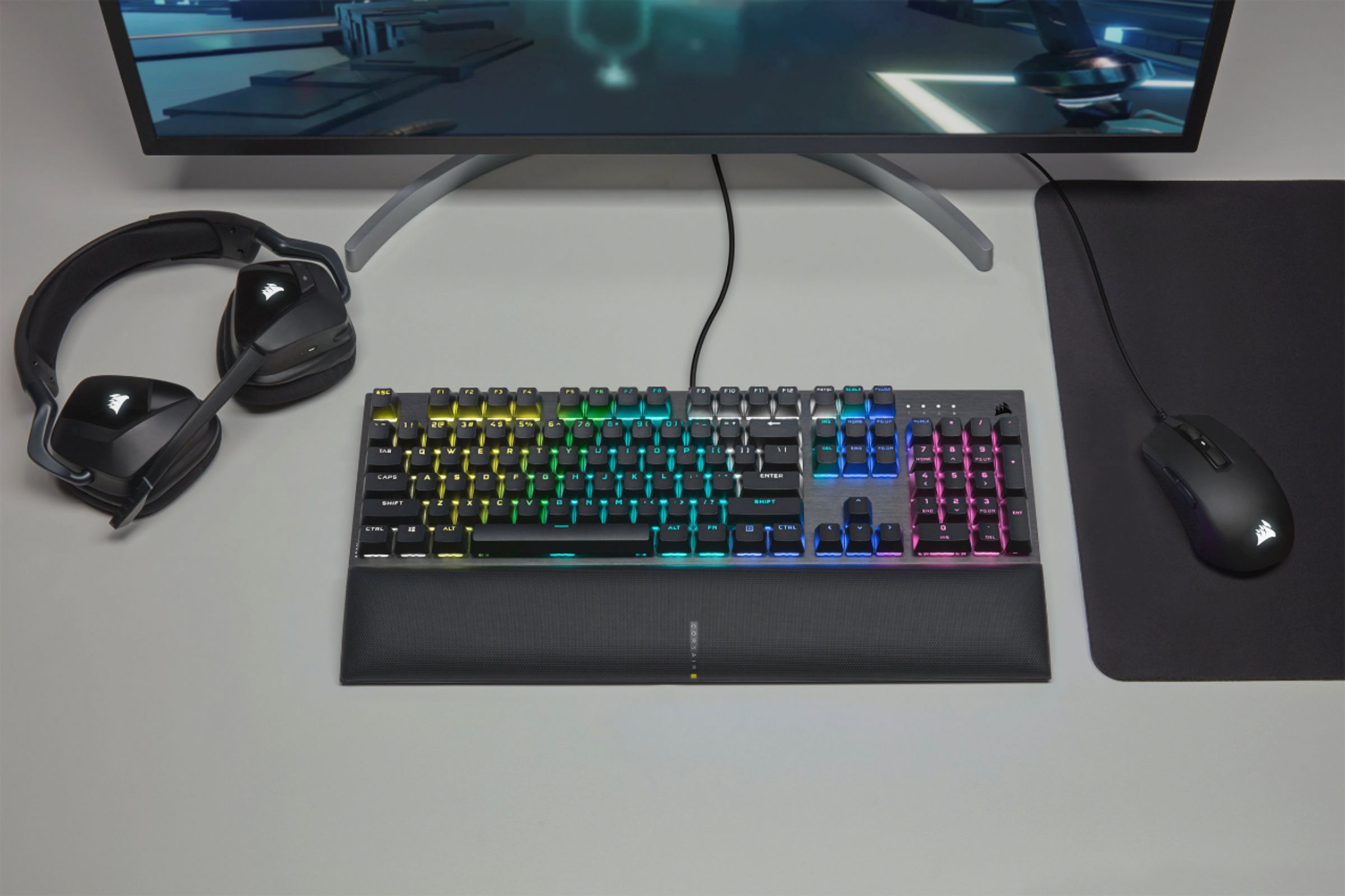
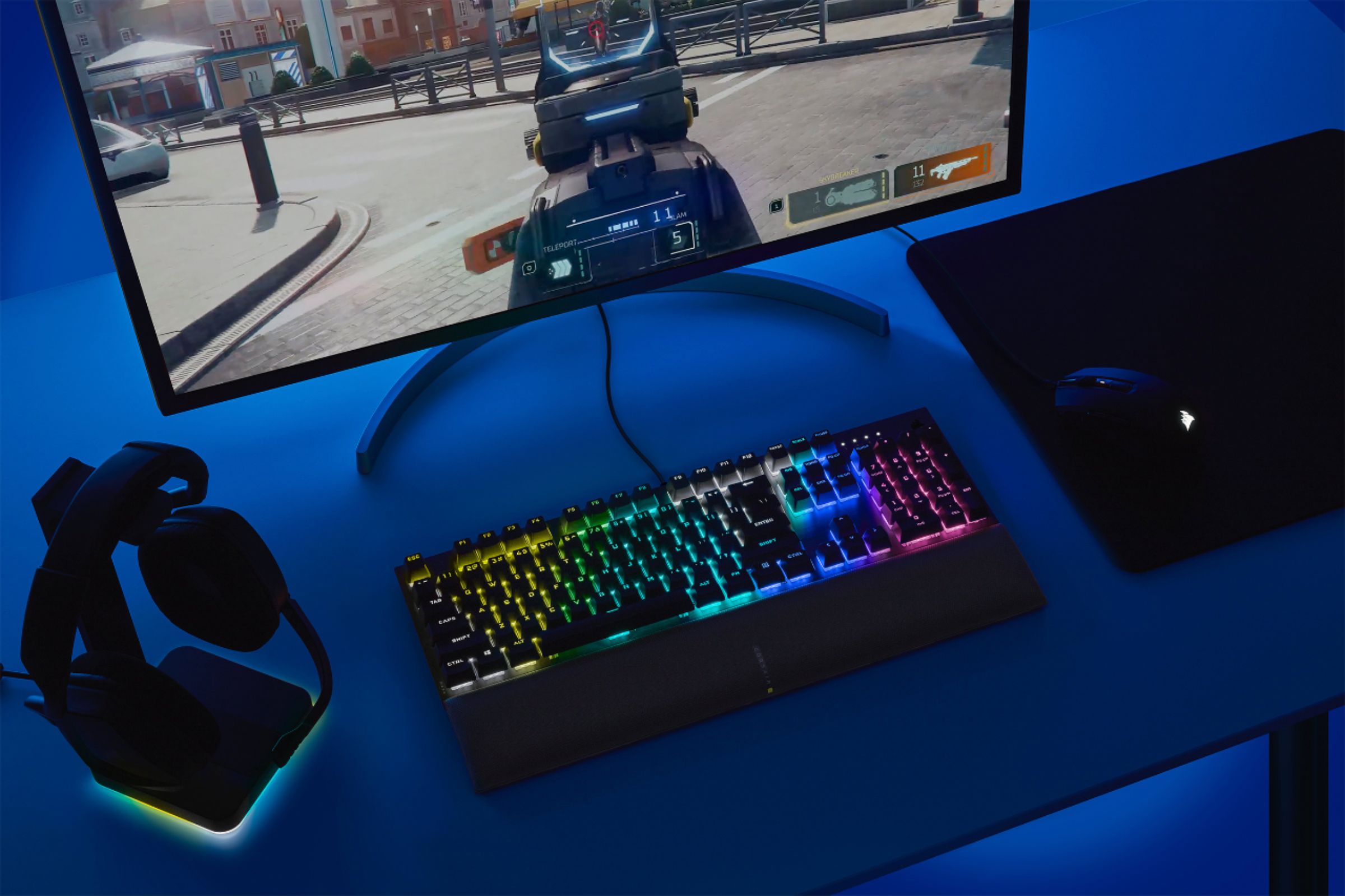
Customers value the high-quality build, vibrant RGB lighting, and pleasant key feel of the K60 RGB Pro SE keyboard. Many appreciate the included wrist rest and find the keyboard easy to use and set up. While some users have noted preferences for different switch types, the overall feedback points to a positive user experience. The price point is also frequently cited as reasonable.
This summary was generated by AI based on customer reviews.
Typical Corsair keyboard with subpar lighting
||Posted . Owned for less than 1 week when reviewed.This reviewer received promo considerations or sweepstakes entry for writing a review.if you are used to having media keys, you will not want otherwise. Corsair software is horrendous and has NEVER been made easier. No way to have the board go to sleep when your monitor goes dark (competitor boards do that which is cool and I have gotten used to. It makes everything look more uniform. Monitors go black, but the board stays lit. I don't like that). And Corsair keyboards do not have good lighting. What is worse is the lettering on the keys. The lighting does not come through as nicely because they keys do not all look even. Again, there are competitor boards, cheaper in price, that has lighting across the board that looks even and bright on ALL keys. The only decent thing on this board is the wrist rest. That's it.
No, I would not recommend this to a friendBrand response from Corsair Art
Posted .Hi Larry,
Thank you so much for the feedback, would you be able to provide us with photos of the uneven lettering and lighting that you are experience? Please reach out to our support team so we can work with you directly: support.corsair.com
-Brian
Keyboard is nice
||Posted . Owned for 1 week when reviewed.This reviewer received promo considerations or sweepstakes entry for writing a review.I like it. Thank you very quiet. Still reviewing the keyboard
I would recommend this to a friendBrand response from Corsair
Posted .Hi Latanya,
We hope you're enjoying the keyboard! If you have any issues or questions while using the K60 PRO SE, please feel free to reach out to our support team, we'd be happy to help you directly: support.corsair.com
-Brian
Great expectation not so great item
||Posted . Owned for 3 weeks when reviewed.This reviewer received promo considerations or sweepstakes entry for writing a review.It was a less expensive item and seemed to be working well, but only after a couple of weeks a know issue of when typing and pressing the space bar it would add two or more additional spaces. After trying to reset the device according to Corsair I had to return the item.
No, I would not recommend this to a friendBrand response from Corsair
Posted .Hi DeePrince77,
Sorry to hear about the spacebar issue. Aside from resetting the keyboard, were you able to remove the spacebar keycap to see if there were any obstructions underneath? If still have the keyboard, please reach out to our support team so we can assist you directly: support.corsair.com
-Brian
Poor quality and not worth the price
||Posted . Owned for 9 months when reviewed.This reviewer received promo considerations or sweepstakes entry for writing a review.After one year of usage, the "m", "k", "i", "o", "l", ",", and numpad "2" keys are non responsive. Emailed the corsair warranty team about it, and they insist that they can only send keycap replacements(this keyboard has 2 years of warranty, and I have only had it for less than one year). The service I got and the quality of this keyboard are not worth the price, not to say this is a wired keyboard but often has problems with input delays and inputting two words when you only typed one. Don't Buy This! b
No, I would not recommend this to a friendBrand response from Corsair
Posted .Hello Edward,
We're sorry to hear that you were having issues with the K60 RGB PRO SE. Could you try resetting the keyboard? Unplug the keyboard, hold the ESC key and reconnect the USB to another USB port. If you're still having issues, please contact our support team and please ask for escalation so we may assist you further: support.corsair.com
-Brian
BOO YOUU WH*RE
||Posted . Owned for 9 months when reviewed.This reviewer received promo considerations or sweepstakes entry for writing a review.Loved this keyboard uuntil today lol. That wasn't a typo. I juust can't uuse my uu key withouuut it double typing. Seriouusuly annoying. Also I followed all instruuctions online to fix the problem. I'm dissapointed. This thing is clean
I would recommend this to a friendBrand response from Corsair
Posted .Hi enduuuuuuuuuuuser,
So sorry to hear that you're getting double typing. Can you check to see if there are any obstructions underneath the keys that are double typing? Can you try resetting the keyboard? Unplug it, hold ESC, then reconnect to a different USB port. If you're still experiencing issues, please reach out to our support team so we can assist you directly: support.corsair.com
-Brian
Turned out to not be great
||Posted . Owned for 5 months when reviewed.This reviewer received promo considerations or sweepstakes entry for writing a review.At first this keyboard was a great rgb keyboard. Within a year however the buttons used for fps games have completely wigged out. Whenever I press wsad buttons it acts like I’m holding them down.
No, I would not recommend this to a friendBrand response from Corsair
Posted .Hello Pseudonymous187,
Sorry to hear that you were getting issues with the keys. Could see if there are any obstructions underneath the keycaps? Also, could you try resetting the keyboard? Unplug it from the computer, hold the ESC key, and reconnect the cable to a different USB port. If you're still having issues after this, please feel free to reach out to our support team: support.corsair.com
-Brian
Failure
||Posted . Owned for 7 months when reviewed.This reviewer received promo considerations or sweepstakes entry for writing a review.I own several Corsair keyboards. all of which are Cherry switches. my favorites are the reds for sure. These are just a bad batch as far as i can tell. almost out of the box i was getting ghost inputs and double counted inputs, getting two of these rma'd
No, I would not recommend this to a friendBrand response from Corsair
Posted .Hello AfflictedNation,
Thank you for the feedback. The switches in this keyboard are different from Cherry MX Red switches, these are Cherry Viola switches. They have a different actuation and feel when using them, you may need to give them a little more time to get used to them. If you're still having issues with them, please ask for escalation with our support team so we can assist you further: support.corsair.com
-Brian
Worst purchase ever.
||Posted .This reviewer received promo considerations or sweepstakes entry for writing a review.Worst purchase ever!! Worked fine out of the box for about a week. Then started having issues with repeat letters when typing. Opened a case with Corsair since it was under the warranty and I no longer had the box and such. I would absolutely return this item if I could.
No, I would not recommend this to a friendBrand response from Corsair Art
Posted .Hi SomeGuyInTampa,
Sorry to hear about the repeat letters, we'd like to help! Please reach out to our support team so we can work with you directly: support.corsair.com
-Brian
Junk
||Posted . Owned for 1 month when reviewed.This reviewer received promo considerations or sweepstakes entry for writing a review.Don't waste your money. Keys will type multiples of same letter or not at all. So keys may respond or maybe they won't. I have had this keyboard for about 1 month, but problems started pretty much from the start. Bought my grandson a mechanical keyboard for about 1/2 the price that he has no issues witth
No, I would not recommend this to a friendBrand response from Corsair
Posted .Hi James,
Sorry to hear about your experience. Have you updated your headset's firmware to the latest version via iCUE? If the issue persists, please contact us, so we may get this resolved: support.corsair.com
-Albert
Terrible, dog water
||Posted . Owned for 1 week when reviewed.This reviewer received promo considerations or sweepstakes entry for writing a review.The keyboard is DOG WATER and not worth a penny. After 8 days the thing started to completely act up after spilling a little bit of water. I've had OLDER cheaper keyboards that I've spelt soda/alcohol on filled with crumbs that still work. DOG WATER keyboard, DOG WATER.
No, I would not recommend this to a friendBrand response from Corsair
Posted .Hi Zach,
Sorry to hear, the keyboard is a piece of electronics and is not water resistant. Please avoid liquids around your keyboard. If you'd like tips to try to help clean up the keyboard, please feel free in contacting our support team: support.corsair.com
-Brian
W key
||Posted . Owned for 9 months when reviewed.This reviewer received promo considerations or sweepstakes entry for writing a review.The W key literally stopped working 3 weeks in....
No, I would not recommend this to a friendBrand response from Corsair
Posted .Hi Katra,
So sorry to hear, 3 weeks is a very short time. Could you check to see if there are any obstructions underneath the key cap? If you're still having issues with the W key, please reach out to our support team so we can assist you directly: support.corsair.com
-Brian
Not reliable
||Posted . Owned for 1 month when reviewed.This reviewer received promo considerations or sweepstakes entry for writing a review.Key board double presses and Getting it RMA are terrible to work with Only had the keyboard for 2 months and the same issue as the other 1 star reviews
No, I would not recommend this to a friendBrand response from Corsair
Posted .Hi Compirite,
Sorry to hear about your experience. Have you updated your headset's firmware to the latest version via iCUE? If the issue persists, please continue to work with our support via an existing or new ticket, we'll be sure to get this resolved: support.corsair.com
-Albert
This isn't worth whatever you pay for it
||Posted . Owned for 6 months when reviewed.This reviewer received promo considerations or sweepstakes entry for writing a review.Some of the keys are double or triple printing the letter. This is not what I expected when paying $100 only 7 months ago. Do NOT buy this!
No, I would not recommend this to a friendBrand response from Corsair
Posted .Hi,
Sorry to hear about your experience. Please check to see if your keyboard's firmware is up-to-date via our iCUE software. If it is, then please try forcing an update via the vertical "...".
If the issue persists, we'd appreciate the opportunity to get this resolved - please reach out directly to our Support Escalation team at [email protected] with a screenshot of this review and our team will assist you ASAP.
-Albert
- Pros mentioned:Keyboard quality, Rgb lighting
Great gaming keyboard!
Posted .This reviewer received promo considerations or sweepstakes entry for writing a review.Great keyboard for my first of build. The rgb lights are beautiful and customizable
I would recommend this to a friend Keyboard
Posted .This reviewer received promo considerations or sweepstakes entry for writing a review.Great product for the price that you pay. I recommend it.
I would recommend this to a friendHow do I fix thiss keybordd
Posted .This reviewer received promo considerations or sweepstakes entry for writing a review.work very well until 4th year were it double clicks the s and d which is not good for in game or writing emails
I would recommend this to a friend- Pros mentioned:Keyboard quality, Rgb lighting
This keyboard made me quit razer
Posted .This reviewer received promo considerations or sweepstakes entry for writing a review.Great kwyboard for the $$. The keys arent loud but have a nice, satisfying punch to them. Built quality is absolutely off the charts and the rgb is miles above razer products.
I would recommend this to a friend - Pros mentioned:Keyboard quality, Rgb lighting
DDang DD Key..
Posted .This reviewer received promo considerations or sweepstakes entry for writing a review.My issue is with the ddang dd key. Almost every time I press d, it places 1-3 ddd's for me. I haven't correctedd the issue in this review so you can see the problem. The raisedd keys are awesome to clean undder. The RGB ddisplay is very cool, especially for my little boys. But this is the seconddd keyboardd with this same issue. Same key as well. I ddod play games using W,A,S,DD a lot. So I dodn't know if that is the issue.. Which shoulddn't be an issue for a gaming keyboardd.
No, I would not recommend this to a friendBrand response from Corsair Art
Posted .Hi PaulM,
Sorry to hear that you're getting repeated inputs, we'd like to help! Please reach out to our support team so we can work with you directly: support.corsair.com
-Brian
Bought as a gift. They've been using it 3 years
Posted .This reviewer received promo considerations or sweepstakes entry for writing a review.Years later and this product still works as intended
I would recommend this to a friendWorking keyboard
Posted .This reviewer received promo considerations or sweepstakes entry for writing a review.Use this for work when my mechanical died. This one doent have the click u expect from standard mechanical but works great.
I would recommend this to a friend