The vast majority of our reviews come from verified purchases. Reviews from customers may include My Best Buy members, employees, and Tech Insider Network members (as tagged). Select reviewers may receive discounted products, promotional considerations or entries into drawings for honest, helpful reviews.
Page 2 Showing 21-26 of 26 reviews
Pros mentioned:
Sound quality
Rated 4 out of 5 stars
Amazing sound, obnoxious lights
|
Posted .
This reviewer received promo considerations or sweepstakes entry for writing a review.
Not going to bury the lede here - these headphones sound amazing. The range is large, both lows and highs are crisp and clean, and the latency is so low that it's not even perceptible. If sound quality is your biggest criteria for a new headset, you can't do much better than these.
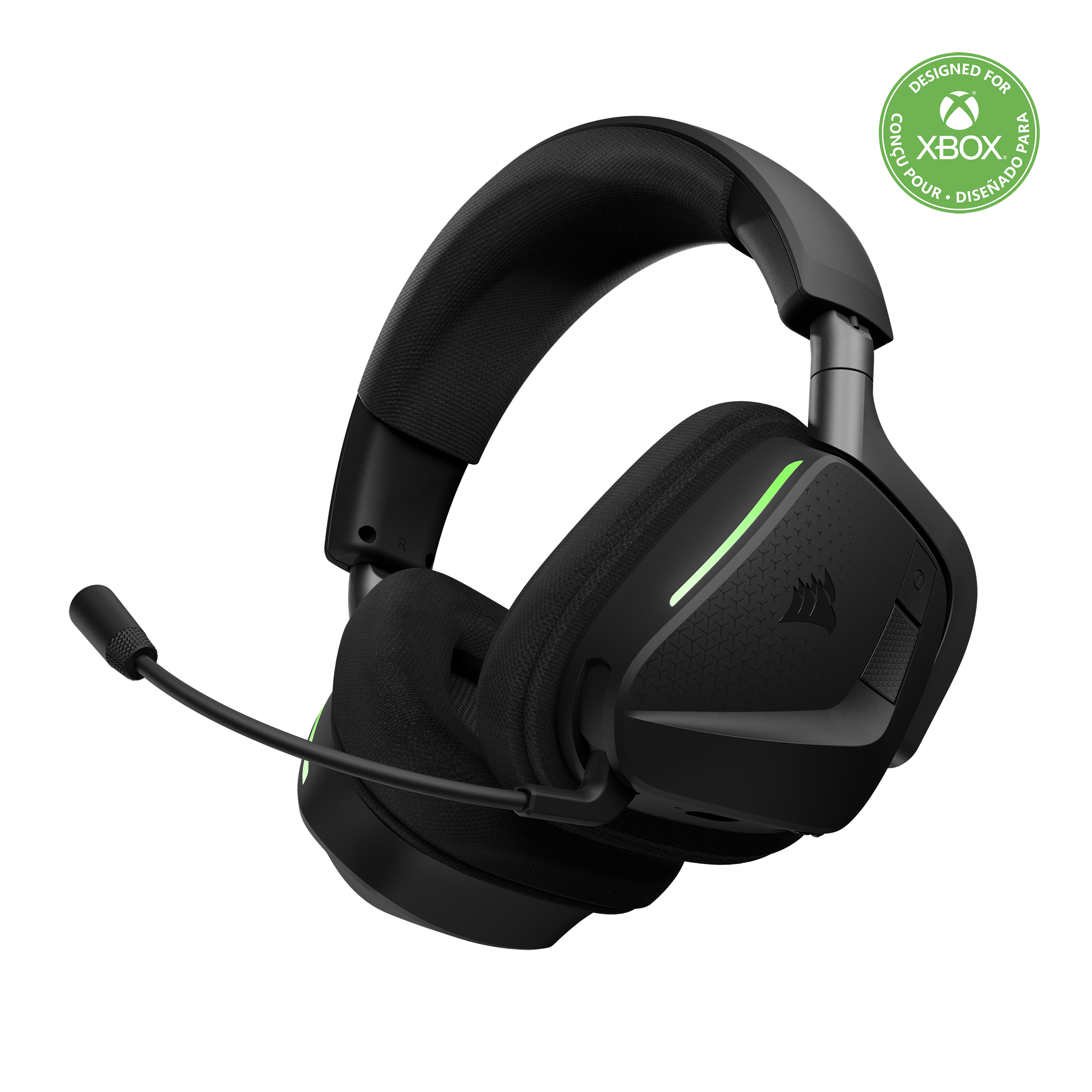
But...the LED lighting is obnoxious, especially if you wear glasses like I do. There are 2 LED strips (one on each ear) directly on the front of the unit, and if you wear glasses while wearing this headset, you will see the reflection of these LED strips on the side of your glasses the entire time you are using them. I'm not sure who the target audience is for this feature, but I am not it.
The good news is that you can turn off the LED lighting...the bad news is that there are many, many steps in the process. It turns out you can use the Corsair software to customize this setting - but you'll need a PC to do that. As a Mac user who acquired these headphones to use with my Xbox, that took some doing. Thankfully I had an older PC laptop in storage that I was able to install the software on; once installed, you can create a custom setting and set the opacity to 0% to get the lights off.
Other than that annoyance, again - these headphones sound incredible. Just...be prepared to spend about an hour getting the lighting to turn off if you wear glasses (or just don't want to have every color of the rainbow flickering in your peripheral vision).
I would recommend this to a friend
Pros mentioned:
Sound quality
Rated 4 out of 5 stars
Works great, and sounds great, but didn't fit me
|
Posted .
This reviewer received promo considerations or sweepstakes entry for writing a review.
Tried out the Void V2 Max Wireless and, honestly, it’s a mixed bag for me. Build quality is solid—no creaks, quality plastics, and pretty plush ear cushions that seal out most ambient noise. The sound is pretty good: lows are deep, highs are crisp, and there’s plenty of good quality sound for gaming. The wireless connection is pretty good for PC and Xbox, with no noticable latency, and the battery life easily lasts a few long sessions before needing a recharge.
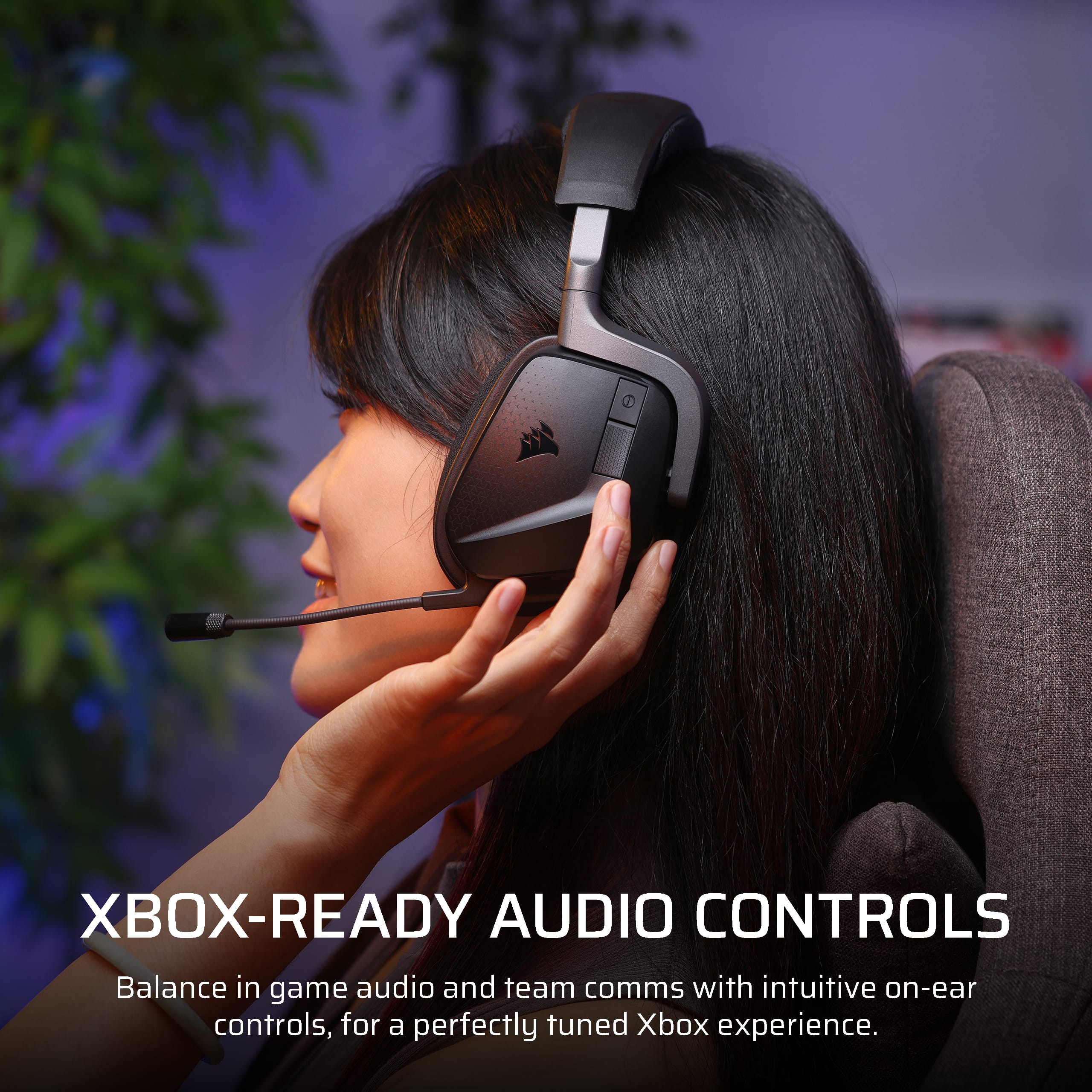
Setup was a breeze. Plug the dongle into your system’s USB port, pair up, and you’re good. The headset is compatible with my PC, Xbox, and my Pixel phones. Most of the controls are easy to reach—volume, mute, and power are right on the earcup. The mic is decent for in-game chat, though it doesn't seem to be good enough for voiceover work, but that's not what it's made for.
My main issue was the fit. I’m on the smaller side and, even after adjustments, these didn’t settle as comfortably as I hoped. If you’ve got a bigger head, they should be fine, but the headset feels a bit loose and bulky for me. After half an hour or so, it was pretty noticeable and kind of irritating. That’s not a deal breaker, but it’s something to think about if you’re not built bigger than me.
Overall, it’s a decent headset with above-average sound and easy wireless setup, but make sure to check the fit before you commit. I’m giving this four stars—good enough for most, but not a perfect match for smaller heads. If comfort matters most, you might want to try it in-store first.
I would recommend this to a friend
Rated 5 out of 5 stars
Great gaming headset, good headphones too.
|
Posted .
This reviewer received promo considerations or sweepstakes entry for writing a review.
TL;DR – The Corsair Void V2 Max for Xbox is a solid wireless headset. Solid audio quality, solid build quality, and (for the Windows and macOS crowd) integration with the Corsair iCUE ecosystem makes it a great choice for those of you who already have peripherals or computer parts from Corsair, SCUF, or El Gato. It’s easy to set up and use, the lighting on the side isn’t extremely annoying like on some headsets, and did I mention the audio quality is pretty terrific? The only real downside here is that it’s yet another wireless adapter for yet another Corsair product if you’re already multiple devices deep in the ecosystem.
Unboxing and first impressions:
The packaging is both classy and eco-friendly. Inside the box, you’ll find a USB-A to USB-C charge cable, the wireless adapter, instruction and warranty literature, and the headset itself wrapped in cloth.
The headset’s build quality is pretty impeccable. I’m not sure if the brackets holding the ear cups are metal or plastic, but they feel very solid. All the other plastics in this headset feel very high quality compared to other headsets I’ve used in the past. Of course, though, the cable and dongle are exactly what you expect in a Corsair headset box, though the cable was shorter this time.
Setup:
For the Xbox, it’s pretty much plug in and go. Double-tap the power button and you’re in Xbox mode. Everything takes care of itself for audio, including automatic pairing.
On Windows and Mac, if you don’t already have iCUE installed, you’ll need that. If you do have iCUE installed, you’ll likely need to restart your computer after connecting both the wireless dongle and the headset because of iCUE updates and drivers. Pairing with the wireless dongle is automatic.
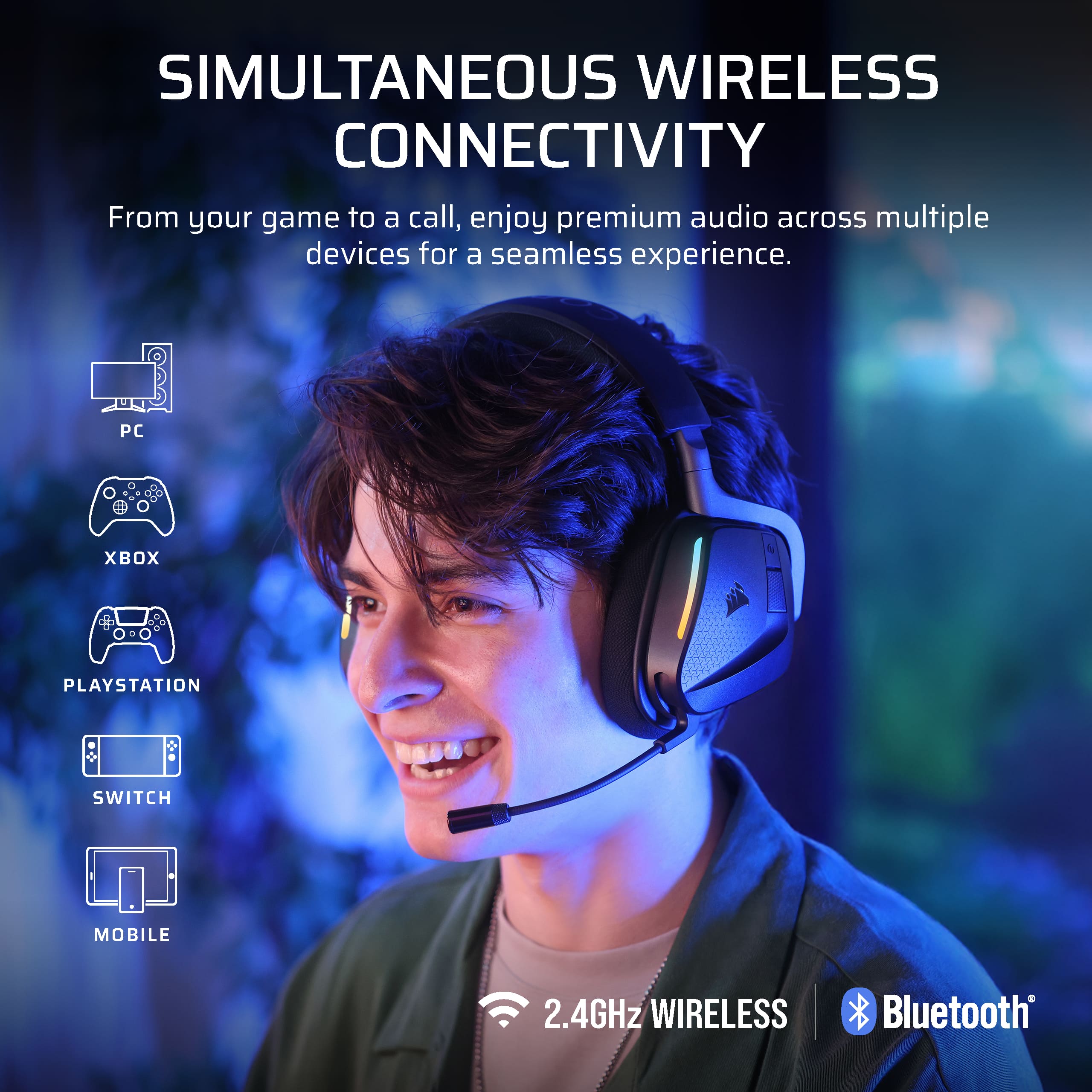
This headset also supports Bluetooth connectivity for mobile devices. Press the button next to the power button on the left ear cup and you enter Bluetooth pairing mode. It connects nearly instantly to whatever mobile device you have.
Also, a nice surprise for the multiple platform people – The Void V2 Max for Xbox supports PlayStation and Nintendo Switch. Again, plug and play or pair via Bluetooth and go.
Usage:
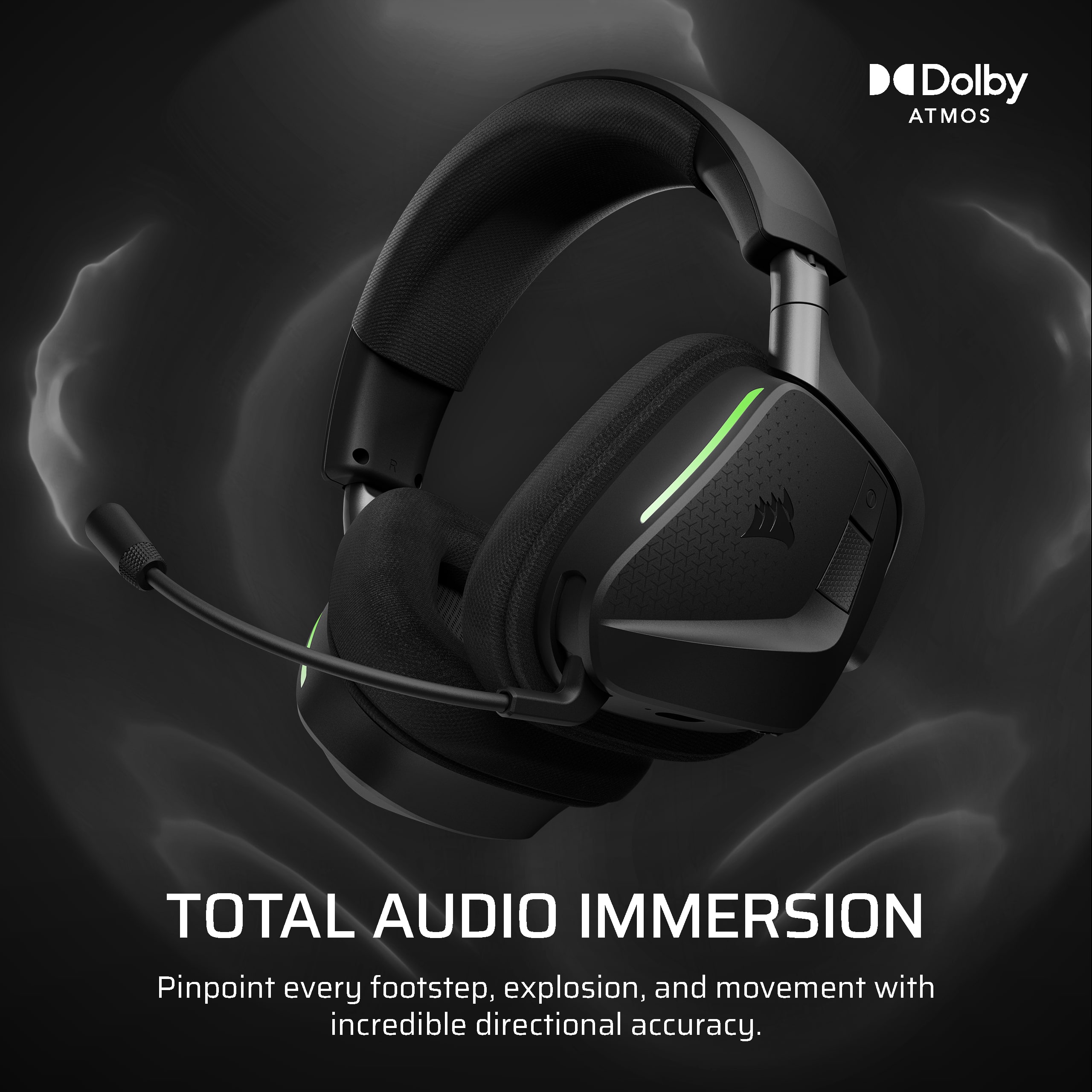
I did test this out on both Xbox (Series X) and Windows. On the Series X, it worked as advertised – double-tap the power button and the controls just worked. Audio quality was good, Atmos for Headphones did what it was supposed to do in both games and with movies, and the connection was very stable. Even Atmos on 4k Blu-Ray discs worked well.
On Windows, there were updates to run before I could use this headset. I ended up restarting twice (once for the dongle, once for the headset itself). Audio quality was insanely good, Atmos for Headphones did was it was supposed to do in both games and with streaming content, and Apple Music Lossless Hi-Res with Atmos sounded very impressive (24-bit/96 KHz sampling is available for playback).
macOS’ situation would have been similar to Windows with firmware updates had I not updated the dongle and headset in Windows. I couldn’t test for special audio compatibility as my Mac is too old, but lossless sounded great in Apple Music and game audio with a variety of titles was solid. I also made a quick composition in GarageBand and didn't have any noticeable latency compared to wired headphones.
Audio quality via Bluetooth on my iPhone was decent. Game audio via Bluetooth was extremely low latency.
Gaming performance on both Xbox and Windows was similar. Both handled Atmos in games like Halo: MCC, Forza Motorsport 7, and Doom Dark Ages very well. Game audio was placed exactly where you thought enemies, squadmates, and people you drove against were at. I also tried out music mastered in Dolby Atmos via Apple Music and noticed a definite increase of spaciousness in the music. In particular, Pink Floyd’s Dark Side Of The Moon felt like I was listening with a properly configured quadraphonic audio system which is very impressive for a headset without headtracking.
I did find the lighting on the side of the headset distracting from time to time when I caught it out of my peripheral vision. It’s a nice visual flare if you’re streaming, but otherwise, I’d recommend turning the lighting off.
I did notice that I wore these headphones 5 hours straight and they were extremely comfortable. I would have liked slightly larger ear cups, but the cushioning and covering made these melt away.
Disappointments:
Honestly, I wish I could have paired this with another one of my Corsair dongles. USB ports seem to be at a premium on many modern computers these days – I’m not knocking the headset over this, however. Also, I’d like to be able to disable the LED on the dongle.
Closing:
When it comes down to it, the Void V2 Max for Xbox is a solid option for a gaming headset. While you can get something that costs less, you’ll give up either build quality, audio quality, wireless connectivity, or some combination of the three. You can also spend more on other brands of headset that don’t do everything as well as the Void V2 Max for Xbox does.
I would recommend this to a friend
Rated 5 out of 5 stars
Premium Gaming at a non premium price
|
Posted .
This reviewer received promo considerations or sweepstakes entry for writing a review.
The Corsair Void V2 Max wireless headset brings alot the wireless gaming table. The versatility to add to a PC or console or both at the same time really opens the doors to how you want to use it. You get a 2.4ghz wireless option as well as bluetooth and the ability to have both at the same time is really great.
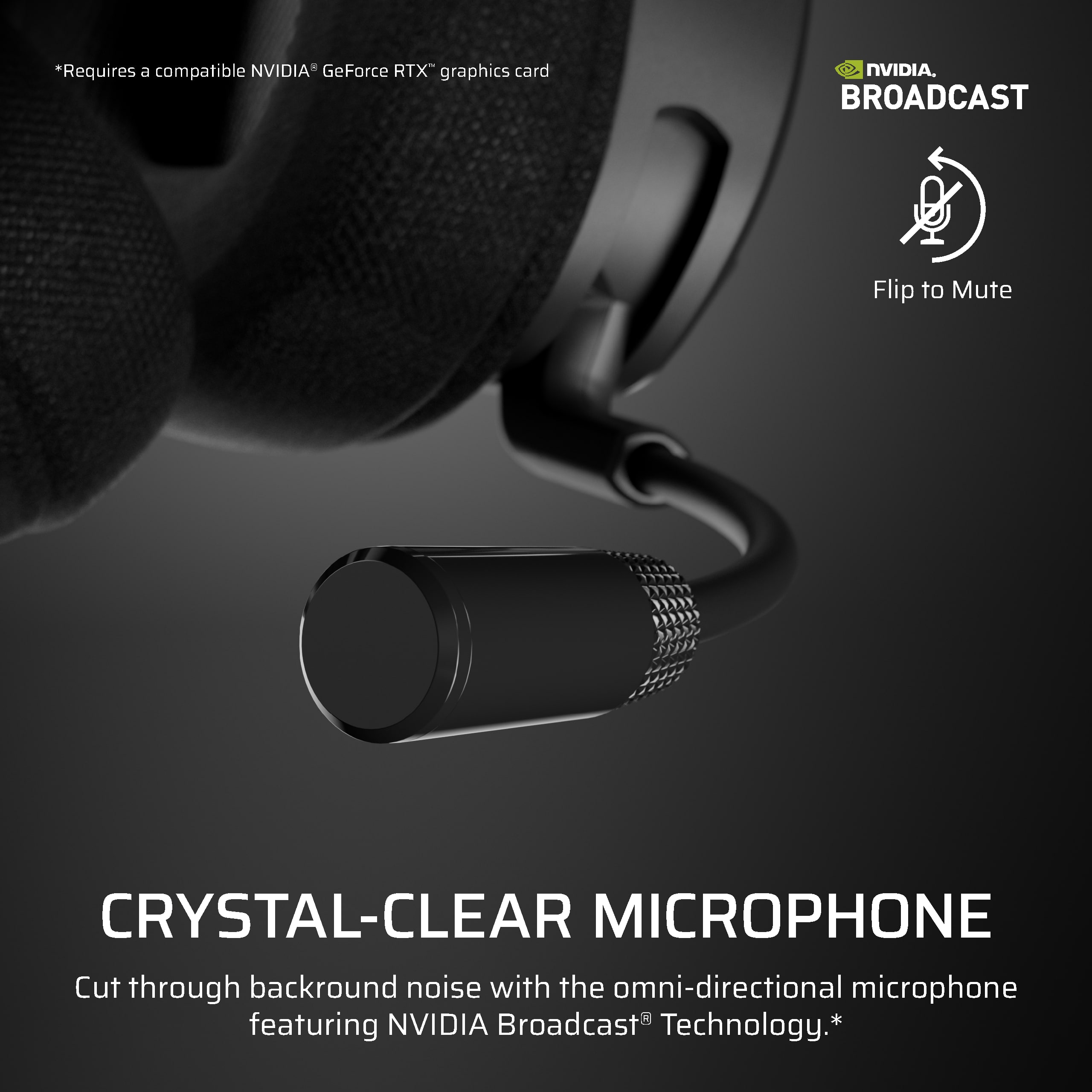
I found the headset to be very comfortable for long extended gaming sessions, I will admin my ears got a bit warm but that might just be me. I do wish the mic was removable when not needed, but it did not effect my enjoyment of the headset. Communication on the mic was crystal clear and all my teammates had no issues hearing me or complaining about too much background noise being picked up.
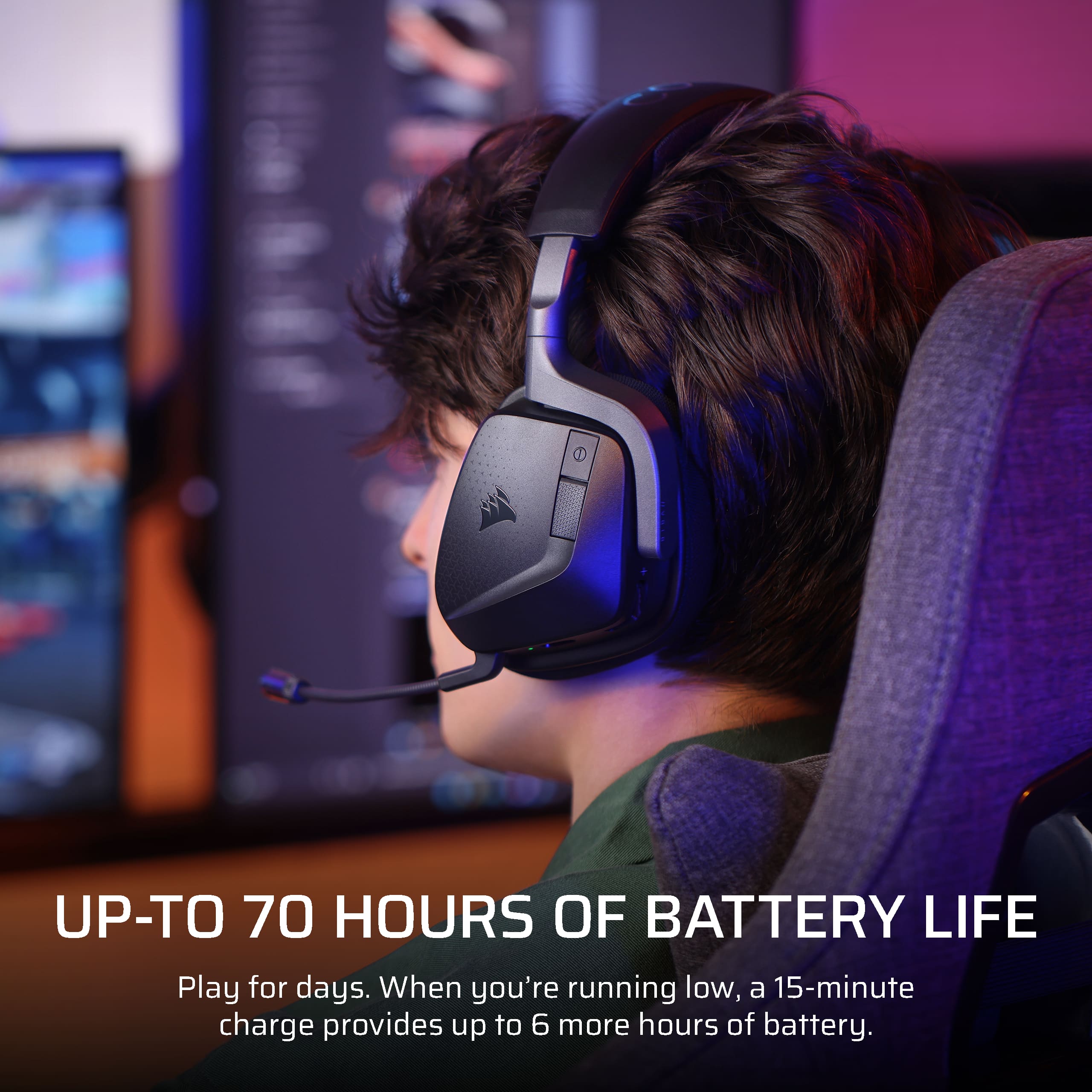
Battery life here is really king at a 70 hours of play time and when you get low a quick 15 min charge will net you another 6 hours if needed. No hot swappable batteries here still the quick charge keeps in the action quickly.
Sound is really top notch whether its getting lost in a movie, song or fps game. I could hear all the footsteps and environmental sounds I could imagine all around me. Watching movies really made the surround sound pop in my headset and made for an immersive viewing experience.
On PC the software makes everything very customizable from RGB to making custom actions for the buttons so you really can tailor the experience to what you want out of it.
If you want to play on XBOX you still get a premium experience all the way around, its nice getting the option to use it how you want. Corsair really gave us a premium headset option here without the premium price you might find on other comparable brands.
Overall very happy with the headset and would absolutely recommend.
I would recommend this to a friend
Rated 4 out of 5 stars
For a midrange headset VOID V2 delivers
|
Posted .
This reviewer received promo considerations or sweepstakes entry for writing a review.
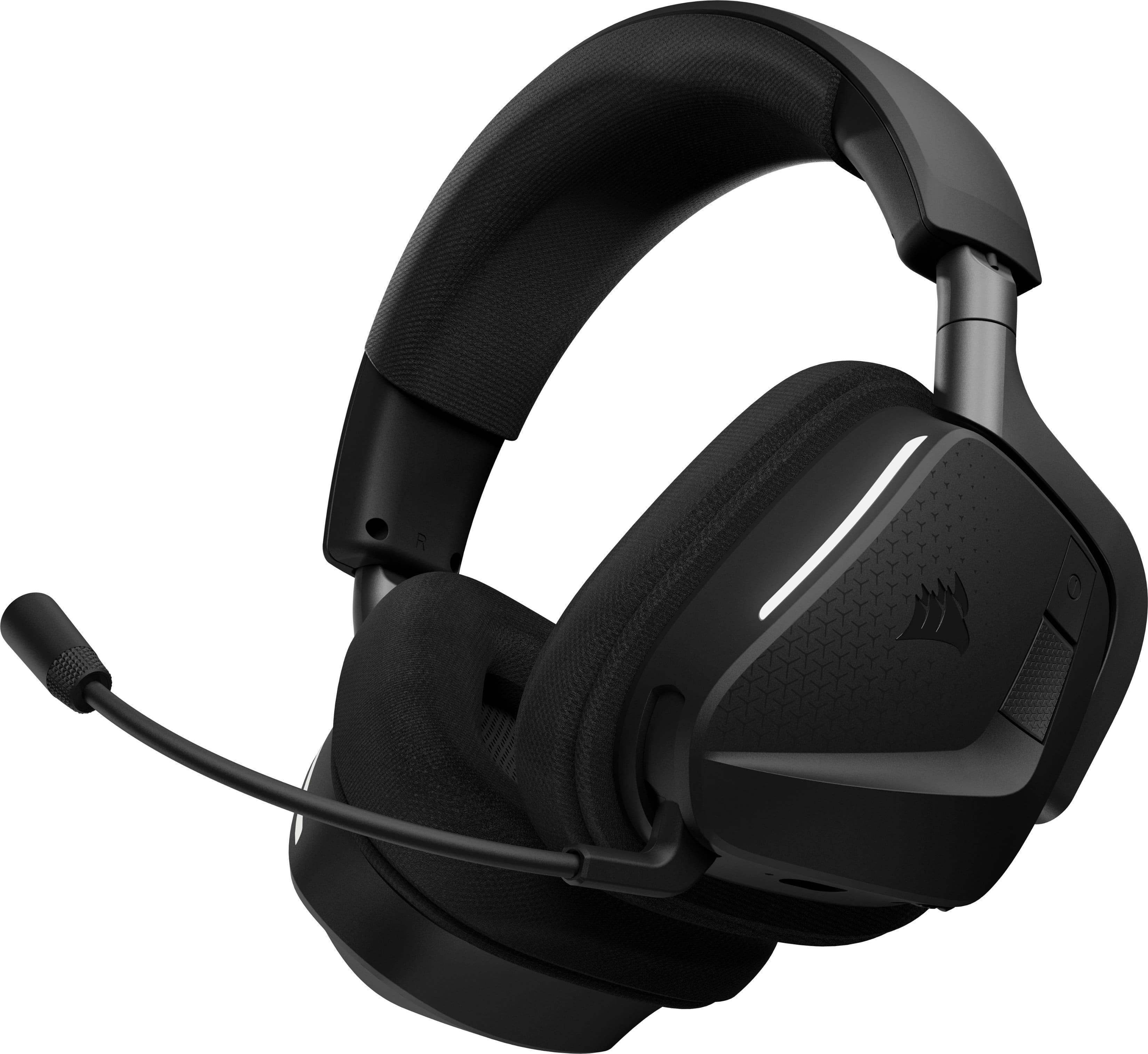
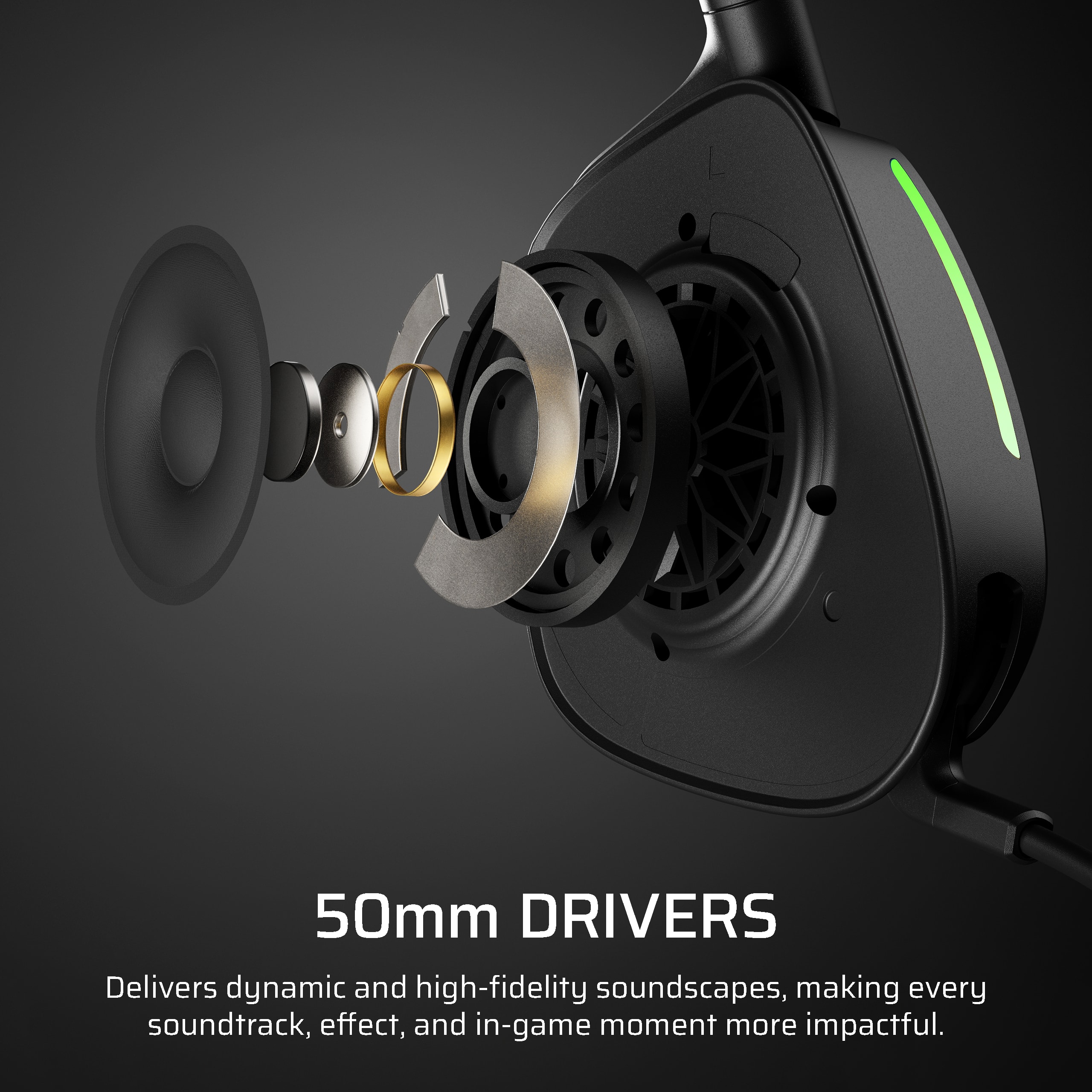
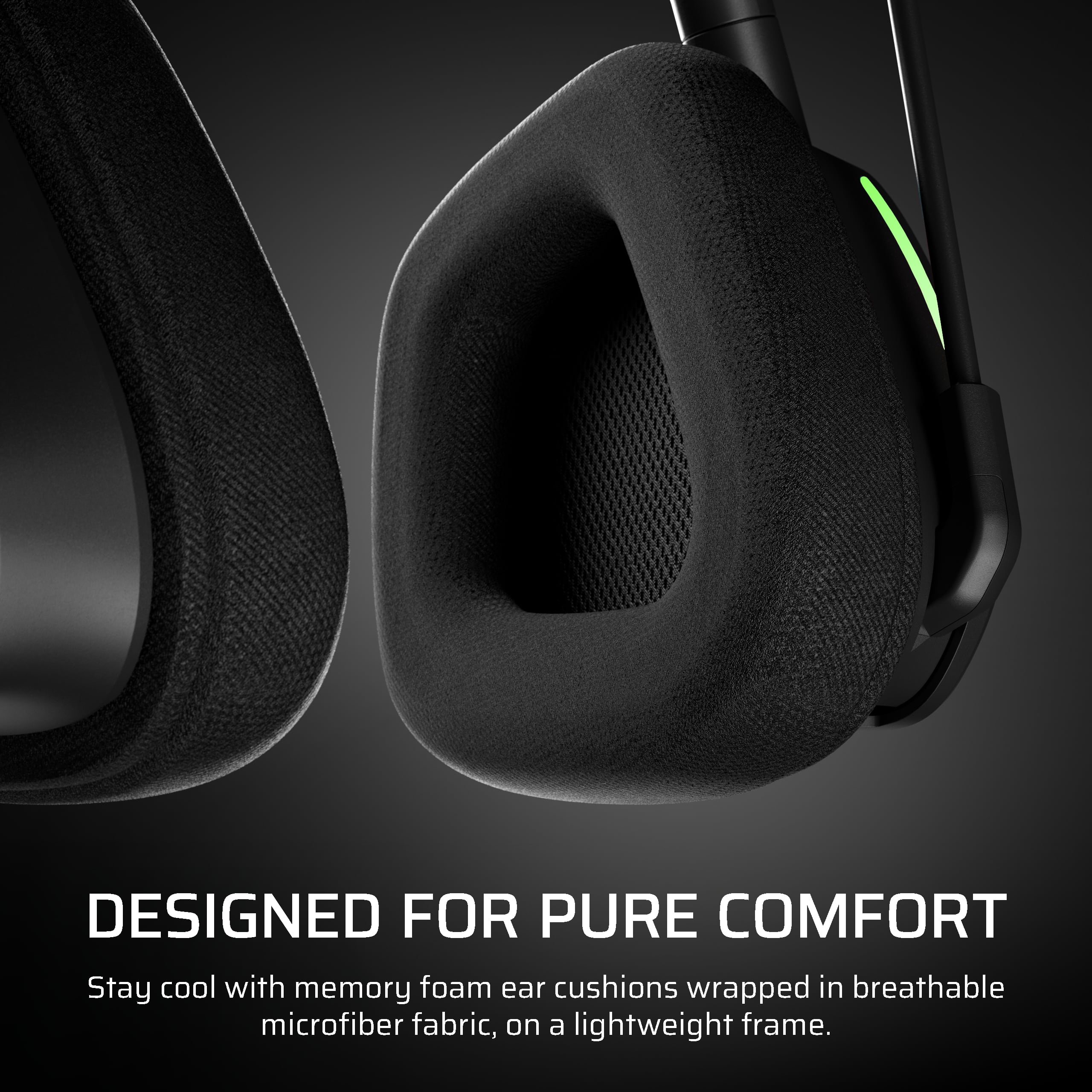
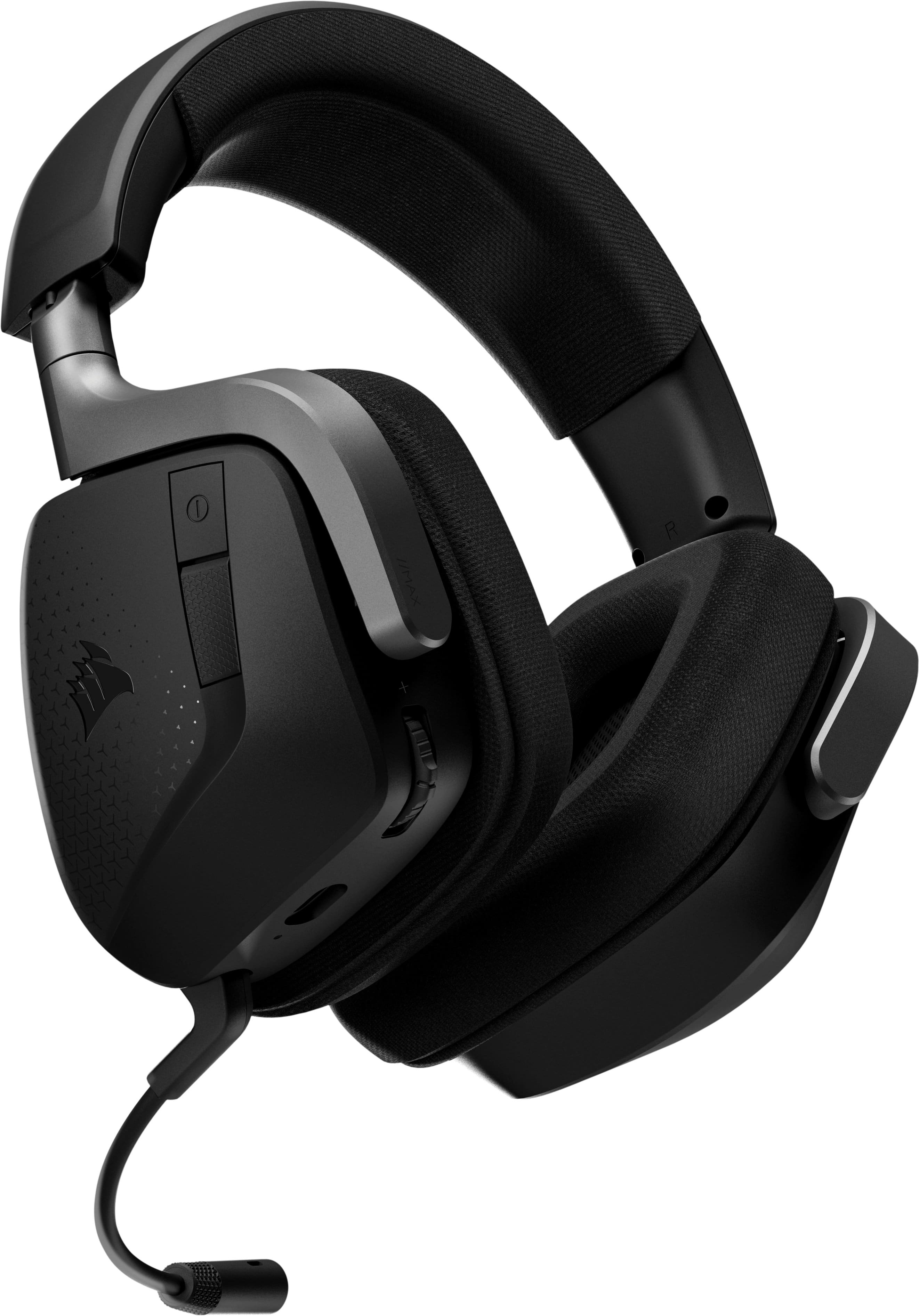
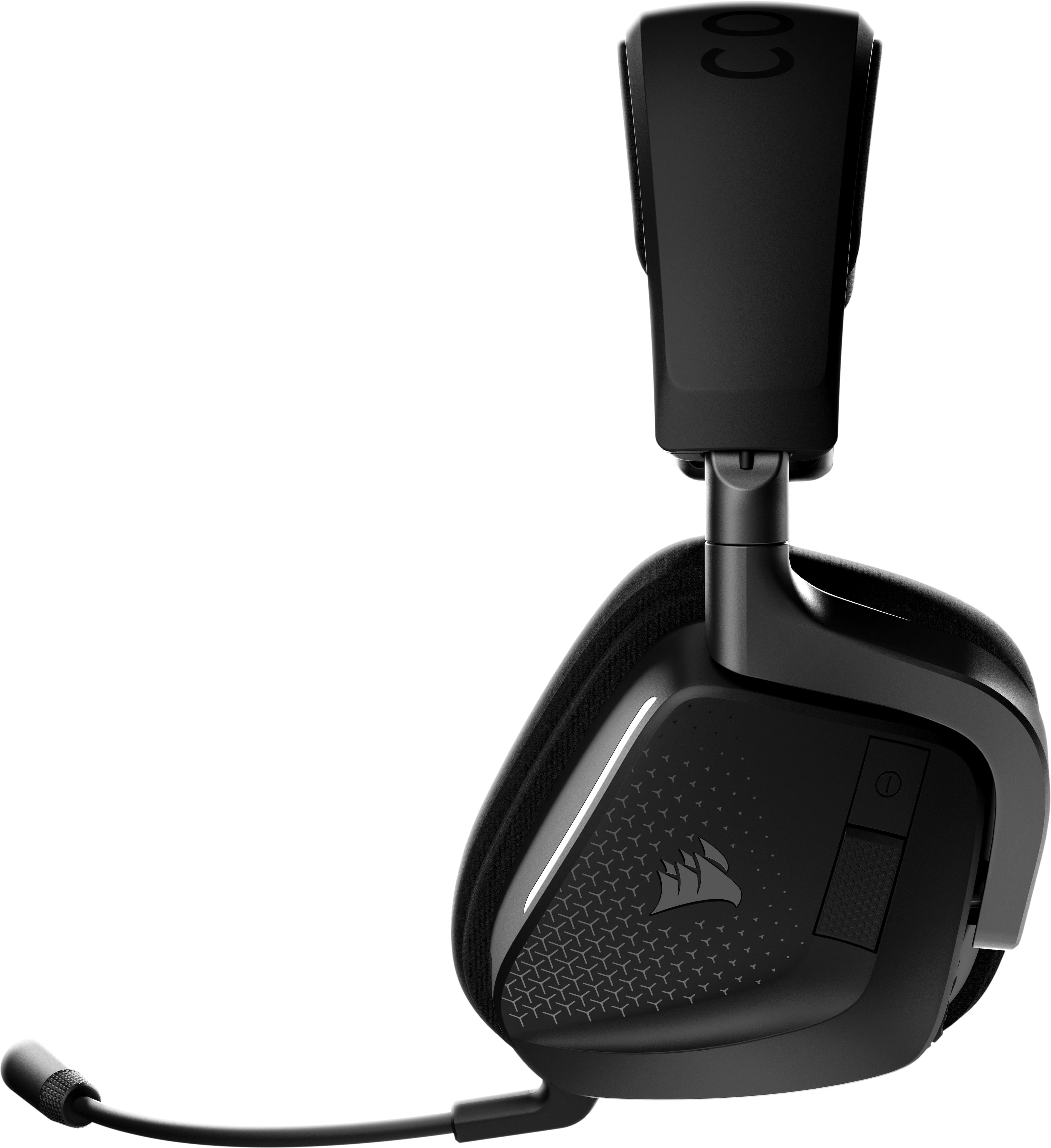
The CORSAIR - VOID V2 Max Wireless Gaming Headset for Xbox, PC, Playstation, and Mobile – Carbon is a plug and play midrange value headset that is extremely comfortable and produces fantastic sound quality. It’s super lightweight with large soft cushions made from memory foam and breathable microfiber fabric. The weight is barely 300grams and the plush fabric-covered ear cushions and thick padded headband create a very comfortable gaming session. The snug and plush earcups that have replaceable mesh-covered foam earpads can rotate angles up to 90 degrees. There are two RGB strips down the front side of each earpiece to display a variety of RGB options such as lights flickering between a range of different colors. The controls are on the left earcup. From there I have connection ports, the power button that can switch between the 2.4GHz wireless and Bluetooth connections and a textured multi-function button below it. The multifunction button can answer/hang up phone calls, play/pause music, skip a track, go back one track and enter Bluetooth pairing mode. A volume rocker, which can also be pressed to access the headset's onboard EQ presets is also there. There are 4 EQ presets to choose from, though the standard EQ setting is surprisingly flat. I can install the iCUE software to get the most out of the Void Wireless V2, with a 10-band EQ, except that is only available for PC and Mac. Of course with the VOID V2 50mm drivers I have plenty of sound coming out powerfully. It produces a balanced sound profile, with deep but slightly restrained bass, a solid midrange, and clear, comfortable highs. Connections come via both Bluetooth and a sizeable 2.4Ghz USB-A wireless dongle. The VOID V2 includes an omnidirectional microphone arm that automatically mutes when flipped up and turns on when angled down. This non-detachable boom mic is above-average in microphone quality. It is great for chatting with friends and teammates and it performs exceptionally well, with the amount of depth it manages to capture. Charging is via a USB-C port, with its included 1.8m charging cable giving a maximum of 65 hours of playtime. The CORSAIR - VOID V2 Max Wireless Gaming Headset for Xbox, PC, Playstation, and Mobile – Carbon is a very versatile headset. As the latest CORSAIR on the market, at a great price, this VOID V2 has not disappointed my gaming experiences.
I would recommend this to a friend
Rated 4 out of 5 stars
A Good Wireless Gaming Headset!
|
Posted .
This reviewer received promo considerations or sweepstakes entry for writing a review.
CORSAIR products have been highly used in our family for many years, from gaming peripherals (mice and headsets) to PC components (it is our choice brand for memory). With my son's favorite Corsair finally starting to wear down with all the use, it was time to find the replacement. The CORSAIR VOID v2 MAX Wireless Gaming Headset looked to be the one to go with.
Trying the 2.4 GHz connection, I plugged in wireless dongle ("receiver"), tuned the headset on, and it eventually paired. I went to the VOID v2 MAX page on the CORSAIR website to download the iCUE app. During installation, it detected the headset and the receiver and included the modules needed for them. I did have to restart the computer after the installation. First time to run the app, it did prompt to update the firmware for the headset and the receiver from v0.13.xxx to v0.15.xxx). Had to plug the USB cable in and click "Got it!" to start the headset upgrade, then the same for the receiver. Overall, it took about 10 minutes for both to complete.
The design is fairly typical, with swivel (full swivel inwards to be able lay flat) and side tilting for the earcups, tilt to mute mic boom and lightly cushioned headband. I do like that the earcup/head support band can be adjusted up and down rather than using a limited-positioned elastic band so that the fit can be finely adjusted. Unfortunately, the headband cushion still doesn't rest as comfortably on the top of my head as I prefer. Normally I could move it back some to get a better feeling, but the shape of foam on the earcups doesn't give much adjustability as it already barely fits around my ears. The fabric over the earcup foam isn't quite as soft to the touch as some headsets we've used, but once they are on and in place, it isn't noticeable. The fabric may last a little longer like that
To turn on, the power button is on the left side of the left earcup and just below that is a multifunction button (# of presses determines the function). On the bottom of the left earcup is the USB-C charging port, volume "rocker" wheel which is digital and controls the main volume directly in Windows. Strangely, the first time I tried the headset, it seemed to control its own volume rather than Windows, but that that changed the next time I used it. One nice thing about this headset is that when it needs recharging, 15 minutes will give it wireless again for another 6 hours. Also, they can still be used while charging.
At first, I was thinking that the sound quality was good, just not quite as good as some other headset we use, but then I opened the Dolby Access app (which access to Dolby Atmos is available while the headset is connected). That app gives some sound settings, such as selecting the use type (Game, Movie, Music, etc.) each with some preset equalizer settings. There are also 3 Custom equalizer settings that can be configured and used. I set a Custom equalizer to my normal settings (geared towards deeper bass), but I found that for me, turning on the Volume Leveler in the Custom ones improved the sound (less muffled). When I first tried these out (before installing iCue), I was getting some occasional pops at first when listening to music, but it seemed to clear up with reducing the bass frequencies a little bit on the equalizer in Dolby Access app. After the firmware update, the pops were replaced with occasional digital garble. I tried adjusting the volume levels (headset/Windows and the music app), and it mostly helped, but not completely. For the mic quality, one of my sons mentioned it wasn't too bad, but not the best. There are some mic settings in the Dolby Access app but haven't tried any of those yet with him to see if there any improvements.
Overall, these are a decent wireless headset, I would recommend taking a look to see if they would work for you.