Customer Ratings & Reviews
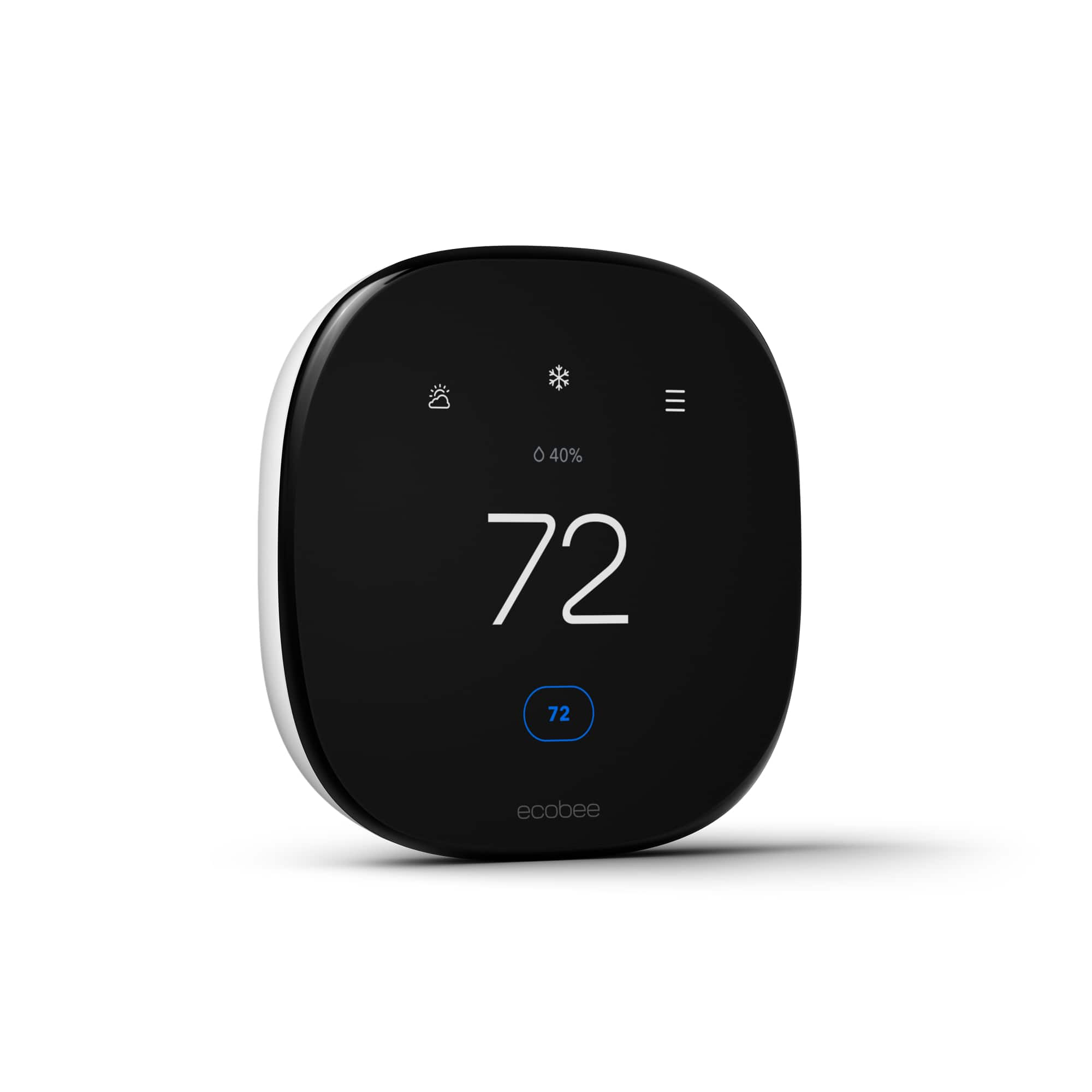

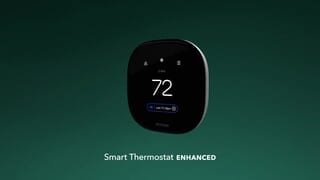
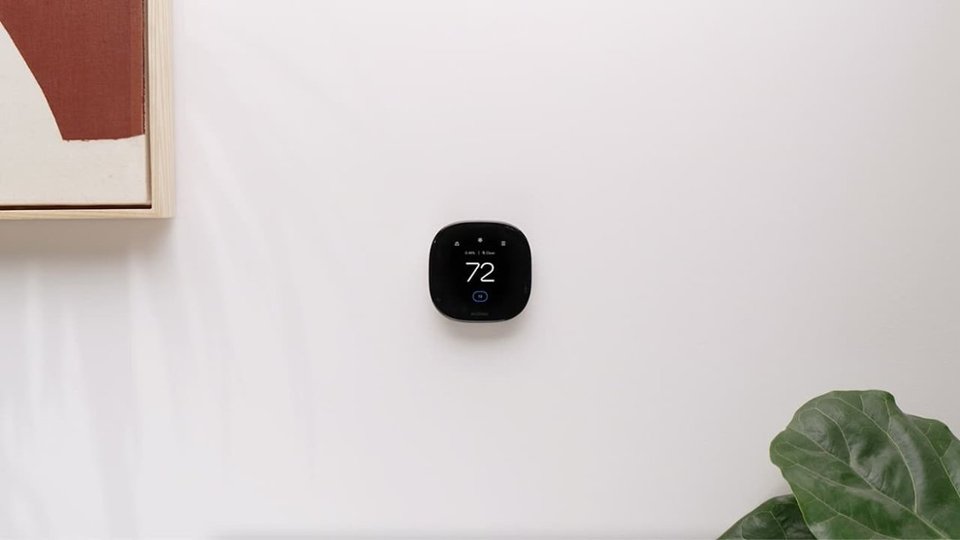

- Model:
- EB-STATE6L-01
- SKU:
- 10117098
Rating by feature
- Value
Rating 4.6 out of 5 stars
- Quality
Rating 4.8 out of 5 stars
- Ease of Use
Rating 4.7 out of 5 stars
Great experience, look for rebates in your area
||Posted . Owned for 1 month when reviewed.This reviewer received promo considerations or sweepstakes entry for writing a review.Ecobee thermostats offer easy installation, seamless configuration, user-friendly controls, and Georgia Power rebates, making them an exceptional choice for smart home efficiency.
I would recommend this to a friendMy ecobee stat
||Posted .This reviewer received promo considerations or sweepstakes entry for writing a review.I’m so loving my ecobee thermostat. I was able to install it myself with the help of customer service that helped me out with the wiring
I would recommend this to a friendToo Finicky
||Posted . Owned for 2 weeks when reviewed.This reviewer received promo considerations or sweepstakes entry for writing a review.Way too many eco-settings enabled by default (which I promptly shut off), and can't seem to wrap my head around comfort + schedule settings. It's almost like switching from Windows / Android to MacOS / iOS for the first time and frankly I wasn't expecting that from a thermostat of all things. I'm just not a fan of the software. I want a simple / smart thermostat that obeys the temps I set without taking over via sensors, eco-savings, etc. Example: There's a sleep routine on my scheduler that I can't seem to get rid of. Why not? The final straw was when I called support & the tech started asking non-relevant questions about the year of our heat pump when that's not even relevant to what I'm calling about (we live in FL and only care about A/C + I never stated I had issues with heat. I simply wanted to know what settings might cause the thermostat to change the temps we set). I'm sure this will work for some, but I just don't like how the settings, schedules, etc are arranged in the software and they've made it overcomplicated.
No, I would not recommend this to a friendBrand response from ecobee
Posted .We’re really sorry to hear about your experience. This is certainly not the standard we aim for, and we understand how frustrating this must be. Please reach out to our customer support team so we can address the issue and work towards a solution.

NIGHTMARE INSTALLATION AND SERVICE!
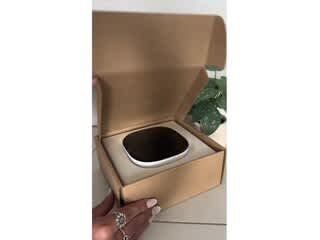
||Posted .This reviewer received promo considerations or sweepstakes entry for writing a review.This is the second ecobee thermostat I have purchased from Best Buy. The first one was a nightmare with the installation which was done by someone else. This time for my next house I paid for the installation from Best Buy. The guy they sent out did not know what he was doing and left me without a thermostat telling his boss that the reason I was buying a new thermostat was because this one isn't working which is a lie. It took 5 hours to get that guy to come back and reinstall my former thermostat so that I would have AC. I also had them reschedule a new installation which they did. But then two days later I got an email that so that insulation was canceled. It took me 2 hours on the phone and I never got a hold of anyone that could tell me anything. I then reordered the installation and paid for it and I'm currently waiting again hoping that they send someone who knows what they are doing. The wait times and the service is a nightmare. And that word is being generous. The thermostat itself is wonderful because I have it in my other house. This wasting of an entire day and another 2 hours another day it's just ridiculous and unacceptable and very unprofessional. The photos show the thermostat I bought which is the eagleby still in the box again and waiting for installation. The second photo is of my existing thermostat which is also a smart thermostat but I cannot use it with my phone which is why I purchase the ecobee. I'm only showing this thermostat to prove that it does indeed work and I'm only exchanging or something that I consider an upgrade.
I would recommend this to a friendDidn't do it. Go with Honeywell.
||Posted . Owned for 1.5 years when reviewed.This reviewer received promo considerations or sweepstakes entry for writing a review.Looks nice enough though really basic, and is fairly easy to navigate. Some things you want to look at you have to use your account website and not the app. But 8 months after purchase, it sometimes won't turn on. Middle of winter and wake up with the house at 60 degrees or less. Have to turn it on and off multiple times. Support is a joke. Spend hours walking through the same steps, HVAC guy says there's nothing wrong with my furnace, It's definitely the ecobee thermostat. Ecobee support asked for that in writing. I said I don't have it in writing, he just wants to change out the thermostat. Won't send a replacement, won't offer any solutions, just go through the steps. Sometimes I have to turn my thermostat on and off 10 to 15 times to get it to trigger the temperature. Not fun to be below zero and come home from work to a freezing house and dogs. Often with no warning from the app that temps are down in the house.
No, I would not recommend this to a friendBrand response from ecobee
Posted .We’re really sorry to hear about your experience, especially with the cold temperatures and lack of support. That’s definitely not the experience we want for our customers. We understand how frustrating this must be, and we’d love to help resolve this. Please feel free to reach out to our customer support team again, and we’ll ensure you get the assistance you need. We appreciate your patience and feedback.
A little challenging to install, but worth it
||Posted . Owned for 1 month when reviewed.This reviewer received promo considerations or sweepstakes entry for writing a review.They really tried to make it easy. It is a quality product. But i didnt know how to answer some of the heat pump questions. I called my HVAC guy and he kindly helped me. Now i love it.
I would recommend this to a friendGreat addition to home,
||Posted . Owned for 3 months when reviewed.This reviewer received promo considerations or sweepstakes entry for writing a review.This smart thermostat has been a godsend here using the app is super easy and I believe that we are saving money on electricity since installing this device.
I would recommend this to a friendBest asma Thermostat on the Market
||Posted . Owned for 3 weeks when reviewed.This reviewer received promo considerations or sweepstakes entry for writing a review.Best smart thermostat on the market. Very satisfied with the ease of use and nice on my wall.
I would recommend this to a friendEcobee 6 good h/w ANF s/w, unlike ggl nest
||Posted . Owned for 1 month when reviewed.This reviewer received promo considerations or sweepstakes entry for writing a review.Solid, nice product. Id prefer it if google nest options were as good for more seemless integration but this also works. Significantly the hvac guys called the nest ones hockey pucks ("great software, bad hardware"), So i took the advice and am happy on the software side, so its a win.
I would recommend this to a friendAwesome
||Posted . Owned for 3 weeks when reviewed.This reviewer received promo considerations or sweepstakes entry for writing a review.Easy to install and works perfect. I really like making changes to the thermostat on my phone.
I would recommend this to a friendLove my Ecobee!
||Posted . Owned for 11 months when reviewed.This reviewer received promo considerations or sweepstakes entry for writing a review.I honestly love this thing! It was super easy to set up, and it has definitely helped us save money on our electric bill. I love being able to customize the settings from my phone, and adjusting it in the app is super easy and convenient. I definitely recommend this smart thermostat!!
I would recommend this to a friendGreat buy
||Posted .This reviewer received promo considerations or sweepstakes entry for writing a review.Great and efficient. Easy to install and use. Five stars
I would recommend this to a friendGreat Smart Thermostat
||Posted . Owned for 4 months when reviewed.This reviewer received promo considerations or sweepstakes entry for writing a review.This is a great thermostat. It has all the smart features you should need, and the HomeKit integration works great! I did notice small energy savings but nothing significant. The only feature I wish it had would be the ability to schedule out multiple weeks. My wife has a work schedule that changes week to week, so building out a month’s schedule would be nice. Don’t get me wrong, you can build a weekly schedule but it will just repeat every week.
I would recommend this to a friendThermostat?
||Posted . Owned for 1 month when reviewed.This reviewer received promo considerations or sweepstakes entry for writing a review.I got it for a real price and real easy to install .
I would recommend this to a friendVery nice choice I’ve made so far.
||Posted . Owned for 1 month when reviewed.This reviewer received promo considerations or sweepstakes entry for writing a review.I love my ecobee thermostat, it’s way better than google nest. I had the google nest and it kept turning on my fan and not the heater. There was some type of malfunction going on. So I had to replace it with my new ecobee thermostat.
I would recommend this to a friendBest apple HomeKit thermostat
||Posted . Owned for 1 month when reviewed.This reviewer received promo considerations or sweepstakes entry for writing a review.Provides accurate temperature. The Ecobee application is easy to use and it’s great that it is HomeKit compatible. Good quality and the screen is very responsive and much bigger than the previous model
I would recommend this to a friendEcobee
||Posted . Owned for 1 month when reviewed.This reviewer received promo considerations or sweepstakes entry for writing a review.Has help improve the savings on gas. I can control it from anywhere as long as i hace internet sercice
I would recommend this to a friendWorks well and setup is easy
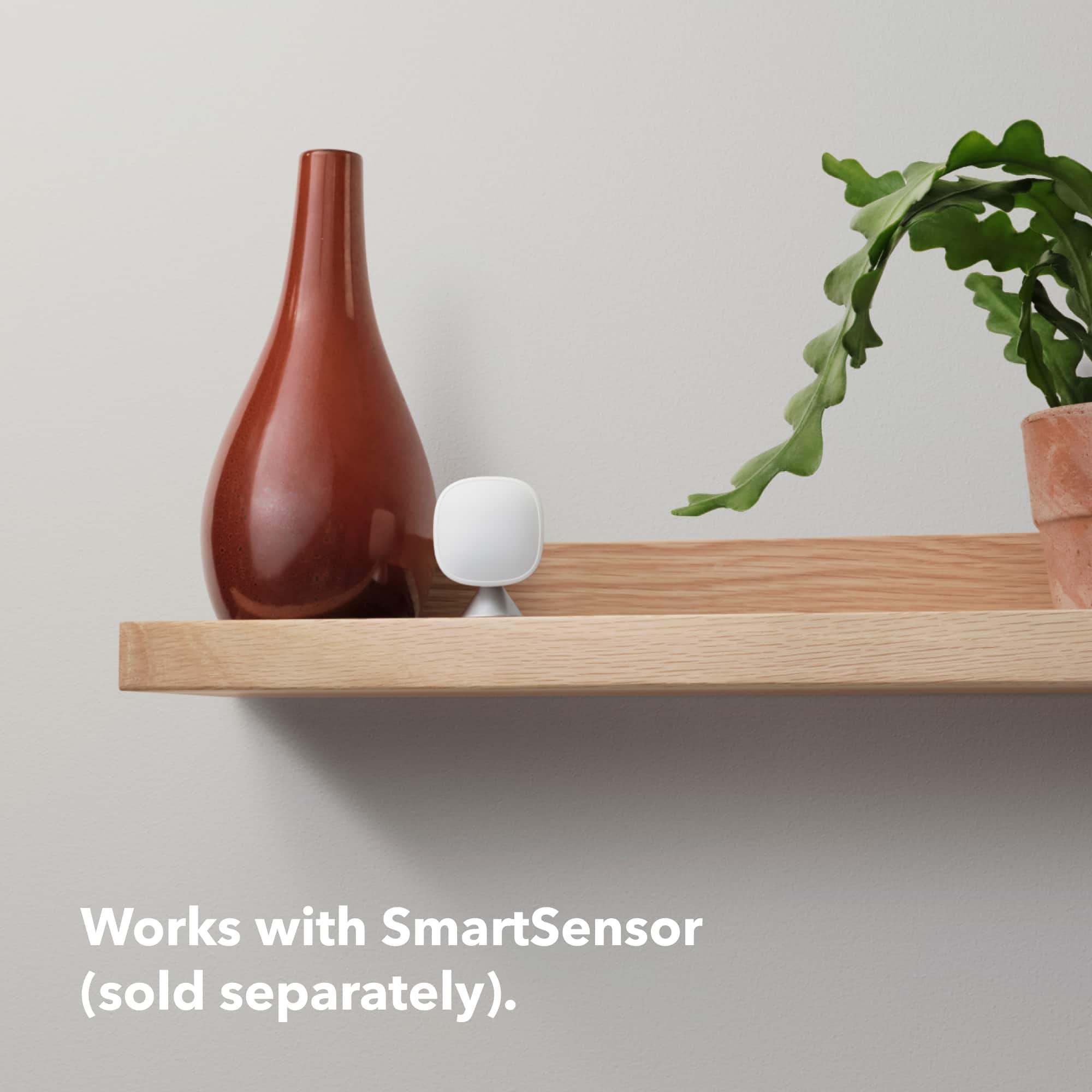
||Posted . Owned for 1 week when reviewed.This reviewer received promo considerations or sweepstakes entry for writing a review.this is a great replacement to the stock thermostat that my home came with. i recommened getting the room sensors too. they have helped with many hot and cold spots.
I would recommend this to a friendFuturistic thermo
||Posted . Owned for 1 month when reviewed.This reviewer received promo considerations or sweepstakes entry for writing a review.Awesome thermostat that’s saved me tons of money with a nice interface
I would recommend this to a friend
Ecobee better in my opinion but so far works well
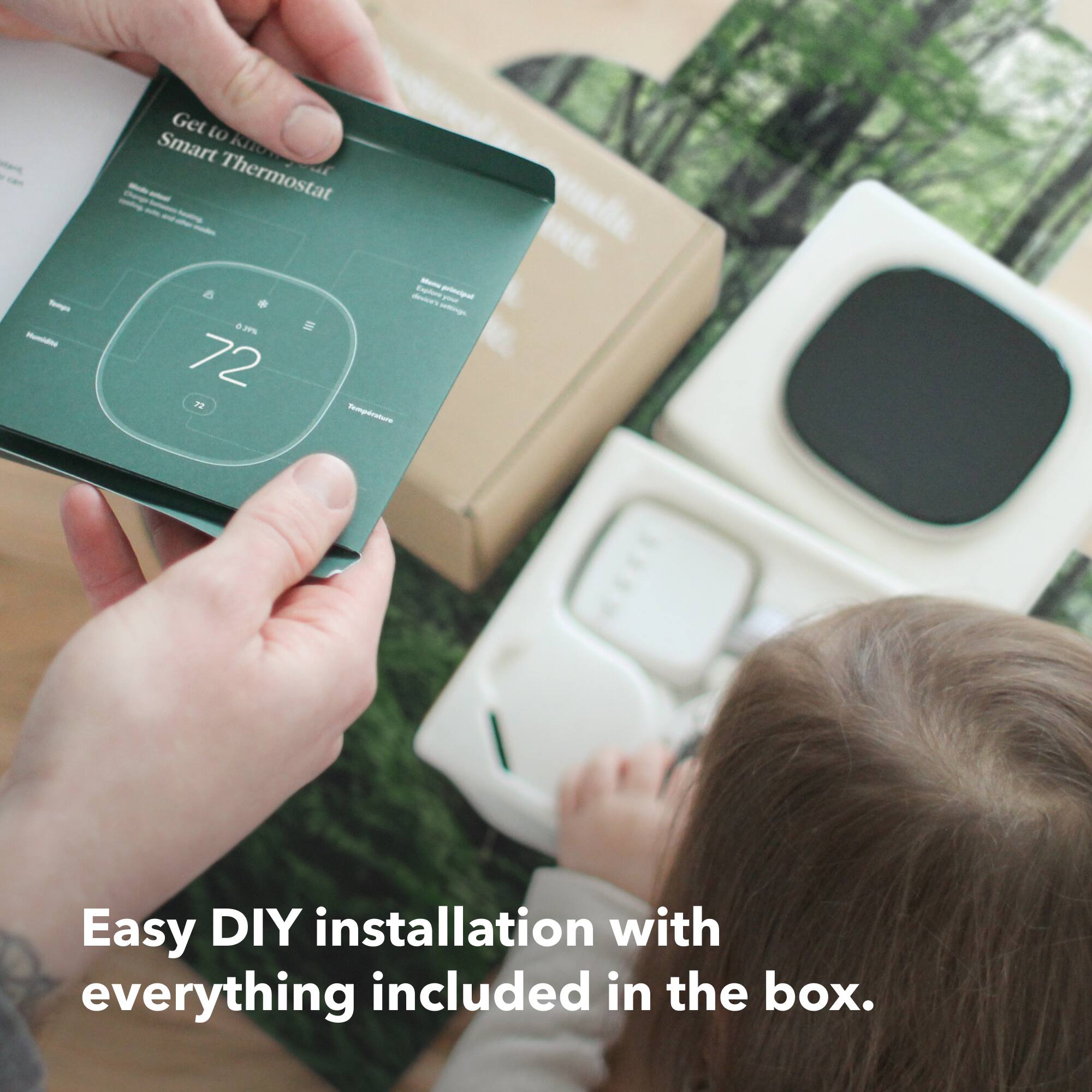
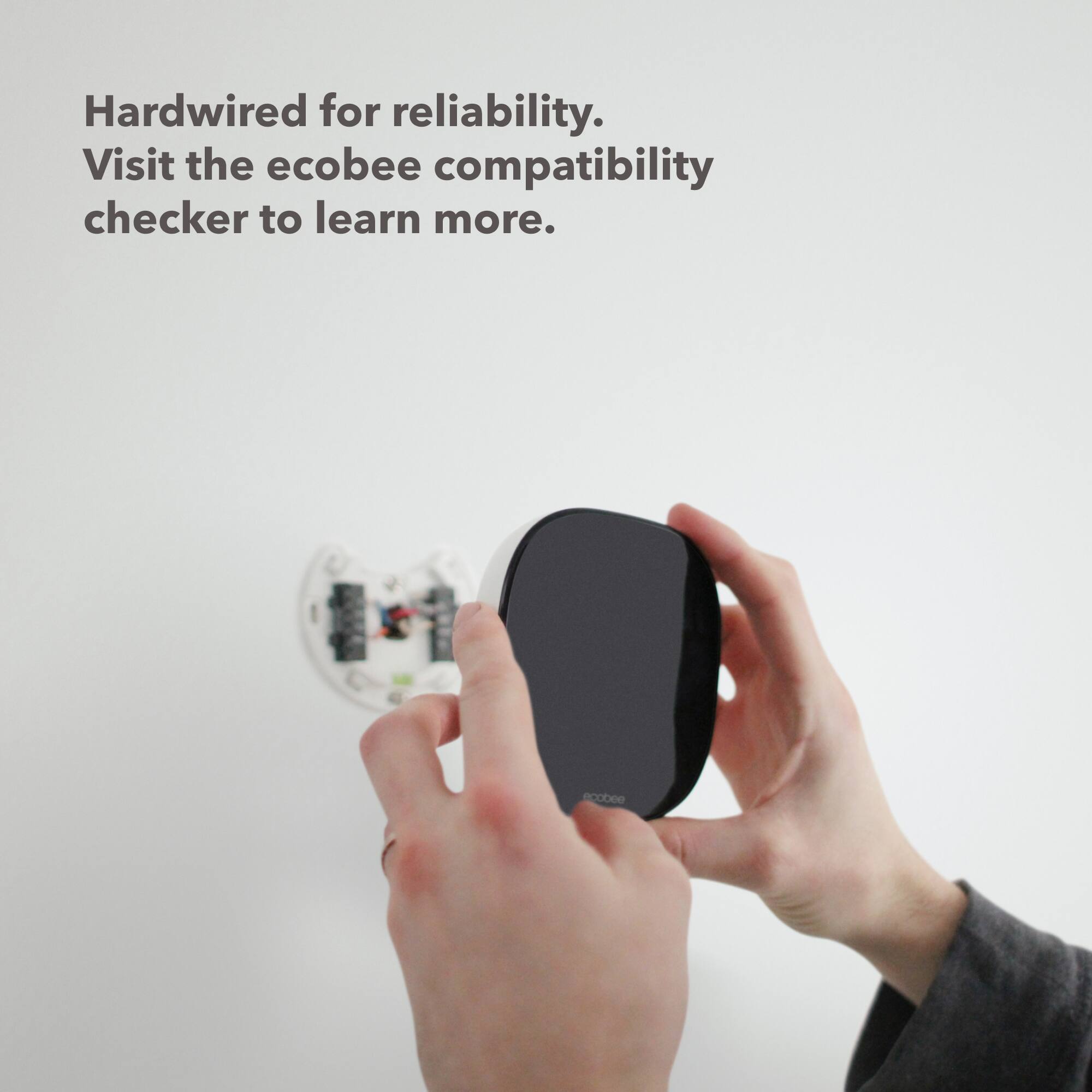
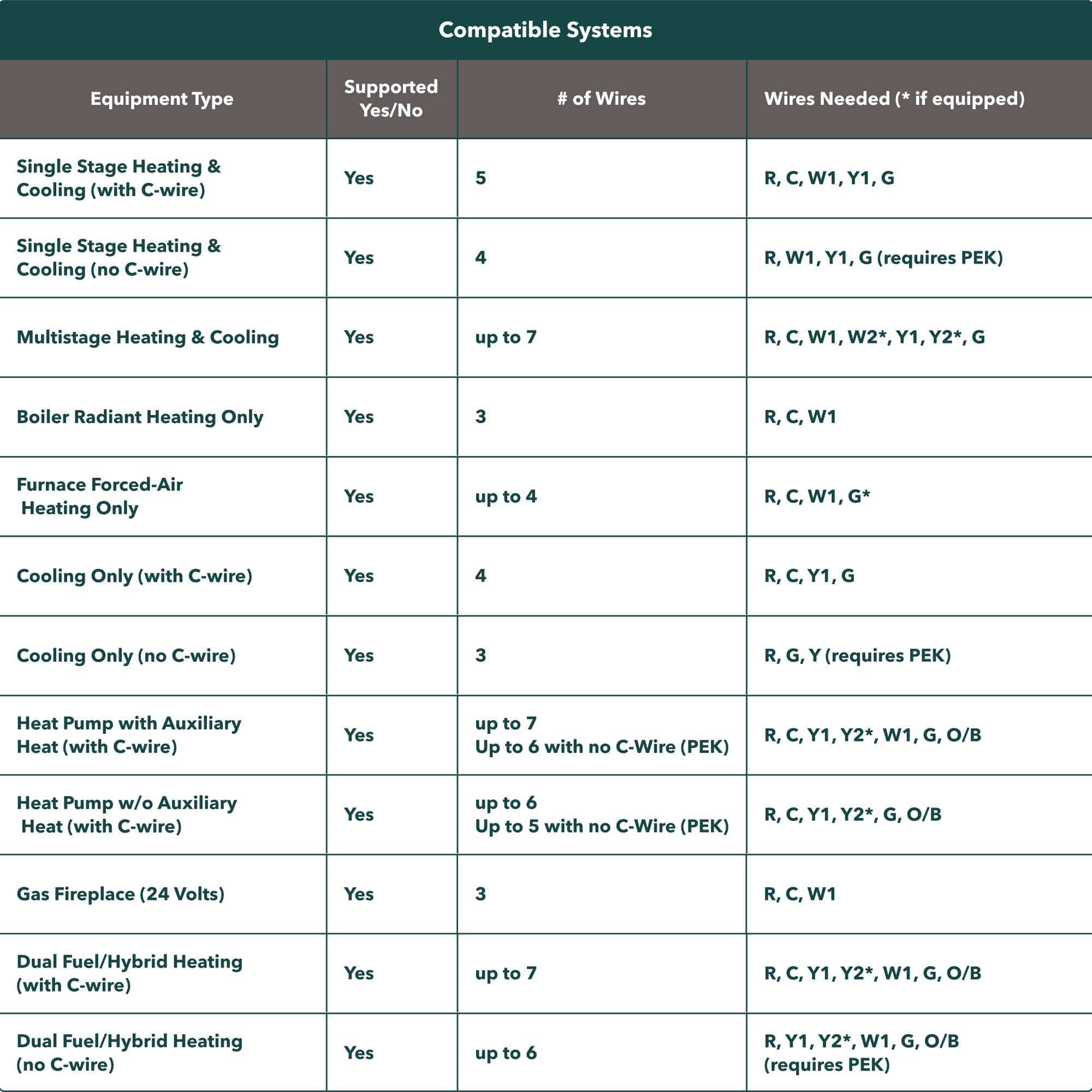
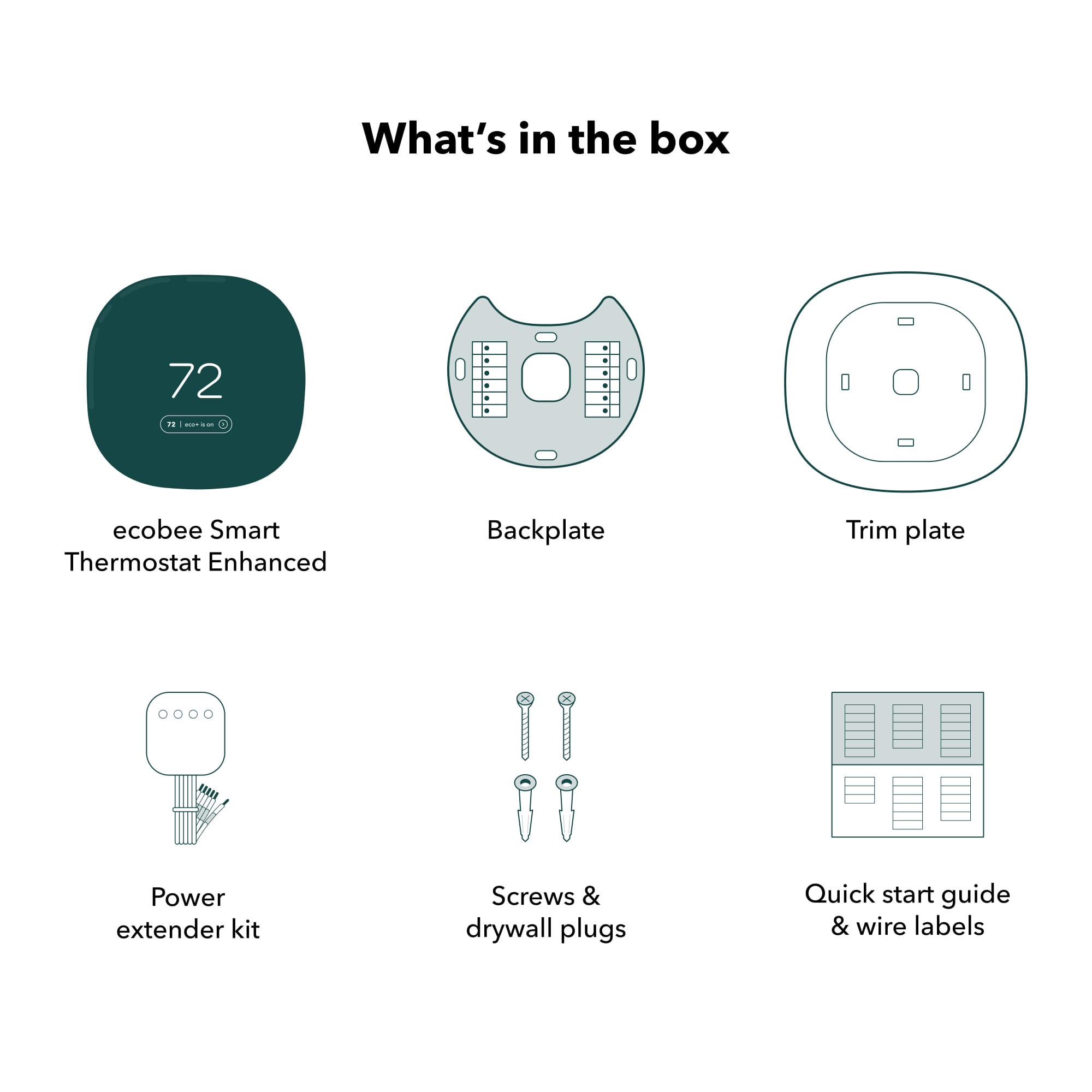
|Posted .This reviewer received promo considerations or sweepstakes entry for writing a review.Certainly a good looking sleek thermostat that not only looks smart, it will compliment just about any room you install it in. The touchscreen is fluid to your touch without skipping a beat. In the box this is what I received: thermostat, screws set, wall plate kit, power kit, welcome information booklet and labels. DIY installation: My installation was not easy and I’m an electrician but I don’t think it should stop anyone interested to not buy it. Just do more research to check compatibility (ecobee have a link https://www.ecobee.com/compatibility), take pictures of your current thermostat wiring and ask questions. After several attempts of getting my new ecobee enhanced thermostat to work with my central air unit I decided to reach out for help using the chat feature. The problem I was having was warm air was blowing when I had the temperature on cool. The representative suggested I try his wiring diagram which I tried but since it was the same I received the same results. He then asked me for information on my air handler wiring. I and told me I might have to reconfigure the ecobee thermostat. I checked the settings and voila. There it was a reconfiguration screen. My system and thermostat appears to be working properly now. I do have to thank the different representatives that helped especially during a holiday weekend. ecobee enhanced thermostat: It is sleek and it sense when you are in the room to make sure the temperature is set to your comfort settings. I do plan on adding a smart sensor to my bedroom so it can possibly regulate the temperature better. My upstairs is usually warmer than downstairs and the ecobee might be the right solution to keep the temperature similar throughout my home. ecobee App: The ecobee app is easy to use and I was able to sync it with my thermostat in a few minutes. Using the app I can adjust the temperature from anywhere. I’m able to set schedules and my ideal comfort level. Sometimes when I open the app it takes a moment to populate the information but I’m not sure why it hesitate. Not only can I use the ecobee app to adjust the ecobee enhance thermostat, I can use HomeKit and my Google assistant. Overall I like the ecobee enhance thermostat. I think for the extra money get the premium since it is a better value with the added features. I also want 1 smart sensor but it is only sold in a 2 pack. The price of a 2 pack is about 40% of the premium price. I can see me going away for a few days and know that the ecobee thermostat will do it’s job while I’m on vacation. I’m curious to see how the monthly report will be compared to my older thermostat by another brand. So far this is only a minor upgrade to what I was use to but I get excited with new technology. The HomeKit integration is perfect and it allows me to enjoy my experience more when making quick changes away from the thermostat. So to sum it up I think the installation could easier and the smartsensor should be included with the ecobee enhance take the price down for the smart sensor or have a price for 1 smart sensor.
I would recommend this to a friend