Customer Ratings & Reviews

- Model:
- EB-STATE7-01
- SKU:
- 6612842
Rating by feature
- Value
Rating 4.7 out of 5 stars
- Quality
Rating 4.8 out of 5 stars
- Ease of Use
Rating 4.7 out of 5 stars
Customers are saying
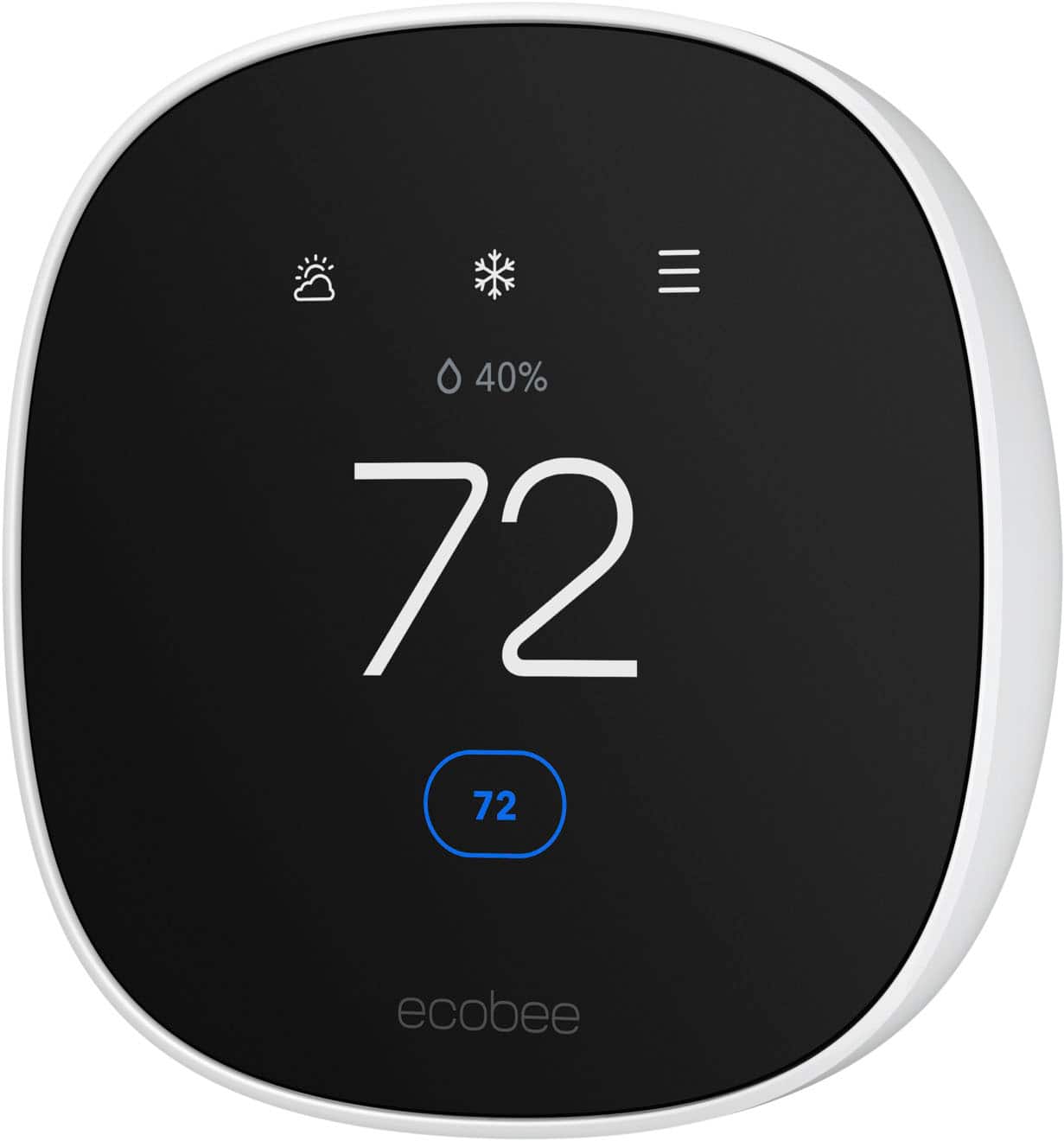
Customers appreciate the Smart Thermostat Essential for its ease of use, straightforward installation, and simple design. The accompanying app is user-friendly, contributing to a seamless setup experience. Users also report satisfaction with the thermostat's overall performance, temperature control, and reliable connectivity.
This summary was generated by AI based on customer reviews.

Good And nice finish
|Posted . Owned for 1 week when reviewed.This reviewer received promo considerations or sweepstakes entry for writing a review.Awesome thermostat. Very Cool Feautres. Will buy again.
I would recommend this to a friendSmart thermostat
||Posted .This reviewer received promo considerations or sweepstakes entry for writing a review.Great smart thermostat. You will need to train it to accommodate your household. I can also get a credit from your electric company if I allow them to basically "control" the thermostat for saving purposes. Great purchase and easy set-up.
I would recommend this to a friend- Pros mentioned:Overall performance
Love it!
||Posted . Owned for 2 weeks when reviewed.This reviewer received promo considerations or sweepstakes entry for writing a review.Just as described and works better than I expected!
I would recommend this to a friend Great choice
||Posted . Owned for 1 week when reviewed.This reviewer received promo considerations or sweepstakes entry for writing a review.I was not pleased with the lower line Nest that I had before this. I realized after a while that it Doesn’t connect with Alexa without buying and additional hub. I’m really happy with this Exobee. Nice quality and easy setup and operation.
I would recommend this to a friendSmart App
||Posted .This reviewer received promo considerations or sweepstakes entry for writing a review.Favorite Ecobee Features Occupancy sensor Remote room temperature sensors Ecobee app Alexa integration Humidity control (AC overcool max) Energy tracking Occupancy Sensor
I would recommend this to a friendGood buy
||Posted .This reviewer received promo considerations or sweepstakes entry for writing a review.Love the app, and support team is great! This model did not come with a backplate. Seems minor but standard backplate impacted the ability to mount the digital face.
I would recommend this to a friendEcobee smart thermostat
||Posted .This reviewer received promo considerations or sweepstakes entry for writing a review.Very happy while replacing our out of date Nest. The app toggles nicely between our two separate homes and in the zones for each.
I would recommend this to a friend- Pros mentioned:App usability, Design, Ease of use

Really good entry level smart thermostat
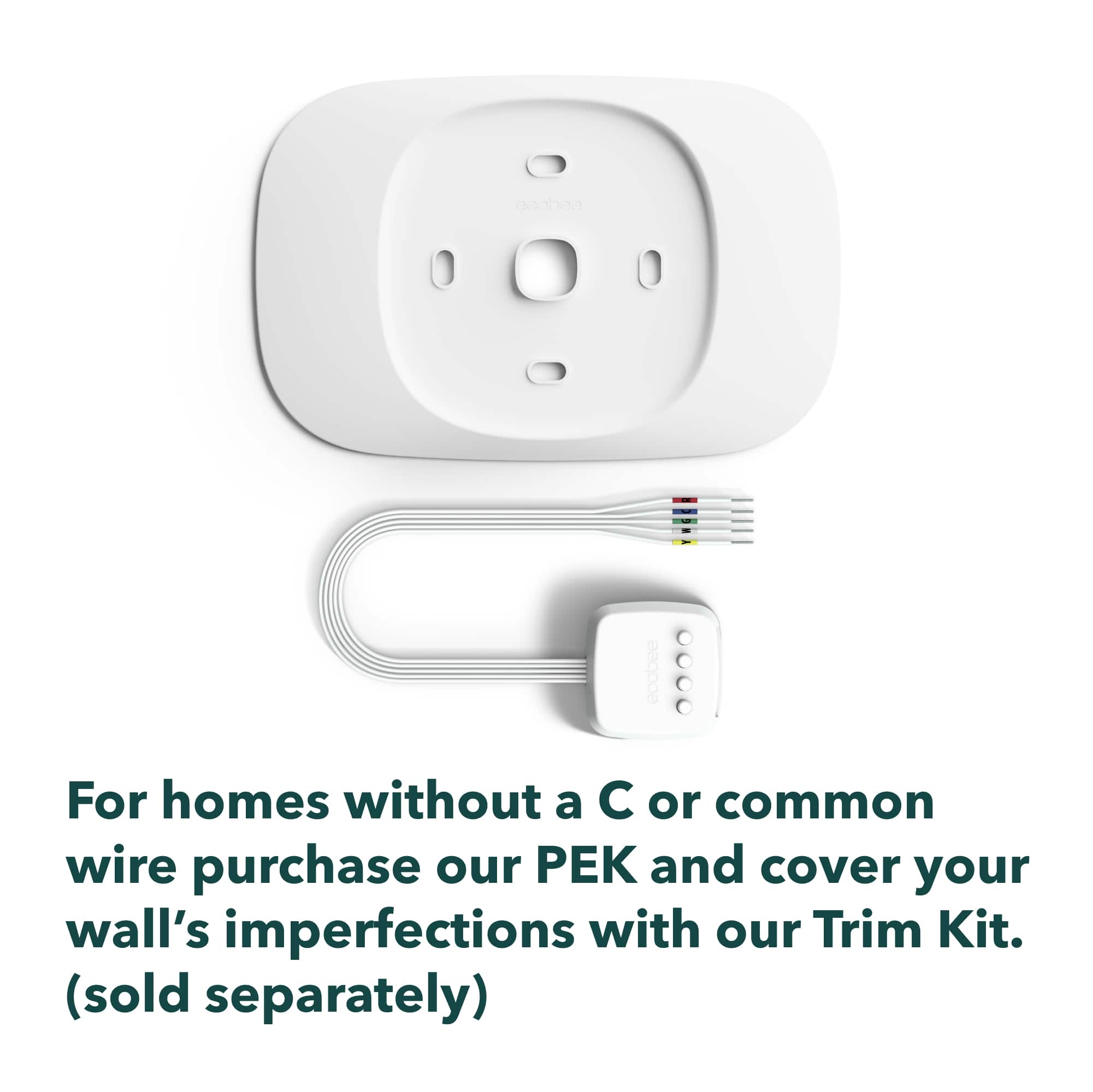
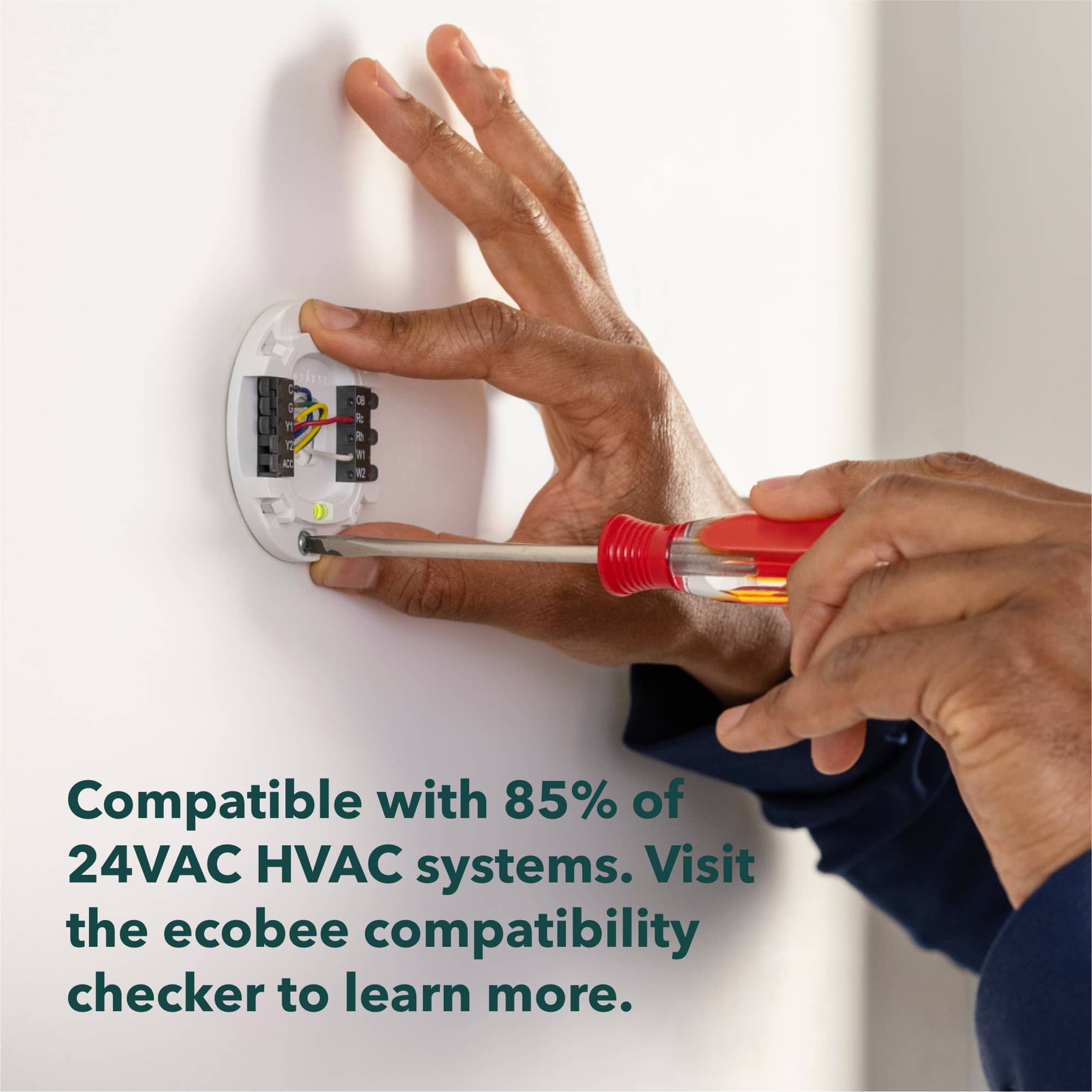
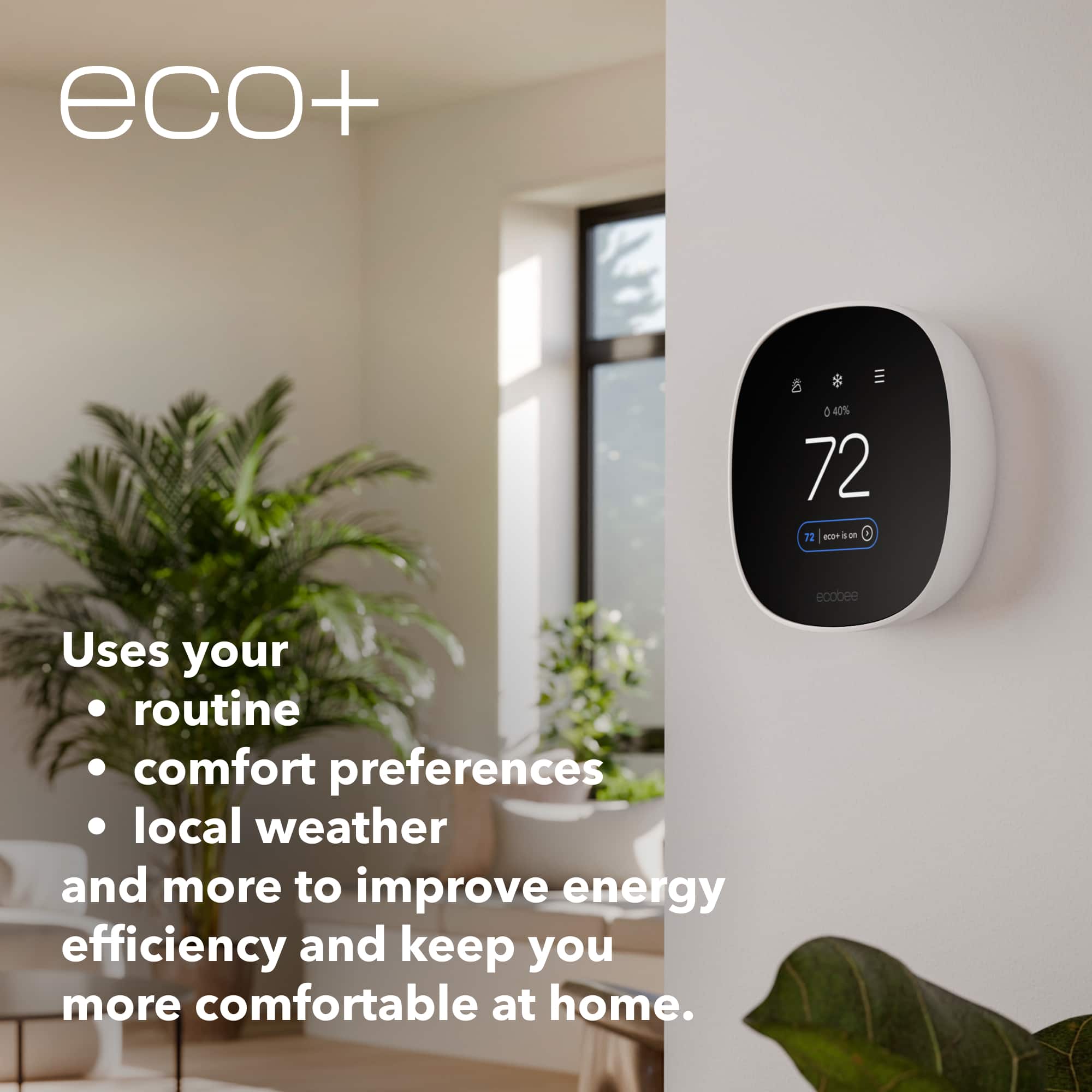
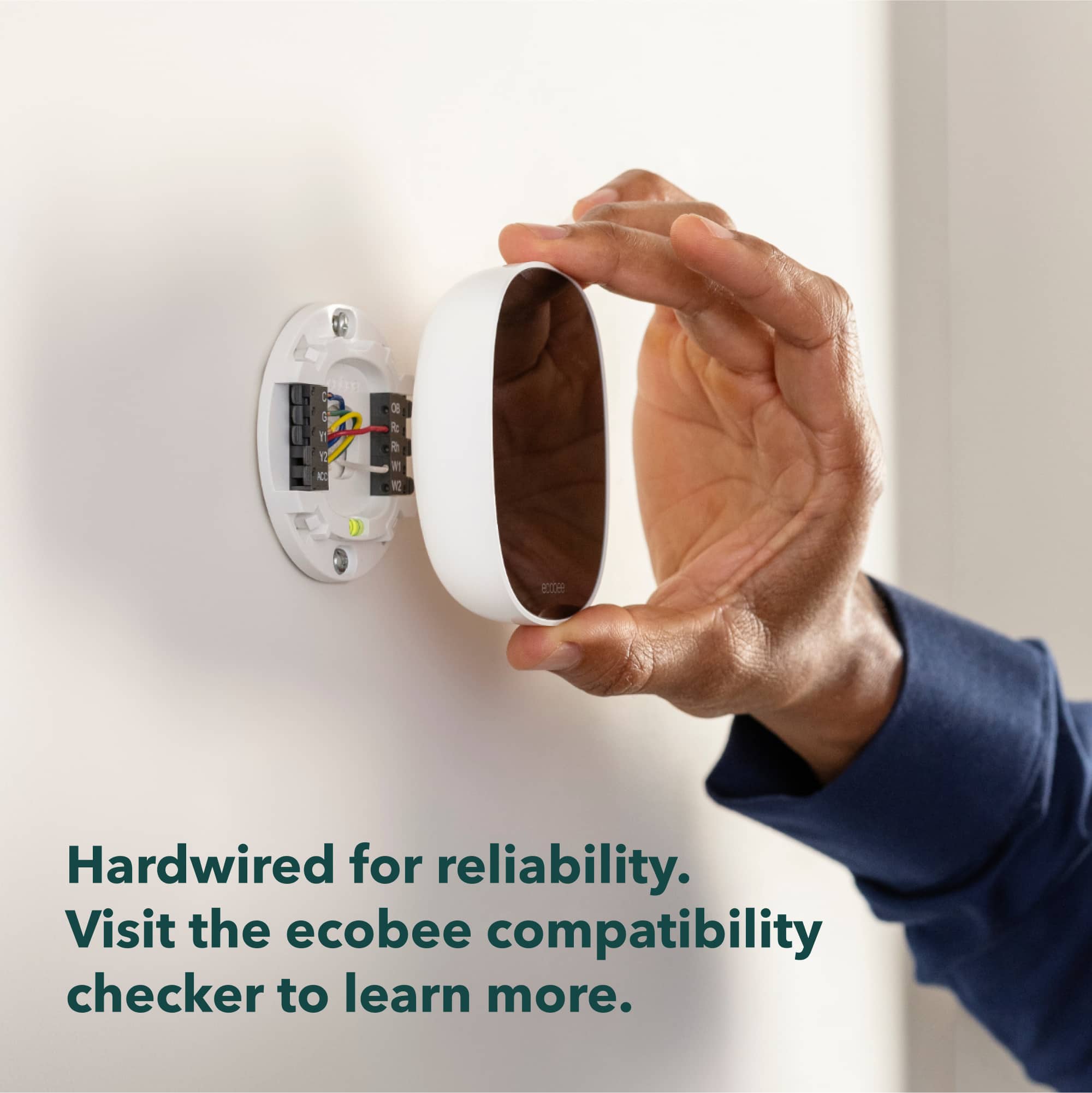
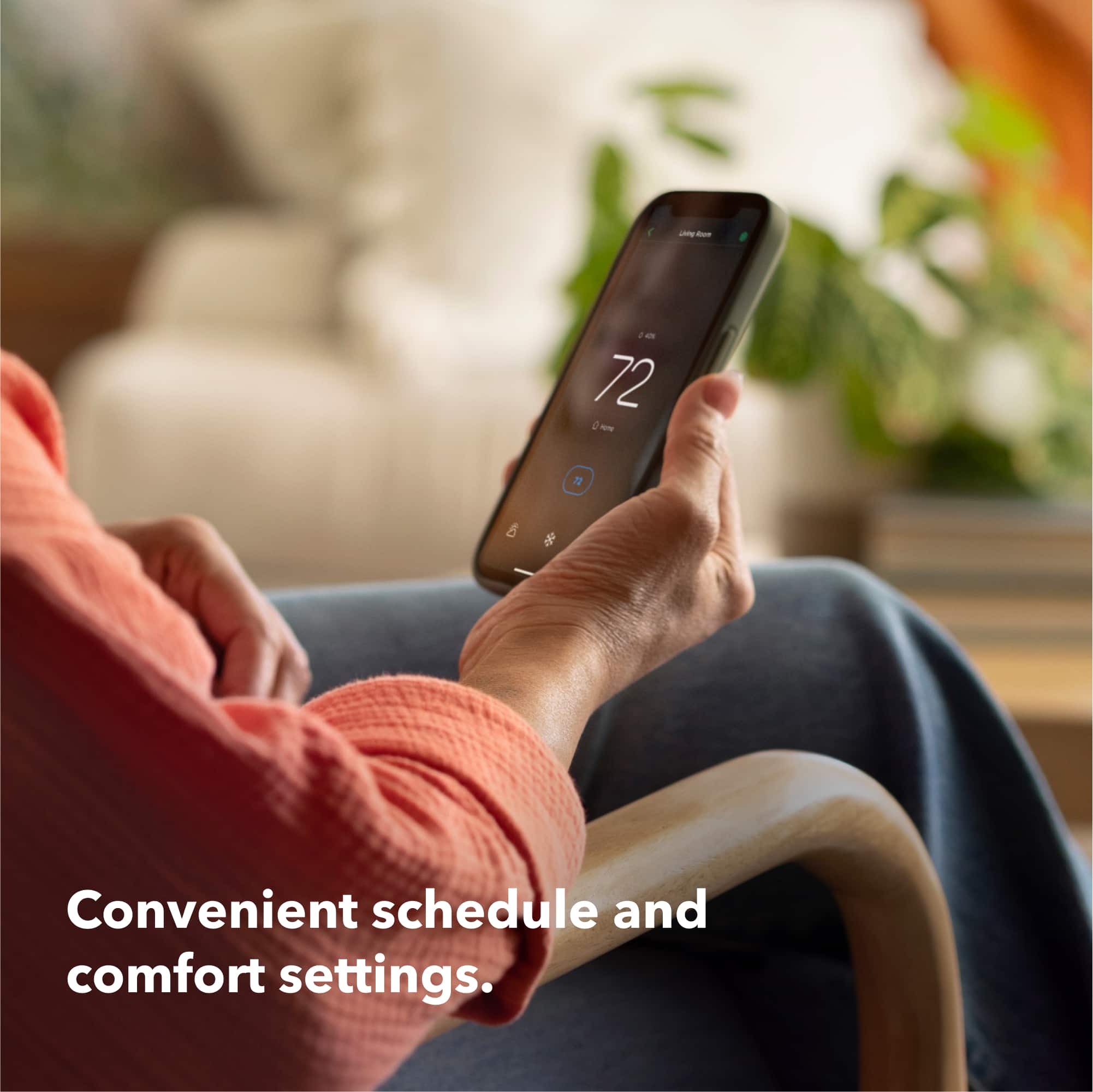
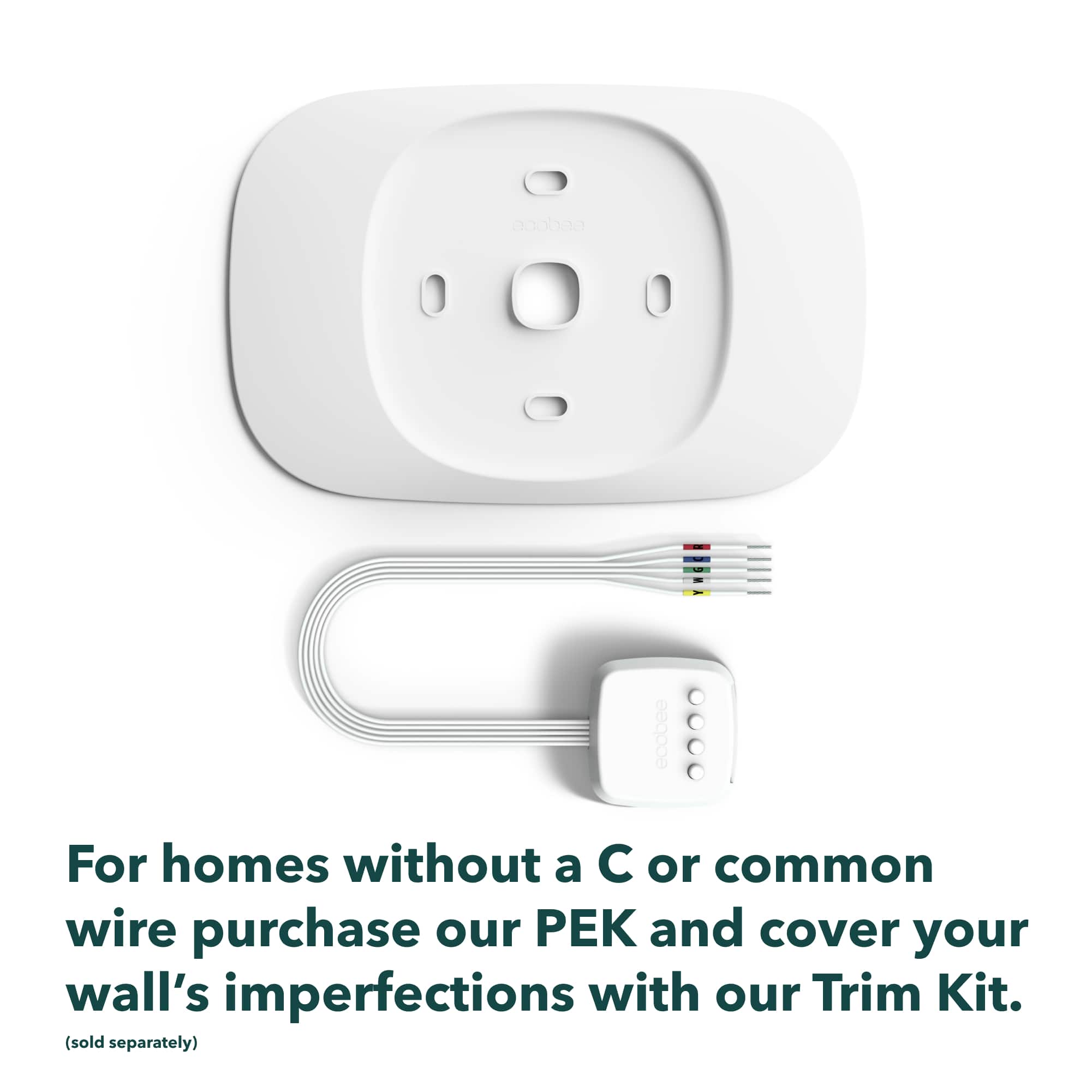
|Posted .This reviewer received promo considerations or sweepstakes entry for writing a review.This smart thermostat is easy to use and is a good replacement for older style thermostats, even the ones that allow you to set a schedule. It’s got Wi-Fi, a simple app, and lets you adjust your home’s temperature from anywhere. It works with most HVAC systems too. The only thing is, if you don’t have a C wire you’ll need the Power Extender Kit. My current one didn’t have one, so I had to figure that out through the app. Installing it is pretty easy though. The instructions were straightforward using the app. It shows you each step. It took me about 20 minutes, and then it was up and running. I love the how you can use it basically like a remote start on your car to heat or cool before you get in. And it figures out how long it takes to heat or cool your place and starts early. So, if I wake up at 7 a.m., it’s already warm before I roll out of bed. Or if you're going to be gone for a few days or hours or whatever you can have the hvac come on less while no one's there and then have it at the temp you want when you get back. This one doesn't have the occupancy sensors like the higher priced ones but you can still set it up through the app to do this. Also, the AC overcool to dehumidify option is really nice. Where I live, it gets humid, and this cuts that sticky feeling without making it freezing cold. The best part about it (and smart thermostats in general is that you can set it to keep the temperature within a set range (which you can change for heat or a/c). Where I live it can be 40 degrees overnight and 80 degrees during the day, then completely different the next day. So instead of having to flip my thermostat switch back and forth between heat and a/c I can just set the range and leave it. Also being able to set the downstairs temperature higher or lower during the night (since we're all upstairs) is nice and helps lower our power bill. It’s compatible with most HVAC setups, even those with two stages of heating or cooling. But if your system has a ton of heating and cooling stages, it might not be enough. You could look at the ecobee Smart Thermostat Premium instead. Just make sure it matches your setup before you. The thermostat looks sleek, and the controls aren’t tough to figure out. You can adjust it right on the device or through the ecobee app on your phone. The app is really easy to use: tweak the temperature, set schedules, and check how much energy you’re saving. I've been using it with my other ecobee thermostat for a few years now and haven't had any issues. Also if you're old thermostat was bigger than this one (most are) they’ve got a trim kit that covers it up and looks nice on the wall. The only downside I guess is that the power extender kit isn’t included, so that’s an extra cost if you need it. It’s not a huge deal, but just something to keep in mind. Overall, I like the ecobee Smart Thermostat Essential. It’s a good entry level smart thermostat with a good set of features and isn’t hard to install, even without a C wire. Just double-check it’ll work with your system, and get the power extender kit if need it, as well as the trim kit.
I would recommend this to a friend Unable to use
||Posted .This reviewer received promo considerations or sweepstakes entry for writing a review.Unfortunately this thermostat was not compatible with my house so had to return. However Best Buy was great with the return process
I would recommend this to a friendAmazing
||Posted . Owned for 1 month when reviewed.This reviewer received promo considerations or sweepstakes entry for writing a review.Great, excellent, portable, fancy, modern and fast
I would recommend this to a friendPease of mind
||Posted . Owned for 2 weeks when reviewed.This reviewer received promo considerations or sweepstakes entry for writing a review.I purchased this thermostat to replace my Trane thermostat, and I am happy I did. Although the previous thermostat worked great, the Ecobee allows me to customize how I want the air to run.
I would recommend this to a friendEasy and Simple
||Posted .This reviewer received promo considerations or sweepstakes entry for writing a review.This our second Ecobee (new house) and we love it. There's nothing I ever have to manage on it other than using Alexa.
I would recommend this to a friendVery Easy to install
||Posted . Owned for 3 months when reviewed.This reviewer received promo considerations or sweepstakes entry for writing a review.This was super easy to install and the apps works fantastic!!!! I installed 3 of them in my home
I would recommend this to a friendBest Help Ever!
||Posted . Owned for less than 1 week when reviewed.This reviewer received promo considerations or sweepstakes entry for writing a review.Wonderful. I have complete control over my home heating
I would recommend this to a friendThermostat/Return
||Posted .This reviewer received promo considerations or sweepstakes entry for writing a review.Nice product! Had to return because it wasn't correct for our system. Entire process was seamless. Thank you!
I would recommend this to a friendGreat Smart Thermostat
||Posted . Owned for 1 week when reviewed.This reviewer received promo considerations or sweepstakes entry for writing a review.Great thermostat, easy to control from remote or at home. . I now have two of them at different locations and would recommend them to anyone. I integrated it with Apple iPhone, Home and also use the Ecobee app.
I would recommend this to a friendEasy to setup and use.
||Posted .This reviewer received promo considerations or sweepstakes entry for writing a review.Easy setup, just make sure you have an existing C wire.
I would recommend this to a friend- Pros mentioned:App usability, Design, Ease of use
A nice-looking must have for saving energy/costs!
|Posted .This reviewer received promo considerations or sweepstakes entry for writing a review.This thermostat was surprisingly easy to install and as long as you follow Ecobee's well-documented installation instructions AND you check to make sure it's compatible with your existing wiring, installation is a snap! Once wired up, it mounts nicely to the wall covering where the wires come out making for a nice flush mount to the wall. Setup is a snap with the app which is definitely a good way to start out though I think you could use it without though doing so would limit the a number of "smart features". What I love about this thermostat is how easy it is to use, and how it looks. No twisting a knob to navigate to just change a simple setting. When you connect it to your wifi, it does make it a bunch easier to configure your schedules and see your energy usage over time which is very insightful. It also has reminders for service/maintenance on your HVAC unit which is handy if you tend to forget that. I love that it detects your patterns and helps you set it so you can pre-heat/cool before a set time on a schedule or be set to help you maximize your energy efficiency which can save a ton on your bill. I haven't used this one long enough to put that to the test to see the result but based on the usage I'd say it works pretty good so far. This one is a great option, especially if you have an old-school thermostat or one that doesn't have the latest "smart" features. Some might say you don't need all that, but literally this thing could pay for itself in one summer or cold winter if you tend to leave your thermostat set and forget it, especially if leaving for any extended period of time where the savings really does add up. I'd highly recommend this one!
I would recommend this to a friend Ecobee review
||Posted .This reviewer received promo considerations or sweepstakes entry for writing a review.I needed to update my old thermostat and orchard this ecobee. It keeps trying to change the temperature to 77 every 12 hours.
I would recommend this to a friendEcobee
||Posted .This reviewer received promo considerations or sweepstakes entry for writing a review.Have used this in several properties. Highly recommended.
I would recommend this to a friend