Customer Ratings & Reviews

- Model:
- R010111
- SKU:
- 10116427
Rating by feature
- Setup
Rating 4.8 out of 5 stars
- Range
Rating 4.7 out of 5 stars
- Signal Strength
Rating 4.7 out of 5 stars
Amazing
||Posted . Owned for 1 month when reviewed.This reviewer received promo considerations or sweepstakes entry for writing a review.Very stable and strong connection. Good for big space.
I would recommend this to a friendHad to upgrade to Eero Pro6 three-pack
||Posted . Owned for 3 weeks when reviewed.This reviewer received promo considerations or sweepstakes entry for writing a review.Actually, I installed the system to replace an Eero 6 but found that it was still too weak to really run all my streaming in a 2800 square-foot house. I replaced it with the Eero pro 6, a three pack, and all my problems are solved. It works fantastically well.
I would recommend this to a friendBuy eero and be glad you did!
||Posted . Owned for 3 weeks when reviewed.This reviewer received promo considerations or sweepstakes entry for writing a review.Overall a solid 4 Stars for setup and getting this mesh up and working with our existing Fiber Network with ATT. Reduced a star since I lost about 30mins trying to get the 1st eero paired with my Samsung S22+. The 1st eero connects to our existing ATT router via RJ45 cable that is included with this eero package of 3. Once that gets paired, all you do from there is place the other eero's around the house to create your house network mesh, use the app to add those to the 1st one and it's ready to have anything connect to the mesh if they have the name and password:) After multiple attempts to pair that 1st one with my Samsung phone to get this going, decided to try and pair with my wife's Apple phone and BAM, immediately paired with zero wait:( Yes, pt for the Apple over Samsung, which hurt me a little:) So far this mesh has ELIMINATED all my roller coaster internet connection with our ridiculous overpaid ATT WIFI extender that NVR worked like they promised and truly hope no one waits as long as I did to get this extremely easy mesh by eero!!!
I would recommend this to a friendLoyal shopper
||Posted . Owned for 1 month when reviewed.This reviewer received promo considerations or sweepstakes entry for writing a review.I had a problem with another router I had just purchased. I went to the Geek Squad desk and Jeff was there. He listened to my issue and suggested I go with a mesh system. He told me to bring back the other router and he would put an eero Mesh System in the Geek Squad department and hold it for a day. I came back the next day and the return was smooth. The eero works a whole lot better than the other router I had. Jeff was great,
I would recommend this to a friendA great Internet Accompaniment
||Posted . Owned for 4 months when reviewed.This reviewer received promo considerations or sweepstakes entry for writing a review.An outstanding system And great Accompaniment to an existing home and office internet system
I would recommend this to a friendeero
||Posted . Owned for 3 weeks when reviewed.This reviewer received promo considerations or sweepstakes entry for writing a review.I appreciate the greater coverage area provided with eero
I would recommend this to a friendThey light up but just realized they dont work
||Posted . Owned for 2 months when reviewed.This reviewer received promo considerations or sweepstakes entry for writing a review.3 months later, Im lookomg for something to support my 2200 sq ft home. I bought 3 pack and I still have bad connection in spots. Upon looking at them more closely and using the app. This crap dont even work. What a waste of money....do not buy! I paid $334
No, I would not recommend this to a friendBrand response from Amazon Devices Customer Support
Posted .Hi Kathy. Thank you for providing feedback about your experience with the eero 6+ system. I’m sorry to hear about your coverage issues. Strategically placing your eeros is the single most important step you can take to ensure your system provides fast, reliable WiFi to every room in your home. Here are some tips to follow: 1. Place eeros where they can talk to each other. 2. Place eeros on a hard, flat surface. 3. Keep your eeros out in the open. 4. Whenever possible, aim for direct line of sight between eeros. The fewer the walls between your eeros, the better. If this information doesn’t resolve your issue, call eero customer service at (877)659-2347. They’re available Monday-Sunday 6am-8pm PT. I hope this helps. Have a great day!

Completely useless
||Posted . Owned for 1 month when reviewed.This reviewer received promo considerations or sweepstakes entry for writing a review.This was completely useless. It can only give wifi coverage if it’s connected to the router. Either that or the instructions made sense. I looked up installation on youtube and called customer support but it did not extend my wifi to the second floor at all.
No, I would not recommend this to a friendBrand response from Amazon Devices Customer Support
Posted .Ho Jpod. Thank you for your feedback on the eero 6+ router. I'm sorry to hear that the performance didn't meet your expectations. eero routers can only extend the coverage of existing eero networks. I would suggest the 2-pack eero 6+ system instead of the single eero 6+ router. With the 2-pack, 1 eero will connect to your modem via Ethernet, and the other eero would be placed on the second floor. I hope this helps. Have a great day!
Good buy
||Posted .This reviewer received promo considerations or sweepstakes entry for writing a review.So far no issues, easy set up and had good speeds all over the house which is about 3600 sq ft basement included. So far worth worth the price and ease in setting up it up. Less interruptions with devices on the WiFi system especially with my ring camera system.
I would recommend this to a friendBest Buy error! Check model numbers!
||Posted . Owned for 1 month when reviewed.This reviewer received promo considerations or sweepstakes entry for writing a review.The one star is for Best Buy sending me this product with two different model numbers on the box and product. I tried to return it(only because it did not fix my WiFi problems)for a refund and they denied it because of the two different model numbers!! Their error and now my problem! The box says R010211, the products inside say R010001. That’s how they sent it to me unbeknownst to me until return denied!
I would recommend this to a friendEasy installation
||Posted .This reviewer received promo considerations or sweepstakes entry for writing a review.Works well! Easy setup and allowed WiFi to be accessed throughout the whole house. Prior to installing had weak signal at the opposite of the house due to router being not centrally located
I would recommend this to a friendEERO Wifi 6 System
||Posted . Owned for 2 weeks when reviewed.This reviewer received promo considerations or sweepstakes entry for writing a review.Eero Wifi System works great. It definitely extends my wifi and was easy to set up.
I would recommend this to a friendImproved coverage and speeds
||Posted . Owned for 1 month when reviewed.This reviewer received promo considerations or sweepstakes entry for writing a review.WiFi signal was spotty on the second floor and minimal towards the back. Since upgrading to this system, I’ve noticed improved coverage and speeds around the house. It replaces your existing router and setup is pretty straight forward. Overall, I’m glad I finally got this system.
I would recommend this to a friendUpload Speed Sucks
||Posted .This reviewer received promo considerations or sweepstakes entry for writing a review.The upload speed is very poor as compared to my two years old Linkys MR9600. Also, linksys app is a lot more user friendly than Eero.
No, I would not recommend this to a friend
Excellent all in one network and smart hub
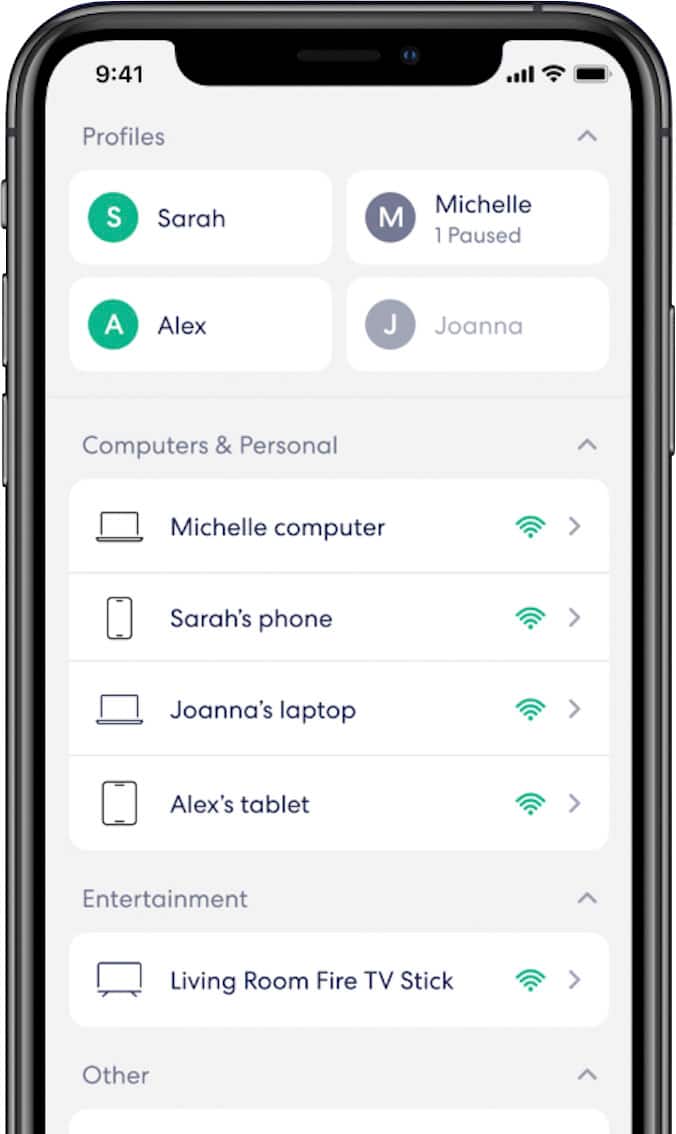
|Posted .This reviewer received promo considerations or sweepstakes entry for writing a review.The eero 6+ looks really sleek and stylish and easy to setup. The big advantage over this version is that there isn't just one gateway, any of them could be used as the gateway. I've got one on each floor and one in the garage. The garage one let's me connect a network switch and then all my smart garage items connect there. Let's my further away cameras get a better connection. Setting up is straight forward. after you install the app, just follow the prompts on screen to add the devices. Once you've set up the network there's many handy features. I've grouped smart devices together, computers, phones/tablets and kids devices. It's nice to be able to set rules based on those profiles. One downside is that you can't have seperate 2.4 and 5.0GHz networks. They share the same name and password. I understand the advantage of this and why it's done, but for devices that aren't dual band, setting them up is a hassle. Thankfully there's a feature where you can disable 5GHz network so your devices can be added. Speeds are noticeably improved in the further corners of my home. My office is far away from my modem and main gateway, so I put another one by my computer and plugged it into one of the ports. It was faster only relying on the access points wifi and not my desktops wifi It has the ability to also act as a smart device hub. I haven't played with this yet because I already use a different hub and don't want to remove devices and then re set them up. I may add a few devices just because.
I would recommend this to a friendFull home high speed coverage, outdoors too
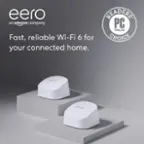
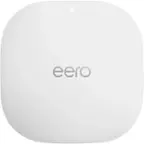
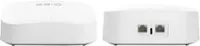
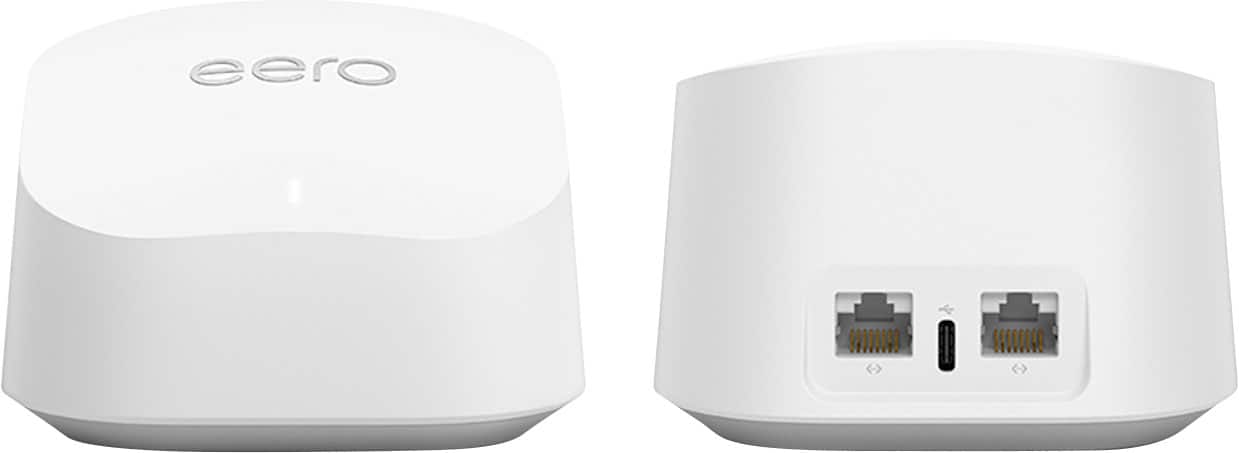
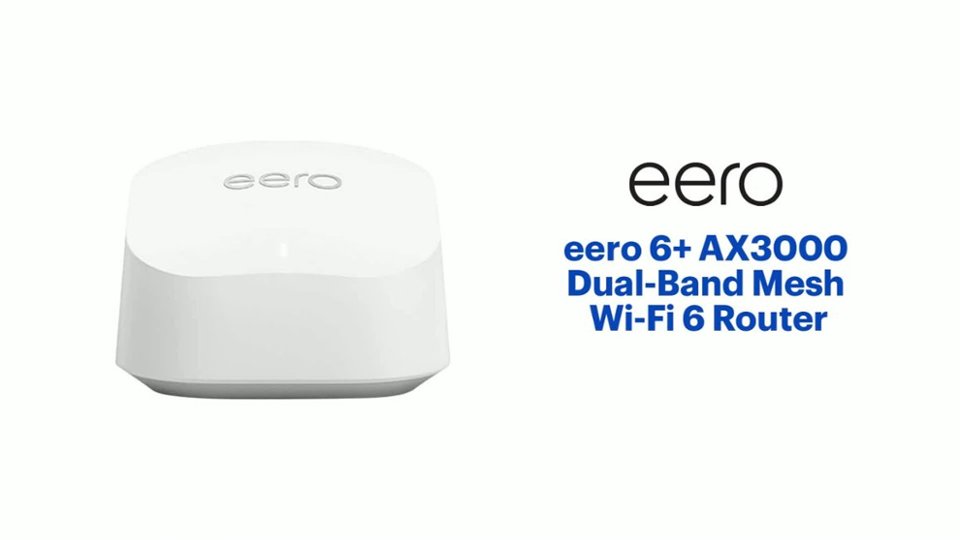
|Posted .This reviewer received promo considerations or sweepstakes entry for writing a review.My cable modem and router work well. But there are few spots in the home that the signal has a hard time reaching. With all the smart home devices, my lower speed but higher power 2.4 Ghiz signal's bandwidth is peaking out. The "eero" 6+ not only extend and boosts the house and yard's coverage, it also has the newest Wi-Fi 6 speeds and power. The new mesh works seamlessly with the existing router. I only needed to plug the power unit in and the app easily paired the units together. I find the power bars on all my devices are reporting or indicating the signal is excellent. The white puck is small and almost unnoticeable. They also have convenient screw keyholes so they can be mounted on the back of a cabinet or on the wall. Each puck has two ethernet ports. I use them for connecting some of my video NVR's that record OTA TV stations for later viewing. The streaming quality is awesome. The hook up to multi-port expanders for printers, smart hubs and my smart meter power monitor device.
I would recommend this to a friendEero WiFi
||Posted .This reviewer received promo considerations or sweepstakes entry for writing a review.This system allows us to extend wifi to hard to reach places that do not have a PoE hard wired port to connect to. I would recommend. Easy to install and administrate.
I would recommend this to a friendNice router
||Posted .This reviewer received promo considerations or sweepstakes entry for writing a review.This is my first time buying this type of router. Set up was very easy and so far it has been working very well. My house is a little over 2000 sq feet and I have only had to link two of them.
I would recommend this to a friendEero 6+ not the best
||Posted . Owned for 1 month when reviewed.This reviewer received promo considerations or sweepstakes entry for writing a review.Not a great mesh system. There are better alternatives
No, I would not recommend this to a friendFantastic Wifi 6 router
Posted .This reviewer received promo considerations or sweepstakes entry for writing a review.I recently got Gig ziply fiber installed. I live in a 1,000 sqft apartment thats one level. The router that ziply fiber gave me is $10 per month and its supposed to be a wifi 6 router. After days of testing, it was killing my experience with having fast internet because i was only getting 100-200mbps download. Not even close to a gig. I am a video producer so i need a router that can pump out the fastest and most reliable upload speed. The range this router from ziply fiber sucked so bad that i started looking for a more modern and stable router. The eero 6plus has trippled my internet speed at a far distance ans even faster when closer ro the router. It was easy to set up too.
I would recommend this to a friend