Customer Ratings & Reviews
- Model:
- 10GBR9901
- |
- SKU:
- 6638981
Customer reviews
Rating 4.8 out of 5 stars with 117 reviews
(117 customer reviews)Rating by feature
- Value4.7
Rating 4.7 out of 5 stars
- Quality4.8
Rating 4.8 out of 5 stars
- Ease of Use4.7
Rating 4.7 out of 5 stars
- Pros mentioned:Overall performance, Video quality
Rated 5 out of 5 stars
Pretty perfect at it's job
|Posted .This reviewer received promo considerations or sweepstakes entry for writing a review.I’ll get what didn’t go perfect first. The HDMI audio didn’t work at first, unplugging the USB C cord and plugging it back in fixed the issue. I also found that getting the HDMI part up and running first makes it so the issue isn’t a problem at all, so order of operations matters which actually does make sense but isn’t stated anywhere. The second issue is where the settings are for the video and audio, I think it took me a good 5 min to find the settings. It is right next to the settings icon in the upper right corner, but it is a split screen looking icon so I just didn’t click on it for quite some time because I kept clicking on the settings tab which would make way more sense as an icon. However, once I realized that the weird split screen icon was the video and audio settings area everything went smoothly. That is it, the only two bad things aren’t really bad. Once I got over those hiccups everything just went smoothly. I can record anything I want, gaming, old family VHS and DVDs that I have been procrastinating on converting. The software has an ARM version if you are wanting to just set up a streaming/recording device and don’t mind playing with different recording software’s such as the experimental version of OBS Studio. I love the idea of just using my ARM laptop as the streaming device and then the Xbox or a gaming computer without the extra setup of recording software on the same gaming laptop. This is also helpful as my oldest kid has the Xbox for gaming and wants to do some game recording uploads (I’m not ready to let him live stream yet) but I don’t have a dedicated gaming laptop for him yet and setting this up and giving him an ARM laptop just seems like a better path. The audio is perfectly in sync though the aux quality will depend on you having a decent Aux cord, the first aux cord I grabbed ended up going in the garbage as I realized it wasn’t the hardware but the cord that made the quality terrible. After fixing the cord Aux sound worked perfectly. If you record 4k on a 1080p screen device and the program you open it in doesn’t have the ability to downscale the quality the video seems extremely slow. Put it on a proper device and it works amazing… Just figured I’d say that as my kid thought it was broken at first. This has definitely become one of my favorite toys and has enabled my kid to bring his dreams of being a streaming closer to reality in a relatively easy manner. If you need to a simple to use screen recorder for recording or live streaming this definitely fits the bill
I would recommend this to a friend - Pros mentioned:Latency, Overall performance, Portability
Rated 5 out of 5 stars
Your little video capture buddy
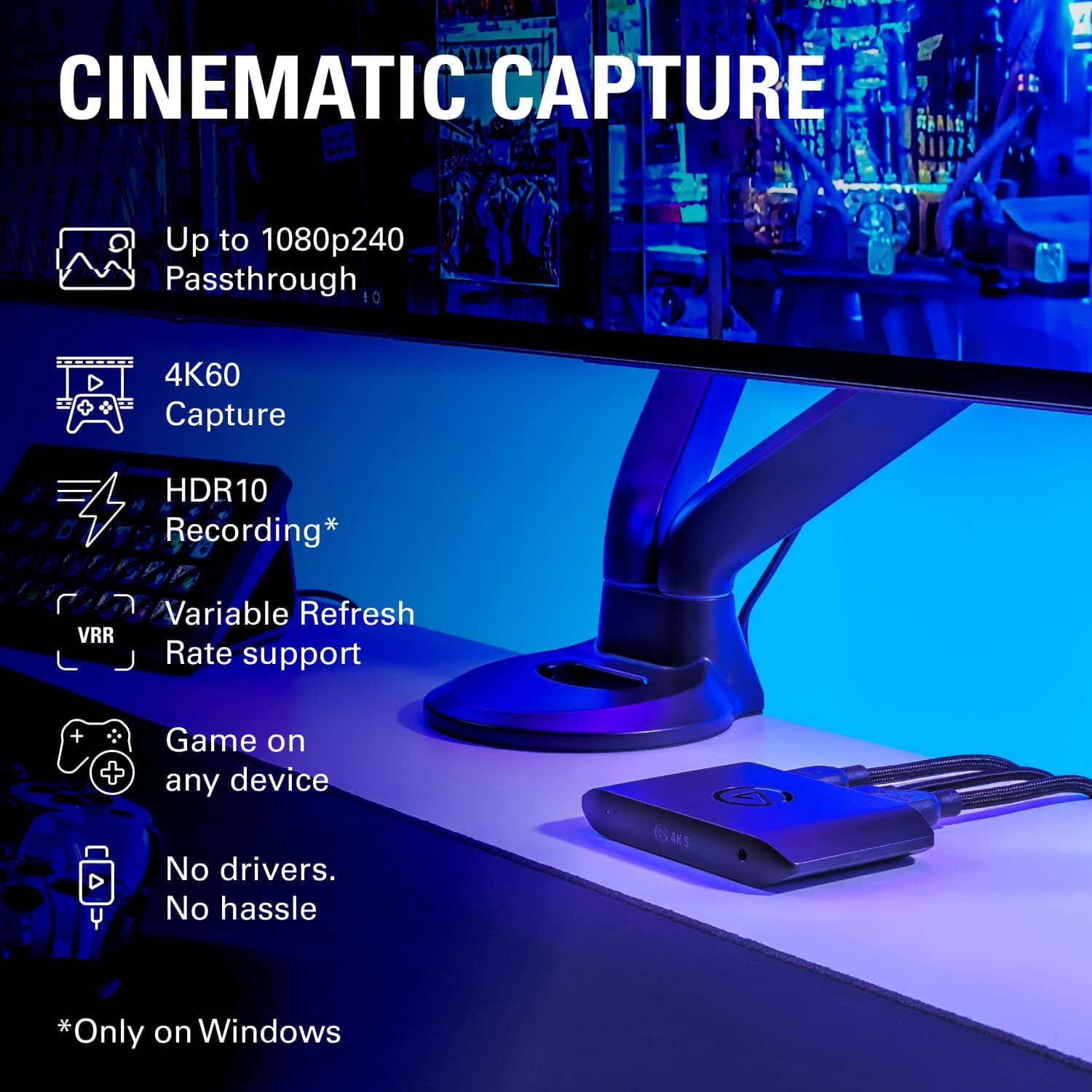
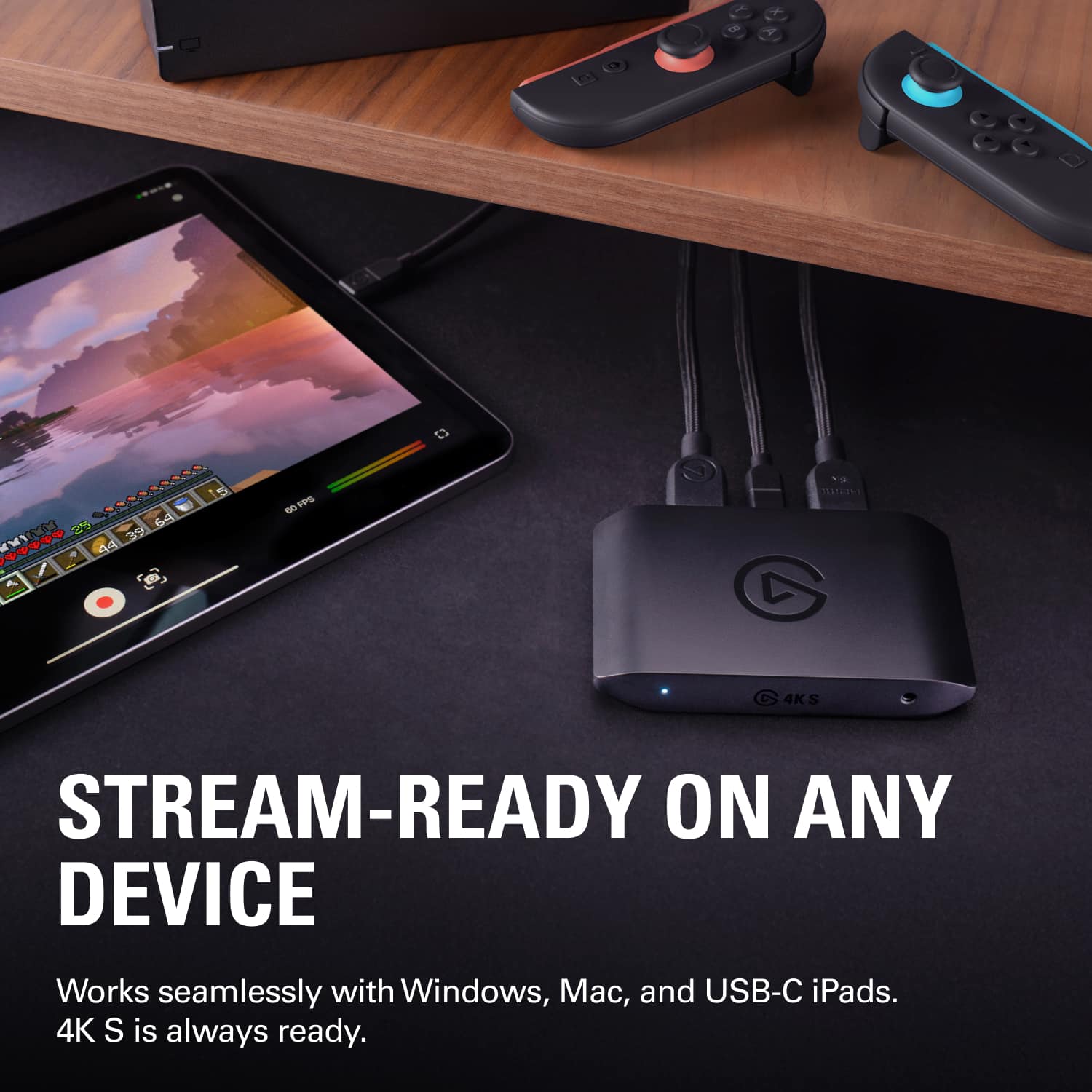
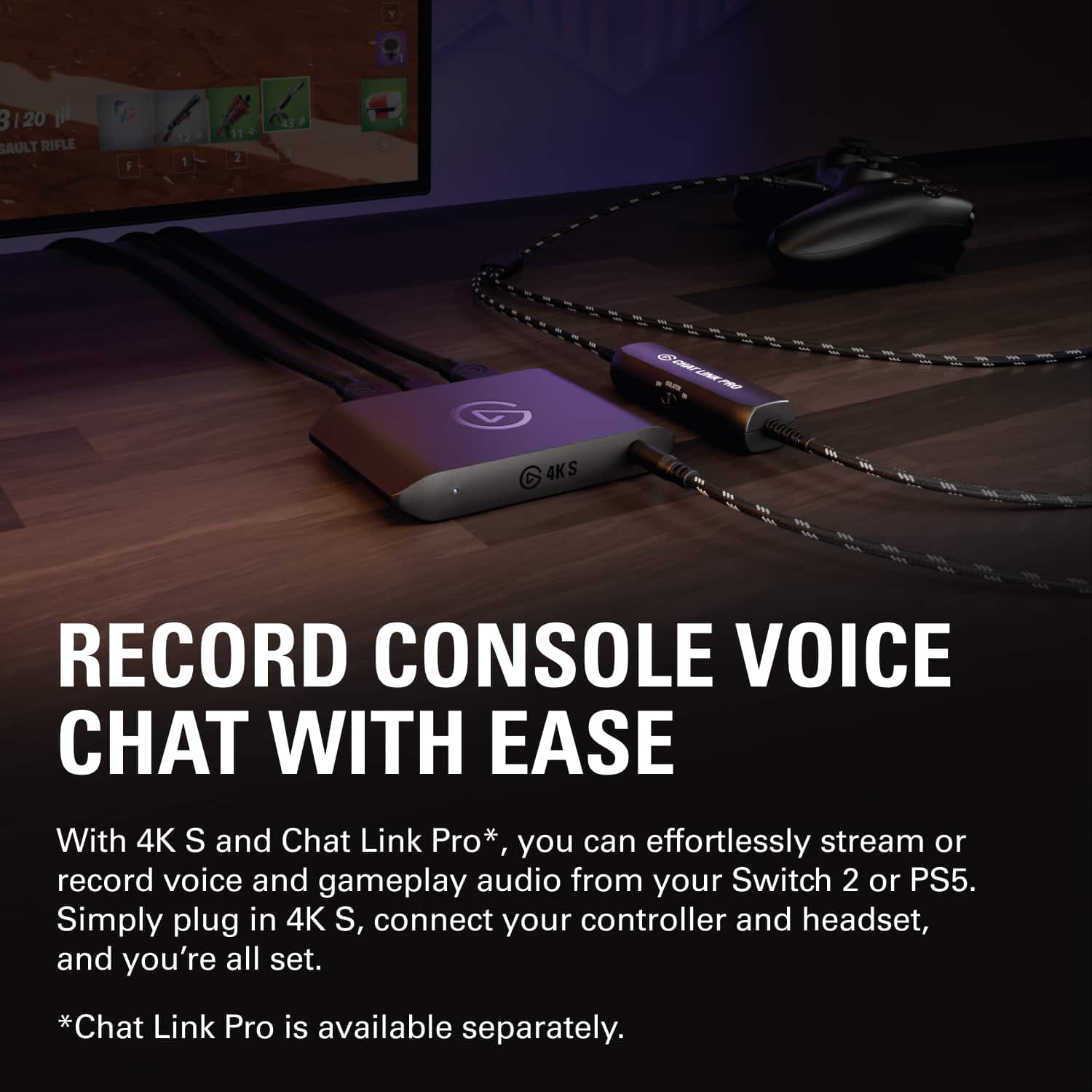
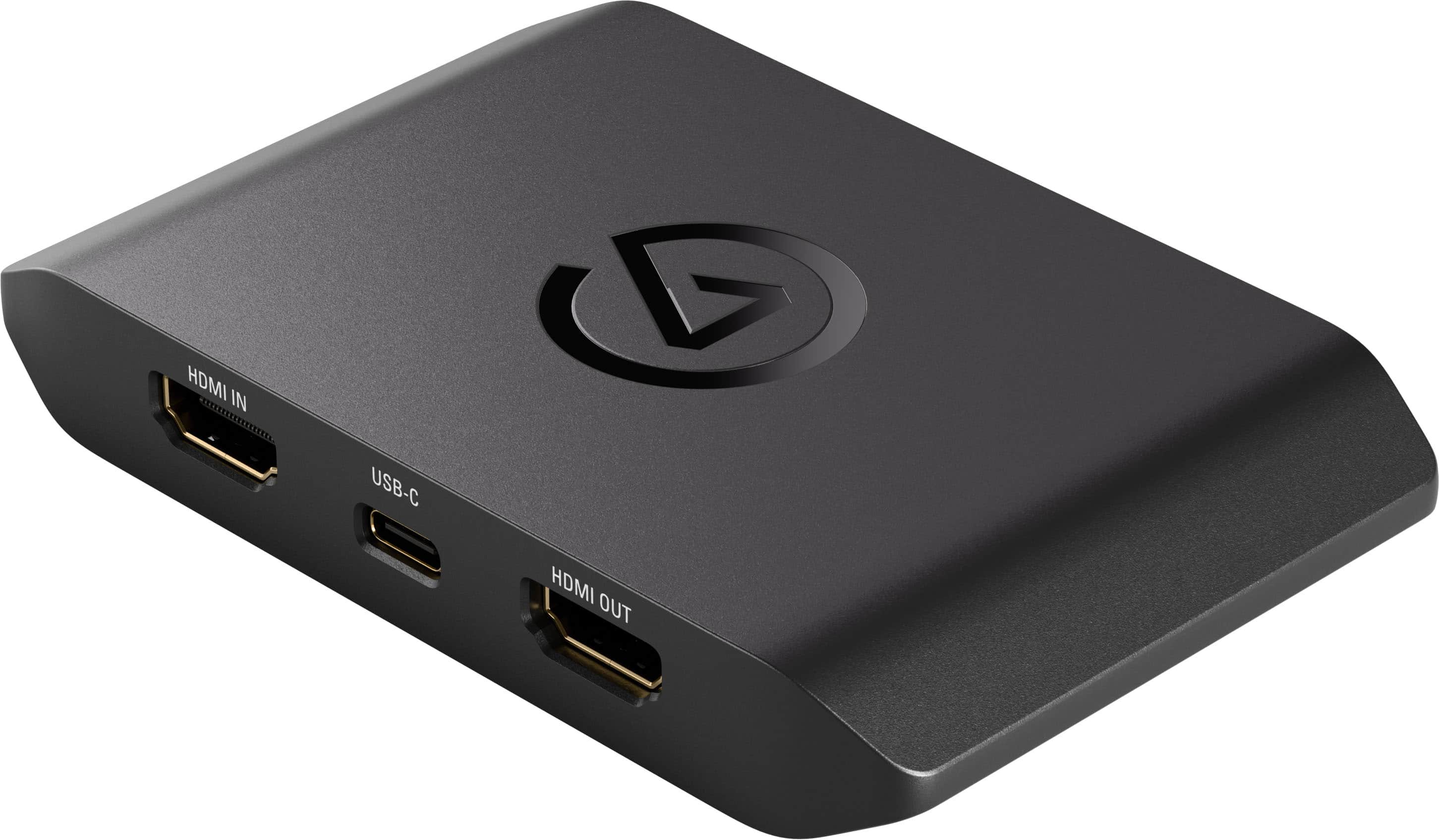
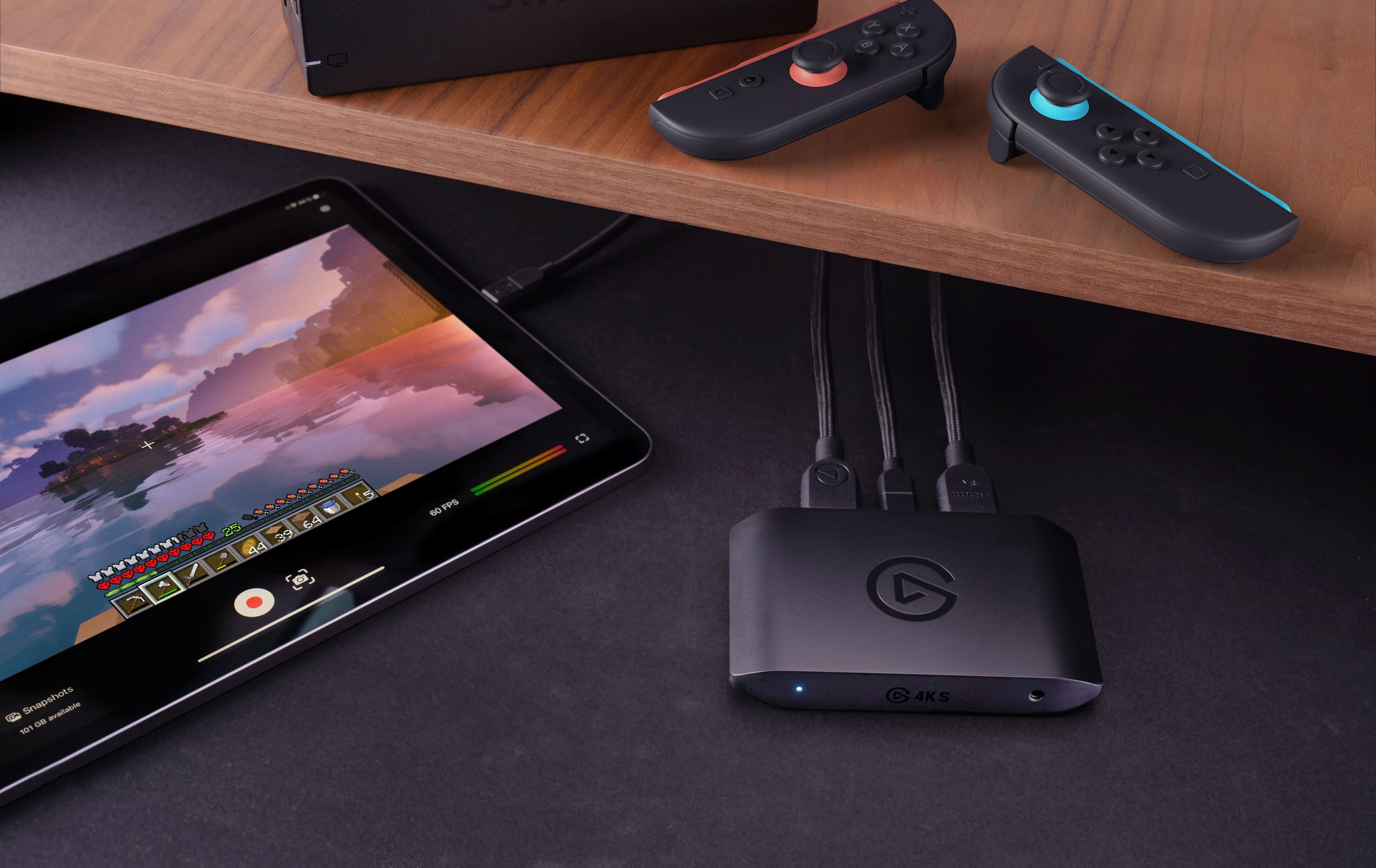
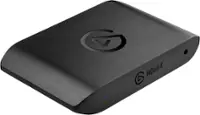
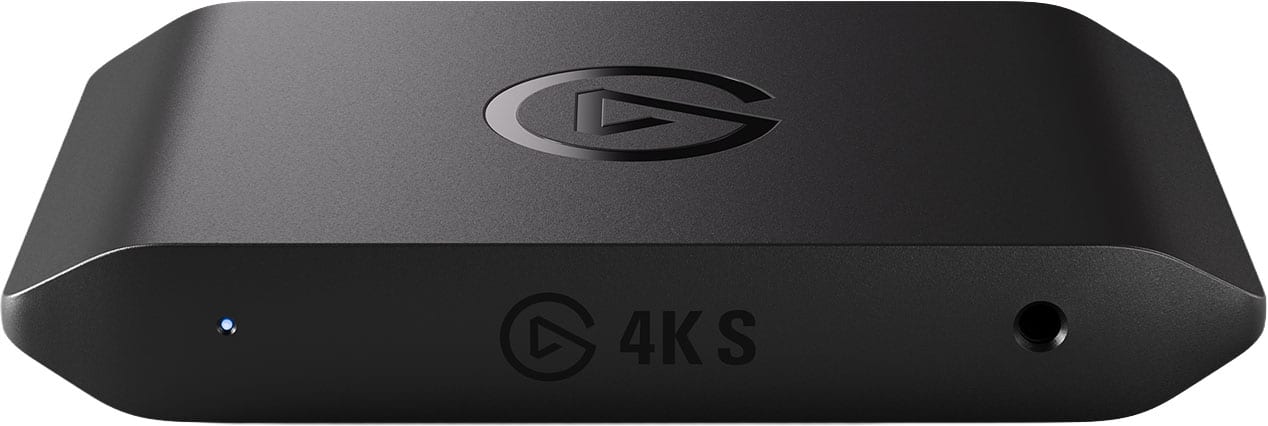
|Posted .This reviewer received promo considerations or sweepstakes entry for writing a review.Pros - Small form factor - 4K60 and 1080p240 recording - Zero latency impact Cons - HDR only at 1080p60 The Elgato 4KS is a versatile video capture device designed to fit perfectly into the modern streamer's toolkit. The 4K S works for great for consoles like the Switch, PS5, or Xbox allowing you to capture the video directly to your laptop or even your compatible USB-C iPad. The unit itself is pretty small and sits inconspicuously on my desk. The HDMI in, HDMI out, and USB-C are all on the back side which makes cable management a breeze. If you plan on using a headset, you’ll need to make use of the audio in port on the front of the device since plugging in a headset on some devices removes the audio output on the HDMI interface. Luckily Elgato also has a product that helps address this by splitting your headset audio into all your relevant devices. Overall, using the 4K S for my simple setup of streaming Xbox Series X games worked like a champ. I was able to install Elgato Studio on my Windows 11 PC, connect and select my device and start recording without a hitch. I usually recorded in 4K60 SDR, if you want to record in HDR, due to the bandwidth you’ll need to record in 1080p60. Elgato has handy tables on their website which let you see all the support resolutions and codecs. Also, thanks to the zero latency passthrough I did not notice a difference when fast paced competitive games. I’m very impressed with this little device and it’s now a part of my everyday toolbelt when I need to capture game play content on any of my consoles!
I would recommend this to a friend - Pros mentioned:Overall performance, Portability, Video quality
Rated 5 out of 5 stars
Great Capture Card for PS5 — Worth the Money
|Posted .This reviewer received promo considerations or sweepstakes entry for writing a review.I’ve been using the Corsair Elgato Capture Card for my PS5 for a little under a week now, and it’s been awesome. The setup was super easy — just plug it in with HDMI and USB-C, and it worked right away. The picture quality is super clear and smooth, and it captures everything in great detail without slowing down my gameplay. I’ve recorded a few gaming sessions and streamed online, and everything came out clean with no lag or sound issues. I was a little unsure about the price at first, but after using it, I can see it’s worth it. It feels well made and runs exactly how I hoped. **Pros:** * Easy to set up and start using * Excellent picture quality and smooth performance * Works great with PS5 * No lag or delay during gameplay * Feels solid and well built **Cons:** * A little pricey if you’re just a casual gamer * You’ll need a decent computer to get the best quality Overall, this capture card is great. It’s worked perfectly for my PS5, and the quality is way better than using the built-in capture feature. If you like recording or streaming your gameplay, this one’s definitely worth having. **Rating: 5/5**
I would recommend this to a friend - Pros mentioned:Latency, Overall performance, Video quality
Rated 5 out of 5 stars
Solid!
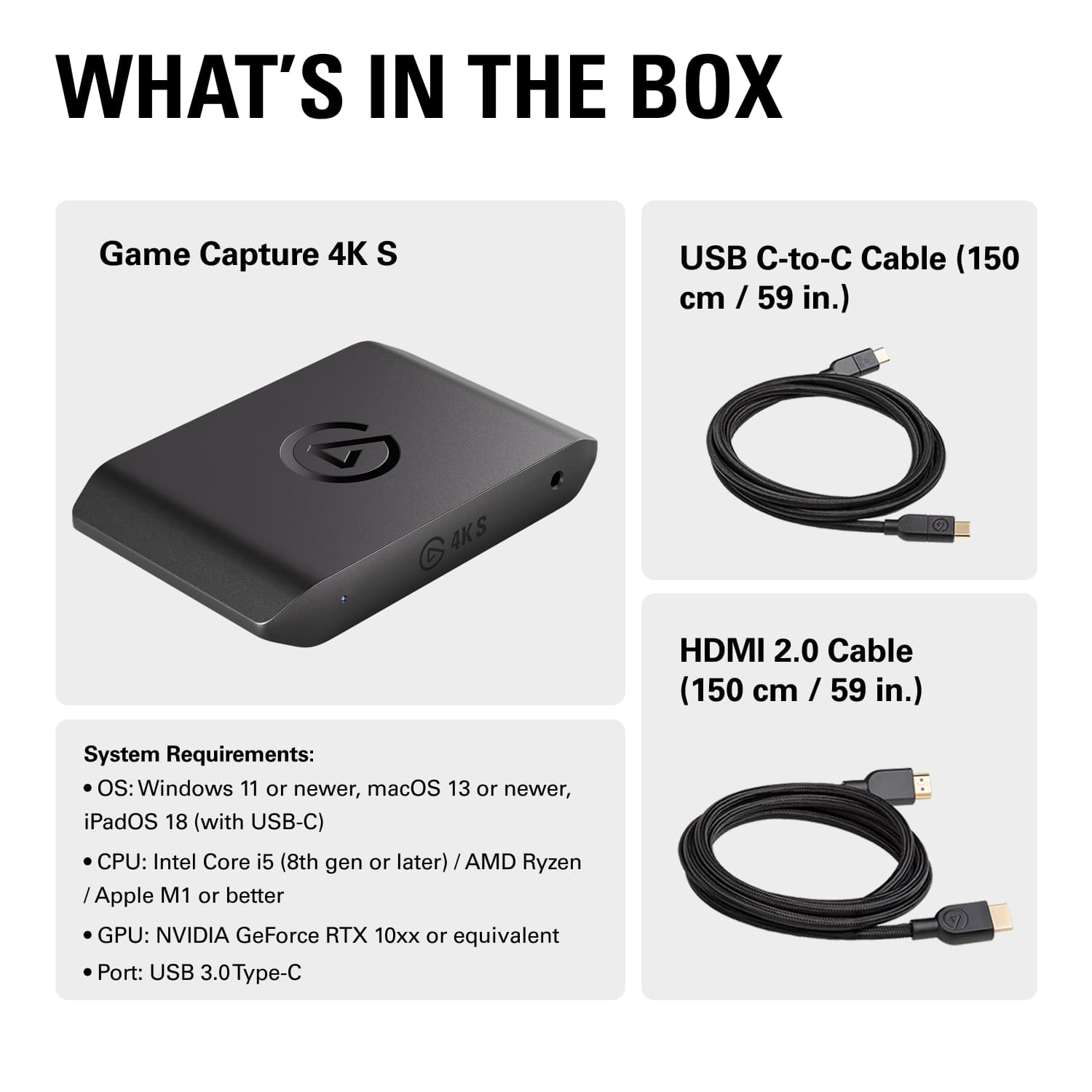
|Posted .This reviewer received promo considerations or sweepstakes entry for writing a review.As a creator who uses a mirrorless camera, the Elgato 4KS capture card was an amazing upgrade. You don't need any drivers or downloads to run the capture card. It's a simple plug-and-play. The setup is easy and simple. Inside the box, you get the 4KS, USB-C Cord, and HDMI Cord—everything you need to capture video. So with the plug-and-play design, you get to attach any HDMI outlet to your computer. So you can bring in your PS5, Xbox, Mirrorless Camera, etc., into OBS on your device. So in a way, you can connect both devices. You don't get any lag or stutter while doing so. I also didn't get any audio desyncing inside of OBS. Some benefits of the 4KS Capture Card *Plug-in-play *No downloads required *Simple setup *No Lag, desync, or screen tearing *Price that won't break the bank Another benefit with the capture card is it uses USB-C. So this freed up some space in the back of my Device. Also, I had another Elgato capture card that I was using for my mirrorless camera. It worked great but it did overheat. The 4KS has yet to even get warm. This is a solid pick!
I would recommend this to a friend Rated 2 out of 5 stars
Good but hard to use
|Posted .This reviewer received promo considerations or sweepstakes entry for writing a review.Hard to use didn’t even explain on the box or nothing
I would recommend this to a friend- Pros mentioned:Latency, Overall performance
Rated 5 out of 5 stars
A streamer's powerhouse in a pocket-sized package.
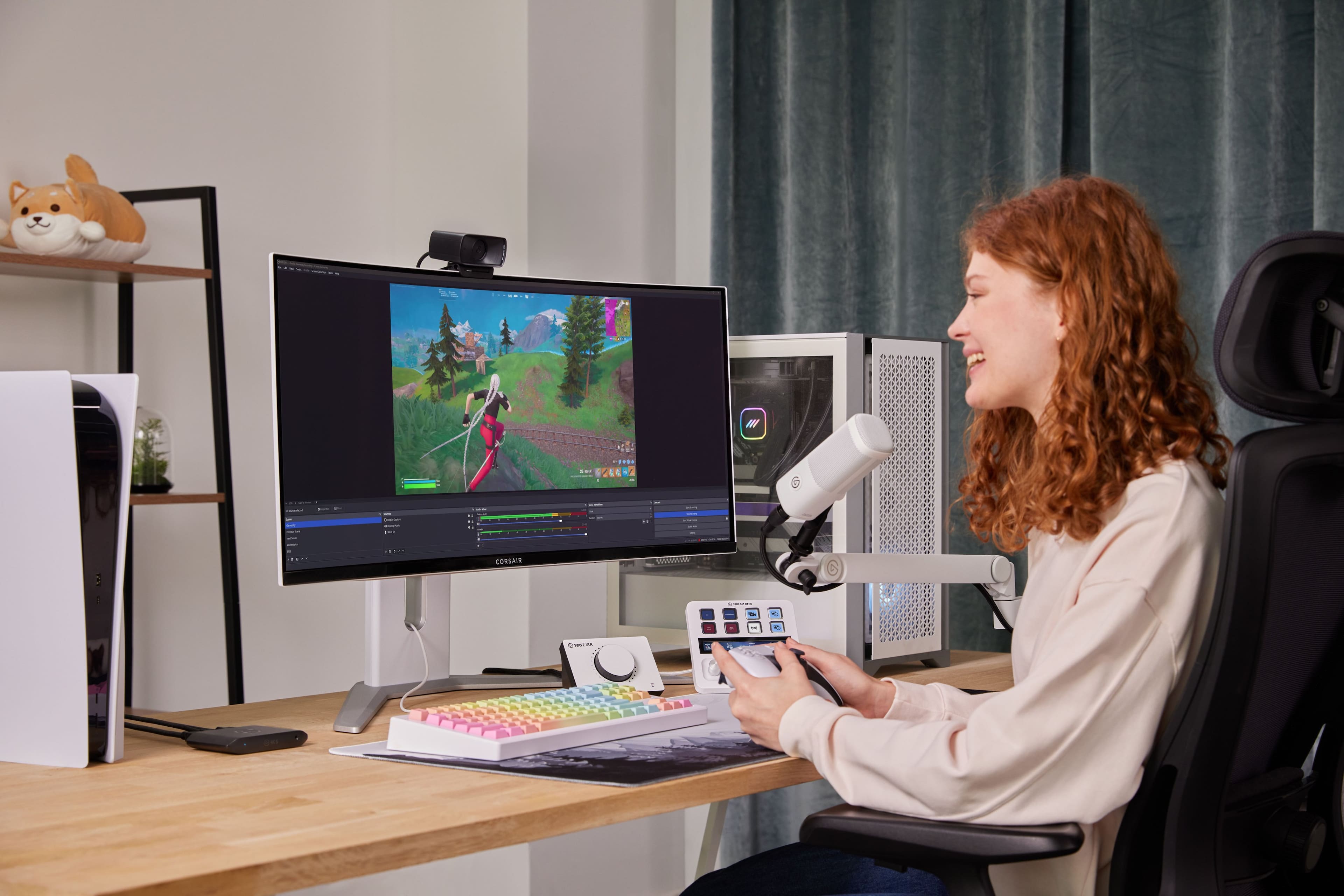
|Posted .This reviewer received promo considerations or sweepstakes entry for writing a review.After spending a week with the Elgato Game Capture 4K S, I’m genuinely impressed with how much power Elgato packed into such a compact device. Setting it up was surprisingly painless. Plugging it into my PC via USB-C and then running HDMI through it from my PS5 worked flawlessly on the first try. I didn’t need to download any drivers or jump through technical hoops; OBS recognized it instantly, and I was capturing footage within minutes. It truly lives up to the “plug-and-play” promise, which is something many capture cards claim but rarely deliver this smoothly. Performance is where the 4K S really shines. Recording in 4K60 looks crisp and cinematic, with vibrant colors and clean motion clarity that makes gameplay footage pop, especially for visually rich titles. When I switched to 1440p120 and 1080p240, the high-frame-rate capture felt ultra-smooth, perfect for fast-paced shooters or competitive gameplay. Latency was non-existent in my experience, meaning I could play directly through the passthrough feed without feeling delayed or disconnected from the action. The VRR passthrough is another big win, eliminating tearing on supported displays so gameplay stays fluid even when frame rates fluctuate. Another standout feature is flexibility. Being able to use it with Windows, macOS, and even iPadOS opens the door for mobile creators or people who edit on the go. I tested the analog 3.5mm input to record party chat and commentary, and it worked cleanly without static or interference. HDR10 capture on Windows was a nice touch if you’re aiming for extra visual depth, though just know that macOS currently doesn’t support HDR recording. Still, this thing feels like a true “creator travel kit” essential for what it offers in such a small footprint. If you’re a streamer or content creator who wants high-end capture without a complicated setup, Elgato's 4K S nails that balance. It’s powerful, portable, and thoughtfully designed for the modern multi-platform creator. It’s not the cheapest option on the market, but you’re absolutely paying for reliability and pro-grade features without the usual setup frustration.
I would recommend this to a friend - Pros mentioned:Latency, Portability
Rated 5 out of 5 stars
Easy and fun to use external capture card
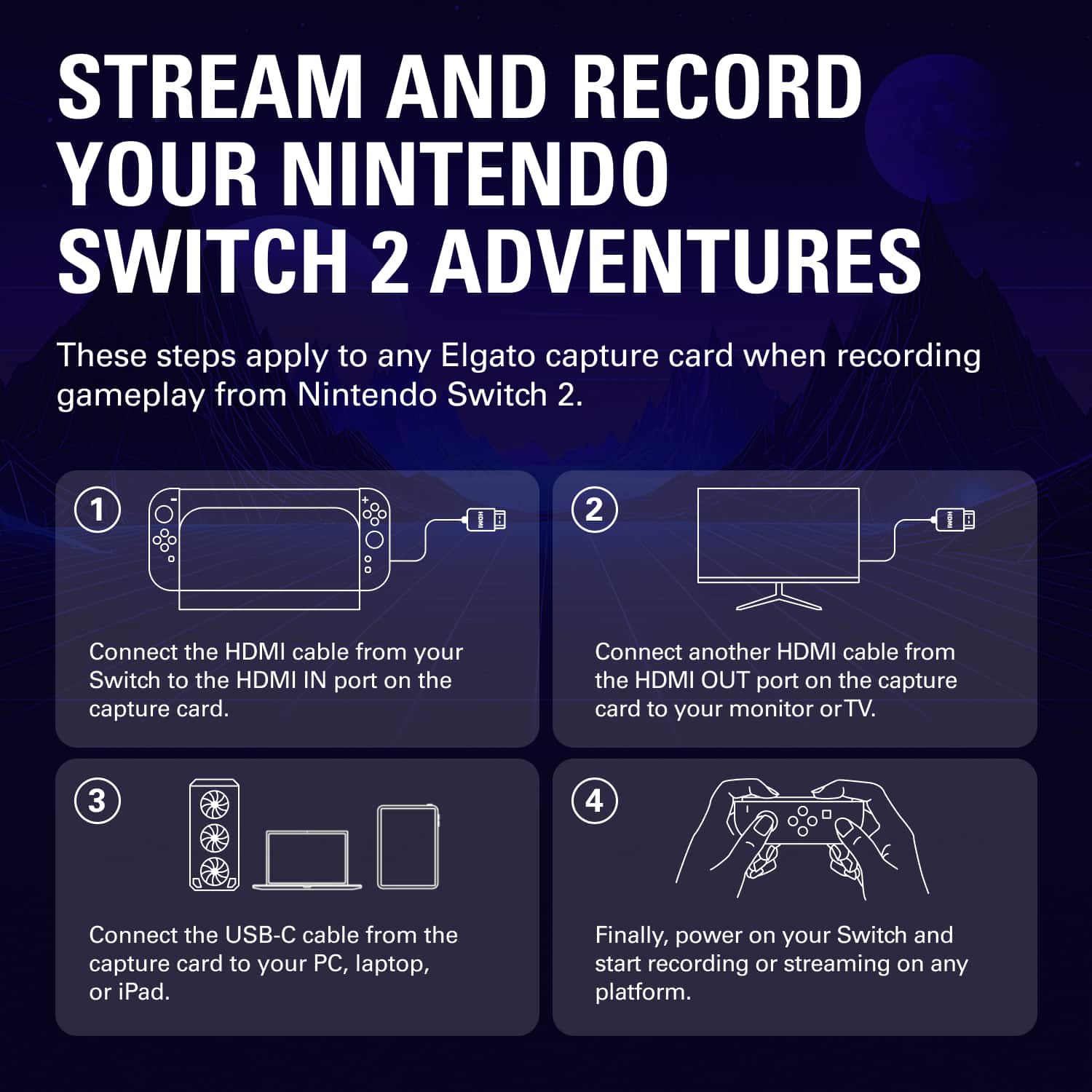
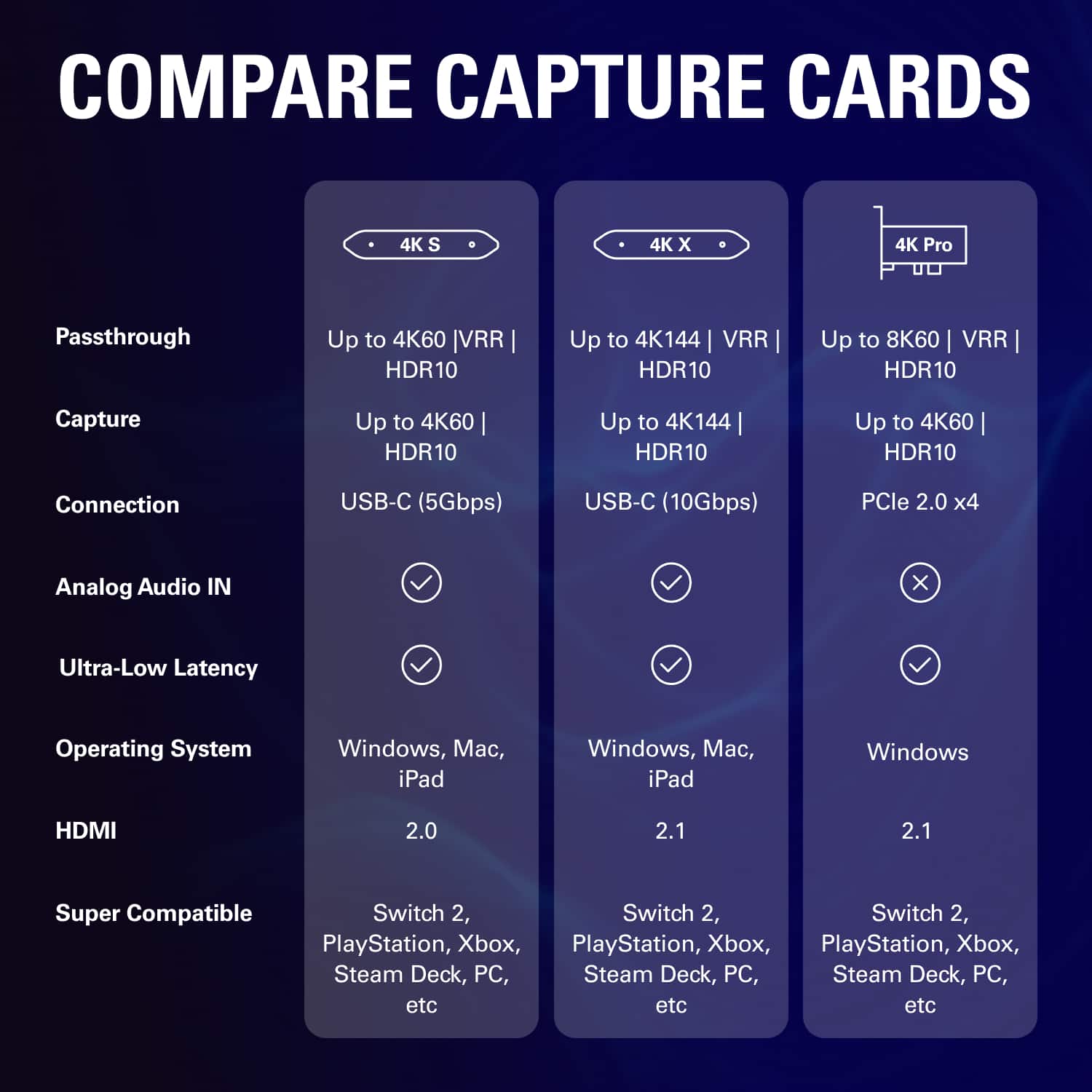
|Posted .This reviewer received promo considerations or sweepstakes entry for writing a review.The Elgato 4K-S External Capture Card is a blast to use for both live streaming of your game play or capture and save videos you can edit or post to youtube or share with friends. The setup is super easy, pretty much plug and play, no drivers, just install the Elgato Studio software. Much like any other pass-through device, all you need to do is plug in the HDMI-out cable from your game console into the HDMI-in of the Elgato capture card, so the A/V signal gets processed through the card, then plug the HDMI-out of the Elgato to your display. And of course you need to plug-in the USB-C cable to a power source like your PC or a charger. I primarily used it to live-stream Xbox game play through my Windows 11 PC using OBS Studio to show to some friends who are currently overseas. I also came up with a more unique use-case where I recorded quite a bit of my Forza driving and rewatched some parts where I could have taken a better turning line in order to improve my racing. Moreover, I shared those videos with some of my driving buddies so they can offer their opinion and advice or just make fun of my driving :-) Although this particular model is limited to only 60Hz and 60fps at 4K resolution, for most people that’s good enough. It also works flawlessly with no lag at lower resolutions and much higher refresh rates down to 1080p @240Hz or 1440p @120Hz. Elgato does make a high-end model 4K - X that can satisfy the most demanding players that have top of the line hardware. This Elgato 4K - S is not as cost prohibitive coming in at about $100 less than the 4K - X model. This way it’s more affordable and accessible for a broader customer base. All in all, it’s fun to use and works to stream or capture video from pretty much any compatible HDMI source.
I would recommend this to a friend - Pros mentioned:Latency, Overall performance
Rated 5 out of 5 stars
The capture card for most people
|Posted .This reviewer received promo considerations or sweepstakes entry for writing a review.I’ve had the chance to use the Elgato 4K S capture card for a little while now and I can say I’m very impressed, but that isn’t a surprise because Elgato is a known name in content creation. I’m not a content creator, but my friends and I love to send each other clips of our gameplay, so I was excited to try something more robust than just some baked-in console feature. Pros: - It’s easy to set up. Plug your console’s HDMI into the box, and plug the box into your computer. Then download Elgato’s software (it’s both Windows, Mac, and iPad compatible), and you’ll be up and running ready to capture game footage. You can also capture in-game chat with the built-in 3.5mm audio input. - The latency on this box is great, and virtually unnoticeable. - You can capture up to 4K HDR10 quality footage. - This thing is just so easy to use in general. - While you can record and capture content with this dongle, you can also just use it to play on nearly whatever screen you have with you. Cons: - It only supports up to 60fps in 4K (in capture and passthrough), which is fine for most folks but may not be great for everyone. - HDMI is limited to HDMI 2.0 vs 2.1 found on the more premium Elgato 4K X capture card. - Because this only supports up to HDR10, you’ll need to make sure the settings on the device you’re capturing are configured for that. Meaning, for example, if your console has Dolby Vision enabled, you’ll need to disable it because the 4K S won’t support that signal. All in all, this device works exactly as you’d expect and is a worthy buy for anyone looking for a great 4K capture card and who doesn’t need the premium features the upgraded 4K S has to offer.
I would recommend this to a friend - Pros mentioned:Latency, Overall performance, Portability
Rated 5 out of 5 stars
Great for Casual and professional
Posted .This reviewer received promo considerations or sweepstakes entry for writing a review.Amazing 4K capture quality, super low latency, and extremely easy to set up. Works flawlessly with OBS and delivers clean recordings every time. Just note that it only comes with one HDMI cable, so you’ll need to already have a second 4K HDMI if you plan on using both input and passthrough. Definitely worth the investment for streamers or content creators.
I would recommend this to a friend - Pros mentioned:Portability, Video quality
Rated 4 out of 5 stars
Fun unit for Recording Gaming Videos with my Kids
|Posted .This reviewer received promo considerations or sweepstakes entry for writing a review.I received this unit from Best Buy to test out and it has been a really fun addition to my home gaming setup. I'm not a streamer, I’ve been using it mostly to record gaming sessions with my kids, and it’s been a lot of fun seeing their reactions and rewatching our MarioKart Races together. The image quality is sharp, smooth, and the audio syncs perfectly. I also like that it handles both my Nintendo Switch and my PS5, making it really easy to capture a variety of frame rates. The setup of the device was easy, pretty much plug and play and it was quickly recognized so you can't get much easier than that. Video quality was clear and crisp at 4k60, playback looked remarkably good on my home computer. If you’ve ever wanted to capture or share gameplay moments, this is about as plug-and-play as it gets. Pros: • Quick, painless setup • Excellent video quality up to 4K60 • Works smoothly across multiple resolutions and frame rates • Reliable performance for both consoles and PC Cons: • The unit can get a little warm during long sessions • No included HDMI cable would’ve been nice for a full kit
I would recommend this to a friend - Pros mentioned:Video quality

Rated 5 out of 5 stars
Works perfectly with just about everything
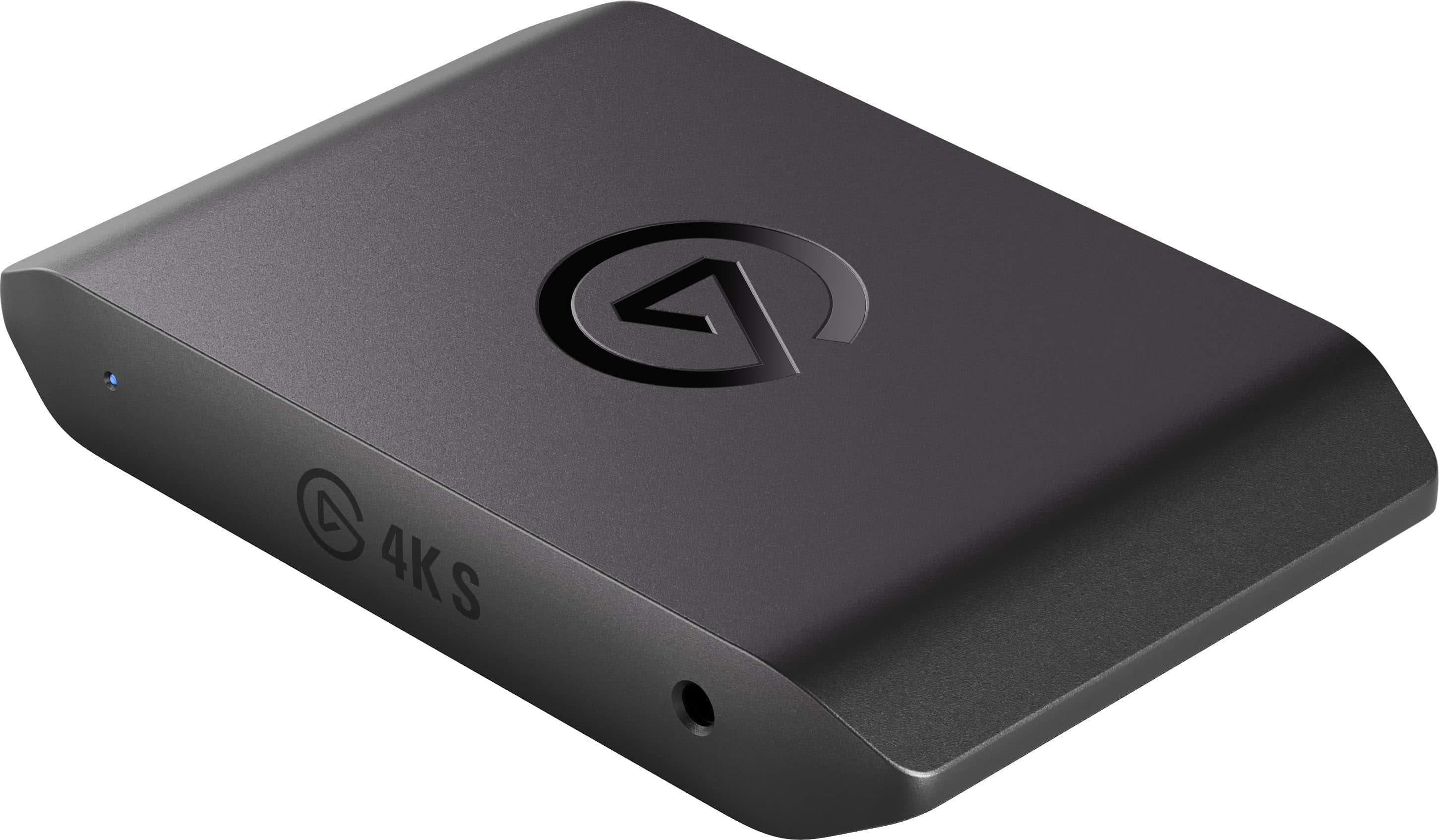
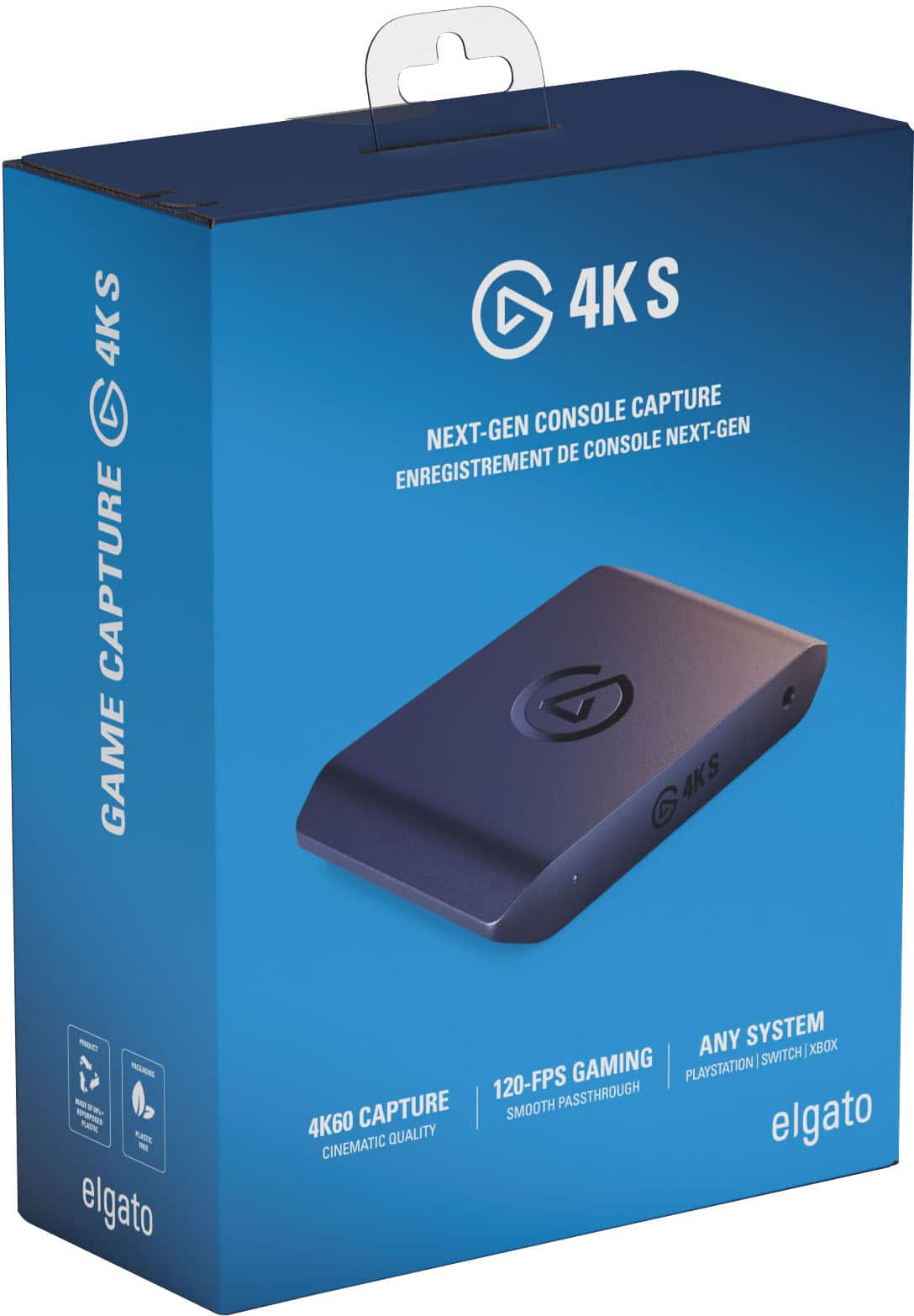
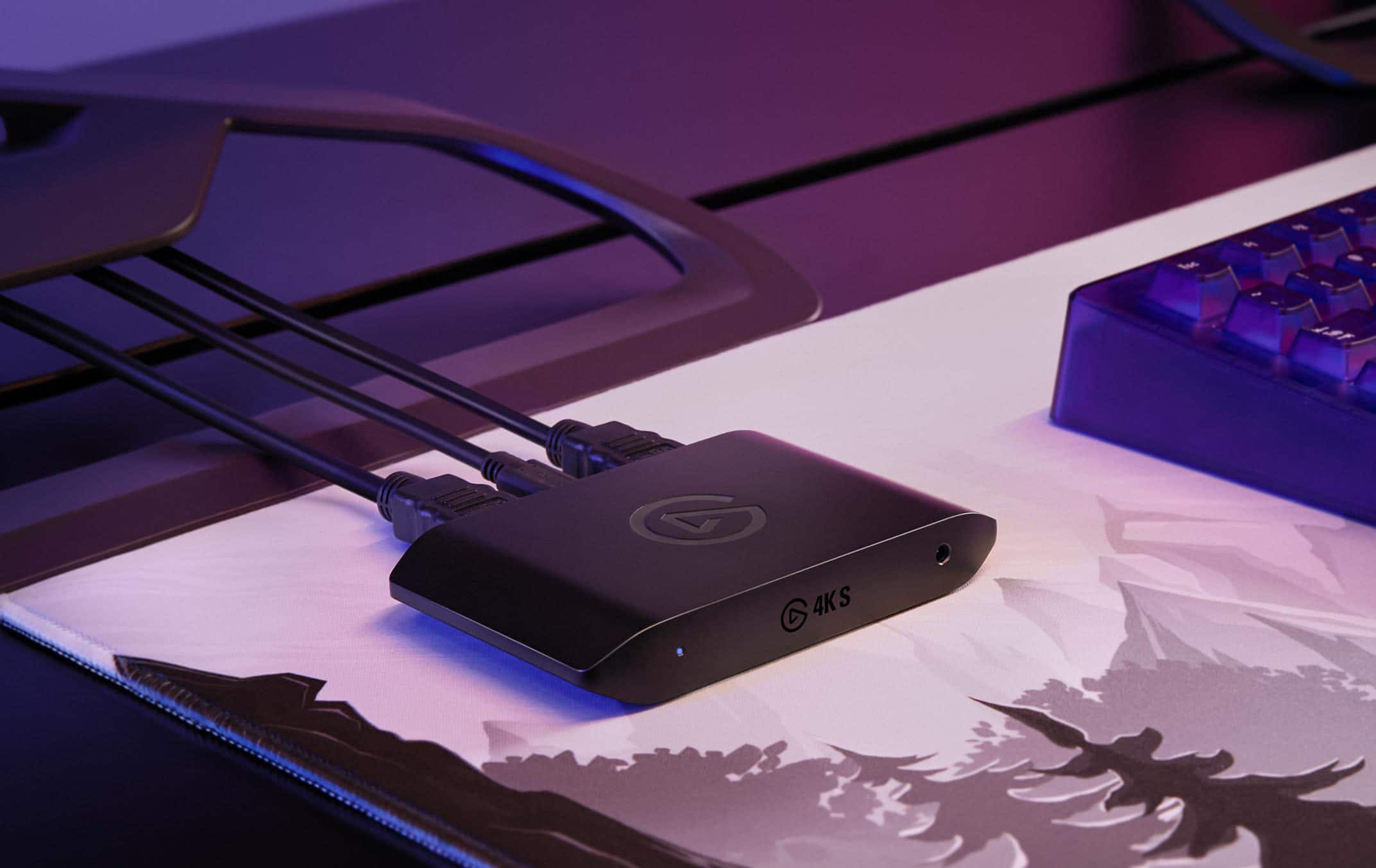
|Posted .This reviewer received promo considerations or sweepstakes entry for writing a review.The Corsair Elgato Game Capture 4K S is a small minimal weight object made from plastic that can capture gameplay anywhere I travel. It is extremely easy to set up with its plug and play features. Connections with its braided USB Type-C and a braided HDMI 2.0 cable are all that is needed to start video capture. Using Elgato Studio makes it easier for beginners with its friendly quick setup and minimal adjustments needed. All I needed to do was to plug in my console into the box and plugged the other end into my streaming device. Elgato’s software installs easily and has decent functionality and navigation. I can use it to display or record my video stream or send it to a third party app. Videos are saved as MP4 as a default, which is an easy format to edit and/or upload. The video capture with the Elgato is a perfect resolution of replication with no glitches. The video footage that I capture is always crisp and without any corruption of capture. There is no need for an external power source. An LED on the box notifies me when power is on and that a recording is in process. The power comes from the USB-C data cable connected to my PC. There is also a 3.5mm audio socket on the front so you can feed in an additional microphone for recording audio directly on top of the captured footage. In my final analysis the Corsair Elgato Game Capture 4K S is mostly compatible with everything on the market and user friendly to connect and use. It gives crystal clear video capture and easy software to edit and produce my video captures.
I would recommend this to a friend - Pros mentioned:Video quality
Rated 4 out of 5 stars
Good capture card, a bit finnicky on HDMI signal
|Posted .This reviewer received promo considerations or sweepstakes entry for writing a review.A seemingly simple device, but a few quirks, some consistent with other Elgato products, some I think a little unique to this one. I assumed this would largely be "plug and play", as they advertise that no drivers or anything is required, which is mostly true. Installing the Elgato recording software is almost required, as it lets you change some settings, most importantly the HDMI Device ID it sends to the video source. The HDMI Device ID tells the video source the capabilities of the HDMI device connected to it (e.g. supported resolutions and audio channels). It defaults to "merged" where it tries to merge the capabilities of the Capture card and your output HDMI device. The problem with this, is if you don't have an output HDMI device connected to it, it, it seems most devices will not send an HDMI signal (and the Elgato software just says "no input signal"). Changing the device ID to the capture card only seems to allow it to work better if you have no HDMI output connected. The other thing that isn't obvious, is that this does not support HDCP (content/copy protection). Consoles usually have HDCP enabled by default, and all the 4K S says is "no input signal", and it won't even pass-through the signal. It took some trial and error to figure out I had to disable HDCP on the PlayStation 5. And ultimately, that is my primary gripe with this device. If anything isn't quite right, you just don't get any video at all, and the Elgato software just says "no input signal". Maybe keeping it simple is what helps it keep video delay to a minimum. Which is to say, the video delay is exceptionally minimal. Unless you are playing games competitively or something that requires inputs down to the fractions of a second, you could in fact play a game purely on the video feed from the capture card, without relying on a dedicated monitor. This could be convenient to some setups. Video quality is basically perfect. It shows up as basically a camera in Windows, and any broadcasting software or even video conferencing software will recognize the video input. So you can integrate it easily into just about any imaginable setup that has USB-C and supports webcams.
I would recommend this to a friend - Pros mentioned:Overall performance

Rated 4 out of 5 stars
Great 4k capture without breaking the bank
|Posted .This reviewer received promo considerations or sweepstakes entry for writing a review.So I’m not a streamer, but I do like recording my game play sometimes and this works great for it. I’ve had a few issues with it not recording properly with a couple games. I think its the anti-piracy stuff kicking in and blocking the transmission, but for some reason was active on my game and not a streaming app. The anti-piracy protection is also a bit annoying if you have this connected and leave it there while just trying to watch Netflix on pass through. It thinks you are recording even if you aren’t and blocks all that content too. Maybe there’s a setting to turn that off, but I haven’t found it yet. I know workarounds exist to get around that protection, but I’m not trying to pirate anything and got this for simplicity so its kind of annoying to have to keep disconnecting it. That was on my PS4 which is not listed as recommended, so maybe it has issues with older systems knowing what is or is not supposed to be encrypted? I didn’t have any similar issues with my switch 2. All the recordings are really good quality and I have no complaints there. You do need a laptop or other device attached to it in order to record, so if you were looking for standalone, you’ll need a different model. But that being said the price point is a lot better if you are looking to record game play at 4k but afford to pay for a more expensive option. The pass through works will for any unencrypted signal and doesn’t have any noticeable lag. Again, the pass through is nice if your signal isn’t coming through encrypted, but if it is then you have to deal with disconnecting it from your system. If it isn’t encrypted than the pass through lets you play on your nice big TV if you want, while recording on a smaller screened laptop or other device without much lag to screw you up.
I would recommend this to a friend - Pros mentioned:Overall performance

Rated 5 out of 5 stars
Amazing
Posted .This reviewer received promo considerations or sweepstakes entry for writing a review.Love this new model. I used to have the hd60x and the difference is noticeable. Would definitely recommend for people that are stating to stream or record their games
I would recommend this to a friend Rated 4 out of 5 stars
Content Creation
Posted .This reviewer received promo considerations or sweepstakes entry for writing a review.Got a great deal for this product and this will definitely help me for my Twitch setups!
I would recommend this to a friendRated 1 out of 5 stars
Another useless product from best buy
Posted .This reviewer received promo considerations or sweepstakes entry for writing a review.I bought it to stream and I can’t. After 10 minutes the stream completely freezes. Absolute waste of money.
No, I would not recommend this to a friend