Customer Ratings & Reviews
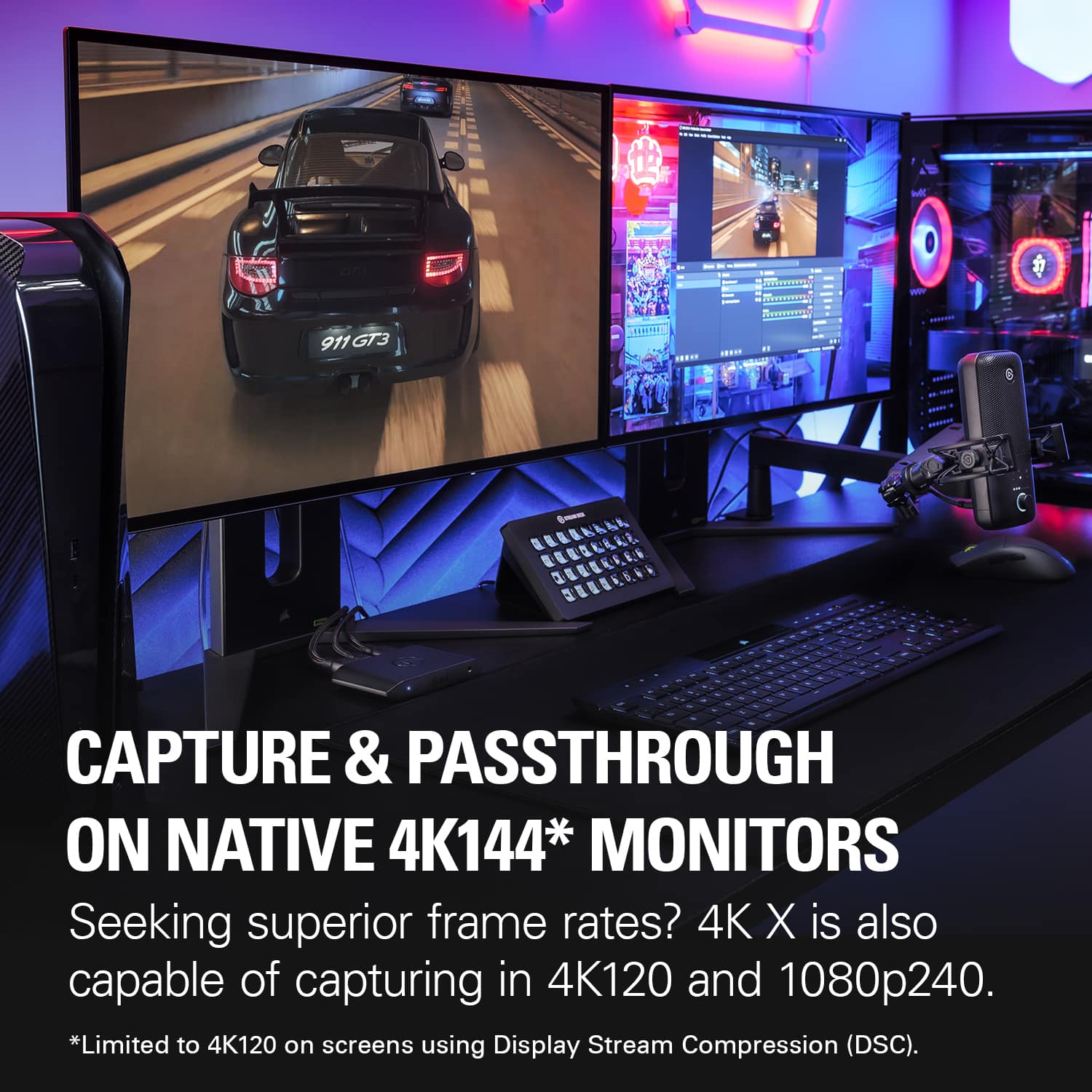
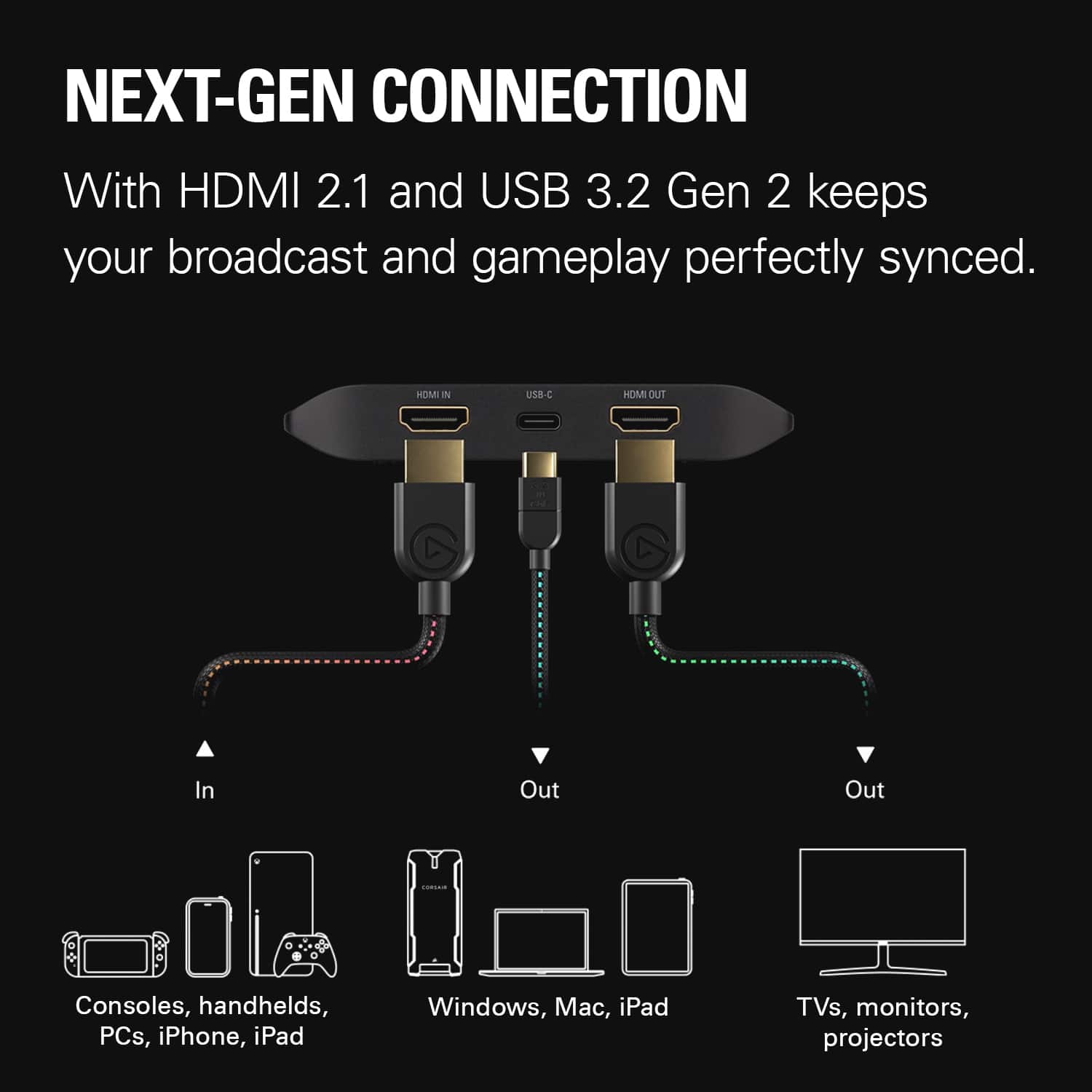
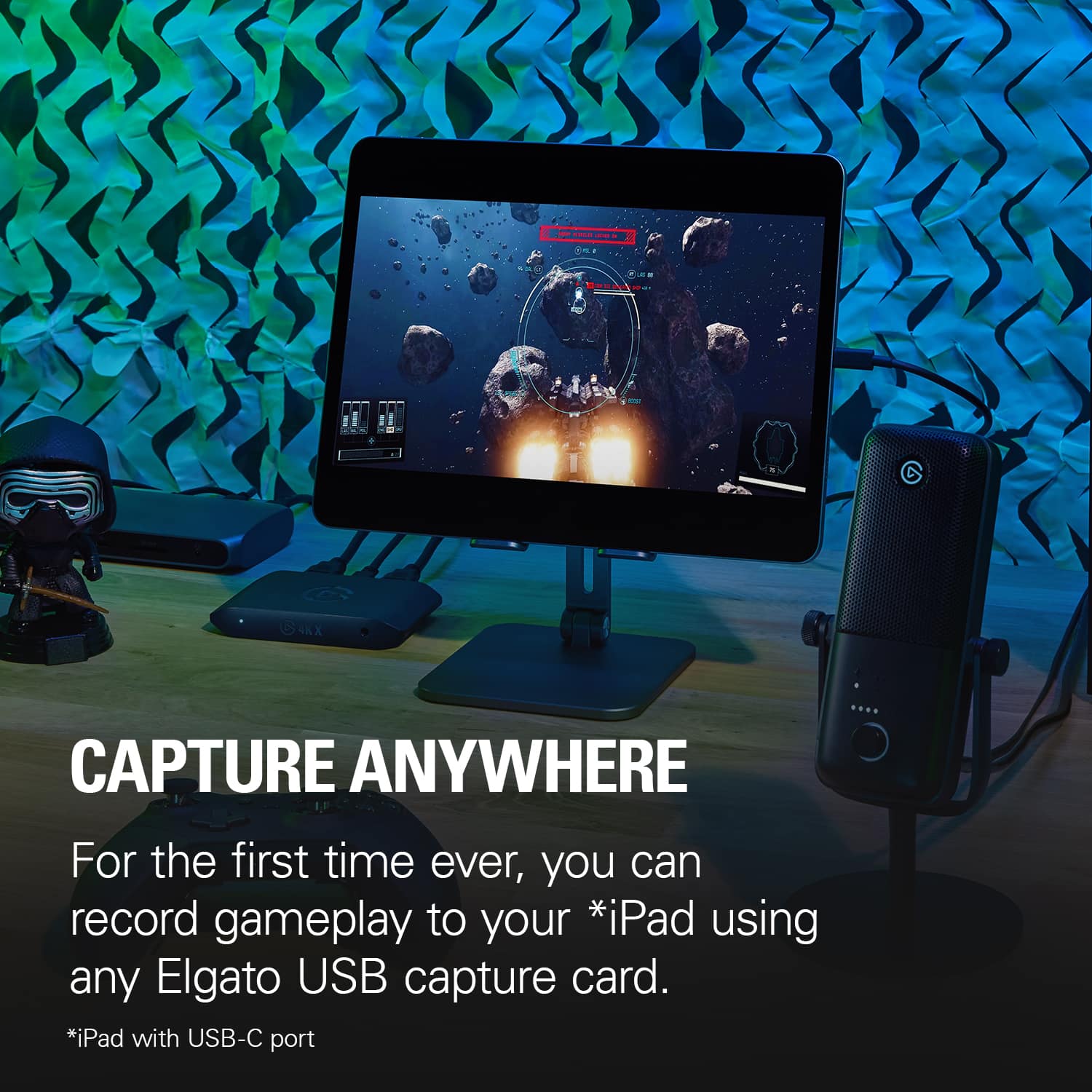
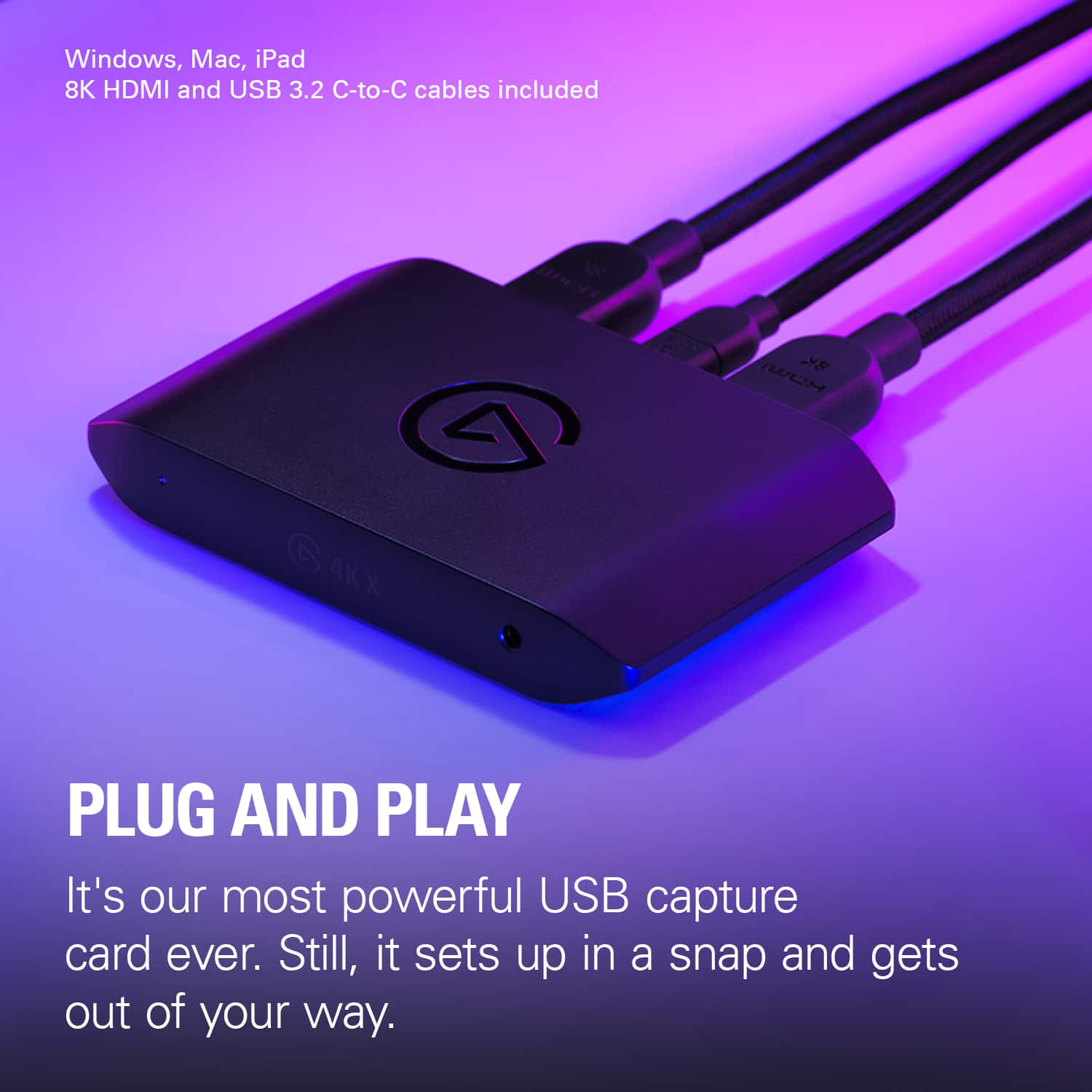
- Model:
- 10GBH9901
- SKU:
- 6570417
Rating by feature
- Value
Rating 4.5 out of 5 stars
- Quality
Rating 4.7 out of 5 stars
- Ease of Use
Rating 4.5 out of 5 stars
Customers are saying
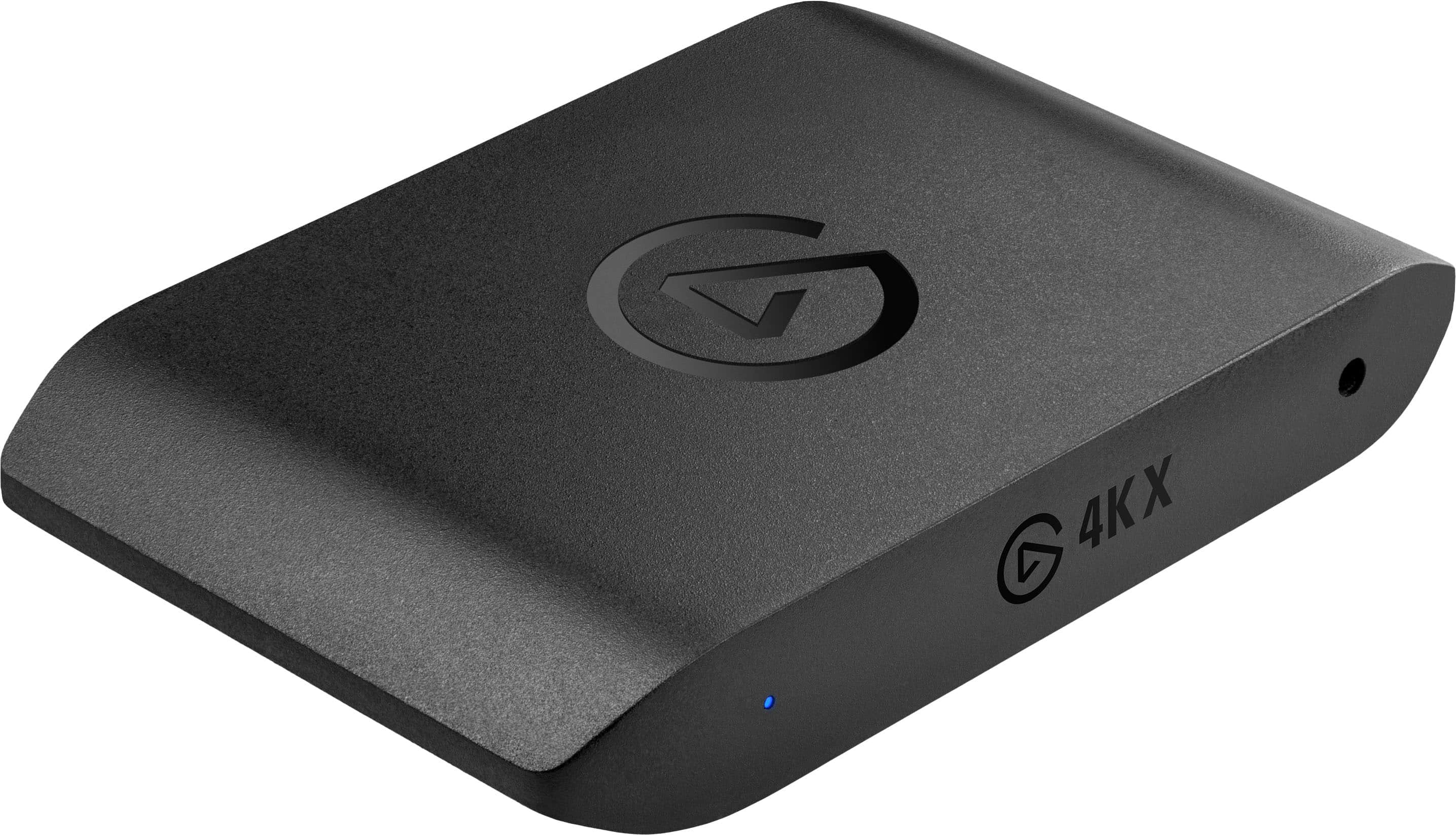
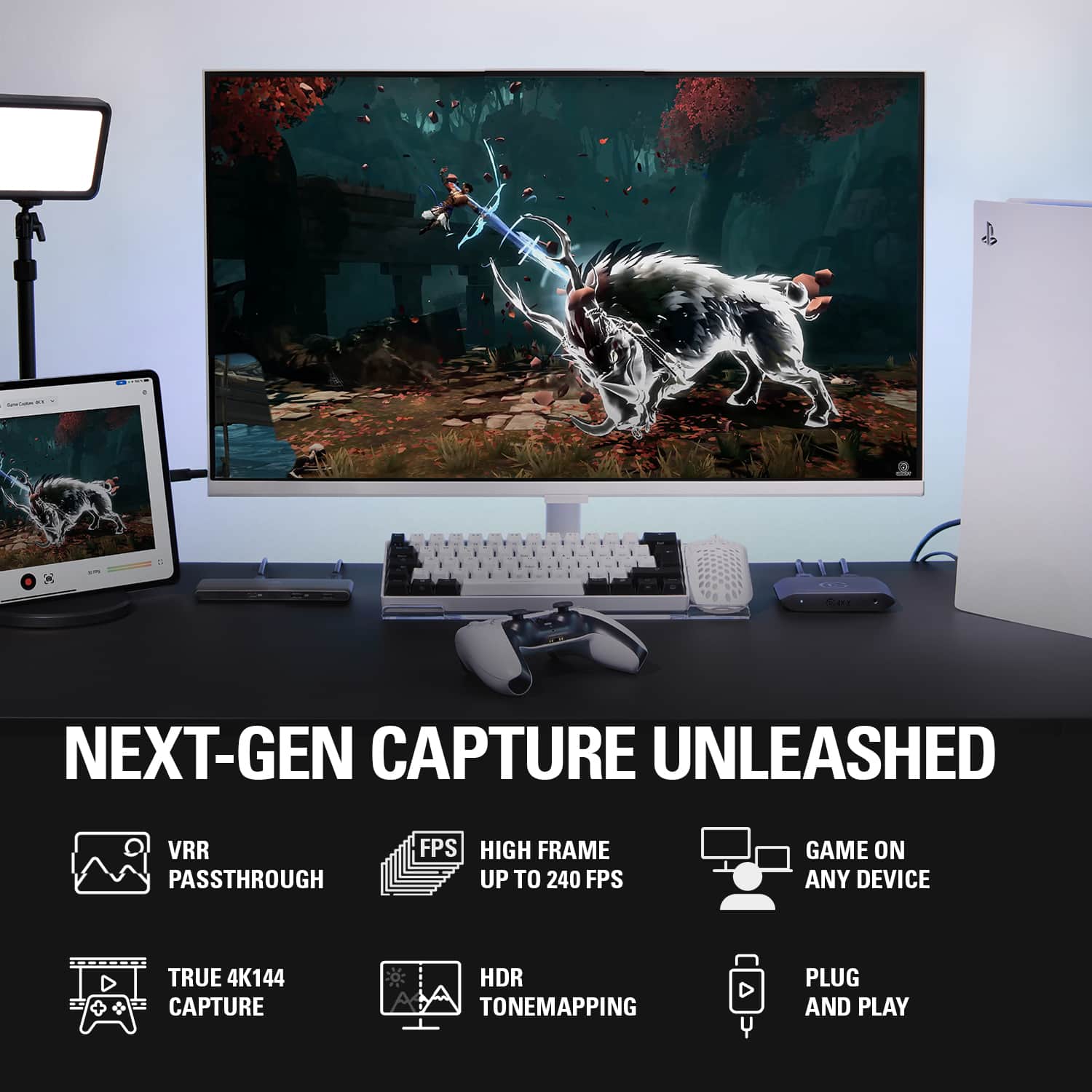
Customers find value in the overall performance and ease of use of the 4K X 4K144 HDR10 External Capture Card. Users appreciate the HDMI cable included, stunning video quality, and consistently high frame rates. Some users have reported experiencing lag, occasional disconnections, and the lack of a Mac version of the capture software. However, many find it easy to set up, and are impressed with its compatibility and high resolution.
This summary was generated by AI based on customer reviews.
- Pros mentioned:Overall performance, Setup
If you a streamer you need this
||Posted . Owned for 4 months when reviewed.This reviewer received promo considerations or sweepstakes entry for writing a review.Easy setup Good quality No latency Understandable price best in the World
I would recommend this to a friend - Pros mentioned:Overall performance
Great performance!
||Posted . Owned for 1 week when reviewed.This reviewer received promo considerations or sweepstakes entry for writing a review.Impressive performance! Works great with zoom too and is detected quickly when turning on and off video. I am really impressed by the high refresh rate capabilities. This was an upgrade from the Elgato Game Capture HD60 Plus.
I would recommend this to a friend - Pros mentioned:Ease of use
Great Capture Card
||Posted . Owned for 1 month when reviewed.This reviewer received promo considerations or sweepstakes entry for writing a review.Extremely Easy setup and great to use with PS5 and XSX! Great frame rate and no issues so far.
I would recommend this to a friend - Pros mentioned:Overall performance
Simple and Powerful.
||Posted .This reviewer received promo considerations or sweepstakes entry for writing a review.Powerful, plug-and-play, incredibly easy to use and just works. Works great with OBS.
I would recommend this to a friend - Pros mentioned:Overall performance
Great product from Best Buy.
||Posted .This reviewer received promo considerations or sweepstakes entry for writing a review.product works great and arrived and delivered on time.
I would recommend this to a friend - Pros mentioned:Ease of useCons mentioned:Lag
Good
||Posted . Owned for 1 week when reviewed.This reviewer received promo considerations or sweepstakes entry for writing a review.4K X Capture Card is a game-changer for gamers and content creators. Its support for 4K resolution, HDR10, and HDMI 2.1, combined with its ease of use and low-latency performance, make it a must-have accessory for anyone looking to elevate their gaming and streaming experience.
I would recommend this to a friend - Pros mentioned:Overall performance
Good product
||Posted . Owned for 2 weeks when reviewed.This reviewer received promo considerations or sweepstakes entry for writing a review.I bought this advice to be able to use my iPad Pro to be able to play video games off of it. It works well.
I would recommend this to a friend - Pros mentioned:Overall performance, Setup
Works as advertised.
||Posted .This reviewer received promo considerations or sweepstakes entry for writing a review.Plug-n-play once you follow instructions on elgatos site. Capture fine on xbox series x.
I would recommend this to a friend Amazing product
||Posted . Owned for 2 months when reviewed.This reviewer received promo considerations or sweepstakes entry for writing a review.I like how this prodcuct can handle todays standers in tech, from consols an ext. would definitely recommend this to any family member or friend of mine who’s interested in streaming or just capturing there game play.
I would recommend this to a friendAnother amazing external capture card from Elgato!
||Posted . Owned for 1 week when reviewed.This reviewer received promo considerations or sweepstakes entry for writing a review.I needed a capture card I can take on the go for my ps5. I needed one that could capture high refresh rates and resolutions and this does the job perfectly!
I would recommend this to a friend- Pros mentioned:Overall performance
You need this for streaming and content creation
||Posted . Owned for 2 weeks when reviewed.This reviewer received promo considerations or sweepstakes entry for writing a review.The card is perfect. Just perfect. Highly recommend
I would recommend this to a friend - Pros mentioned:Overall performance
Best capture card
||Posted . Owned for 3 weeks when reviewed.This reviewer received promo considerations or sweepstakes entry for writing a review.Needed a capture card for streaming games and this one that I got is working how I wanted to be thanks to elgato and Best buy
No, I would not recommend this to a friend Elgato 4K X HDR & 120 fps passthrough indeed.
||Posted . Owned for 1 month when reviewed.This reviewer received promo considerations or sweepstakes entry for writing a review.The Elgato 4K X is fantastic. The 4K capture orogram that you have to download is horrendous as it causes frame rate stuttering. When I use OBS however, it is silky smooth. Yes, it's an expensive external capture card but the fact that the HDR signal does indeed passthrough as well as 120fps to my LG C1 OLED makes it worth it. Very happy with my purchase. I just wish the USB-C cable was longer. I'm an older gamer/content creator and invite you to check out examples of this capture card by going to my YouTube gaming clips. @theoriginaljrest.
I would recommend this to a friend- Pros mentioned:Video quality
Great for the next gen of consoles
||Posted . Owned for 1 month when reviewed.This reviewer received promo considerations or sweepstakes entry for writing a review.Perfect to get footage of games for streaming and content creation. Works great with my Switch 2 and looks fantastic when I stream. Pretty much the best 4K capture card on the market.
I would recommend this to a friend - Pros mentioned:Video quality
Great capture device
||Posted .This reviewer received promo considerations or sweepstakes entry for writing a review.Works great after ordering a convertor cable, as my pc does not have a usb-c input. After tweaking both my switch 2, tv, and setting on pc, I get the perfect image for capturing gameplay.
I would recommend this to a friend - Pros mentioned:Ease of use, Overall performance
Elgato 4k
||Posted . Owned for 4 months when reviewed.This reviewer received promo considerations or sweepstakes entry for writing a review.Great for capturing and high quality, easy to setup and use with OBS Studio, can record 1440p 120fps also it doesnt say but it can
I would recommend this to a friend - Pros mentioned:Overall performance
Minor annoyance but overall amazing.
||Posted . Owned for 3 weeks when reviewed.This reviewer received promo considerations or sweepstakes entry for writing a review.This works great. Mine does sometimes only show a portion of the screen and i have to unplug a few times for it to show the full screen.
I would recommend this to a friend - Pros mentioned:Ease of use
Great capture card.
||Posted . Owned for 1 month when reviewed.This reviewer received promo considerations or sweepstakes entry for writing a review.When my streaming PC crashed and burned, I had to replace it, so I got the same brand because I had no problems with the old one until it failed. But the new system didn't have any available internal slots to put my internal capture card. This device was easy to install, (truly plug and play) and provides more capability than my internal capture card.
I would recommend this to a friend - Cons mentioned:Lag
Does what it needs to do.
||Posted . Owned for 1 month when reviewed.This reviewer received promo considerations or sweepstakes entry for writing a review.No complaints. This capture catches my gameplay with no frame drops or lag while streaming. That is why I got it after all. So excellent product.
I would recommend this to a friend - Cons mentioned:Connectivity

Would not work with my pc
|Posted . Owned for 2 weeks when reviewed.This reviewer received promo considerations or sweepstakes entry for writing a review.Upon doing everything correctly and under guidance of someone who has one, the product would not recognize my USB port. Could of been a faulty product. Still giving it a decent review
I would recommend this to a friend