Customer Ratings & Reviews



- Model:
- 10GAM9901
- SKU:
- 11124118
Rating by feature
- Value
Rating 4.5 out of 5 stars
- Quality
Rating 4.7 out of 5 stars
- Ease of Use
Rating 4.7 out of 5 stars
it ok
||Posted . Owned for 1 month when reviewed.This reviewer received promo considerations or sweepstakes entry for writing a review.i got it before realizing i cant use it . you need to have a cam with a clean channel output i thought would work with my canon 3ti but that Cam is outdated .so for the moment its just a stick i cant use .hopefully i can use it ones i get a better camera.
No, I would not recommend this to a friendBrand response from Corsair Art
Posted .Hi kevin,
Thanks for the feedback. If you'd like additional help, please reach out to our support team and they'll be happy to work with you.
support.elgato.com
-Brian
Nice thumb drive.
||Posted .This reviewer received promo considerations or sweepstakes entry for writing a review.Nice thumb drive for everyday business or personal use.
I would recommend this to a friendNot worth the money. There are better options
||Posted . Owned for 3 weeks when reviewed.This reviewer received promo considerations or sweepstakes entry for writing a review.If all you have is an HDMI input and your computer or device is USB A, this might be for you. It’s an old device. There are now better options with USB-C inputs at half the price.
No, I would not recommend this to a friendLove it
||Posted . Owned for 1 year when reviewed.This reviewer received promo considerations or sweepstakes entry for writing a review.Love it, works great with my black magic cinema camera
I would recommend this to a friendKeeps losing connection
||Posted . Owned for 3 weeks when reviewed.This reviewer received promo considerations or sweepstakes entry for writing a review.When connected to a Gopro with an HDMI cable, and to a MacBook pro, for zoom/teams meeting, this setup would keep restarting the camera connection at the USB port, resulting in constant disconnects of my video during conference calls.
No, I would not recommend this to a friendBrand response from Corsair Art
Posted .Hi,
This may be due to the Go Pro, feel free to contact us so we can determine all your settings are as they should and that model has no issues with the Cam Link 4K: help.elgato.com
-Art
Not a dongle for me
||Posted . Owned for 2 weeks when reviewed.This reviewer received promo considerations or sweepstakes entry for writing a review.Pretty easy to set up with the free software from the elegato website but didn't work well with my camera at all (canon sl3) couldn't shoot anything higher than 1080p 30fps and even then my PC would freeze up if I tried to use the camera, it was troublesome and tiresome and I would not recommend this product
No, I would not recommend this to a friendBrand response from Corsair
Posted .Hello,
If you still have the Cam Link 4K and need assistance, do reach out directly on our site as our team would be able to confirm your camera is fully compatible and help with making it work if so.
-Art
Does the job
||Posted . Owned for 1 month when reviewed.This reviewer received promo considerations or sweepstakes entry for writing a review.It does a good job, but there are other options that I was able to find in the same price range that have more options. It does exactly what you need it to do, but I enjoy having more functionality.
I would recommend this to a friendBrand response from Corsair Art
Posted .Hello,
Which options are those with all the same capabilities? Please contact us, we'd love to take a look and clarify if there are any differnces: help.elgato.com
-Art
doesn't work with HDMI
||Posted . Owned for 1.5 years when reviewed.This reviewer received promo considerations or sweepstakes entry for writing a review.it doesn't work with HDMI. I was try use it for connect web cam to Mac, no way. Its need something extra codec or anything, but even after install it it still won't work.
No, I would not recommend this to a friendBrand response from Corsair Art
Posted .Hi momgriff35,
Sorry to hear that you're having issues with HDMI, we'd like to help. Reach out to our support so they have work with you directly: support.elgato.com
-Brian
Good but had a drawback
||Posted .This reviewer received promo considerations or sweepstakes entry for writing a review.Easy to use and setup. Would recommend if it didn't give up on me for some reason. Computers just no longer recognized it.
I would recommend this to a friendBrand response from Corsair Art
Posted .Hi,
Sorry to hear your unit stopped working. Please get in touch with us, we'd be happy to help: support.elgato.com
-Albert
Confusing to set up
||Posted . Owned for 6 months when reviewed.This reviewer received promo considerations or sweepstakes entry for writing a review.Bought it to make my life easier on streamlabs but lowkey was confusing to set up and cam wouldn’t stay up for long would disconnect in middle of the stream.
No, I would not recommend this to a friendBrand response from Corsair Art
Posted .Hi,
Sorry to hear about your experience. Please get in touch with us, we'd be happy to look into the disconnections and answer any questions: support.elgato.com
-Albert
Stopped working and overpriced
||Posted . Owned for 10 months when reviewed.This reviewer received promo considerations or sweepstakes entry for writing a review.Stopped working on my PC. Tried troubleshooting and still can’t figure it out. Overpriced.
No, I would not recommend this to a friendBrand response from Corsair
Posted .Hi David,
Sorry to hear that the Cam Link 4K stopped working, did it stop being recognized? Or is it just no longer recording in software? Could you reach out to our support team so we can assist you directly: support.elgato.com
-Brian
you can use you pro camera as a web cam!
||Posted .This reviewer received promo considerations or sweepstakes entry for writing a review.you can use you pro camera as a web cam! this is great!
I would recommend this to a friendDoesn’t work on the Panasonic G7
||Posted . Owned for 1 month when reviewed.This reviewer received promo considerations or sweepstakes entry for writing a review.I’m sure it’s good but it doesn’t work for my camera.
No, I would not recommend this to a friendBrand response from Corsair
Posted .Hello Felix,
Which issues did you run into? Please contact our team directly online right on our site for assistance.
-Art
Disappointed
||Posted . Owned for 1 month when reviewed.This reviewer received promo considerations or sweepstakes entry for writing a review.Works when it wants to, this device is great when it works but it often loses connection. I ended up getting a second HDR10 Elgato. More money but it doesn’t give me a headache like the cam link.
No, I would not recommend this to a friendBrand response from Corsair
Posted .Hello,
Definitely not the experience we'd want you to have, and our team can help. Please contact them directly right on our site at any time for assistance.
-Art
Up your Video
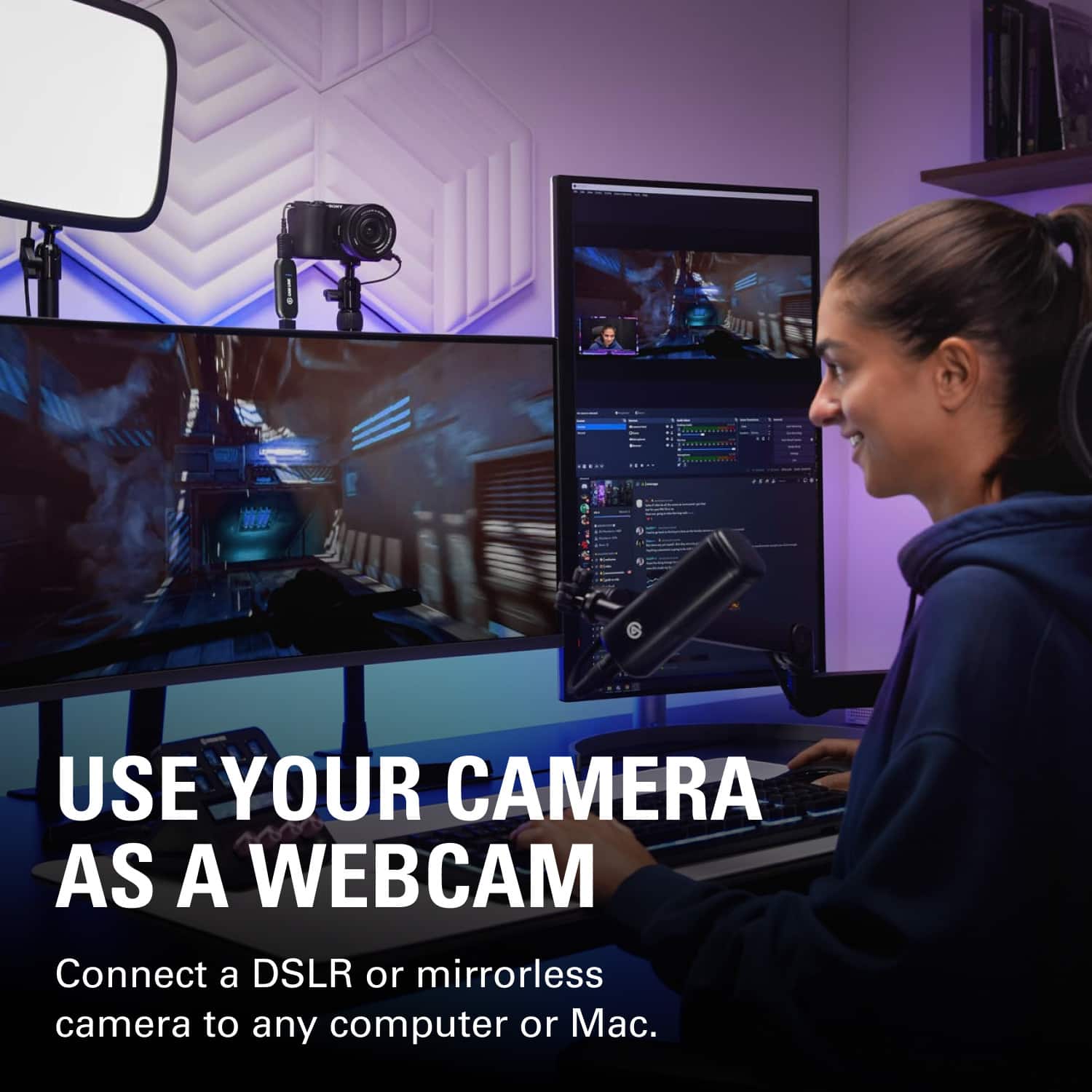
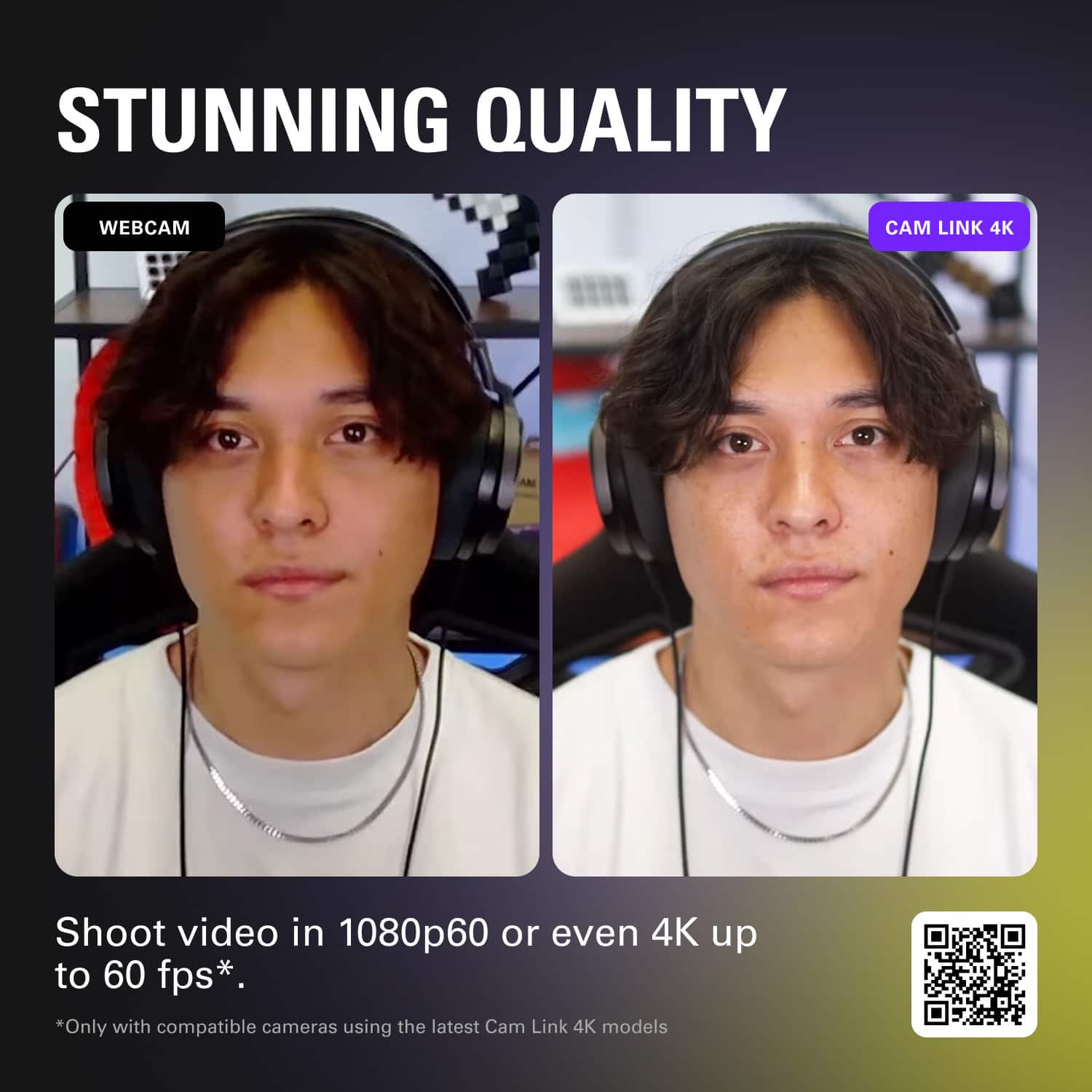
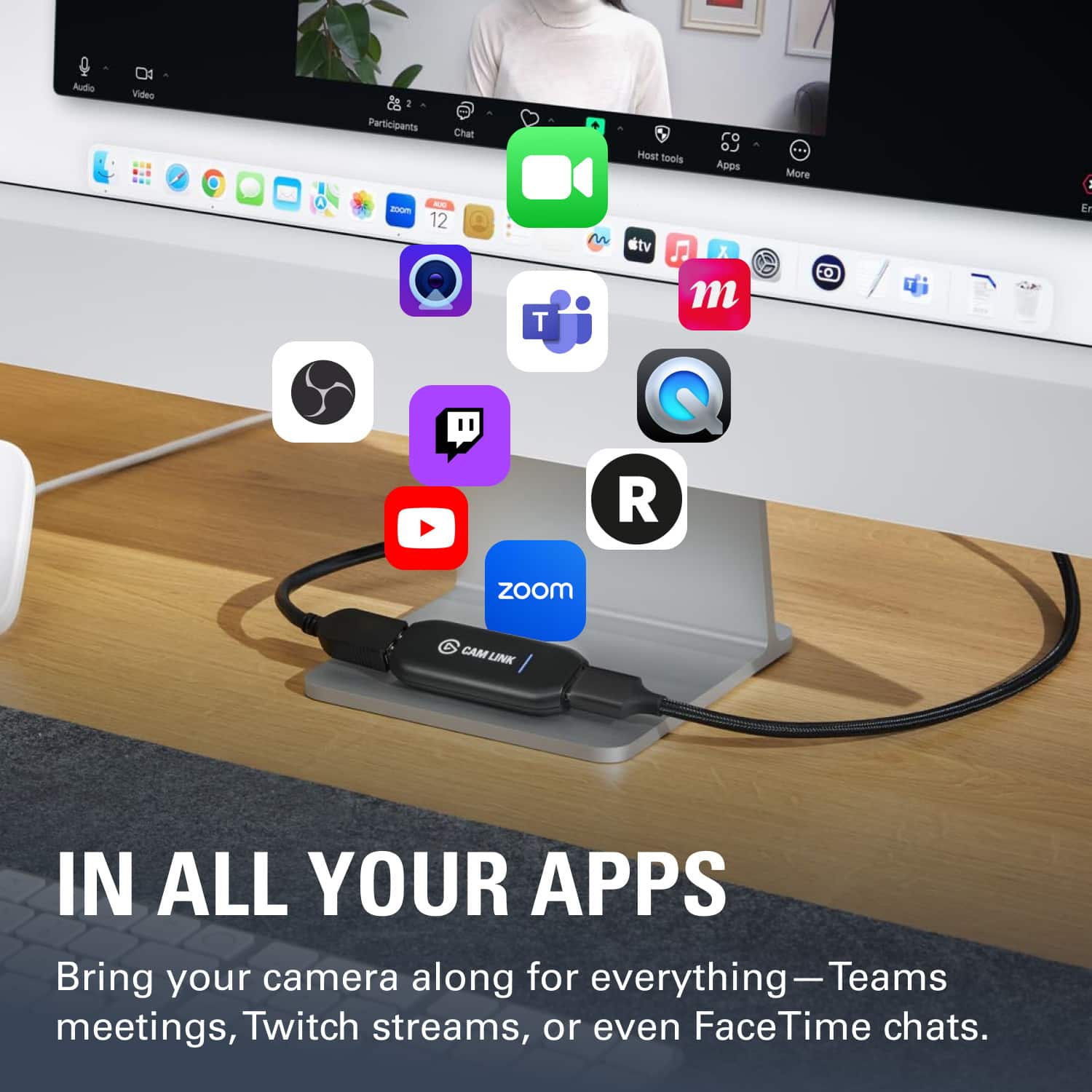
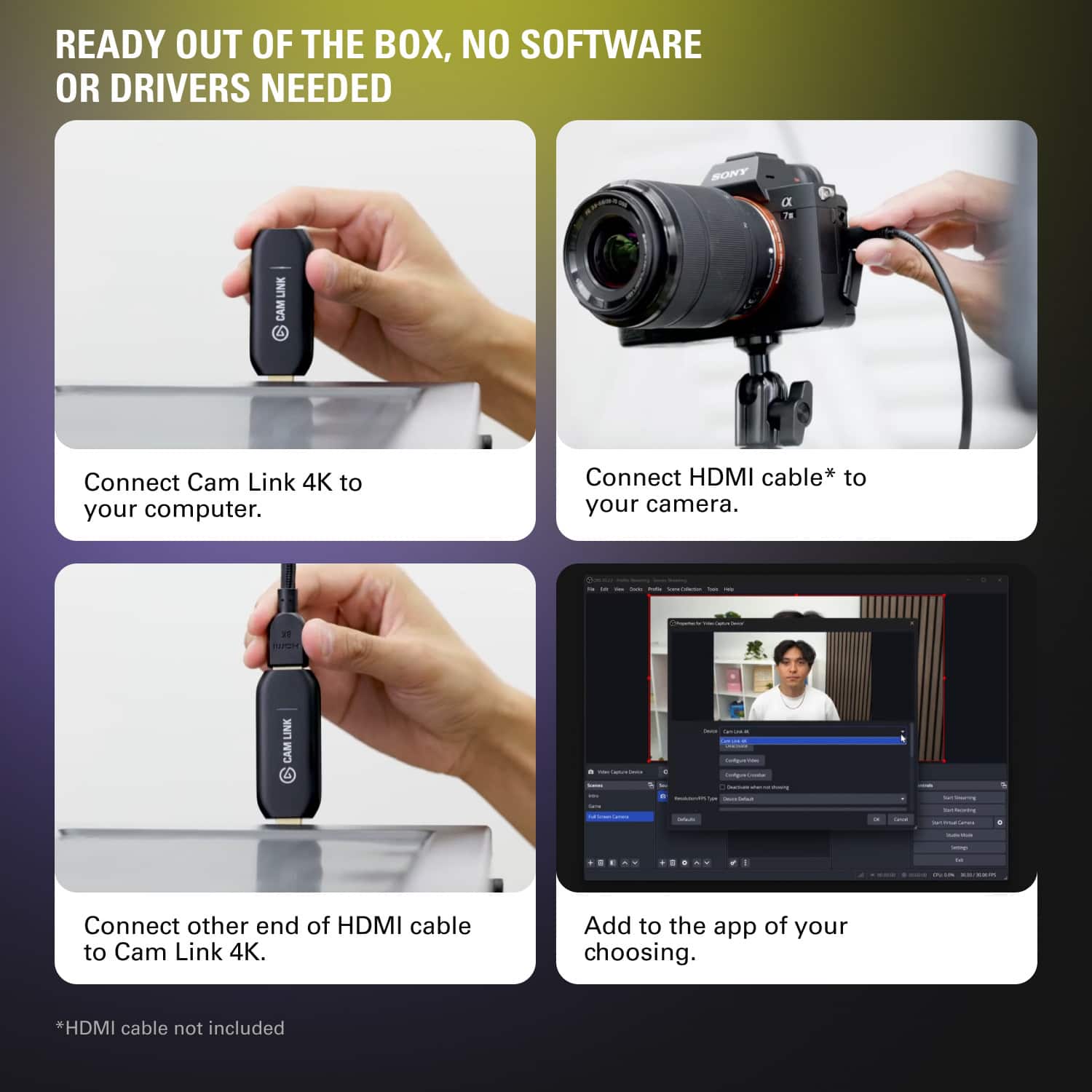
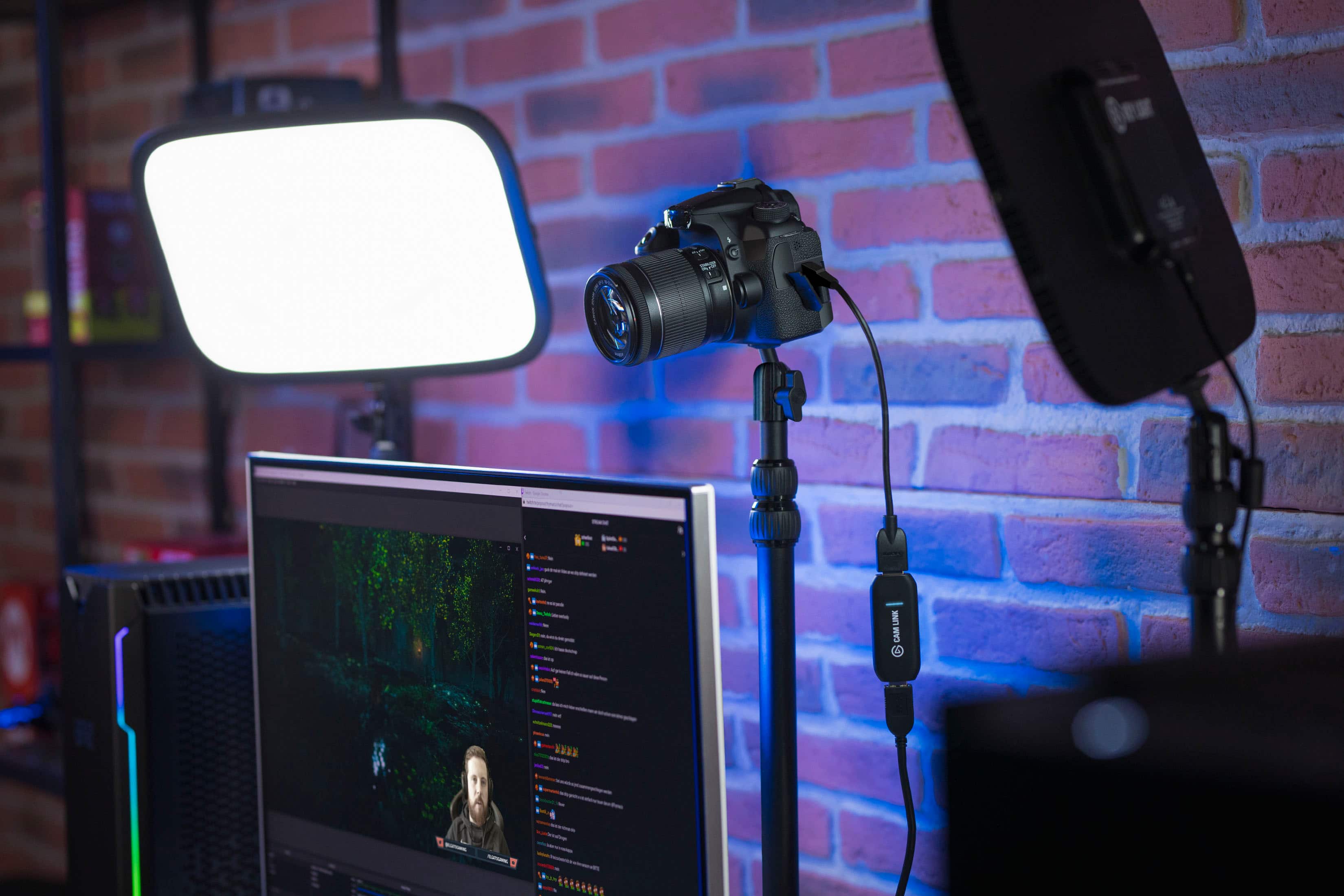
Posted .This reviewer received promo considerations or sweepstakes entry for writing a review.If you are serious about streaming, this is a must have piece of equipment. For those looking to increase the quality of there teleconference meetings, this is for you as well. Webcam technology has been quite stagnant over the past couple years, which is perplexing because phone cameras have taken such an extreme increase in quality/ The cam link allows you to connect your DSLR or digital camera to your computer to work as your webcam. I would check with your camera to ensure compatibility with the cam link. Installation and setup was a breeze, requiring no driver download and just working. The cam link comes up with no problem; whether it was streaming or conference software. Elevating your stream quality from mediocre webcam to stunning in 5 minutes is worth it. I paired this with a Sony a5100 and couldn't be happier with results.
I would recommend this to a friendCam Link
||Posted . Owned for 2 weeks when reviewed.This reviewer received promo considerations or sweepstakes entry for writing a review.It doesn’t work when I plug it in, I was excited to use it but every time I plug it in, I get no reception
No, I would not recommend this to a friendNot working yet.
||Posted . Owned for 3 weeks when reviewed.This reviewer received promo considerations or sweepstakes entry for writing a review.I tried to set this up and I just cant seem to get it to work with my A7S II and the latest model of Mac Book Pro
No, I would not recommend this to a friendBrand response from Corsair Art
Posted .Hi,
Do reach out, we'll do our best to help: help.elgato.com
-Art
Ehhhh
||Posted . Owned for 1 month when reviewed.This reviewer received promo considerations or sweepstakes entry for writing a review.Didn't work for my camera so returned was new gopro and was hoping it would work
No, I would not recommend this to a friendBrand response from Corsair Art
Posted .Hi Jonathan,
Sorry to hear that the Cam Link didn't work with the GoPro. If you're willing to give it another try, please contact our support team and we'd be happy to help you with your setup: support.elgato.com
-Brian
Pain In The Butt
||Posted . Owned for 1 month when reviewed.This reviewer received promo considerations or sweepstakes entry for writing a review.Ok, I really wanted to like this. I was told that is what I needed to make the video come through better, but setting this up and getting it going was a pain and is still a pain. extra cords, not allowing the video to go through.
No, I would not recommend this to a friendBrand response from Corsair
Posted .Hi,
Sorry to hear about your experience. Please get in touch with our support, we'd appreciate the opportunity to assist: help.corsair.com
-Albert
Oops
||Posted . Owned for 3 weeks when reviewed.This reviewer received promo considerations or sweepstakes entry for writing a review.Doesn't work with mac. With Windows it works great.
No, I would not recommend this to a friendBrand response from Corsair Art
Posted .Hello,
Did you have an issue with devices listed as compatible? If so, please reach out: help.elgato.com
-Art