Customer Ratings & Reviews

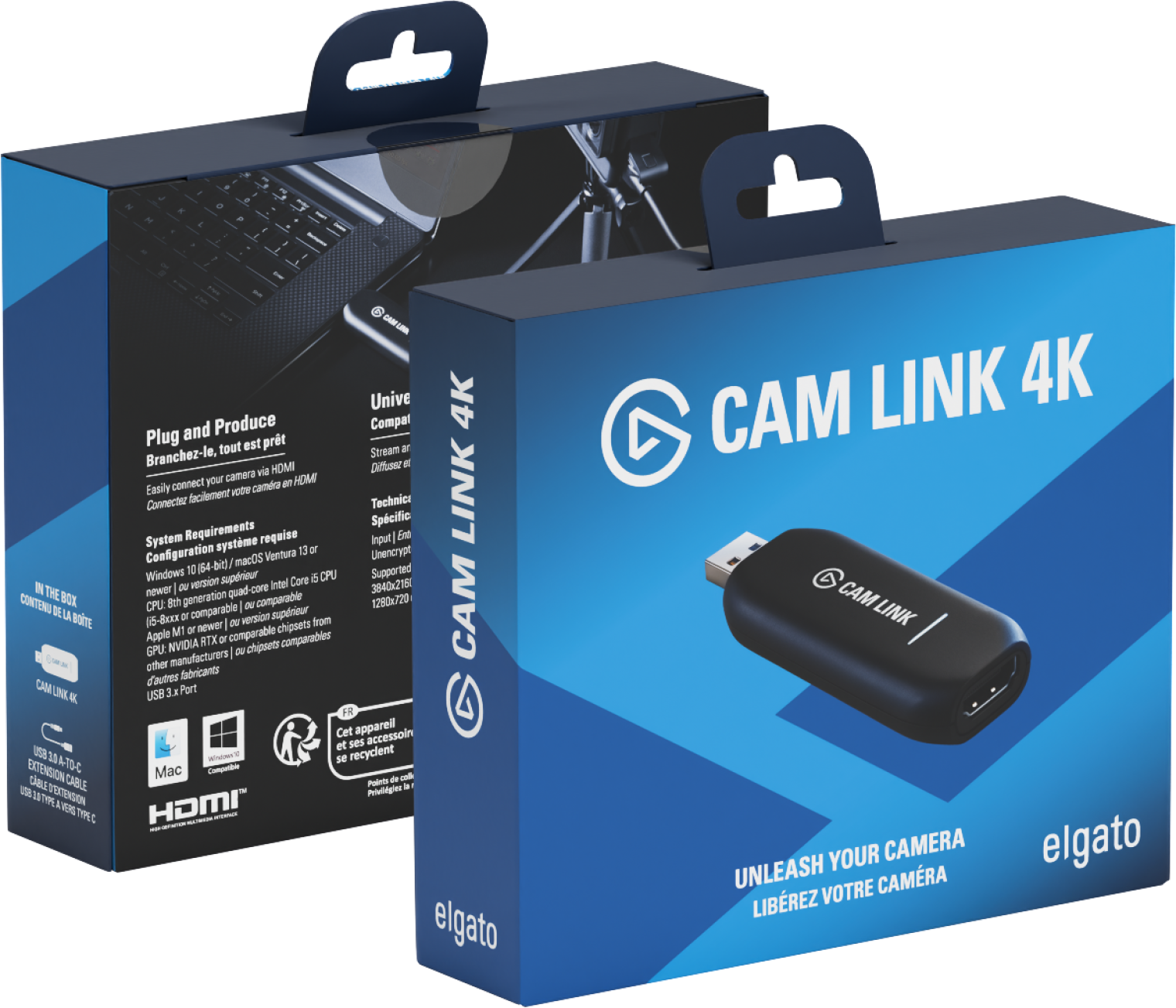
- Model:
- 10GAM9901
- |
- SKU:
- 11124118
Customer reviews
Rating 4.7 out of 5 stars with 1212 reviews
(1,212 customer reviews)Rating by feature
- Value4.5
Rating 4.5 out of 5 stars
- Quality4.7
Rating 4.7 out of 5 stars
- Ease of Use4.7
Rating 4.7 out of 5 stars
Rated 5 out of 5 stars
Livestreaming with Sony A7IV to Macbook (eCamm)
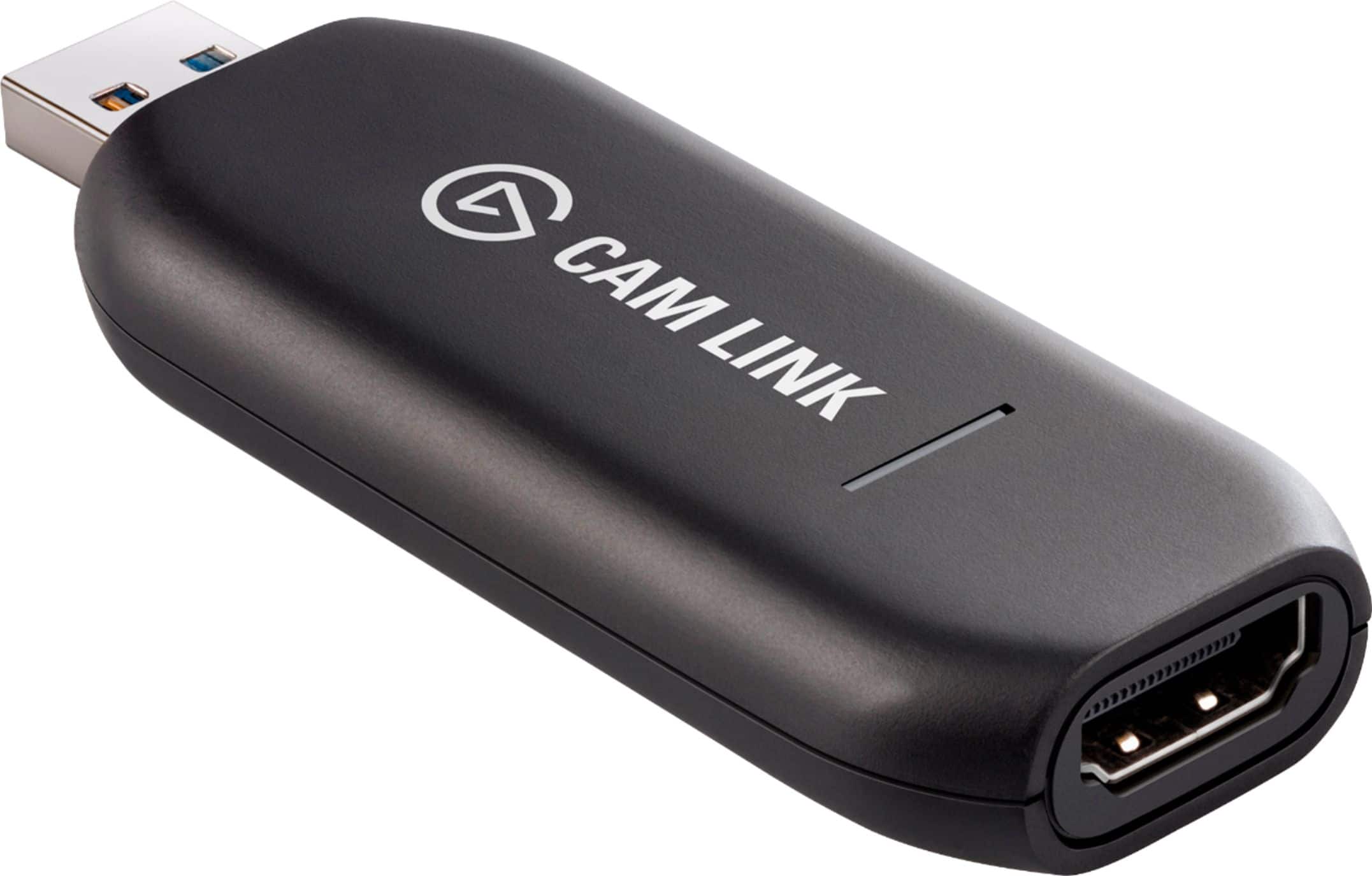
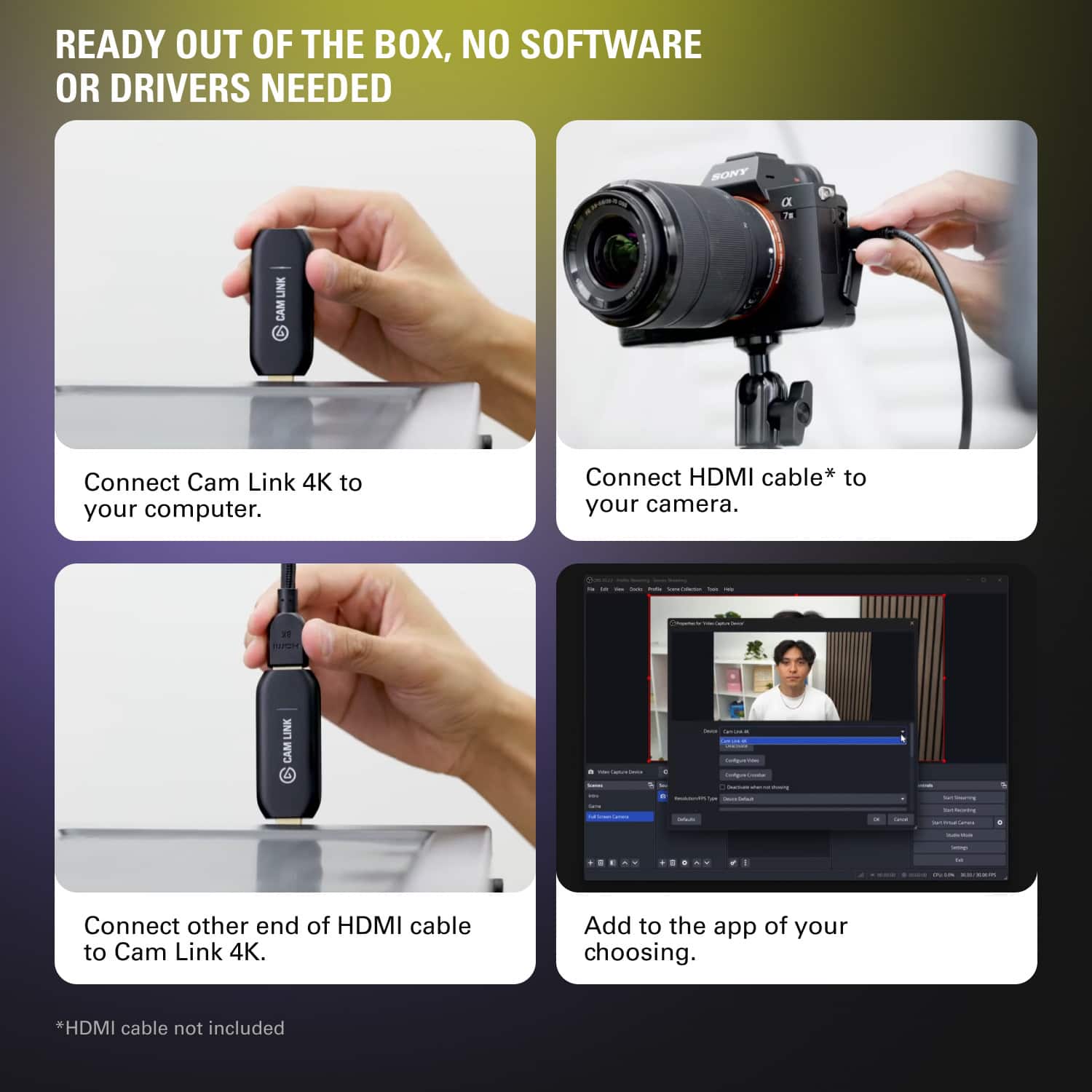
||Posted . Owned for 1 week when reviewed.This reviewer received promo considerations or sweepstakes entry for writing a review.it works perfectly for me - connected it to the Sony A7IV to my Macbook Pro M2 and received 4K30 for video capture on ecamm - no problems yet! Plug and play, the mac found it easily enough and ecamm recognized it for quick streaming.
This review is from Elgato - Cam Link 4K - Black
I would recommend this to a friendRated 4 out of 5 stars
Good device, 4K CPU monster
||Posted . Owned for 1 month when reviewed.This reviewer received promo considerations or sweepstakes entry for writing a review.Really good device and functions as advertised. Best part is it is 100% plug and play. I use Streamlabs OBS as well as standard OBS and it recognizes the cam link input automatically. A little configuration is required, but that’s only for your settings and filters. Does not play well with filter applications like Nvidia Broadcast software (only applicable if using Rtx 2060 and up) but if you’re just looking for a cam through, this is an affordable option to get the job done.
This review is from Elgato - Cam Link 4K - Black
I would recommend this to a friendRated 5 out of 5 stars
Camlink
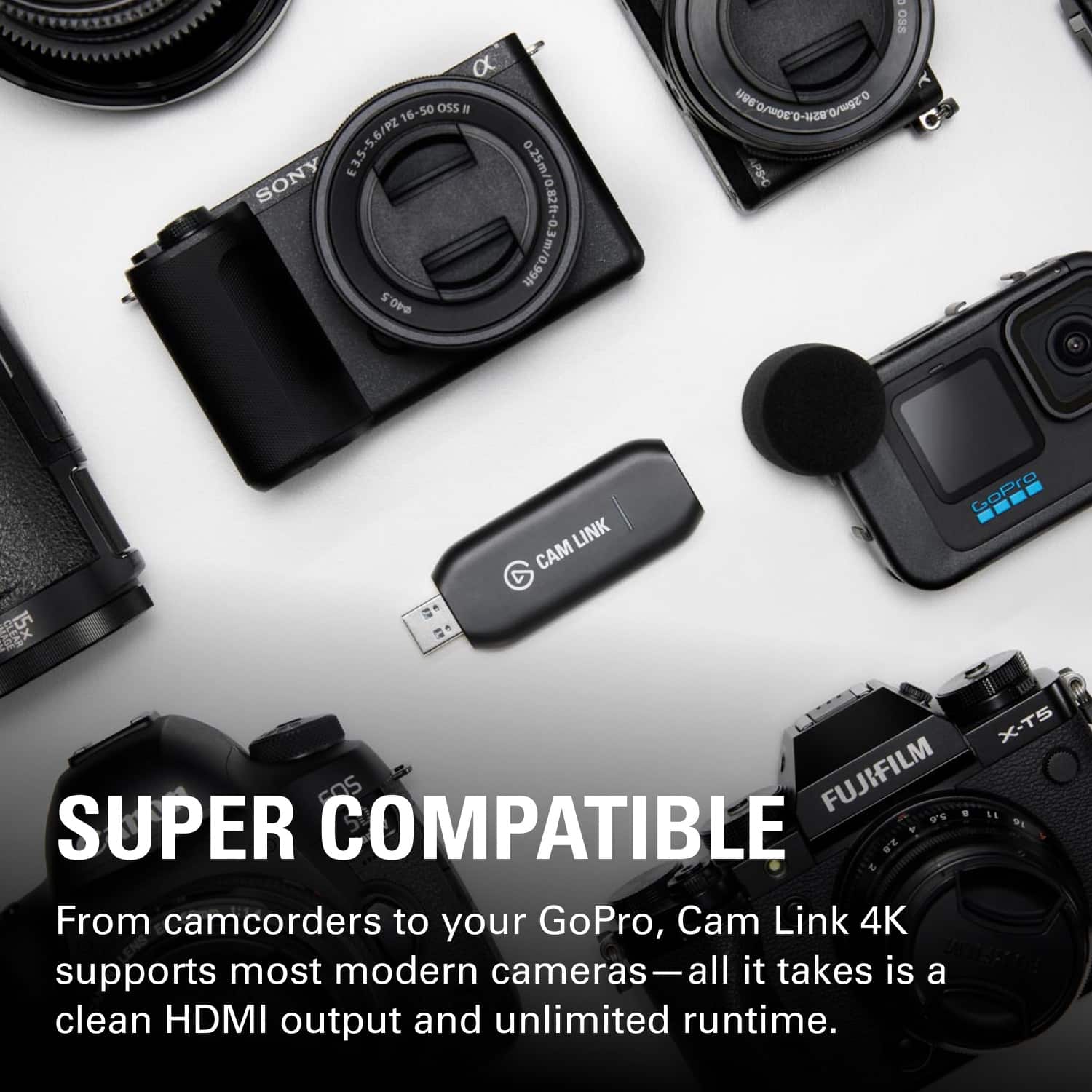
||Posted . Owned for 1 week when reviewed.This reviewer received promo considerations or sweepstakes entry for writing a review.It works Amazing Definitely Worth the Money. The best companion for your Mirrorless camera to transform it into a webcam. Best when used with a webcam with a clean HDMI OUT.
This review is from Elgato - Cam Link 4K - Black
I would recommend this to a friendRated 5 out of 5 stars
Small and Works
||Posted . Owned for 1 year when reviewed.This reviewer received promo considerations or sweepstakes entry for writing a review.Able to connect a Sony a7 III with no issues. It does get warm if left plugged in, even when not in use. So I have started to remove when not in use. Not sure if the heat will reduce performance, but I do it as a preventative measure. The software was easy to use and had no issues. I got it on sale so would defiantly recommend if you can get on sale.
This review is from Elgato - Cam Link 4K - Black
I would recommend this to a friendRated 5 out of 5 stars
Awesome for Streaming!
||Posted . Owned for 1 month when reviewed.This reviewer received promo considerations or sweepstakes entry for writing a review.Awesome worked as intended set up was easy and didn’t have any issues connecting it to my camera!
This review is from Elgato - Cam Link 4K - Black
I would recommend this to a friendRated 5 out of 5 stars
Great for your DSLR or mirrorless camera
||Posted . Owned for 2 weeks when reviewed.This reviewer received promo considerations or sweepstakes entry for writing a review.Easy to set up! Have a mirrorless camera I wanted to use to stream with and did just that for me
This review is from Elgato - Cam Link 4K - Black
I would recommend this to a friendRated 5 out of 5 stars
Did what I needed.
||Posted . Owned for 1 week when reviewed.This reviewer received promo considerations or sweepstakes entry for writing a review.Be sure to check online and see if your camera is compatible. Elgato makes great products and this is no different. Works exactly as described.
This review is from Elgato - Cam Link 4K - Black
I would recommend this to a friendRated 5 out of 5 stars
Works for me
||Posted . Owned for 1 week when reviewed.This reviewer received promo considerations or sweepstakes entry for writing a review.Wonderful! It works just as advertised! It’s plug and play. I was able to plug my Sony A6100 in and use it as a webcam with awesome audio from the camera. It does drain the battery so you will want to have extra batteries for your camera but it doesn’t drain fast so you can use it for alarm 2 hours. Works for me!
This review is from Elgato - Cam Link 4K - Black
I would recommend this to a friendRated 5 out of 5 stars
Works well
||Posted . Owned for 1 month when reviewed.This reviewer received promo considerations or sweepstakes entry for writing a review.I have used this now for a number of streaming shows with my camera and no issues, recommend
This review is from Elgato - Cam Link 4K - Black
I would recommend this to a friendRated 5 out of 5 stars
Works perfectly have been using for 2 years
||Posted .This reviewer received promo considerations or sweepstakes entry for writing a review.I love this, I just wish it was bulkier but works fine. Sometimes I worry about overheating issues
This review is from Elgato - Cam Link 4K - Black
I would recommend this to a friendRated 5 out of 5 stars
Great piece of tech to start streaming
||Posted . Owned for 1 month when reviewed.This reviewer received promo considerations or sweepstakes entry for writing a review.I'm a fledgling steamer and this product serves me very well! I can either use it to plug a camera in to help with production, or I can convince this with an hdmi splitter and I can capture 1080p from a console while I play on my tv. It works well with basically any broadcasting or streaming software I use it with.
This review is from Elgato - Cam Link 4K - Black
I would recommend this to a friendRated 5 out of 5 stars
Works like a charm!
||Posted . Owned for 3 weeks when reviewed.This reviewer received promo considerations or sweepstakes entry for writing a review.Got this device so that my church could use our new Canon 4k camcorder as a webcam for Zoom videos. We had been using a cheap no-name HDMI-USB dongle purchased online with a digital SLR, which worked fine but it would not work with the new camcorder for some reason. Elgato is a more established brand and more expensive, but it has proven to be worth it. It works with the 4k camcorder without a hiccup, just plug and play! One note, I initially noticed a problem where the signal from the camcorder would freeze up during the Zoom conference - the video would freeze and audio would stop in the Zoom app, although the camcorder itself would still be functioning fine. After some research on the Elgato website, I tried the simple fix of using a different USB outlet on the laptop and the problem went away! You really need a USB 3.0 outlet for this due to the bandwidth requirements, but if you have problems with freezing try switching to a different USB 3.0 outlet (apparently not all USB outlets are created equal).
This review is from Elgato - Cam Link 4K - Black
I would recommend this to a friendRated 5 out of 5 stars
The Best
||Posted . Owned for 1 week when reviewed.This reviewer received promo considerations or sweepstakes entry for writing a review.In The End I Didn'T Even Have To Use It Or Anything But It'S From The El Gato Brand And I Think It'S One Of The Best When We Talk About Live Videos.
This review is from Elgato - Cam Link 4K - Black
I would recommend this to a friendRated 4 out of 5 stars
Good, convenient way to link your camera to PC
||Posted . Owned for 1 week when reviewed.This reviewer received promo considerations or sweepstakes entry for writing a review.Used this to connect my Panasonic Lumix mirrorless camera to my PC. It works easily and generally does what I'd expect. My only complaint is sometimes it just doesn't seem to connect right, and I have to unplug and replug it to recognize the camera properly.
This review is from Elgato - Cam Link 4K - Black
I would recommend this to a friendRated 5 out of 5 stars
Worth the price tag
||Posted . Owned for 4 months when reviewed.This reviewer received promo considerations or sweepstakes entry for writing a review.I have used this to help bands live stream rehearsals and what not and it works perfect. I connected the device to camera and then to my MacBook Pro and used the ecamm live software to go live on Facebook. Worked great and the picture quality was the best I’ve seen of any live stream!
This review is from Elgato - Cam Link 4K - Black
I would recommend this to a friendRated 5 out of 5 stars
Awesome camera capture card!
||Posted . Owned for 3 weeks when reviewed.This reviewer received promo considerations or sweepstakes entry for writing a review.Used for a live show with Resolume to do camera feedback! Wayyyyy fast! Looked really crystal clear with no lag. Had to get this because my capture card got lost and it wasn't available, but this did the trick! Love it!
This review is from Elgato - Cam Link 4K - Black
I would recommend this to a friendRated 5 out of 5 stars
Small size big performance!
||Posted . Owned for 1 month when reviewed.This reviewer received promo considerations or sweepstakes entry for writing a review.I purchased this to update from my HD60 capture card I picked up used. At the time stores were all sold out of the CamLink devices. I use this capture device to connect my Sony mirror less 4k camera to my computer for streaming and it works amazing. OBS detects it and it works right out of the box.
This review is from Elgato - Cam Link 4K - Black
I would recommend this to a friendRated 5 out of 5 stars
CAM LINK is Great!
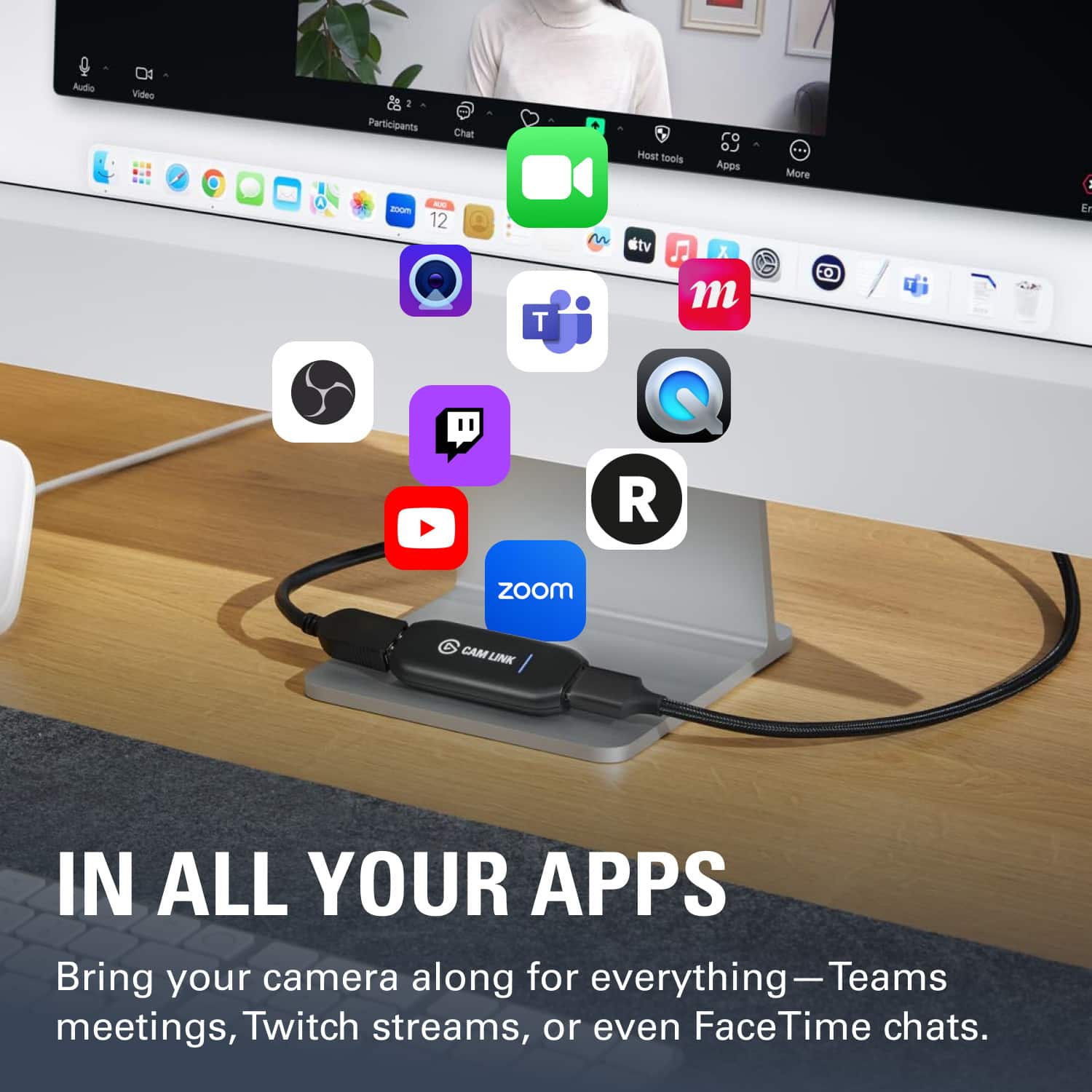
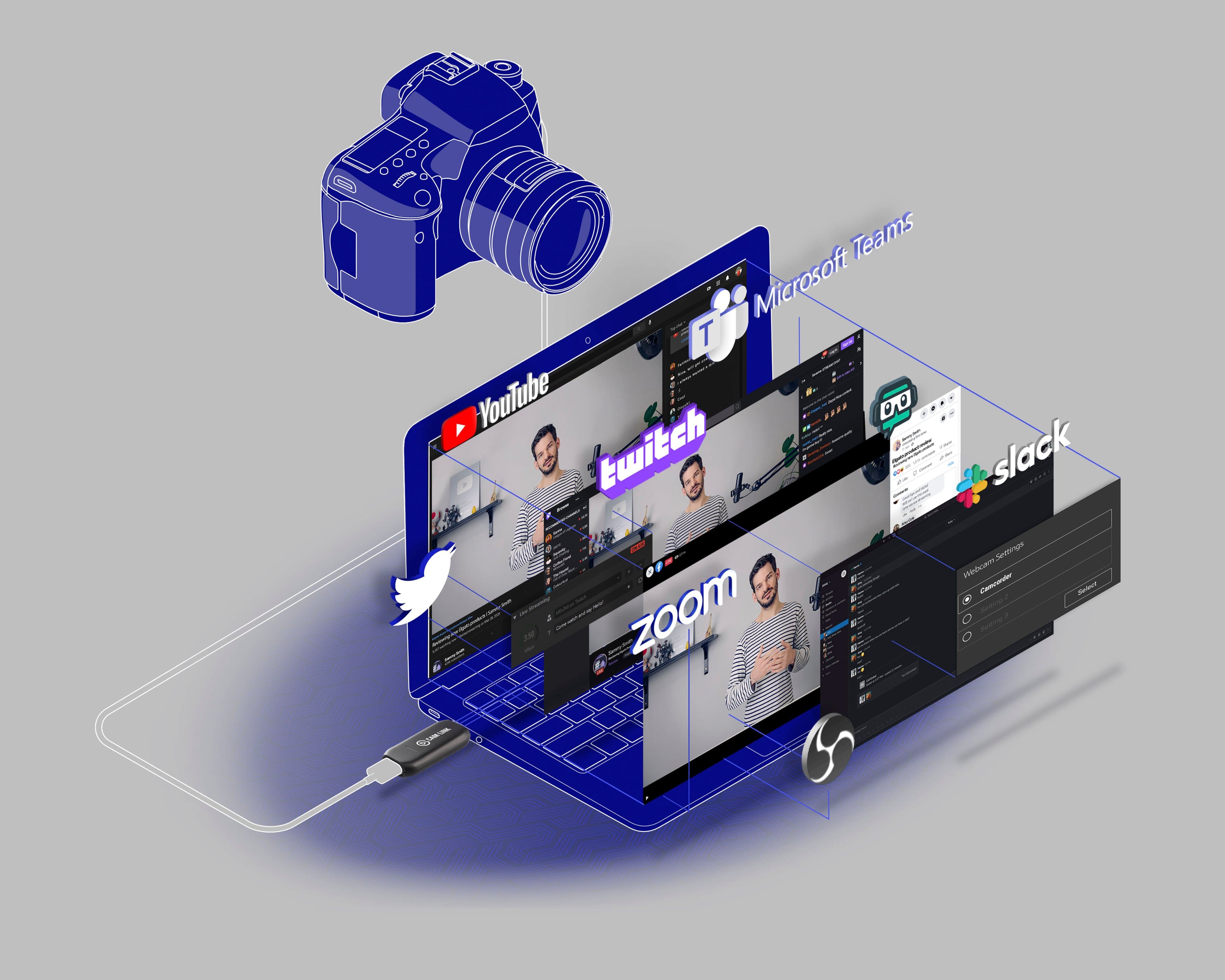
||Posted . Owned for 3 weeks when reviewed.This reviewer received promo considerations or sweepstakes entry for writing a review.The product worked as expected. Easily import a second camera image into your Microsoft Teams. You can also record direct to your screen and edit the video. It takes an HDMI output of a video camera and inputs it into your computer. You can then livestream with a high quality camera.
This review is from Elgato - Cam Link 4K - Black
I would recommend this to a friendRated 5 out of 5 stars
Makes streaming my camera a breeze
||Posted . Owned for 10 months when reviewed.This reviewer received promo considerations or sweepstakes entry for writing a review.Perfect to connect my camera for streaming. Setup was quick and quality translated well.
This review is from Elgato - Cam Link 4K - Black
I would recommend this to a friendRated 5 out of 5 stars
My elgato review
||Posted . Owned for 1 week when reviewed.This reviewer received promo considerations or sweepstakes entry for writing a review.Great product! Works better than I expected. Price is ok for getting the 4k at 30 fps. I purchased a low end generic usb capture device for half the price and this truly out performed it hands down. I would recommend the elgato to anyone looking to capture high quality 4K video.
This review is from Elgato - Cam Link 4K - Black
I would recommend this to a friend