Customer Ratings & Reviews

- Model:
- 10GAM9901
- |
- SKU:
- 11124118
Customer reviews
Rating 4.7 out of 5 stars with 1213 reviews
(1,213 customer reviews)Rating by feature
- Value4.5
Rating 4.5 out of 5 stars
- Quality4.7
Rating 4.7 out of 5 stars
- Ease of Use4.7
Rating 4.7 out of 5 stars
Rated 5 out of 5 stars
Solid piece of equipment
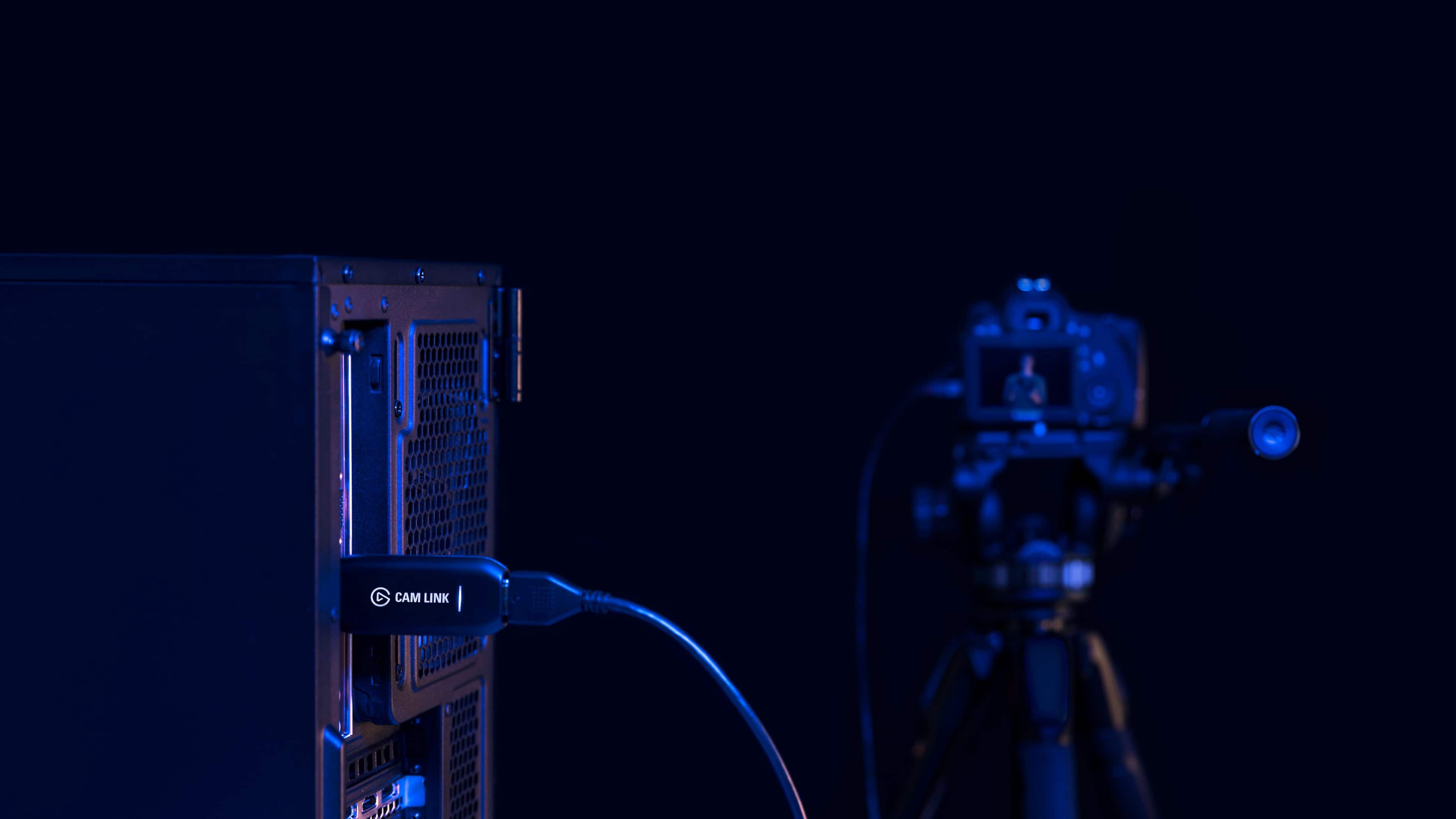
||Posted . Owned for 1 month when reviewed.This reviewer received promo considerations or sweepstakes entry for writing a review.At first I was disappointed by the Cam Link 4k's performance with my Sony A7III as my camera was not working at all with the Elgato Cam Link. After doing some googling I discovered that there was an intrinsic problem with the Elgato Cam Link that made it incompatible with my DSLR (at least that's what people were reporting online). However, after some messing around with my internal camera settings and switching USB slots on my desktop PC, I was able to get the Cam Link 4k to work with my machine. In hindsight I'm realizing that going the 4k route was a bit overkill, if I could do it again I'd probably go the non 4k route since 4k capture just DRAINS your cameras batteries if not plugged into a power source. Other than that, the Elgato Cam Link 4k is everything that I wanted it to be, though I wasn't so sure at first.
This review is from Elgato - Cam Link 4K - Black
I would recommend this to a friendRated 5 out of 5 stars
Easy to use and reliable
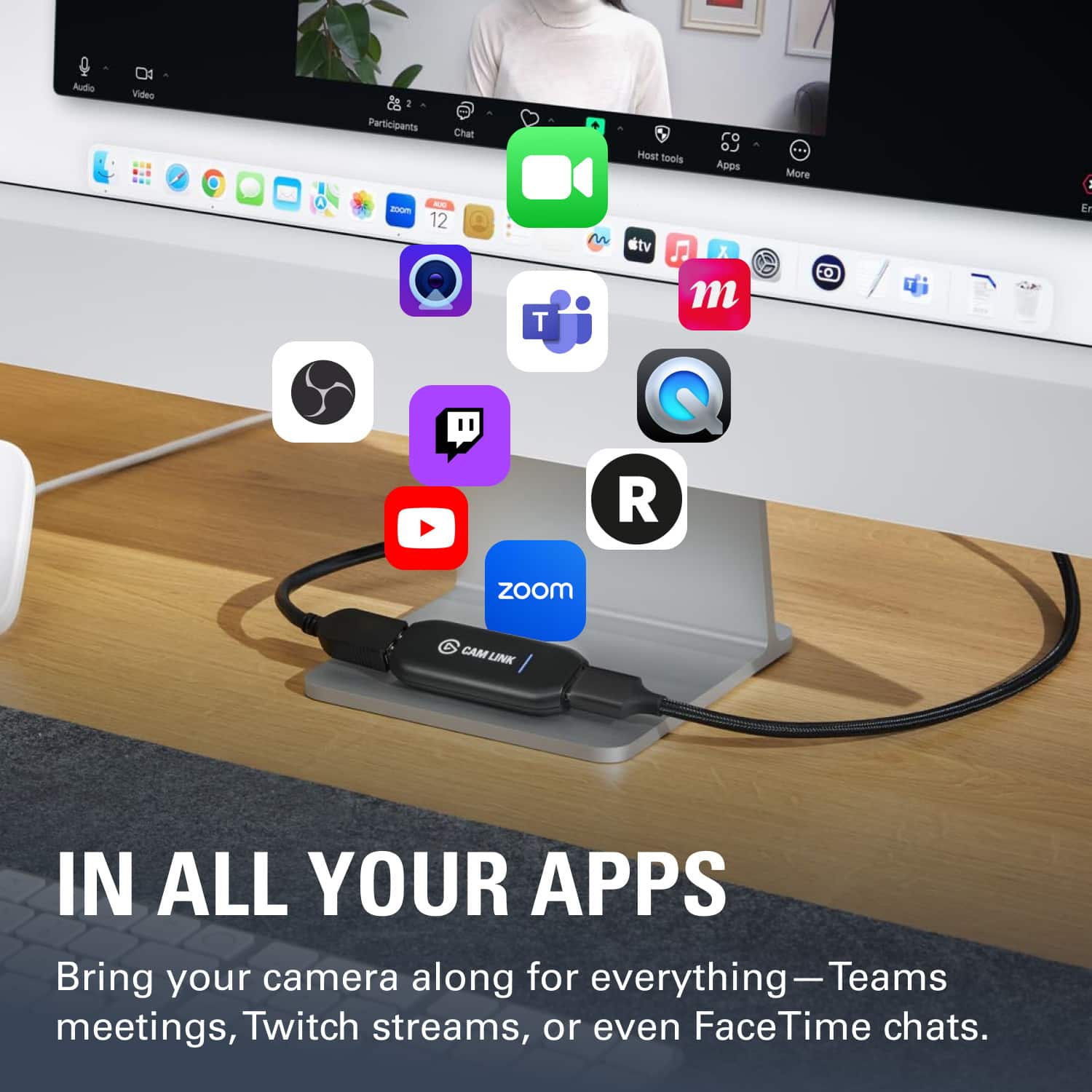
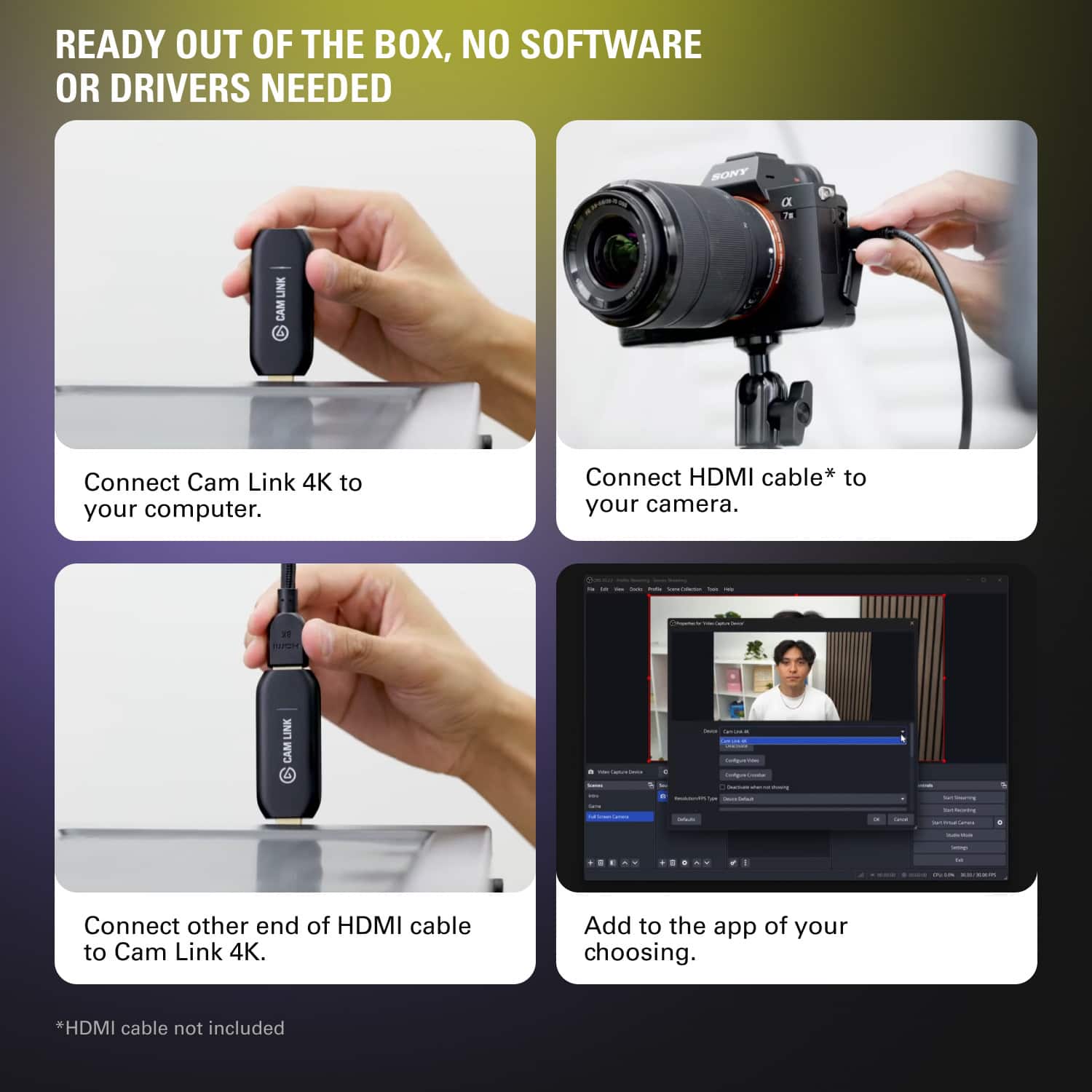
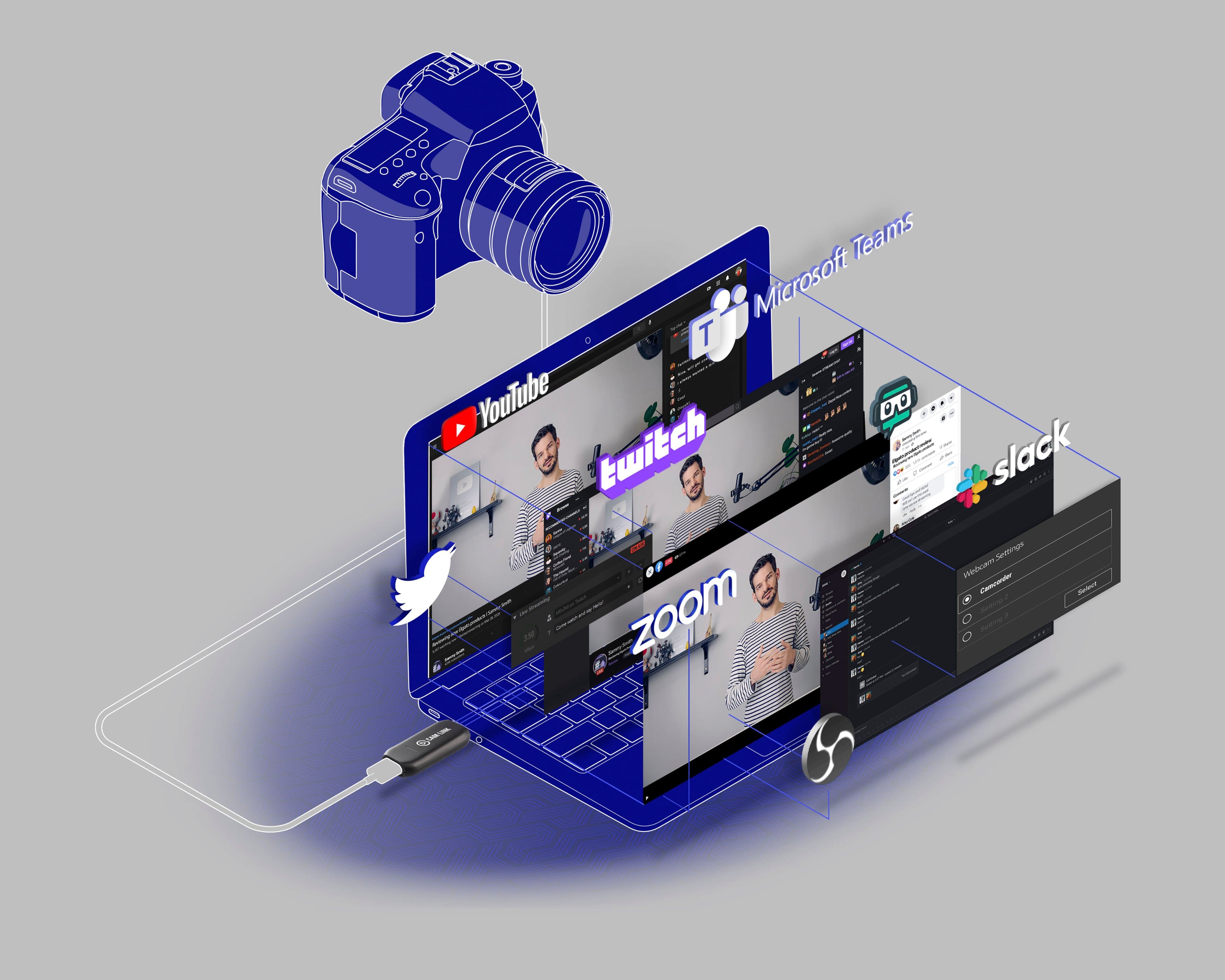
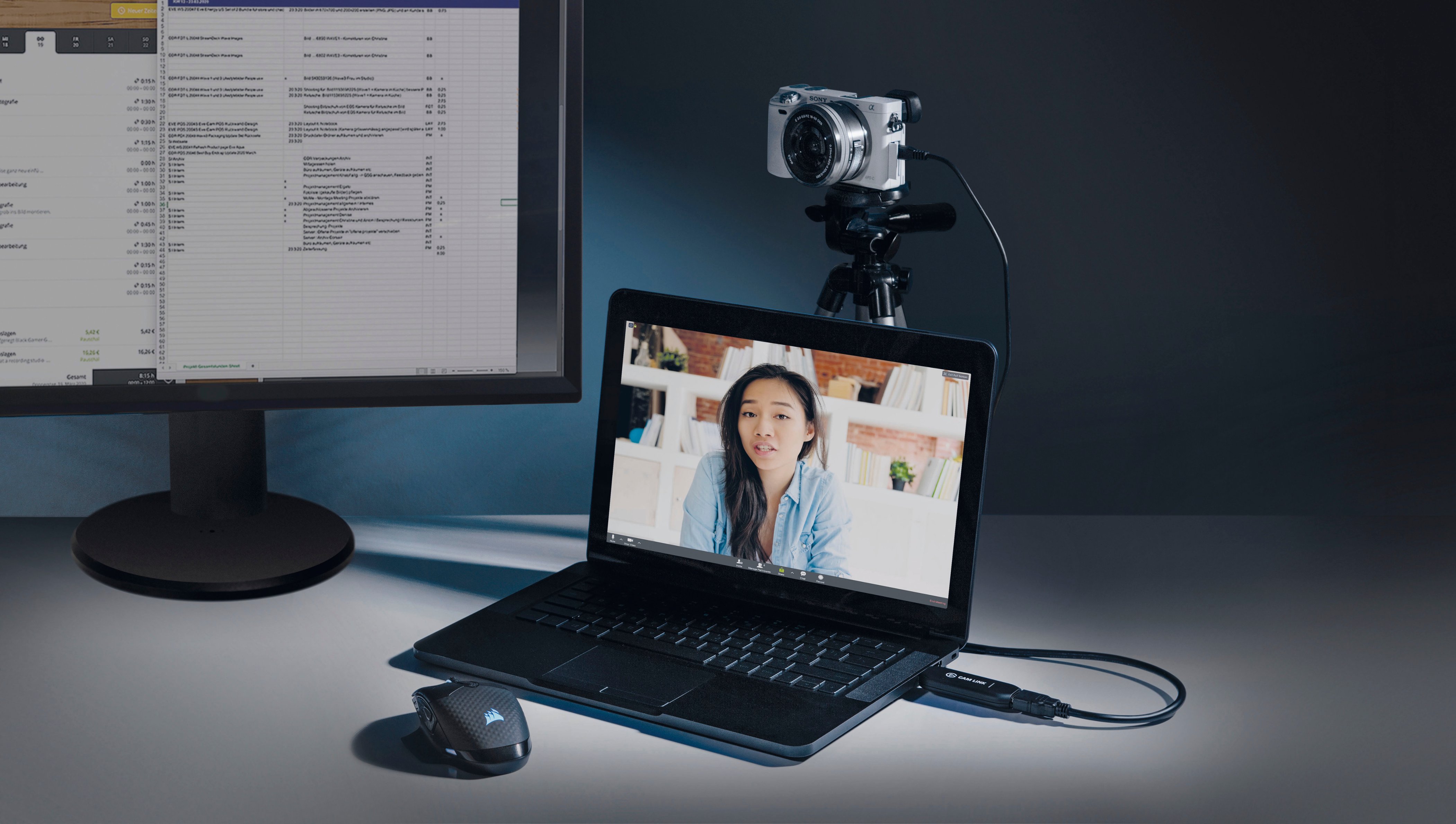
||Posted . Owned for 10 months when reviewed.This reviewer received promo considerations or sweepstakes entry for writing a review.Extremely easy to use. Zoom and other video conferencing applications all recognize it as an alternative source for a video feed. I am very happy with this piece.
This review is from Elgato - Cam Link 4K - Black
I would recommend this to a friendRated 5 out of 5 stars
Cam link
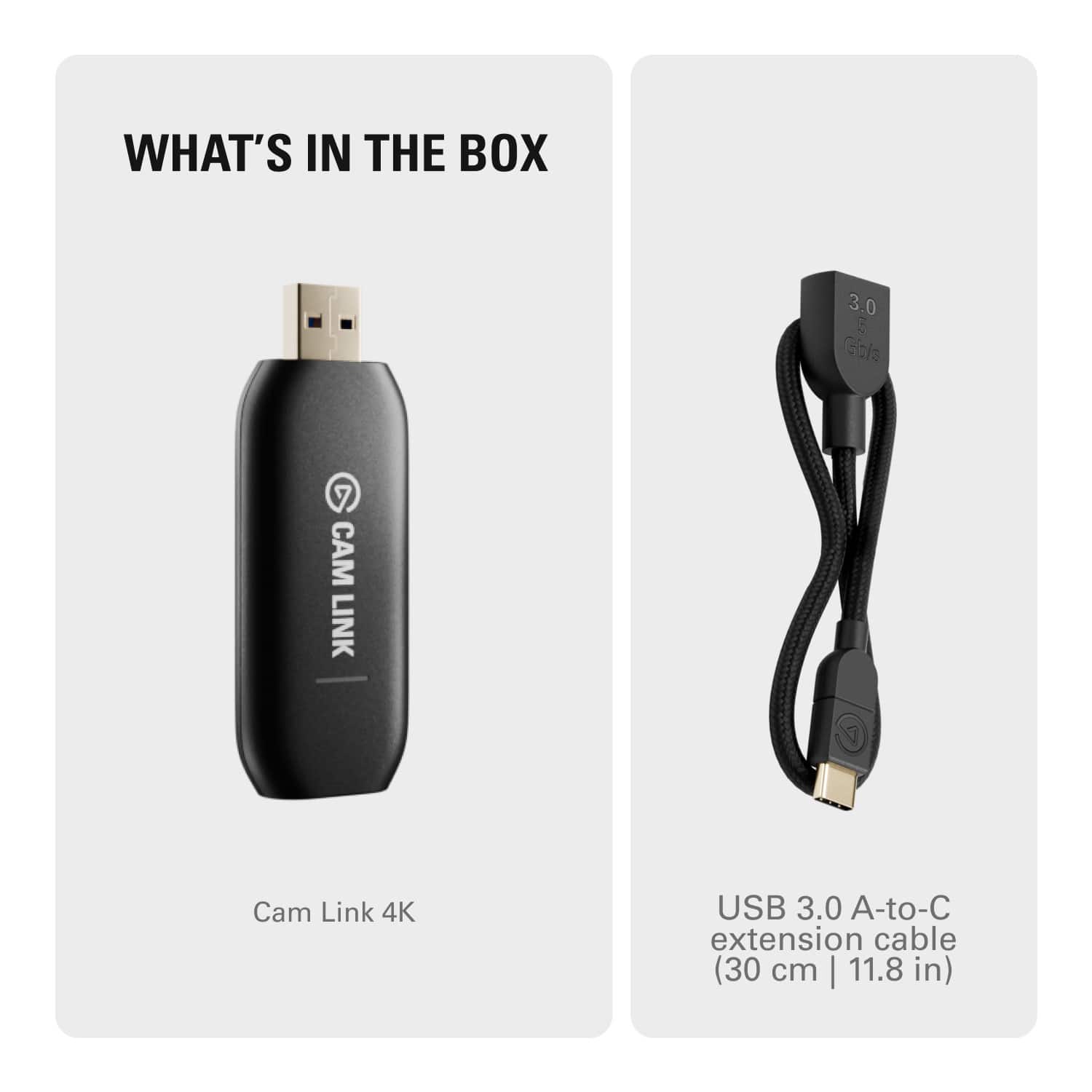
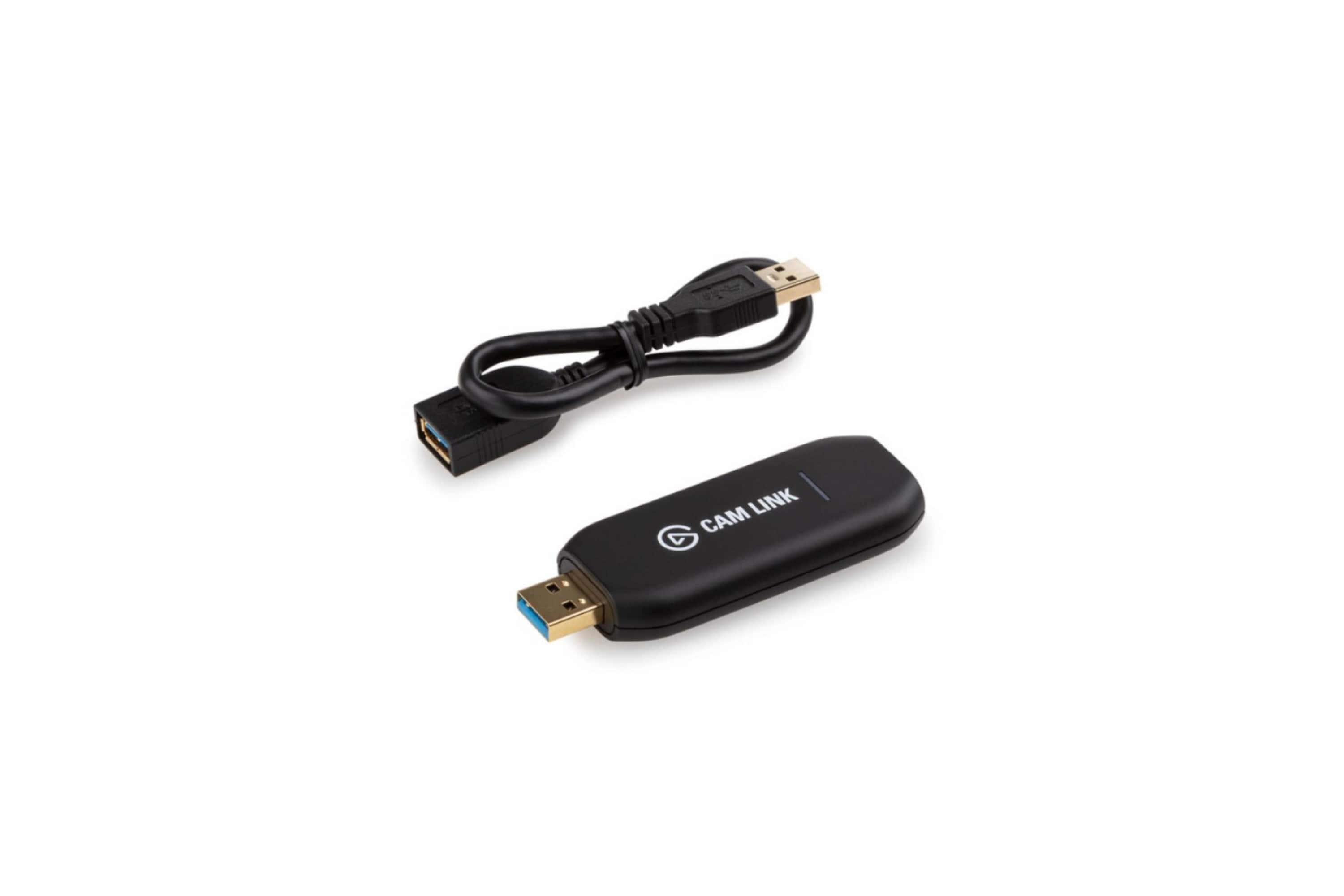
||Posted . Owned for 1 month when reviewed.This reviewer received promo considerations or sweepstakes entry for writing a review.This cam link works perfectly. Easy to install and comes with an extension USB in case your USB slots are crowded.
This review is from Elgato - Cam Link 4K - Black
I would recommend this to a friendRated 5 out of 5 stars
Great for streaming on a laptop
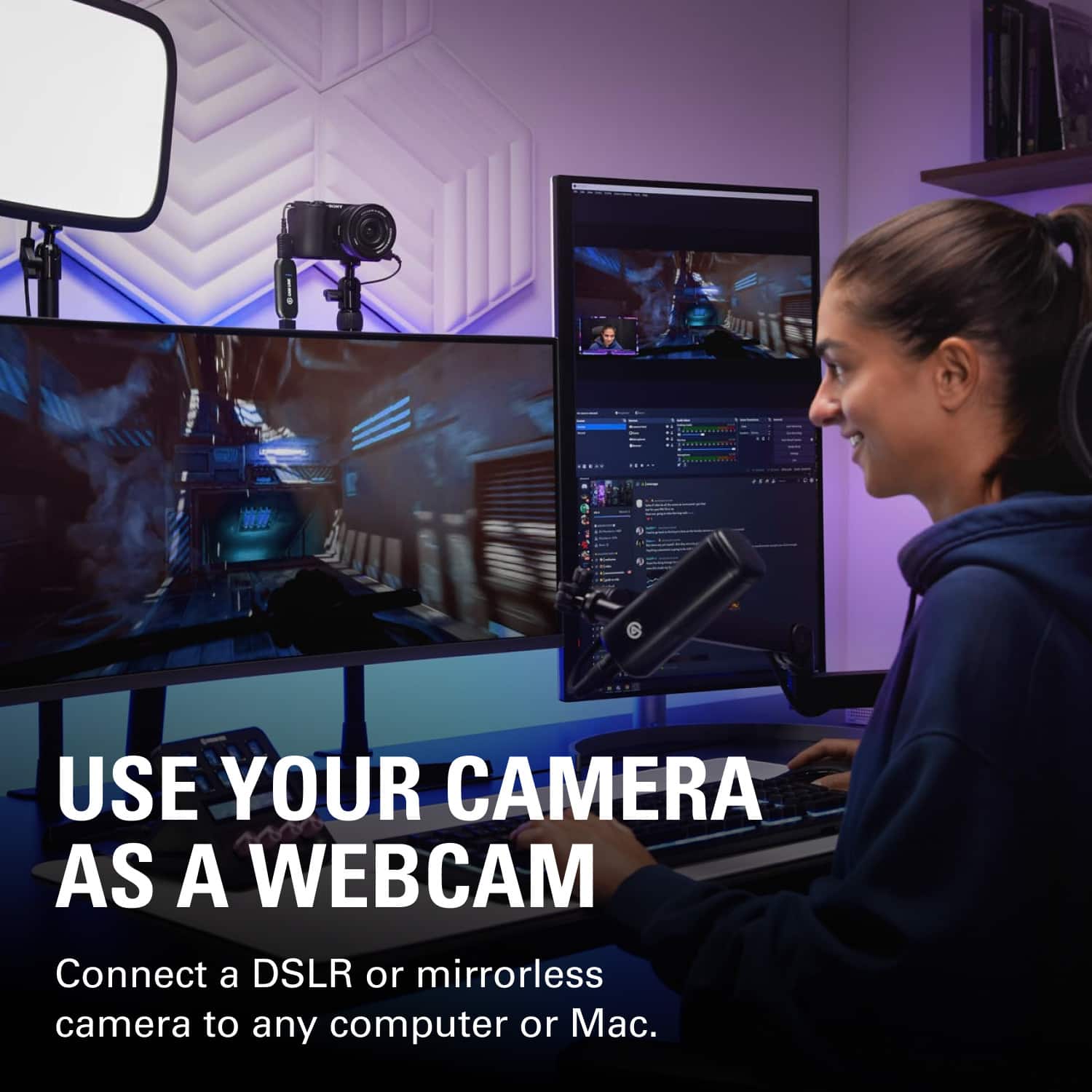
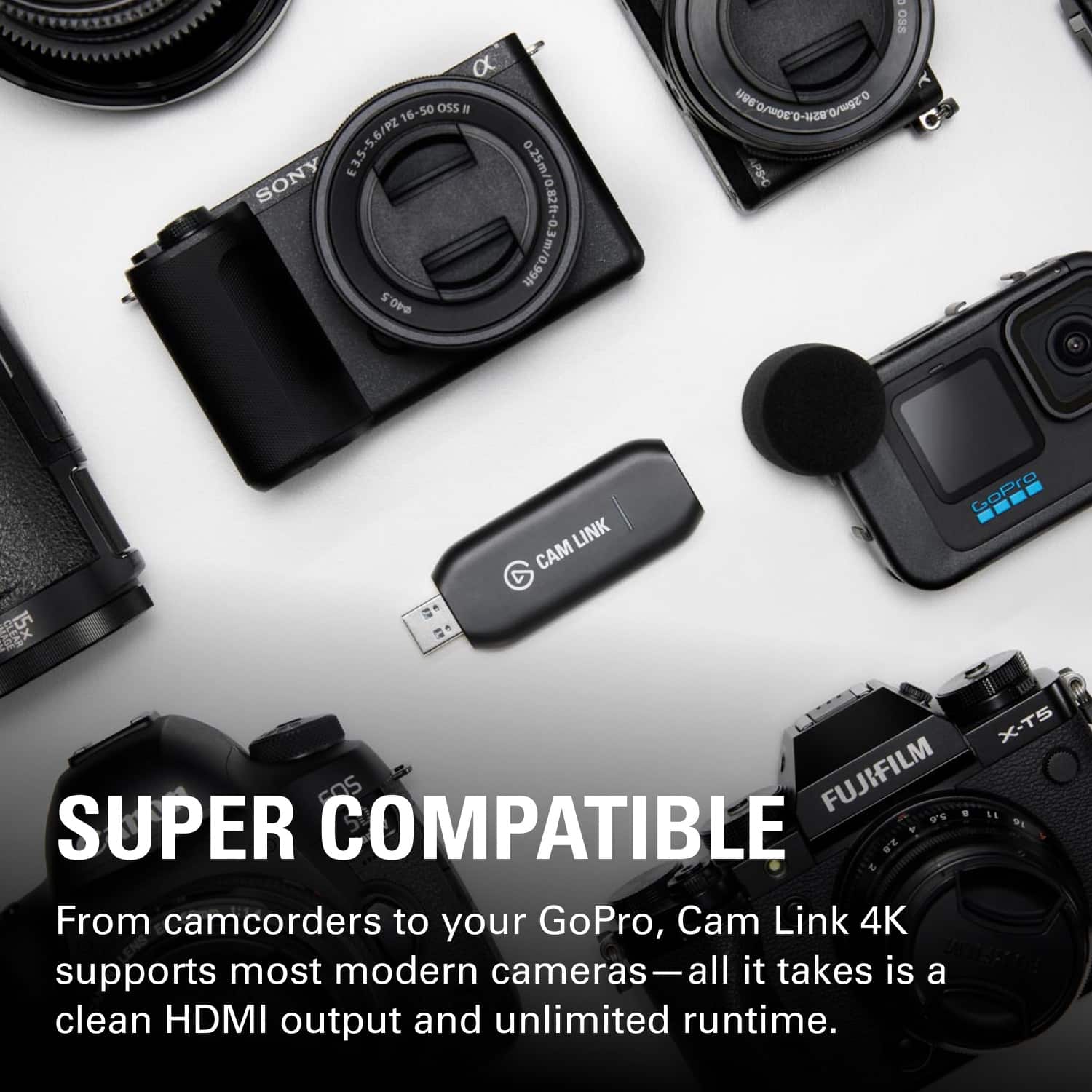
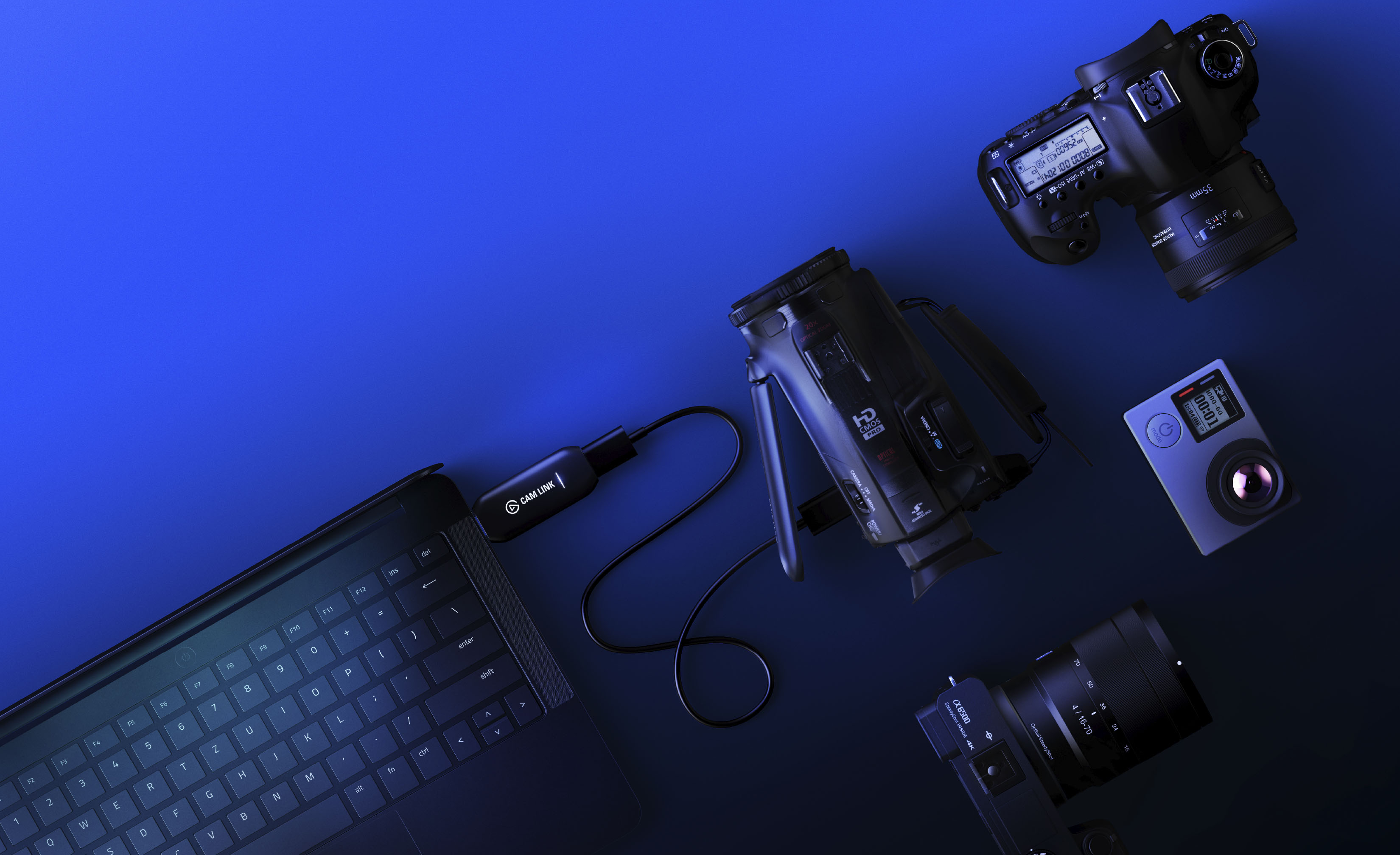
||Posted .This reviewer received promo considerations or sweepstakes entry for writing a review.If you're looking for a good device to capture video/audio on a laptop, this is the one to get. It does what Elgato claims. Check to make sure your camera is compatible, most newer models are. Easy to set-up and use. Excellent product!
This review is from Elgato - Cam Link 4K - Black
I would recommend this to a friendRated 4 out of 5 stars
Use iPhone as Webcam!
||Posted . Owned for less than 1 week when reviewed.This reviewer received promo considerations or sweepstakes entry for writing a review.By using Elgato - Cam Link 4K and Filmic Pro, I'm able to use my iPhone as a webcam for Zoom. I was hoping Apple would implement a software solution for this. Instead, we have to really on company's such as Elgato. Good for them though! Only negative I see is the Elgato - Cam Link 4K get's hot, so be careful when handling after using it for some time.
This review is from Elgato - Cam Link 4K - Black
I would recommend this to a friendRated 5 out of 5 stars
Great item
||Posted .This reviewer received promo considerations or sweepstakes entry for writing a review.Works great with 0 issues or problems.This is my second one for streaming on OBS and I am useing two video cameras and they work great
This review is from Elgato - Cam Link 4K - Black
I would recommend this to a friendRated 5 out of 5 stars
Great product!
||Posted . Owned for 1 week when reviewed.This reviewer received promo considerations or sweepstakes entry for writing a review.Had to replace a more expensive one with this one. This was way cheaper, and it works as well if not better. Great product!
This review is from Elgato - Cam Link 4K - Black
I would recommend this to a friendRated 5 out of 5 stars
Problem solved
||Posted . Owned for less than 1 week when reviewed.This reviewer received promo considerations or sweepstakes entry for writing a review.I had purchased this awhile back and then returned it as it did not appear to be a a good fit for what I needed it for, however I did repurchase after some additional research and found that it was user error on my part. I use this with my Canon t8i along with my desktop computer as my monitor when I am filming my You Tube videos. The one caveat for Canon users from what I understand is that your flip out screen will immediately be rendered to a black screen when the HDMI cable is connected to your camera. I am not tech savvy but it does not interfere with your ability to record as you will be looking into the lens anyway. Installation process is is user friendly. Glad that I repurchased.
This review is from Elgato - Cam Link 4K - Black
I would recommend this to a friendRated 5 out of 5 stars
Best way to have a quality webcam
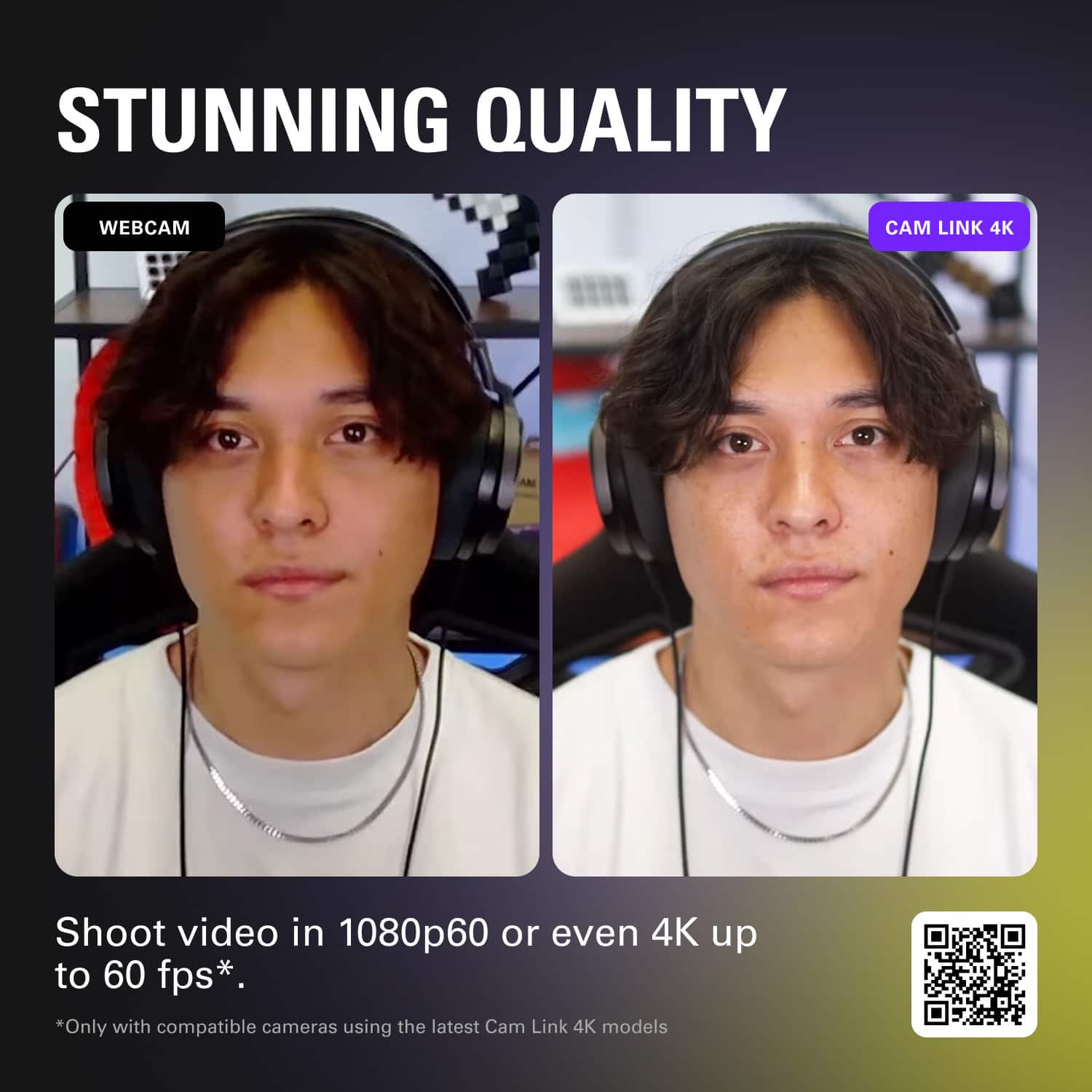
||Posted . Owned for 2 weeks when reviewed.This reviewer received promo considerations or sweepstakes entry for writing a review.Simple and awesome product. Using a canon m50 mark2 for a webcam. Big difference
This review is from Elgato - Cam Link 4K - Black
I would recommend this to a friendRated 5 out of 5 stars
Quick video capture setup!!
||Posted . Owned for 1 month when reviewed.This reviewer received promo considerations or sweepstakes entry for writing a review.Very quick installation & setup, we were up capturing and streaming video from our camera within mins. Have only been using the Cam Link 4K for a couple of weeks, but we have been pleased with the performance and ease of use.
This review is from Elgato - Cam Link 4K - Black
I would recommend this to a friendRated 5 out of 5 stars
2 years later & still the best!
||Posted . Owned for more than 2 years when reviewed.This reviewer received promo considerations or sweepstakes entry for writing a review.Had mine for 2 years now and it’s worked awesome!! Never had a single problem. It has made streaming with my DSLR cam seamless. And I’ve moved and had to reset it up. Super simple plug and play.
This review is from Elgato - Cam Link 4K - Black
I would recommend this to a friendRated 5 out of 5 stars
Awesome little capture stick saved the day!
||Posted . Owned for 1 year when reviewed.This reviewer received promo considerations or sweepstakes entry for writing a review.My kids were performing at their dance recital which was scheduled to be live-streamed. The videographers hired for the event had issues so that they were only able to record the event. I ran out to the local Best Buy and purchased this capture stick. I tore open the box, plugged in this device and installed the drivers. Within minutes, my laptop was setup for streaming. The videographer gave me a video feed from their camera and I was able to live-stream the event to the students in the waiting room as well as attendees who couldn't make it to the event. The capture quality of this stick is amazing and easy to setup.
This review is from Elgato - Cam Link 4K - Black
I would recommend this to a friendRated 5 out of 5 stars
Works Great!
||Posted . Owned for 2 weeks when reviewed.This reviewer received promo considerations or sweepstakes entry for writing a review.I use it to link my Sony mirrorless camera to my laptop to record videos. Works great! Pricey.
This review is from Elgato - Cam Link 4K - Black
I would recommend this to a friendRated 5 out of 5 stars
Can’t believe it works
||Posted . Owned for 1 month when reviewed.This reviewer received promo considerations or sweepstakes entry for writing a review.Had little doubts considering the reviews had many negatives so i was skeptical. However, i have not had any issues using this with obs and my camera. It looks perfect and there is no delay whatsoever!
This review is from Elgato - Cam Link 4K - Black
I would recommend this to a friendRated 4 out of 5 stars
Camlink Capture Card
||Posted . Owned for 2 weeks when reviewed.This reviewer received promo considerations or sweepstakes entry for writing a review.This item works exactly how it is supposed to. I'm greatful!
This review is from Elgato - Cam Link 4K - Black
I would recommend this to a friendRated 5 out of 5 stars
Cadlink
||Posted .This reviewer received promo considerations or sweepstakes entry for writing a review.Bought this item and i am more than happy. I use it everyday!
This review is from Elgato - Cam Link 4K - Black
I would recommend this to a friendRated 5 out of 5 stars
capture card.
||Posted . Owned for 1 month when reviewed.This reviewer received promo considerations or sweepstakes entry for writing a review.plug and play .instant connection with OBS software.Great product.
This review is from Elgato - Cam Link 4K - Black
I would recommend this to a friendRated 5 out of 5 stars
Nice product
||Posted . Owned for 3 months when reviewed.This reviewer received promo considerations or sweepstakes entry for writing a review.The product will do what you expect. I think it is overpriced but that's a value issue and not a quality one. My video is clear while streaming and the device is simple to use.
This review is from Elgato - Cam Link 4K - Black
I would recommend this to a friendRated 5 out of 5 stars
Just get it. Does exactly what it says it does
||Posted . Owned for 3 weeks when reviewed.This reviewer received promo considerations or sweepstakes entry for writing a review.I use the Cam Link 4K for Zoom meetings. A have a Sony A7RIII. I downloaded the software and connected the HDMI cable to the Cam Link 4. Works perfectly for Zoom in HD. 4K for zoom live not so much since there is bit of a video lag. But if recording to upload to You Tube or for anything else, the software can take care of the lag. The software may be able to fix the 4K issue for Zoom, but HD is so crisp and better than my labtop camera that I didn't bother working out the issue to use 4k. Just get it. It's worth it if you have a DSLR or Mirrorless camera that is compatable.
This review is from Elgato - Cam Link 4K - Black
I would recommend this to a friendRated 5 out of 5 stars
Easy and Best option
||Posted . Owned for 1 month when reviewed.This reviewer received promo considerations or sweepstakes entry for writing a review.Bought this elgato cam link 4k for my livestream. Its very easy to setup and works great for streaming . Best option available in the market for livestream camera setup.
This review is from Elgato - Cam Link 4K - Black
I would recommend this to a friend