Customer Ratings & Reviews

- Model:
- 10GAM9901
- |
- SKU:
- 6316580
Customer reviews
Rating 4.7 out of 5 stars with 1210 reviews
(1,210 customer reviews)Rating by feature
- Value4.5
Rating 4.5 out of 5 stars
- Quality4.7
Rating 4.7 out of 5 stars
- Ease of Use4.7
Rating 4.7 out of 5 stars
Customers are saying
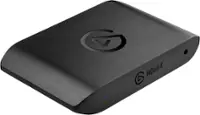
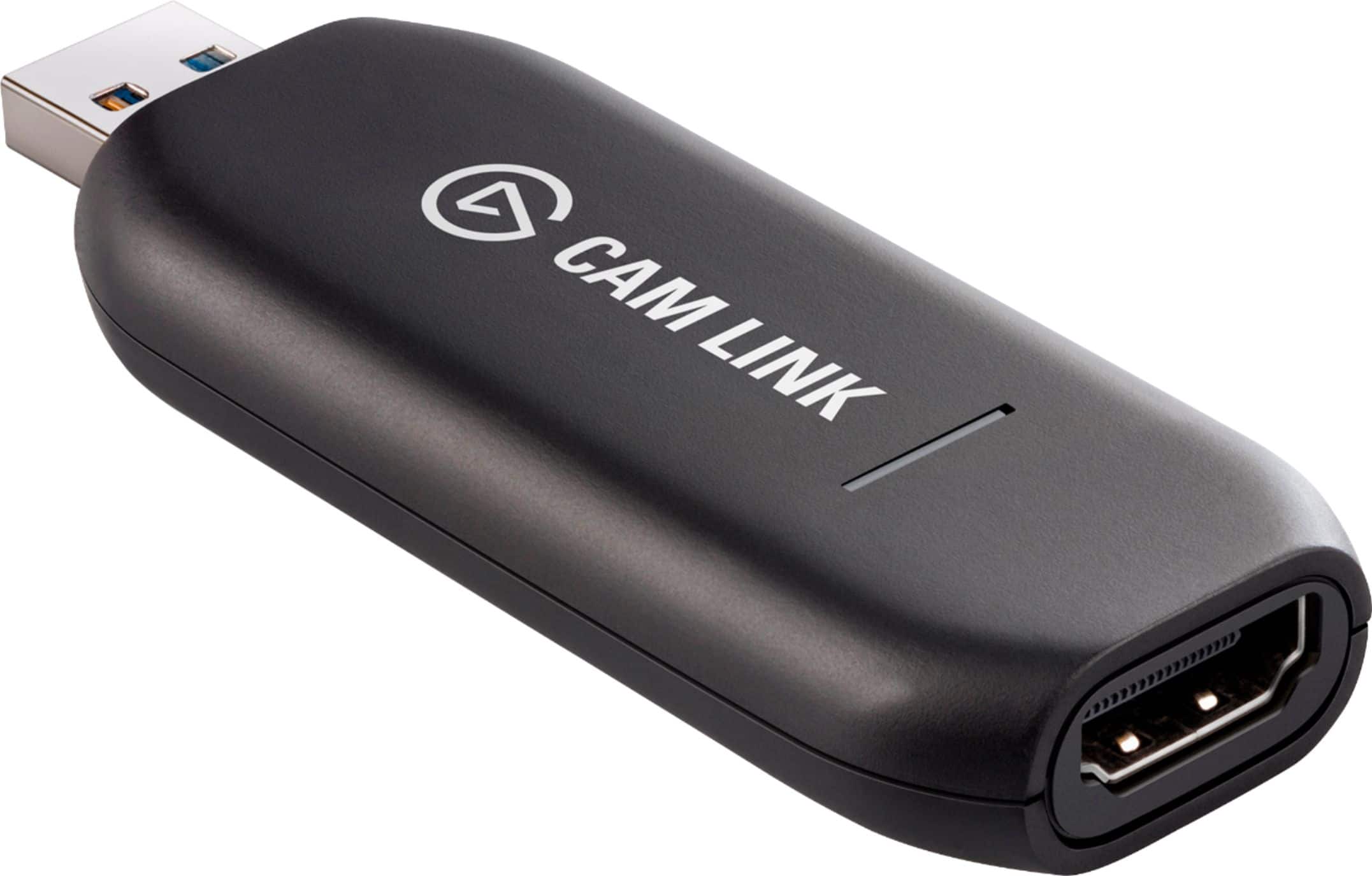
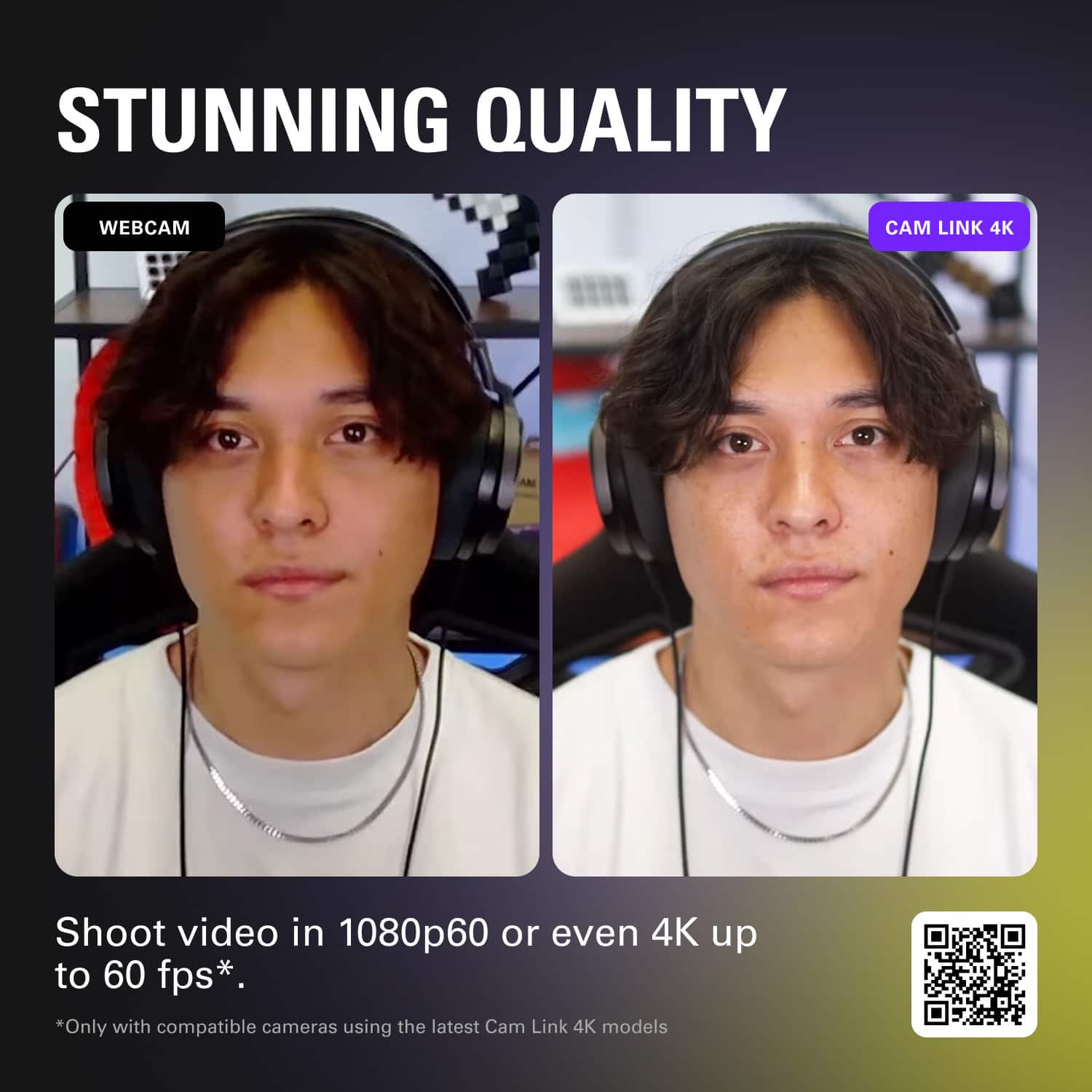
Customers express satisfaction with the Cam Link 4K's ease of use and high video quality. Many users find the overall performance satisfactory and appreciate its broad compatibility with HDMI devices and high resolution output. However, some customers have concerns regarding the product's price and heat generation. A few users also reported experiencing latency and connection issues.
This summary was generated by AI based on customer reviews.
- Pros mentioned:Ease of use, Overall performance
Rated 5 out of 5 stars
Cam link
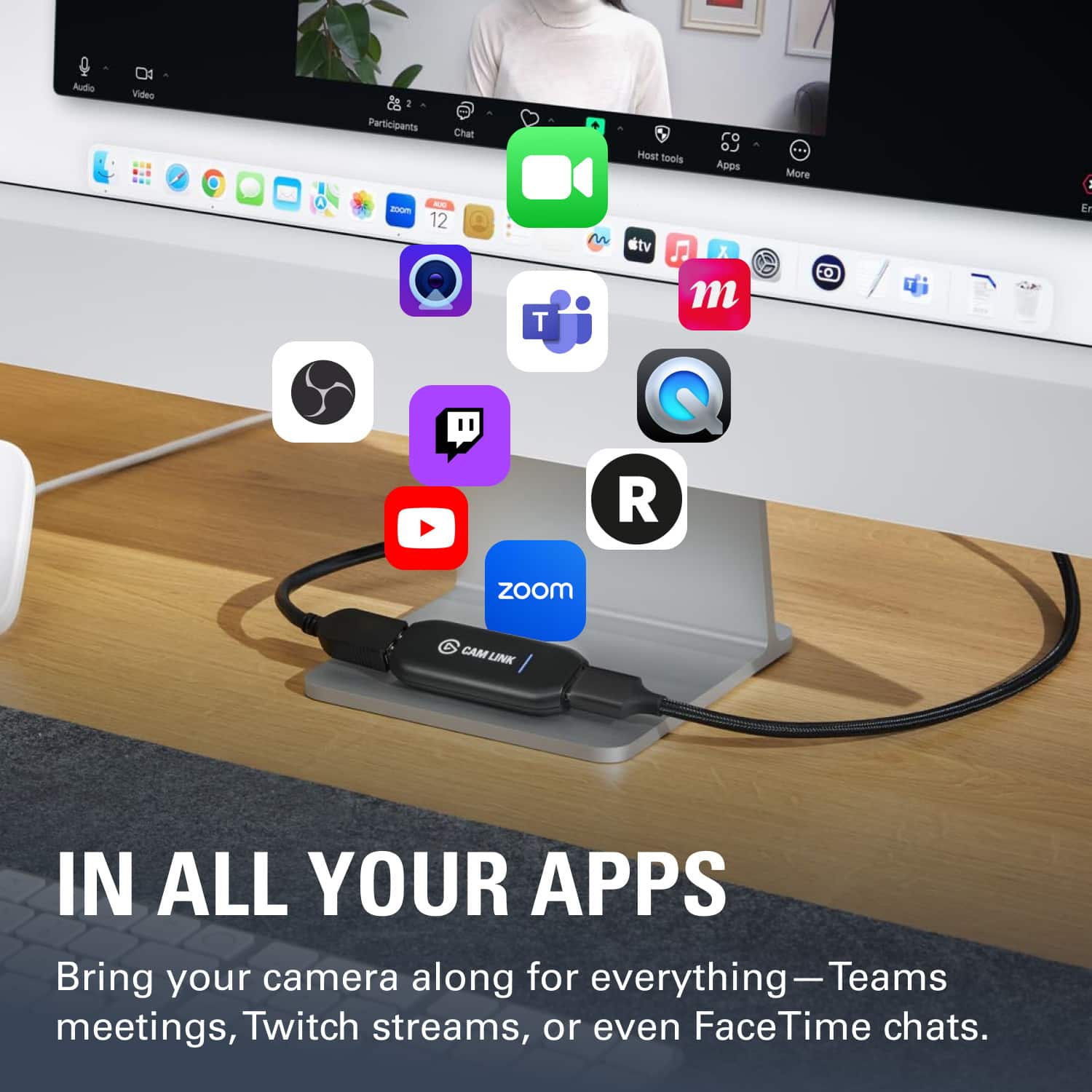
||Posted . Owned for 3 weeks when reviewed.This reviewer received promo considerations or sweepstakes entry for writing a review.Works as described. Easy to set up. Zoom and Google Meet may cause a conflict
I would recommend this to a friend - Pros mentioned:Overall performance
Rated 5 out of 5 stars
Good product
||Posted .This reviewer received promo considerations or sweepstakes entry for writing a review.This product exceeded my expectations. The build quality feels solid, performance is smooth and reliable, and it delivers exactly what it promises. It’s easy to use, thoughtfully designed, and clearly made with attention to detail. After using it regularly, I can confidently say it offers great value for the price. I would definitely recommend it to anyone looking for a dependable and well-made product.
I would recommend this to a friend - Pros mentioned:Ease of use, Hdmi, Video quality
Rated 5 out of 5 stars
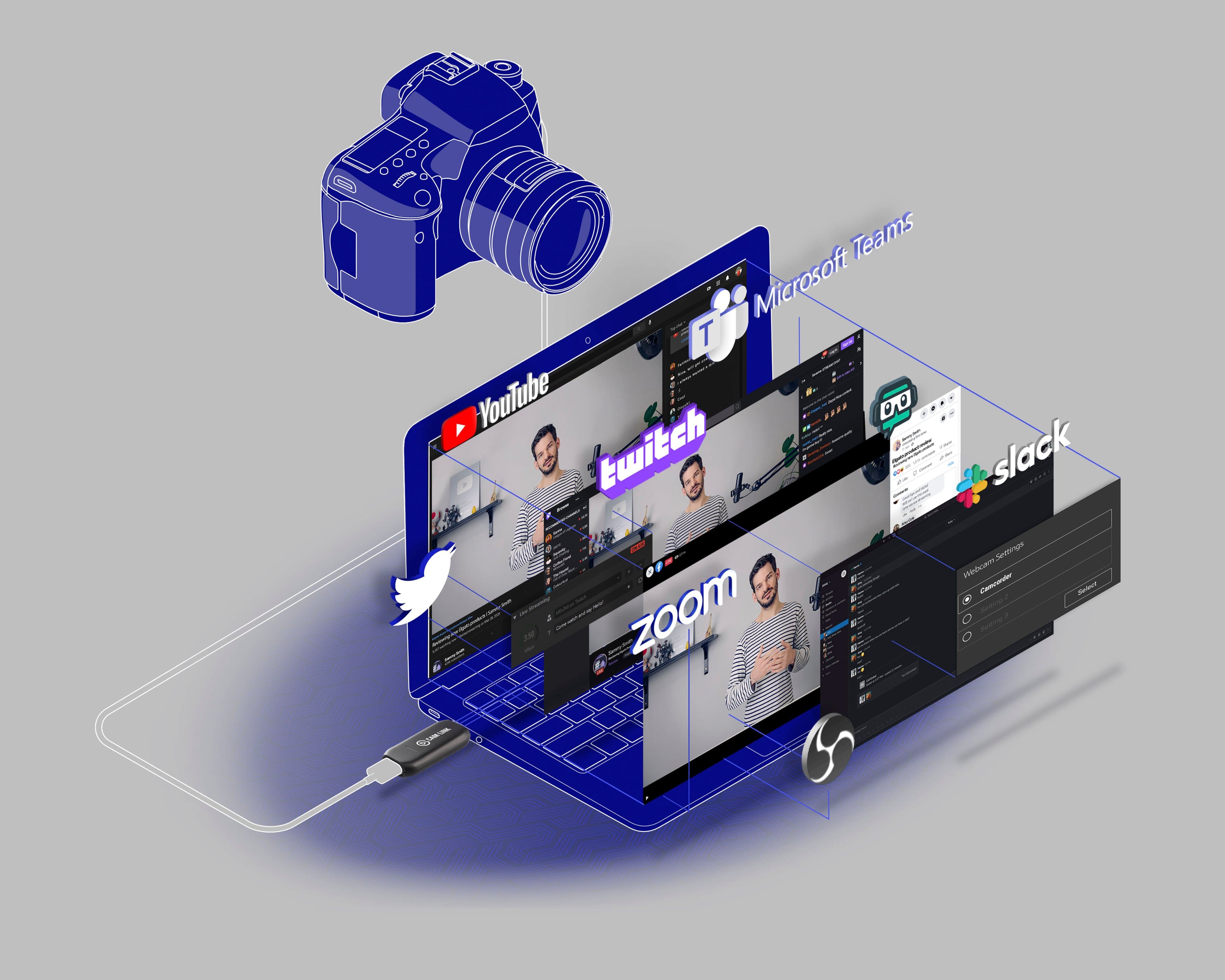
Turn any DSLR or Camcorder into a Webcam.
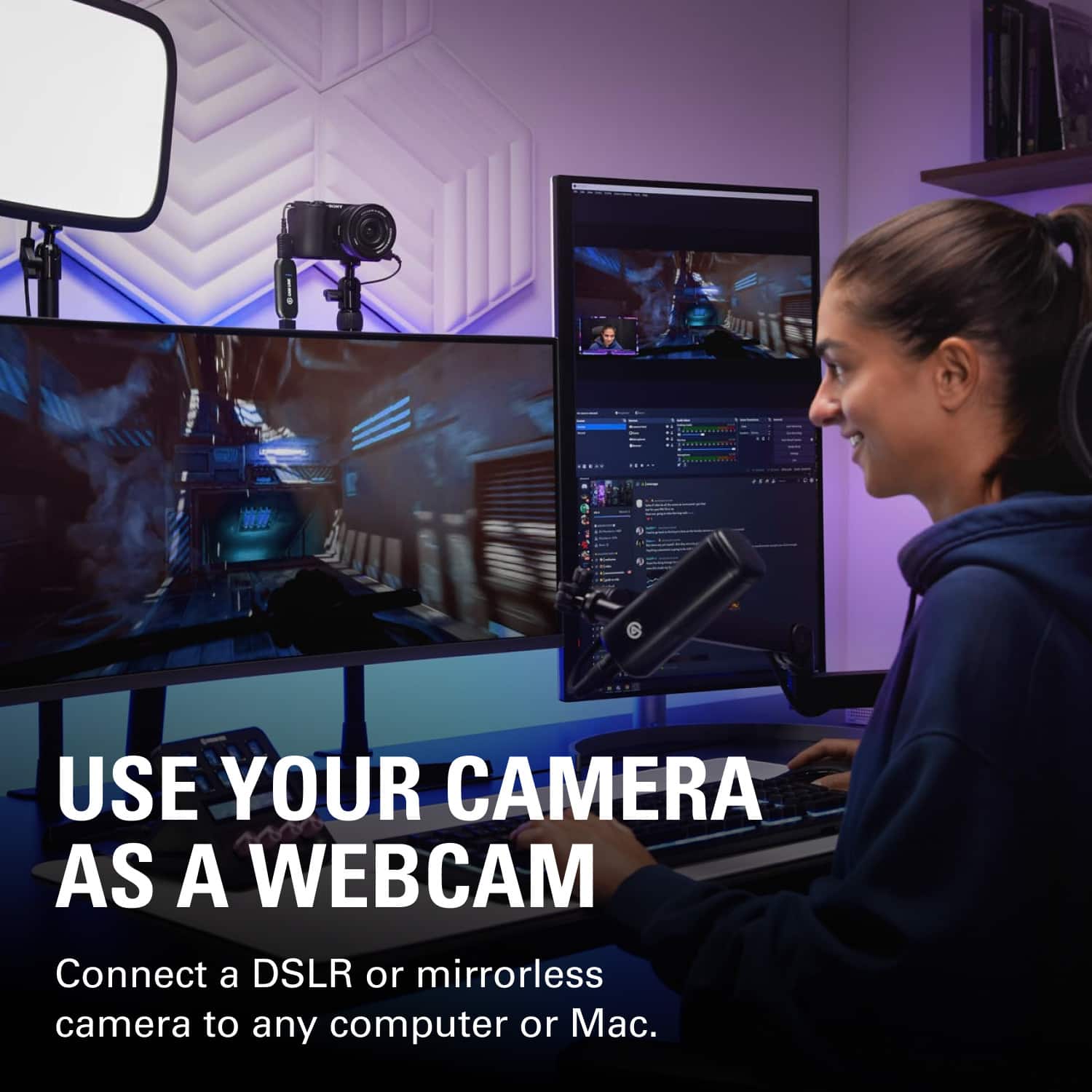
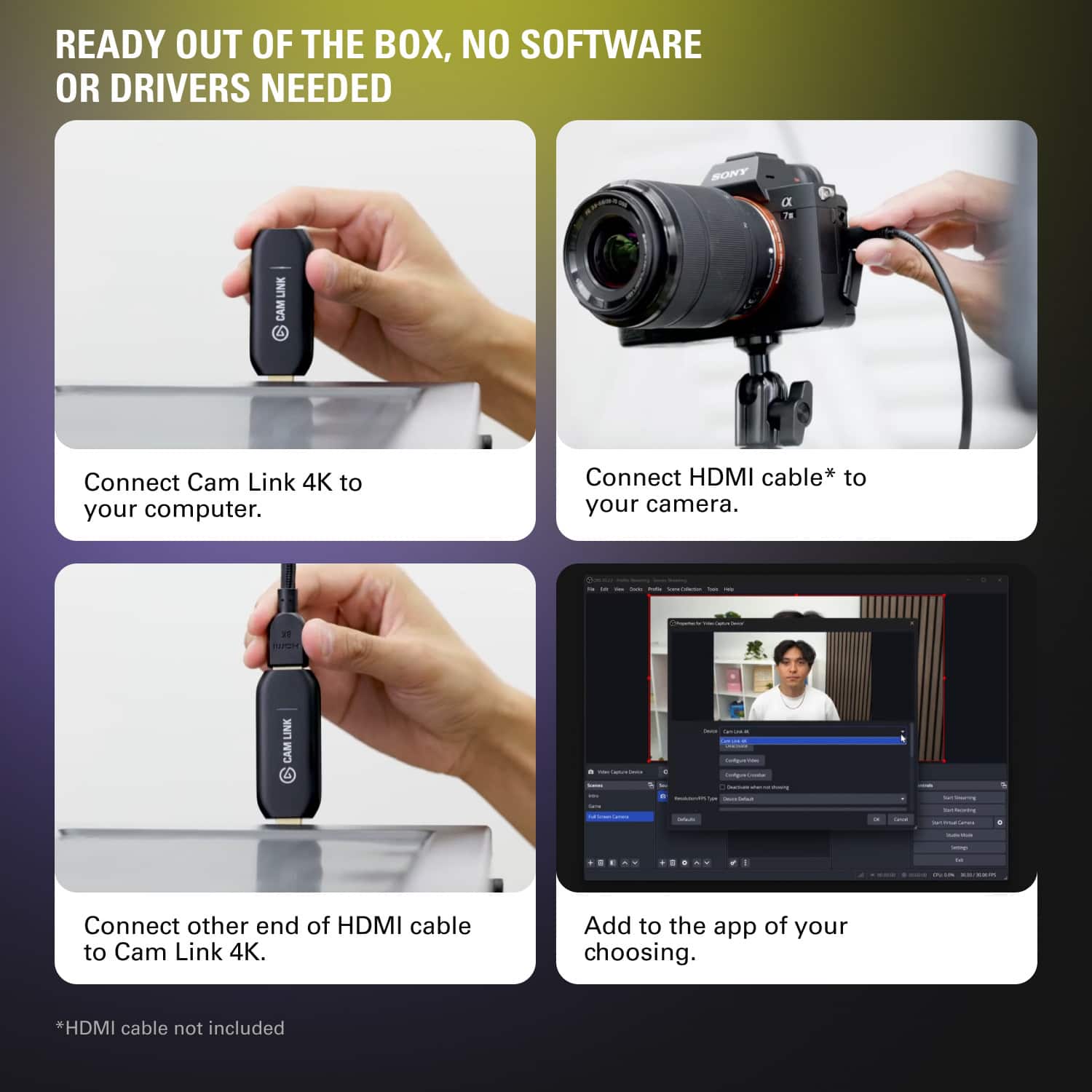
||Posted .This reviewer received promo considerations or sweepstakes entry for writing a review.I got this so I could turn my Canon Vixia HF R800 into a Webcam so I can stream at full 1080 at 60 Hz. This product was extremely easy to hook up, my setup required a mini HDMI to HDMI cable, but all this product has to do is plug into a 3.0 USB port. My stream now looks more professional due to the quality of the Webcam.
I would recommend this to a friend - Pros mentioned:Overall performance, Video quality
Rated 5 out of 5 stars
Works Flawlessly – Plug and Play Simplicity
||Posted .This reviewer received promo considerations or sweepstakes entry for writing a review.I’ve been using the Cam Link for months and it’s been rock solid. Instantly turns my DSLR into a webcam with zero hassle. Great video quality, no lag, and super easy setup. Whether streaming or Zoom calls, it just works every time. Worth every penny.
I would recommend this to a friend - Pros mentioned:Compatibility, Ease of use, Video quality
Rated 5 out of 5 stars
Works out of the box - just plug and play
||Posted . Owned for 3 weeks when reviewed.This reviewer received promo considerations or sweepstakes entry for writing a review.I was contemplating getting one of those cheap sub-$20 usb capture cards, but I didn't want to take any chances with bad quality captures. So I spent the extra $ for the Elgato Cam Link 4k and I'm glad I did! Works out of the box - just plug in (USB 3) and start streaming or capturing to your favorite capture software. I used OBS. Video quality at 1080 @ 24 looked great using my Sony mirrorless A7 III! I didn't try capturing 4k but this can. Get this and you'll be happy.
I would recommend this to a friend - Pros mentioned:Ease of use, Video qualityCons mentioned:Price
Rated 5 out of 5 stars
Perfect video capture device just WORKS!
||Posted .This reviewer received promo considerations or sweepstakes entry for writing a review.This is must have for pandemic. Everything is virtually done, I wanted my zoom meeting to be much better than terrible web cam most computer/ smart devices comes with. I hook this up with my DSLR whole new world opens up in terms of image quality. Its plug and produce. You can use this to so many live streaming and upload. Very happy with this device first 5 star review in many many products I buy from Bestbuy. $129 high price I thought after what it does it worth every dollar.
I would recommend this to a friend - Pros mentioned:Video quality
Rated 5 out of 5 stars
Youlivetofly
||Posted . Owned for 3 weeks when reviewed.This reviewer received promo considerations or sweepstakes entry for writing a review.The Cam Link is fantastic! It delivers excellent video quality and makes connecting a DSLR or mirrorless camera to your computer effortless.
I would recommend this to a friend - Pros mentioned:Video quality
Rated 5 out of 5 stars
Launchpad for the Greatest Movement of All Time
||Posted . Owned for 1 week when reviewed.This reviewer received promo considerations or sweepstakes entry for writing a review.As a visionary coach and Kingdom-minded creator, I purchased the Elgato Cam Link 4K to elevate the way I serve others through powerful video content. It’s the heart of my new setup to produce podcasts, coaching sessions, and transformational digital courses that empower people to live with purpose and impact. Even before full use, the build quality, ease of setup, and trusted recommendations showed me this is the right investment. It instantly leveled up my camera to deliver professional-quality video—and I haven’t even scratched the surface yet. This isn’t just a tech tool. It’s a mission-enabling device. I’m preparing to use it to create content that inspires change, brings clarity, and multiplies impact far beyond a screen. If you’re building anything meaningful, this is your upgrade. The Cam Link 4K is excellence in your hands. Highly recommend for any creator who’s chasing greatness.
I would recommend this to a friend - Pros mentioned:Ease of use, Video qualityCons mentioned:Price
Rated 5 out of 5 stars
Way better than a web cam hands down!
||Posted . Owned for 3 weeks when reviewed.This reviewer received promo considerations or sweepstakes entry for writing a review.works way better than a webcam, bought a new Canon EOS Revel SL2 and this work perfect with it to give me a very clear video quality image. I love it, easy set up as well. Probably could be cheaper for about $99 in my opinion, but still a great purchase.
I would recommend this to a friend - Pros mentioned:Compatibility, Video quality
Rated 5 out of 5 stars
Works Out Of The Box EXCELLENT
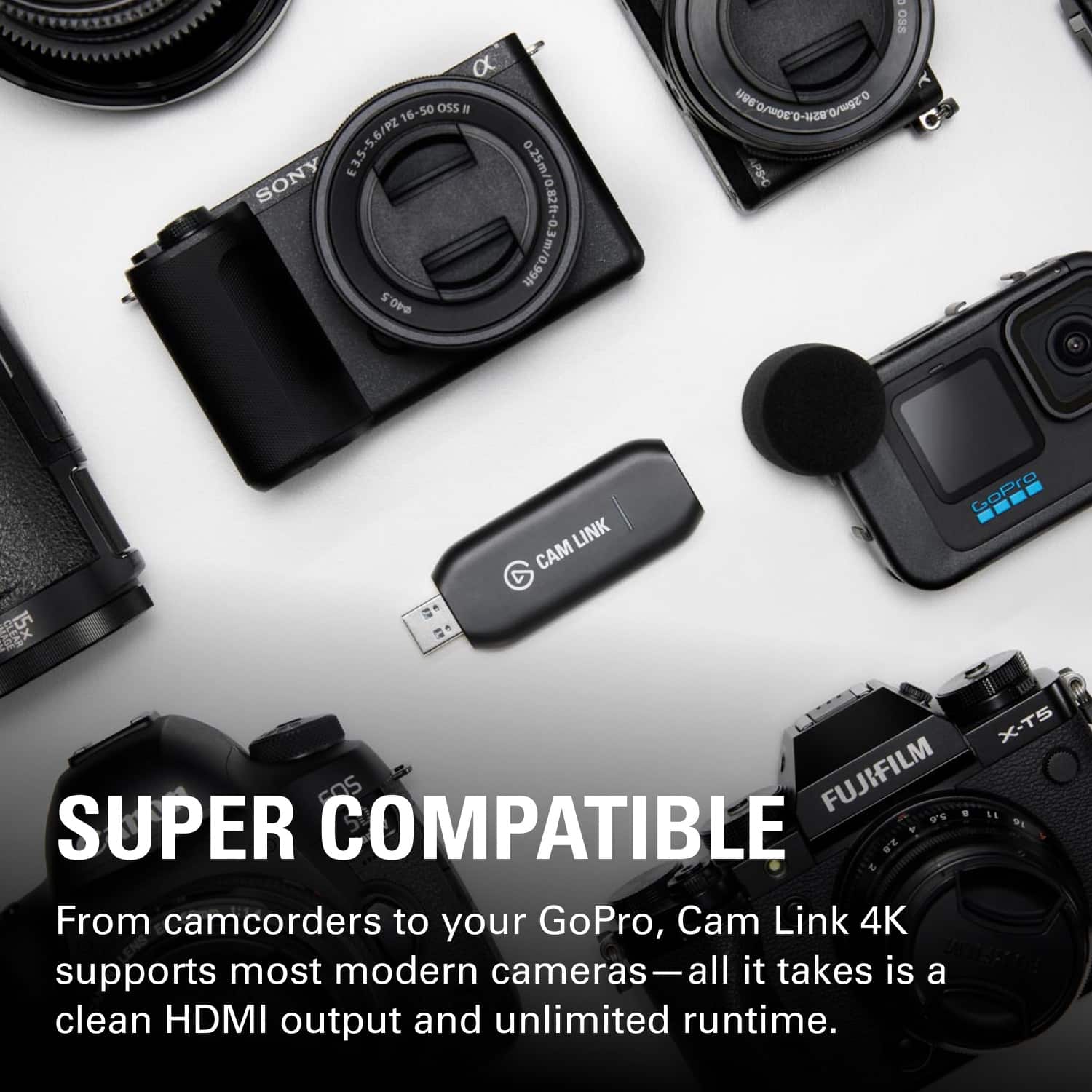
||Posted . Owned for 1 week when reviewed.This reviewer received promo considerations or sweepstakes entry for writing a review.Excellent, easy to set up and nothing required to download. I needed to be able to attach two exterior cameras to a laptop for better quality live-streaming. I plugged the Cam Link into the USB on the side of my laptop running Windows 10 Pro. The Sony AX-100, the Sony AX-700, and the Nikon Z7 were each immediately compatible and showed up in my zoom setup as the camera choice for streaming. I could not be happier. I was glad I did not have to download any software to my computer for this to work, it's plug-and-play. Up until I purchased this capture device, I relied on the Logitech Stream Cam. It was ok, but I couldn't control the exposure, f-stop and frame rate other than through the very limited zoom or capture software. With this unit, I have total exposure control. I definitely recommend this to anyone who wants to improve their image/video quality during live-streaming. Your quality is only going to be as good as the camera you attach. Go DSLR, or Mirrorless. Don't waste time with usb-cams.
I would recommend this to a friend - Pros mentioned:Compatibility, Video quality
Rated 5 out of 5 stars
Does as advertised!
||Posted . Owned for 3 weeks when reviewed.This reviewer received promo considerations or sweepstakes entry for writing a review.Works well with a Canon R7 and Canon R5. Was able to add them both successfully as a camera source for OBS and also Streamlabs without any issues. Quality is great and overall pleased with how it's working out.
I would recommend this to a friend - Pros mentioned:Video qualityCons mentioned:Heat
Rated 4 out of 5 stars
A decent device for new content creators
||Posted . Owned for 2 months when reviewed.This reviewer received promo considerations or sweepstakes entry for writing a review.Convenience/Quality to use it: 9/10 The Cam Link is actually great and all when it's all set up and ready to be used - it's pretty easier than I thought. However, there will be some issues when setting it up depending on which DSLR camera or other camera you use while connecting with the HDMI. Other than that, it does give 4K quality of the image and the frame rate is very smooth while streaming and also recording. Quality (Physical) of the Device: 7/10 Downside is that the device can be pretty hot sometimes, and the USB male part is pretty weak where it might bend hard. Price: 7/10 Price is pretty expensive for the quality of the device because of that USB male part bending, and overheating issue. Overall: 8/10 I think Elgato can do better job. But I hope they'll make a stronger and durable version of the device or at least have USB-C compatible one in the future.
I would recommend this to a friend - Pros mentioned:Ease of use, Overall performance
Rated 4 out of 5 stars
Very good.
||Posted . Owned for 4 months when reviewed.This reviewer received promo considerations or sweepstakes entry for writing a review.Worked well. Did not use for long but enjoyed the ease of the product.
I would recommend this to a friend - Pros mentioned:Overall performance
Rated 5 out of 5 stars
Great!
||Posted . Owned for 1 year when reviewed.This reviewer received promo considerations or sweepstakes entry for writing a review.Great as expected from Elgato. Easy to use, plug and play.
I would recommend this to a friend - Pros mentioned:Compatibility, Video quality
Rated 5 out of 5 stars
Perfect way to improve the quality of an webcam
||Posted . Owned for 3 months when reviewed.This reviewer received promo considerations or sweepstakes entry for writing a review.Most laptops still have low-resolution/quality webcams built into the laptop. I was looking for a simple way to take advantage of my SLR camera to provide a higher quality video input to use during online teaching and webinar events. The Elgato CamLink worked seamlessly with several different systems. From a high-end desktop broadcast "studio" setup to a traveling Chromebook, every system worked fine and immediately recognized my camera through the Camlink plug. The only negative would be if your USB input has other IO inputs close to the the USB input because the CamLink is "fat" and can spill over and block other USB or IO ports if they are horizontal (like on most laptops). If you are using it with a USB strip or a desktop where there is more space between IO ports... then you won't have any issues.
I would recommend this to a friend - Pros mentioned:Ease of use, Video qualityCons mentioned:Latency
Rated 5 out of 5 stars
Works great but watch for its system requirements
||Posted . Owned for 2 weeks when reviewed.This reviewer received promo considerations or sweepstakes entry for writing a review.I had to return this item when I used it with my old PC (13 yo at the time). I bought it again this time, it works great. I use it with OBS for my online chemistry class. No lag, great quality and easy to use.
I would recommend this to a friend - Pros mentioned:Compatibility
Rated 5 out of 5 stars
Plug N' Play - Enough Said!!
||Posted . Owned for less than 1 week when reviewed.This reviewer received promo considerations or sweepstakes entry for writing a review.Plugged this into a USB3.1 port and connected an HDMI cable to my DSLR. My PC recognized it as a webcam right away. Works in OBS like a charm. This is a much better solution than a webcam. It also cost less than most capture devices of this quality. Another win for Elgato!
I would recommend this to a friend - Pros mentioned:Overall performance, Video quality
Rated 5 out of 5 stars
Exceptional Performance and Professional Quality
||Posted . Owned for 3 weeks when reviewed.This reviewer received promo considerations or sweepstakes entry for writing a review.The Elgato Cam Link is an exceptional device that has become an integral part of my streaming setup. Its outstanding performance, remarkable video quality, user-friendly setup, and impressive versatility make it a must-have tool for content creators, streamers, and professionals alike. If you're looking to elevate your streaming game and deliver top-notch visuals, the Cam Link is a worthy investment that will exceed your expectations. I wholeheartedly recommend it to anyone seeking a reliable and high-quality capture card.
I would recommend this to a friend - Pros mentioned:CompatibilityCons mentioned:Connection
Rated 5 out of 5 stars
Works with Lumix G7
||Posted . Owned for 2 months when reviewed.This reviewer received promo considerations or sweepstakes entry for writing a review.Works with Lumix G7 but in order to get it to work you need to contact Elgato customer supoort and update the firmware, the steps get a little tricky but after a few back and forth emails with the supoort team everything was sorted out and running perfectly! Besides that i would highly recommend to anyone and advise you to contact supoort if sometbimgs not working or your camera just starts “glitching” (if it does this then its a connection issue with the Camlink, not your camera settings.
I would recommend this to a friend - Pros mentioned:Hdmi, Video qualityCons mentioned:Heat
Rated 5 out of 5 stars
Converting HDMI Camera Output to USB
||Posted . Owned for 4 months when reviewed.This reviewer received promo considerations or sweepstakes entry for writing a review.Great solution for converting the HDMI camera output in higher end cameras to USB for use with live streaming meetings from computers. Generated a little more heat that expected, but worked flawlessly, maintaining a solid reliable stream.
I would recommend this to a friend