Customer Ratings & Reviews
- Model:
- C11CH96201
- |
- SKU:
- 12490602
Customer reviews
Rating 4.6 out of 5 stars with 668 reviews
(668 customer reviews)Rating by feature
- Value4.6
Rating 4.6 out of 5 stars
- Quality4.6
Rating 4.6 out of 5 stars
- Ease of Use4.6
Rating 4.6 out of 5 stars
Rated 5 out of 5 stars
Easier than what others had said.
Posted .This reviewer received promo considerations or sweepstakes entry for writing a review.It was very easy to setup. It is versatile with the multiple paper trays. We use one for average unimportant paperwork and the other as a higher quality print option for items to be saved or photos. It is bigger than our last HP but looks like a machine, not a thin cheap piece of plastic meant for a one time use then throw it away deal.
This review is from Epson - EcoTank ET-15000 Wireless All-In-One Supertank Inkjet Printer - White
I would recommend this to a friendRated 5 out of 5 stars
Great Purchase!
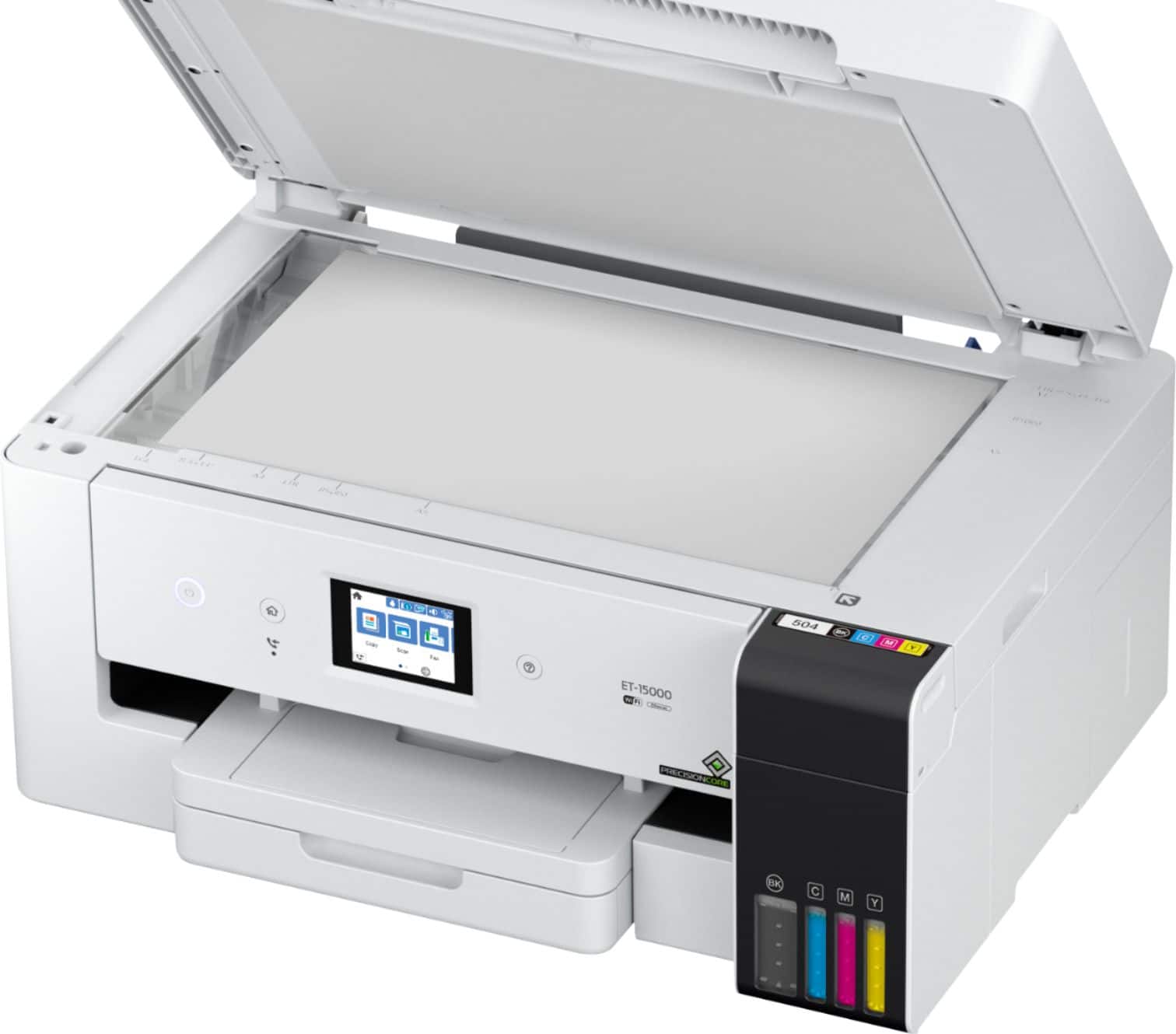
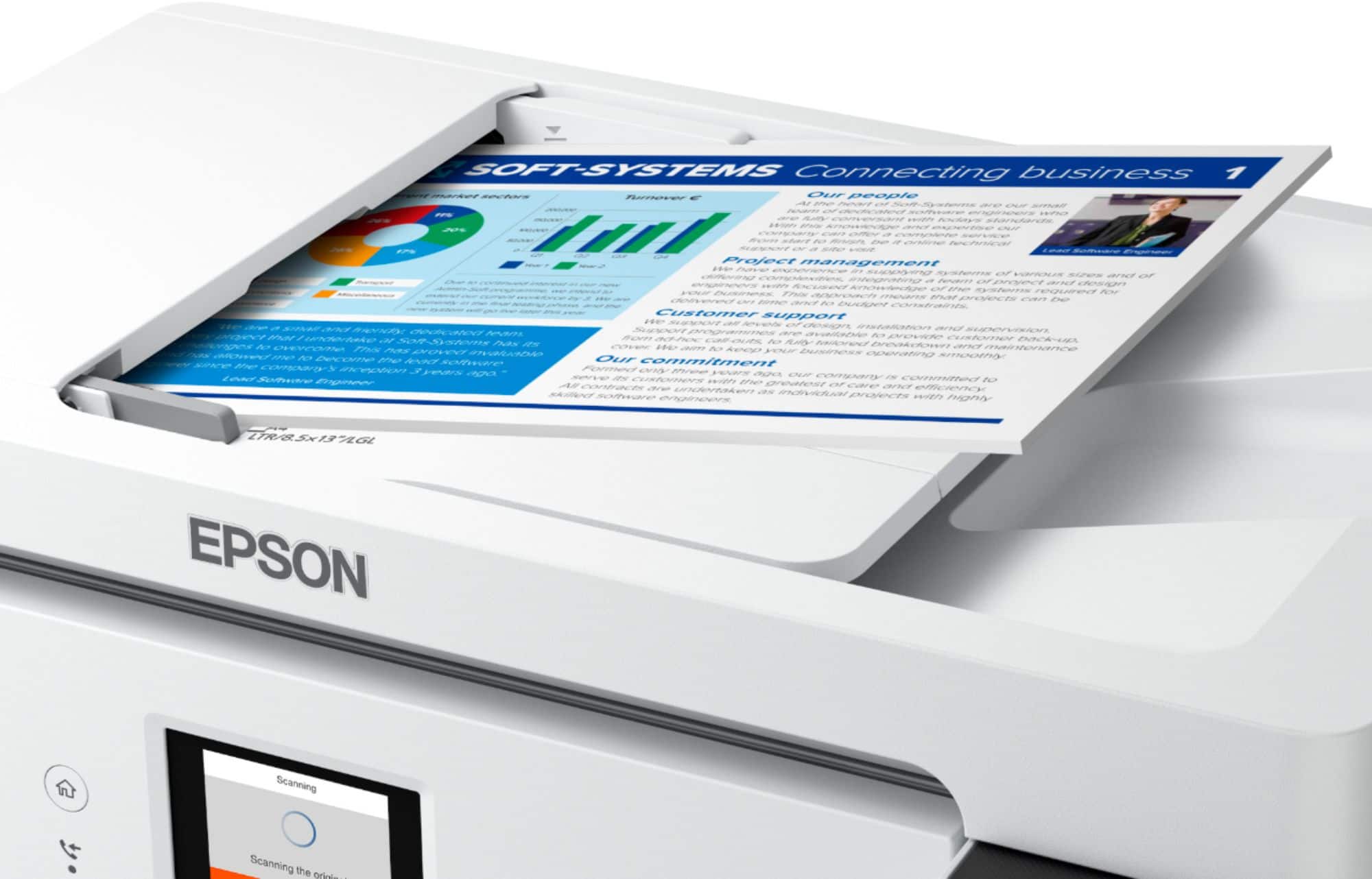
||Posted . Owned for 1 month when reviewed.This reviewer received promo considerations or sweepstakes entry for writing a review.I am very happy with this printer. Setup was a breeze. I love the idea of ditching the old ink / toner cartridges. The ink wells fill up without a mess. The machine prints beautifully and is very easy to use. The printer prints on two sides of the paper, which is a great feature. The touchscreen is my favorite feature! I don't use the fax, so I can't comment on that function, Scanning is convenient with the choice of feeding tray or flatbed. I haven't used the rear paper feed yet. Unfortunately, I have had a couple of paper jams where I had to open the back panel to remove the paper. It was an easy fix. I am very pleased with my purchase and recommend the printer to anyone looking for a 4 in one.
This review is from Epson - EcoTank ET-15000 Wireless All-In-One Supertank Inkjet Printer - White
I would recommend this to a friendRated 4 out of 5 stars
Printer set up is a pain in the $^##%!!
||Posted . Owned for 2 weeks when reviewed.This reviewer received promo considerations or sweepstakes entry for writing a review.I have two other ET Epson Printers bought a few years back and have not had any issues with them whatsoever except for the setup. Evidently this is a common issue because it's still an pain in the buttock. First issue upon unboxing - no instructions or quick setup guide. Fortunately, I've had experience with these printers before and went to Epson for software and firmware updates. After deciding what bloatware NOT to install, I proceeded with the setup. Let's just say the hour it took me to set up the network portion and to have a reliable connection was less than desirable. One thing I have noted for you Microsoft Extortion users (EXECL) printing your sheets maybe problematic as it don't like the ET-15000. Everything prints fine on the ET-4750 I have. Other reviews have indicated a reconnectivity issue with the printer not being recognized after it has been off for a period of time. So far I have not experienced this issue. Eventually I did get this contraption set up and it's working, no thanks to the setup procedures. Printer quality and paper handling options with the different and oversized documents was the main reason for purchasing for genealogy research and digitization. I've been very pleased with the Epson printer, so if purchasing, be prepared for a frustrating and redundant exercise in futility in the set up process. Otherwise, this is a great printer - good luck and have plenty of coffee!
This review is from Epson - EcoTank ET-15000 Wireless All-In-One Supertank Inkjet Printer - White
I would recommend this to a friendRated 5 out of 5 stars
Great Printer
||Posted .This reviewer received promo considerations or sweepstakes entry for writing a review.This printer is everything and then some. Easy set up and ink fill. I didn't use it for a couple weeks and was afraid the ink dried up and ruined the print head. Nope. Just ran a quick print head clean and it worked beautifully. The colors are vivid and works great for sublimation.
This review is from Epson - EcoTank ET-15000 Wireless All-In-One Supertank Inkjet Printer - White
I would recommend this to a friendRated 5 out of 5 stars
Excellent Printer!!!!!
||Posted . Owned for 1 month when reviewed.This reviewer received promo considerations or sweepstakes entry for writing a review.Wowzer! Great size and so easy to use. I use it for sublimation and I print out big 13x19 sheets for garden flags and spinners. Color is vibrant and printer is fast. Scanner works great too. Go for it!
This review is from Epson - EcoTank ET-15000 Wireless All-In-One Supertank Inkjet Printer - White
I would recommend this to a friendRated 5 out of 5 stars
Amazing Printer
||Posted . Owned for 3 weeks when reviewed.This reviewer received promo considerations or sweepstakes entry for writing a review.This an amazing printer that can handle all print sizes and was easy to set up!
This review is from Epson - EcoTank ET-15000 Wireless All-In-One Supertank Inkjet Printer - White
I would recommend this to a friendRated 5 out of 5 stars
IN LOVE WITH THIS PRINTER
||Posted .This reviewer received promo considerations or sweepstakes entry for writing a review.Great buy and value, at first I thought to high in price, I grabbed it at a sales price and am loving the results. I like to copy pictures of the family, and have a really large print-out. Following the dircrection it was easy to get online even for a 75yr old "I AM IN LOVE"
This review is from Epson - EcoTank ET-15000 Wireless All-In-One Supertank Inkjet Printer - White
I would recommend this to a friendRated 5 out of 5 stars
Excellent printer
||Posted .This reviewer received promo considerations or sweepstakes entry for writing a review.This is my 2nd epson et150000. I do crafts and 3d printing as well as sublimation crafts. My first epson is used for sublimation prints and this 2nd one will be for standard ink and printing. Love the large format soze of paper this will handle. Excellent device i higher recommend
This review is from Epson - EcoTank ET-15000 Wireless All-In-One Supertank Inkjet Printer - White
I would recommend this to a friendRated 4 out of 5 stars
Huge ink tank, lightning speed printing
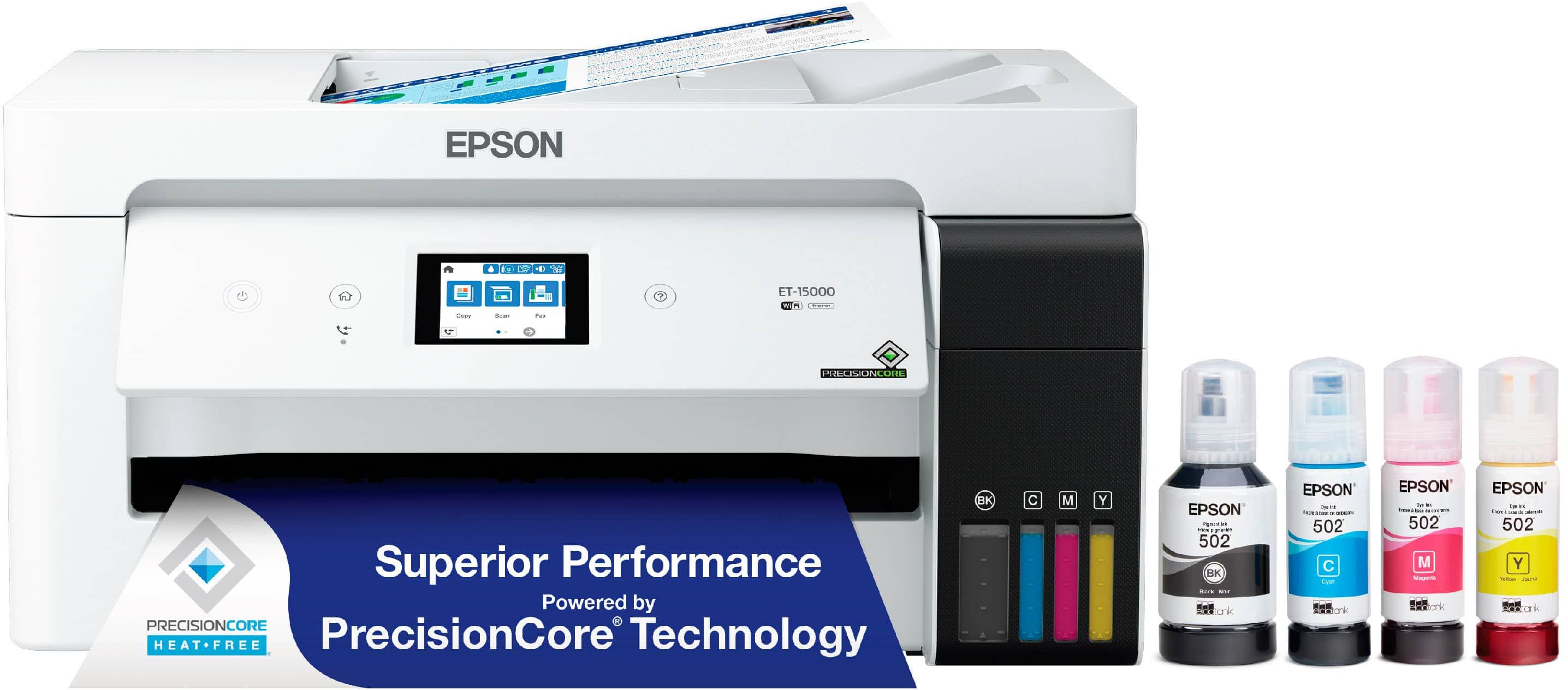
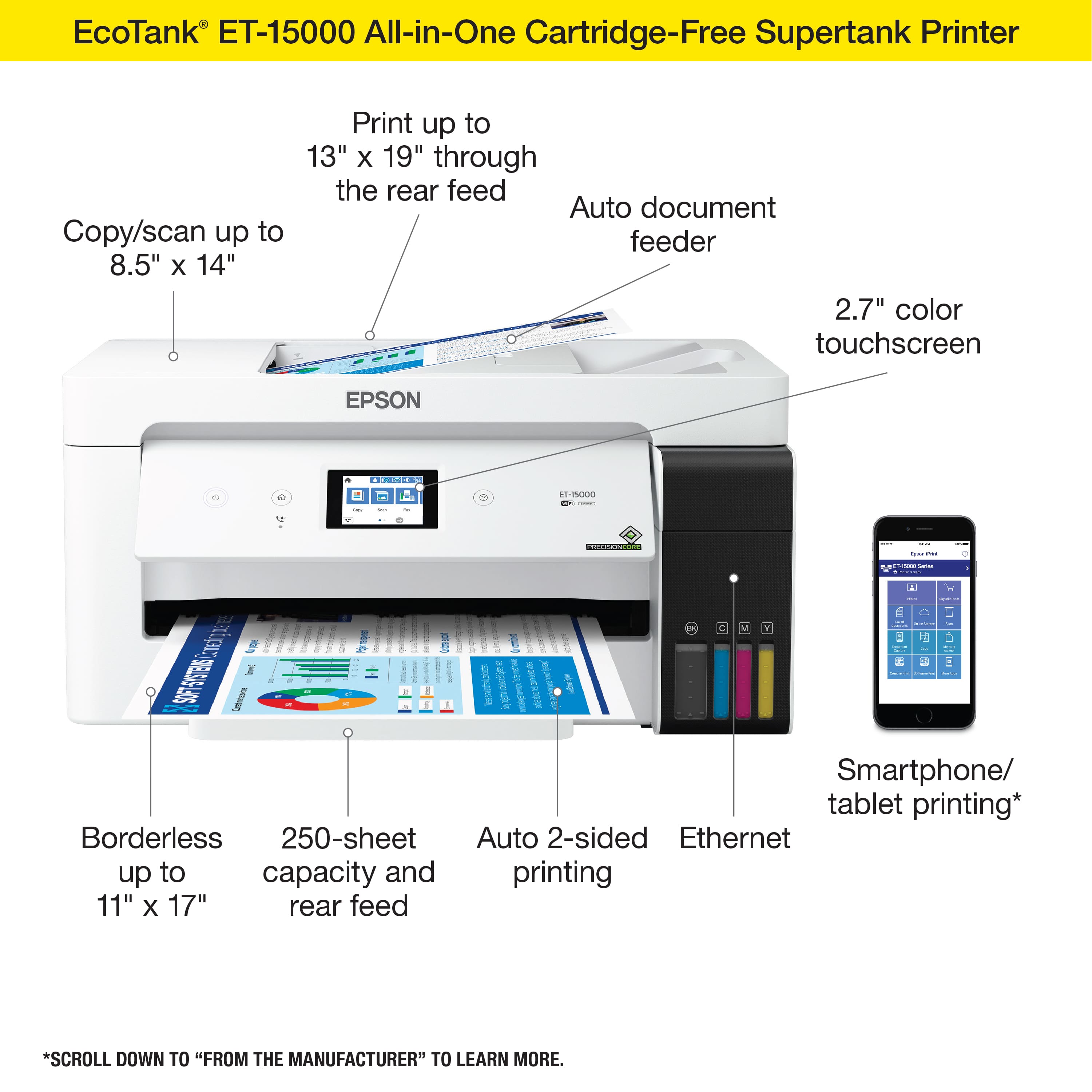
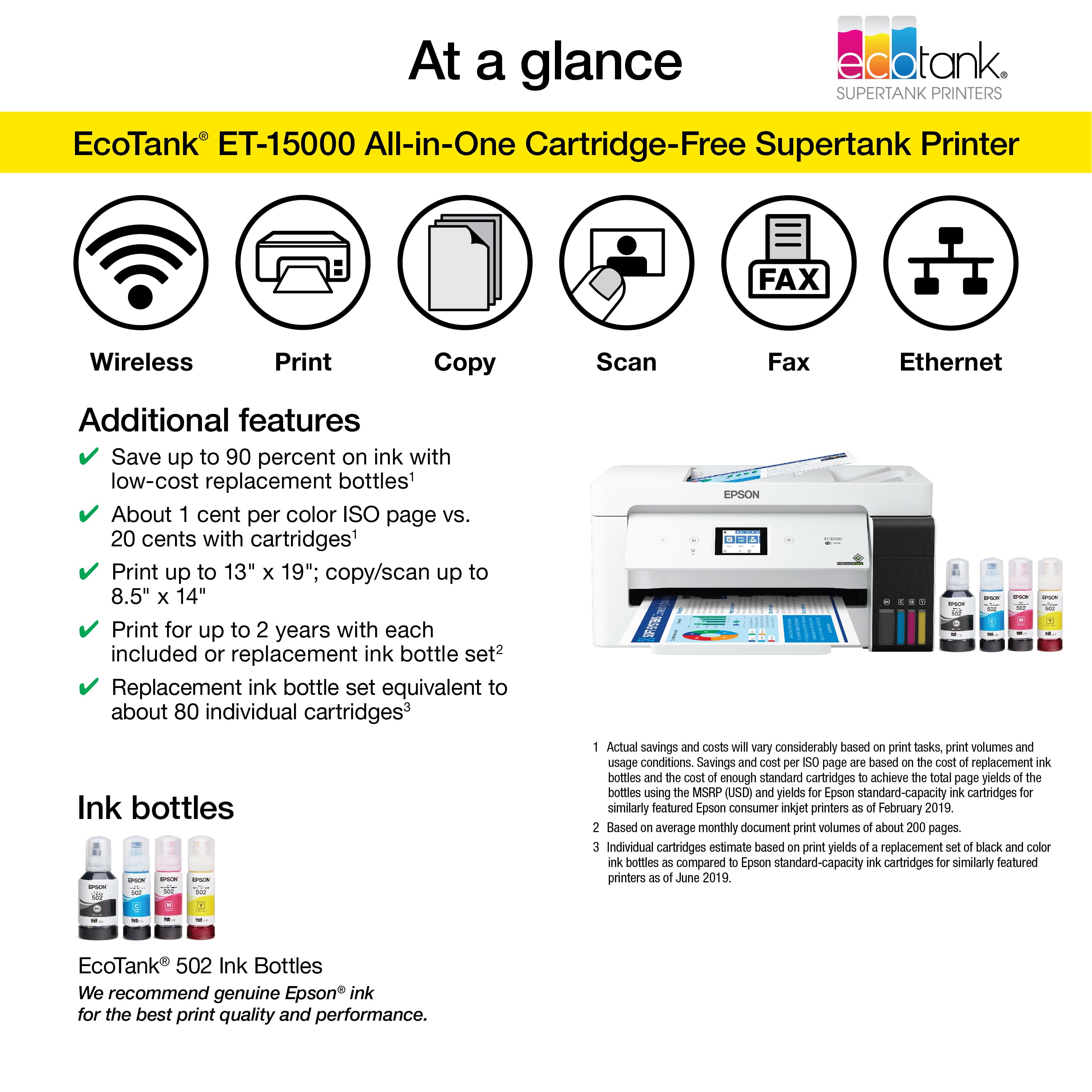
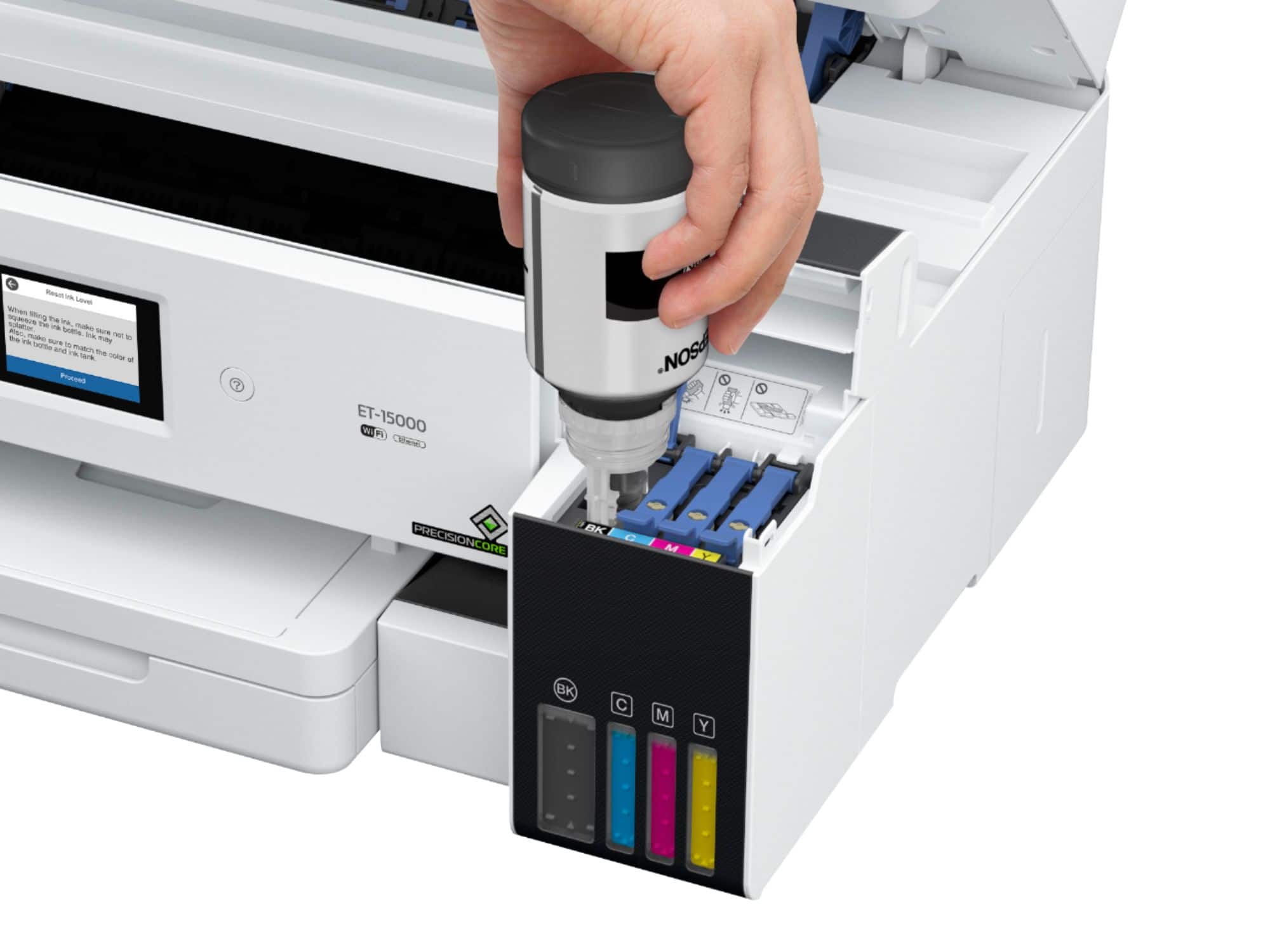
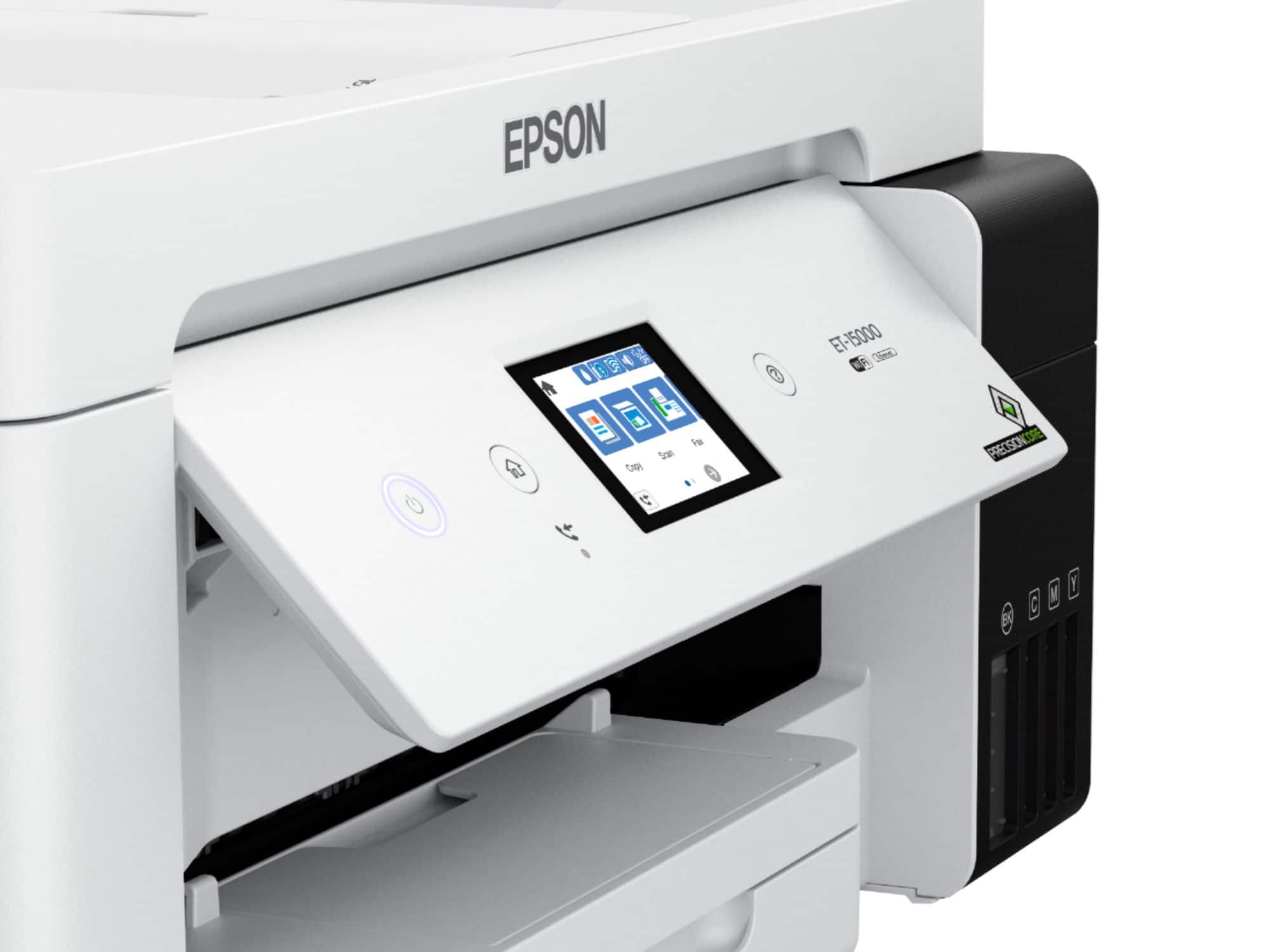
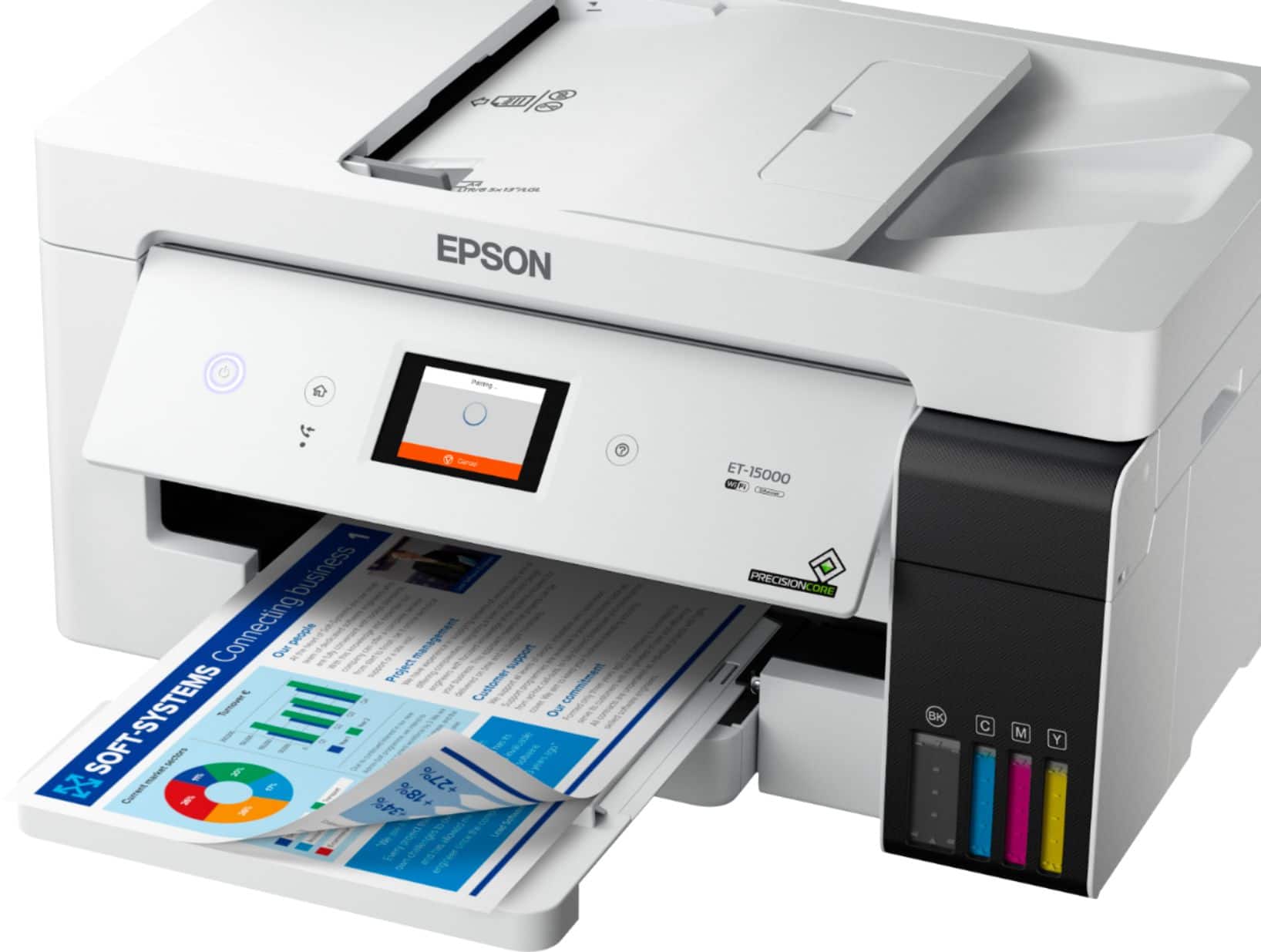
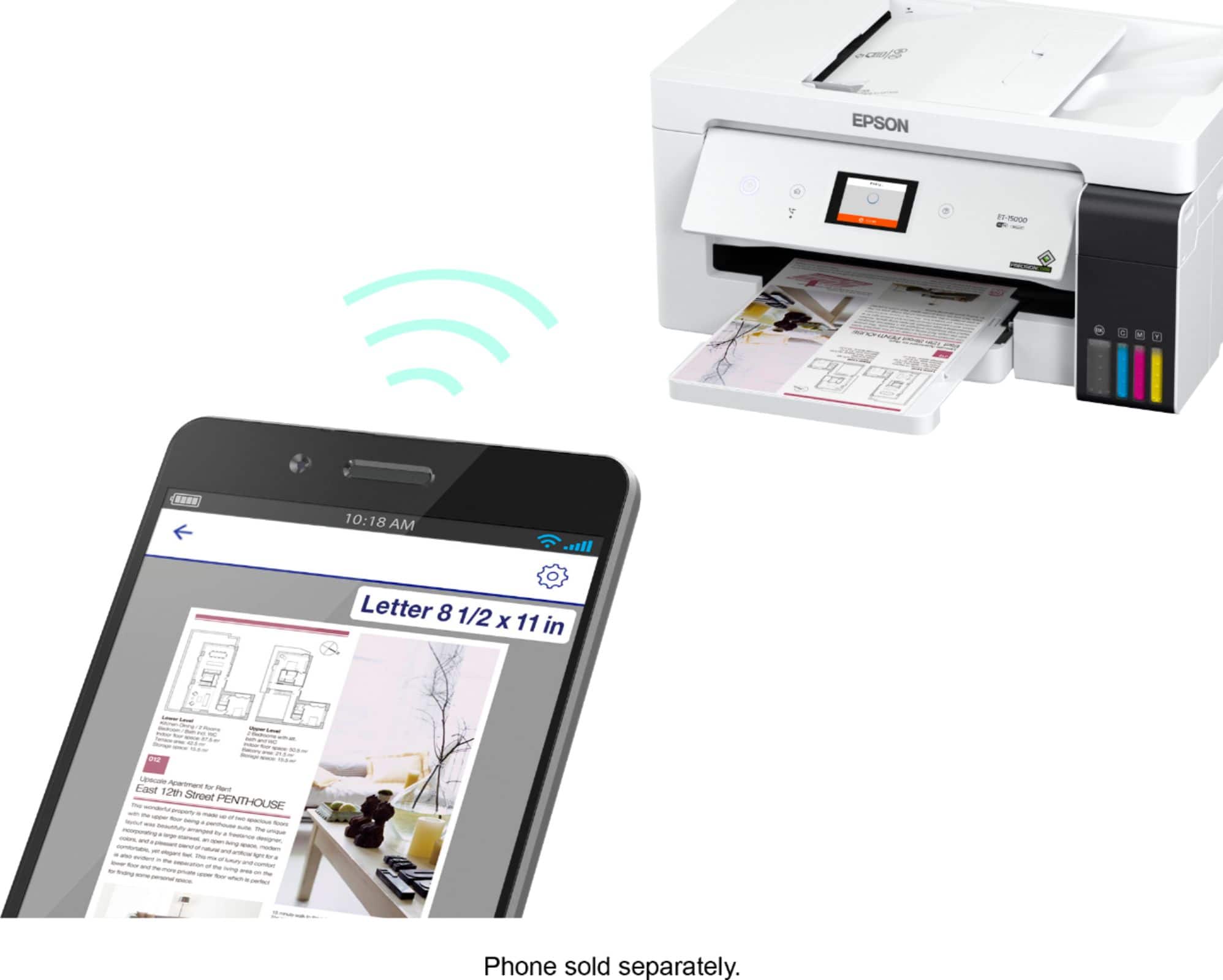
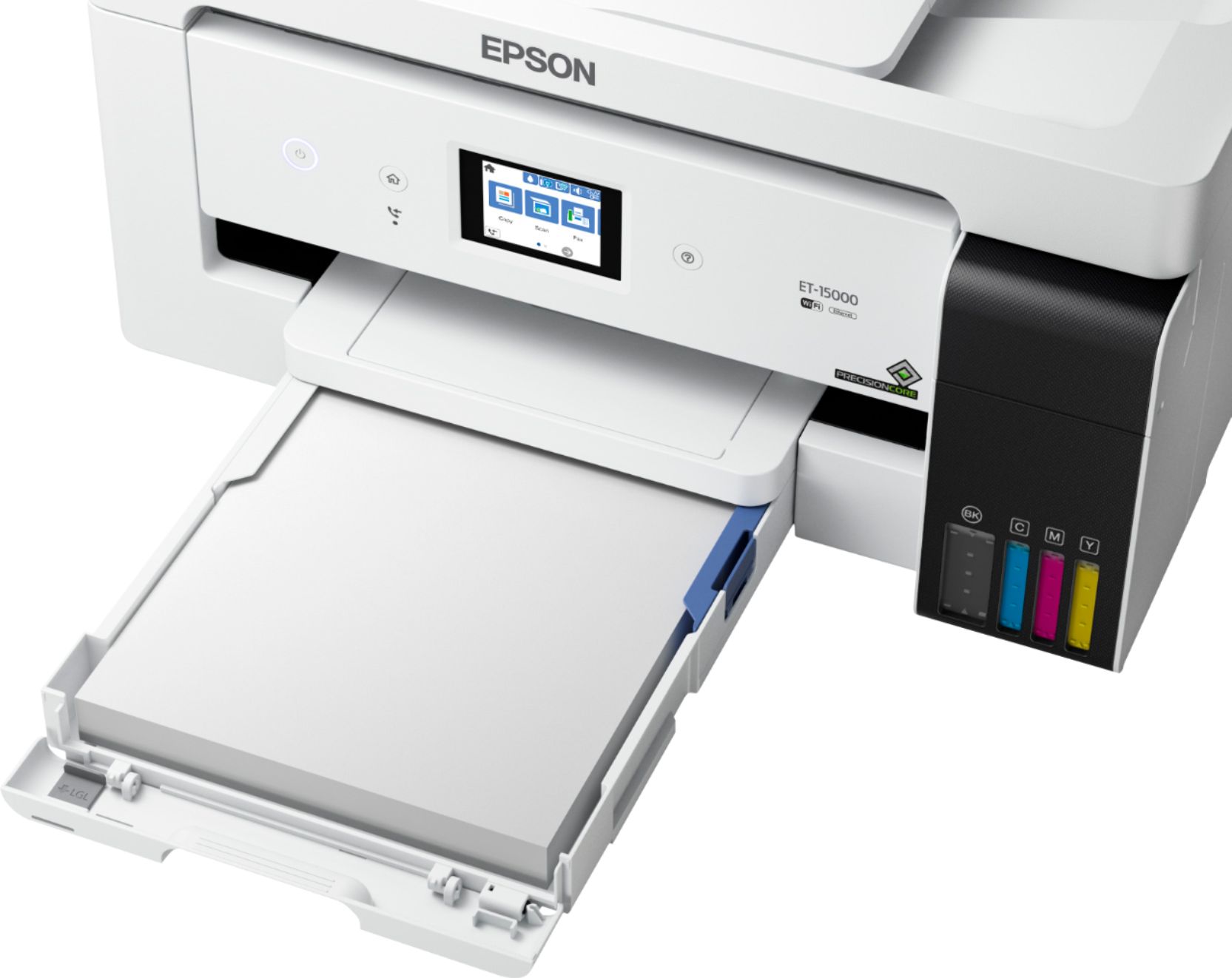
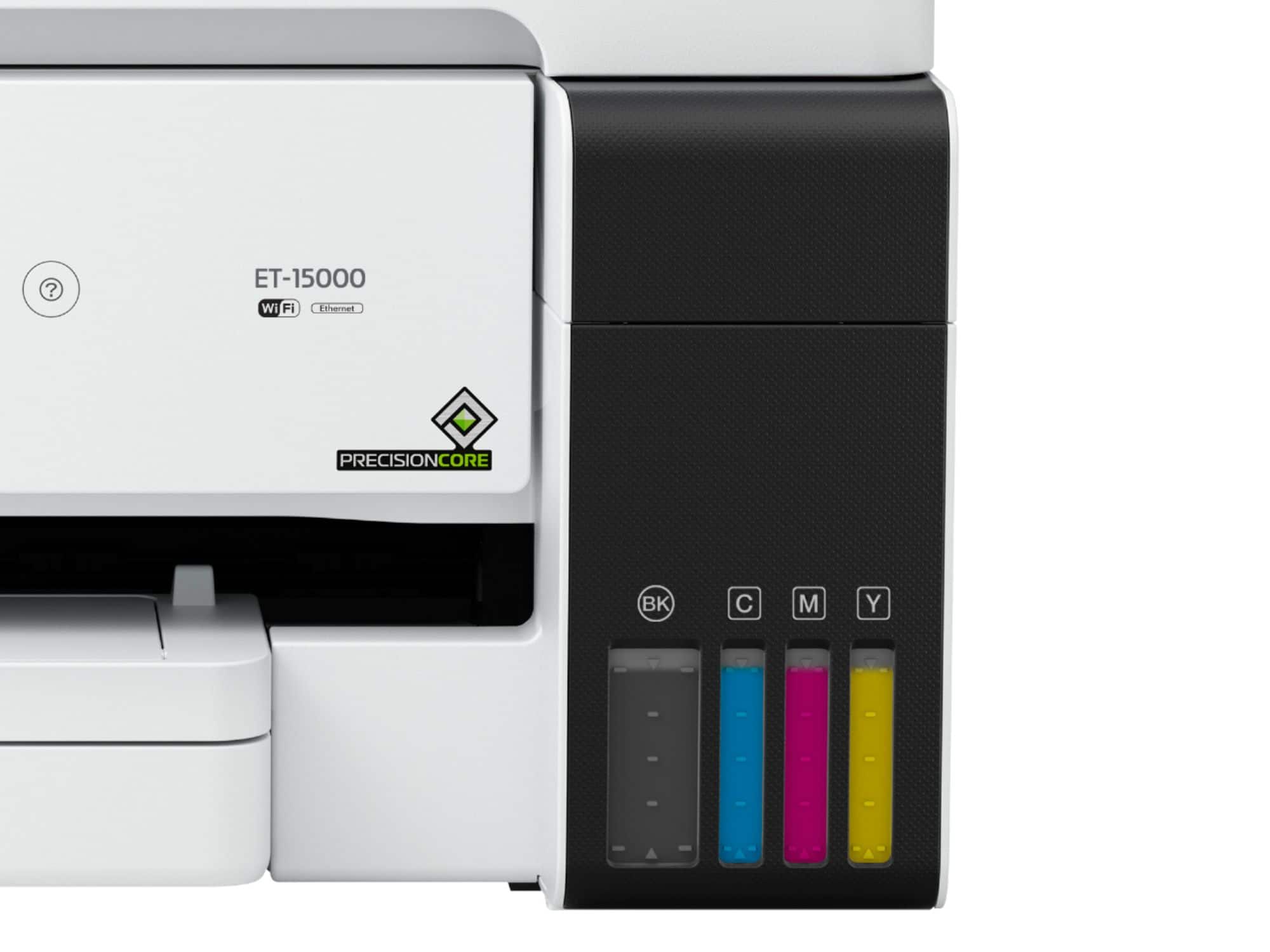
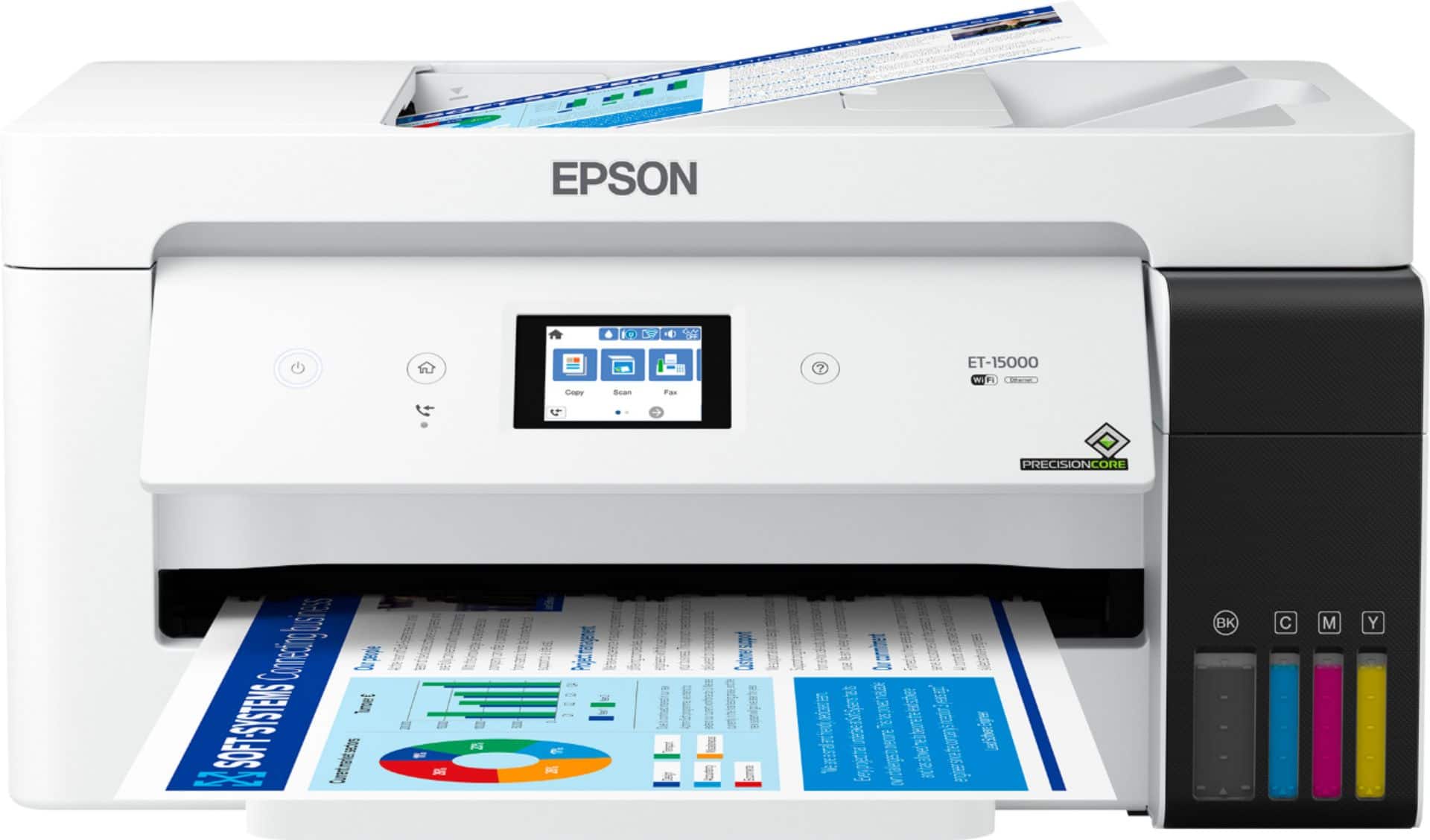
Posted .This reviewer received promo considerations or sweepstakes entry for writing a review.Pros: Super fast printing Huge ink tank Ultra easy ink reloading Easy to register Gives you an email address to print from anywhere Easy to reload paper Cons: Touschscreen is small and can cause accidental clicks Paper jammed for me a couple times using bottom loader The Epson EcoTank ET-15000 is great for all kinds of users, set up was simple, prints extremely fast, super easy to load ink and ink tanks are huge, and the touchscreen is easy to navigate. I had a ton of fun loading the ink tanks on this printer, you just open up the ink bottle and it in to the color correlated ink tank and it fills all on its own and stops by itself. Also, the ink tank is huge, and has a convenient window to see all the different colors of ink so you can tell what is getting low. the printer claims it can print up to 6000 color pages, or 7000 black pages on just the included ink bottles alone, which is just amazing. The registration was easy but I hit one snag with my virus protection trying to block the installation so I suggest a new user of this product to pause their virus protection software temporarily. I love that the printer has an email address so that me or my husband can print from anywhere, it's such a cool feature! You will receive an email after registering your printer that has your printer's personal email address on it as well as the printer will print a page with the info on it, so be sure to save the email. The touchscreen is cool and I love how easy it is to navigate through the menus on the screen. I found the touchscreen to be a little small though, and I had a few accidental clicks that were slightly frustrating. I came across a snag when trying to print using the bottom paper cassette, I had a couple paper jams that were somewhat difficult to fix but once I moved the paper to the back loader I was able to print without any jams whatsoever. This printer prints documents super-fast. I tested it by printing a few regular test pages of different documents and a few worksheets for my preschool age daughter and they all printed at lightning speed. After installing the software, my phone easily picked up the printer so I could print from my phone as well. The scanner scans clear copies of documents and is easy to find in my computer. Despite one or two small hiccups, this printer is an amazing addition to any home and will make printing work documents, personal documents, worksheets for the kids, etc a breeze. The huge ink tank will ensure you don't have to order ink for a very long time and reduce a lot of waste. This is a review for the Epson EcoTank ET-15000 Wireless Printer that I received free of charge to do a beta test and review.
This review is from Epson - EcoTank ET-15000 Wireless All-In-One Supertank Inkjet Printer - White
I would recommend this to a friendRated 5 out of 5 stars
Customer.
||Posted . Owned for 2 weeks when reviewed.This reviewer received promo considerations or sweepstakes entry for writing a review.Easy to set up and printing is great. The phone app works great as well. Recommend this printer.
This review is from Epson - EcoTank ET-15000 Wireless All-In-One Supertank Inkjet Printer - White
I would recommend this to a friendRated 5 out of 5 stars
Great printer with huge ink tanks
Posted .This reviewer received promo considerations or sweepstakes entry for writing a review.Unboxing was simple and the first thing I noticed was the size of the huge ink tanks. My old printer used cartridges and they were costly. Setup seemed pretty simple and the touch screen is a nice feature but a little small for big fingers. The added feature I never knew existed was the ability for the printer to have its own email address! I run a small internet business on the side and I mainly do business from my phone. The printers WiFi capability picked up my phones blu tooth and I was printing shipping labels with ease. It’s super fast and doesn't make a bunch of pre print noise or adjustments like others I have delay with. It just prints! The size is nice but I suggest being able to get to all of the feeders especially if your printing a large amount as I couldn’t fit as much paper in the bottom feeder as I could in the back. The print front back feature was a little confusing to figure out but once you get it right just leave it and it does it on its own. Color prints bright and crisp, just give the paper about 30-60 seconds to dry. The size of the tanks is ridiculous in a good way!! No one wants to spend a fortune on ink and the printer fills full with ink still left! It says it can print over 6K pages before refilling!! If that’s true you can easily get 10K pages out of a bottle (at least what I feel) the size of the ink storage should be your reason to buy, however it’s a great performing printer on top of that and has more features than I know what to do with! Highly recommend!! This is a review for the Epson EcoTank ET-15000 Wireless Printer that I received free of charge to do a beta test and review.
This review is from Epson - EcoTank ET-15000 Wireless All-In-One Supertank Inkjet Printer - White
I would recommend this to a friendRated 5 out of 5 stars
Great Investment
||Posted .This reviewer received promo considerations or sweepstakes entry for writing a review.The Ecotank 15000 was an excellent choice due to its simple setup. I appreciate that I can print on large sheets of paper, which makes the printer worth the investment. I ended up buying two of them.
This review is from Epson - EcoTank ET-15000 Wireless All-In-One Supertank Inkjet Printer - White
I would recommend this to a friendRated 5 out of 5 stars
Prison 15000
||Posted .This reviewer received promo considerations or sweepstakes entry for writing a review.This printer has been phenomenal. I was looking for one that printed larger paper and this one fits the bill! I love it! No problems to date!
This review is from Epson - EcoTank ET-15000 Wireless All-In-One Supertank Inkjet Printer - White
I would recommend this to a friendRated 5 out of 5 stars
Tima-Burk copier
||Posted .This reviewer received promo considerations or sweepstakes entry for writing a review.Love it. Very easy to run, operate. Color is great
This review is from Epson - EcoTank ET-15000 Wireless All-In-One Supertank Inkjet Printer - White
I would recommend this to a friendRated 5 out of 5 stars
If U want amazing print quality and speed GET THIS
||Posted . Owned for 3 weeks when reviewed.This reviewer received promo considerations or sweepstakes entry for writing a review.This printer quality exceeds my expectations. No smudges smears or paper jams. Ink is easy to fill and way more cost efficient than cartridges. Other alternative inks for modifying for crafting/sublimation as well although I will just stick with genuine Epson products and recommendations. It is fairly heavy you need a sturdy printer stand for it as well as a fabric cover all so it doesn’t collect dust, and don’t forget a surge protector. Has to be kept in cool area so the ink doesn’t clog so not recommended for garage offices etc. set up was a breeze and you can also call Epson customer care or geek squad for help with set up making it even easier for those not tech savvy. I can print literally anything from office docs, forms to photos for my photo albums and frames. Everyone can get a use out of this. Geek squad protection available for up to 4 years after manufacturer warranty and day one coverage for power surges.
This review is from Epson - EcoTank ET-15000 Wireless All-In-One Supertank Inkjet Printer - White
I would recommend this to a friendRated 5 out of 5 stars
Great transaction!
||Posted .This reviewer received promo considerations or sweepstakes entry for writing a review.Easy set up and quality prints. Best Buy is my go to place for audio, video and computer products!
This review is from Epson - EcoTank ET-15000 Wireless All-In-One Supertank Inkjet Printer - White
I would recommend this to a friendRated 5 out of 5 stars
Goodbye HP Cartridge Printer
Posted .This reviewer received promo considerations or sweepstakes entry for writing a review.As a family of five we use our home printer weekly for both personal and business use and have been "just okay" with our wireless HP printer. We were constantly (at least quarterly) ordering printer cartridges and had no idea that the print quality was that inferior until we hooked up our EcoTank ET-15000 by Epson. It's literally in a class by itself. It took us less than 10 minutes to set up the printer from unboxing to printing. We love the wireless function and the ability to print from our home computer, laptops and mobile devices. The print quality is exceptional (clear, smudge free and accurate color) but the fact that we have TWO YEARS in printer ink makes this truly a game changer. For all of its great abilities the printer is also quite streamlined and tucks away in a space where we keep all of our electronics. This is a review for the Epson EcoTank ET-15000 Wireless Printer that I received free of charge to do a beta test and review.
This review is from Epson - EcoTank ET-15000 Wireless All-In-One Supertank Inkjet Printer - White
I would recommend this to a friendRated 5 out of 5 stars
Nice home office printer
||Posted . Owned for 2 weeks when reviewed.This reviewer received promo considerations or sweepstakes entry for writing a review.I work from home the majority of the time. I wanted a good quality all in one printer. I have not tried anything fancy yet, but it seems to work well printing and scanning. The wifi connectivity works great throughout my house which is really nice.
This review is from Epson - EcoTank ET-15000 Wireless All-In-One Supertank Inkjet Printer - White
I would recommend this to a friendRated 5 out of 5 stars
Good printer
||Posted .This reviewer received promo considerations or sweepstakes entry for writing a review.Bought this for my girlfriend for her sublimations. Overall great printer. We have only had some issues where it kept saying paper jam and we checked it really good. We never found the jam but eventually it went away. But overall its good and we are still using it.
This review is from Epson - EcoTank ET-15000 Wireless All-In-One Supertank Inkjet Printer - White
I would recommend this to a friendRated 4 out of 5 stars
Love it
||Posted . Owned for 1 year when reviewed.This reviewer received promo considerations or sweepstakes entry for writing a review.Love my Epson printer. Prints very nice and for the most part easy to figure out.
This review is from Epson - EcoTank ET-15000 Wireless All-In-One Supertank Inkjet Printer - White
I would recommend this to a friend
People also viewed
- $799.99$799.99The price was $849.99
- $179.99$179.99The price was $239.99
- $159.99$159.99The price was $248.00
- $229.99$229.99The price was $379.99
- $149.99$149.99The price was $249.99
- $279.60$279.60The price was $323.00