Customer Ratings & Reviews

- Model:
- C11CJ29201
- SKU:
- 10840642
Rating by feature
- Value
Rating 4.5 out of 5 stars
- Quality
Rating 4.7 out of 5 stars
- Ease of Use
Rating 4.6 out of 5 stars
Great printer
||Posted . Owned for 3 weeks when reviewed.This reviewer received promo considerations or sweepstakes entry for writing a review.Great printer for a small office. Fits 3 different paper/envelopes.
I would recommend this to a friendGreat Printer
||Posted . Owned for 1 month when reviewed.This reviewer received promo considerations or sweepstakes entry for writing a review.Great for home office. Love that it scans and prints double sided.
I would recommend this to a friendNot enough information given at time of purchase
||Posted . Owned for 3 weeks when reviewed.This reviewer received promo considerations or sweepstakes entry for writing a review.It required more things for my system and caused my server to fail.
No, I would not recommend this to a friendBrand response from Epson
Posted .Hi Epson Customer, we are sorry to hear you are having issues with your Epson printer. Your ET-5850 includes free technical telephone support for the life of your product. Our Epson Support Team would be happy to help you and can be reached at (562) 276-4382; Hours: Monday – Friday, 7 a.m. to 4 p.m. (PT). Sincerely, Joseph – The Epson Team.

Great printer
||Posted . Owned for 1 month when reviewed.This reviewer received promo considerations or sweepstakes entry for writing a review.Love the fact that it has large volume of ink and not the cartridges
I would recommend this to a friendprinter
||Posted . Owned for 1 week when reviewed.This reviewer received promo considerations or sweepstakes entry for writing a review.working great a pit hard to get set up but over all good look forward to working with it
I would recommend this to a friendEcoTank Printer
||Posted . Owned for 1.5 years when reviewed.This reviewer received promo considerations or sweepstakes entry for writing a review.Great right out of the box but after 6 months of ownership started to get ink blots on paper. Hard to keep machine clean.
I would recommend this to a friendEverything you need for an office
||Posted . Owned for 1 month when reviewed.This reviewer received promo considerations or sweepstakes entry for writing a review.Amazing. Wish I could buy all these for myself. I’d start a business
I would recommend this to a friendTell em' Shaquille O'Neil sent ya.
||Posted . Owned for 1 week when reviewed.This reviewer received promo considerations or sweepstakes entry for writing a review.Great Printer so far. Haven't used it a ton yet. I love the ink :)
I would recommend this to a friendWiFi connection problems
||Posted . Owned for 6 months when reviewed.This reviewer received promo considerations or sweepstakes entry for writing a review.WiFi connection problem, disconnecting from Wifi every hour
No, I would not recommend this to a friendBrand response from Epson
Posted .Hi ManuelD, we apologize about the disappointing experience you are having with your Epson printer's Wi-Fi connection. Your ET-5850 includes free technical support for the life of your product. Please call and let our Epson Support Team assist. Our support number is (562) 276-4382. Our support hours of operation are Monday – Friday, 7 a.m. to 4 p.m. (PT). We’re here to help. Sincerely, Joseph – The Epson Team.
Excellent features. Easy to use.
||Posted . Owned for 2 weeks when reviewed.This reviewer received promo considerations or sweepstakes entry for writing a review.Easy to install. Excellent, clear images on photos. Giving it an A plus.
I would recommend this to a friendTreasurer
||Posted . Owned for 1 month when reviewed.This reviewer received promo considerations or sweepstakes entry for writing a review.Very easy setup. We are "saving" so much ink, compared to our previous printer.
I would recommend this to a friendDoesn’t connect to WiFi
||Posted . Owned for 2 weeks when reviewed.This reviewer received promo considerations or sweepstakes entry for writing a review.Two weeks later I received the printer, and I cannot connect it to WiFi. Also, I can’t return it, because the return window is only 15 days from the purchase date. The other Epson, I have, connects without any problems though.
No, I would not recommend this to a friendBrand response from Epson
Posted .Hi KaterynaZ, we apologize about the disappointing experience you are having with your Epson printer's Wi-Fi connection. Your ET-5850 includes free technical support for the life of your product. Please call and let our Epson Support Team assist. Our support number is (562) 276-4382. Our support hours of operation are Monday – Friday, 7 a.m. to 4 p.m. (PT). We’re here to help. Sincerely, Joseph – The Epson Team.
Just basic and not worth the money
||Posted . Owned for 1 month when reviewed.This reviewer received promo considerations or sweepstakes entry for writing a review.Definitely not what I was expecting for the brand and / or the cost...
No, I would not recommend this to a friendBrand response from Epson
Posted .Hello AngelJ, we apologize for your disappointing experience with the ET-5850 printer. Epson considers all feedback to improve the performance and quality of our products. Epson also provides helpful information on FAQs and self-help tools on the product support web page at https://epson.com/Support/Printers/All-In-Ones/ET-Series/Epson-ET-5850/s/SPT_C11CJ29201#questions. Your printer also includes a 1-year Limited Warranty plus free lifetime technical support. Please get in touch with our support team at (562) 276-4382 between 7 am - 4 pm (PT), Monday - Friday, if you need further assistance.
Sincerely, Sam - The Epson Team
save your money
||Posted . Owned for 1 year when reviewed.This reviewer received promo considerations or sweepstakes entry for writing a review.Terrible printer; very slow; sucks down ink - supposed to have a 2 year ink and EPSON and best buy would not honor.
No, I would not recommend this to a friendBrand response from Epson
Posted .Hello Wostphoneever, we apologize for your disappointing experience with the ET-5850 printer. Epson considers all feedback to improve the performance and quality of our products. Epson also provides helpful information on FAQs and self-help tools on the product support web page at https://epson.com/Support/Printers/All-In-Ones/ET-Series/Epson-ET-5850/s/SPT_C11CJ29201#questions. Your printer also includes a 1-year Limited Warranty plus free lifetime technical support. Please get in touch with our support team at (562) 276-4382 between 7 am - 4 pm (PT), Monday - Friday, if you need further assistance.
Sincerely, Sam - The Epson Team
Amazing printer with top of the line features
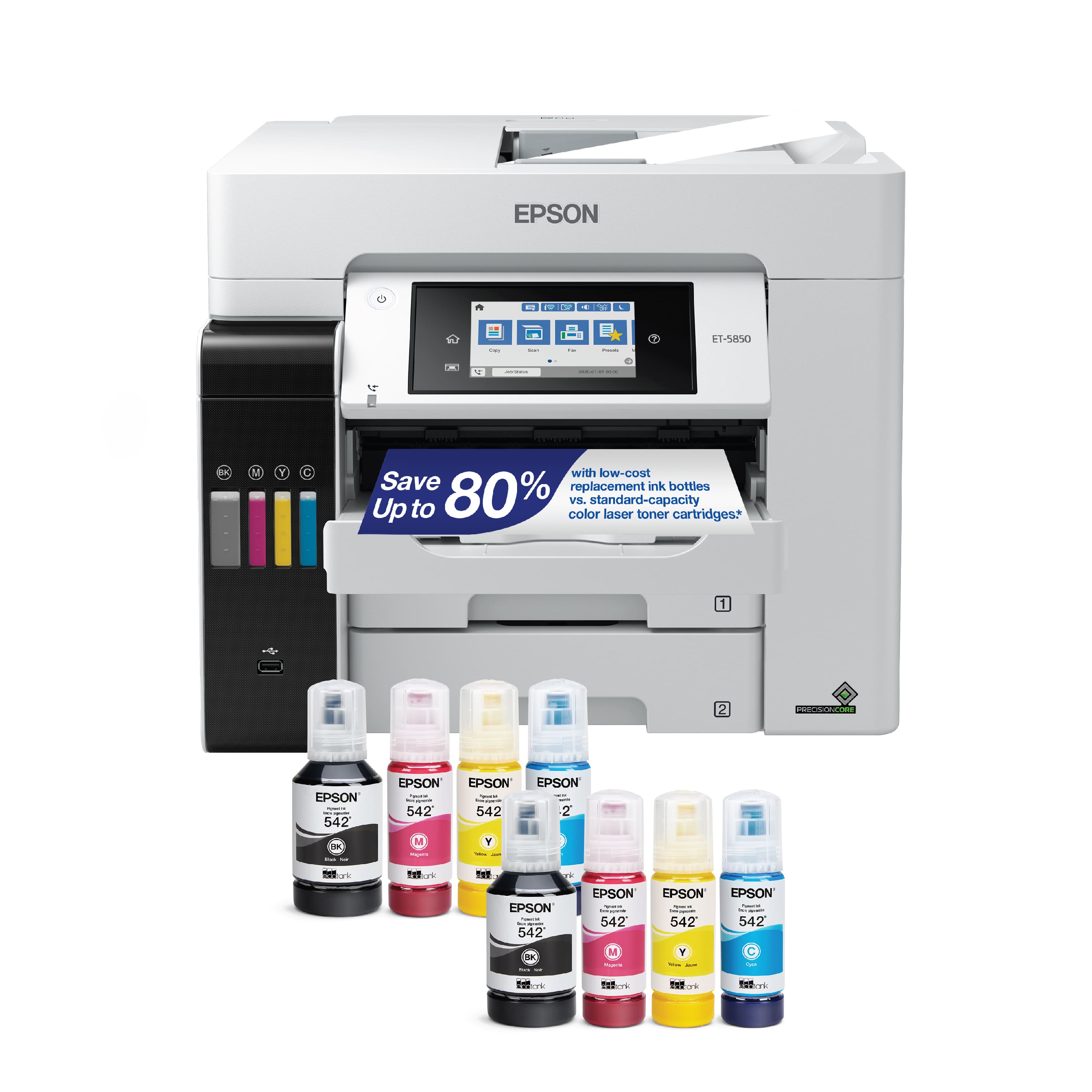
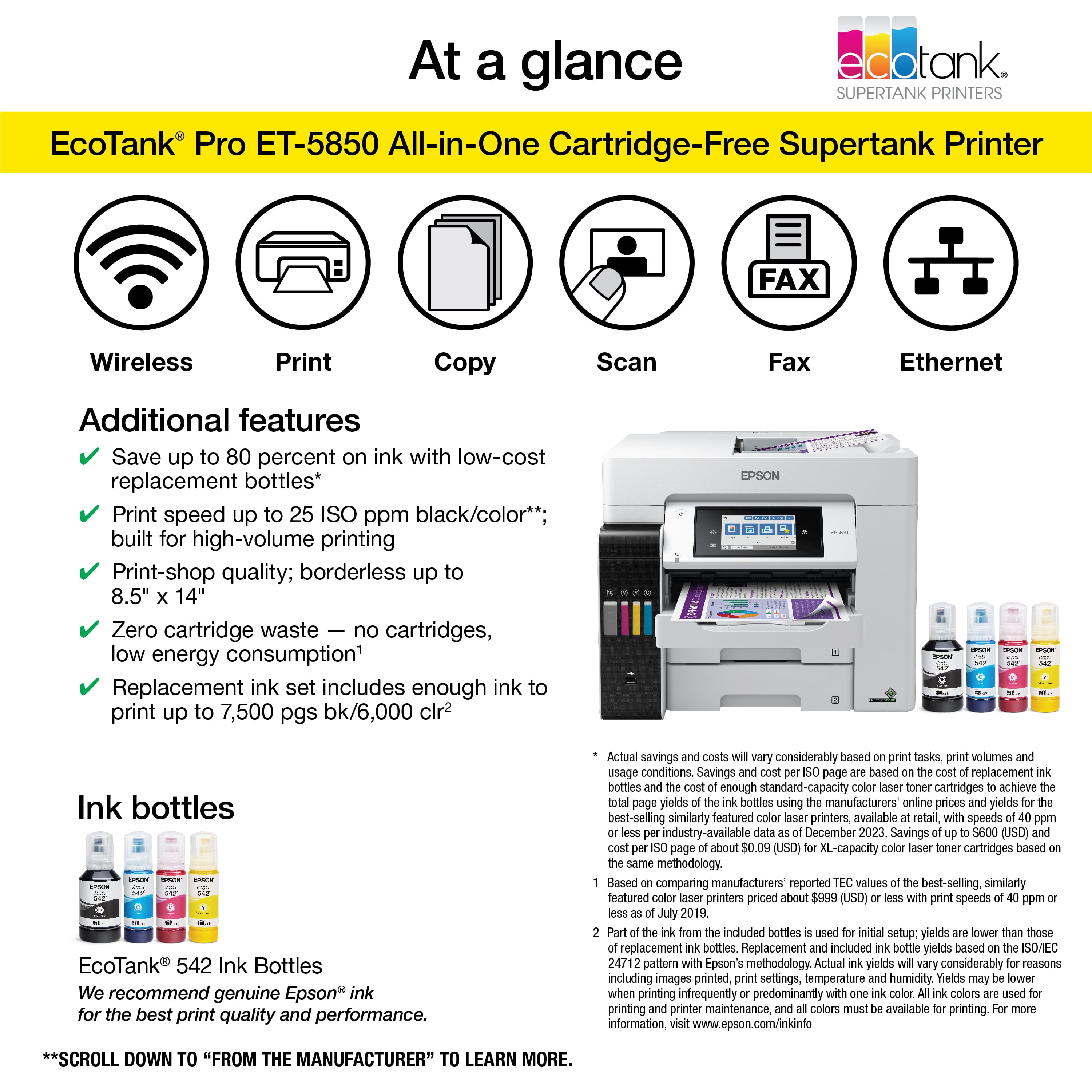
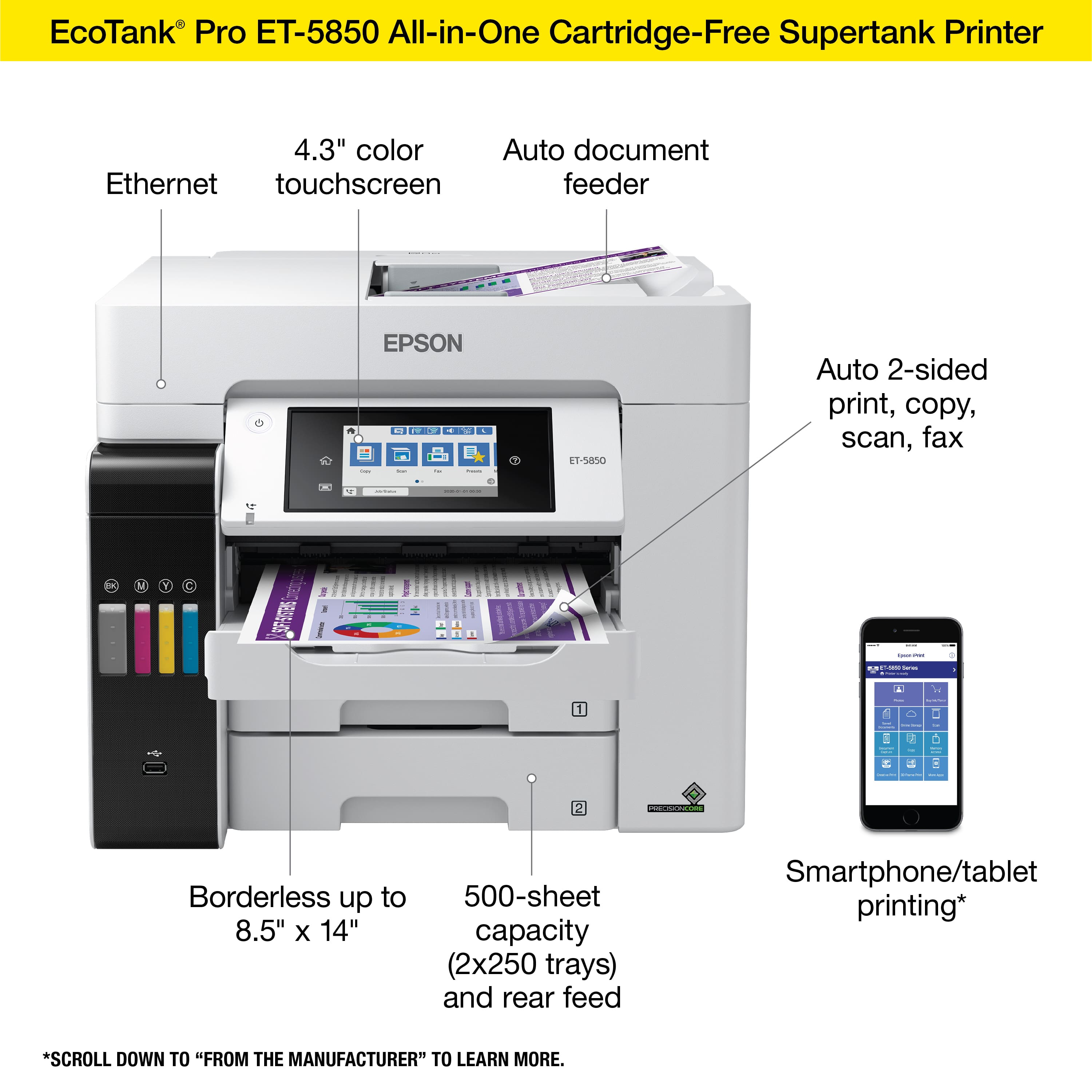
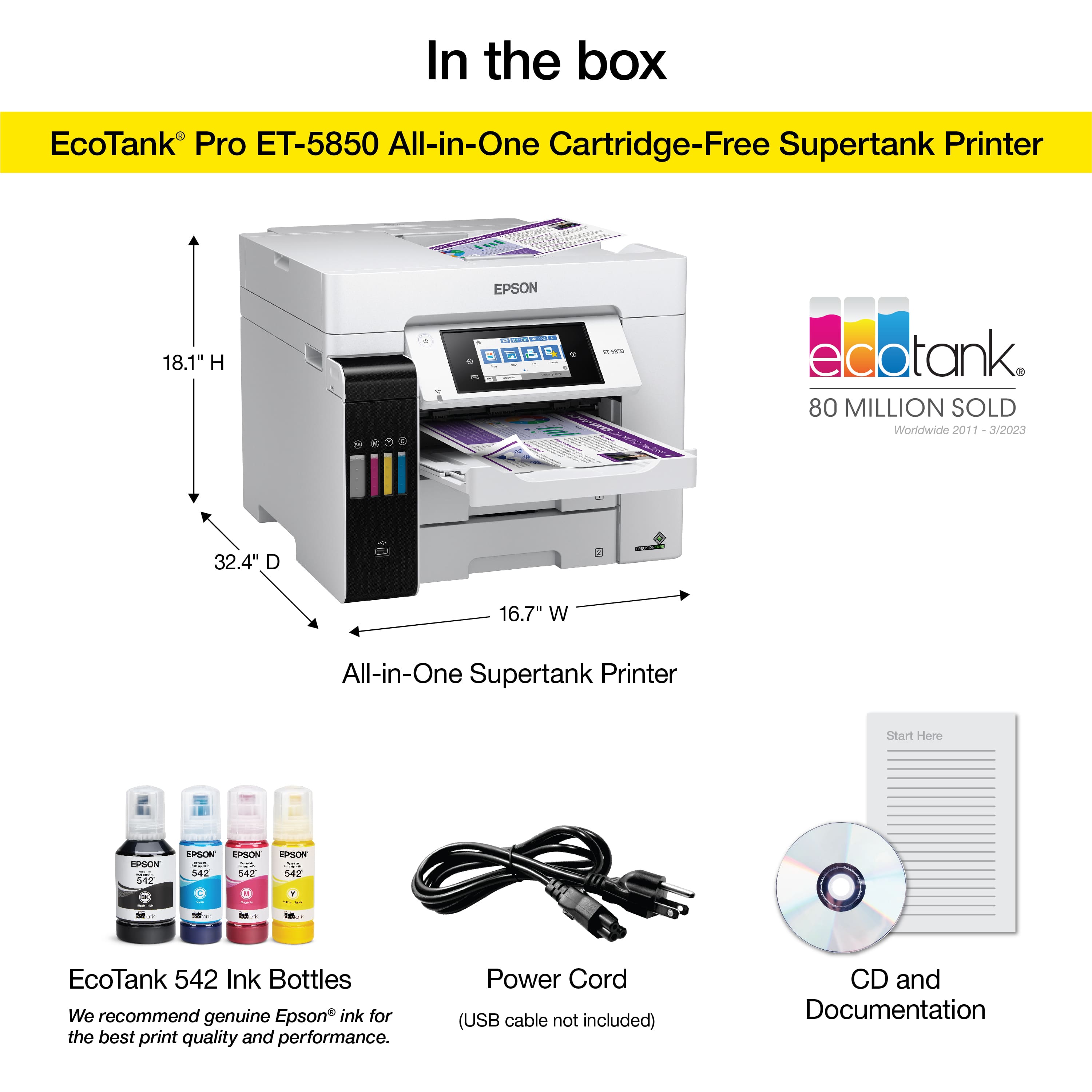
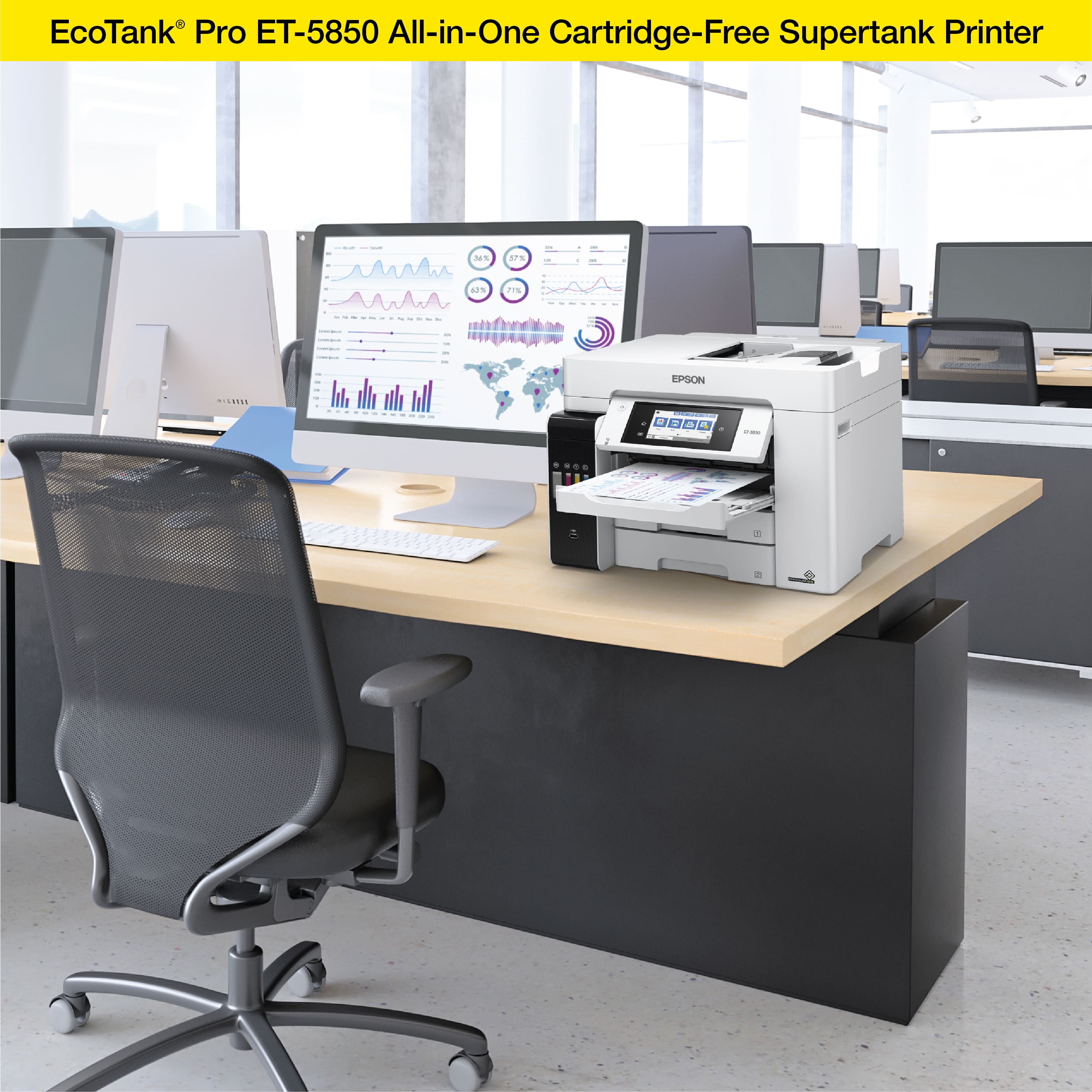
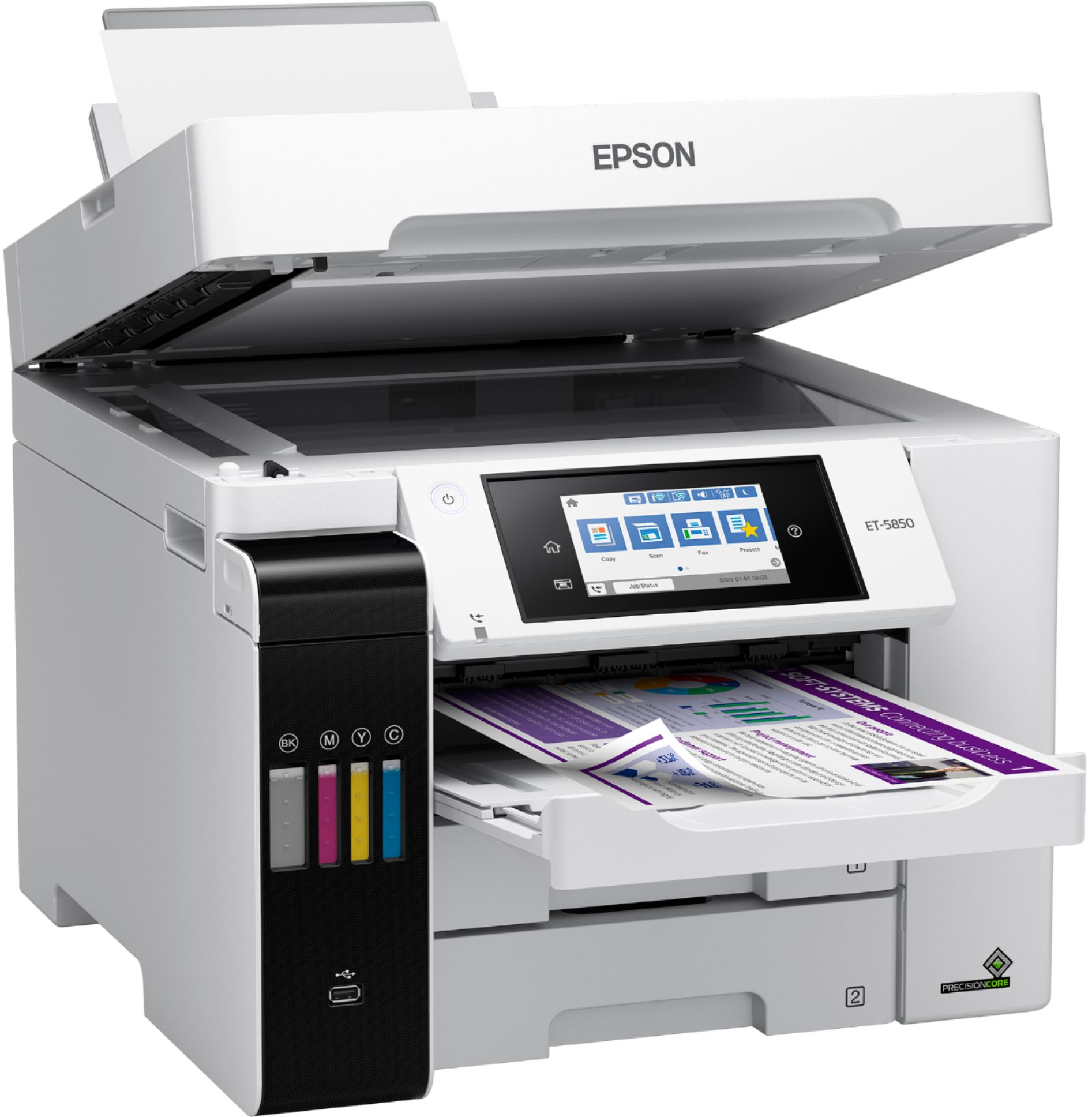
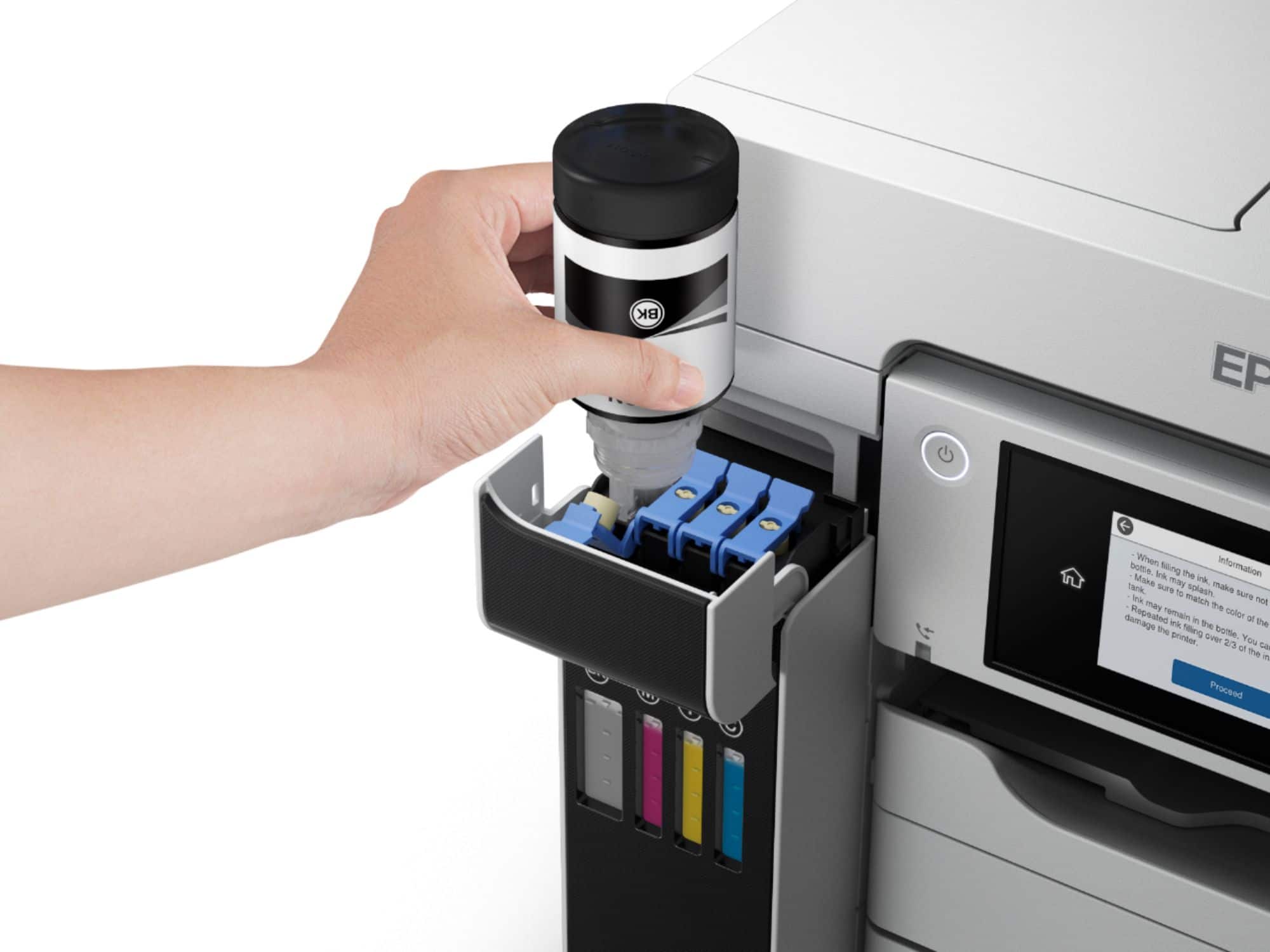
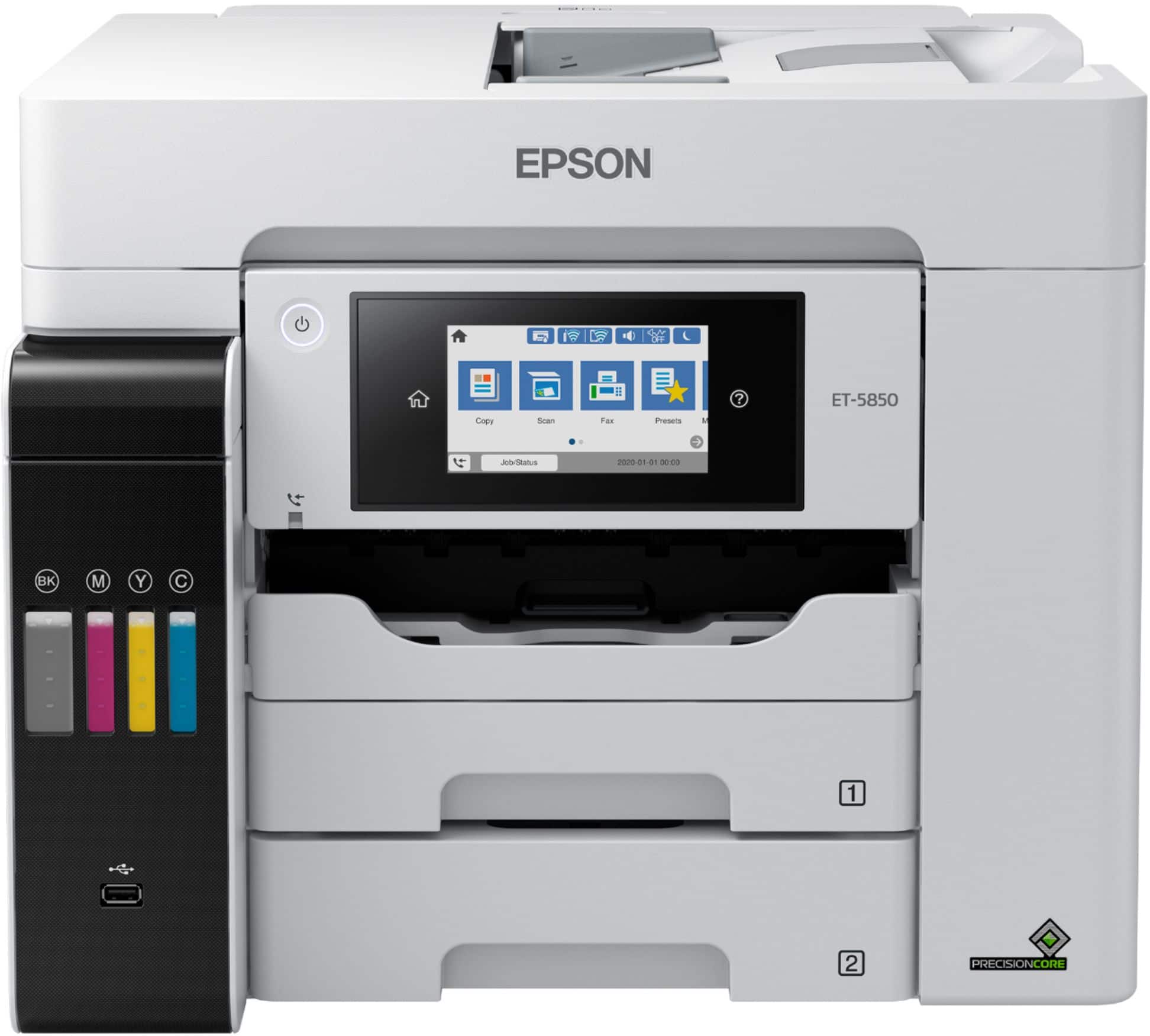
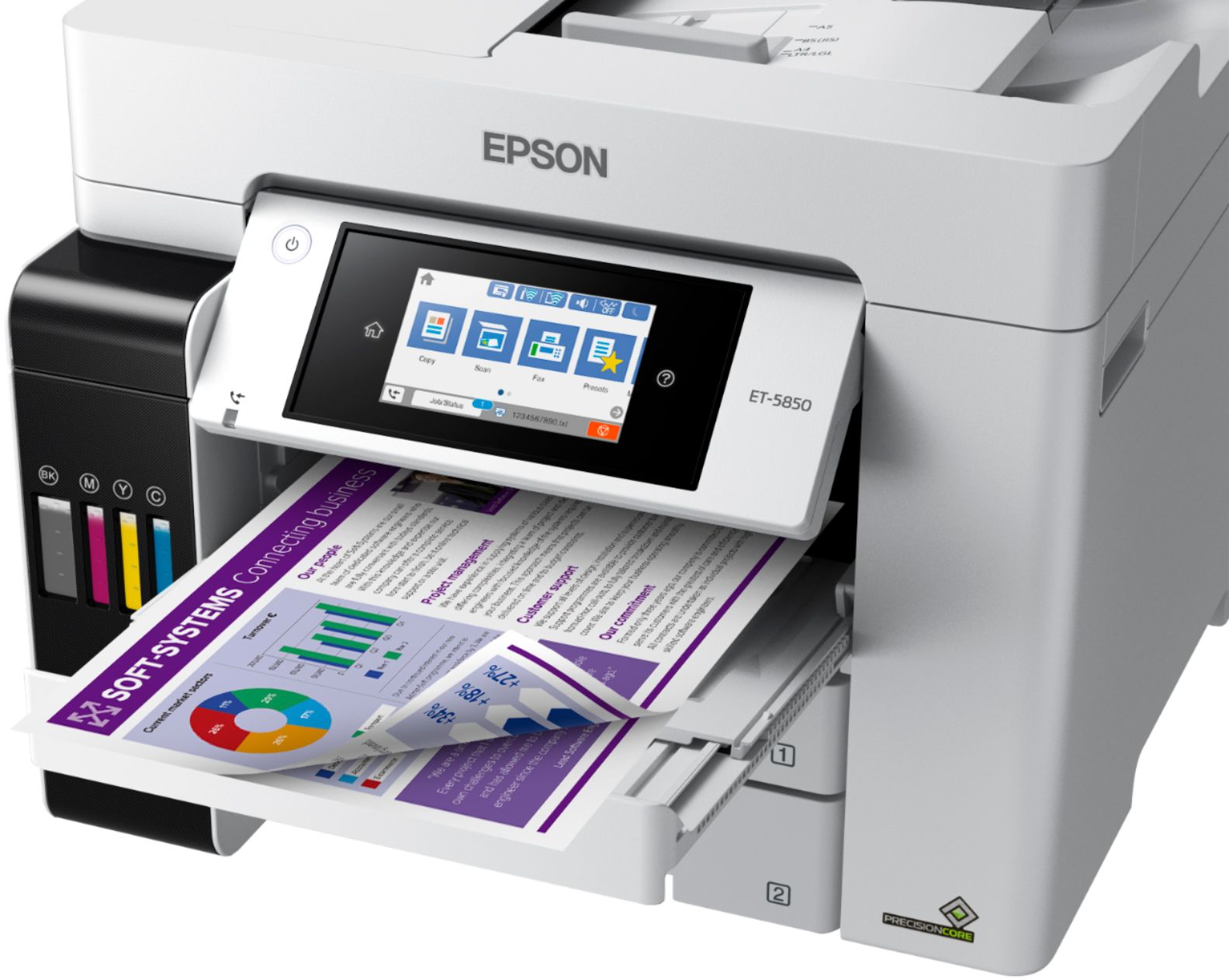
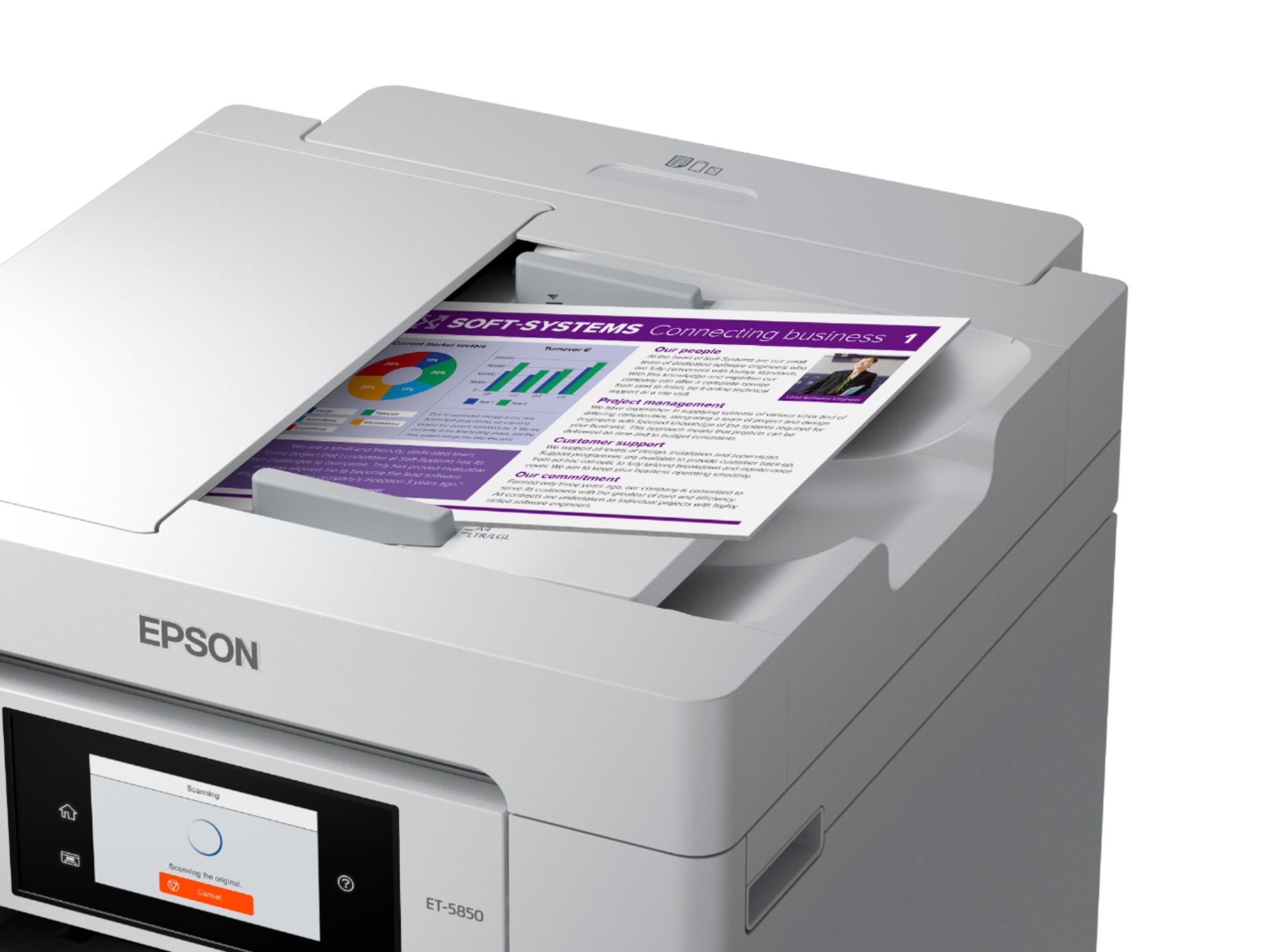
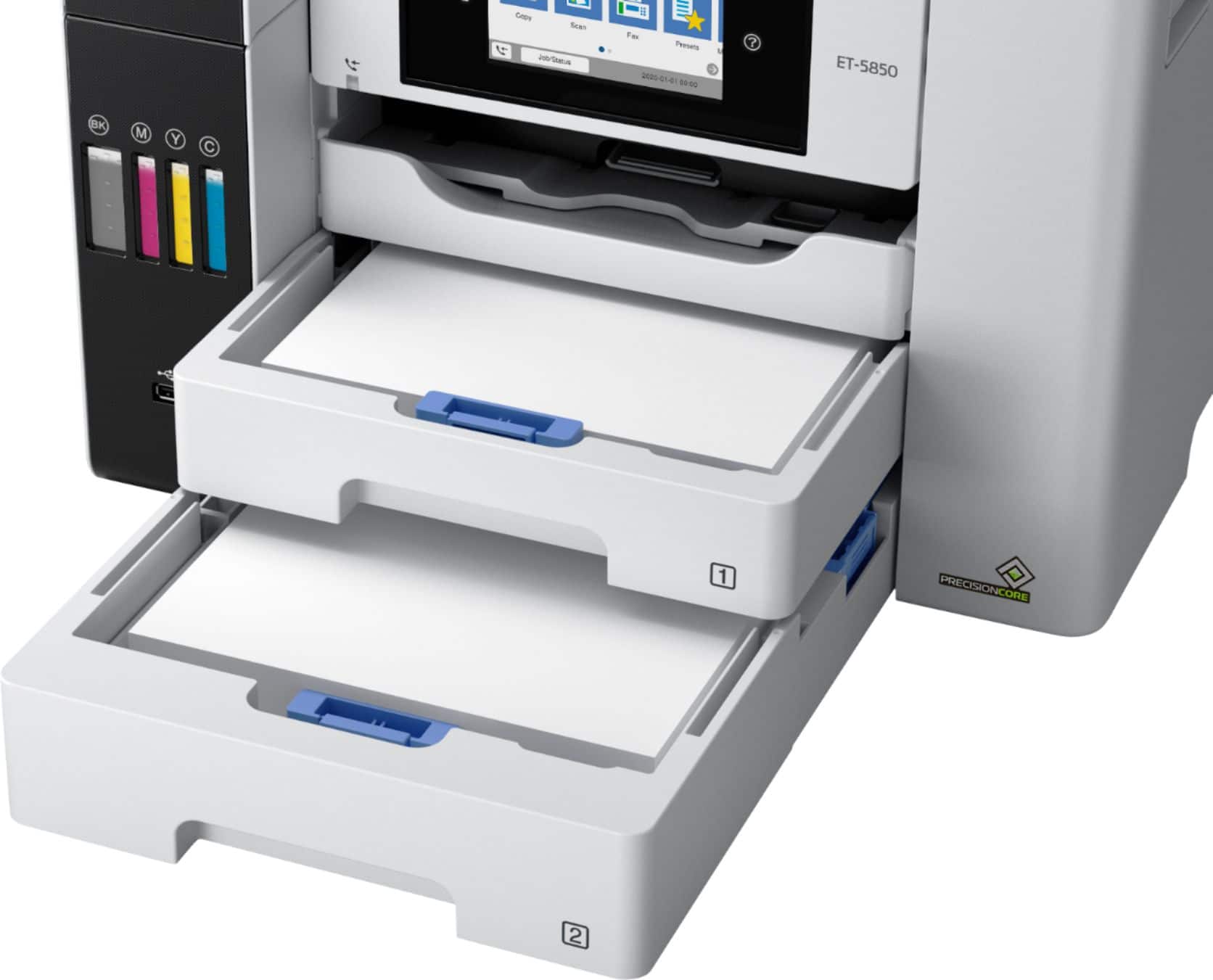
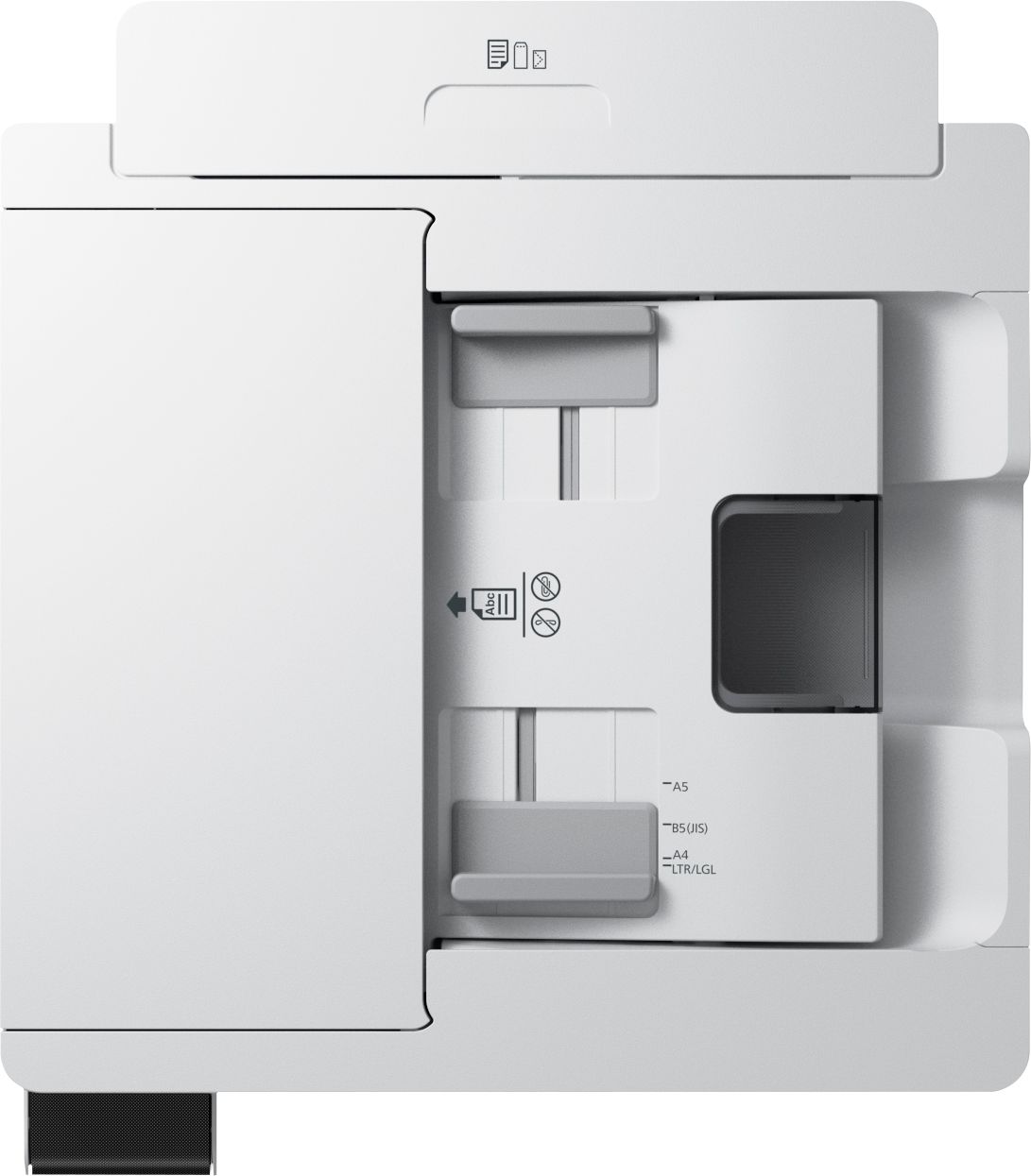
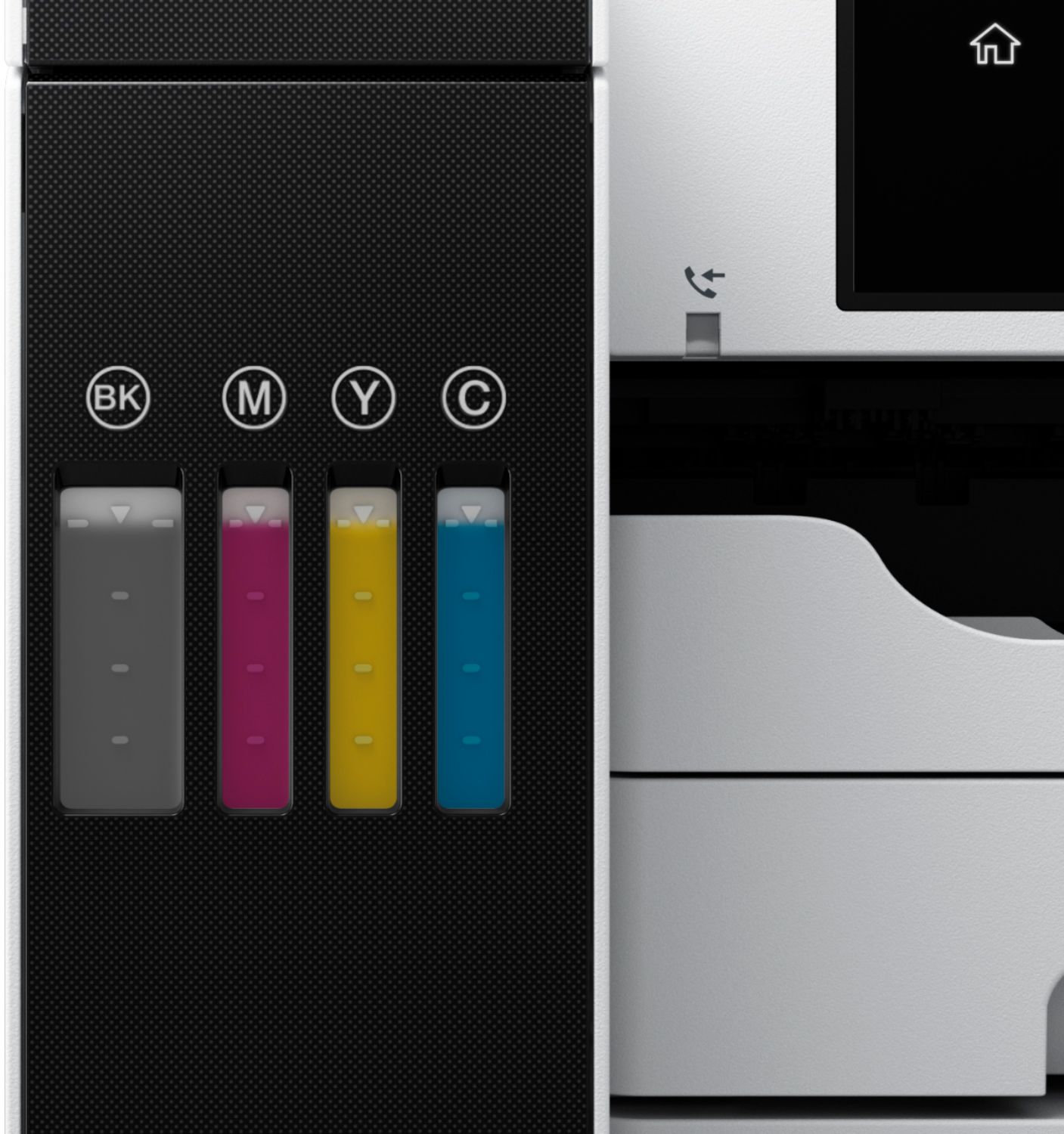
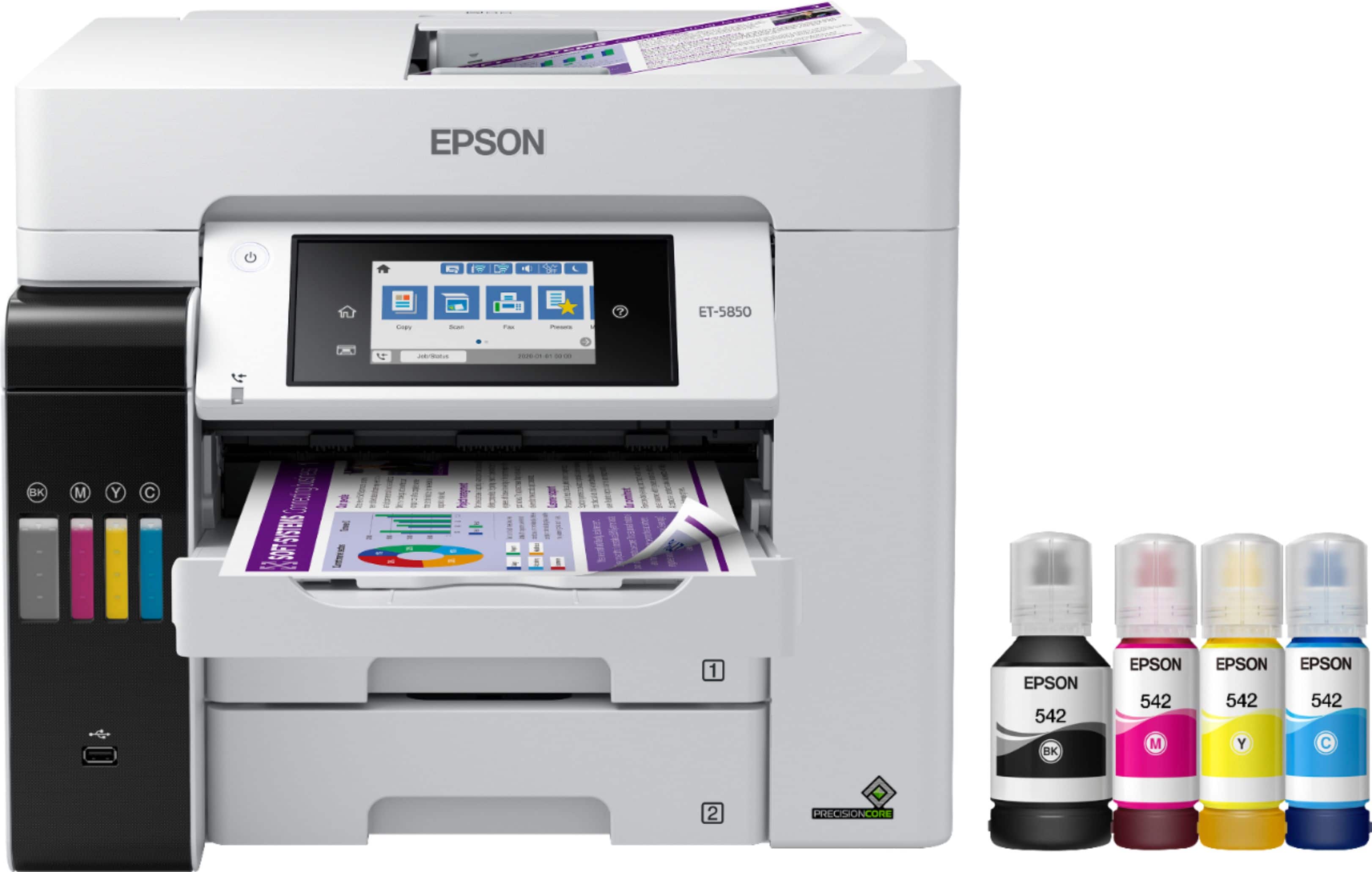
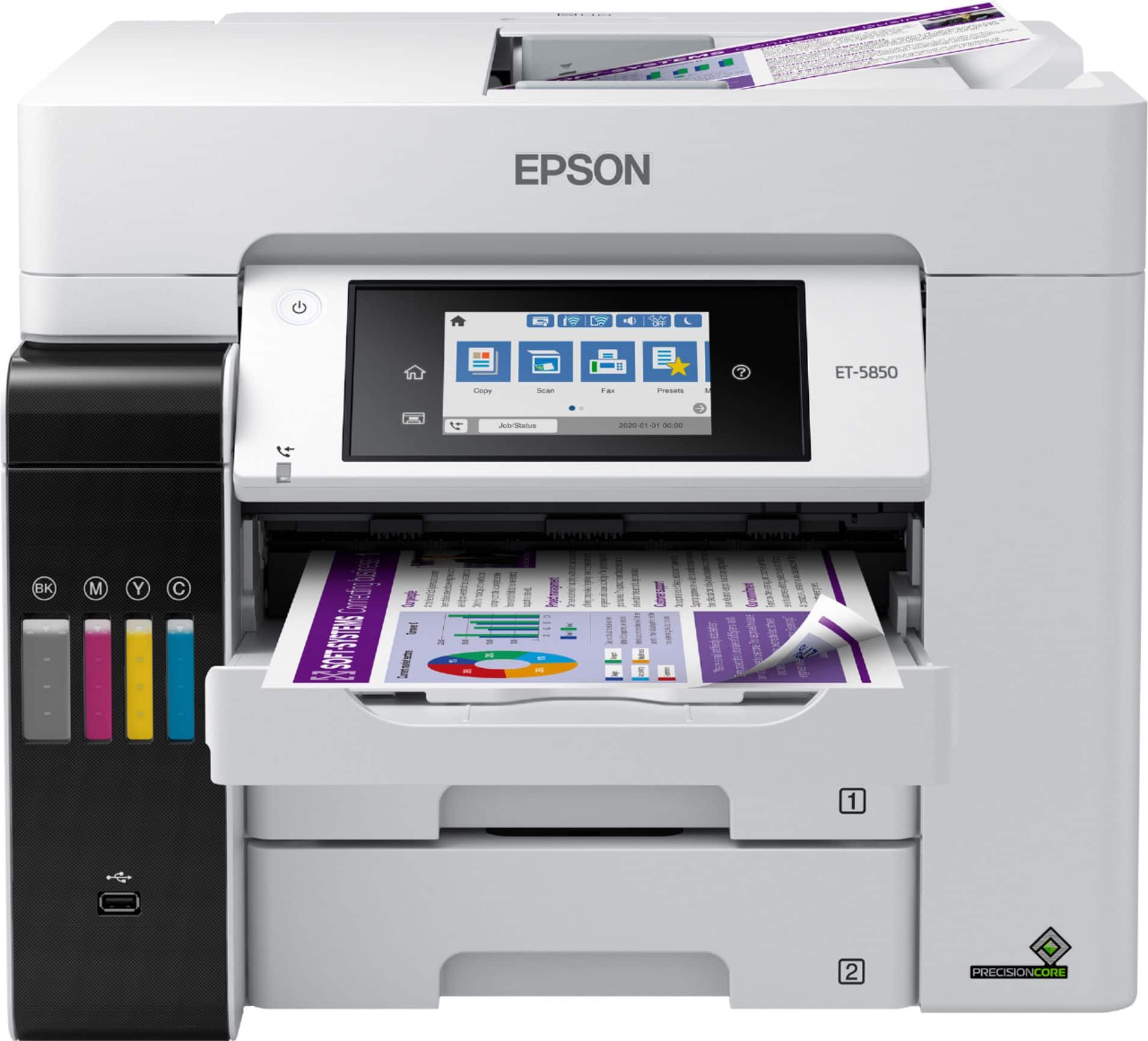
Posted .This reviewer received promo considerations or sweepstakes entry for writing a review.The ET-5850 is a great office printer with everything from a big touch screen to the various paper loading options that comes with TWO sets of inks! The printer is noticeably on the heavier side, but you would expect that from a business/commercial printer. The footprint is average compared to printers in this category, and it definitely can be placed on a 2ft by 2ft square. The setup is quick and straightforward, comes with a CD if you want to install all the drivers. They also have all the drivers and software available online, so if you don't have a CD drive, no worries. There are multiple connection options via WiFi, Ethernet connection, or USB. The first thing you need to do is remove all the tape. Make sure you look inside the printer. In the back tray, the pullout tray, as well as the locking mechanism for the printer head, needs to be unlocked for usage—the second thing you'll want to update the firmware after connecting it. There are multiple options for loading paper, the rear feeder can take about 80 sheets of regular printer paper, and the front two trays can carry about 250 sheets. The multiple paper loading options give flexibility in the office to load various types of paper in the individual trays. The printing speed is very fast, and of course, the included additional set of ink will last you well beyond the 2yr mark. Each set is rated for 2yrs, but the amount of printing and volume your office does will determine how long the ink will last. Installing the ink is quick, easy, and leaves no mess, just connect the bottles to their corresponding wells and watch the bottle empty into the tank. The touch screen is big and has excellent response time, and there are a lot of options, so go through the ones that apply to you. WiFi setup was super easy and quick. There is also an option to link up via ethernet as well, along with the phone line for faxing option. This is a review for the Epson EcoTank Pro ET-5850 Supertank Printer that I received free of charge to do a beta test and review.
I would recommend this to a friendGreat all-around printer
Posted .This reviewer received promo considerations or sweepstakes entry for writing a review.EcoTank Pro ET-5850 is quite a large printer for a desk top, and rather heavy. You may need help unboxing it and setting it up. But once it’s there, the setup is very easy. It comes with complete instructions and pictures showing where all the blue safety tape is so it is easy to find and remove. The instructions provided on the touch screen are clear and easy to follow. In lieu of the usual cartridges, the EcoTank Pro ET-5850 comes with a re-fillable tank and two sets of four color inks. Once the easy fill tanks are ready, it is a little disconcerting to watch the levels drop as the printer is charged, though the instructions say that this is normal and the initial charge should last at least a year, if not more in normal usage. With its three paper sources, two in front and one in back (on top) you are set up for a variety of printing jobs, though to use the various trays you have to manually select the one you want or it automatically opts for the upper front drawer. While the EcoTank Pro ET-5850 has all the usual all-in-one features and can print, copy, scan and fax, what makes this printer unique is that it has an individual email address so that you can print remotely from just about anywhere. I was also very impressed by the printing speed and the fine quality of the product. Even scanned photos came out looking very professional. This is a review for the Epson EcoTank Pro ET-5850 Supertank Printer that I received free of charge to do a beta test and review.
I would recommend this to a friendAWFUL if you have a MAC
||Posted . Owned for 1.5 years when reviewed.This reviewer received promo considerations or sweepstakes entry for writing a review.If you are using a Mac, not sure about a PC, then DO NOT but this printer. It is awful. I have to reload the software at least once a week and sometimes large printjobs take forever (100 copies, 2 hours). Avoid.
No, I would not recommend this to a friendBrand response from Epson
Posted .Hello ChristopherR, we apologize for your disappointing experience with the ET-5850 printer. Epson considers all feedback to improve the performance and quality of our products. Epson also provides helpful information on FAQs and self-help tools on the product support web page at https://epson.com/Support/Printers/All-In-Ones/ET-Series/Epson-ET-5850/s/SPT_C11CJ29201#questions. Additionally, your printer includes a 1-year Limited Warranty plus free lifetime technical support. Please get in touch with our support team directly at (562) 276-4382 between 7 am - 4 pm (PT), Monday - Friday, if you need further assistance.
Sincerely, Sam - The Epson Team
WOWZERS!!
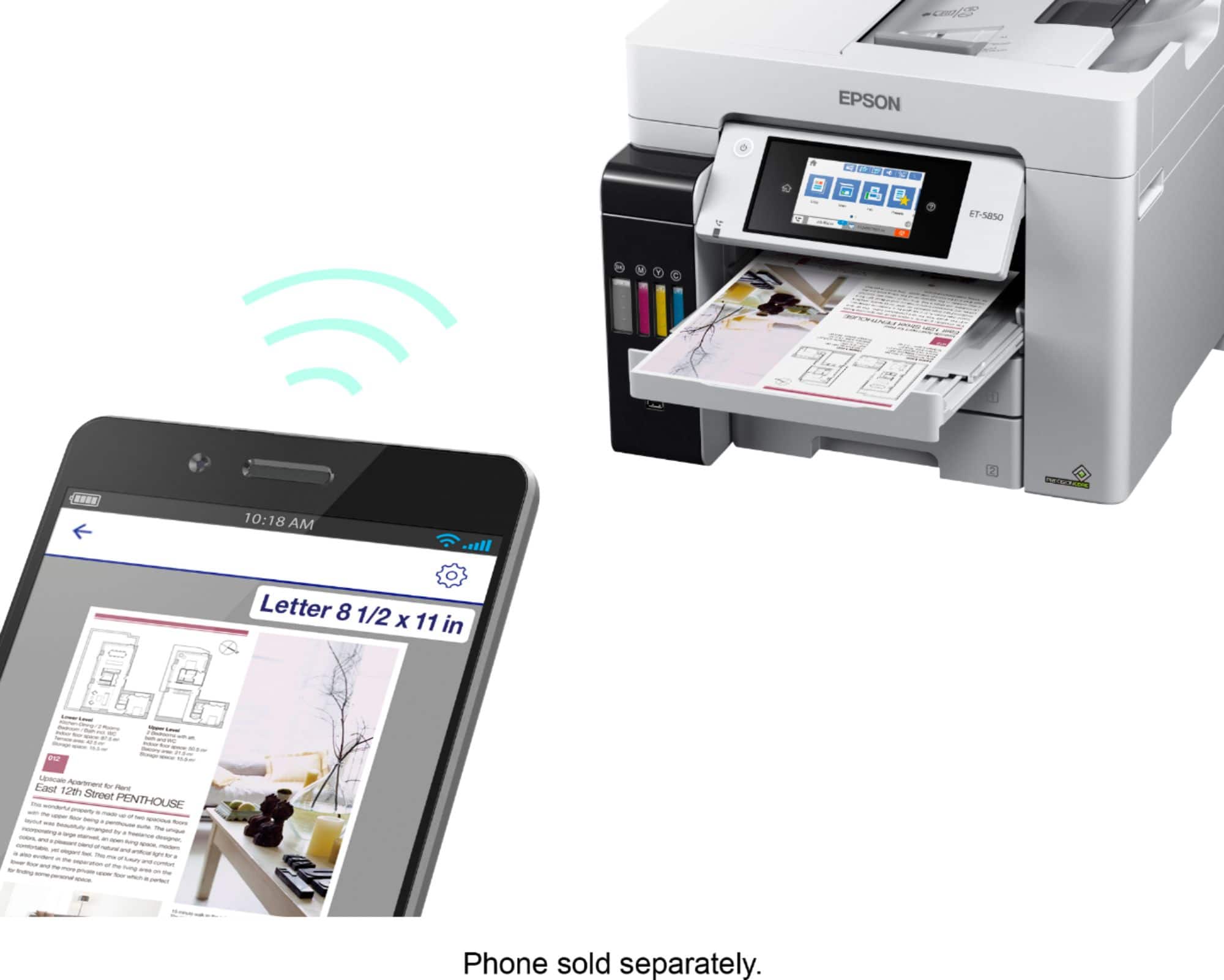
Posted .This reviewer received promo considerations or sweepstakes entry for writing a review.Wow! This printer is so easy to set up! The instructions were very clear with step by step pictures and directions. It took me about an hour to go from set up to printing my first page. The disc included, to download the software to my laptop was simple to download. Everything I needed to connect the wireless function was set up and written very clearly. The printer’s touchscreen was super easy to follow, and I was up and running with little effort. I was a little worried about the dripless ink and filling the tanks, however, I was worried for nothing! Every single drop of ink went straight from the bottle to the printer tank. Amazing! I also found that I am able to now print from my computer or my phone! Many times I had to email myself a document to print from my computer. Being able to print from my phone is a huge time saver! The printer is quick and quiet compared to all the other printers I’ve ever owned. Being able to print 6000-7500 pages without changing ink is perfect for my monthly printing budget. I am thrilled to be printer cartridge free! The touchscreen is very user friendly and intuitive. With my different sized printing needs, it’s perfect for the variety of paper sizes I need. “This is a review for the Epson EcoTank Pro ET-5850 Supertank Printer that I received free of charge to do a beta test and review.”
I would recommend this to a friendNever Printed a Single Page
||Posted . Owned for less than 1 week when reviewed.This reviewer received promo considerations or sweepstakes entry for writing a review.This is the biggest paper weight I have ever owned! Never even got it to print a single page. After an hour on the phone with support, it is going back to be replaced with hopefully a new one. So disappointing, this is an expensive printer!
No, I would not recommend this to a friendBrand response from Epson
Posted .Hello MichSue, we sincerely apologize for the disappointing experience that you had encountered. We'll forward your feedback to the relevant department to review. Your EcoTank ET-5850 includes a 1-year limited warranty, plus free lifetime technical support. If you ever need assistance again, please reach out to our Advanced Support Team directly at 1-800-241-5794 between 7 am - 4 pm (PT), Monday - Friday. Kind Regards, Bobby - The Epson Team.
Top Notch Quality
Posted .This reviewer received promo considerations or sweepstakes entry for writing a review.I have been using this printer for about a week now and have to say it is finally an answer to my home office needs. Over the past few years I have owned many printers, while trying to find one that excels at printing, scanning and faxing without needing constant maintenance. From what I can tell here, I have finally found my printer soulmate. The printer is not small, but not massive. It definitely has some mass to it, and does not feel cheaply built out of the box. Truth be told, I needed another person to help lift it out of the box. It takes up a decent footprint on the desk, but that is also to be expected from a quality machine. The printer comes with two sets of ink that you pour into the holding tank which is unique from my experience. So far, after over 150 pages printed, the tanks are still pretty full and the two sets of ink should last me at least 2 years at this rate. The printer is fast, very fast and prints great quality. It has 2 separate trays for different paper sizes. I even tried printing some photos on regular paper and they still look marvelous. The scanning and fax functions are what you would expect from a high quality all in one device. I have used it with my Mac, PC and mobile devices. There is extra software that you can use as well that comes on a cd with the printer that is very intuitive to use. It also has a built in color touch screen that is intuitive to use, adjustable and very responsive. I mainly control it from my PC, but imagine the more I fax, the touchscreen will be used more. It works seamlessly over WiFi and prints directly from my iPhone. All in all this is a wonderful product and I strongly recommend it. This is a review for the Epson EcoTank Pro ET-5850 Supertank Printer that I received free of charge to do a beta test and review
I would recommend this to a friend